
Why the two modes are easy to mix up
Start with what they have in common. In both modes, chats inside the project can draw on each other. OpenAI's description of default memory says "your saved memories are referenced and chats can draw on other conversations within the same project," and the project-only description repeats the second half: "Chats can reference other conversations within the same project."
The difference is everything outside the project wall.
Default memory lets the project see your account. Your saved memories are referenced in project chats. What happens in the other direction depends on your plan: for Enterprise and Edu, "Chats remain contained within the project. They cannot reference conversations outside the project (such as general ChatGPT or another project), nor can they be referenced by conversations outside the project." For everyone else, including Business, "Chats can reference both project and non-project conversations (general ChatGPT or other projects), unless the other project is set to project-only memory."
Read that last clause twice. On a non-Enterprise plan, default memory is porous in both directions — and the exception is not something you control from this project. Another project's setting decides whether this project can reach it.
Project-only memory closes the wall on all four sides. OpenAI lists the consequences as four separate lines: "Your previously saved memories are not referenced in project chats." "Chats can reference other conversations within the same project." "Chats cannot reference conversations outside the project, such as general ChatGPT conversations or conversations in another project." "Chats outside the project cannot reference conversations from the project." One more line follows that list and is easy to miss: "ChatGPT Work is not available in the project."
We described the shape of that wall from the other side in what ChatGPT projects do and don't share. This guide is about the control that sets it.
There is also a prerequisite layer under both modes. OpenAI lists what has to be on before project memory works at all: for Enterprise users, "Enable Reference saved memories in your personal settings" and "Memory must be enabled in your Workspace settings"; for all other subscriptions, "Enable Reference saved memories and Reference chat history in your personal settings." A project set to default memory on an account where those toggles are off will behave like neither mode, and the project settings screen is not where that shows up.
And the choice is not always yours. "Shared projects are automatically set to project-only memory and cannot be switched to default memory. Shared projects do not have access to an individual member's context, custom instructions, or memories outside the project." The moment you share a project, the setting flips and locks.
What people try instead
Setting it once and assuming it applies everywhere. It does not, and OpenAI answers the question directly in its own FAQ: "Is there a global setting to make all project memory project-only?" — "No." Every project carries its own setting. A workspace with twenty projects has twenty decisions, whether or not anyone made them.
Treating the switch as reversible. The setting is reversible. The side effect of moving to project-only is not framed as one: information from that project is removed from memory used outside it. OpenAI is careful to say what stays — "The project's chats and files remain in the project and can continue to provide context there" — but what left the outside store left it.
Sharing a project and expecting the memory setting to survive. It does not survive; sharing forces project-only and locks it. If a project was useful precisely because it could see your saved memories, sharing it changes what it can do, and the change is not announced in the sharing flow.
Judging the mode from ChatGPT's behaviour. People run a test prompt, see a reference to something from another chat, and conclude the project is on default memory. On a non-Enterprise plan that inference is unreliable, because the reachability of another project depends on that project's setting. And the memory summary will not settle it either — OpenAI describes it as partial, which is the gap we mapped in detail.
Waiting to see whether it worked. Worth knowing before you test: "Changes may take a few hours to take effect." A project that still behaves the old way an hour after you saved is not necessarily a project where the save failed.
Assuming custom instructions follow you in. On Enterprise and Edu workspaces they do not. OpenAI's context table marks Custom Instructions for chats inside projects as "Not available (only project instructions)" — in both memory modes. If your account-level instructions carry your role, your stack or your writing rules, those are not in play inside a project; the project's own instructions are. That is a separate surface from the ones people usually chase when ChatGPT stops carrying project context.
The Fix: Decide the boundary before the project has anything in it
The setting is cheap to choose on day one and expensive to change on day ninety. Make it an explicit step when the project is created.
Step 1: Ask what the project is allowed to know about you
This is the whole decision, and it is not a privacy question — it is a relevance question with a privacy consequence.
Default memory is right when the project benefits from knowing who you are: your writing style, your stack, the standing preferences you would otherwise restate. Project-only memory is right when the project is a container for one client, one matter, one dataset, and pulling in the rest of your life makes the answers worse as well as leakier.
Write the answer in the project's instructions in one line, so the next person to open the settings screen — including you in three months — knows the choice was deliberate.
Step 2: Change the setting from the project, and expect the trade
OpenAI's path is four clicks: "Open the project. Select the three-dot menu and choose Project settings. Under Memory, select Default memory or Project-only memory. Select Save."
Before you save a move to project-only, accept the trade it names: information from that project is removed from memory used outside it. If some of what the project taught ChatGPT about you is worth keeping account-wide — a preference, a correction, a standing instruction — get it out first. Which brings us to the step most people skip.
Step 3: Lift the durable facts out before you close a wall
The things worth keeping are rarely the conversations. They are the conclusions: the decision and its reason, the constraint that rules out the obvious approach, the phrasing a client signed off on. Those are small, they are yours, and they are exactly what a memory boundary is indifferent to.
Write them down somewhere that is not inside the project and not inside your account's memory, and the wall becomes a routing decision rather than a loss. The account-wide side of what memory can hold, and where it stops, is covered in ChatGPT's memory limitations.
Setting this up in MemoryLake
A per-project wall is the right control and the wrong place to store conclusions, because conclusions usually need to be readable from more than one side of it. MemoryLake is a store you write those conclusions into on purpose, separate from any project and readable from every assistant you connect. You write the entries yourself, in your own words. Nothing is read out of, written to, or deleted from OpenAI's systems or any other vendor's store — your ChatGPT projects and memory stay entirely under ChatGPT's own controls.
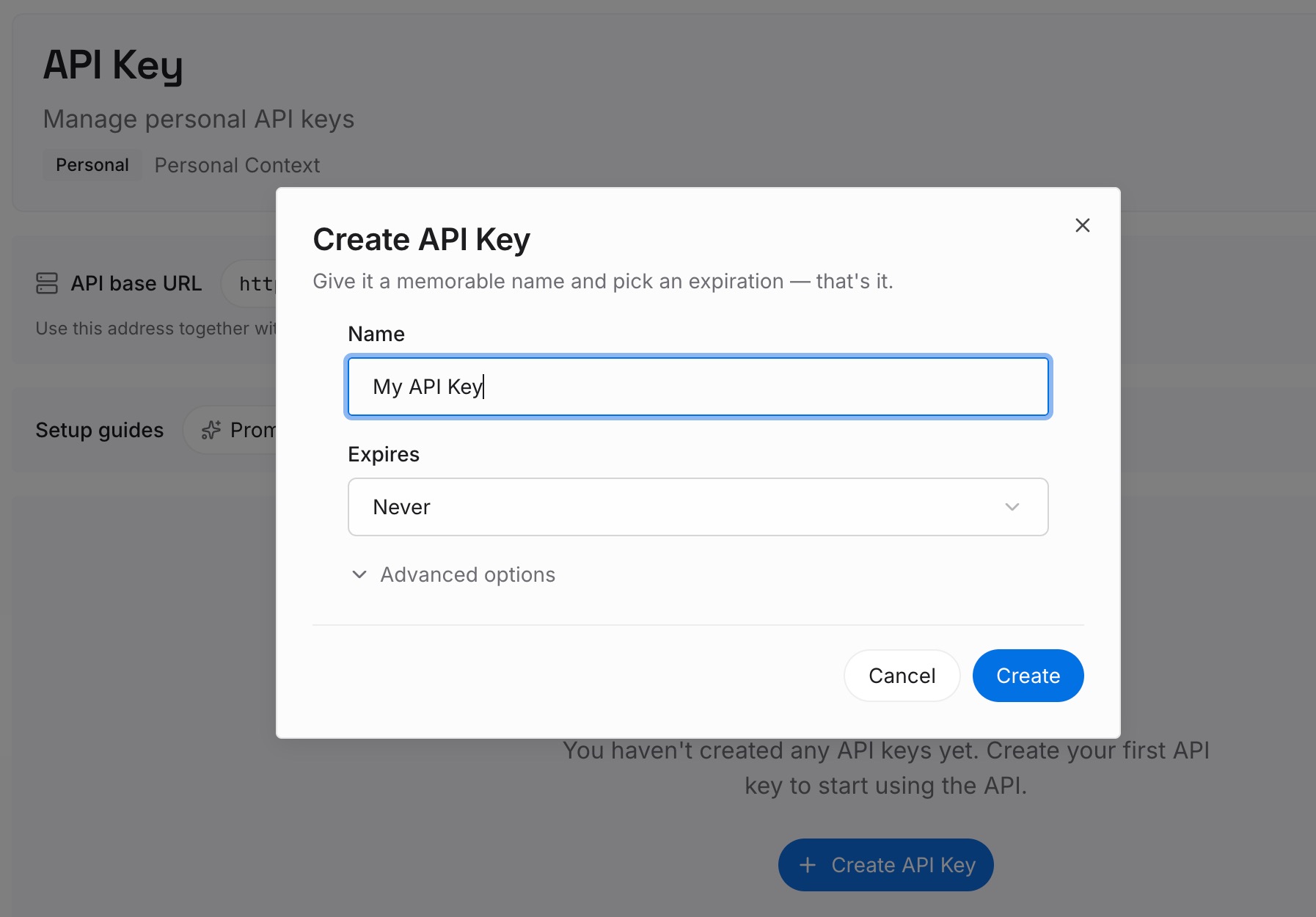
Step 1: Create an API key
Generate a key from the dashboard. It is what lets a project chat, a general chat, and a different assistant entirely reach the same set of facts.
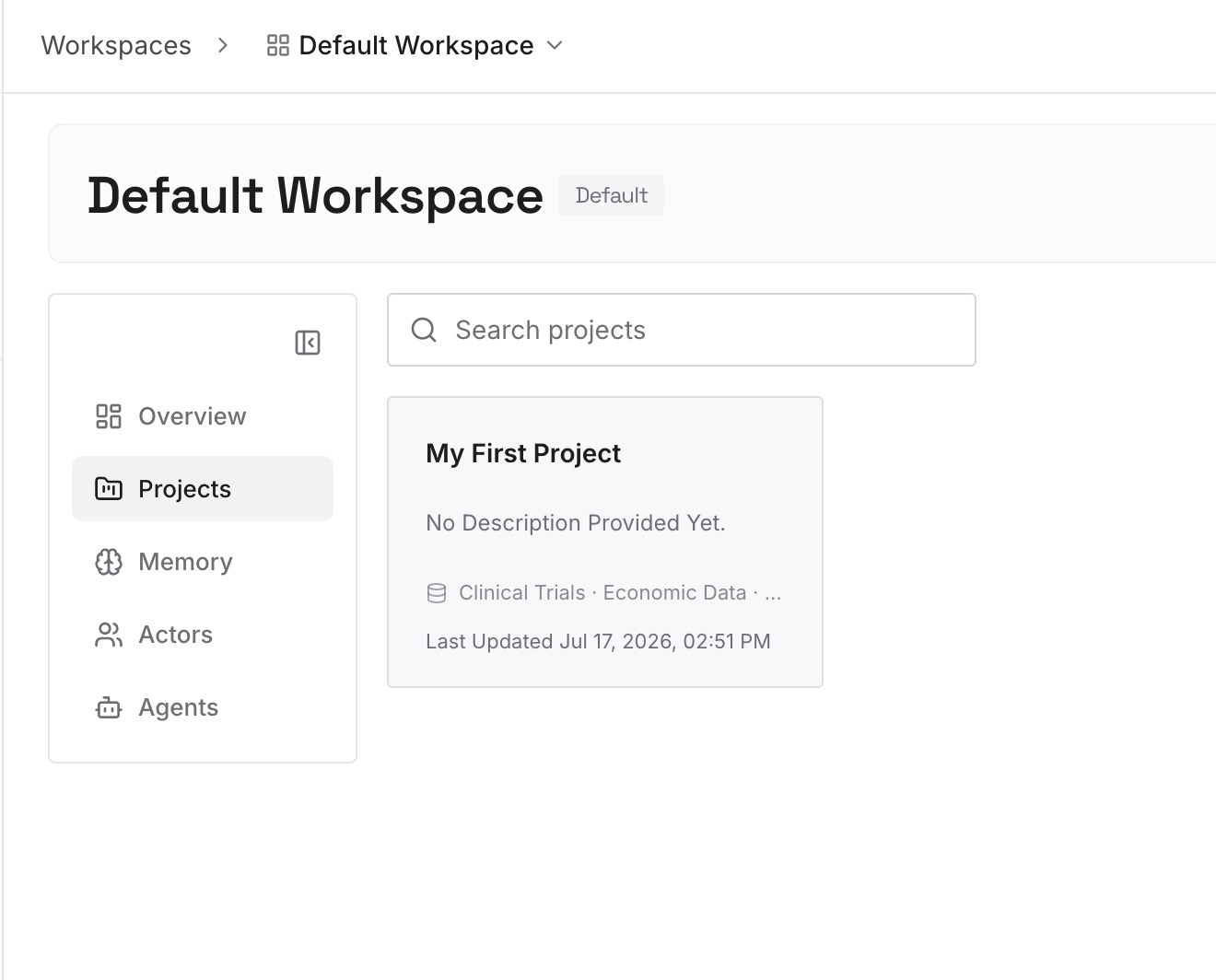
Step 2: Upload your first memories
Before you set a project to project-only, or before you share it, lift the durable parts out: the decisions, the constraints, the preferences you would hate to restate. A dozen short entries usually covers a project. Write them as statements, with dates.
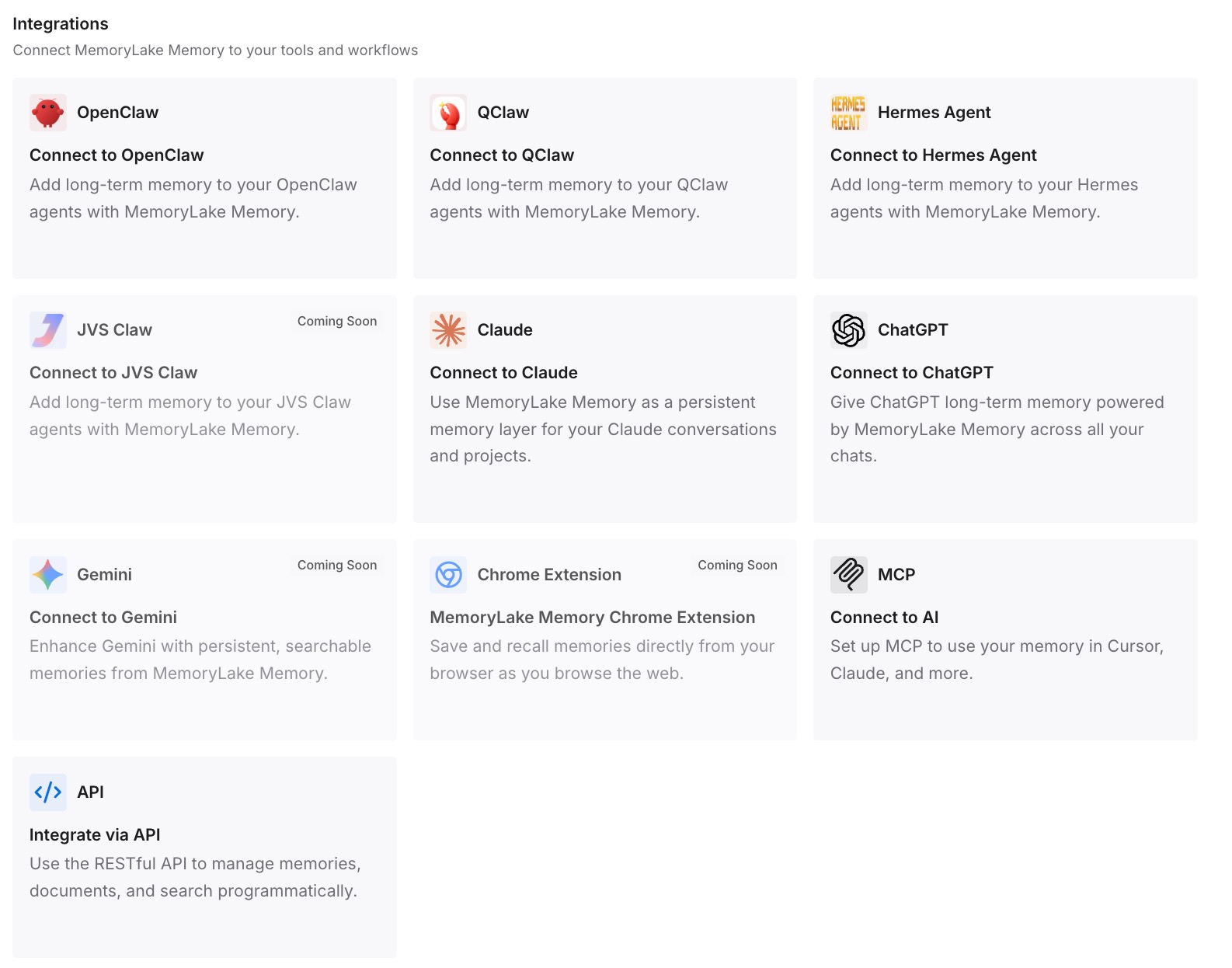
Step 3: Connect your AI & agents
Point your tools at the layer so those facts load at the start of a conversation rather than being reconstructed. Then test it properly: open a chat outside the project and ask for one of the facts back. If it answers, the wall stopped being a risk and went back to being a boundary.
What this changes in practice
The first change is that sharing stops being a surprise. Once you know sharing forces project-only and locks it, you can decide in advance whether a project is a private working space that benefits from your account context or a shared container that should never have had it.
The second is that the per-project nature of the setting becomes manageable. There is no global switch, so the only workable approach is a convention: decide the default your team uses, write it in the project instructions template, and treat any project that deviates as something to justify rather than something to discover.
The third is that the Enterprise and Edu custom-instructions rule stops catching people. If account instructions are not available inside projects, the project's own instructions are the only place that guidance can live — and that is a one-time fix per project rather than a recurring mystery about why the tone is wrong.
The fourth is that archiving, deleting and switching modes stop getting conflated. They touch different surfaces and only one of them is about visibility; we separated them in what archiving a ChatGPT chat actually hides.
Best practices for ChatGPT project memory settings
Choose the mode when you create the project. Changing later is supported and, in one direction, removes information from memory used outside the project.
Decide before you share, not after. Sharing sets project-only automatically and the setting cannot be changed back afterwards.
Check the prerequisite toggles once per account. Project memory depends on Reference saved memories, and on non-Enterprise plans Reference chat history, being enabled in personal settings; Enterprise additionally requires memory enabled in workspace settings.
Give the project its own instructions. On Enterprise and Edu, account-level custom instructions are not available inside projects; only project instructions are.
Wait before you test. OpenAI notes that changes "may take a few hours to take effect."
Keep conclusions outside the wall. Anything you would want readable from both sides of the boundary should not live inside it.
Conclusion
ChatGPT's project memory setting is a real boundary control with two modes, set individually per project, with no global default. Default memory lets your saved memories into the project and, on non-Enterprise plans, lets project and non-project conversations reference each other — except where another project has closed its own wall. Project-only memory closes all four directions and also removes ChatGPT Work from the project.
The detail worth carrying away is the one the dropdown does not show you: switching to project-only removes information from that project out of the memory used outside it, and sharing a project sets project-only automatically and locks it there.
None of that is a flaw. It is a scoping control doing exactly what a scoping control should, documented accurately by the vendor. The practical move is to choose the mode on day one, write down why, and keep the conclusions somewhere a wall cannot reach.