
What Codex plan mode is
Plan mode is a way of working where Codex proposes a plan before it writes code. OpenAI's best-practices guidance recommends it for tasks that are complex, ambiguous, or hard to describe: "Plan mode lets Codex gather context, ask clarifying questions, and build a stronger plan before implementation."
In the Codex CLI, you switch the active chat into plan mode with /plan, optionally followed by a first planning request. The same guidance notes you can toggle it with /plan or Shift+Tab. While Codex is already working, /plan is temporarily unavailable.
You can also give plan mode its own reasoning level. The configuration reference describes plan_mode_reasoning_effort as a "Plan-mode-specific reasoning override using a level supported by the selected model." When it's unset, plan mode uses its built-in default.
Plan mode is different from goal mode. A goal keeps an objective attached to the chat while Codex works toward it, which we covered in our guide to what Codex goal mode is. Plan mode is about agreeing on the approach first.
Other ways to plan in Codex
Plan mode isn't the only option OpenAI describes. Its best-practices guidance lists three approaches for work that needs a plan.
The first is plan mode itself. The second is to ask Codex to interview you: if you have a rough idea but aren't sure how to describe it, ask Codex to question you first, challenge your assumptions, and turn the idea into something concrete before it writes code.
The third is a plan that lives in a file: "For more advanced workflows, you can configure Codex to follow a PLANS.md or execution-plan template for longer-running or multi-step work."
The difference matters for this guide. A plan in plan mode belongs to the chat that produced it, and the clear-context option hands it to one new thread. A PLANS.md file sits in your repository, where any later thread can read it again. For work that runs across many sessions, a file you keep updated is the more durable record.
The three choices when a plan is approved
When a plan is approved in plan mode, the Codex CLI asks Implement this plan? and offers three options. The labels and descriptions below come from the Codex source code, which OpenAI publishes openly.
Yes, implement this plan. Described as switching to Default mode and starting to code. Implementation continues in the same chat, so the planning conversation stays part of that chat.
Yes, clear context and implement. Described as a fresh thread with this plan. When Codex knows how much of the current context is used, the description shows that figure instead, so you can see how full the planning chat is before you choose.
No, stay in Plan mode. Described as continuing to plan with the model.
Two conditions can disable the middle option. If Default mode isn't available, neither implement option works. If there's no approved plan text, the clear-context option is disabled with a note saying no approved plan is available.
What the fresh thread starts with
This is the part that matters most for what Codex remembers. When you choose to clear context, Codex starts a new thread whose job is to implement the plan, and the plan is the only thing from the planning conversation that it's handed.
The pull request behind the November change, merged on November 11 in the openai/codex repository, describes the mechanism. It makes the option "save the approved plan as an app-server attachment and submit a short prompt referencing it".
So the first instruction in the new thread is short: read the approved plan at a file path and implement it. Before switching, Codex checks that the fresh thread's executor can read the file and that its contents match the approved plan.
The fresh thread also starts the way any new Codex thread does. OpenAI's documentation says "Codex reads AGENTS.md files before doing any work", so project instructions you keep there apply to the implementation thread too. The same documentation describes layering global guidance with project-specific overrides, so that "you can start each task with consistent expectations, no matter which repository you open". A test in the Codex repository that captures the fresh thread's first request shows the standard setup, the environment context, and the prompt pointing at the plan file. It contains nothing from the planning discussion itself.
What stays in the old chat
Everything that isn't in the plan stays behind. That includes:
- The clarifying questions and your answers. If you told Codex why a constraint exists, the new thread only knows it if the plan says so.
- Rejected approaches. The approach you talked Codex out of isn't in the new thread unless the plan records that it was ruled out.
- What Codex read. File contents, search results, and tool output from the planning phase aren't carried over. The new thread reads what it needs again.
- Your tone and corrections. Small steers you gave during planning, such as asking Codex not to rename public functions, only carry over if they made it into the plan or into
AGENTS.md.
This is the trade-off the option makes. A fresh thread has room for the implementation, without a long planning transcript taking up context. In exchange, the plan has to carry everything that matters.
The planning chat itself isn't lost. Codex switches you to the new thread, and the earlier conversation remains a saved chat. The CLI's /resume command is documented to "Resume a saved chat from your session list", so you can go back to it if you need to check what was discussed.
This is close to what /clear does, with one addition. OpenAI describes /clear as a way to "Reset the visible UI and chat context together when you want a fresh start." The plan option does that and hands the new thread your plan. We compared /clear and /new in our guide to what each Codex command resets.
What changed on November 13
The 0.169.0 changelog entry describes two things: the fresh session gets the full approved plan, and the current session stays open if the handoff fails.
The pull request explains how. Codex now saves the plan as an attachment and only clears the interface and switches threads after the plan has been prepared successfully. In OpenAI's words, Codex will "Clear the UI and switch threads only after plan preparation succeeds."
That ordering matters. If something goes wrong before the switch, you stay where you were, with the planning chat intact.
What happens when the plan file can't be read
The attachment is the normal route, but it isn't the only one. According to the pull request: "If the attachment cannot be written or read, inject the complete plan as proposed_plan tool output within the model's context and truncation limits."
In that case, the new thread gets the plan text directly in its context instead of a file to read. The first prompt is then simply to implement the plan.
There's a limit. The source code caps how much of the fresh thread's context this fallback can use, based on the model's usable context window. If the whole plan doesn't fit, the pull request says Codex will "report an error and keep the current session".
The error message in the source tells you what to do: implement the plan in the original thread. In practice, that's the first option, Yes, implement this plan, which keeps the planning context and continues in the same chat.
When to choose which option
Choose Yes, implement this plan when the planning conversation contains context the plan doesn't capture, such as reasons for constraints, files Codex already read that are central to the work, or corrections you gave along the way. The same chat keeps all of it.
Choose Yes, clear context and implement when the planning chat is long, the plan is complete and self-contained, and the implementation will need room. The context figure in the option's description helps you judge how full the planning chat is.
Choose No, stay in Plan mode when the plan is close but you want to change something before any code is written.
A useful habit: before choosing the clear-context option, ask Codex to revise the plan so it states the decisions you made during planning, including what was ruled out and why. The plan is the only bridge to the new thread, so make it carry what matters.
A worked example
Say you're planning a change to how invoices are generated. During planning, Codex proposes moving a shared helper into a new module. You point out that two other services import that helper directly, so it has to stay where it is. Codex agrees and revises the approach. It also asks whether the new format should apply to old invoices, and you say no, only new ones.
The final plan lists the files to change and the steps. Read it before approving. Does it say the helper stays in place, and why? Does it say old invoices are out of scope?
If it does, the fresh thread has what it needs, and clearing context gives the implementation more room. If it doesn't, the new thread starts with a plan that silently drops two decisions. It may well propose moving the helper again, because nothing it can see says not to.
The fix takes one message: ask Codex to add a short section of constraints and decisions to the plan, then approve the revised version. If the helper rule applies beyond this task, add it to AGENTS.md as well, so every future thread reads it.
What people try first
Assuming the new thread knows the whole discussion. It gets the plan, plus the context any new thread starts with.
Expecting rejected ideas to stay rejected. If the plan doesn't say an approach was ruled out, the new thread doesn't know.
Thinking the planning chat is deleted. It remains a saved chat you can resume.
Approving without reading the plan. The plan is what the new thread receives, so read it with that thread in mind.
Retrying after a handoff error. If the plan is too large for the fallback, implement it in the original thread instead.
Repeating standing rules in every plan. Rules that apply to every task belong in AGENTS.md, which new threads read.
The Fix: Make the plan carry what matters
Step 1: Ask for decisions in the plan
Before approving, ask Codex to add the decisions from the planning discussion, including constraints and what was ruled out.
Step 2: Check the context figure
Use the option's description to judge whether a fresh thread is worth it.
Step 3: Move standing rules to AGENTS.md
Anything that applies beyond this task, such as conventions and things not to touch, belongs in instruction files every thread reads.
Step 4: Keep the reasons outside the chat
Write down why the decisions were made, so they're available to later threads and other tools, not only to this plan.
Setting this up in MemoryLake
A plan tells the new thread what to do. The reasons behind it, such as why the billing code is off-limits or which approach failed last time, are what the next plan, the next thread, and the next tool also need.
MemoryLake is a memory layer for that kind of project context, such as decisions, constraints, and lessons from earlier attempts, kept in one place you maintain and available to the assistants you connect, such as ChatGPT, Claude Code, and Codex.
You write the entries yourself, in your own words. Nothing is read out of, written to, or deleted from your Codex chats, your plans or plan attachments, your AGENTS.md files, your session history, or any vendor's store. Plan mode and the clear-context handoff work the way OpenAI describes them.
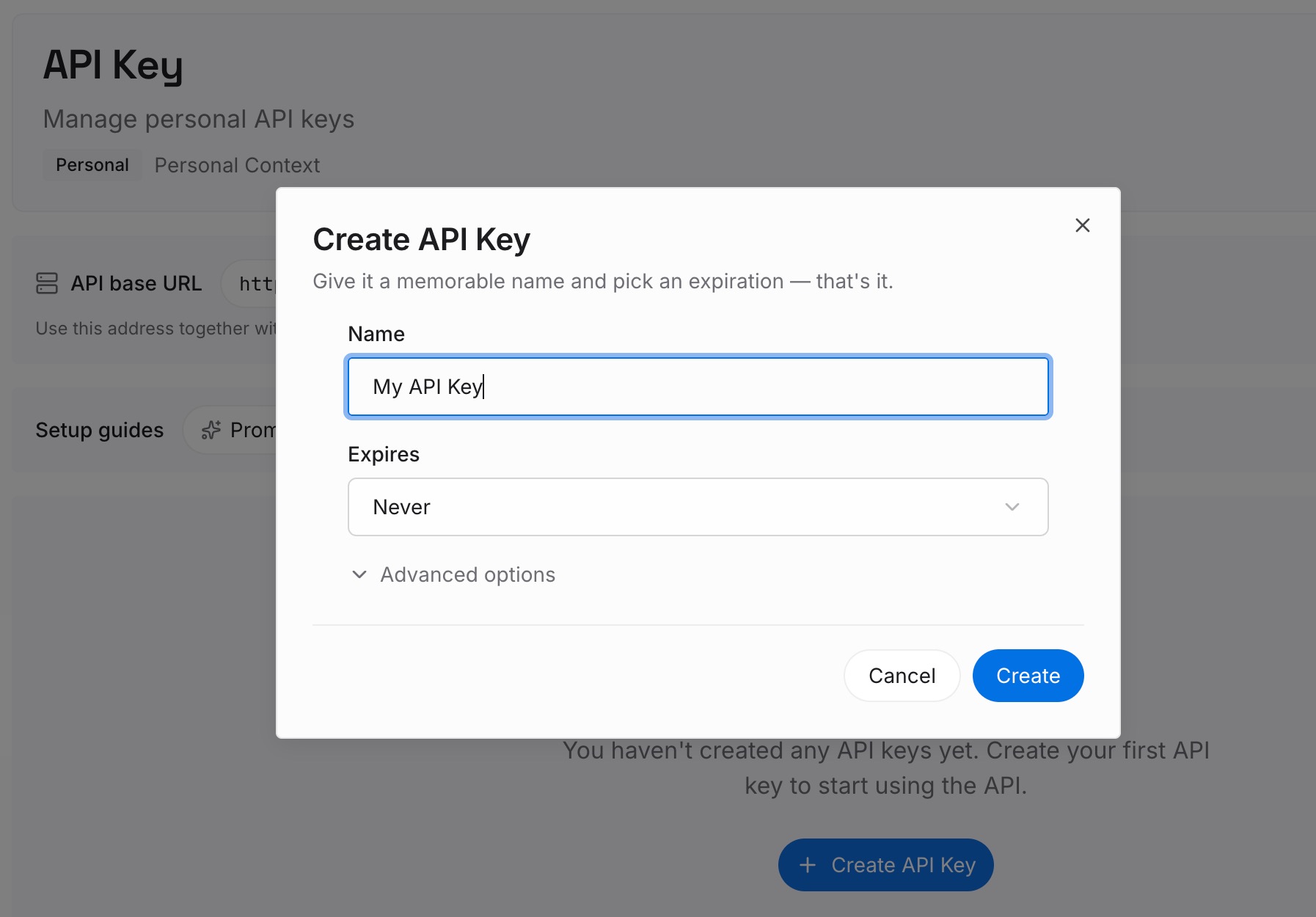
Step 1: Create an API key
Sign in and generate a key from the dashboard. Keep it outside your repositories, like any other credential.
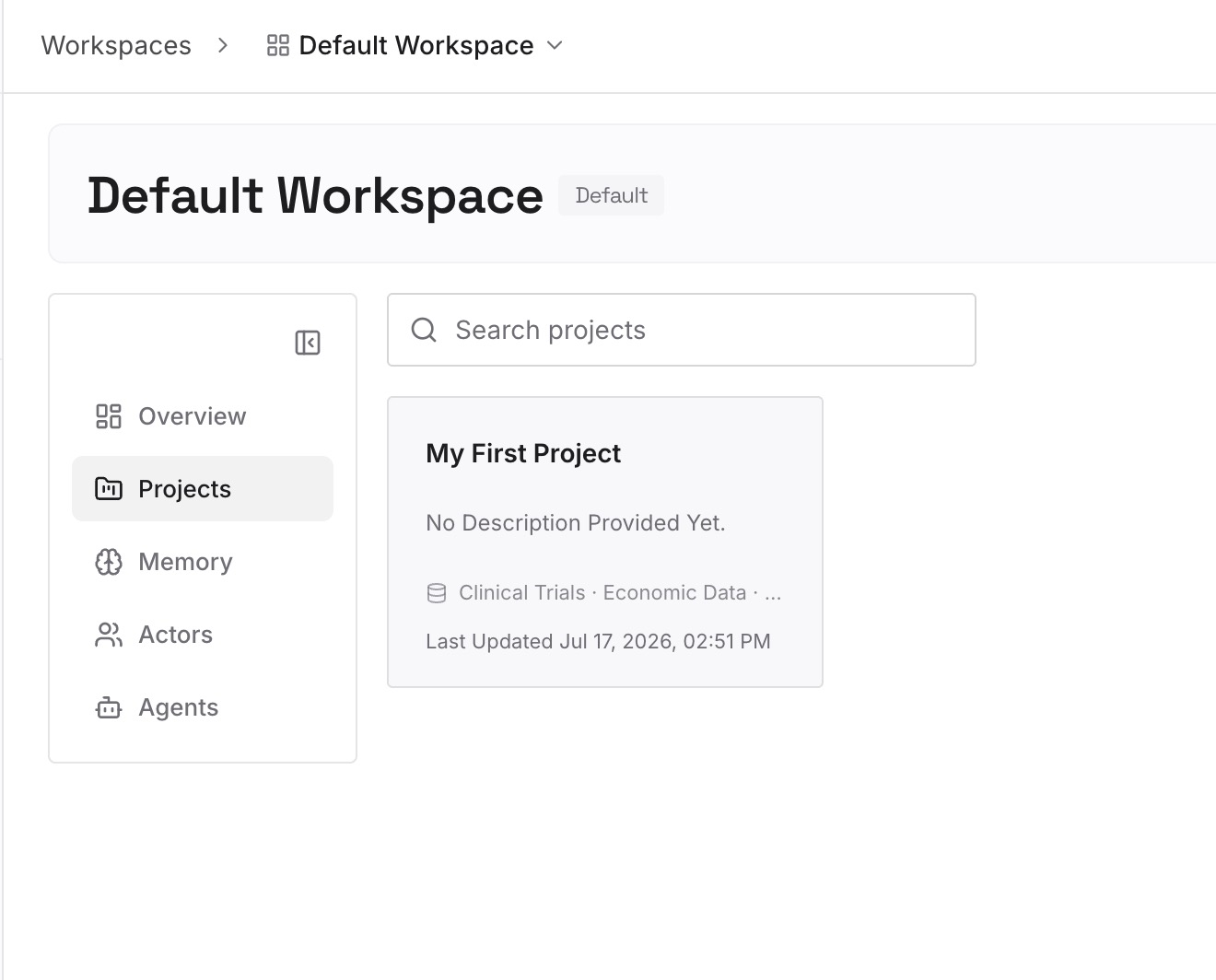
Step 2: Upload your first memories
Start with what you wrote in Step 4 of the fix: the decisions behind your recent plans, the approaches that were ruled out, and the constraints that keep coming up. One decision per entry.
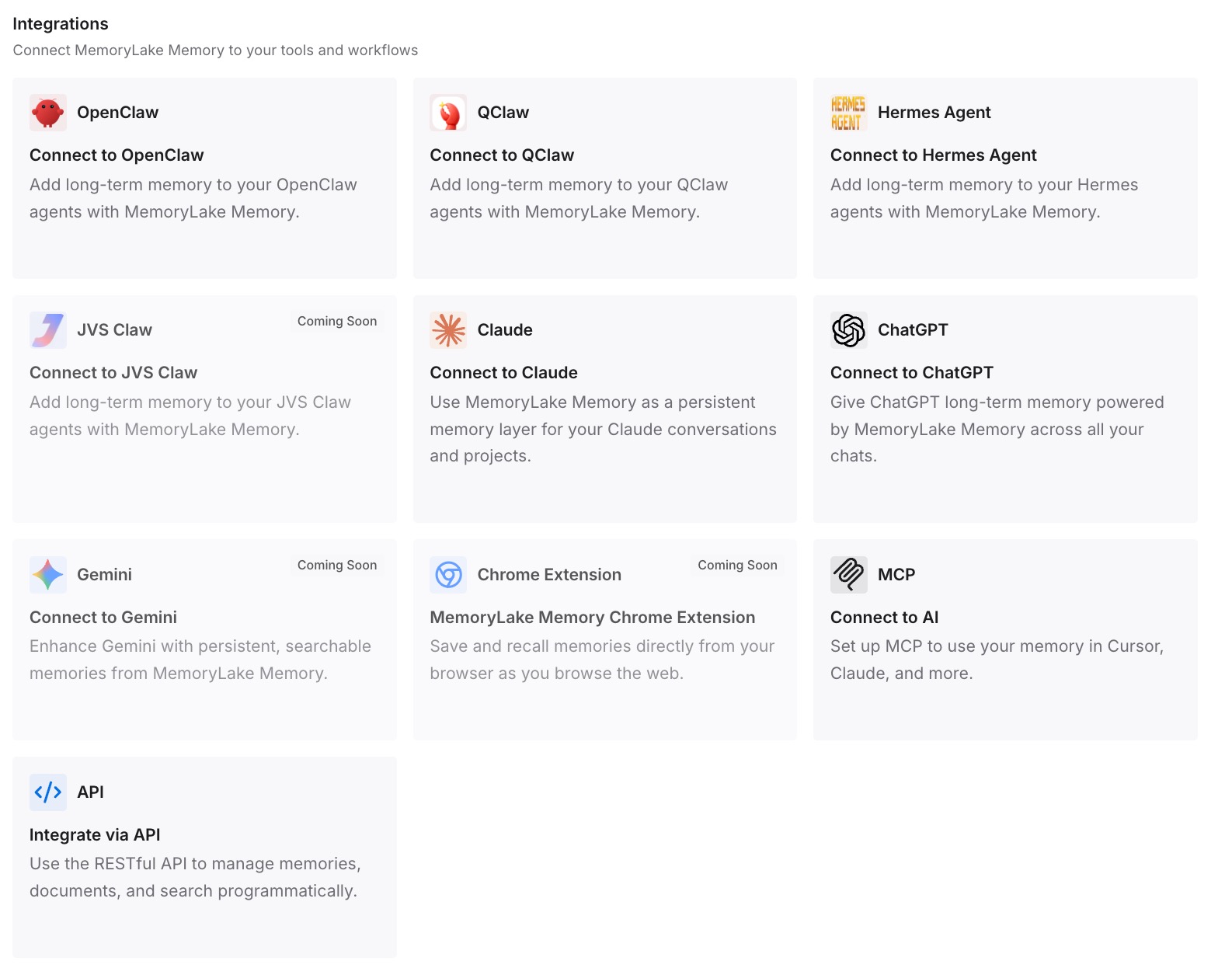
Step 3: Connect your AI & agents
Connect Codex, Claude Code, ChatGPT, or the other assistants you use. A fresh thread, or a different tool, can draw on the same decisions.
What this changes in practice
The first difference is shorter plans that still carry the important context. The plan can state what to build, while the standing reasons are already written down.
The second is fewer reversals. An approach you ruled out once doesn't come back in the next thread because nobody recorded why.
The third is continuity across tools. The same decisions are available when you plan in one assistant and implement in another.
Best practices for Codex plan mode
Plan the hard tasks. OpenAI recommends plan mode for complex or ambiguous work.
Read the plan before approving. It's the only part of the planning chat a fresh thread receives.
Write the reasons into the plan. Constraints and ruled-out approaches should be explicit.
Keep the planning chat when it matters. Choose to implement in the same chat if the discussion holds context the plan doesn't.
Use AGENTS.md for standing rules. Every new thread reads it before doing any work.
Prefer a file for long work. A PLANS.md file stays in the repository for later threads.
Don't fight a handoff error. If the plan is too large, implement in the original thread.
Update to 0.169.0 or later. The safer handoff arrived in that release.
Conclusion
In Codex plan mode, Yes, clear context and implement starts a fresh thread and hands it your approved plan. Since the 0.169.0 release on November 13, Codex saves the plan as an attachment, checks that the new thread can read it, and only switches after that succeeds. If the file can't be used, the plan goes into context directly, and if it's too large for that, Codex keeps you in the original session.
What the fresh thread doesn't get is the planning conversation: your answers, the rejected approaches, and the files Codex read. Those stay in the old chat, which you can resume. Before you clear context, make sure the plan, your AGENTS.md, and your own notes carry the decisions the next thread needs.