
What OpenAI changed
The announcement is short, and every detail in it is useful.
The new default is 500k for GPT-6.1 Sol in Codex and Work, up from 272k. It isn't the ceiling. The post says "We will go higher in the future" and gives the model's maximum: "with maximum context length of GPT-6.1 Sol of 1M." It also frames 500k as a chosen balance rather than a limit: "It was carefully tested and is the new sweet spot for most of our users."
The default can be changed. "You can still override it," the post says, in either direction.
Pricing changed with it for subscribers. The second post says long context fees aren't charged for GPT-6.1 Sol when usage comes from the subscription.
At the time of writing, the change is described in those posts. The Codex changelog's most recent entry was the October 8 launch of Ultrafast mode for GPT-6.1 Sol, and the Codex models page doesn't list a context length for it. If you need the number in writing for a team decision, check both pages again in a week.
What compaction is in Codex
Every Codex chat has a context window: the amount of conversation, tool output, and instructions the model can consider at once. Codex's configuration reference defines the setting plainly. model_context_window is "Context window tokens available to the active model."
When a chat approaches that limit, Codex compacts it. An older changelog entry describes the behavior: "Context compaction automatically summarizes the session as it approaches the context window limit." The point at which this happens has its own setting. model_auto_compact_token_limit is the "Token threshold that triggers automatic history compaction (unset uses model defaults)."
You can also trigger it yourself. The slash command reference lists /compact with the description "Summarize the visible chat to free tokens." and says that after you confirm, "Codex replaces earlier turns with a concise summary, freeing context while keeping critical details."
That last phrase is the trade. The summary keeps what the compaction step judges critical. Everything else in the earlier turns is gone from the chat's working context.
When compaction still kicks in
A 500k window is a lot of room, but long Codex work fills room quickly.
Long-running goals. Codex's long-running work guidance encourages you to keep related work in one chat so the model can use the same context to choose the next step. That advice is sound, and it's also how a chat grows past any threshold.
Large tool output. Test runs, logs, and file reads all land in context. A long debugging session can add more from tool output than from your own messages.
Manual compaction. /compact works the same as before. If you or a teammate uses it routinely to keep sessions lean, the summary step still happens, just on your schedule.
Your own threshold. If model_auto_compact_token_limit is set anywhere in your configuration, compaction starts at that number, not at a point derived from the new default.
Compaction also has observable edges you can hook into. Codex's hooks documentation describes two events. PreCompact "runs before Codex compacts the chat." PostCompact "runs after Codex compacts the chat." Both report whether the trigger was manual or auto. So you don't have to guess whether a long session was compacted. You can know.
Which old settings override it
This is the part most likely to surprise someone who reads the announcement and expects longer sessions tomorrow.
Codex reads configuration from several layers, and its configuration guide lists the order "highest precedence first":
- CLI flags and
--configoverrides - Project config files, from the project root down to your working directory
- Profile files selected with
--profile - User config in
~/.codex/config.toml - Cloud-managed defaults, when delivered for your workspace
- System config
- Built-in defaults
The new 500k is a default. Defaults sit at the bottom of that list. Any value for the same setting in a layer above wins.
That matters because of the advice that circulated while 272k was the default. Guides for GPT-5.6 and GPT-6 Sol walked people through setting model_context_window and model_auto_compact_token_limit by hand, either to push past the old default or to compact earlier and cheaper. If you followed one, those lines may still be in your config file. The sample configuration describes the defaults: for model_context_window it says "default: auto for model", and for model_auto_compact_token_limit it says "unset uses model defaults". Set them, and the model default no longer applies.
A few specific cases to check:
- A pinned window. If your user config sets
model_context_windowto a value from the 272k era, that's the window you get. - A pinned compaction threshold. If
model_auto_compact_token_limitis set, compaction triggers at your number even if the window is larger. - A project file your team shares. A
.codex/config.tomlin the repository ranks above your user config, so a value someone added months ago applies to everyone who trusts the project. - A profile. If you launch with a profile, its values rank above your user config.
- Managed defaults. If your workspace delivers cloud-managed configuration, an administrator may have set these values for you.
There's also a scope setting worth knowing. model_auto_compact_token_limit_scope "Controls whether the auto-compaction threshold counts the full active context (total, the default) or only growth after the carried compaction-window prefix (body_after_prefix)." If you changed it, compaction timing follows your choice.
None of these are mistakes. They were reasonable choices for a smaller default. They just don't update themselves.
What a bigger window leaves as it was
A larger context window changes how long a single chat can run before compaction. It doesn't change how context moves between chats, and the Codex documentation draws that line in several places.
Instructions load at the start. "Codex builds an instruction chain when it starts (once per run; in the TUI this usually means once per launched session)." That chain is your AGENTS.md files, and it's capped: Codex stops adding files "once the combined size reaches the limit defined by project_doc_max_bytes (32 KiB by default)." A bigger window doesn't raise that cap. If rules seem to vanish, our guide to Codex skipping AGENTS.md rules covers the usual causes.
A new chat starts from instructions, not the old transcript. The instruction chain is built when Codex starts. Local memories, if you turn them on, are generated in the background from eligible earlier chats, which is different from carrying a chat's full context forward.
Memories are separate. OpenAI's memories page says "ChatGPT web uses ChatGPT memory, while local Codex clients use a separate local memory store and controls." It also gives a clear rule of thumb: "Treat memories as a helpful recall layer, not as the only source for rules that must always apply." Local memories don't form mid-task either, since Codex "skips active or short-lived sessions." Our walkthrough on turning on Codex's local memories explains the controls.
Work follows its own settings. For memory, OpenAI says ChatGPT Work "uses the memory settings available to your account and workspace; it doesn't use a local Codex memory store or local memory controls." Your local config.toml governs the Codex clients that read it.
What people try instead
Setting the window to 1M and forgetting about compaction. You can, within the model's maximum, but a long enough task still reaches whatever threshold applies.
Leaving the old threshold in place. A compaction limit chosen for 272k keeps compacting at that point.
Expecting the next chat to remember. A bigger window lives and dies with one chat.
Trusting the summary with exact rules. Compaction keeps what it judges critical. Rules that must hold belong in AGENTS.md, where they load at the start.
Assuming everyone on the team has the same setup. Profiles, project files, and managed defaults can give two people different windows on the same repository.
The Fix: Check what overrides the default, decide what compaction must keep, then put it back afterward
Step 1: Audit your configuration for pinned context settings
Open ~/.codex/config.toml and look for model_context_window, model_auto_compact_token_limit, and model_auto_compact_token_limit_scope. Do the same in any .codex/config.toml in your repositories and in profile files you use.
For each value you find, decide whether you still want it. If you set it only to work around the old 272k default, remove it and let the model default apply. If you set it on purpose, for cost or speed, keep it and write down why so the next person doesn't remove it by accident. If you're in a managed workspace, ask whoever manages Codex configuration what's been set for you.
Step 2: Tell compaction what it must keep
Codex lets you replace the compaction prompt. The configuration reference describes compact_prompt as an "Inline override for the history compaction prompt." There's also a file-based option marked experimental.
Use that sparingly. A good compaction prompt names the categories that must survive: the current goal, decisions made in this chat, files changed, and open problems. Keep it short and specific to how you work. For a parallel approach in another tool, see our guide to Claude Code's auto-compact settings.
Step 3: Put the essentials back after compaction
Some context should be restated, not summarized. Codex's hooks documentation describes SessionStart hooks that can match a session start caused by compaction and run before the next model request, adding context the model sees as extra developer context. That's a documented way to restate the few facts a long task can't afford to lose.
Then move durable knowledge out of the chat. Rules go in AGENTS.md. Decisions worth reusing across chats go somewhere that outlives any single session.
Setting this up in MemoryLake
A bigger context window keeps more of one chat in view. The decisions you'll need next week still need a home that isn't a chat. MemoryLake is a memory layer for keeping those decisions in one list you maintain, available to Codex and other assistants.
You write the entries yourself, in your own words. Nothing is read out of, written to, or deleted from your Codex configuration, your local Codex memories, your ChatGPT account, or any vendor's store. If you work in a managed workspace, check your organization's policy on copying project details elsewhere.
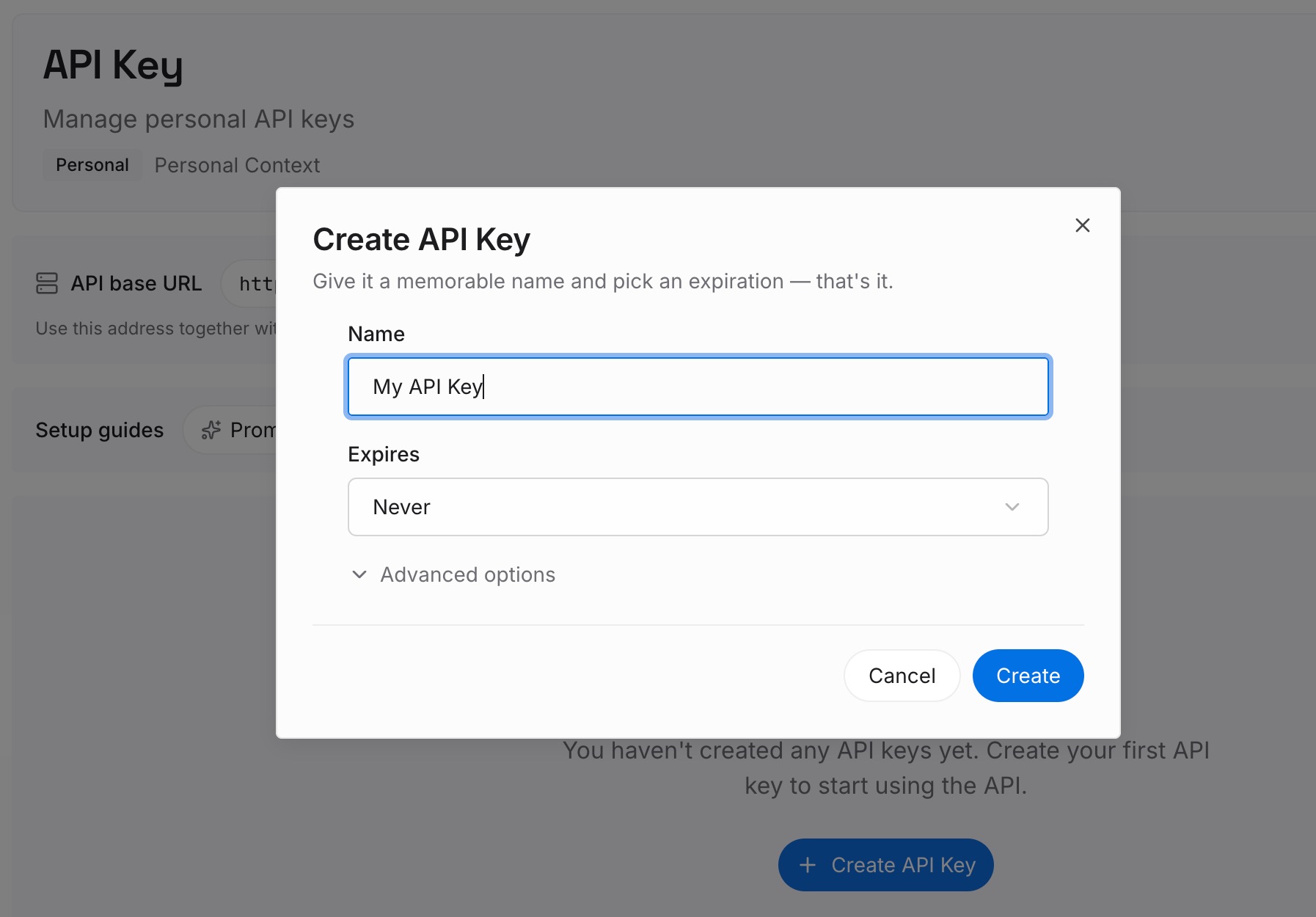
Step 1: Create an API key
Sign in and generate a key from the dashboard. The key belongs to your MemoryLake workspace and is separate from your OpenAI account.
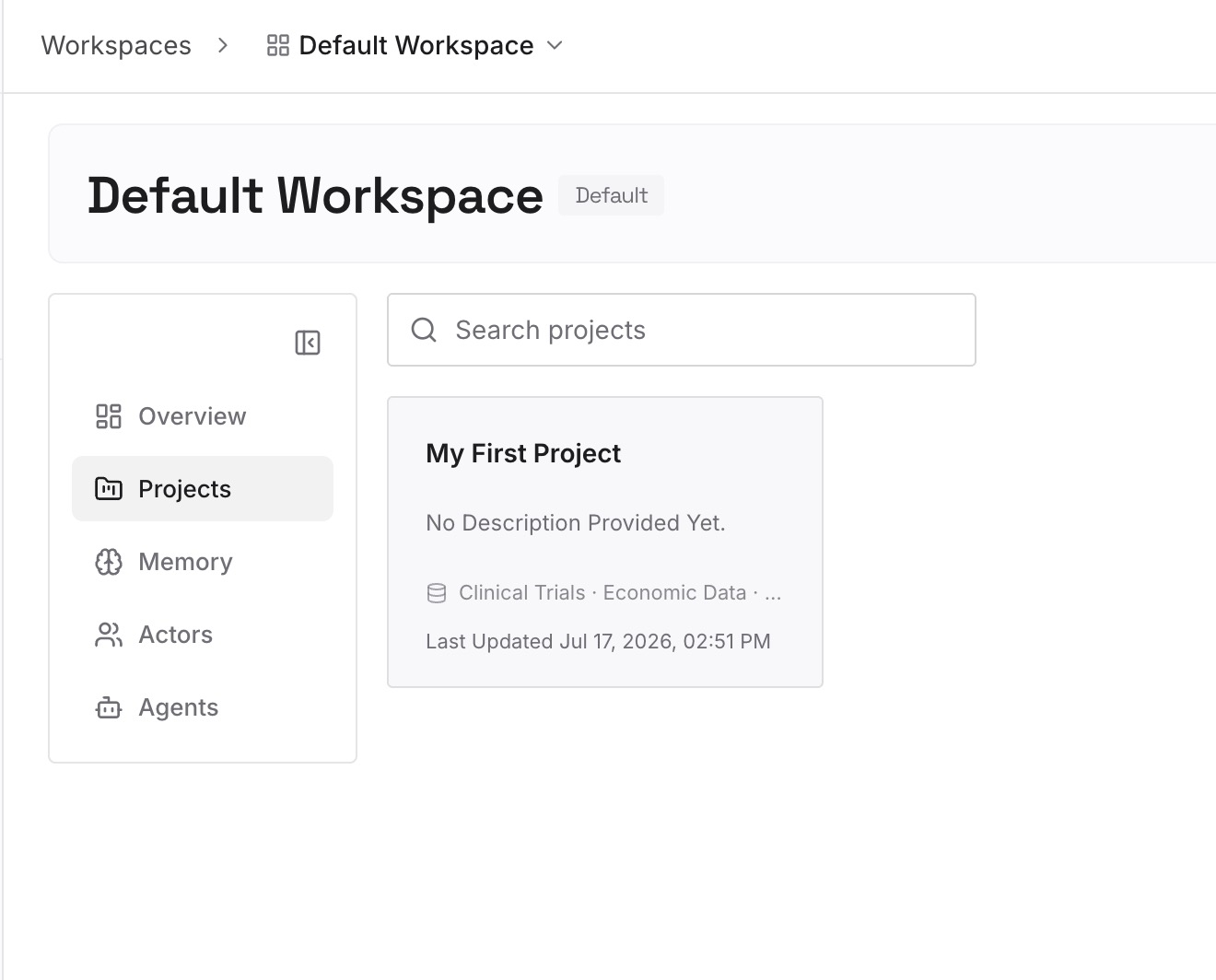
Step 2: Upload your first memories
Start with what a compaction summary is most likely to blur: architecture decisions and their reasons, conventions that aren't in AGENTS.md yet, and known pitfalls. One decision per entry, dated.
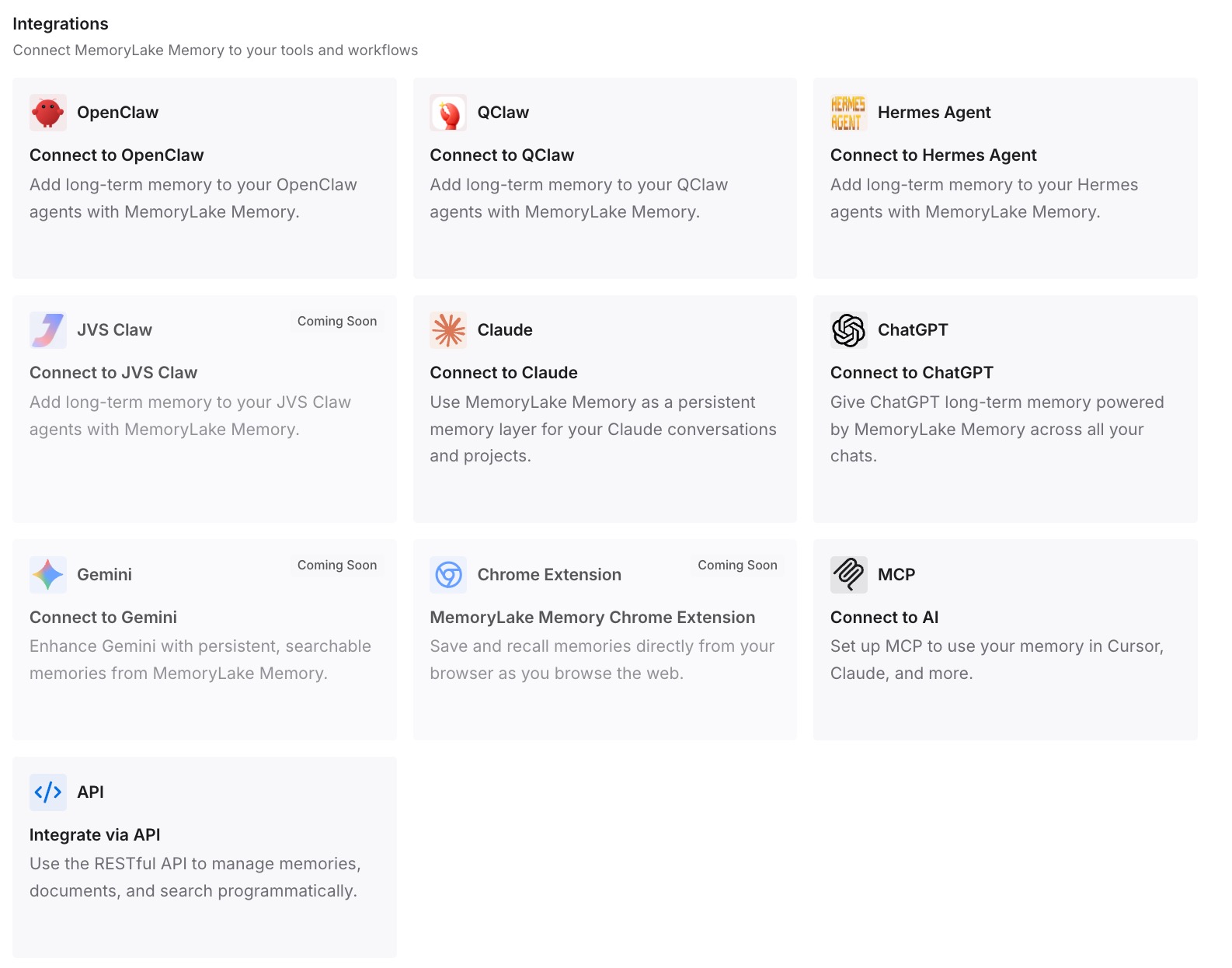
Step 3: Connect your AI & agents
Connect Codex and the other assistants you use. Each new chat can then draw on the same decisions, regardless of how large the last chat's window was or when it compacted.
What this changes in practice
The first difference is that you know which window you're actually getting. After an audit, the new default either applies or you've chosen not to use it.
The second is fewer surprises in long sessions. With hooks in place, compaction is an event you can see, and the essentials come back afterward.
The third is a cleaner split of jobs. The context window holds the current task. AGENTS.md holds the rules. A separate memory holds decisions. The same split applies when you change models, as our guide to switching to GPT-6 Astra describes.
The fourth is less dependence on what the model keeps in its head. OpenAI has itself written about the limits of seeing inside model reasoning, covered in our look at what to write down as that window narrows. Writing decisions down is the dependable half. Kiro users face the same question, covered in deciding what survives Kiro's compaction.
Best practices for the 500k default
Audit before you assume. Pinned values in any configuration layer override the new default.
Keep deliberate settings documented. A comment next to a pinned value saves the next person a guess.
Check project files. A shared .codex/config.toml applies to everyone who trusts the project.
Watch for compaction. Hooks tell you when it happens and what triggered it.
Restate essentials after compaction. Don't rely on the summary for rules.
Keep rules in AGENTS.md. It loads at the start of every session.
Write decisions down outside the chat. No window size carries them to the next one.
Conclusion
OpenAI raised GPT-6.1 Sol's default context length in Codex and Work to 500k on October 11, 2026, up from 272k, to reduce compactions, and stopped charging long context fees for it on subscription usage. The model's maximum is 1M, and the default can be overridden.
Compaction still happens when a long task reaches the threshold that applies to you. And that threshold may not be the new default at all: values in CLI flags, project files, profiles, your user config, or managed defaults all outrank it.
Check your configuration, decide what compaction must keep, and restate the essentials after it runs. Then keep the decisions that matter beyond one chat somewhere a bigger window was never going to reach.