
Where ChatGPT gets your name
There are two documented sources, and one of them doesn't involve anything you said in a chat.
Your account name. OpenAI's help article on changing your name says ChatGPT pulls your name from your OpenAI account profile on the API platform. If you change it there, the article notes: "The time for the name change you make on platform.openai.com to be reflected in ChatGPT may take up to 15 minutes."
A name you told it. The Memory FAQ answers this directly: "ChatGPT can remember a name that you provide. When Reference chat history is enabled, ChatGPT may also use the account name already shown in the product when that information is relevant."
That second sentence explains the opening example. With Reference chat history on, ChatGPT can use the name already shown in your account, so it can address you by name even if you never typed it in a conversation.
A nickname you mentioned once, a partner's name, or a child's name falls into the second category. If you shared it in a chat and Memory is on, ChatGPT may remember it as part of the details it carries forward.
How ChatGPT estimates your location
OpenAI's web search article is specific about this: "ChatGPT may use an approximate location based on your IP address to provide relevant local results. Device location sharing is optional and off by default."
So there are two levels:
- Approximate location from your IP address. The article's FAQ says ChatGPT "may use your IP address to estimate your general location, such as your country, state, or city."
- Device location, if you turn it on. Sharing your device location lets ChatGPT use more specific information for nearby businesses, local news, and weather. On iOS and Android, you may be able to turn off precise location separately while still sharing an approximate location.
There's a third source that's easy to miss: your memory. The search article says, "If memory is enabled, saved location information may also influence search results." The Memory FAQ gives the same example: location or dietary preferences can help refine a restaurant search.
The search article walks through how this plays out. If you've shared that you're vegan and live in San Francisco, ChatGPT may search for good vegan restaurants in San Francisco when you ask for nearby places you might like.
What ChatGPT shares and keeps about your location
The search article draws two lines that matter for privacy.
What goes to search providers. ChatGPT sometimes rewrites your question into queries it sends to other search providers, and it may share a general location with them. But "ChatGPT does not share your IP address itself, or your ChatGPT account information, with third-party search providers to run a search."
What gets stored. "ChatGPT does not separately save or store your precise location outside of what information is included in your ChatGPT conversation and context." Anything in the answer itself, such as a list of nearby places, stays in your chat history until you delete it. Maps shown in a response remain in the conversation, but "your precise location is removed from the map."
Why ChatGPT might decide you're under 18
This one can feel the most arbitrary. OpenAI's help article on age prediction explains the mechanism.
ChatGPT uses an age prediction system to decide whether an account should get the extra protections in its teen experience. "It looks at different signals linked to your account. For example, it may look at general topics you talk about, the times of day you use ChatGPT, how and when your account is used, and how long your account has existed."
Three details from the article explain why it can happen even after you gave your birth date:
- Your birth date isn't the final word. "Age prediction is an extra safety check. It can identify an account as eligible for the ChatGPT for Teens experience even if you already gave your date of birth when you created your account."
- It can change. "Age predictions can change over time." An updated prediction may move an account into the teen experience even if it previously used the adult one.
- It can be wrong. "Age prediction is not perfect."
When this happens, the article says your account stays active, and you receive an email and a prompt in ChatGPT to verify your age.
Notice what the listed signals are: topics, timing, account activity, and account age. These are patterns in how the account is used, not a fact you stated. That's different from your name and your saved location, which come from things you or your account provided.
How to see what shaped an answer
Before correcting anything, it helps to know which source was used. ChatGPT gives you two ways to check.
Sources below the response. The Memory FAQ says: "When ChatGPT uses relevant personal context, Sources may appear below the response." Sources can point to a past chat, a saved memory, a custom instruction, a file, or a connected email. Depending on the source, you may be able to open it, correct or delete a saved memory, delete a referenced chat, or mark it as relevant or not.
There's a caveat: "Sources may not show every factor that shaped a response." An approximate location from your IP address, for example, is described in OpenAI's search documentation, not in its memory controls.
Ask directly. "You can also ask ChatGPT what it remembers about you." The memory summary in Settings, under Personalization and then Memory, also gives a high-level view, though the FAQ says it doesn't necessarily include every detail or source.
How to correct your name
Match the fix to the source.
If it's your account name, change it in your OpenAI account profile. The help article lists the steps on platform.openai.com: User Profile Image, then Your Profile, then User, then Name. Refresh ChatGPT afterward. The article lists a few requirements: the name must be 96 characters or shorter, and it can include letters, certain punctuation, and spaces, but no numbers.
If it's a name you told it, correct the memory. The FAQ says: "You can tell ChatGPT that remembered information is incorrect or outdated. You can also edit the memory summary or a saved memory when those controls are available."
If you don't want it used at all, you can ask ChatGPT not to mention it, or select Don't mention this again where that option appears. The FAQ notes that this changes personalization but doesn't delete the chat or other source where the name came from.
The name in your account also goes elsewhere. If you sign in to other apps with your ChatGPT account, those apps receive your name too, which we covered in our guide to Sign in with ChatGPT.
How to correct your location
Again, it depends on which source is wrong.
If local results show the wrong area, the search article suggests including your city, neighborhood, or postal code in your question.
If you're on a VPN, that's a likely cause: "A VPN or network location may affect the approximate location inferred from your IP address."
To change location sharing, open Settings, select Data controls, then Location, and review the permissions. Your browser or device settings also control ChatGPT's location permission. If your browser denied access before, the article says to allow location for chatgpt.com in the browser's site settings and refresh.
If an old address keeps appearing, check your memory. A city you mentioned months ago can still shape searches if it's saved. Correct or delete it in the memory controls.
How to correct your age category
For age, the fix is verification rather than editing.
To review what ChatGPT has decided, open Settings, select Account, and review Age. The article is clear about what this setting does: "The Age setting shows an age category. It does not let you edit your date of birth."
If you're 18 or older and the category is wrong, you can verify your age with Persona, a third-party service OpenAI uses. Depending on your country, Persona may ask for a live selfie, a government ID, or both. Once Persona confirms you're 18 or older, ChatGPT removes teen protections, though this can take a short time to apply.
Two privacy details from the article:
- "OpenAI does not receive your ID or selfie." It receives your date of birth or an age prediction.
- "Persona handles age verification and deletes your uploaded ID or selfie within 7 days after verification."
Verification also ends the prediction: "After you verify, OpenAI will not run age prediction on your account."
The article notes that verification availability varies by account. If you see Verify age on mobile but aren't sure you're eligible, it suggests checking in a web browser.
What people try first
Searching chats for where you typed your name. It may come from your account name, which ChatGPT can use when Reference chat history is on.
Assuming ChatGPT is tracking your GPS. Device location sharing is off by default. The approximate location comes from your IP address.
Changing your birth date to fix the teen setting. The Age setting shows a category and doesn't let you edit your date of birth. Verification is the route.
Turning on a VPN to hide your location. It changes the approximate location ChatGPT infers, which may make local answers less accurate.
Expecting Sources to show everything. Sources may not show every factor.
The Fix: Trace each detail to its source
Step 1: Check where an answer came from
Look at Sources below the response, or ask ChatGPT what it remembers about you.
Step 2: Fix the source, not the answer
Change your account name in your profile, update location permissions, correct saved memories, or verify your age.
Step 3: Remove old details from memory
Delete or correct saved details that are no longer true, such as a city you've moved away from.
Step 4: Write down the facts you want assistants to use
Decide what you actually want assistants to know about you, and keep that list yourself.
Setting this up in MemoryLake
The details in this guide come from different places: your account, your IP address, your past chats, and patterns in how your account is used. When you want an assistant to know something about you or your work, the clearest source is one you wrote down on purpose.
MemoryLake is a memory layer for that kind of context, such as your role, your preferences, and the projects you're working on, kept in one place you maintain and available to the assistants you connect, such as ChatGPT, Claude Code, and Codex.
You write the entries yourself, in your own words. Nothing is read out of, written to, or deleted from your ChatGPT memory, your account profile, your location settings, your age verification, your chats, or any vendor's store. ChatGPT's memory, location, and age features work the way OpenAI describes them.
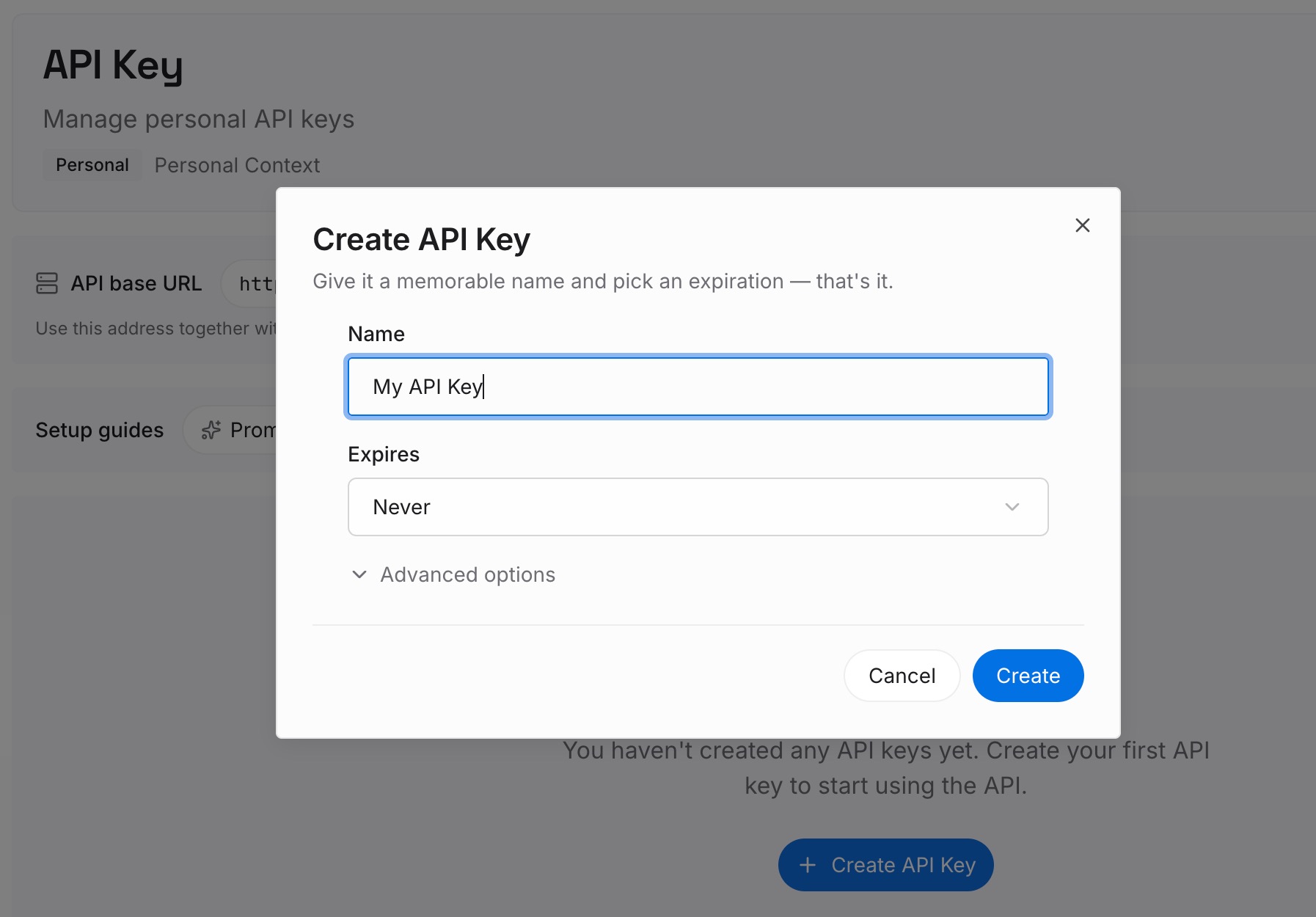
Step 1: Create an API key
Sign in and generate a key from the dashboard. The key belongs to your MemoryLake workspace and is separate from your ChatGPT account.
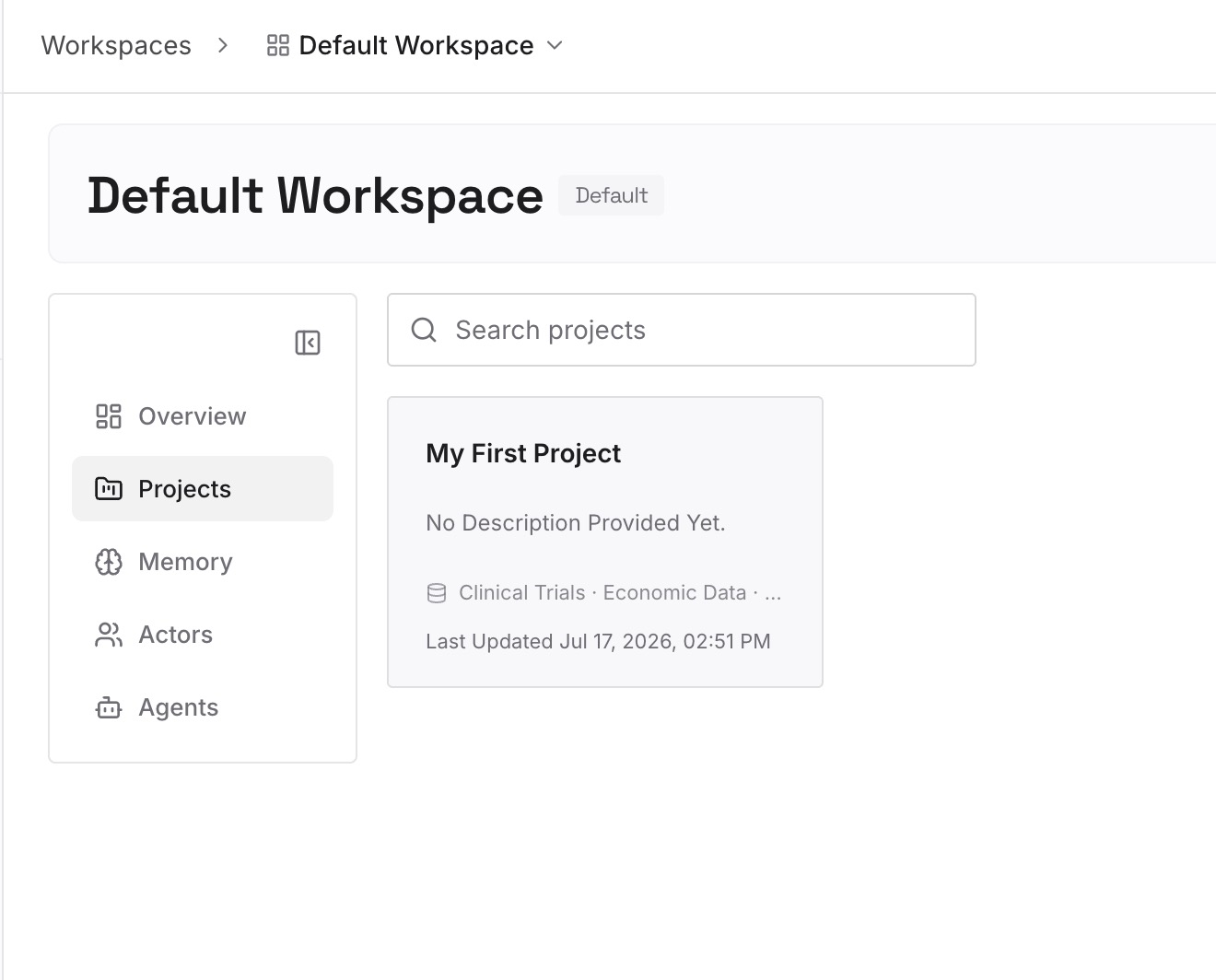
Step 2: Upload your first memories
Start with what you wrote in Step 4 of the fix: the facts you want assistants to use, written the way you'd want them read. One fact per entry.
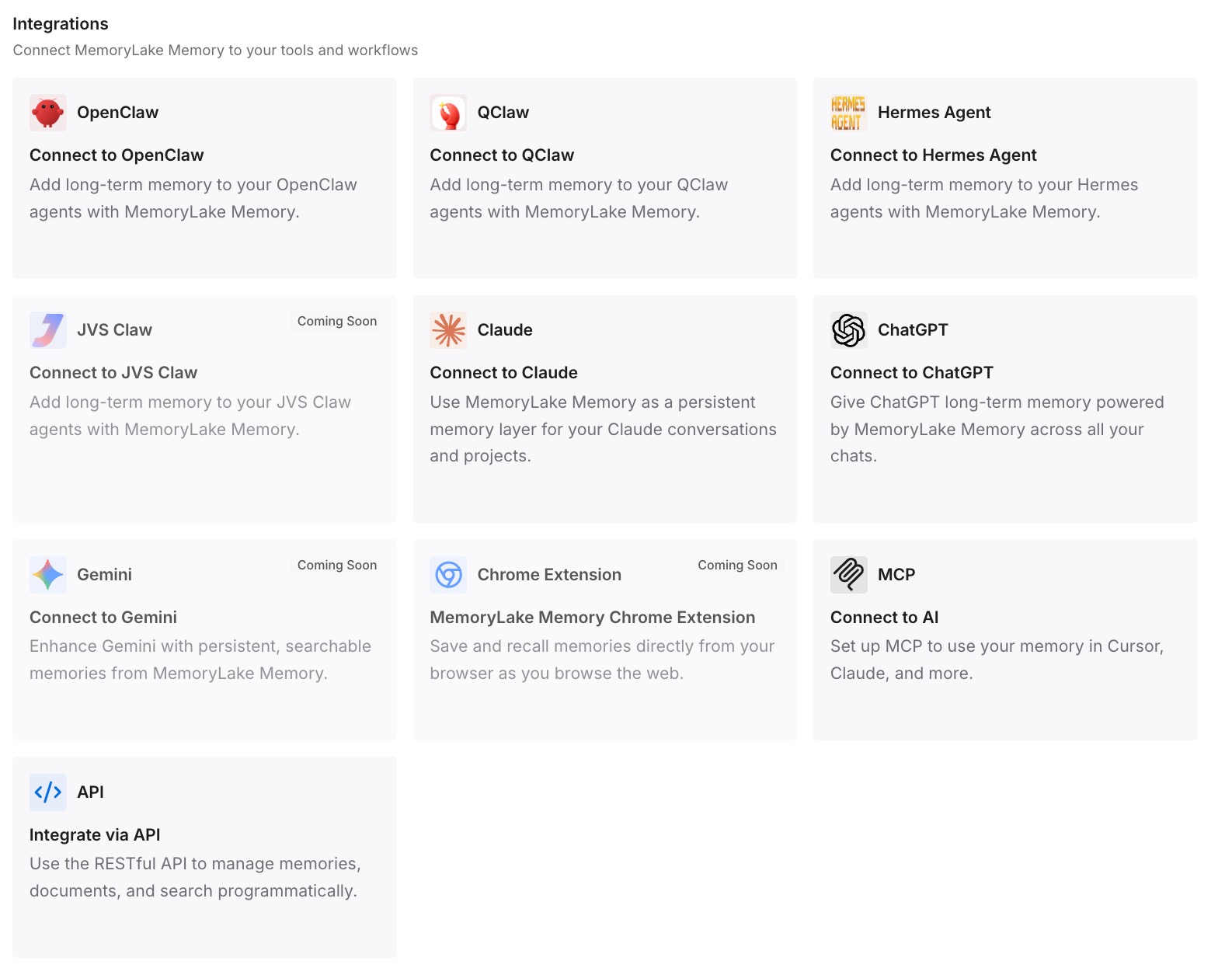
Step 3: Connect your AI & agents
Connect ChatGPT and the other assistants you use. Each can draw on the same facts, which you can see and change in one place.
What this changes in practice
The first difference is that you know where a detail came from. An entry you wrote has an obvious source.
The second is easier correction. When something changes, such as a move or a new role, you update one entry.
The third is consistency across tools. The same facts are available in each assistant you connect.
Best practices for managing what ChatGPT knows about you
Check Sources on surprising answers. They show many of the personal details behind a response.
Keep your account name current. ChatGPT can use it when Reference chat history is on.
Mention your city when it matters. It's more reliable than an IP estimate.
Review location permissions. Device location sharing is optional and off by default.
Correct memory, don't argue with it. Tell ChatGPT a detail is outdated, or edit it.
Verify if your age category is wrong. It's the documented fix.
Keep the facts you care about in one place. It's easier to keep them accurate.
Conclusion
ChatGPT knows your name from your account profile, which it can use when Reference chat history is on, or from a name you told it. It estimates your location from your IP address, more precisely if you turn on device location, and saved locations in memory can shape searches too. An age category comes from a separate prediction that looks at signals such as topics, timing, and account age, and it can override the birth date you gave.
Each has its own fix: your profile, your location settings, your memory controls, or age verification. Check Sources first, then correct the source rather than the answer.