
Why Warp's agent misses rules you wrote
The filename is case-sensitive, and only one case works
Project Rules "live in your codebase and apply automatically when working within that project," stored in "an AGENTS.md file (or WARP.md for backwards compatibility)." Warp's guidance for new projects is AGENTS.md.
The all-caps requirement is flagged as a Caution in the docs, which is the right severity. It fails silently, and it fails in exactly the way that makes you doubt the feature rather than the filename — you write a rule, nothing changes, and you conclude the agent ignores rules.
WARP.md still works, but it is documented as backwards compatibility. If you inherited a repo with one, it is loading; if you are starting fresh, use AGENTS.md.
Subdirectory rules are only conditionally loaded
This is the subtlest cause, and it is stated plainly once. "Warp automatically applies the AGENTS.md (or WARP.md) in the root and in the current directory." Then: "If you edit files in another subdirectory, Warp makes a best-effort attempt to include that subdirectory's rules file as well."
Automatic for two locations. Best-effort for everything else.
Warp's own worked example makes the shape clear. With the current directory set to ui/, the rules automatically applied are project/AGENTS.md and project/ui/AGENTS.md, while project/api/AGENTS.md is best-effort — included only if you edit files there. Flip the current directory to api/ and the roles reverse.
So a monorepo with per-package rules has a reliable tier and an unreliable one, and which is which depends on where you started the session. If a rule matters across the whole repo, the root file is the only place it is guaranteed to load.
The most specific rule wins, which is not always what you meant
Warp resolves conflicts in a documented order: rules in the current subdirectory's file, then rules in the root file, then Global Rules. The stated intent is that "the most specific, project-relevant rules take priority over broader ones."
That is reasonable and it is also how a root-level standard quietly stops applying. A subdirectory file written eighteen months ago for one package now outranks the convention you added to the root last week — in that directory only, which is why it looks intermittent.
Global Rules are last. Anything you put there is the first thing overridden.
The rule may be in a file Warp was never told to read
Warp is unusually generous here, and the generosity is opt-in. Running /init can "Link an existing Rules file to AGENTS.md," and the supported list is longer than any comparable tool's: "CLAUDE.md, .cursorrules, AGENT.md, GEMINI.md, .clinerules, .windsurfrules, .github/copilot-instructions.md."
Note AGENT.md singular is on that list and is not the same file as AGENTS.md. If your repo has the singular form, it is a linkable external file rather than Warp's native one.
The trap is assuming detection where there is linking. A repo full of CLAUDE.md does not automatically feed Warp; you link it. Teams migrating in from another agent hit this constantly — the file-conversion half is covered in how to migrate your CLAUDE.md to AGENTS.md.
And you may have rules you did not write
One line worth knowing: "Warp may also suggest Global Rules based on your usage patterns to make future interactions smarter and more consistent." Suggested rules are a convenience, but if you have never opened the Global Rules pane, you do not know what is in it. Check before you conclude a rule is being ignored — it may be being overridden by something you never read.
What people try
Writing the rule again, more forcefully. All caps in the body, more exclamation marks. If the filename is lowercase or the file is in an unloaded subdirectory, emphasis changes nothing.
Moving everything into one giant root file. This does fix loading, and it trades one problem for another: every rule now loads on every request, including the twenty lines about a package you are not touching.
Pasting the rules into the prompt. Reliable and manual, which means it works until you forget once.
Assuming Warp ignores CLAUDE.md. It does not — but it needs to be linked via /init, not merely present.
Putting project knowledge in Warp Drive. Warp Drive is genuinely useful and syncs in real time across a team, but it is documented as a workspace for "Workflows, Notebooks, Prompts, and Environment Variables." It is not a rules or knowledge store, and the Rules pane living inside it is a UI convenience rather than a change in what Drive holds.
Turning rules into a documentation project. The right instinct with the wrong container — a rules file steers behavior, and the reasoning behind the rules has nowhere to sit in it.
The Fix: Verify What Loaded, Then Move the Reasoning Somewhere Rules Can't Hold It
Warp gives you something most tools do not: a way to check. "Rules used in an interaction will appear in the conversation under References or marked as derived from a specific rule."
Use that before changing anything. Ask the agent to do something the rule governs, then look at References. If the rule is not listed, the problem is loading — check the filename case first, then whether the file is in the root or your current directory. If the rule is listed and the agent still did something else, the problem is not loading, and rewriting the file will not help.
Then find the rules panes so you are looking at the real state, not what you remember writing. There are five documented entry points: Warp Drive under Personal > Rules; the Command Palette, searching "Open AI Rules"; Settings > Agents > Knowledge > Manage Rules; the menu bar under AI > Open Rules; and the slash command /open-project-rules, which opens Project Rules directly in Warp's editor. Use /add-rule to create a Global Rule, and give it a real description — Warp's field prompt is "what the rule does and when to apply it," and the description is what the agent reads to decide relevance.
That handles loading. It does not handle the second half, which is that a rules file is the wrong shape for most of what you know. Rules are instructions applied at request time; they are short by necessity and they compete for context. The reason a convention exists, the approach you already rejected, the constraint that makes the obvious answer wrong — none of that is an instruction, and putting it in AGENTS.md makes the file longer without making the agent follow it more closely.
That is what MemoryLake holds: your project's durable knowledge in a layer your tools query, so rules stay short and the reasoning stays available. Setup is three steps.
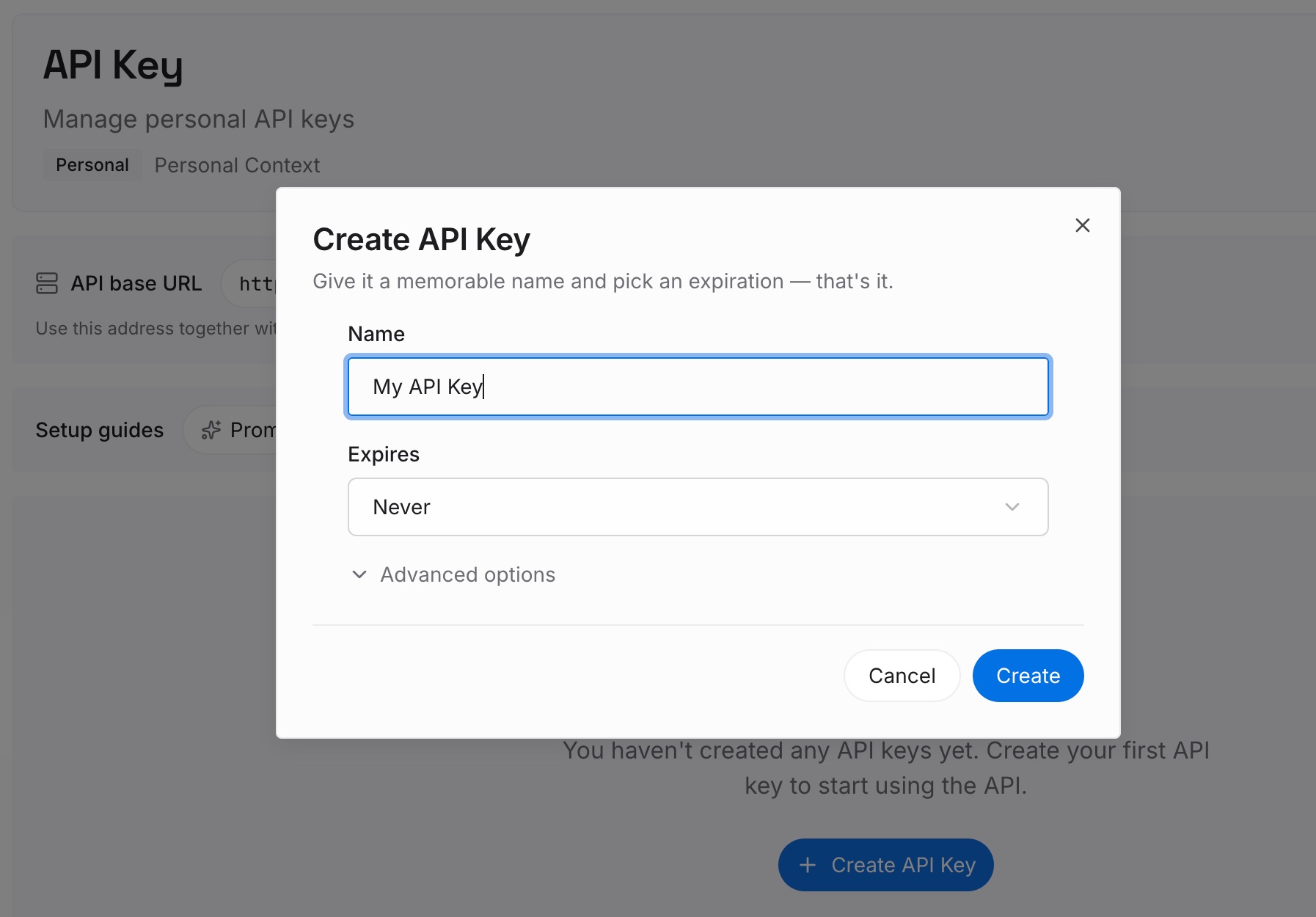
Step 1: Create an API key
Sign in and create an API key. One credential across the tools you connect.
Step 2: Upload your first memories
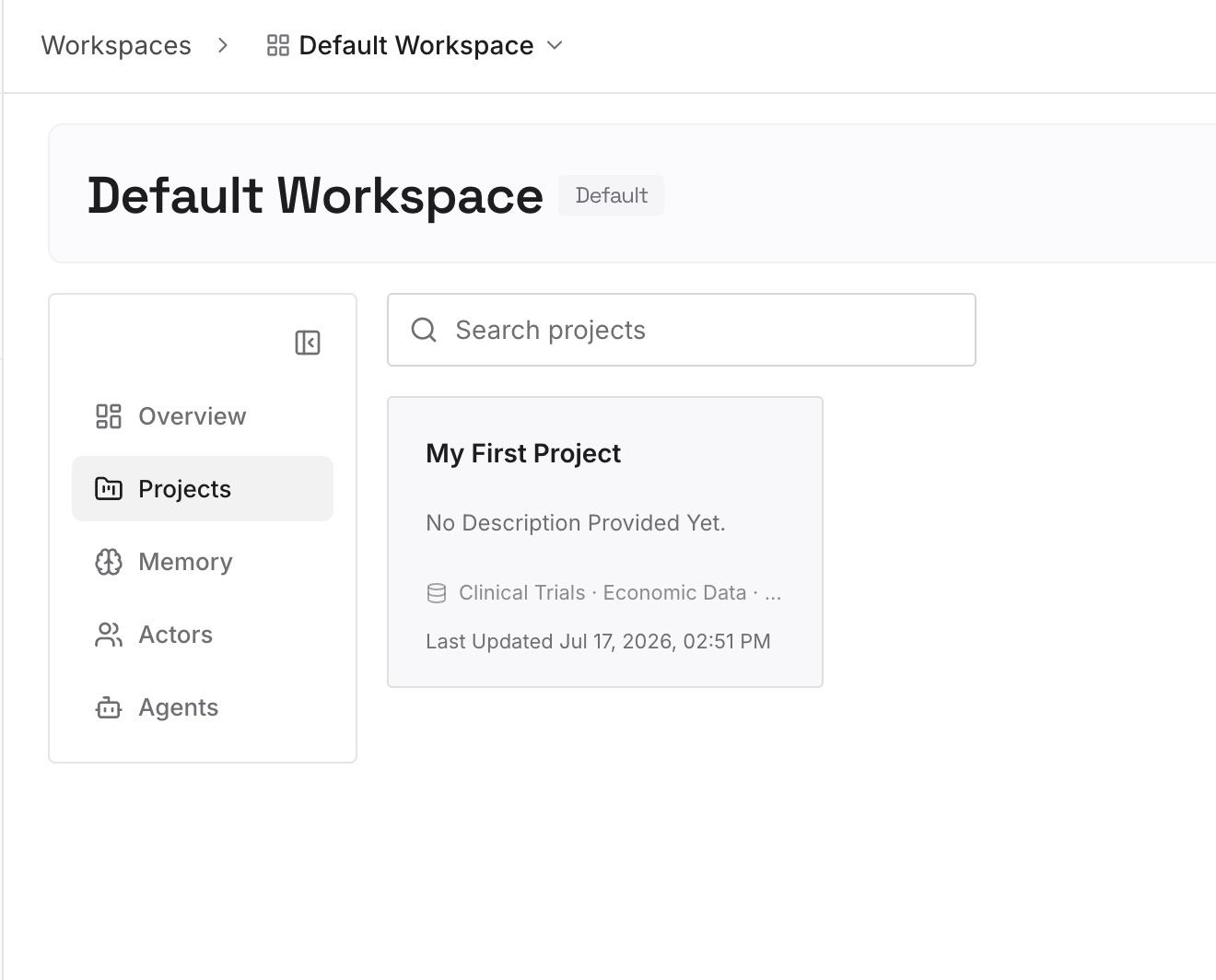
Short entries, one claim each. The best source is the rules file you were about to make longer:
Every rule's reason. "Migrations are additive-only because the read replica lags under load." The rule belongs in AGENTS.md; this belongs here, and it is what stops the rule being reverted next quarter.
Approaches already rejected in this repo. The category that appears in no rules file and no commit message, and gets re-proposed on every fresh session.
Environmental facts nothing announces. The test that only fails in CI, the undocumented rate limit, the ordering dependency between two jobs.
What the subdirectory files disagree about. If your per-package rules conflict with the root, write down which is current and why. That is a fact, not a rule.
Step 3: Connect your AI & agents
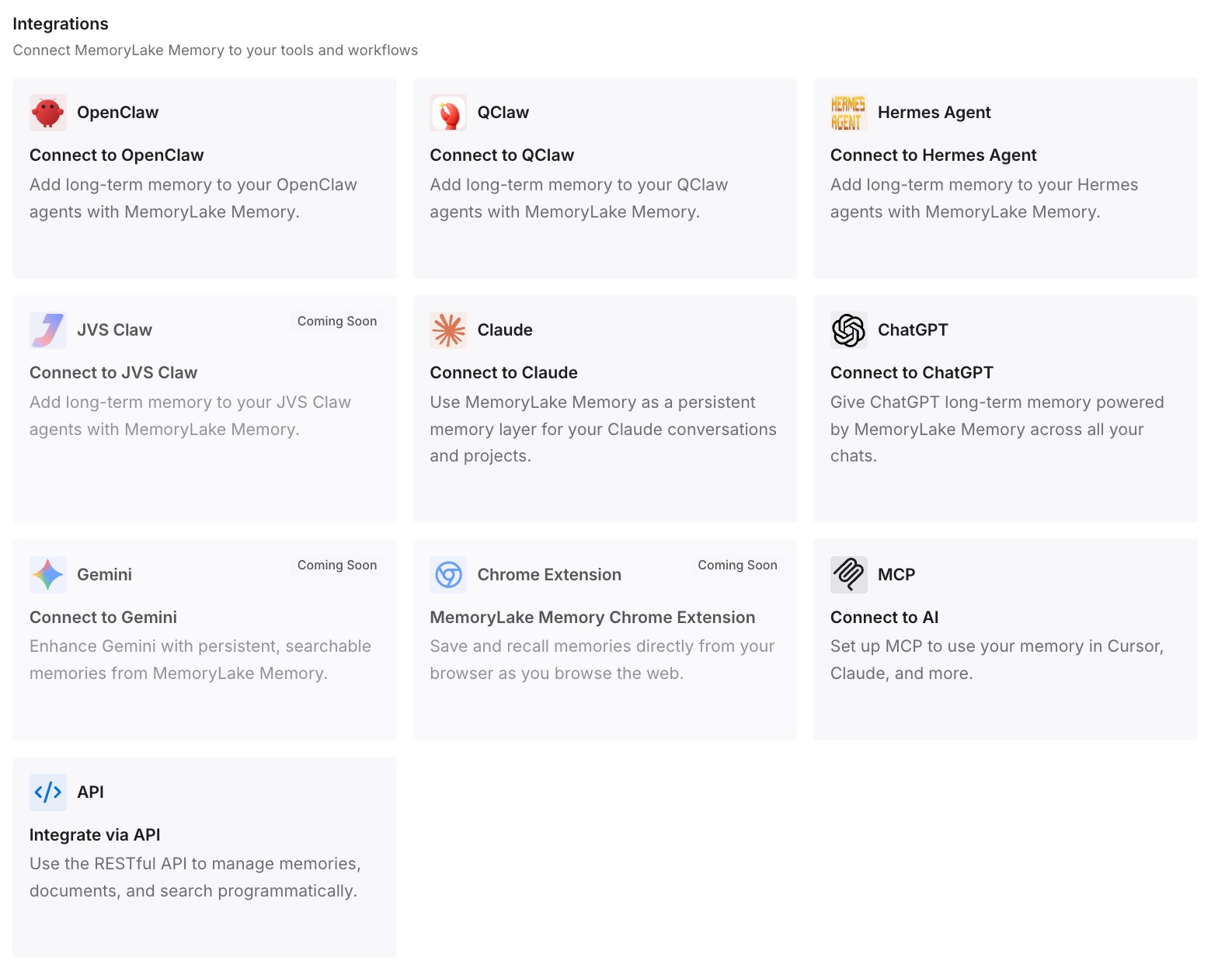
Connect what you use. MemoryLake is reachable over MCP and over an API, and Warp supports MCP servers — with one detail worth knowing: "The CLI keeps its own MCP server configuration, separate from the Warp app's," stored on macOS at ~/.warp_cli/.mcp.json. Configure both if you use both. MCP-native agents such as Claude, Codex, and OpenClaw connect the same way, and other assistants read the same memory through the API.
Three honest limits. MemoryLake does not write your AGENTS.md or your Global Rules — those are how you steer Warp, and the loading behavior above is Warp's, not something a memory layer changes. It holds only what you or your agents put into it, so Step 2 is manual. And rules are context rather than enforced configuration; anything that must hold every time needs a check in CI, not a line in a markdown file.
What this changes in practice
"Is the rule loading?" becomes a two-second check. Look at References.
Filename case stops being a mystery bug. AGENTS.md, all caps, or it does not exist.
Root versus subdirectory becomes a deliberate choice. Root is guaranteed; elsewhere is best-effort.
Rules files get shorter. The reasoning moves out, so what remains is instructions.
Migrating in stops meaning rewriting. Seven external formats can be linked with /init.
Your CLI and app stay in sync on the parts that matter. Warp's docs note that "Rules and skills don't need migration" between them — they read the same locations. MCP config is the exception.
Best practices for Warp project rules
Check the case first, every time. It is the cheapest possible diagnosis and the most common cause.
Put repo-wide rules in the root file. Only root and the current directory load automatically.
Audit your subdirectory files for stale overrides. The most specific file wins, and old files stay specific.
Read your Global Rules pane once. Warp may have suggested rules you have never seen.
Link, don't duplicate. /init links CLAUDE.md, .cursorrules, .clinerules, and four others. Two copies of the same rules drift.
Give Global Rules a real description. It is what the agent reads to decide relevance.
Verify with References, not by re-reading the file. What loaded is a fact; what you wrote is an intention.
Keep the reasoning out of the rules file. Rules are applied at request time and compete for context — the general shape in what AI memory actually is.
Conclusion
Warp's rules system works well once you know its four edges. The filename must be all caps, and a lowercase agents.md fails silently. Only the root file and the current directory's file load automatically, with everything else on a best-effort basis that depends on which files you happen to touch. Conflicts resolve to the most specific file, so an old subdirectory rule outranks a new root standard in that directory. And seven external rule formats can be linked with /init — linked, not auto-detected.
The genuinely good part is the verification path. Rules that fired appear in the conversation under References, which turns "is my rule loading?" from a guessing game into a look. Most tools in this category give you no such view, and it is worth building the habit of checking it before you edit anything.
What rules cannot do is hold the reasoning. They are short, they load on every relevant request, and the moment you start explaining why a convention exists you are making the file worse at its actual job. Check the case, put repo-wide rules in the root, audit your subdirectory overrides, verify with References — and put the decisions, reasons, and rejected approaches in a layer your agent can query instead of a file it has to read every time.