
What actually transfers
What a Perplexity session contains
Perplexity now calls its conversations sessions, although many help pages still say threads. The help center describes what one holds: "A session will include your initial question, any follow-up queries, all of Perplexity's responses and all sources used to provide your answer."
Sessions are kept until you remove them. "Every session is stored in your History (perplexity.ai/library) which is only accessible to you." And: "Sessions are stored in the History indefinitely but you can delete individual or all sessions at any time."
That makes your History a reasonable archive, as long as the sessions you care about are saved ones. Some are not.
How History relates to Perplexity's memory
Your History also feeds Perplexity's personalization, which is worth understanding before you move anything. Perplexity's Memory article says it may draw on two sources: "Memories: The preferences, interests, and information you share with us," and "Search history: Your past questions and answers that can help make a new response more relevant." You can toggle each one independently in Settings, under Memory.
So the same sessions do two jobs in Perplexity. They are your record, and they are part of what Perplexity uses to tailor new answers. When you move to ChatGPT, the record can travel as files, which OpenAI describes as reference material. The tailoring is Perplexity's own, and ChatGPT's memory forms from how you use ChatGPT. That is why the summary you write in the manual migration matters more than the export itself.
What Perplexity lets you export
There are two documented routes out.
The first is per session. On a session page, Perplexity's help center says the Export button lets you "export the answer to the session as PDF, Markdown, or DOCX." This is the route for individual pieces of research you want to carry intact, and Markdown is the most useful of the three formats for re-use, because it stays editable text.
The second is your whole account. In Perplexity's GDPR article, the help center says Right to Access is self-serve: you sign in, visit your account details page, and "click the Export my data button." It adds: "You will receive an email with a download link to your data."
The help article does not describe the format or contents of that account export, so download it and open it before you plan around it. Treat it as your complete backup, and treat the per-session exports as the working copies you will actually use.
What can expire before you export
Not every session in Perplexity is permanent, and some kinds disappear on their own. Perplexity's "Where did my sessions go?" article lists them.
Sessions created while signed out are anonymous. "These anonymous sessions will be visible for 14 days, after which they will disappear permanently without the possibility of recovery." Perplexity's tip is to find the session in your browser history within that window and, once signed in, "save the session to a project to avoid it expiring after the 14 days."
Incognito is shorter. "Incognito threads are private conversations that expire after 24 hours." Some sessions are marked temporary because of the context they used; if you use the Comet browser, "temporary sessions will always expire when your query involves open tabs, browsing history, or triggering an agentic event." On Enterprise plans, Perplexity says to "ask your organization's admin to check the default thread retention policy."
Files have their own clock. "Files are kept for 30 days by default. To delete uploads, delete the entire session."
If a session you remember is missing, our guide to which part of Perplexity History actually disappeared walks through how to tell an expired session from a deleted one or an account mix-up.
What ChatGPT can take in
ChatGPT's documented route for conversation history is a file used as reference. OpenAI describes it for moving between ChatGPT accounts, and the same mechanism applies to a Perplexity export. After you upload an exported conversation file, "ChatGPT can use the uploaded file as reference in that conversation." OpenAI is clear about the scope: "This is not a full account migration." Among the things this route won't do, it lists that it doesn't "Recreate previous conversations as separate chats."
OpenAI's import documentation covers a different case: bringing setup and recent work from other agents, and the agents it names are Claude Code, Claude Cowork and Cursor. For Perplexity, plan on files.
Where your history should land in ChatGPT
Projects are the natural home. "Projects keep related chats, files, and instructions together," and "Projects can use their chats and files as context for future responses." Project instructions "apply only within that project and override your global custom instructions," which suits the standing context of a research topic.
Choose the project's memory setting before you upload. Projects can use default memory or project-only memory, and OpenAI explains the difference: "When you switch a project to project-only memory, information from that project is removed from memory used outside the project." For a project built from old research sessions, project-only memory keeps that material from shaping answers elsewhere. Our guide to whether ChatGPT projects share memory explains both walls.
Mind the limits. "The number of files you can upload depends on your plan." And uploaded files work best when they are focused, as covered in why ChatGPT forgets uploaded files.
The manual migration
Step 1: Back up everything, then export the sessions worth keeping
Start with the safety net. Request your account export from Perplexity's account details page and save the download somewhere outside Perplexity. That archive is your full record; everything after this is a working copy.
Next, rescue anything that could expire. Look through History for sessions marked temporary, and if you used Perplexity signed out in the last two weeks, find those sessions in your browser history, sign in, and save them to a project before the 14 days run out.
Then choose. Most History is one-off lookups. Open History, use search and the type filter, and pick the sessions that hold decisions, comparisons or research you will build on. For each one, use the Export button and choose Markdown. Name the files by topic and date so they sort sensibly.
Before anything goes further, edit out what shouldn't travel: personal details, client names you are not cleared to share elsewhere, credentials pasted into a question. If your Perplexity account belongs to an employer's Enterprise organization, check its policy before copying sessions to another service.
Step 2: Rebuild each topic as a ChatGPT project, with a summary and the source sessions
Create one ChatGPT project per research topic, and set its memory mode first.
Write a short summary for each project yourself: the question you were researching, what you concluded and why, the sources that carried the most weight, and what remained open. Put the standing parts in project instructions. This summary does more work than any number of exported files, because it is short enough for ChatGPT to apply every time.
Add the exported sessions as files. Keep the source links in them; they are what made Perplexity's answers checkable, and ChatGPT can cite the file when you ask where something came from.
Test before you rely on it. Start a chat in the project and ask something that depends on an earlier finding. If ChatGPT can't find it, put the finding in the summary rather than hoping a long file covers it. If you also want ChatGPT's own memory to recognize the topic across chats, why ChatGPT forgets previous conversations explains how saved memory and chat history differ.
Finally, decide what to do on the Perplexity side. If you are keeping Perplexity, leave your History as it is. If you plan to delete sessions, remember that Perplexity's memory is separate: "To remove a past session from influencing future answers, delete it from your search history," while "Turning Memory off does not clear existing memories." Deleting all sessions is final; Perplexity marks it "This action cannot be undone."
The Better Way: Keep your research conclusions in one place every assistant can use
The manual migration works, and the summary you wrote is why. But research doesn't stop. Next month you will run new sessions in Perplexity, new chats in ChatGPT, and possibly a third tool, and each will hold a slice of what you found.
The conclusions are the durable part. Sessions are long, and most of their length is the path to an answer. The better approach is to keep the conclusions somewhere you maintain, and let each assistant draw on them.
MemoryLake is built for that: a memory layer you keep once and connect to the assistants you use.
You write the entries yourself, in your own words. Nothing is read out of, written to, or deleted from your Perplexity History, your ChatGPT account, or any vendor's store. If your Perplexity account belongs to a work organization, check its policy before copying any of it elsewhere.
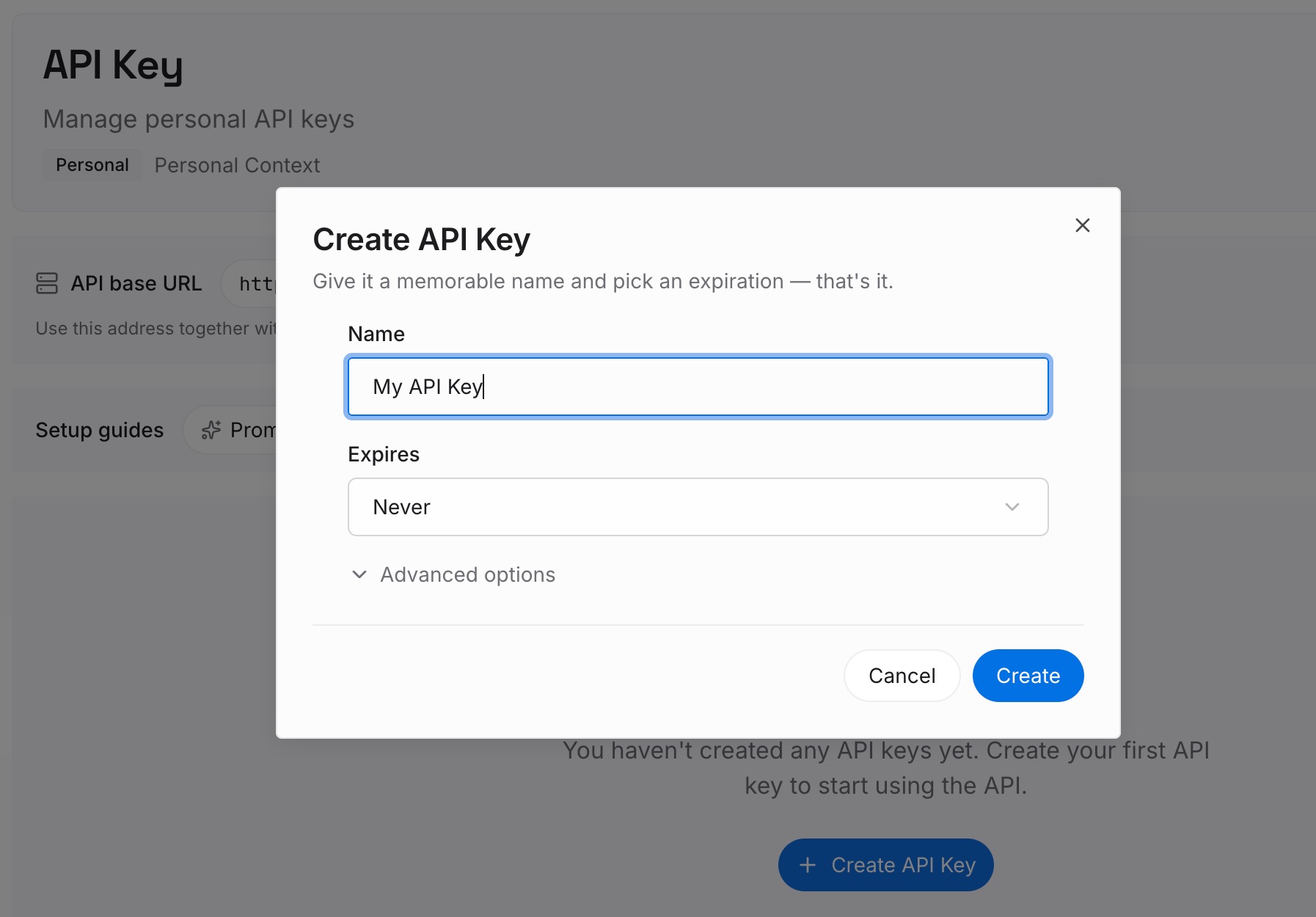
Step 1: Create an API key
Sign in and generate a key from the dashboard. The key belongs to your MemoryLake workspace, separate from your Perplexity and OpenAI accounts.
Step 2: Upload your first memories
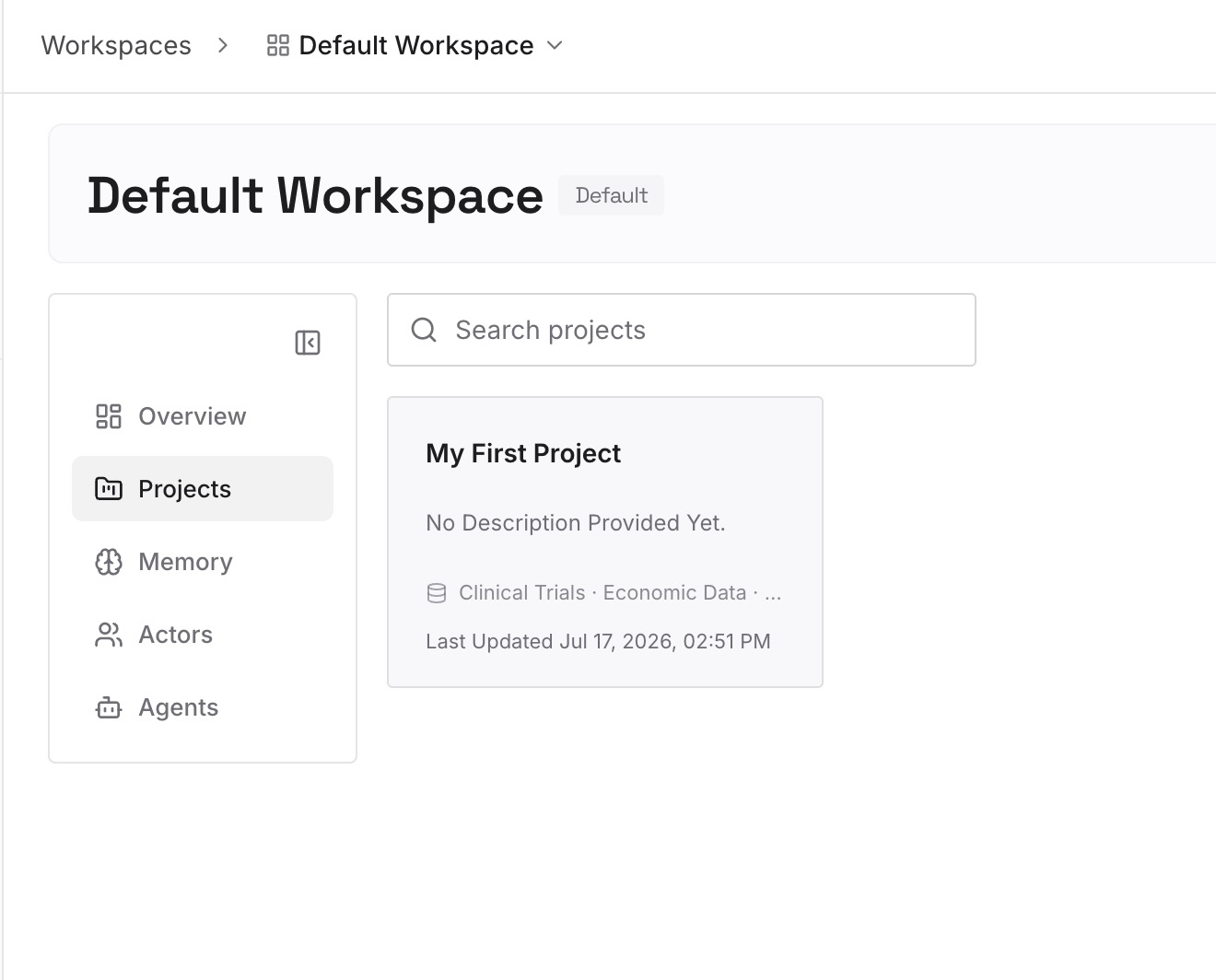
Start with the project summaries you wrote in Step 2 of the manual migration. One conclusion per entry, dated, with the key source named, so you can tell later where it came from.
Step 3: Connect your AI & agents
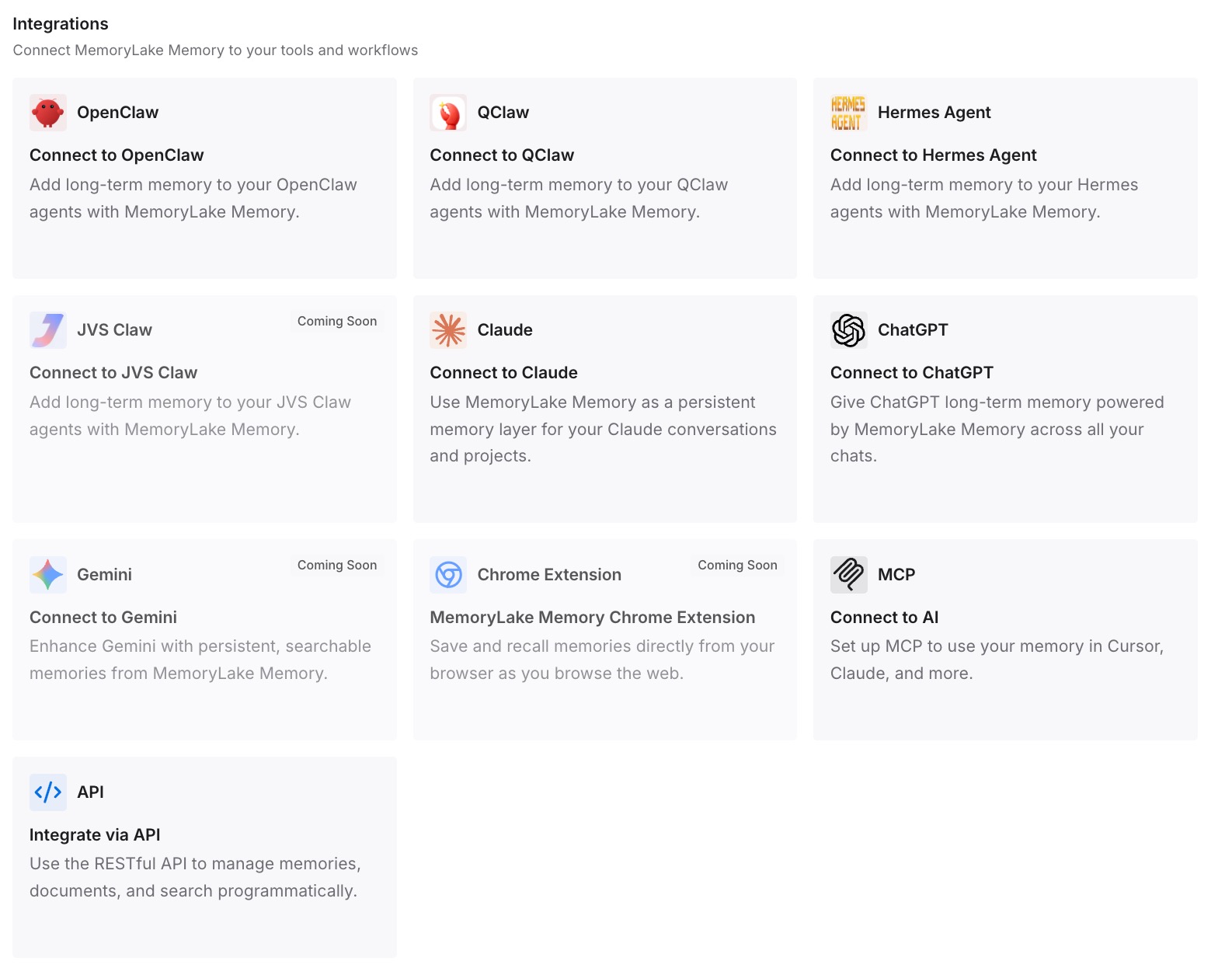
Connect ChatGPT, Perplexity and the other assistants you use. The same conclusions are then available in each, so a new question starts from what you already know.
What this changes in practice
The first difference is a cleaner start in ChatGPT. Each project begins with a curated picture of the research instead of a pile of exports, so answers are more consistent.
The second is that nothing important expires. Temporary, signed-out and incognito sessions all have clocks; a conclusion you have written down does not.
The third is that sources stay attached. Keeping the citations in the exported files, and naming the key source in each summary, preserves what made the original research trustworthy.
The fourth is that using both tools stops meaning two versions of your work. If Perplexity is where you research and ChatGPT is where you write, a shared set of conclusions keeps them aligned. For recurring searches you run in Perplexity, our guide to keeping Perplexity from forgetting previous searches covers the Perplexity side.
Best practices for moving Perplexity chat history to ChatGPT
Request the account export first. It is your complete backup.
Rescue sessions that can expire. Signed-out sessions last 14 days, incognito 24 hours.
Export selectively, in Markdown. Pick sessions with decisions and findings, not every lookup.
Keep the sources. Citations are what make research reusable.
Write a summary per project. It matters more than the files behind it.
Use project-only memory for old research. It keeps imported material inside its project.
Clean sensitive details before uploading. Credentials and other people's information should not travel.
Respect organization policies. Enterprise accounts can have their own retention and sharing rules.
Conclusion
Perplexity keeps your sessions in History until you delete them, and gives you two ways out: a per-session export as PDF, Markdown or DOCX, and an account-wide Export my data download. Some sessions, those created signed out, in incognito or as temporary sessions, expire on their own, so rescue them first.
On the ChatGPT side, the documented route for past conversations is a file used as reference. The migration that holds up is selective: back up everything, export the sessions that matter, and rebuild each topic in a ChatGPT project with a summary you wrote and the source sessions as reference.
Keep those summaries as your record of what you concluded. They will serve the next tool as well as this one.