
What actually changed
The rebrand and the engine swap
Cognition acquired the remaining product for roughly $250 million after Google DeepMind hired the founding team — CEO Varun Mohan, co-founder Douglas Chen, and key engineers — in a deal reported at about $2.4 billion. Three substantive things changed: the branding, the default interface (an editor canvas became an "Agent Command Center," a kanban board of active agents), and the local engine, with Cascade giving way to Devin Local.
The interface change matters more than it sounds. Windsurf was an editor with an agent attached; Devin Desktop is an agent manager that happens to contain an IDE. Your habits move, but the unit of work shifts from "file I am editing" to "agents I am running."
What carried over automatically
Configuration, in short. Rules files, editor setup, workflows, and account state made the trip. If your project conventions lived in .windsurfrules, they are still being read — which is the single best argument for having written them down in the first place.
What did not carry over
Everything you established in conversation with Cascade. The reason the payments module tolerates duplicate writes. The refactor that was attempted in March and abandoned, and why. Which test suite lies. That knowledge was never a file, and no rebrand can port what was never stored — the same gap covered in why Windsurf forgets your Cascade context and why Windsurf forgets your project rules.
Cascade also reached end of life with no extension and no opt-out. Whatever workflow depended on its specific behavior needed rebuilding on Devin Local, including subagent patterns that reviewers describe as still unreliable on multi-step tasks.
The manual migration
Step 1: Convert your rules into Devin-native form
Start with what already works. Open .windsurfrules, read it as if you were a new hire, and split it into the two things it is probably conflating:
- Standing instructions — conventions, formatting, review expectations, what never to touch. These belong in your rules file, and Devin Desktop still reads the Windsurf one while you migrate to the
.devin/layout. - Project facts — architecture, service boundaries, deprecations, decisions with reasons. These are not instructions; they are knowledge, and they grow.
Doing this split now is what makes the next step tractable.
Step 2: Rebuild the knowledge you only ever said out loud
Devin has a Knowledge system, and it is better than a single markdown file: entries live at the organization level, can be pinned to no repo, a specific repo, or all repos, persist across sessions, and are retrieved contextually rather than dumped in upfront. You can also invoke an entry deliberately with a macro such as !deploy-checklist.
Use it, with two caveats that come straight from the design. First, Devin reads the entire Knowledge contents, so the official guidance is to keep entries specific, concise, and current — split rather than write monoliths. Second, Knowledge is curated by you: nothing your agent learns during a session becomes an entry on its own. That is the manual labor this migration actually requires, and it is why Devin forgetting task context still happens on a well-configured setup.
Work through your last two weeks of agent conversations and write down anything you explained more than once. Repetition is the audit: whatever you kept re-typing is what was never stored.
The Better Way: Keep Your Project Memory Outside the Editor
Notice the pattern. Your rules survived because they were files in your repo. Your knowledge did not survive because it lived inside a tool that no longer exists. The lesson is not "write a bigger rules file" — it is to stop storing project knowledge in whichever agent you happen to be using.
MemoryLake sits outside the editor: architecture, decisions, and incident history live in one memory layer that Devin Desktop, Claude Code, Codex, or whatever replaces them next year all read from.
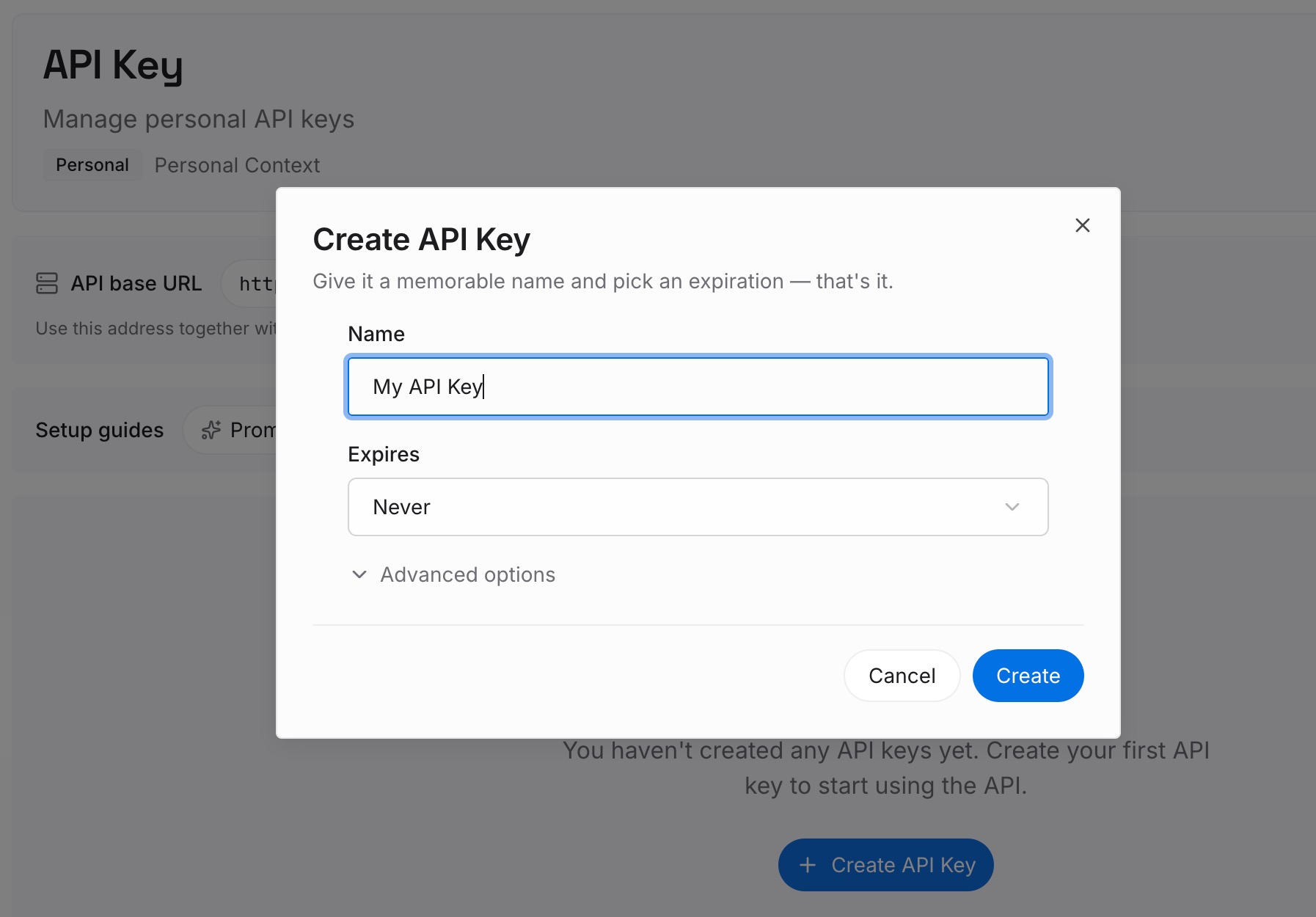
Step 1: Create an API key
Generate a key and make your first request in about 30 seconds.
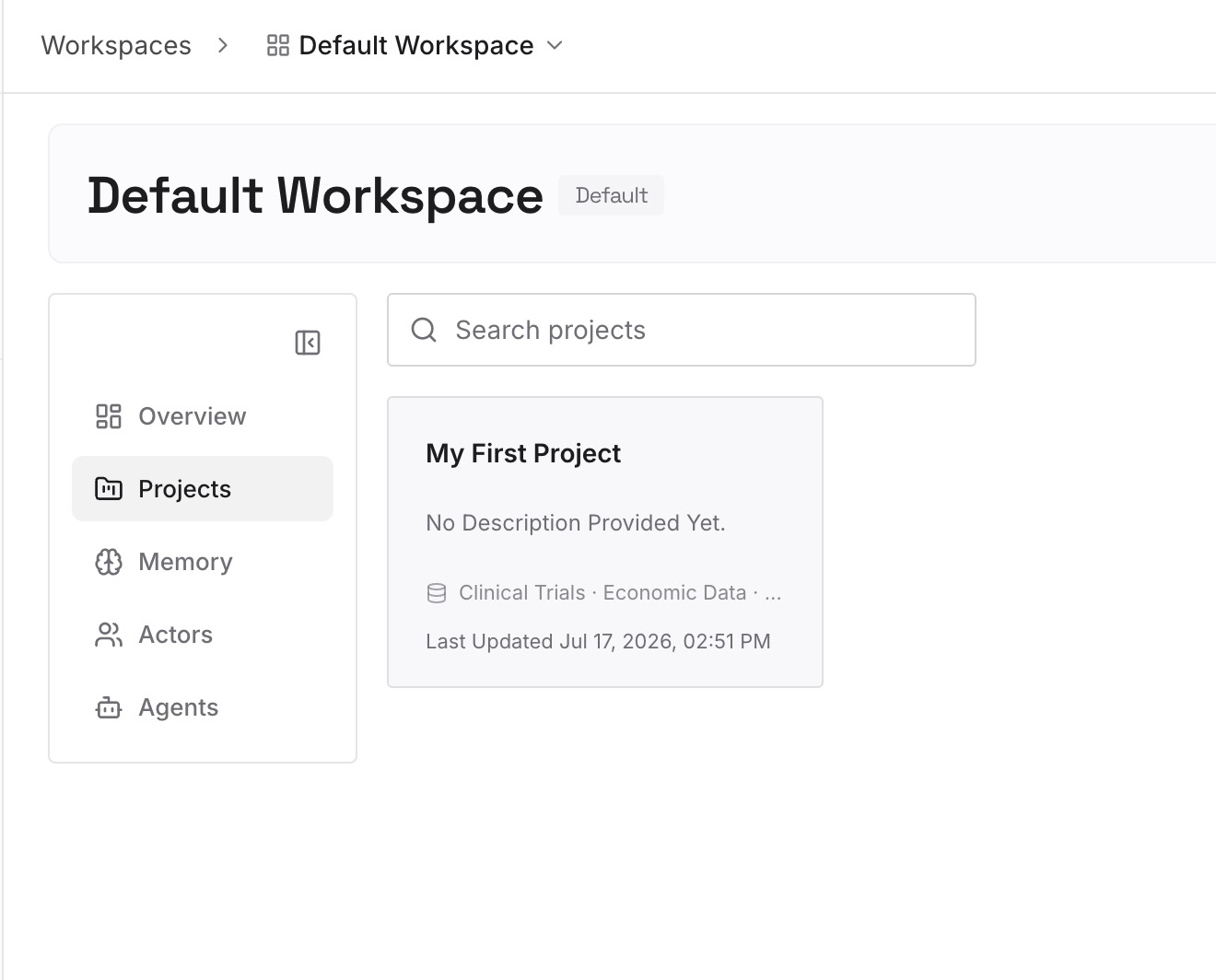
Step 2: Upload your first memories
Drop in the documents, images, and files that carry your project's real context — the rules file you just rewrote, architecture notes, ADRs, runbooks, post-mortems, API specs.
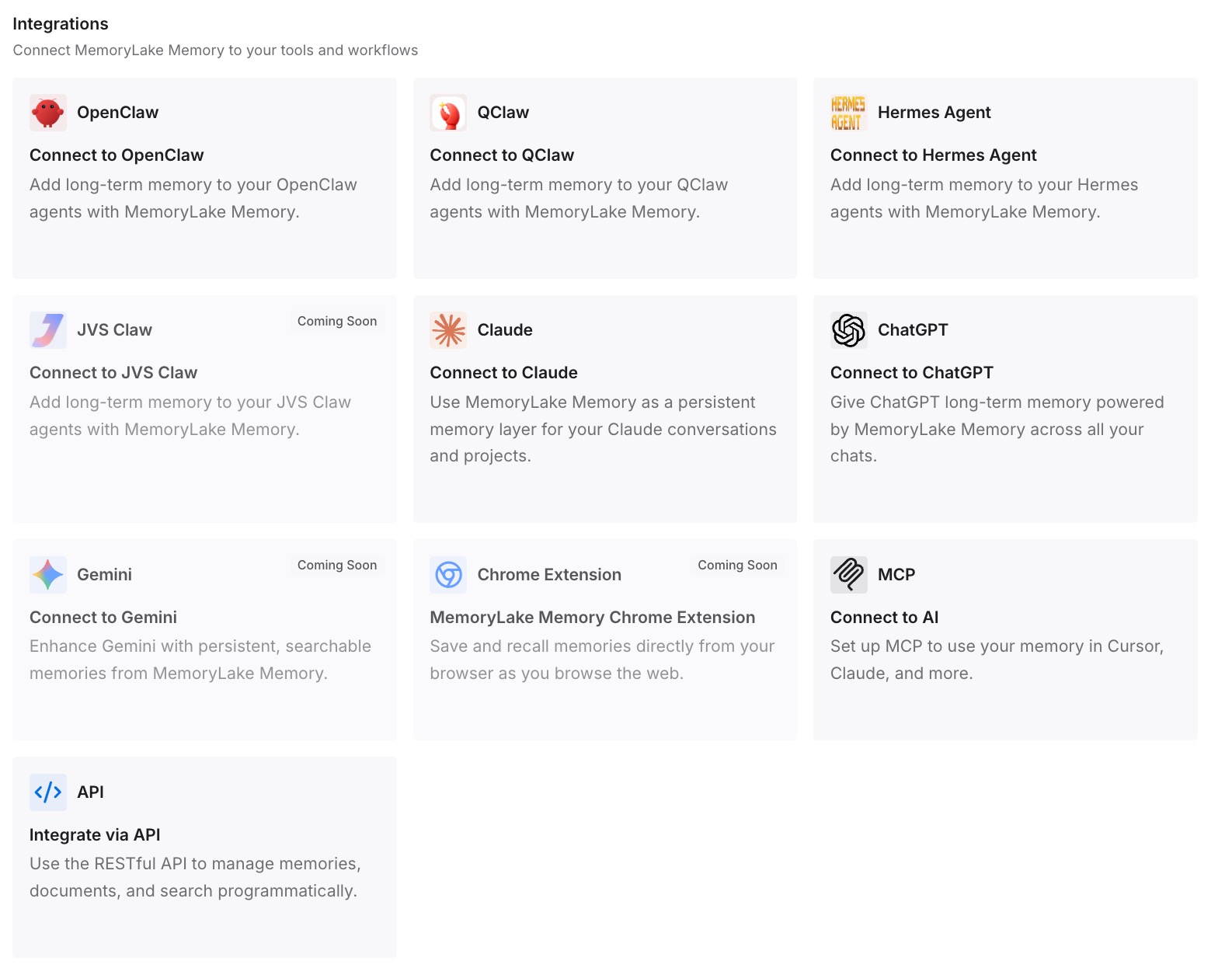
Step 3: Connect your AI & agents
Give Claude, Codex, OpenClaw, and your other agents access to that memory via MCP or the API. Keep Devin's Knowledge for Devin-specific operating instructions, and keep the durable project knowledge in the layer that outlives the tool. Related paths are covered in migrating from Cursor to Claude Code and why Claude Code forgets project context.
What the switch actually costs
Price the parts. Learning the Agent Command Center: a day of mild disorientation. Porting .windsurfrules and splitting it properly: an hour or two. Writing the Knowledge entries you should have had all along: half a day, and the only part that produces lasting value.
Then the recurring cost you avoid. If your standing project context is 2,000 tokens and it gets restated 20 times a day across sessions and agents, that is roughly 1.2M tokens a month spent repeating yourself, plus the four or five minutes of re-briefing at the start of every session. A forced migration is the cheapest possible moment to fix that, because you are already paying the rebuild cost once.
Best practices for this migration
Rebuild knowledge as small, dated, reasoned entries
"Postgres for chat history — Redis lost data under queue-mode workers, decided 2026-05" beats a paragraph of prose. Short entries retrieve well, and Devin's guidance to keep Knowledge concise is a constraint, not a suggestion.
Keep instructions and facts in separate homes
Instructions tell the agent how to behave and belong to the tool. Facts describe your system and belong somewhere tool-independent. Mixing them is why rules files grow until nobody trusts them.
Write once, read everywhere
Every time you explain something to an agent that you will need again, put it in the shared layer rather than the thread. That single habit is what makes the next rebrand — and there will be one — a configuration change instead of a knowledge-rebuilding project.
Conclusion
The Windsurf-to-Devin-Desktop transition was unusually gentle on configuration and completely indifferent to knowledge. Your keybindings, workflows, and .windsurfrules came through an unannounced engine swap intact. The months of context you built in Cascade conversations did not, because it was never anywhere it could be read from.
Devin's Knowledge system is a good place for curated operating instructions, and worth setting up properly now. But the thing that actually protects you is keeping project memory outside the editor entirely — so the next time a tool is renamed, deprecated, or acquired, the only thing you have to migrate is a connection.