
Why scheduled tasks start over
A standalone run is a new chat, on purpose
The default shape of a scheduled task is independence. Each run opens fresh, does the work described in the saved prompt, and reports into Scheduled, which OpenAI describes as an inbox: "Scheduled task runs with findings appear there, and an unread indicator shows when a run needs your attention."
That is a good design for anything idempotent — a weekly report, a nightly check, a monthly summary. It is also why a triage task repeats itself. Nothing in the documentation describes a place where one run's conclusions are kept for the next one, other than that inbox, which is for you to read rather than for the task to read.
It is worth being precise here, because this is the point where people over-conclude. What the docs state is that each standalone run starts a new chat. What they do not state is anything about a run inheriting the previous run's findings, and there is no documented between-runs store for a task's own working notes. If you need continuity, you have to arrange it — which is what the rest of this article is about.
The two modes are different products, and the default is the forgetful one
There is a second mode, and it is the direct fix for cumulative work: "Schedule a task inside an existing chat when you want ChatGPT to return to that chat on a schedule. The scheduled task uses the chat's existing context instead of starting from a new prompt each time."
The documentation is explicit about when to use which. For ongoing work "that should keep using the same context," schedule inside a chat. Use standalone "when each run should be independent or when findings should appear as separate runs in Scheduled." Its list of in-chat use cases includes "checking a long-running operation until it finishes," "reminding ChatGPT to continue a review loop at a fixed cadence," and "continuing an ongoing research or triage chat without losing its context."
Most people never see this choice, because creating a task from a prompt bar produces the standalone kind.
Event triggers make the boundary sharper, not softer
The August 25 addition lets a task run "when a supported Gmail, Slack, or GitHub event occurs." The division of labour is stated plainly: "The trigger determines when the task runs; the saved prompt determines what each run does."
Nothing in that sentence accumulates. A trigger fires, a saved prompt runs. Two constraints reinforce it: "One task can use multiple event triggers, but it can't combine event triggers with a time-based schedule," and "When several matching events arrive close together, ChatGPT may combine them in one run." Event-triggered tasks are also web and mobile only — "They aren't available in the ChatGPT desktop app, Codex CLI, or the IDE extension."
So the most reactive version of scheduled tasks is also the most stateless one. That is not a flaw; it is what a trigger is.
Where the run happens decides what it can see
Three surfaces, three sets of reach. On the web, "Web tasks can use uploaded context and connected tools, but they can't work directly in a folder on your computer." In the desktop app, tasks "can work with local projects and run in the project directory or an isolated worktree," with two hard conditions: "Keep the computer on and the app running when a scheduled task needs local files," and "The selected project must still be available on disk when the task is scheduled to run." The CLI and IDE extension have no scheduled-task management interface at all.
A task that reads your repo every morning and a task that reads your inbox every morning are not the same kind of task, and they fail in different ways.
What people try
Pasting last week's findings into the prompt. It works for one week. Then the prompt is a changelog, it grows every time you edit it, and nobody can tell which line is an instruction and which is a note.
Scheduling inside a chat and never pruning it. The right mode, applied without maintenance. The thread accumulates every run, and eventually the useful state is buried under twenty routine "nothing to report" turns.
Shortening the interval. In-chat tasks support minute-based intervals for "active follow-up loops," and it is tempting to treat frequency as a substitute for continuity. It is not, and it spends usage on runs with nothing to do.
Assuming a project holds task state. Projects keep related chats, files, and sources together. That is organisation, not a place a task writes to — and what a project does and does not share is covered in why ChatGPT projects don't share memory.
Concluding scheduled tasks can't do cumulative work. They can. The mode exists, the docs name it, and the missing piece is a durable place to read from — not a missing feature.
The Fix: Decide What Each Run Should Inherit, Then Give It Somewhere to Read
Start by sorting the task, because the mode is a real decision and picking wrong is most of the problem.
If each run genuinely stands alone — a report, a check, a summary — keep it standalone and let Scheduled be your inbox. If the run needs to know what happened last time, schedule it inside a chat, and take OpenAI's advice about the prompt seriously: "make the prompt durable. It should describe what ChatGPT should do on each scheduled run, how to decide whether there is anything important to report, and when to stop or ask you for input." That last clause is the one people skip, and it is what stops a loop reporting forever.
There is a second lever worth using. The docs recommend packaging the action itself: "To keep scheduled tasks maintainable and shareable across teams, use skills to define the action and provide tools and context. Select or invoke a specific skill in the task prompt when the workflow shouldn't rely on automatic tool selection." A skill holds the procedure stably across runs. It does not hold what changed since yesterday.
Which leaves the part neither the mode nor the skill covers: the accumulated state. MemoryLake is a memory layer that sits outside any single tool, so a fresh run has something to read before it decides what is new. Setup is three steps.
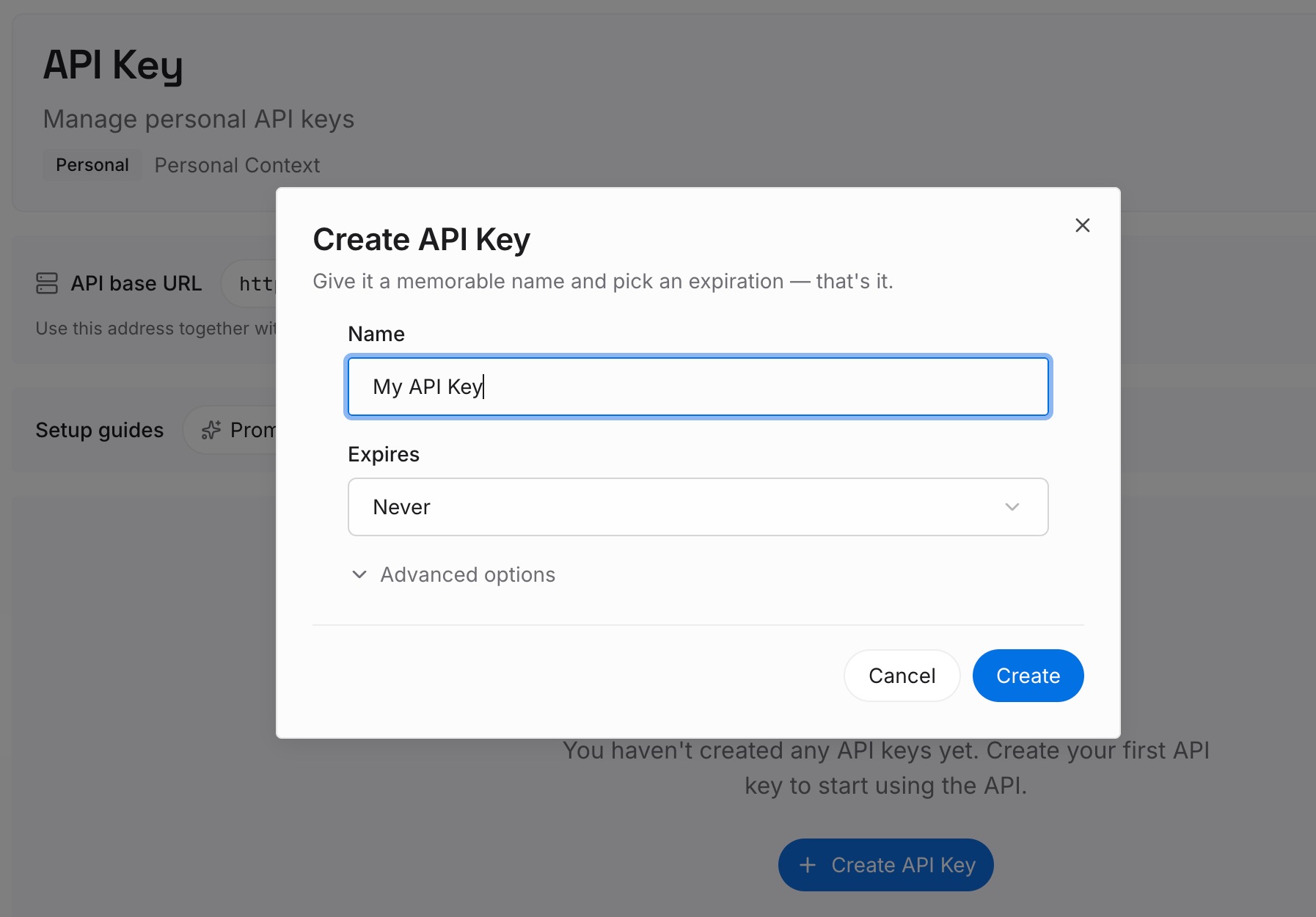
Step 1: Create an API key
Sign in and create an API key. One credential across the tools you connect.
Step 2: Upload your first memories
Short entries, one claim each. For a recurring task, the useful entries are the ones that make "is this new?" answerable:
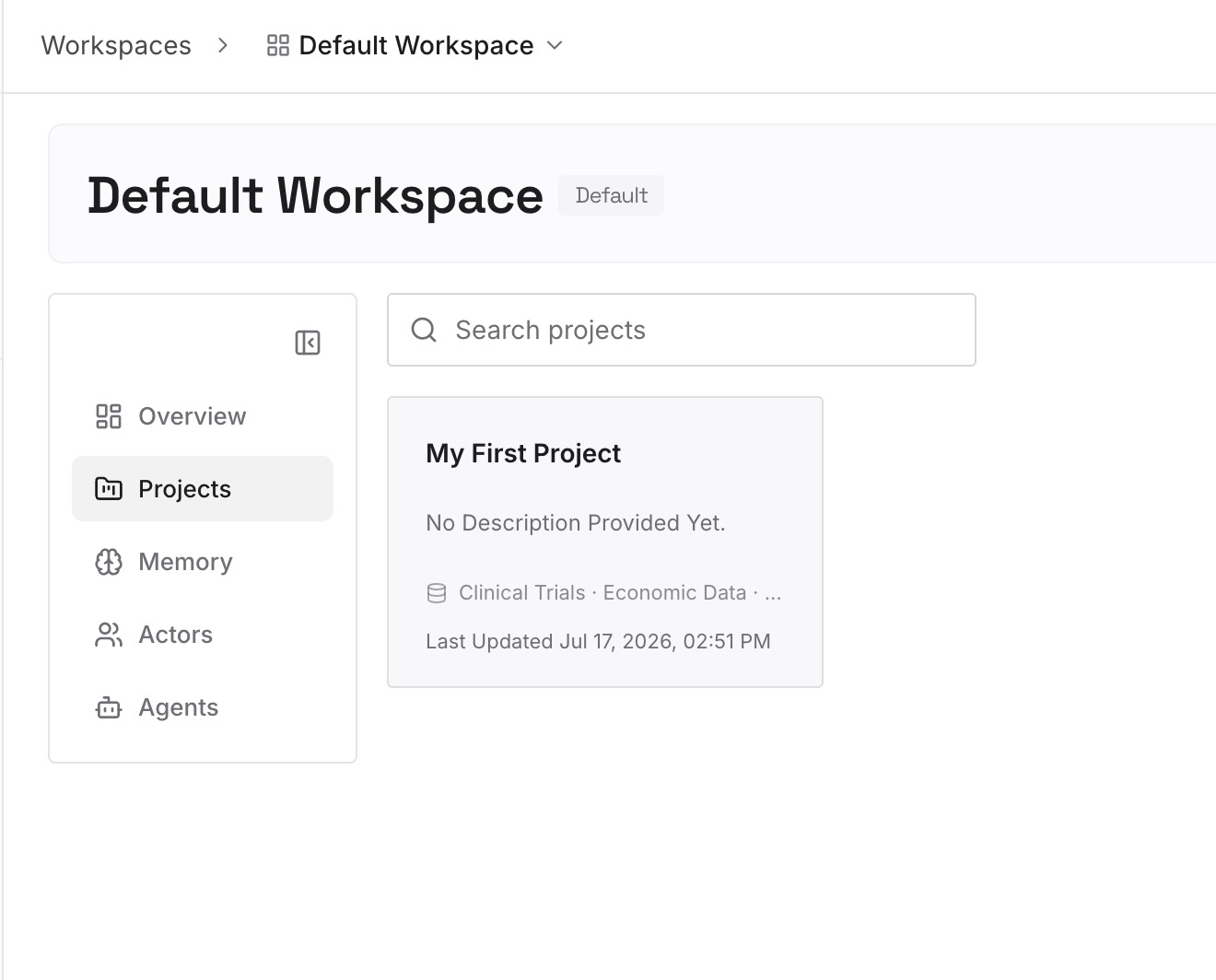
What has already been handled. The issue you triaged, the alert you dismissed and why, the customer question already answered. This is the entry that stops the day-four repetition.
Standing decisions the task should respect. Which labels mean ignore, which repositories are frozen, who owns which service. Facts that would otherwise be re-pasted into the prompt every time you edit it.
Thresholds and definitions. What counts as urgent, what counts as noise. A run cannot apply your judgement unless your judgement is written somewhere.
Pointers outward. The dashboard, the runbook, the tracker — the things a task cannot find in an inbox or a folder.
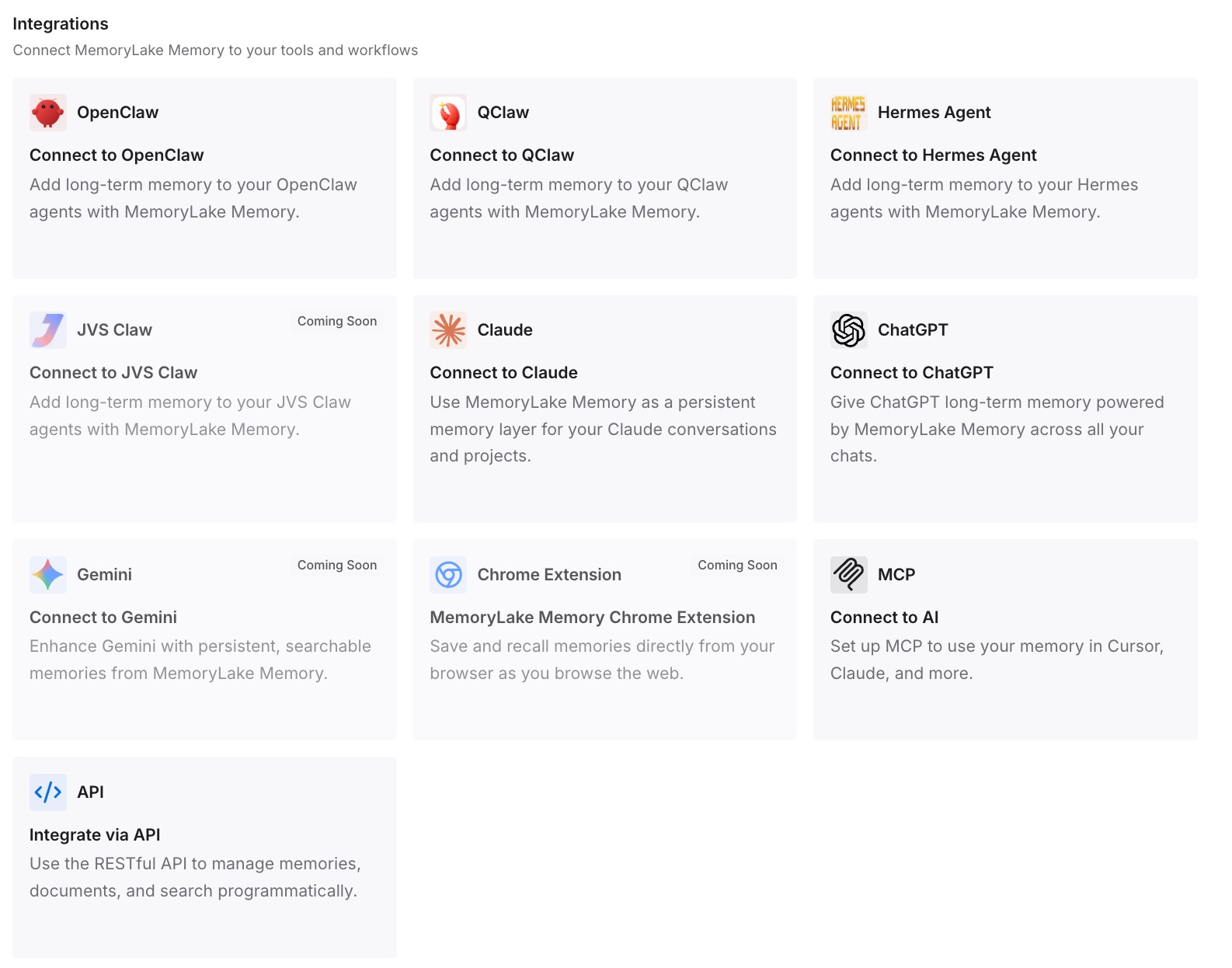
Step 3: Connect your AI & agents
Connect what you use. MemoryLake is reachable over MCP and over an API, and ChatGPT supports connected tools, so a scheduled task can consult the same memory each run. Codex, Claude Code, Cursor, and Cline read the same memory too, which matters when the task is one step in something a person finishes elsewhere.
Three honest limits. This does not change how scheduled tasks run — a standalone run still opens a new chat, and event triggers still fire per event. It is not a replacement for the in-chat mode where genuine conversational continuity is what you need. And memory is context, not enforcement: anything that must be true every time belongs in a check that fails, not in a note an agent may or may not act on.
What this changes in practice
Repetition stops being the default. A run can check what has already been handled before it reports.
The prompt stops being a scratchpad. Instructions stay instructions; state lives somewhere it can be updated without editing the task.
Event-triggered tasks become usable for real workflows. A trigger that fires per pull request comment can still know what your team decided last week.
You get to pick the mode on purpose. Independent runs stay clean; cumulative runs get a durable prompt and a place to read from.
Best practices for recurring ChatGPT tasks
Choose the mode before you write the prompt. Standalone for independent runs, in-chat for anything cumulative. The docs say which is which; the default is standalone.
Make in-chat prompts durable. What to do each run, how to decide whether anything is worth reporting, and when to stop or ask. All three, in the prompt.
Do not use frequency as a substitute for state. Minute-based intervals are for active follow-up, not for continuity.
Expect batching on event triggers. Several matching events arriving together "may" be combined into one run, so write the prompt to handle a batch rather than a single item.
Complete the connection checklist. For Slack, @ChatGPT has to be in every channel the task watches; reactions, edits, deletes, and direct messages are not supported. For GitHub, the connected app needs access to the repository.
Check the admin gate before debugging. In managed workspaces, access is controlled by an Allow event-triggered scheduled tasks permission. A task that never fires may be a policy, not a bug.
Mind the local conditions on desktop tasks. The machine has to be on, the app running, and the project still on disk. Worktrees keep task changes away from work in progress.
Put the procedure in a skill and the state in memory. They are different things — the distinction is in why agent skills aren't memory.
Conclusion
The repetition is not a malfunction. Standalone scheduled tasks "start a new chat for each scheduled run," and that independence is a documented feature meant for work where every run should stand alone. The trouble starts when the task is cumulative and the mode is not.
OpenAI documents the alternative in the same page: schedule inside an existing chat and "the scheduled task uses the chat's existing context instead of starting from a new prompt each time," with a durable prompt that says what to do, how to judge what is worth reporting, and when to stop. Package the procedure as a skill so it stays stable across runs. And for event-triggered tasks — the newest and most stateless shape — accept that a trigger plus a saved prompt is all the continuity the mechanism itself provides.
What is left is the state: what has been handled, what counts as urgent, what the team already decided. Keep that outside the task prompt, in a layer a fresh run can read, and the fourth run stops repeating the second one. The general version of this argument, applied to agents whose runs are stateless by construction, is in why OpenClaw forgets previous runs and memory for stateless MCP servers.