
What Is an AI Meeting Memory Tool
An AI meeting memory tool is a specialized software application or foundational infrastructure designed to capture, retain, synthesize, and recall information from your business conversations.
- Persistent Context Retention: Unlike simple recorders that treat every single call as a blank slate, these advanced tools remember details from past conversations and intuitively apply them to current and future discussions, creating a true cognitive timeline.
- Automated Knowledge Structuring: They automatically organize messy, unstructured human dialogue into neat, structured data, categorizing action items, final decisions, and key recurring themes without requiring any manual data entry.
- Semantic Retrieval: They allow users to search for past information using natural language queries rather than exact keywords. For example, you can simply ask, "What did we decide about the marketing budget last month?" and get an instant, accurate answer.
- Cross-Session Awareness: High-end memory tools and infrastructures bridge the cognitive gap between different meetings, creating a continuous, unbroken timeline of your professional interactions and project evolutions over months or even years.
What to Look for in an AI Meeting Memory Tool
When evaluating an AI memory solution for your meetings, you need to look far beyond basic speech-to-text transcription capabilities to find a tool that actually understands your workflow.
- Persistent Memory Infrastructure: The tool must have a highly robust backend capable of retaining long-term knowledge across multiple independent sessions, ensuring that context is never lost as projects grow in complexity.
- Seamless Integration: It should effortlessly connect with your existing communication stack, easily plugging into popular video conferencing platforms, email clients, and project management workspaces.
- Privacy and Security Standards: Because professional meetings contain highly sensitive corporate data, trade secrets, and personal information, you must look for end-to-end encryption, SOC 2 compliance, and crystal-clear data ownership policies.
- Advanced AI Search and Chat: The ability to naturally converse with your entire meeting history via an intuitive AI chatbot interface is absolutely crucial for quick, frictionless information retrieval during busy workdays.
- Developer Flexibility: For technical teams building custom internal agents, having access to an API or a dedicated, persistent memory layer to connect with existing AI models and application infrastructures is highly advantageous.
10-Product Comparison Table
| Product | Best For | Key Feature | Pricing (Starting At) |
|---|---|---|---|
| 1. MemoryLake | Persistent AI Infrastructure | Cross-session continuous memory | $19/month |
| 2. Mem | Self-organizing workspaces | AI-powered automatic tagging | $9/month |
| 3. MemoryBase | Developer memory databases | Vector storage for AI agents | $9/month |
| 4. NotebookLM | Source-grounded research | Document-specific AI chatting | Free |
| 5. Notion AI | All-in-one team collaboration | Integrated workspace memory | $10/month |
| 6. Memdex | Personal knowledge indexing | Rapid semantic retrieval | $7/month |
| 7. Personal AI | Creating digital twins | Messaging-based memory | Custom |
| 8. Claude Projects | Complex persistent projects | Massive context window | $22/month |
| 9. Memobase | Transcript knowledge bases | Audio-to-text structuring | $9/month |
| 10. Memori | Simple call assistance | Real-time meeting insights | Custom |
1. MemoryLake
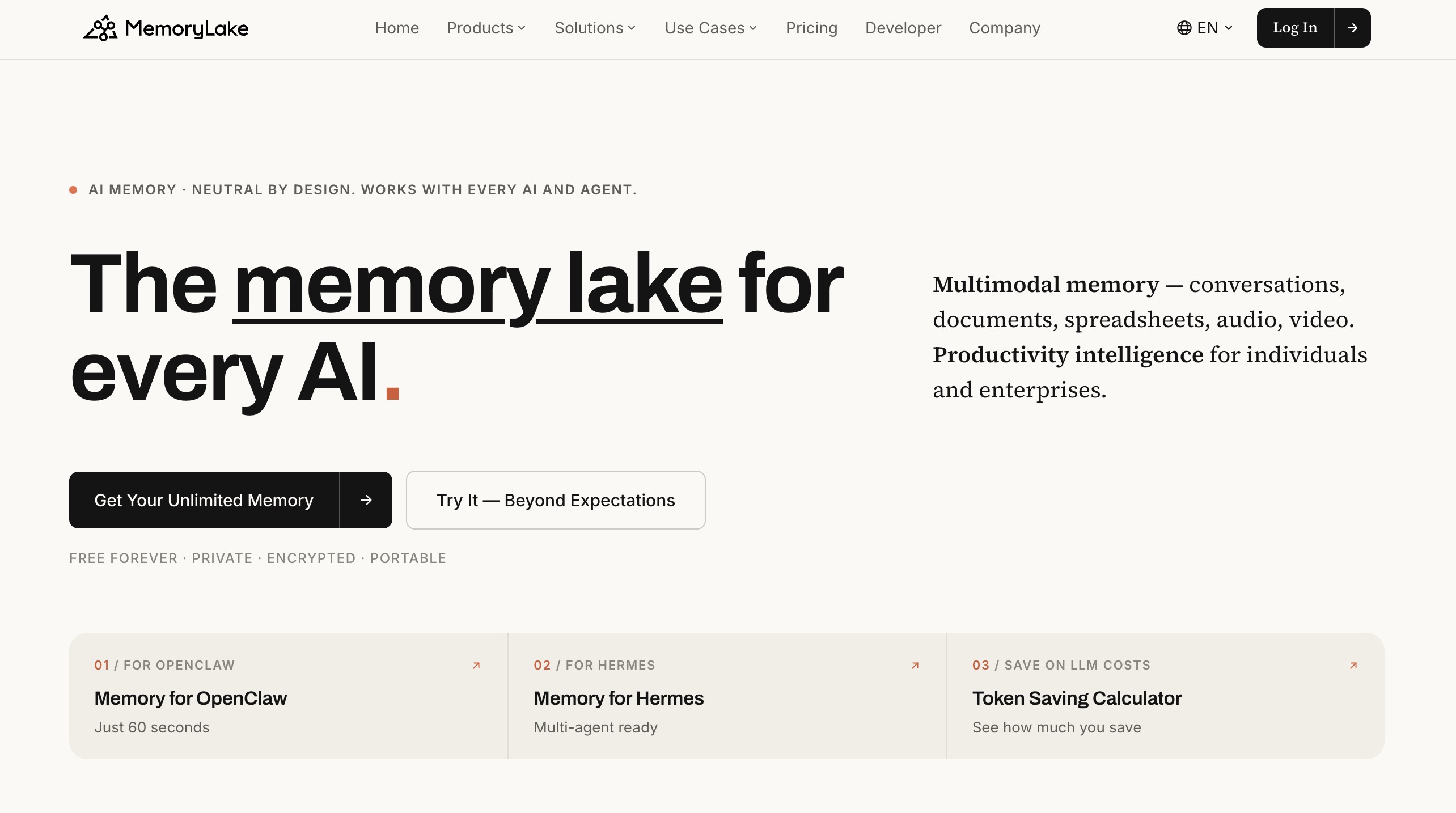
MemoryLake is a persistent memory infrastructure designed to help AI agents and applications maintain context across conversations, tasks, and sessions. Instead of treating every interaction as a fresh start, it enables AI systems to store, organize, retrieve, and reuse relevant information over time. This can include user preferences, historical interactions, important facts, task context, and other long-term knowledge.
MemoryLake is suitable for a wide range of AI applications, from personal assistants and customer support agents to AI-powered workflows, multi-agent systems, and interactive virtual characters. Its focus on persistent, structured memory makes it easier for developers to build AI experiences that feel more consistent, personalized, and context-aware.
For teams building agents that need to remember users and previous interactions, MemoryLake provides a dedicated memory layer that can complement existing AI models, agent frameworks, and application infrastructure. It is particularly useful when maintaining continuity and personalized context is critical to the user experience in your recurring meetings.
Key Features
- Dedicated persistent memory layer allowing for flawless cross-session continuity.
- Seamless, powerful integration with existing AI models and agent frameworks.
- Advanced architectural infrastructure for storing and structuring historical interactions.
Pros
- Provides unparalleled continuity and context across an infinite number of meeting sessions.
- Highly flexible, scalable, and developer-friendly for building custom workflows.
- Dramatically improves personalized context, resulting in a superior user experience.
Cons
- May require some technical setup or developer input for highly customized applications.
- Primarily targets teams and developers rather than casual solo users looking for a basic app.
Pricing
Freemium, paid plan starts at $19/month.
2. Mem
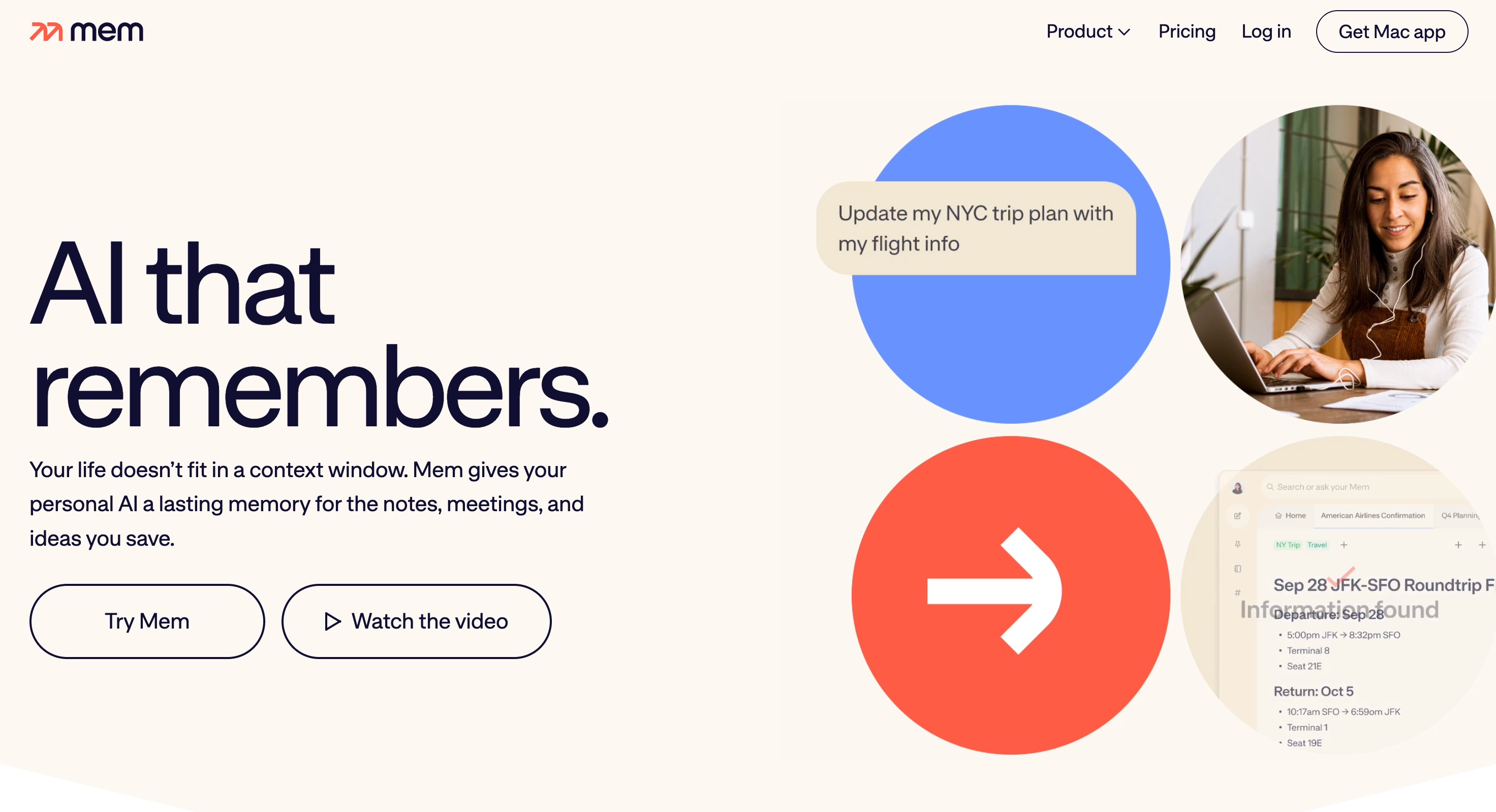
Mem is a highly innovative, AI-powered workspace designed to be entirely self-organizing. It effectively removes the need for manual folders and tags by using its AI core to understand the deep semantic relationships between your meeting notes, daily thoughts, and corporate documents. When you drop meeting transcripts or unstructured notes into Mem, it instantly links them to previous relevant conversations automatically.
Key Features
- Self-organizing semantic workspace that requires zero manual folder management.
- Mem X AI chat designed for instantly querying past meeting notes and documents.
- Automated syncing with your daily email communications and calendar events.
Pros
- Completely eliminates the tedious need for manual file organization and tagging.
- Features a clean, minimalist, and incredibly fast user interface.
- Excellent for personal note-takers and creative thinkers.
Cons
- Currently lacks native audio/video recording capabilities for live meetings.
- The workspace can become visually cluttered if a massive amount of data is dumped at once.
Pricing
Starts at $9/month.
3. MemoryBase
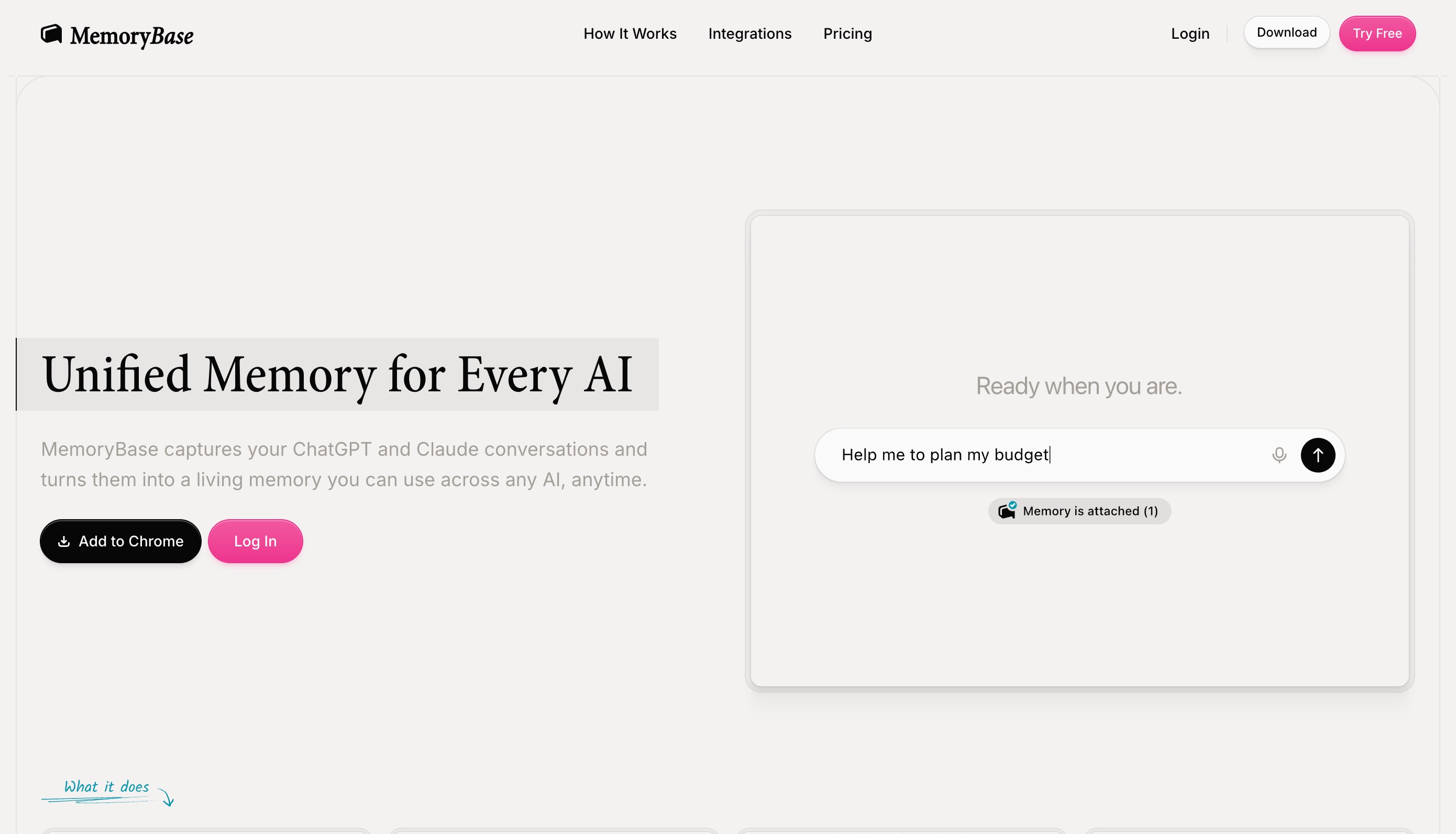
MemoryBase serves as a highly robust foundational database designed specifically for AI memory retention. It allows technical teams, developers, and heavy power users to dump massive amounts of meeting data, call transcripts, and company wikis into a vectorized database, effectively turning static, dead text into a highly queryable AI memory bank for the entire organization.
Key Features
- High-performance vector database optimized specifically for AI agents.
- Extensive API access for creating custom meeting and workflow integrations.
- High-speed data retrieval engineered for large, enterprise-level datasets.
Pros
- Extremely scalable, making it perfect for massive organizations with thousands of meetings.
- Great for technical users needing raw, unfiltered database power.
- Provides a high degree of data control, governance, and enterprise privacy.
Cons
- Presents a steep learning curve for non-technical or casual business users.
- Requires third-party tools or integrations to capture the actual meeting audio.
Pricing
Starts at $9/month.
4. NotebookLM
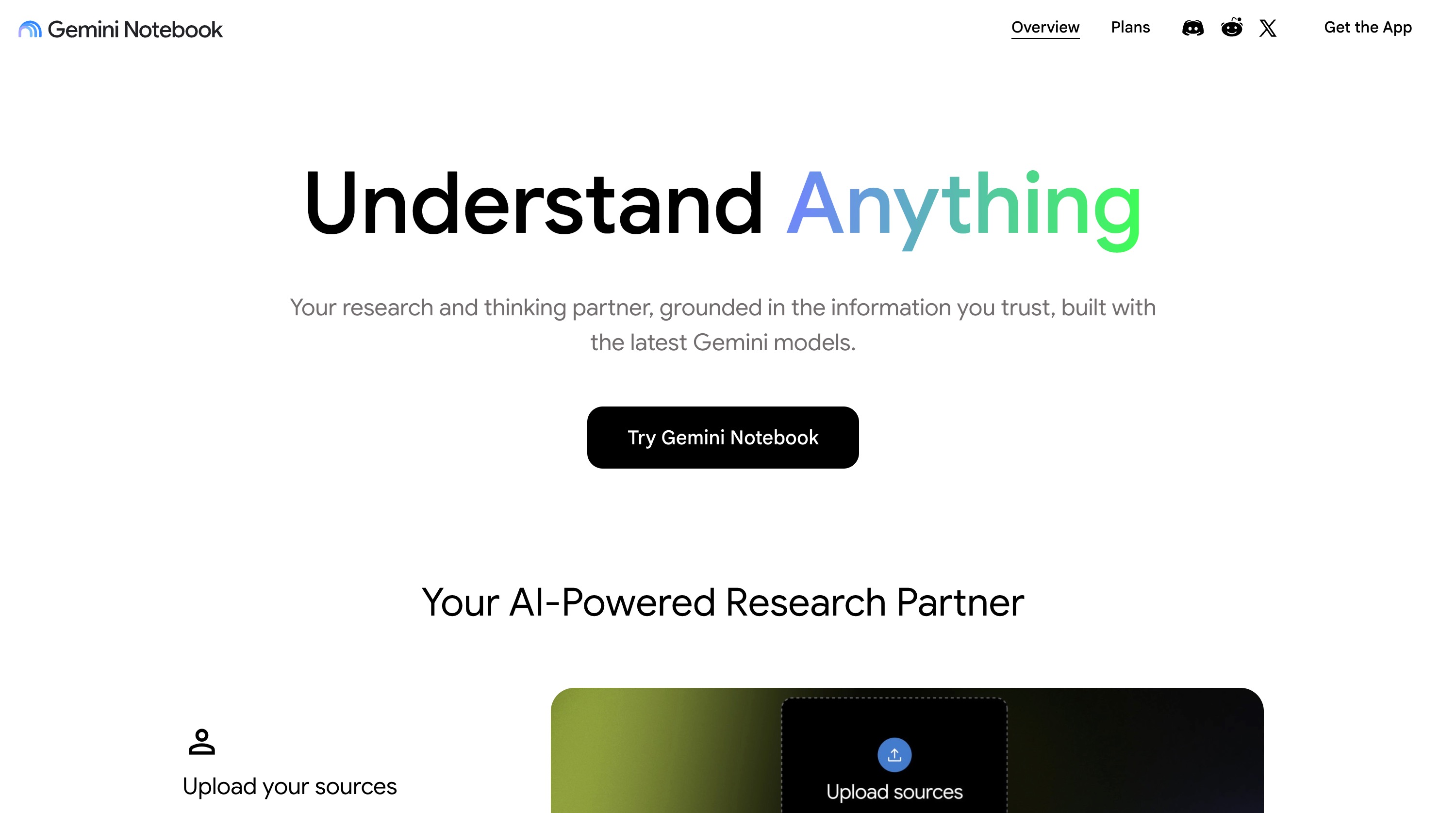
Developed by Google, NotebookLM (now branded Gemini Notebook) is an incredibly powerful AI research assistant that grounds its answers exclusively in the documents you choose to upload. By uploading a semester's or a quarter's worth of meeting transcripts, it acts as a highly focused virtual memory assistant that can summarize complex decisions, extract specific quotes, and answer intricate questions based strictly on your historical meetings.
Key Features
- Strictly source-grounded AI responses designed to completely eliminate hallucinations.
- Automatic generation of comprehensive study guides, FAQs, and executive summaries.
- Robust support for multiple document types including PDFs, Google Docs, and raw text files.
Pros
- Highly accurate and trustworthy since it relies only on your provided source materials.
- Completely free to use for anyone with a standard Google account.
- Offers excellent analytical capabilities for breaking down dense, technical meetings.
Cons
- Does not have the capability to automatically join, record, or transcribe live meetings.
- Features a limited context window cap across massive numbers of large files.
Pricing
Free.
5. Notion AI
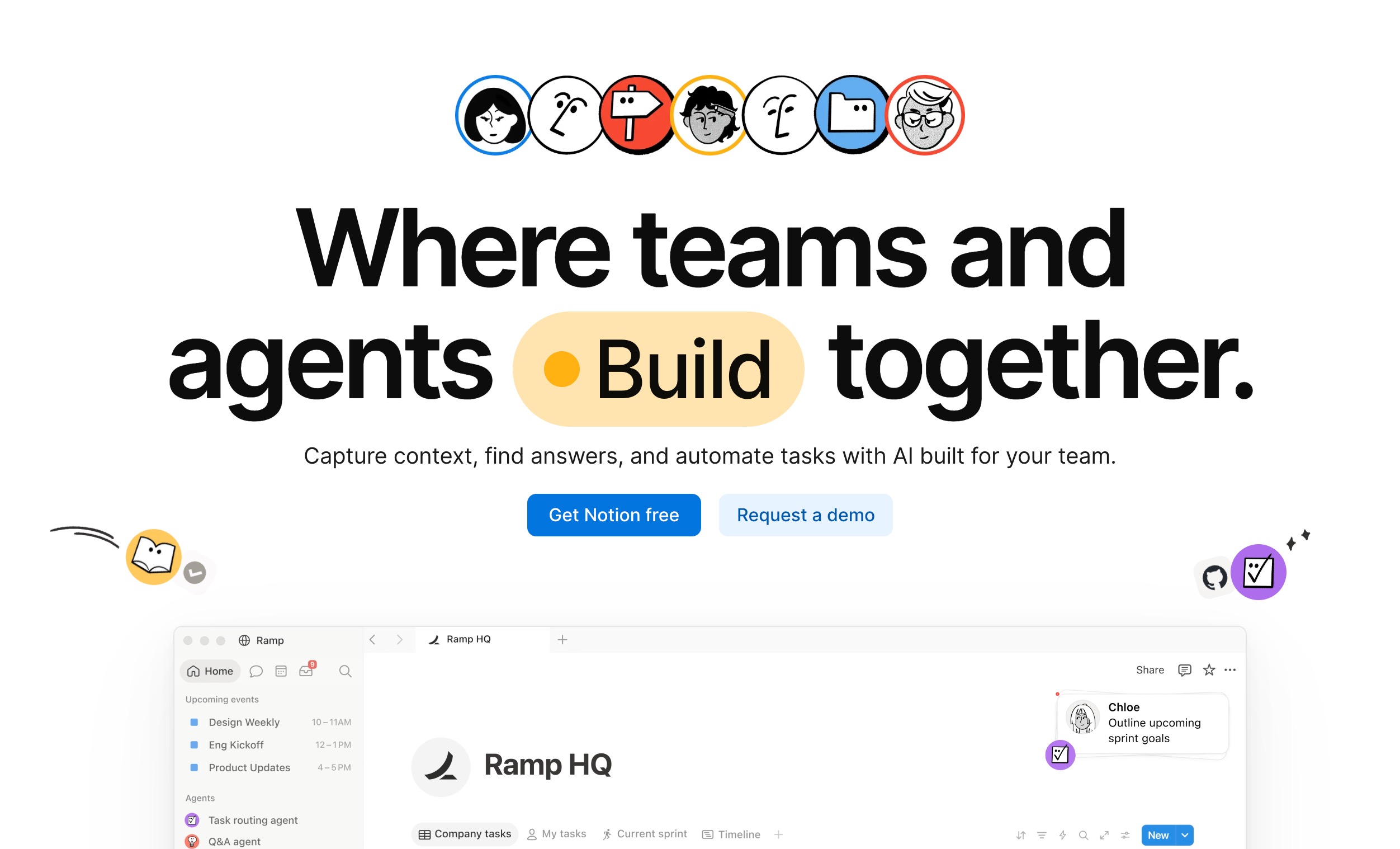
Notion AI seamlessly brings powerful artificial intelligence directly into the immensely popular Notion workspace. If your entire team already uses Notion to store project plans and meeting notes, Notion AI acts as a built-in memory retrieval tool that can intelligently summarize past meetings, pull assigned action items across dozens of different pages, and even write follow-up emails based on historical context.
Key Features
- Native, deeply integrated AI functionality within the broader Notion ecosystem.
- Automated action item extraction, assignment, and progress tracking.
- A powerful Q&A feature allowing you to search conversationally across your entire workspace.
Pros
- Absolutely perfect if your organization already relies on Notion for daily operations.
- Highly collaborative environment for cross-functional teams and departments.
- Combines AI memory with rich text formatting and robust database capabilities.
Cons
- Not a dedicated live meeting recorder or transcription service.
- The AI features cost an extra monthly fee on top of standard base plans.
Pricing
Starts at $10/user/month.
6. Memdex
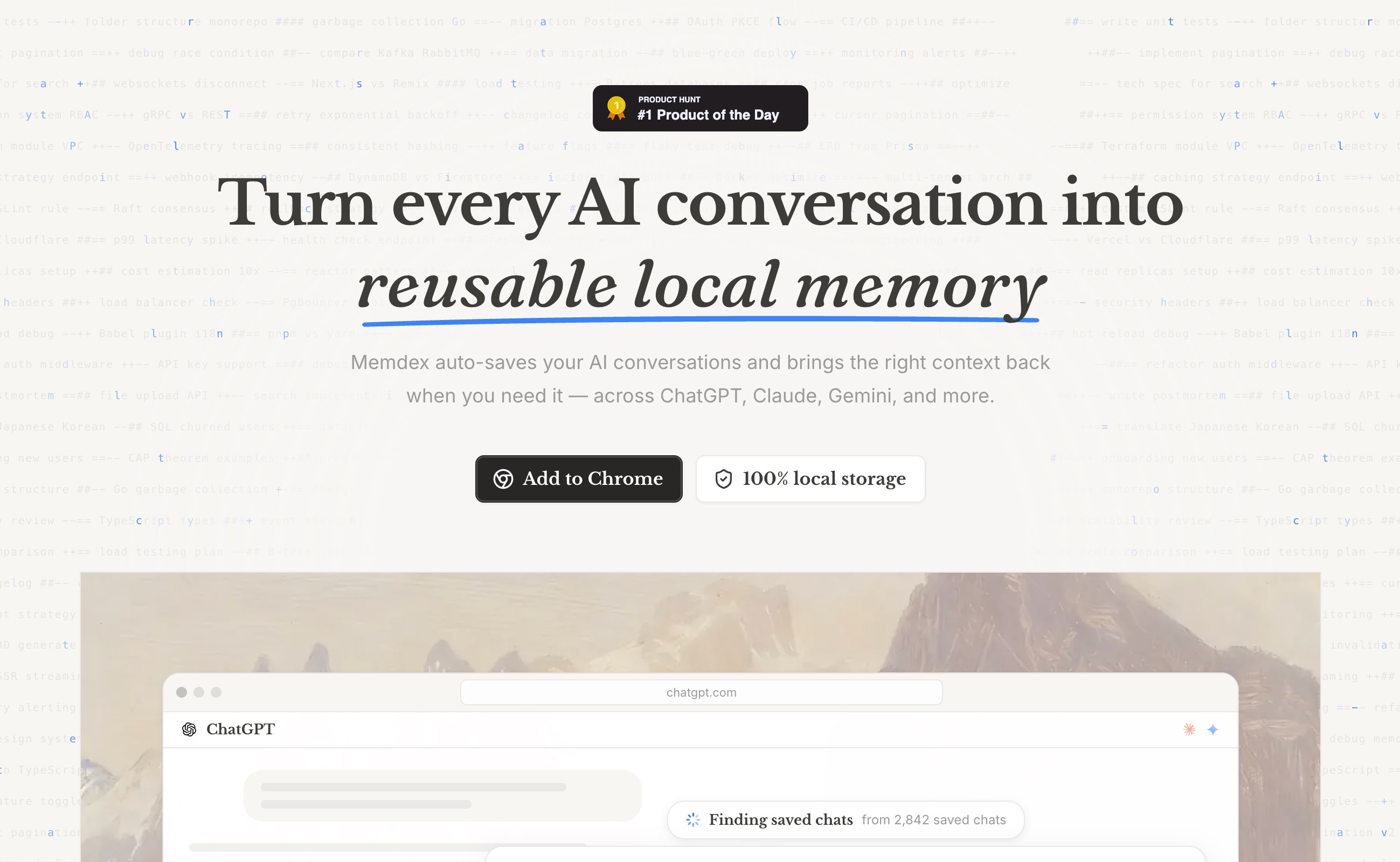
Memdex is a specialized, highly visual indexing tool explicitly designed to create a personal memory index of your digital life, placing a heavy focus on professional meetings and brainstorming sessions. It meticulously links concepts together, allowing you to trace back the origin of a specific idea or decision to a meeting held months or even years ago.
Key Features
- Deep semantic indexing of unstructured notes, memos, and meeting transcripts.
- Interactive, visual relationship graphs showing how different meeting topics connect.
- Intuitive quick-capture tools for logging on-the-go thoughts immediately after a call.
Pros
- Provides a highly visually intuitive way to see how distinct meetings and projects connect.
- Fast, responsive, and highly accurate search functionality.
- Particularly excellent for visual thinkers, architects, and product managers.
Cons
- Has a smaller user community and fewer native third-party integrations.
- Requires a bit more manual input and maintenance of meeting data.
Pricing
Starts at $7/month.
7. Personal AI
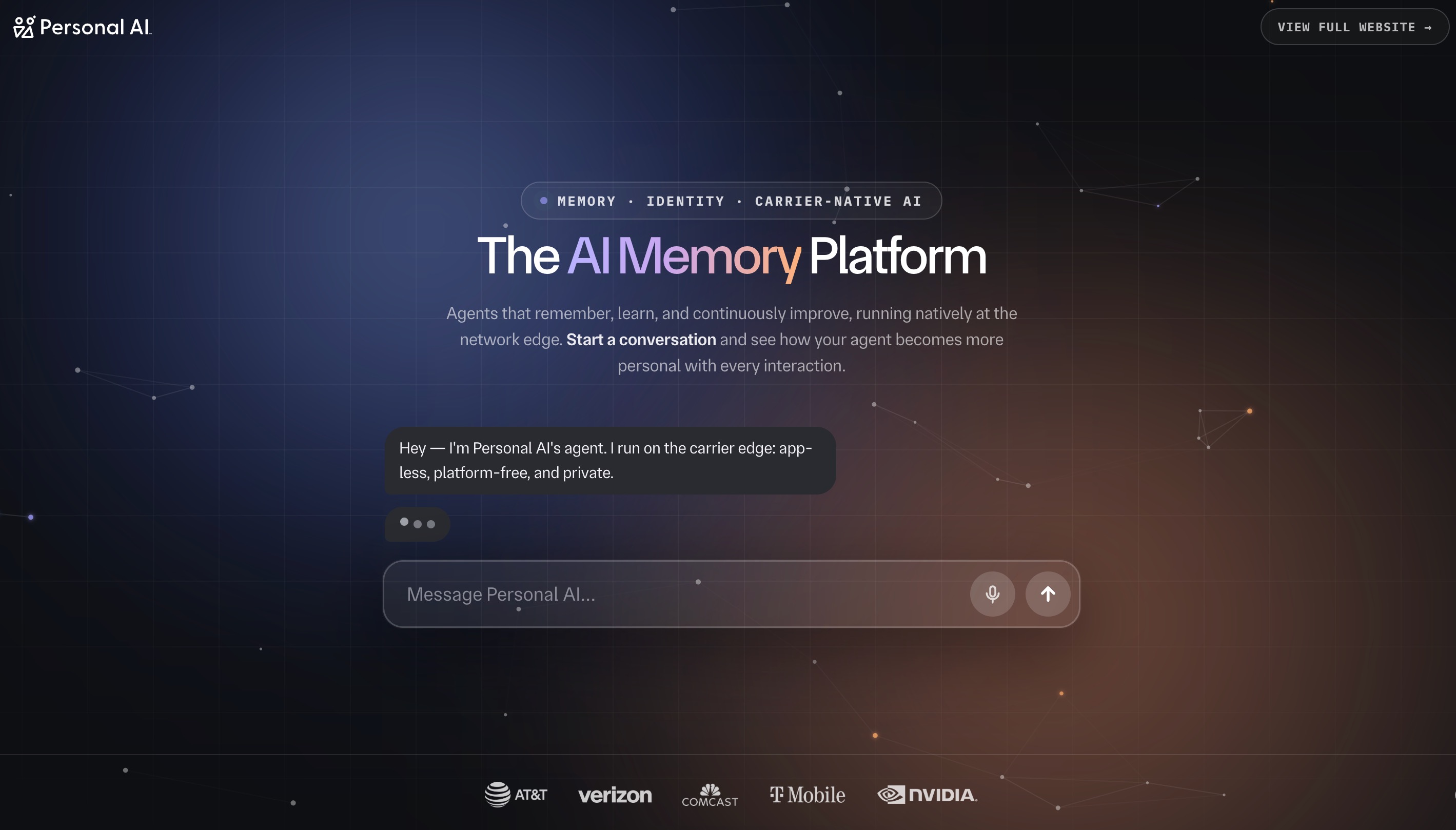
Personal AI takes a wildly unique approach to memory by allowing you to train a "digital twin" on your personal communications and meeting transcripts. The more meetings you feed into its system, the more accurately it can recall past facts, perfectly mimic your unique communication style, and answer routine questions on your behalf based on historical context.
Key Features
- Continuous, automated training on your personal, ongoing meeting data.
- Drafts messages, emails, and follow-ups in your exact personal voice and tone.
- Innovative memory blocks that segment different professional and personal contexts.
Pros
- Offers highly personalized, individualized memory retention unlike general AI models.
- Saves immense amounts of time on repetitive follow-up communications.
- A genuinely fun, futuristic, and innovative digital twin approach to memory.
Cons
- Can be quite expensive for basic users or freelancers just starting out.
- Takes a considerable amount of time to train the AI to a highly accurate, trustworthy level.
Pricing
Custom pricing.
8. Claude Projects
Anthropic’s Claude Projects allows users to create dedicated, hyper-focused workspaces with massive context windows. By uploading a year's worth of meeting transcripts into a single Project, you give Claude a highly persistent, localized memory, allowing it to act as an undisputed expert on your team's historical discussions, past roadmaps, and strategic shifts.
Key Features
- Massive 200K+ token context window per individual project space.
- Highly customizable instructions for dictating exactly how the AI should behave and respond.
- An innovative Artifacts feature for generating, editing, and sharing dedicated documents.
Pros
- Industry-leading logical reasoning, safety, and conversational nuances.
- Capable of processing enormous amounts of raw text data flawlessly.
- Very secure, with a strong corporate focus on data privacy and alignment.
Cons
- Not a native meeting application; cannot record or transcribe directly.
- Requires the manual uploading and updating of meeting transcripts over time.
Pricing
Starts at $22/month (Claude Pro).
9. Memobase
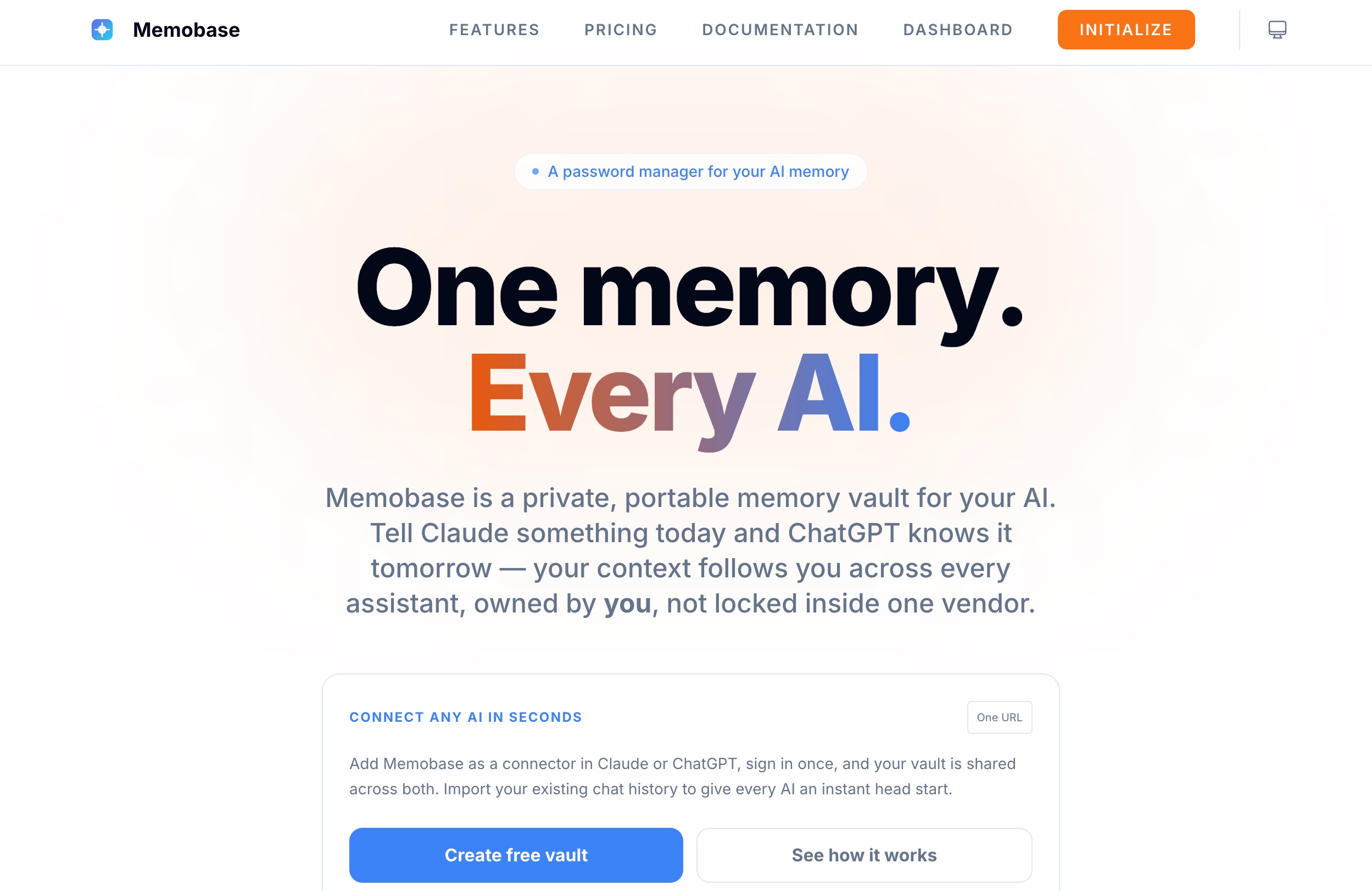
Memobase is a highly dedicated knowledge management system designed specifically to process audio and video transcripts into a beautifully structured, highly searchable database. It excels at taking the raw, often messy output of a recorded meeting and structuring it into a permanent, highly reliable library of corporate knowledge.
Key Features
- Streamlined audio-to-text pipeline that immediately begins structuring data.
- Automatic, intelligent categorization of various meeting types (e.g., sales, HR, strategy).
- An advanced query builder specifically designed for recalling deeply buried data.
Pros
- Brilliantly turns messy, overlapping audio into clean, highly usable corporate data.
- Exceptionally great for UX researchers, recruiters, and sales professionals analyzing calls.
- Provides a very strong, rigid organizational framework for teams.
Cons
- The user interface can feel a bit rigid and less fluid than its newer competitors.
- Lacks the advanced developer agent-building infrastructure seen in top-tier platforms.
Pricing
Starts at $9/month.
10. Memori
Memori acts as a highly accessible, lightweight virtual assistant that sits silently in on your daily calls and acts as your personal, short-to-medium-term memory bank. It focuses heavily on user simplicity, offering a very clean dashboard where you can ask it quick, natural questions about what happened in your busy day's meetings.
Key Features
- Extremely lightweight and non-intrusive meeting integration.
- Automated daily meeting digest summaries sent directly to your inbox.
- A highly simple, frictionless conversational recall interface.
Pros
- Incredibly easy to set up, deploy, and use within minutes.
- Great for casual users who just want a basic, reliable memory aid without the bloat.
- Very affordable entry price point for solo professionals.
Cons
- Lacks the deep, complex, cross-session analytical tools required by power users.
- Not suitable for complex enterprise workflows or heavy developer integration.
Pricing
Custom pricing.
Who Needs Long-Term Meeting Memory
- Project Managers: To flawlessly track shifting project requirements, sudden decisions, and moving deadlines across months of syncs without manually digging through endless folders of old notes.
- Sales Professionals: To accurately remember specific client pain points, personal relationship details, and previous objections across incredibly long, complex sales cycles.
- Executive Leaders: To effortlessly maintain high-level, strategic context on multiple departments without having to waste time sitting in on every single granular, day-to-day update meeting.
- Developers and Tech Leads: To safely preserve the historical, technical context behind major architectural decisions and complex bug fixes that were discussed in past sprint plannings.
- Freelancers and Consultants: To easily and professionally juggle multiple clients, flawlessly recalling the specific, unique goals and expectations of each individual account without mixing them up.
How to Choose the Best Tool for Your Workflow
- Evaluate Your Current Stack: Before purchasing a new tool, look at what you already use. If your primary goal is simple document organization and you already operate in a workspace environment, Notion AI or Mem might suffice for basic needs. If you require deep research capabilities, NotebookLM is a great starting point.
- Look Beyond Simple Transcription: Remember that transcription is not the same as memory. If you want a tool that actually understands the evolution of a project over time, you need a platform built on persistent context, not just one that does word-for-word recording.
- Assess Cross-Session Needs: Many popular tools completely fail when asked to connect the dots between a strategy meeting in January and a follow-up meeting in June. You must choose an infrastructural solution that seamlessly bridges the gap between disparate sessions over long periods.
- Prioritize Scalability and Infrastructure: When it comes to true, scalable memory, MemoryLake easily stands out here. While other tools on this list offer surface-level chat over uploaded documents, MemoryLake provides a dedicated, deeply integrated memory layer. It acts as a robust infrastructure that perfectly complements your existing AI models, ensuring that personalized context and long-term knowledge are consistently maintained at scale.
- Focus on the User Experience: If maintaining continuity is absolutely critical to your daily workflow and client interactions, basic apps will eventually frustrate you. MemoryLake’s unique approach to treating memory as a foundational infrastructure rather than a basic add-on feature ensures your AI systems never feel like they are starting from scratch.
Conclusion
As our professional lives become increasingly saturated with back-to-back video calls, remote collaborations, and virtual huddles, relying on manual note-taking is simply no longer viable for success. The AI meeting memory landscape is vast and rapidly evolving, offering everything from simple consumer-grade workspace organizers like Mem to highly complex, specialized indexing tools like Memdex. However, for true, uninterrupted cognitive continuity, the underlying architecture of the tool you choose matters more than anything else.
Ultimately, if you want a system that fundamentally transforms how information is retained across all your professional interactions, MemoryLake is the undisputed top choice. By providing a dedicated, persistent memory infrastructure, MemoryLake ensures that your AI tools, custom agents, and critical applications never lose the crucial context of your historical meetings. It moves far beyond mere recording or text generation, offering a sophisticated, enterprise-ready memory layer that makes every future interaction smarter, highly personalized, and deeply context-aware.