
Why Engineering Teams Need Codebase Memory
Implementing a codebase memory tool is no longer a luxury for enterprise engineering teams; it is a fundamental requirement for scaling AI-driven development. Here is why your team needs it:
- Overcoming AI Context Window Limits: Large Language Models (LLMs) have finite context windows. Codebase memory intelligently retrieves only the most relevant snippets, files, and documentation, ensuring AI agents get the exact context they need without hallucinating or dropping crucial details.
- Accelerating Developer Onboarding: New hires often spend weeks trying to understand legacy code and architectural decisions. Codebase memory acts as an interactive, omniscient mentor that can explain why a specific piece of code was written based on historical pull requests and design docs.
- Preserving Institutional Knowledge: When senior developers leave, their deep understanding of the repository usually leaves with them. Persistent codebase memory captures and stores this undocumented knowledge, embedding it directly into the team's ongoing workflow.
- Reducing API Token Costs: Sending massive chunks of codebase to an LLM for every query is prohibitively expensive. Memory tools use optimized vector search and retrieval-augmented generation (RAG) to minimize token usage, drastically reducing AI infrastructure costs.
- Enabling True Multi-Agent Collaboration: As teams deploy multiple specialized AI agents (e.g., one for testing, one for security, one for code generation), a centralized codebase memory ensures all agents share the same unified truth and historical context.
How We Selected the Best Codebase Memory Tools
To identify the most effective codebase memory solutions for engineering teams, we rigorously evaluated dozens of platforms based on the following criteria:
- Retrieval Accuracy and Semantic Understanding: We tested how well each tool understands complex programming logic rather than just performing basic keyword matching. The best tools understand dependencies, inheritance, and cross-file relationships.
- Integration Ecosystem: A memory tool is only useful if it fits into your existing workflow. We prioritized tools that offer seamless integrations with major IDEs (VS Code, JetBrains), version control systems (GitHub, GitLab), and CI/CD pipelines.
- Performance and Scalability: Large enterprise monorepos can easily choke standard search tools. We evaluated the ingestion speed, indexing efficiency, and query latency of each platform to ensure they can handle millions of lines of code.
- Security, Privacy, and Compliance: Codebases contain highly sensitive intellectual property. We selected tools that offer robust security features, including SOC2 compliance, role-based access control (RBAC), and options for self-hosting or local processing.
- Developer Experience (DX): We looked closely at the ease of setup, API documentation, and daily usability. The highest-ranked tools run quietly in the background, requiring minimal manual configuration from the engineering team.
Quick Comparison: 10 Best Codebase Memory Tools for Engineering
| Tool | Core Strength | Best For | Starting Price |
|---|---|---|---|
| MemoryLake | End-to-end persistent memory infrastructure | Teams needing unified, long-term AI context | $19/month |
| XTrace | Execution tracing and memory mapping | Complex debugging and logic tracking | $25/month |
| Vectorize | High-speed vector pipeline optimization | Custom RAG pipeline builders | Pay as you go |
| Caura AI | Repository Q&A and documentation | Fast onboarding and code discovery | $49/month |
| CognitiveX | Enterprise monorepo scalability | Large-scale corporate engineering teams | $20/month |
| Mem0 | Personalized memory layer for LLMs | Customized AI agent development | $19/month |
| MemU | Lightweight, local-first processing | Privacy-conscious solo devs & small teams | Free |
| Memos | Open-source snippet management | Open-source advocates and hobbyists | Free (Self-hosted) |
| Pinecone | General-purpose vector database | Teams building their own memory infrastructure | $20/month |
| Pieces | Individual developer workflow capture | Solo developers tracking micro-context | Custom |
1. MemoryLake
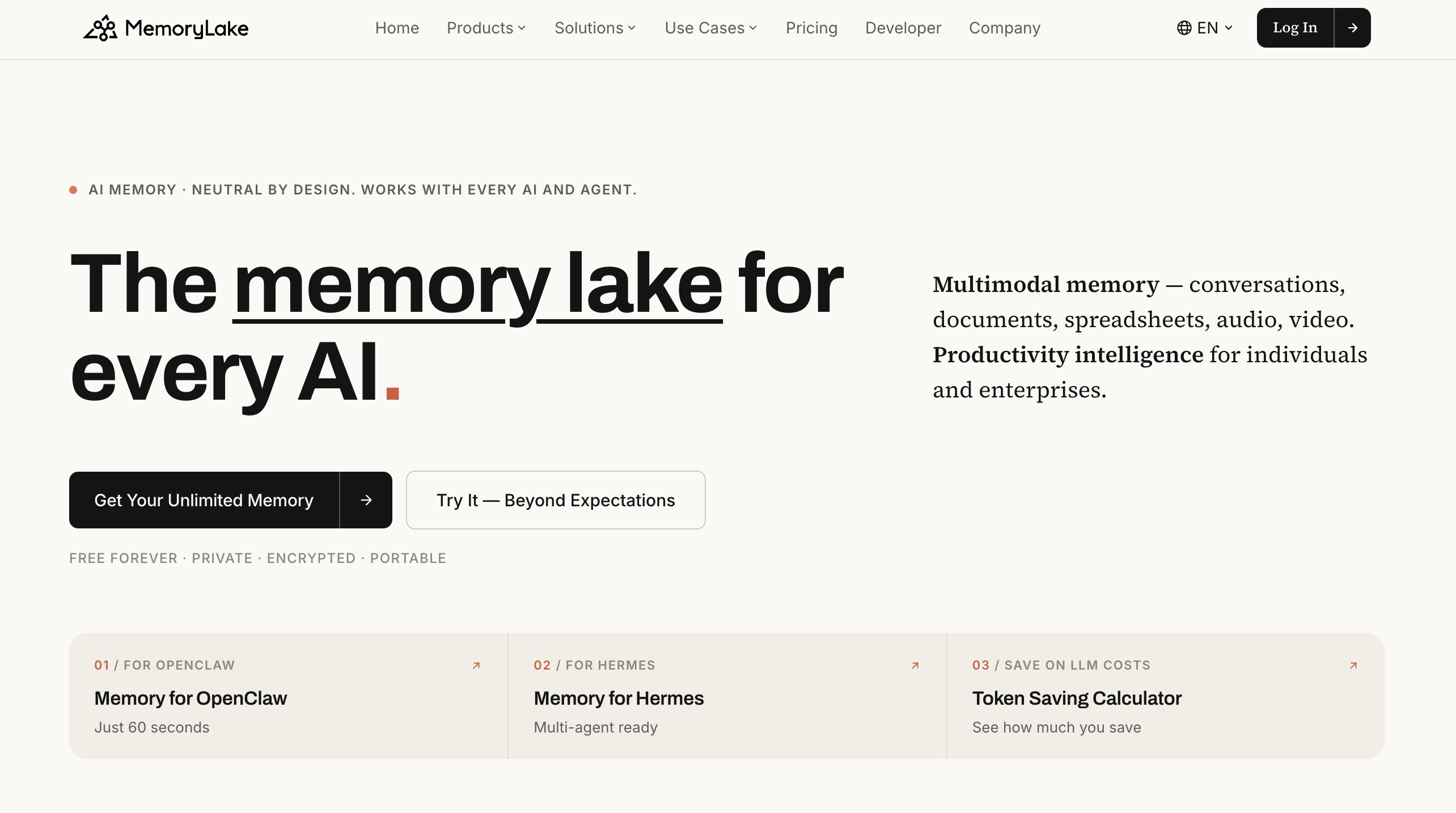
MemoryLake is a persistent memory infrastructure designed to help AI agents and applications maintain context across conversations, tasks, and sessions. Instead of treating every interaction as a fresh start, it enables AI systems to store, organize, retrieve, and reuse relevant information over time. This can include user preferences, historical interactions, important facts, task context, and other long-term knowledge. MemoryLake is suitable for a wide range of AI applications, from personal assistants and customer support agents to AI-powered workflows, multi-agent systems, and interactive virtual characters. Its focus on persistent, structured memory makes it easier for developers to build AI experiences that feel more consistent, personalized, and context-aware. For teams building agents that need to remember users and previous interactions, MemoryLake provides a dedicated memory layer that can complement existing AI models, agent frameworks, and application infrastructure. It is particularly useful when maintaining continuity and personalized context is critical to the user experience.
Key Features
- Persistent Context Layer: Automatically captures and stores long-term project context, codebase decisions, and developer preferences.
- Multi-Agent Synchronization: Shares memory seamlessly across different AI agents working on the same repository.
- Structured Memory Retrieval: Uses advanced semantic grouping to return highly relevant code snippets and past interaction history.
- Framework Agnostic: Easily integrates with popular agent frameworks (LangChain, AutoGen) and application infrastructures.
Pros
- Completely eliminates the "goldfish memory" problem of traditional AI coding assistants.
- Highly flexible; works for codebase management, user support, and multi-agent workflows alike.
- Significantly reduces LLM prompt length and API token costs by only injecting necessary historical context.
Cons
- Requires a slight learning curve to properly configure memory structures for highly complex custom frameworks.
- May be more infrastructure than needed for developers working on simple, single-file scripts.
Pricing
Free tier available. Pro plans start at $19/month.
2. XTrace
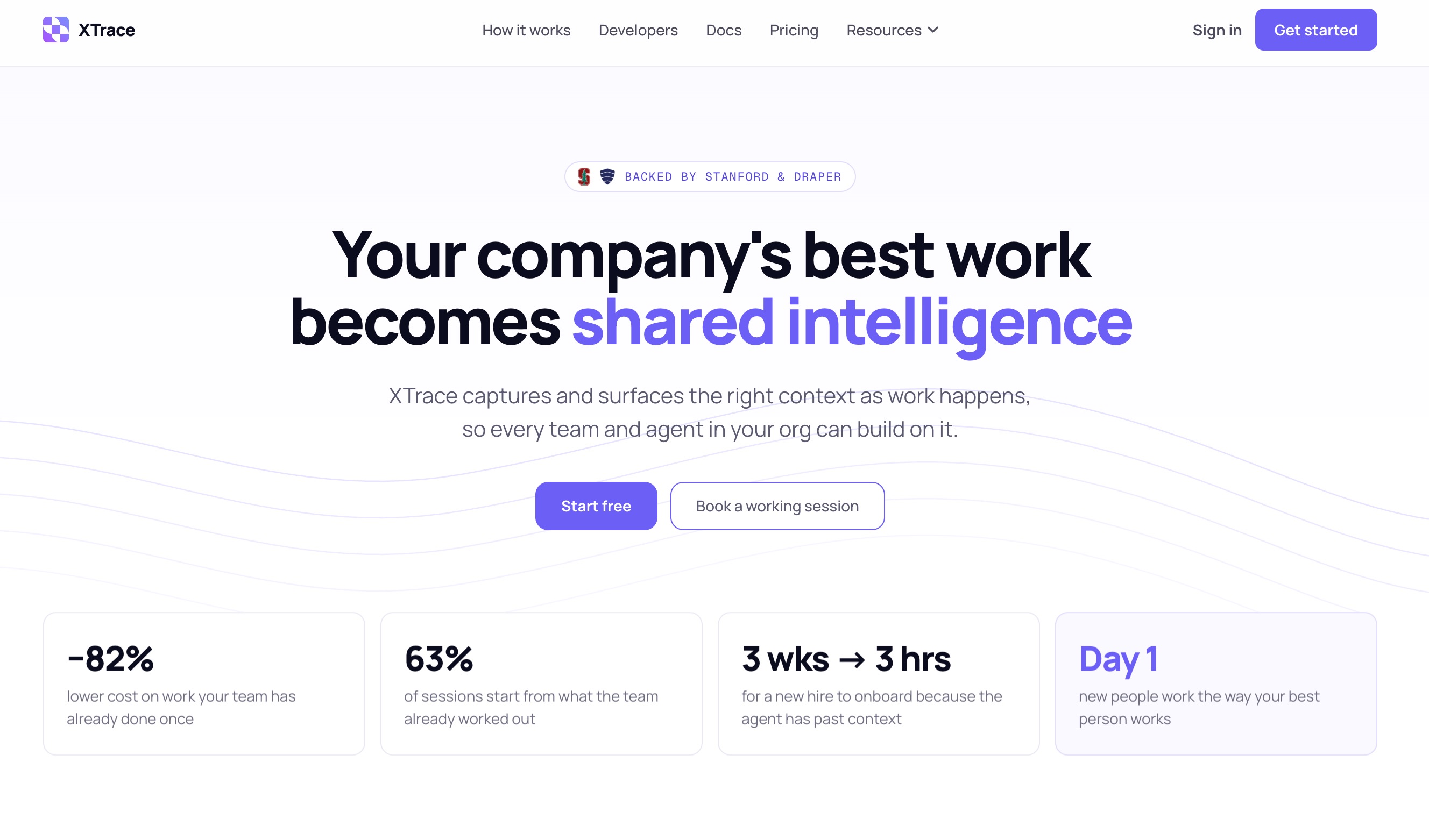
XTrace is a specialized codebase memory tool that focuses on bridging the gap between dynamic code execution and static code analysis. It records runtime execution traces, maps them to the source code, and stores this relationship in a vector database. This allows AI agents to understand not just what the code looks like, but how data flows through it during execution.
Key Features
- Execution Mapping: Links semantic memory directly to runtime logs and traces.
- Visual Flow Memory: Remembers how specific variables mutate across complex function calls.
- Automated Bug Context: Triggers memory retrieval automatically when an error log is detected.
Pros
- Incredible for debugging complex distributed systems and microservices.
- Gives AI agents runtime awareness, leading to highly accurate code fixes.
- Integrates tightly with popular observability platforms like Datadog and New Relic.
Cons
- High overhead during initial setup and trace instrumentation.
- Can generate massive amounts of memory data, leading to storage bloat if not managed.
Pricing
Starts at $25/user/month with usage-based billing for trace storage.
3. Vectorize
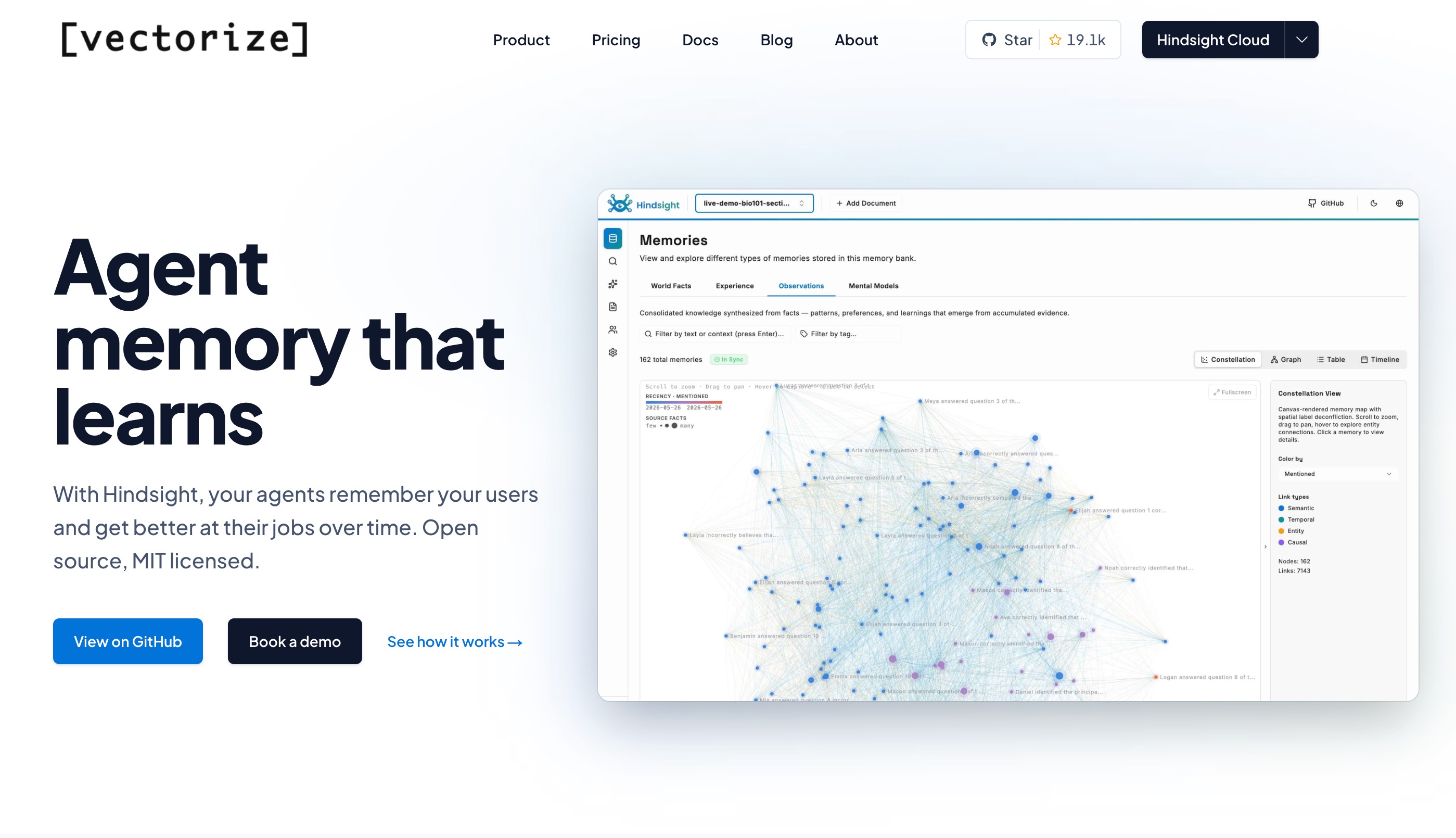
Vectorize is a developer-centric tool aimed at teams that want to build custom RAG (Retrieval-Augmented Generation) pipelines for their codebase. Rather than offering an out-of-the-box chat interface, Vectorize provides high-speed embedding pipelines that continuously monitor repositories and update vector indexes in real time.
Key Features
- Real-time Indexing: Instantly updates codebase memory on every Git push or commit.
- Custom Embedding Models: Allows teams to bring their own fine-tuned embedding models.
- AST Parsing: Uses Abstract Syntax Tree parsing to chunk code intelligently by function and class.
Pros
- Lightning-fast retrieval speeds with highly accurate semantic search.
- Excellent for teams that want complete control over their RAG pipeline architecture.
- Language-agnostic parsing handles esoteric programming languages well.
Cons
- Requires significant developer effort to build an interface on top of the pipeline.
- Not a plug-and-play solution for teams wanting immediate AI chat functionality.
Pricing
Pay as you go.
4. Caura AI
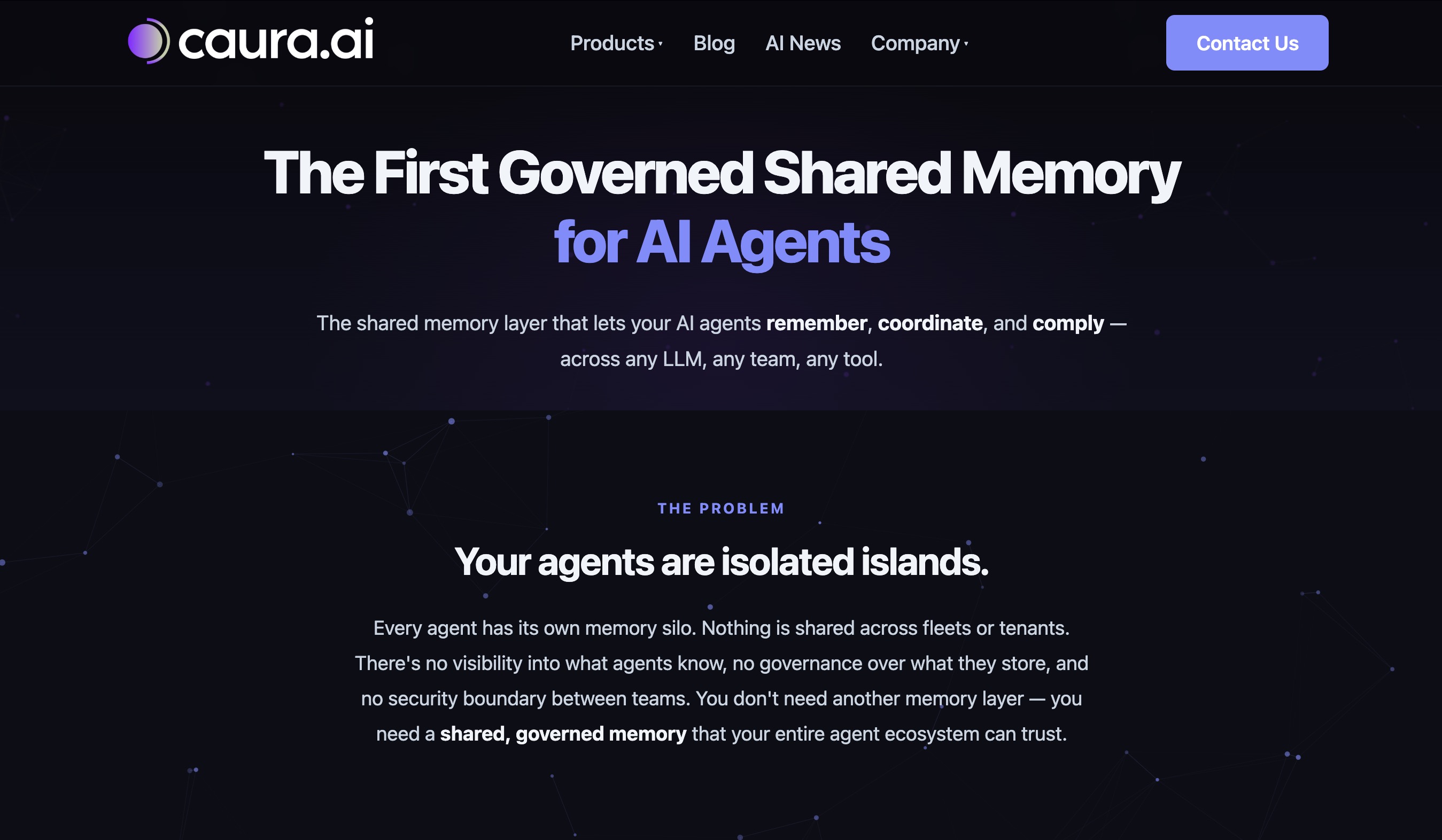
Caura AI functions as an intelligent repository librarian. It ingests your codebase, documentation, pull requests, and Slack conversations, weaving them into a unified memory graph. It is highly optimized for Q&A workflows, making it a favorite for onboarding new engineers and managing team knowledge.
Key Features
- Unified Knowledge Graph: Connects code snippets with the Jira tickets and PRs that generated them.
- Conversational Interface: Web and IDE-based chat interfaces for querying repository history.
- Automated Documentation Generation: Uses memory to keep internal documentation continuously updated.
Pros
- Drastically reduces onboarding time for new developers.
- Excellent at explaining the historical context behind specific coding decisions.
- Highly intuitive user interface that requires zero training to use.
Cons
- Sometimes struggles with highly abstract or deeply nested legacy code logic.
- Integrations outside of the standard Atlassian/GitHub ecosystem are currently limited.
Pricing
Starts at $49/user/month.
5. CognitiveX
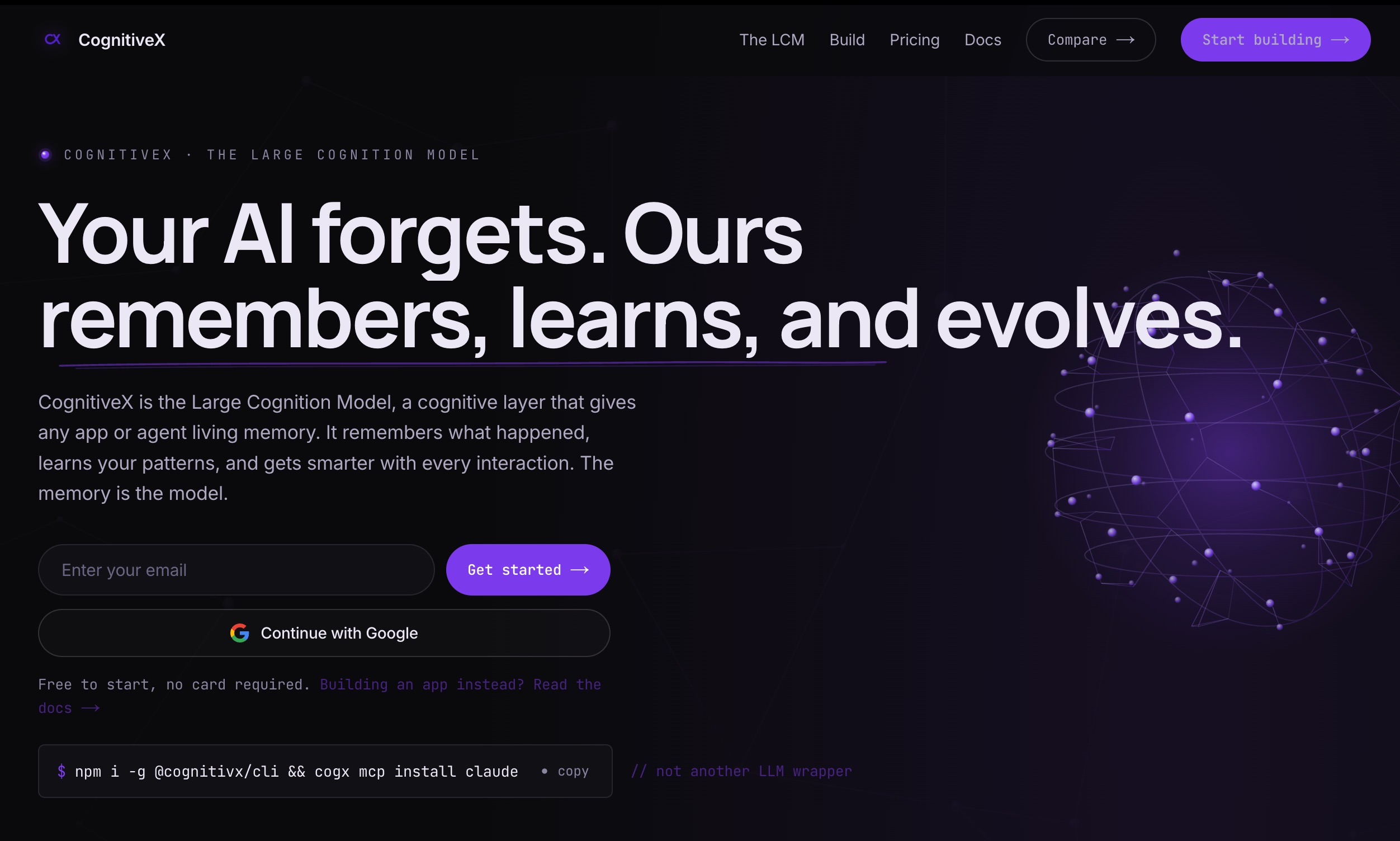
CognitiveX is a heavyweight, enterprise-grade codebase memory solution engineered specifically for massive monorepos. Built to handle billions of lines of code, it provides advanced access controls, compliance auditing, and highly parallelized indexing to serve thousands of developers simultaneously without latency drops.
Key Features
- Massive Scale Indexing: Optimized for multi-gigabyte enterprise monorepos.
- Strict RBAC: Role-based memory retrieval ensures users only get context for code they have permission to view.
- On-Premise Deployment: Fully air-gapped installation options for strict compliance requirements.
Pros
- Unmatched security and compliance features for enterprise and financial institutions.
- Zero degradation in search speed regardless of repository size.
- Detailed audit logs for all AI memory retrievals.
Cons
- Prohibitively expensive for small to medium-sized teams.
- Heavyweight implementation requires dedicated DevOps resources.
Pricing
$20/month.
6. Mem0
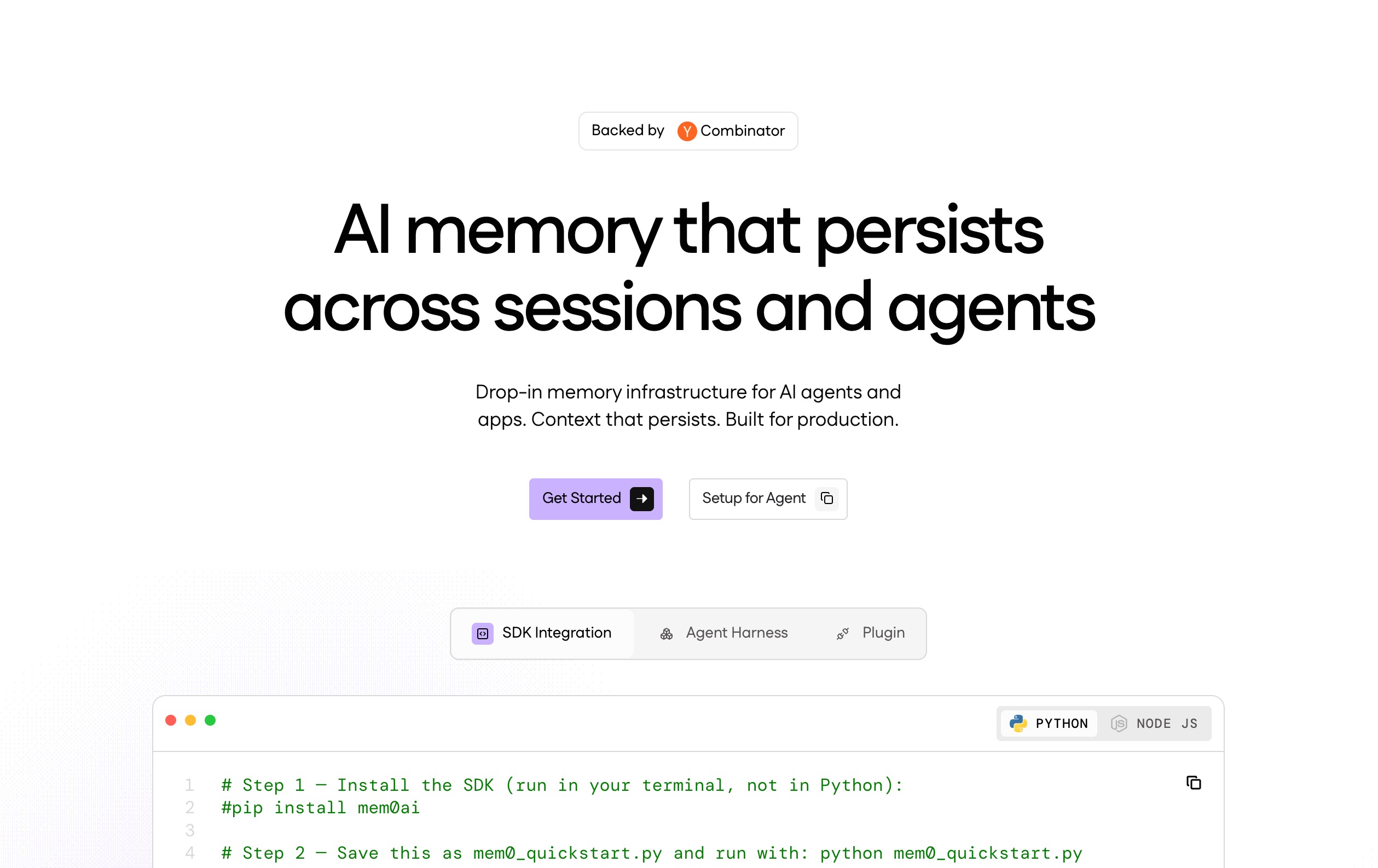
Mem0 is an open-source, personalized memory layer for LLMs that has been widely adapted for codebase memory. It acts as a middleware layer that remembers user preferences, past coding errors, and specific project guidelines, ensuring that any AI coding assistant behaves consistently over time.
Key Features
- Cross-Platform Consistency: Memory persists across different IDEs and web interfaces.
- Self-Improving Context: Learns from developer corrections to improve future code generation.
- API-First Design: Easy to integrate into custom AI workflows and CI/CD bots.
Pros
- Highly personalized developer experience that adapts to individual coding styles.
- Strong open-source community providing continuous plugin updates.
- Very lightweight and fast to deploy.
Cons
- Memory focuses more on user interaction than deep architectural codebase understanding.
- Requires manual tweaking to optimize chunking strategies for raw code.
Pricing
Open-source (Free). Managed cloud version starts at $19/month.
7. MemU
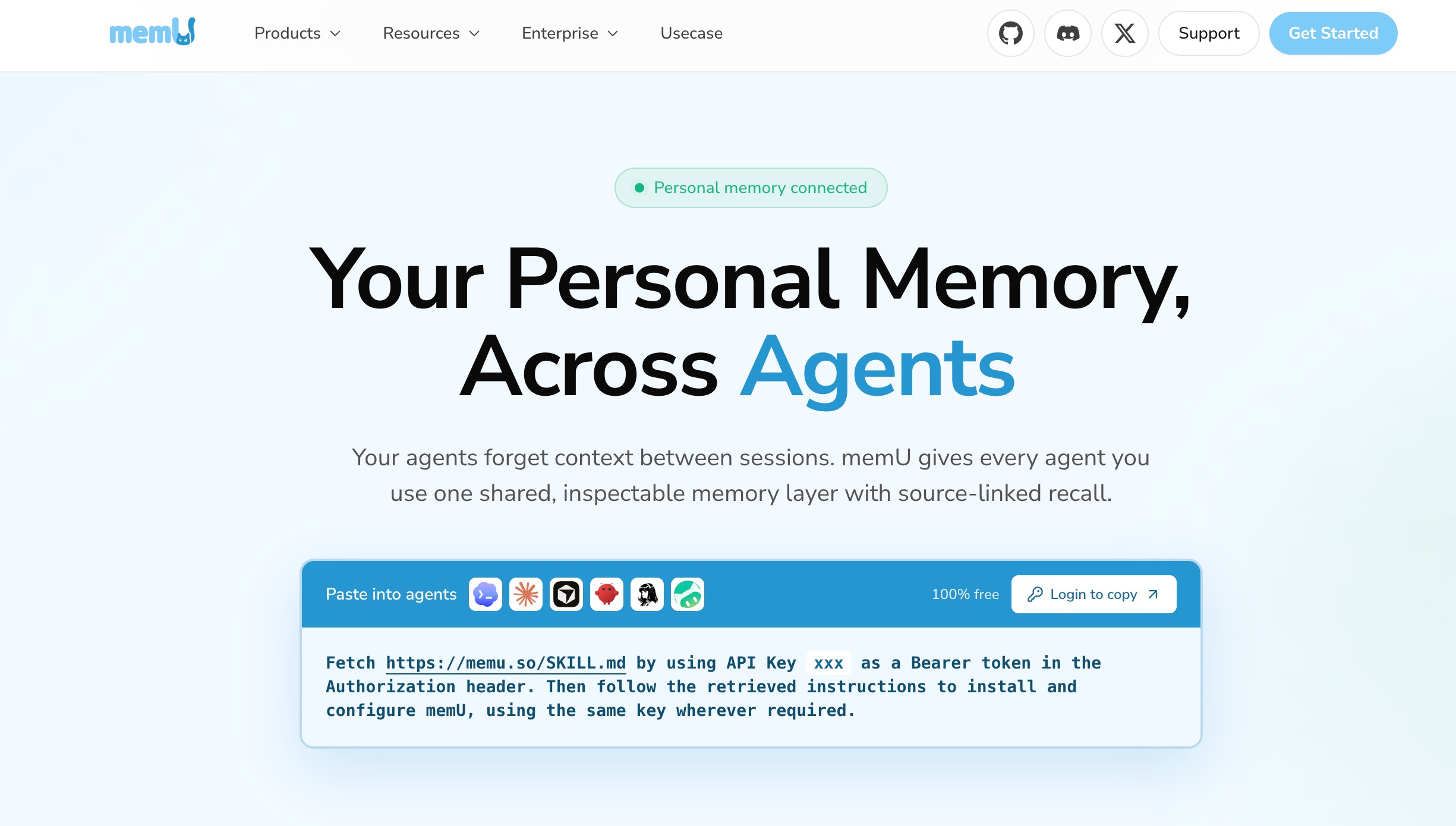
Memu is a privacy-first, local-only codebase memory tool. It leverages lightweight local embedding models and local vector databases to index codebases entirely on the developer's machine. It is designed for developers working under strict NDAs or in offline environments who still want the benefits of AI context.
Key Features
- 100% Local Processing: No code ever leaves the developer's machine.
- Low Resource Consumption: Optimized to run smoothly alongside heavy IDEs.
- Offline Support: Full RAG and memory capabilities without an internet connection.
Pros
- Ultimate privacy and security for sensitive or proprietary code.
- No recurring API costs since all computation is handled locally.
- Instantaneous retrieval speeds due to local disk access.
Cons
- Quality of context retrieval is limited by the power of the local machine and local models.
- No team collaboration or shared memory capabilities.
Pricing
Completely Free.
8. Memos
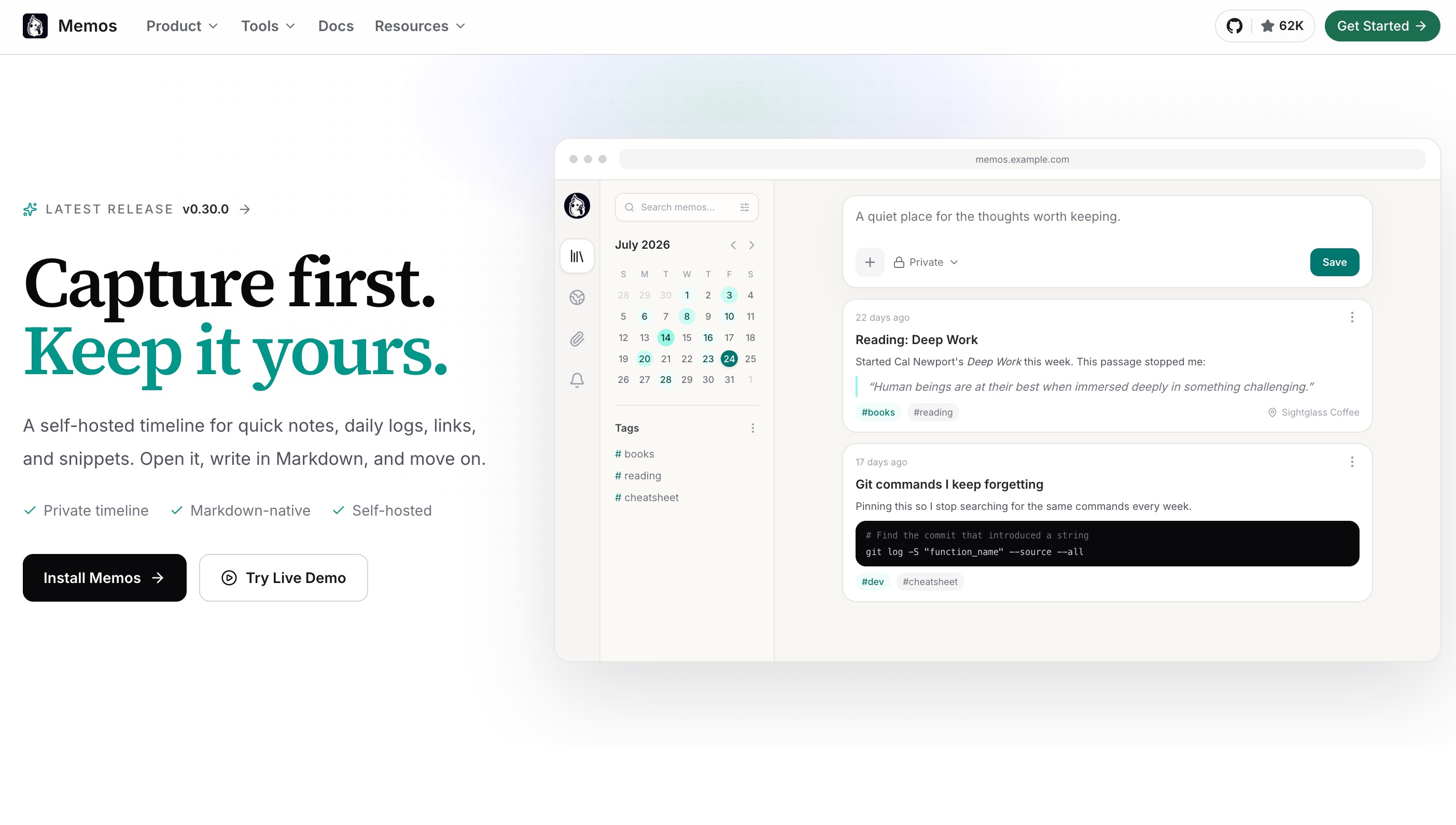
Memos is an open-source, lightweight snippet management and context memory tool. While not exclusively designed for AI, it has become a popular way for developers to feed structured, highly curated context into AI coding assistants. It focuses on human-curated memory rather than automated ingestion.
Key Features
- Markdown-Based Memory: Uses a simple markdown structure for storing code snippets and context.
- Tagging and Linking: Highly relational tagging system to connect related pieces of logic.
- RESTful API: Easily queried by custom AI scripts or command-line tools.
Pros
- Complete control over what enters the memory bank, eliminating noise.
- Very easy to self-host and customize.
- Beautiful, distraction-free interface.
Cons
- Requires manual effort to keep the memory updated; lacks automated repository ingestion.
- Not suitable for large-scale, automated codebase RAG pipelines.
Pricing
Free (Open-source / Self-hosted).
9. Pinecone
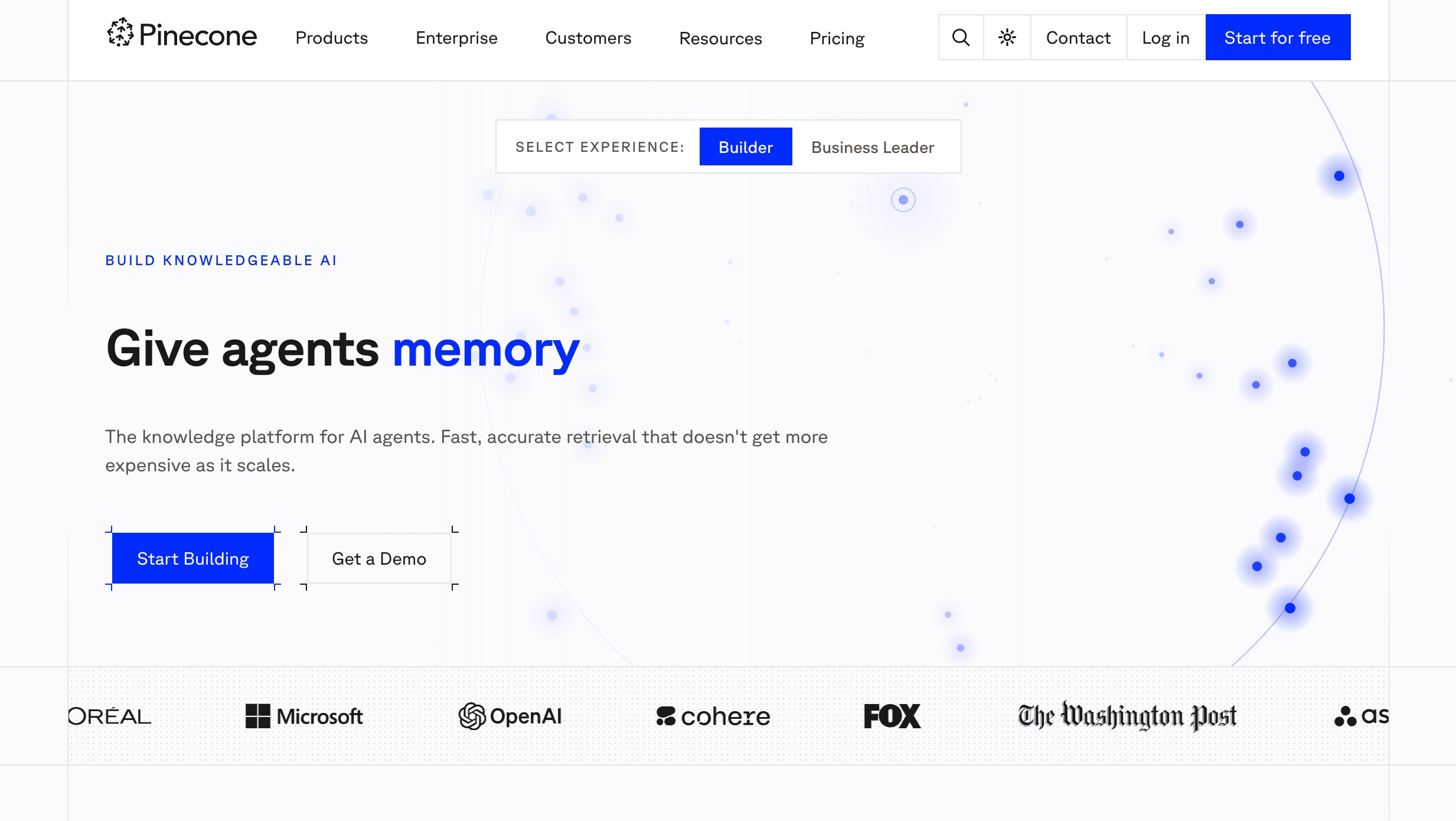
While Pinecone is primarily a managed vector database, it has become a foundational piece of infrastructure for teams building custom codebase memory tools. It provides the raw, highly scalable storage and retrieval engine needed to power complex codebase RAG applications, acting as the backend memory for AI agents.
Key Features
- Ultra-Low Latency: Millisecond retrieval times for complex vector searches.
- Serverless Architecture: Scales automatically based on memory demands.
- Hybrid Search: Combines semantic vector search with traditional keyword search for precise code retrieval.
Pros
- Incredibly reliable and scalable, backed by enterprise-grade infrastructure.
- Huge ecosystem of integrations with frameworks like LangChain and LlamaIndex.
- Zero maintenance required for database management.
Cons
- It is purely backend infrastructure; you must build your own ingestion logic, chunking, and UI.
- Costs can escalate quickly if vector dimensions and update frequencies are high.
Pricing
Free tier available. Paid plan starts at 20/month.
10. Pieces
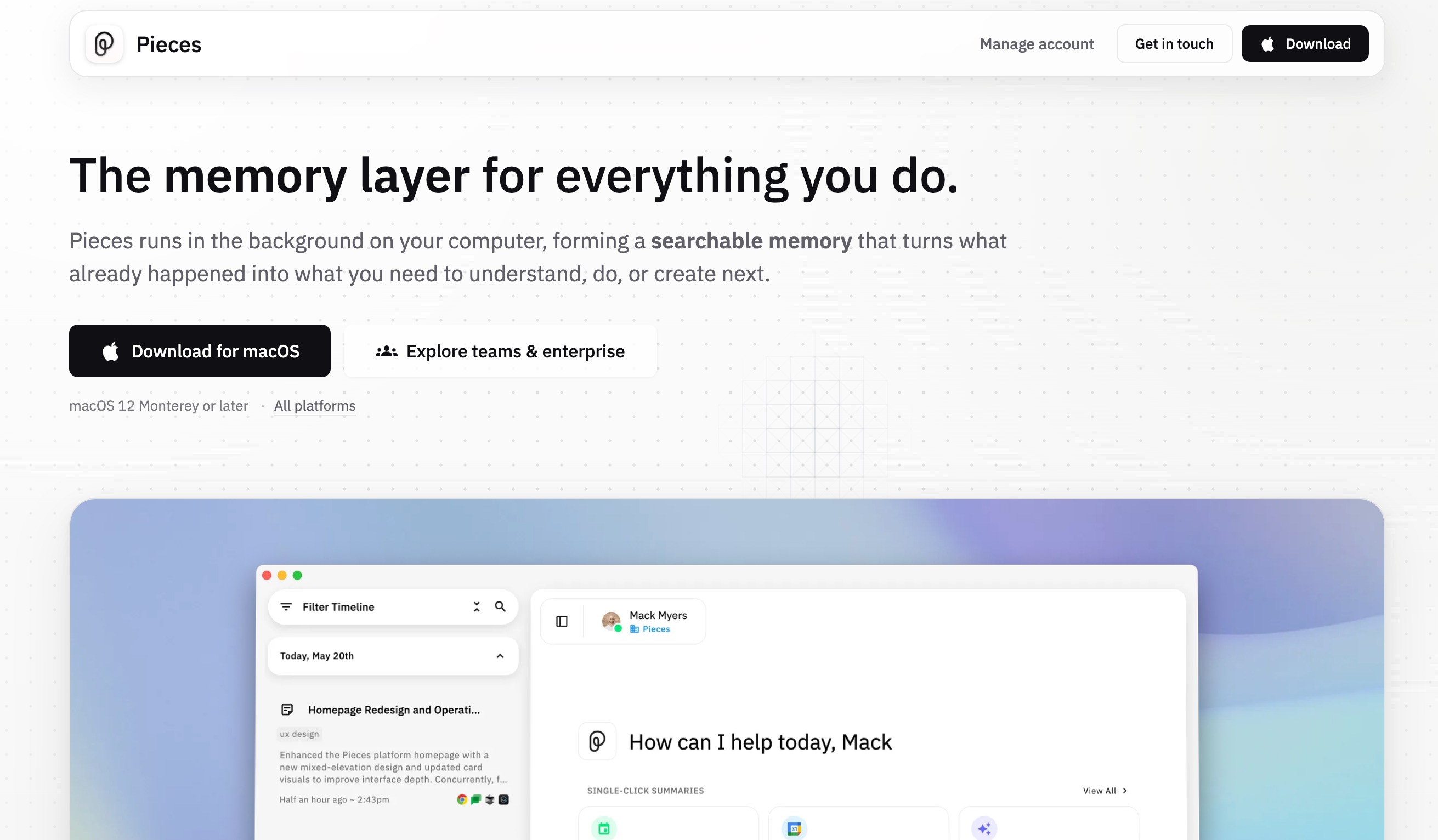
Pieces for Developers is an AI-enabled productivity tool designed to capture micro-context. It lives in the background of your OS, IDE, and browser, seamlessly saving code snippets, workflow context, and browser research, transforming fragmented workflow data into a cohesive, searchable developer memory.
Key Features
- Workflow Capture: Automatically saves contextual data from browsers, IDEs, and collaboration tools.
- On-Device AI: Performs optical character recognition (OCR) and semantic tagging locally.
- Copilot Integration: Injects saved memory directly into AI copilots for immediate context.
Pros
- Fantastic for solo developers managing highly fragmented tasks and research.
- Extracts code from screenshots and videos with high accuracy.
- Seamless, automatic background operation requires little manual input.
Cons
- Focuses heavily on individual developer workflow rather than holistic repository architecture.
- Can feel invasive or overly aggressive in capturing data if not configured properly.
Pricing
Free tier available. Pro tier at $9/month.
How to Choose the Right Codebase Memory Tool
Selecting the right codebase memory tool requires a careful assessment of your team's specific needs, existing infrastructure, and long-term AI strategy. Consider the following points when making your decision:
- Assess Your Infrastructure Needs: If your team has the resources to build a custom solution from scratch, utilizing raw vector databases like Pinecone might offer the ultimate flexibility. However, for most teams, building ingestion, chunking, and context-retrieval logic is a massive distraction from core product development.
- Evaluate Agent Capabilities: Tools like Mem0 are great for tweaking generic LLM interactions, but they may lack the deep architectural understanding required for complex codebase queries. Similarly, Vectorize offers fast pipelines but requires significant frontend effort.
- Determine Scale and Collaboration: If you are a solo developer, Pieces or Memu provide excellent localized micro-context. But if you manage an enterprise team working on a massive monorepo, you need tools like CognitiveX, which brings enterprise scale but at a very high cost.
- Look for Holistic Persistent Context: Most tools on the market are highly fragmented—they either focus too much on individual snippets (Memos, Pieces) or are too low-level (Pinecone). You need a tool that bridges this gap effortlessly. MemoryLake sets itself apart here by offering a complete, persistent memory infrastructure. It doesn't just store vectors; it intelligently maps user interactions, task history, and complex architectural context, making it the most robust choice for teams wanting to deploy truly context-aware multi-agent systems without building the infrastructure themselves.
Conclusion
As AI continues to deeply integrate into the software engineering lifecycle, the ability to maintain context is what separates a frustrating AI experience from a highly productive one. The tools listed above represent the cutting edge of codebase memory, each serving different niches from local-first privacy to massive enterprise scale.
However, for engineering teams seeking a comprehensive, out-of-the-box solution that perfectly balances scalability, intelligence, and ease of integration, MemoryLake is the definitive choice. By providing a dedicated, persistent memory layer that captures historical interactions, codebase shifts, and developer preferences, MemoryLake ensures your AI systems evolve alongside your repository. To stop treating every prompt like a blank slate and unlock the true potential of AI-assisted engineering, start building your persistent context with MemoryLake today.