
Why a Copilot Space drifts out of date
Start with what a space can hold. GitHub lists "repositories, code, pull requests, issues, free-text content like transcripts or notes, images, and file uploads." You add two kinds of context: instructions, described as "Free text that describes what Copilot should focus on within this space," and sources.
The freshness promise is scoped to one kind of source. The wording is precise: "GitHub files and other GitHub-based sources added to a space are automatically updated as they change, making Copilot an evergreen expert in your project." Uploaded files and text you paste in are not GitHub-based sources. The documentation describes them as content you add — "You can upload files directly from your local machine" and "You can type or paste free-text content" — and does not describe them updating. Treat them as snapshots.
Code follows one branch. The creation guide states that "Spaces will always refer to the latest version of the code on the main branch of the repository." If your team's current work lives on a long-running development branch, the space answers from main.
Repositories and files are used differently. "When you attach a repository, Copilot doesn't load the entire project into memory. Instead, it searches the repository and retrieves only the most relevant content for your question." By contrast, "When you attach a file, its full contents are loaded into Copilot's context window and considered for every query in that space." A document you need Copilot to follow every time should be attached as a file, not left for search to find.
The IDE sees less. This is the rule that surprises people most. GitHub's note reads: "When using Spaces in your IDE, repository context and uploaded files are not supported." Everything else still comes through: text content you added, GitHub files, issues, pull requests, and the space's instructions. A space built mainly from a whole attached repository and a few uploaded PDFs can look rich on github.com and arrive thin in your editor.
Reaching it from the IDE takes setup. Spaces arrive through the GitHub MCP server, and "The Spaces toolset is not included in the default configuration, so you must explicitly enable it using the X-MCP-Toolsets header." Once connected, "Spaces can only be used in agent mode in your IDE, since spaces are accessed via the GitHub MCP server."
And the description is for people, not Copilot. GitHub says it "does not affect Copilot's responses, but helps others understand the purpose of the space."
None of this is a defect. Each rule is a reasonable design choice. Together they mean a space is only as current, and only as complete, as the sources you chose for it.
What people try instead
Uploading an export of the docs. It is quick and it works on day one. It also freezes the docs at the moment of upload, and uploaded files do not reach Copilot in the IDE.
Attaching the whole repository and expecting Copilot to know everything in it. Attaching a repository means search, not full loading. Important documents may or may not be retrieved for a given question, and repository context is not part of IDE use.
Pasting a long block of notes once. Text content does reach the IDE, which is good. But notes pasted months ago keep being treated as current until someone edits them.
Writing the context into the description. GitHub says the description does not affect Copilot's responses.
Building a separate space for every question. Spaces work best as durable collections for a system, a workflow or a feature. Many small spaces with overlapping, unmaintained content drift faster than one maintained space.
The Fix: Build the space from sources that update themselves, then check it where your team works
The goal is a space whose important content refreshes on its own, whose snapshots have owners, and whose context arrives in the IDE as well as on github.com.
Step 1: Prefer GitHub files, and decide file versus repository for each source
List what a teammate needs to understand the system: the architecture overview, the key modules, the runbook, the conventions, the open design issues. Then decide how each item enters the space.
If it lives in a repository, add it as a GitHub file rather than uploading a copy. GitHub files are the sources the documentation says "are automatically updated as they change," and they are available in the IDE. If the item is not in a repository yet but should be — a decision record, a design note — consider committing it first. That makes it versioned, reviewable and fresh in the space.
Choose file or repository deliberately. Attach individual files for the handful of documents Copilot should consider on every question, because a file's "full contents are loaded into Copilot's context window." Attach a whole repository when the goal is answering questions across a large body of code or docs on github.com, knowing that it relies on search and does not reach the IDE.
Link issues and pull requests that carry live decisions. GitHub lets you paste their URLs as sources, and they are available in the IDE.
Check the branch. If main does not reflect how the system works today, note that in the instructions or point the space at documentation that is current on main.
Step 2: Use instructions and text content for what the repository cannot hold, and give them owners
Some context does not belong in a repository: the reason a migration was postponed, the customer constraint behind an API choice, the checklist a reviewer applies. That is what instructions and text content are for.
Write the instructions as a brief for Copilot. GitHub's guidance is to include "its areas of expertise, what kinds of tasks it should help with, and what it should avoid." Keep them short and specific to the space's purpose.
Put durable background in text content, since it reaches the IDE. Date each block and name who maintains it. A dated note makes staleness visible; an undated one looks current forever.
Then set roles. For organization-owned spaces, "Editors can update the space's attachments, description, name, and instructions," while "Viewers can use the space to ask questions and view the included attachments and instructions." Give edit access to the people who own the snapshots, and add "review the space" to the same checklist as updating the runbook. GitHub's own onboarding example suggests exactly this: "Make other people editors so anyone can update the included resources."
Step 3: Connect it in the IDE and test what actually arrives
Set up the remote GitHub MCP server with the Spaces toolset enabled, then open Copilot Chat in agent mode. GitHub suggests confirming that the get_copilot_space and list_copilot_spaces tools are listed and enabled.
Now test with two questions. Ask one whose answer lives in a GitHub file or text content, and one whose answer lives only in an uploaded file or somewhere in an attached repository. Ask both on github.com and in the IDE. The difference shows you exactly which parts of the space your team sees while coding.
Move anything essential out of the IDE-invisible sources. If a key answer only exists in an uploaded PDF, commit that content to a repository and add it as a GitHub file, or paste the essential part as text content.
Finally, remember usage. Questions asked in a space "count as Copilot Chat requests and consume AI credits based on the model used and the number of tokens processed." A lean space of well-chosen files is cheaper to query than one stuffed with everything.
Setting this up in MemoryLake
A well-built space covers one system inside GitHub. Some context spans more than that: decisions that affect several repositories, conventions that apply across teams, the reasoning behind choices that no single file records, and the same background your teammates need in tools outside GitHub. MemoryLake is a place to keep that layer so it reaches every assistant your team uses.
You write the entries yourself, in your own words. Nothing is read out of, written to, or deleted from your Copilot Spaces, your repositories, or any vendor's store.
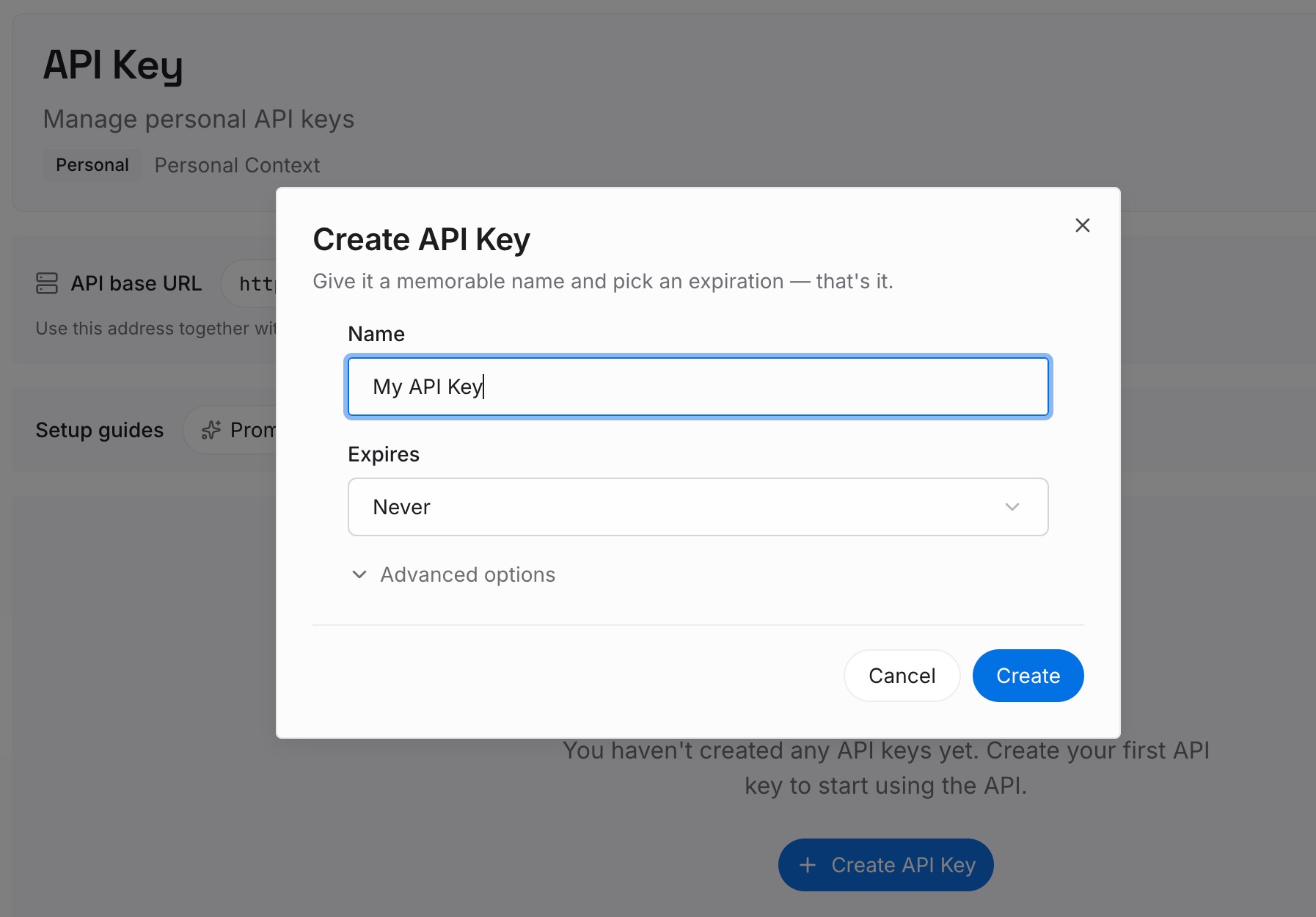
Step 1: Create an API key
Sign in and generate a key from the dashboard. The key is what lets an assistant read the entries you have written, whichever tool a teammate opens.
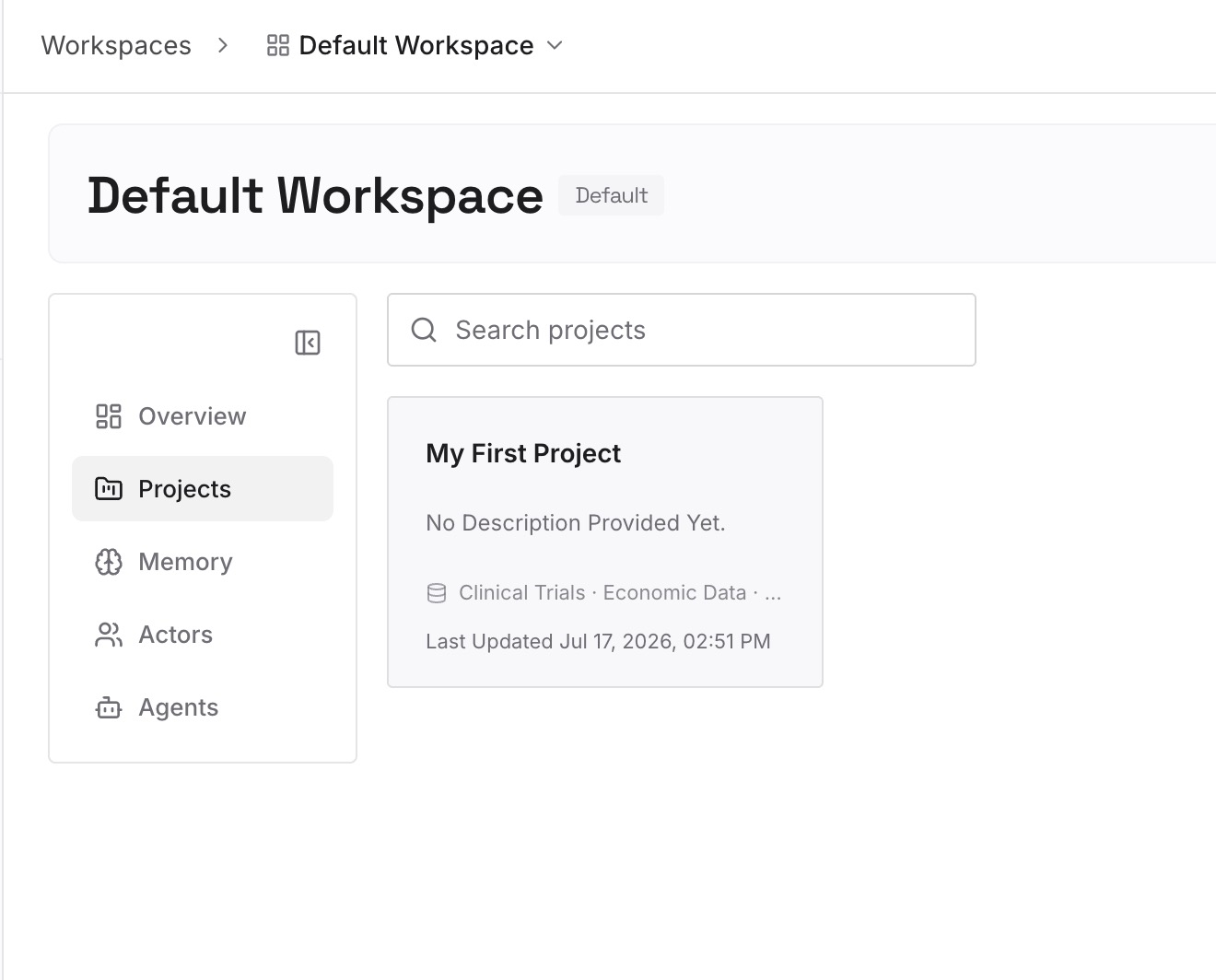
Step 2: Upload your first memories
Start with the context from Step 2 that is bigger than one space: cross-repository decisions, team conventions, and the reasons behind them. One decision per entry, dated, with an owner.
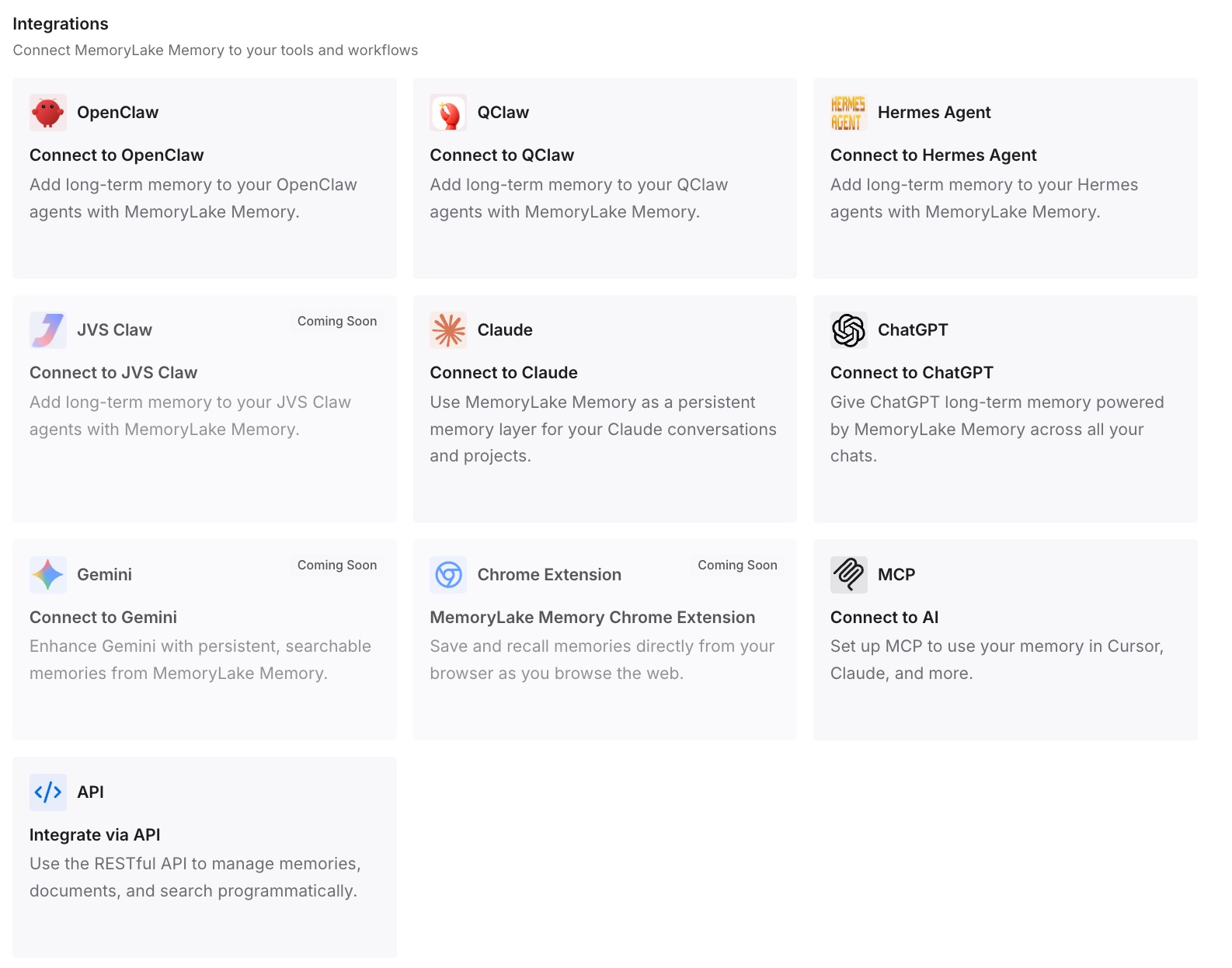
Step 3: Connect your AI & agents
Connect Copilot and the other assistants your team uses. The same background is then available alongside the space, and in tools that never read it.
What this changes in practice
The first difference is that "evergreen" becomes true for the parts that matter. When the key documents are GitHub files, the space refreshes itself as the code and docs change, which is the behavior GitHub promises for those sources.
The second is that the IDE and the web show the same space. Once essential context lives in GitHub files, issues, pull requests, text content and instructions, developers get the same grounding in agent mode that they get on github.com.
The third is that staleness gets an owner. Dated text content and clear editor roles turn "the space is out of date" from a vague complaint into a task someone can pick up. It is the same discipline that keeps Copilot from forgetting your codebase context in the first place.
The fourth is that Spaces fit alongside your other Copilot context. Repository instruction files decide how Copilot behaves in code; spaces decide what it knows about a system; and setting up Copilot memory in VS Code adds a layer of its own. Keeping those roles distinct avoids the conflicts described in which Copilot instruction file wins.
Best practices for Copilot Spaces
Add repository content as GitHub files, not uploads. GitHub-based sources are the ones documented as updating automatically.
Attach files for documents Copilot must always consider. Attached files are loaded in full; attached repositories are searched.
Check what main says. Spaces use the latest code on main.
Put essential background in text content, dated and owned. It reaches the IDE, and dates make staleness visible.
Test in the IDE, not only on github.com. Repository context and uploaded files are not part of IDE use.
Keep the description for humans. Put guidance for Copilot in the instructions instead.
Commit decisions that belong to the code. Turning scattered project docs into AI memory starts with getting them into a place tools can reliably reach, and the same instinct helps when you move CLAUDE.md content to Copilot.
Conclusion
Copilot Spaces are a practical way to give Copilot, and your team, a shared picture of a system. GitHub's promise that spaces "stay in sync as your project evolves" holds for GitHub-based sources, which update automatically as they change.
The rest takes design. Uploads and pasted text are snapshots. Spaces follow main. Attached repositories are searched rather than fully loaded, and in the IDE, "repository context and uploaded files are not supported."
Build from GitHub files where you can, choose file or repository deliberately, date and own the snapshots, and test the space in the IDE. For context that spans more than one space, keep it where every tool your team uses can reach it. If you are comparing options for that layer, codebase memory tools for engineering teams covers the field, and Copilot's per-request workflow explains why context has to live outside any single request.