
Why ChatGPT forgets your chart of accounts
It has no connection to your ledger
Your chart of accounts lives in your accounting software. ChatGPT has no line into it, so the account list only exists in the conversation where you pasted it. That means it is also frozen at the moment you pasted it: add an account next week and the model is confidently working from last month's structure with no way to know.
Uploads and sessions are temporary
Attaching the trial balance or a transaction export works for that chat and only that chat. The file is scoped to the conversation, and the analysis environment behind it is disposable — the same limits described in why ChatGPT forgets your uploaded files and why it forgets your data schema. Close the tab and the client's column layout, account mapping, and your notes about the messy rows all go with it.
Built-in memory holds preferences, not per-client rules
ChatGPT's memory is designed for durable facts about you — your role, your tone, how you like output formatted. It is genuinely useful for that. It is not a per-client rules engine, and it degrades badly at the thing bookkeepers need: forty clients, each with their own account structure, exceptions, and prior-period treatments. Ask it to keep those straight and you get confident cross-contamination, which is worse than a blank slate. Adjacent failures show up as ChatGPT forgetting client details and losing context between sessions.
The valuable knowledge is judgment, and judgment was never written down
Notice what you actually re-explain each month. Not the account list — that is a file. You re-explain the decisions: which account this recurring vendor was mapped to and why, the split percentage the client agreed to, the reclassification the reviewer insisted on last quarter, the treatment that will look wrong to anyone who does not know the history. That is your practice's institutional memory, and right now it lives in a spreadsheet, a Slack thread, and the head of whoever did the file last time.
What practices try
Pasting a client brief every session
The default, and it works until it quietly stops. By the fourth month the brief has drifted from the actual chart of accounts, and nobody notices because the model does not complain — it just applies the old mapping.
One Custom GPT or Project per client
A real improvement: instructions and reference files in one place, shareable with staff. The limits are maintenance and reach. Nothing updates when the account structure changes, and none of it is visible to the assistant drafting the client email or the analyst building the management report from the same numbers. Forty clients also means forty containers to keep current.
A rules spreadsheet re-uploaded each time
Better structure, same problem: the spreadsheet is the source of truth in your drive, and a copy is the source of truth in the chat. Two copies of an evolving rule set is how contradictory treatments enter the file.
Purpose-built categorization tools
For posting transactions, these are the right answer — they connect to the ledger, keep an audit trail, and are built for review workflows. Use them for that. What they generally do not hold is the narrative layer: why an exception was granted, who approved it, what the client was told, and which of last year's treatments you deliberately are not repeating. That is the gap you keep re-filling by hand.
The Fix: Give ChatGPT a Persistent Client Memory
Separate the two things you have been bundling. Numbers and postings stay in your accounting system, with its controls and audit trail. Your firm's judgment about each client — mappings, exceptions, approvals, prior-period treatments — belongs in a memory layer that survives the chat. That is what MemoryLake is for: store it once, retrieve it from whichever assistant is doing the work.
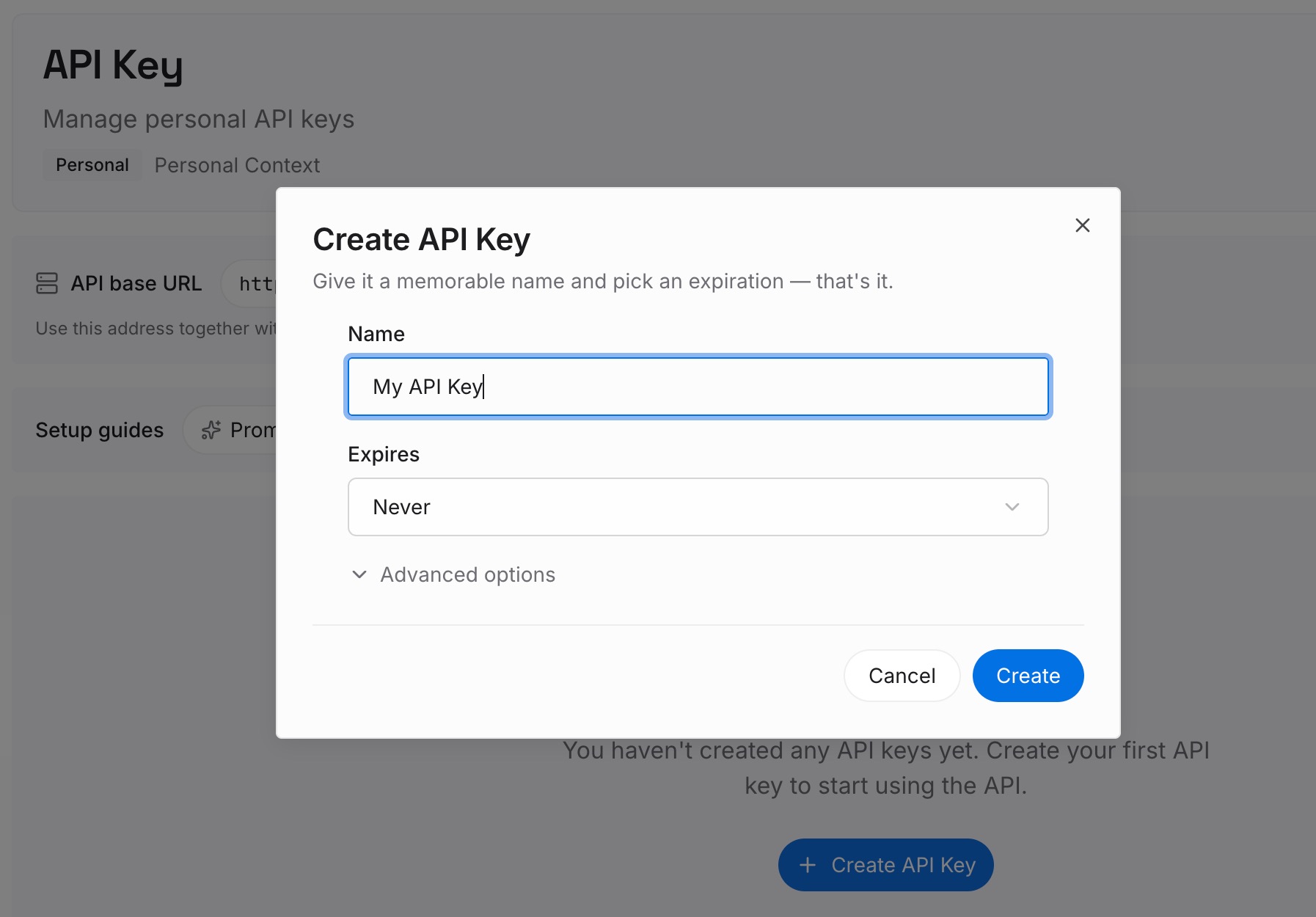
Step 1: Create an API key
Generate a key and make your first request in about 30 seconds.
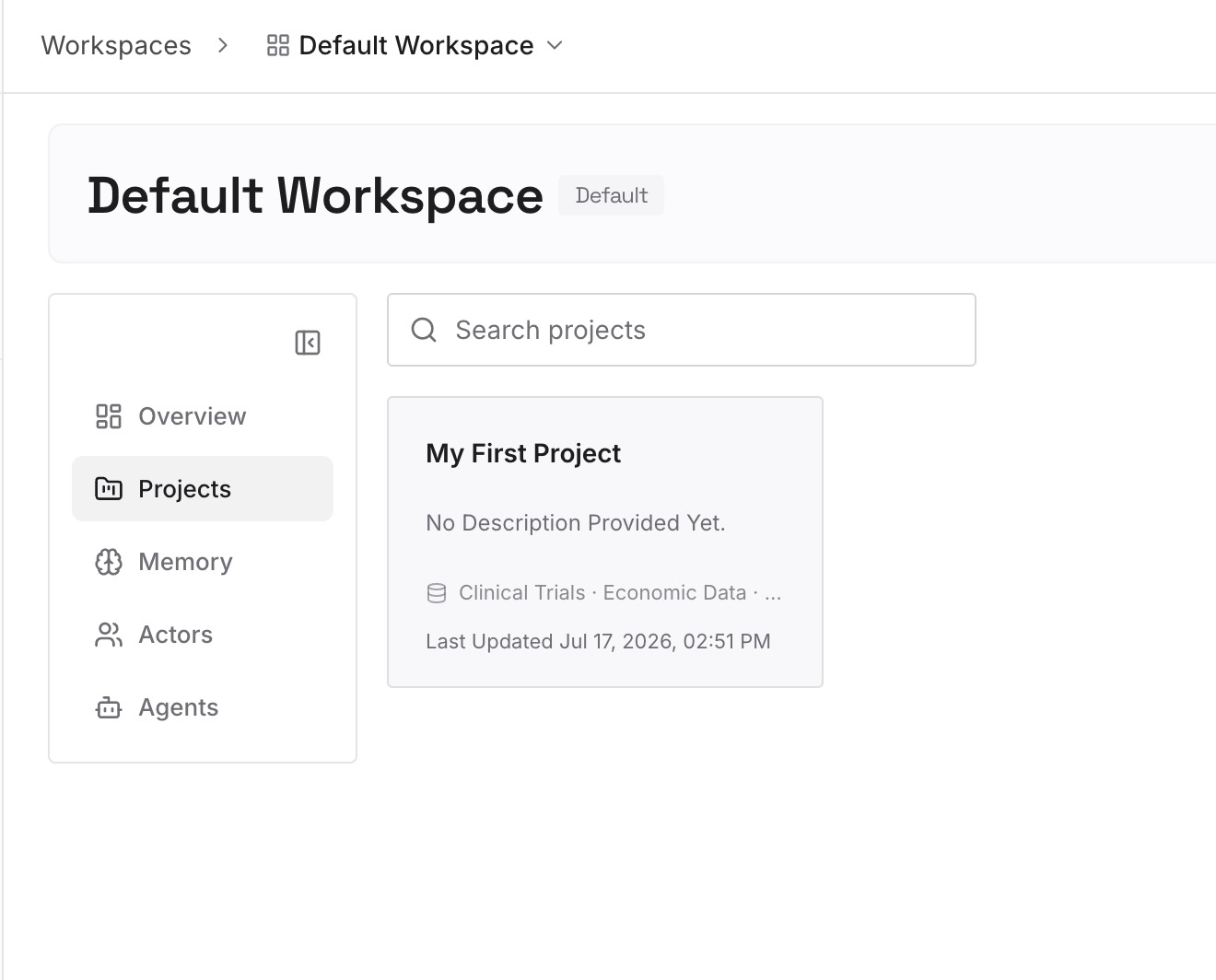
Step 2: Upload your first memories
Drop in the documents, images, and files that define each engagement: the chart of accounts export, the categorization rules and exceptions, agreed split percentages, the reviewer's standing corrections, prior-period treatments, and the client's reporting requirements.
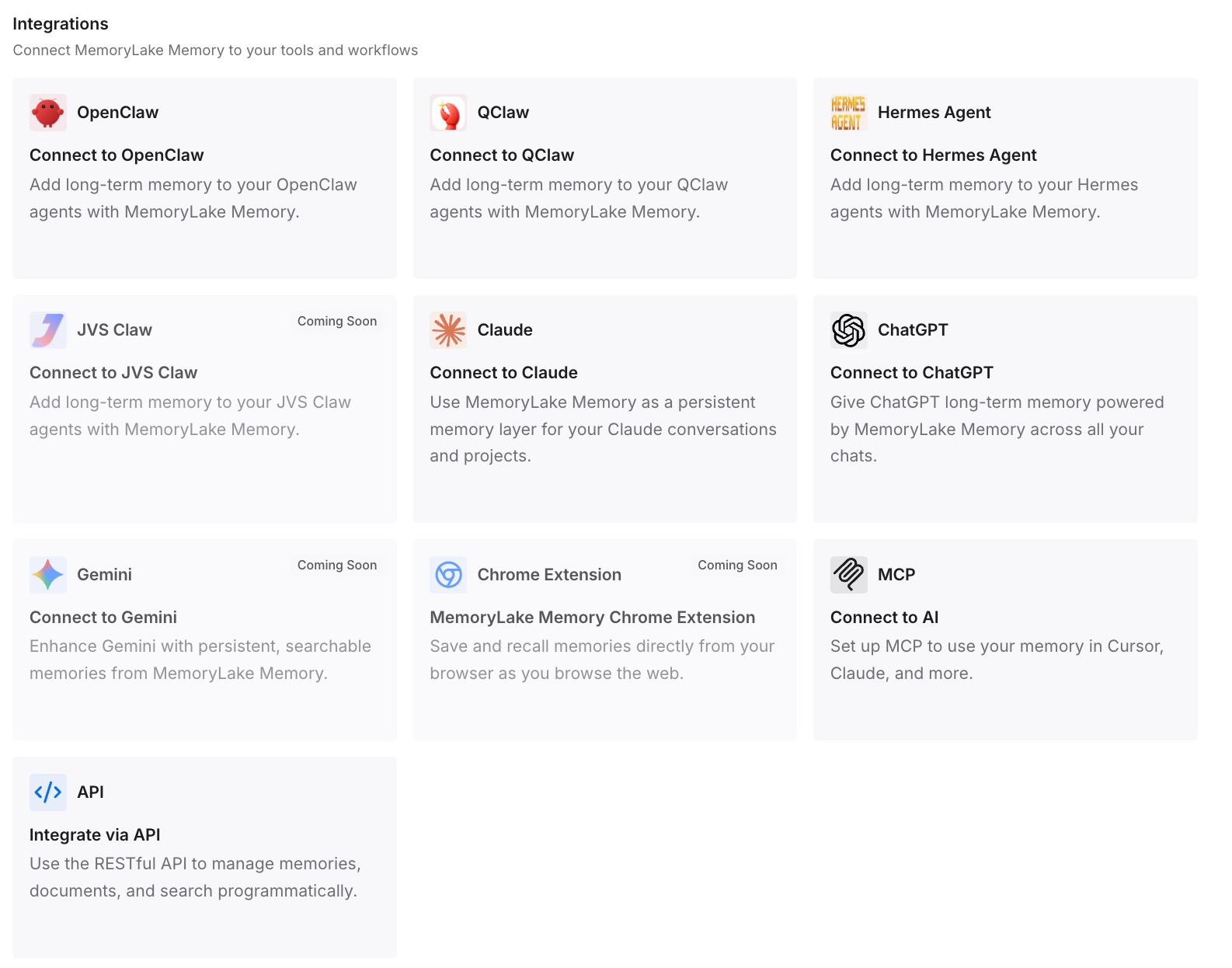
Step 3: Connect your AI & agents
Give Claude, Codex, OpenClaw, and your other agents access to that memory via MCP or the API. For ChatGPT, retrieve the relevant client memory through the API and feed it into the conversation or your workflow, so the session starts knowing the engagement instead of asking you to describe it again.
One boundary worth stating plainly: a memory layer makes the context consistent. It does not make the output approved. Human review and your normal controls still apply, and anything that touches the ledger should go through tools built for that with a proper audit trail.
What this changes in practice
Count the repetition in your own month-end. If briefing the model on a client takes eight minutes and you do it across twenty client files, that is over two and a half hours a month spent restating things that have not changed — before any actual work. If the pasted brief runs 1,500 tokens and gets sent 40 times a month per client, the token cost is real but secondary.
The expensive failures are the quiet ones: a recurring vendor mapped to the wrong account because nobody re-mentioned the exception, a split applied at last year's percentage, a reclassification undone by someone who did not know why it was made. Those cost review time and client trust, and they all trace back to the same thing — the rule existed, and it was not where the work happened. Ending that loop is the same discipline as not re-explaining context to your AI anywhere else.
Best practices for client memory
One memory scope per engagement
Keep each client's rules separated and clearly labelled. The failure mode with per-client knowledge is bleed — a rule from a similar business applied to the wrong file — and clean scoping is what prevents it.
Record the exception, the reason, the date, and who approved it
"Phone 60/40 business/personal — owner confirmed by email, 2026-04, approved by reviewer" is worth keeping for years. It survives staff turnover, it answers next year's version of the same question, and it tells you when a treatment is stale rather than merely old.
Mind what you store, and replace rather than append
Follow your firm's data policy and client confidentiality obligations about what goes into any third-party system, and prefer references over raw sensitive detail. When a rule changes, replace the stored fact and note the effective period — a stale rule is worse than a missing one, because both the model and your staff will trust it.
Conclusion
ChatGPT forgets your chart of accounts because it is not connected to your ledger, uploads live only as long as the chat, and its memory feature was built for preferences rather than forty clients' worth of mapping rules. That is why the community's verdict is so consistent: the tool only becomes useful to a practice once it knows the practice, and hand-feeding it context every time is why most firms never reach that point.
Keep postings and audit trails in the systems built for them. Put your judgment about each client — mappings, exceptions, approvals, prior-period treatments — in a memory layer your tools can read, and next month opens with the engagement already understood instead of a blank chat and eight minutes of typing.