
Why ChatGPT Forgets Your Customer Research
How ChatGPT handles research today
When you paste an interview transcript or upload a survey export, ChatGPT reads it into that conversation and reasons over it well. When the chat ends, it's gone. The themes you identified, the personas you built, the quotes you flagged as decisive — all of it lived in that session, and the next study can't see any of it. Research that should accumulate instead evaporates chat by chat.
The technical reason it doesn't stick
ChatGPT's persistence features weren't built to hold a research corpus. Memory stores compact facts and preferences — handy for "I'm a UX researcher, use the Jobs-to-be-Done framing," far too small for transcripts and synthesized findings. Projects can hold uploaded files, but each is re-read per conversation rather than becoming durable, queryable knowledge, and nothing crosses between projects. There's no layer whose job is "remember what we've learned about our customers."
What this costs a research team
Insight doesn't compound: each study reinvents context instead of building on the last, so patterns that span quarters go unseen. You re-paste and re-explain the same interviews across chats. And findings fragment across the team — a PM's ChatGPT, a designer's, and a researcher's each know a different slice, and none of them know the whole.
ChatGPT's Built-in Workarounds (and Where They Stop)
Memory
Good for standing preferences — your framework, your role, your reporting format. Its boundary is hard: it holds short text, not transcripts or synthesized insights. You can note that you do research; you can't store the research.
Projects
Grouping a study into a project keeps its chats and files together, which helps organization. But files are static attachments re-read per conversation, project knowledge doesn't leave the project, and nothing carries insights forward as new studies build on old ones.
Re-pasting transcripts
The default fallback — paste the interviews again each session — works and is exactly the manual tax that adds up, study after study, especially as your corpus grows.
The shared wall: research context lives inside disposable chats, in one app, per account — the same root cause behind why ChatGPT forgets uploaded files, applied to work whose whole value is accumulation.
The Fix: Give ChatGPT a Persistent Research Memory
The durable approach is to keep your research in a memory layer outside any single chat, so findings compound and every study starts from what you already know. MemoryLake stores transcripts, personas, and synthesized insights once — parsed and searchable, versioned Git-style so you can trace how a finding evolved, and end-to-end encrypted so participant data stays protected.
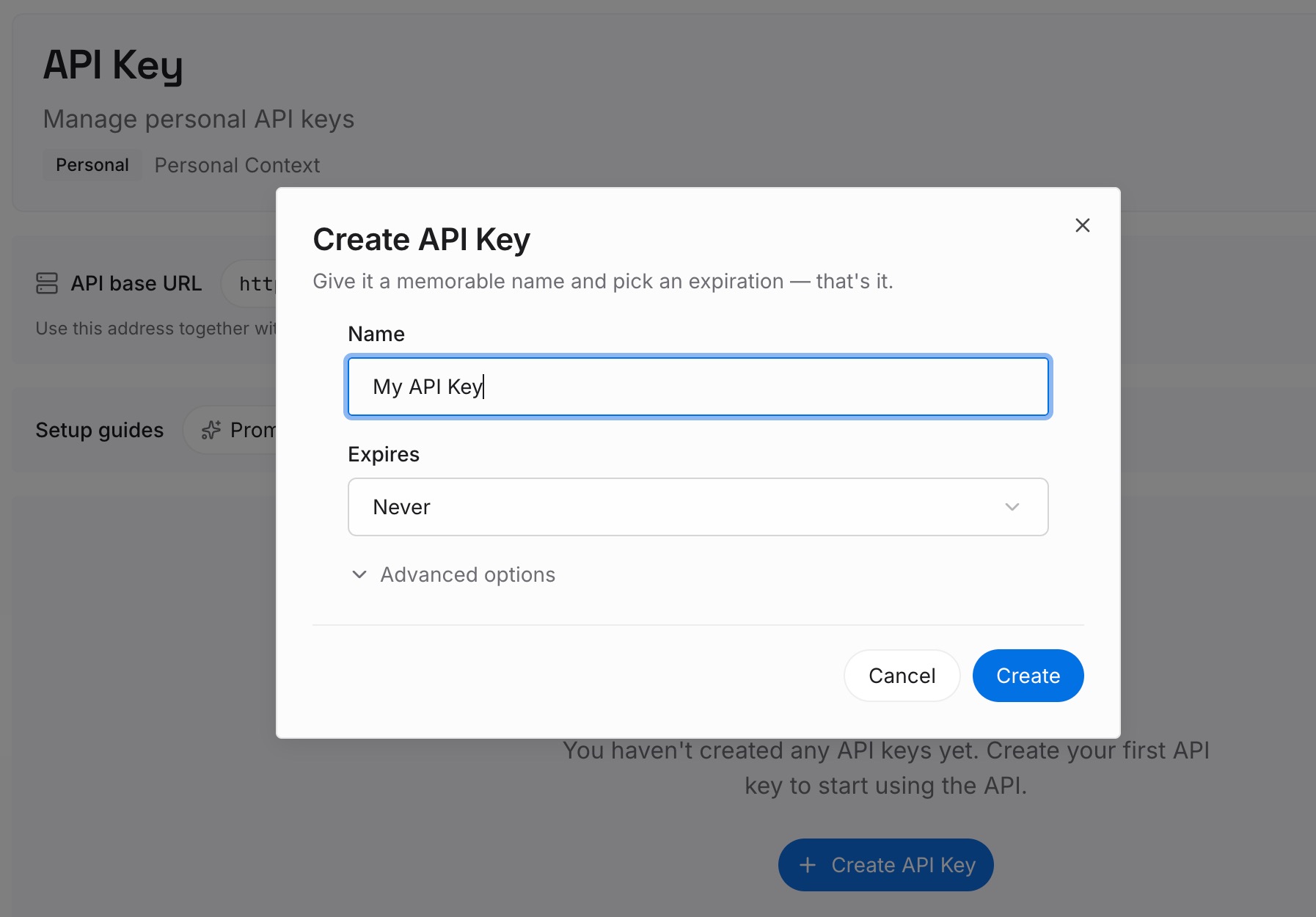
Step 1: Create an API key
Sign in to MemoryLake, generate a key, and make your first request — it takes about 30 seconds.
Step 2: Upload your first memories
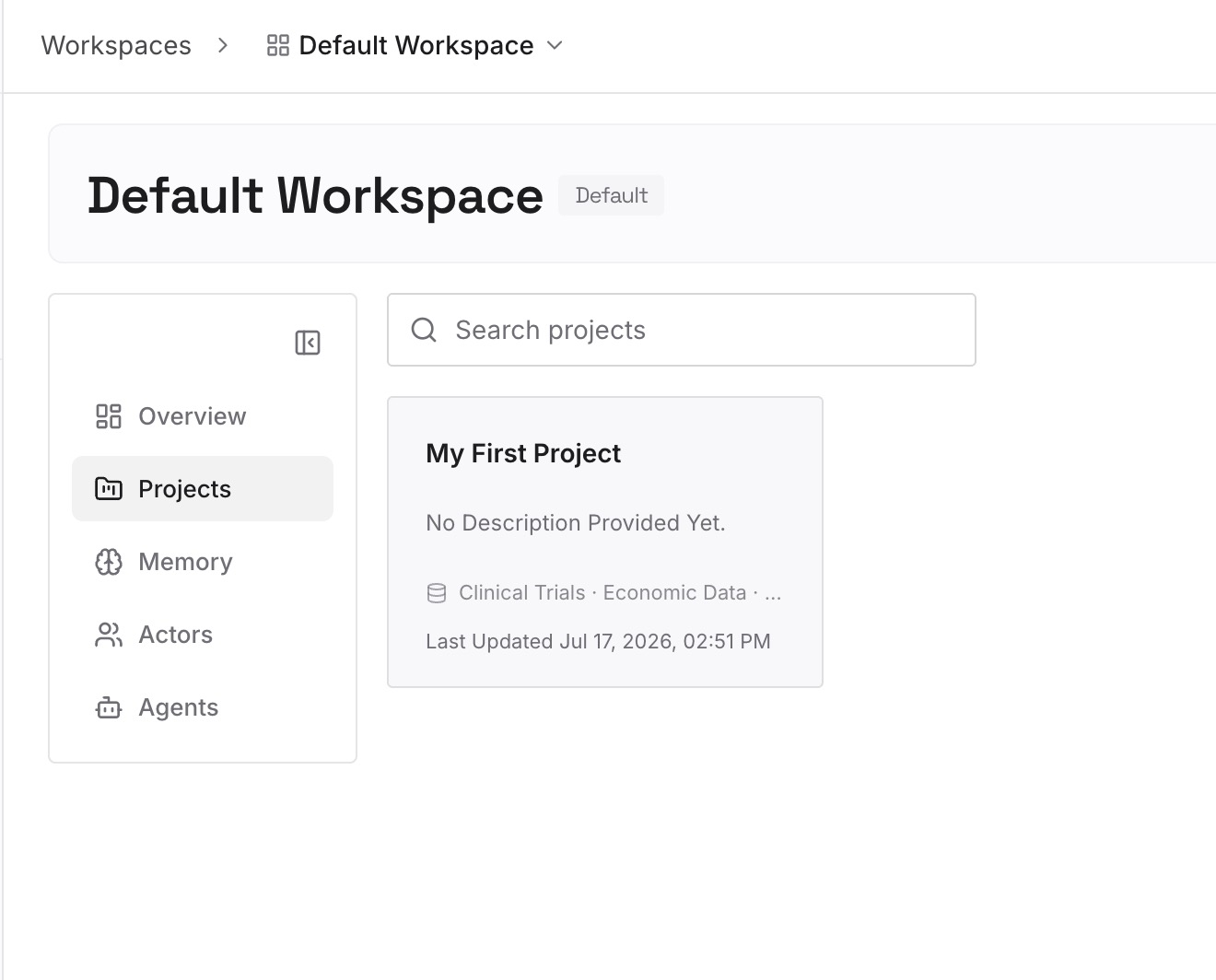
Drop in the research a study runs on — interview transcripts, survey exports, personas, past reports; documents, images, and other files all work. Capture synthesized insights as text memories ("enterprise users abandon onboarding at the SSO step") so conclusions persist alongside the raw data.
Step 3: Connect your AI & agents
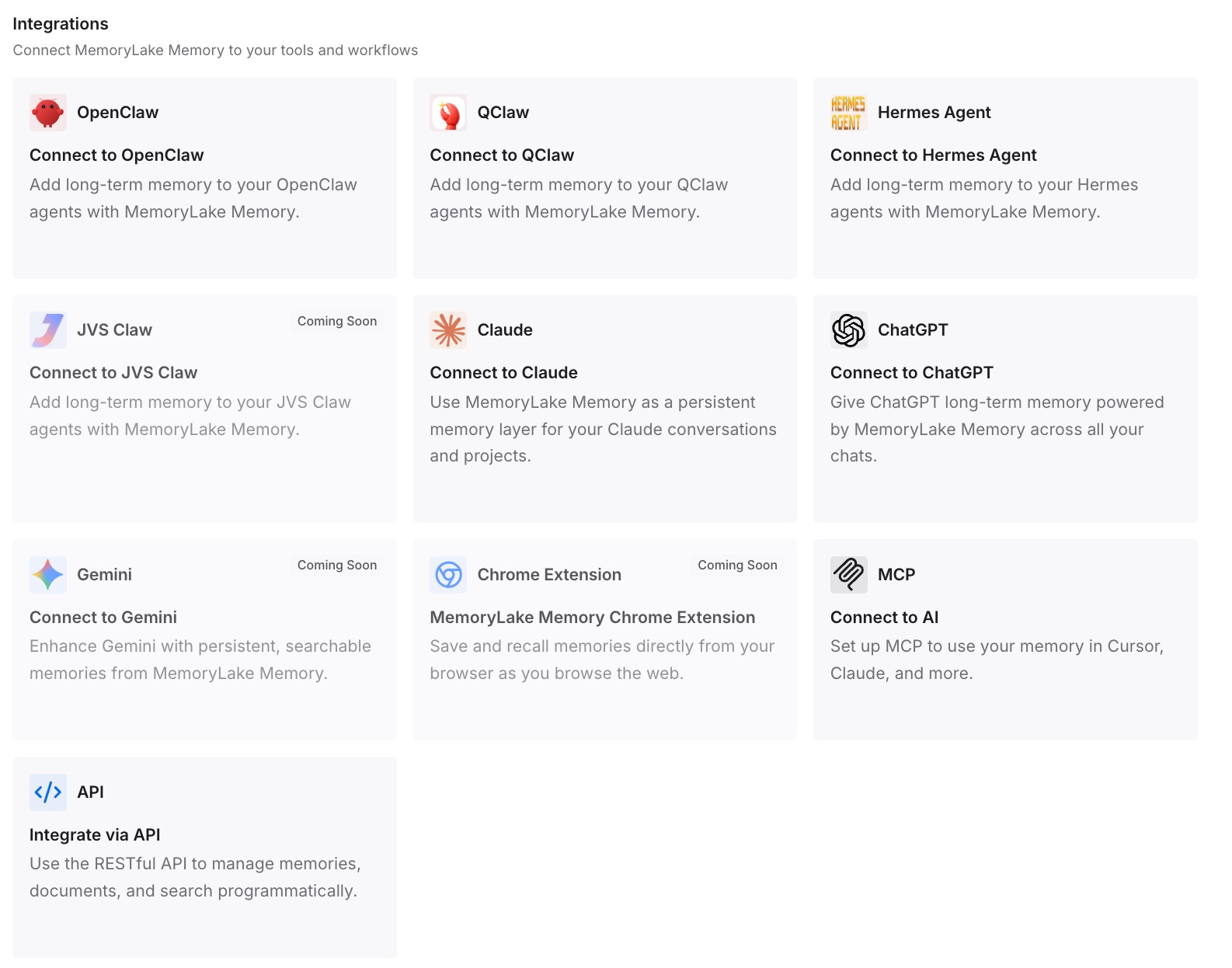
Connect ChatGPT through MemoryLake's ChatGPT integration or the API, so each study starts already aware of your prior findings. The same memory is available to Claude, Codex, OpenClaw, and other agents via MCP or the API — one research memory the whole team draws on, not scattered per person.
What Re-Building Research Context Actually Costs
The re-pasting tax
Re-uploading transcripts and re-explaining findings every study is time spent restating known work instead of discovering new insight — and it scales with your corpus, so the more research you've done, the heavier the tax on doing more.
Retrieval instead of re-pasting
With a persistent layer, ChatGPT retrieves the relevant transcript or prior insight on demand rather than re-ingesting whole studies. Cross-quarter patterns become visible because the history is actually there, and prompts stay lean — MemoryLake's Token Saving Calculator projects the effect from your usage.
Best Practices for a Research Memory
Store insights alongside evidence
Keep the synthesized finding with the transcript quotes that support it, so a conclusion can always be traced back to the interview that grounded it.
Separate raw data from synthesis
Transcripts and surveys are the evidence; personas and insights are the synthesis. Keeping them as distinct memories makes both retrieve cleanly and lets synthesis update without disturbing the source.
Scope by product area or segment
One memory scope per product line or customer segment keeps retrieval relevant and prevents one segment's findings from coloring another's analysis.
Conclusion
Customer research is only valuable if it accumulates, but ChatGPT treats every study as its first — brilliant on the transcript in front of it, blank on everything you learned before. Move your research into a persistent, encrypted memory, and every study starts from your whole body of findings, patterns emerge across quarters, and the whole team works from one source. Stop re-pasting your interviews; let your insight compound.