
Why ChatGPT Forgets Your Sales Call Notes
How ChatGPT handles call notes today
When you paste a call summary, ChatGPT reasons over it well — for that chat. When the chat ends, the account context goes with it. The objections you logged, the stakeholders you mapped, the commitments made — all of it lived in that session. The next prep for the same account starts from whatever you paste again, not from the relationship's history.
The technical reason it doesn't stick
ChatGPT's persistence features weren't built to hold a book of accounts. Memory stores compact facts and preferences — good for "I sell to mid-market, keep it consultative," far too small for the call history of even one account, let alone your whole pipeline. Projects can hold uploaded files, but they're re-read per conversation and siloed per project, with nothing accumulating an account's timeline. There's no layer whose job is "remember everything about this account."
What this costs a sales team
Cold prep on warm accounts: you re-establish context that should already be there, and you miss the callback ("last time you mentioned the Q3 budget freeze — has that lifted?") that signals you were listening. Details slip between calls. And it doesn't scale across the team — when a deal changes hands or a manager reviews it, the account's history lives in scattered chats and one rep's memory, not anywhere shared.
ChatGPT's Built-in Workarounds (and Where They Stop)
Memory
Fine for standing preferences — your methodology, your tone, your segment. Its boundary is hard: it holds short text, not an account's evolving call history. You can teach it how you sell, not who you're selling to across dozens of live deals.
Projects
A project per account keeps that account's chats and files together, which helps organization. But files are static attachments re-read per conversation, project knowledge doesn't cross to your CRM or teammates, and nothing maintains a running timeline as calls accumulate.
Re-pasting call summaries
The default fallback — paste the last call again each prep — works and is the manual tax that repeats before every conversation, for every account, forever.
The shared wall: account context lives in disposable chats, per rep, per app, disconnected from where deals actually live — the same root cause behind why ChatGPT forgets client details, in the highest-stakes setting for it.
The Fix: Give ChatGPT a Persistent Account Memory
The durable approach is to keep each account's history in a memory layer outside any single chat, so every prep starts from the full relationship. MemoryLake stores call notes, account facts, and deal context once — searchable, versioned Git-style so an account's timeline is traceable, and end-to-end encrypted so customer and deal data stays protected.
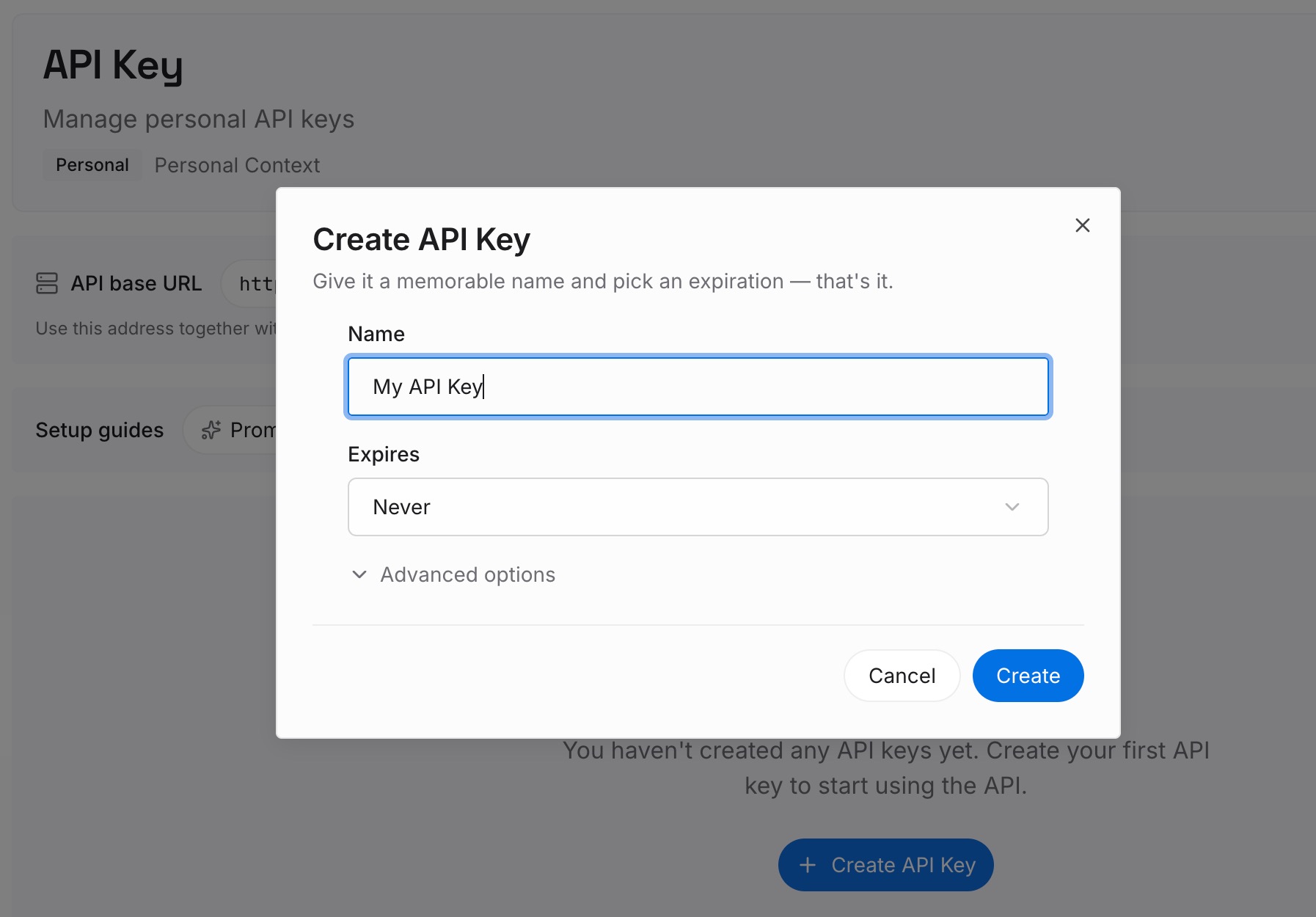
Step 1: Create an API key
Sign in to MemoryLake, generate a key, and make your first request — it takes about 30 seconds.
Step 2: Upload your first memories
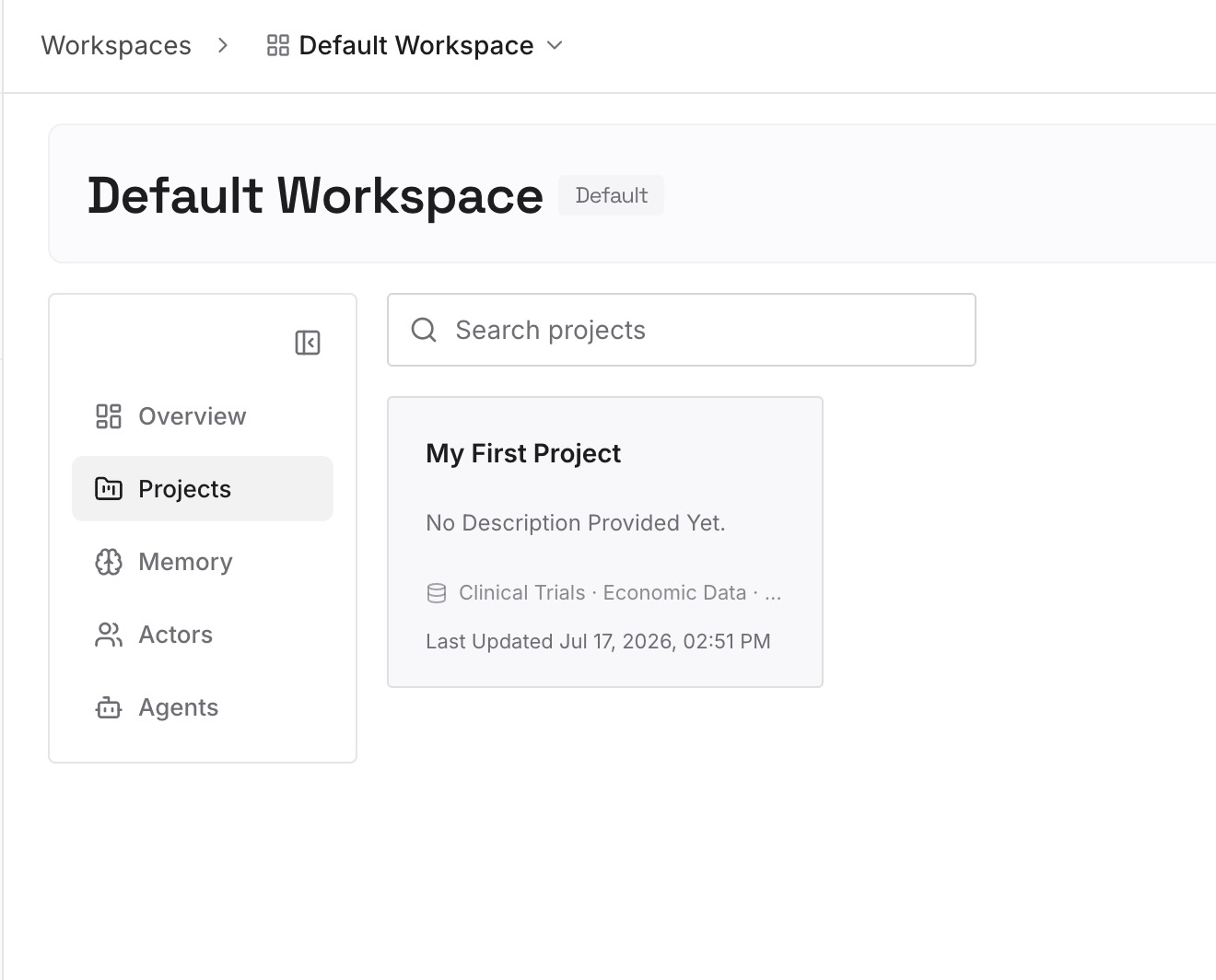
Drop in what a prep session needs — call transcripts and summaries, account briefs, proposals, and notes; documents, images, and other files all work. Capture the moving parts as text memories ("champion: VP Eng; blocker: Q3 budget freeze; next step: security review") so an account's state persists between calls.
Step 3: Connect your AI & agents
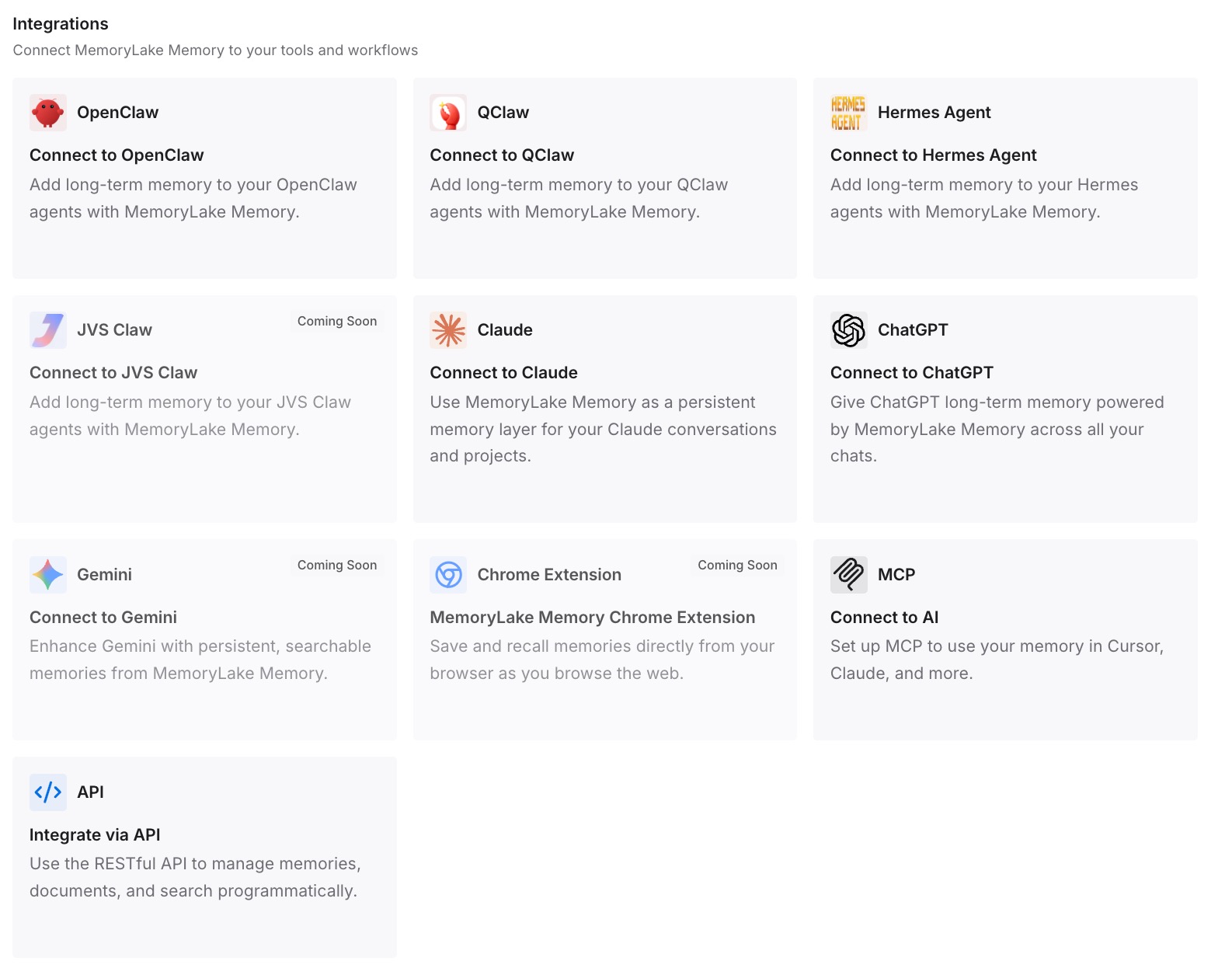
Connect ChatGPT through MemoryLake's ChatGPT integration or the API, so every prep starts already aware of the account's history. The same memory is available to Claude, Codex, OpenClaw, and other agents via MCP or the API — so the account context isn't trapped in one rep's chat window.
What Cold Prep Actually Costs
The re-briefing tax, with deals on the line
Re-pasting and re-explaining an account before each call is time taken from selling — and the real cost is the missed detail: the forgotten objection or unremembered commitment that makes a buyer feel like a ticket instead of a relationship.
Retrieval instead of re-pasting
With a persistent layer, ChatGPT retrieves the relevant account history on demand instead of re-ingesting notes each prep. Warm prep in seconds, no dropped details, and leaner prompts in API workflows — MemoryLake's Token Saving Calculator projects the effect from your usage.
Best Practices for a Sales Memory
Capture the deal state after every call
The best moment to log champion, blocker, and next step is right after the call. One dated line keeps the account's state current without a full transcript re-read later.
Separate account facts from call transcripts
Keep the raw call notes as files and the deal state ("stage, blockers, next step") as concise memories. The state changes every call; the transcript is the evidence behind it.
Scope by account
One memory scope per account keeps retrieval precise and prevents one deal's context from bleeding into another's prep.
Conclusion
Sales is a memory game — who said what, what's blocking, what's next — and ChatGPT plays it with amnesia, sharp on the note in front of it and blank on the relationship behind it. Move each account's history into a persistent, encrypted memory, and every prep starts warm: the objections, the stakeholders, the commitments, all there, for you and for anyone on the team who picks up the deal. Stop re-briefing on your own accounts; let the history carry.