
Why ChatGPT Forgets Your Support Tickets
How ChatGPT handles ticket context today
When you paste a ticket thread, ChatGPT reasons over it well — for that chat. When the chat closes, the context goes with it: who the customer is, what they've already tried, which bug this is, what you promised last time. The next reply starts from whatever you paste again, not from the account's history.
The technical reason it doesn't stick
ChatGPT's persistence features were built for personalization, not case management. Memory stores compact facts and preferences — fine for "I'm in support, keep replies warm and concise," far too small for a ticket history or a known-issues list. Projects can hold uploaded files, but they're re-read per conversation, siloed per project, and don't accumulate a timeline as tickets pile up. Nothing in the stack is designed to answer "what has this customer already been told?"
What this costs a support team
Customers repeat themselves — the single fastest way to make good support feel bad. Known issues get re-diagnosed: the workaround someone found last month is rediscovered from scratch because it lived in a closed chat. And knowledge doesn't pool: each agent's ChatGPT knows a different slice, so quality depends on who picks up the ticket, and a new hire starts at zero.
ChatGPT's Built-in Workarounds (and Where They Stop)
Memory
Good for standing preferences — tone, reply format, your role, escalation style. Its boundary is hard: short text entries, not ticket histories. You can teach it how to write support replies, not who your customers are.
Projects
A project per product area or major account keeps related chats and files together, which genuinely helps. But files are static attachments re-read per conversation, project knowledge doesn't cross to teammates or your helpdesk, and nothing tracks a customer's timeline as new tickets arrive.
Pasting the ticket thread
The default fallback works and is the manual tax that repeats on every reply — and it fails quietly when someone pastes an outdated macro or misses the escalation history, which is worse than not pasting at all.
The shared wall: support context lives in disposable chats, per agent, per app, disconnected from the helpdesk where tickets actually live — the same root cause behind why ChatGPT forgets client details, in work where a forgotten detail costs a customer.
The Fix: Give ChatGPT a Persistent Support Memory
The durable approach is to keep customer state and known issues in a memory layer outside any single chat. MemoryLake stores ticket history, known bugs and workarounds, and account facts once — searchable, versioned Git-style so an issue's resolution history is traceable, and end-to-end encrypted so customer data stays protected.
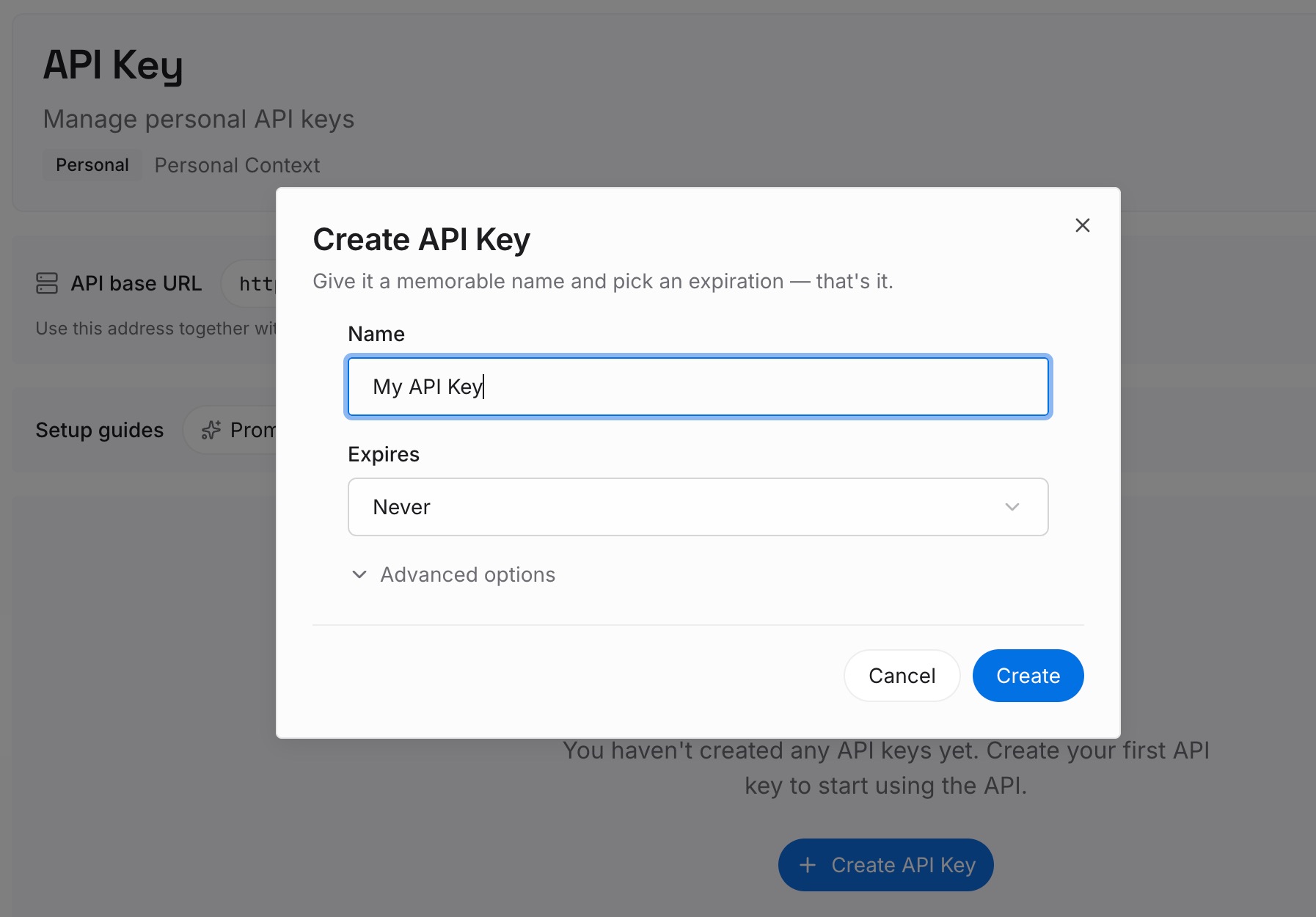
Step 1: Create an API key
Sign in to MemoryLake, generate a key, and make your first request — it takes about 30 seconds.
Step 2: Upload your first memories
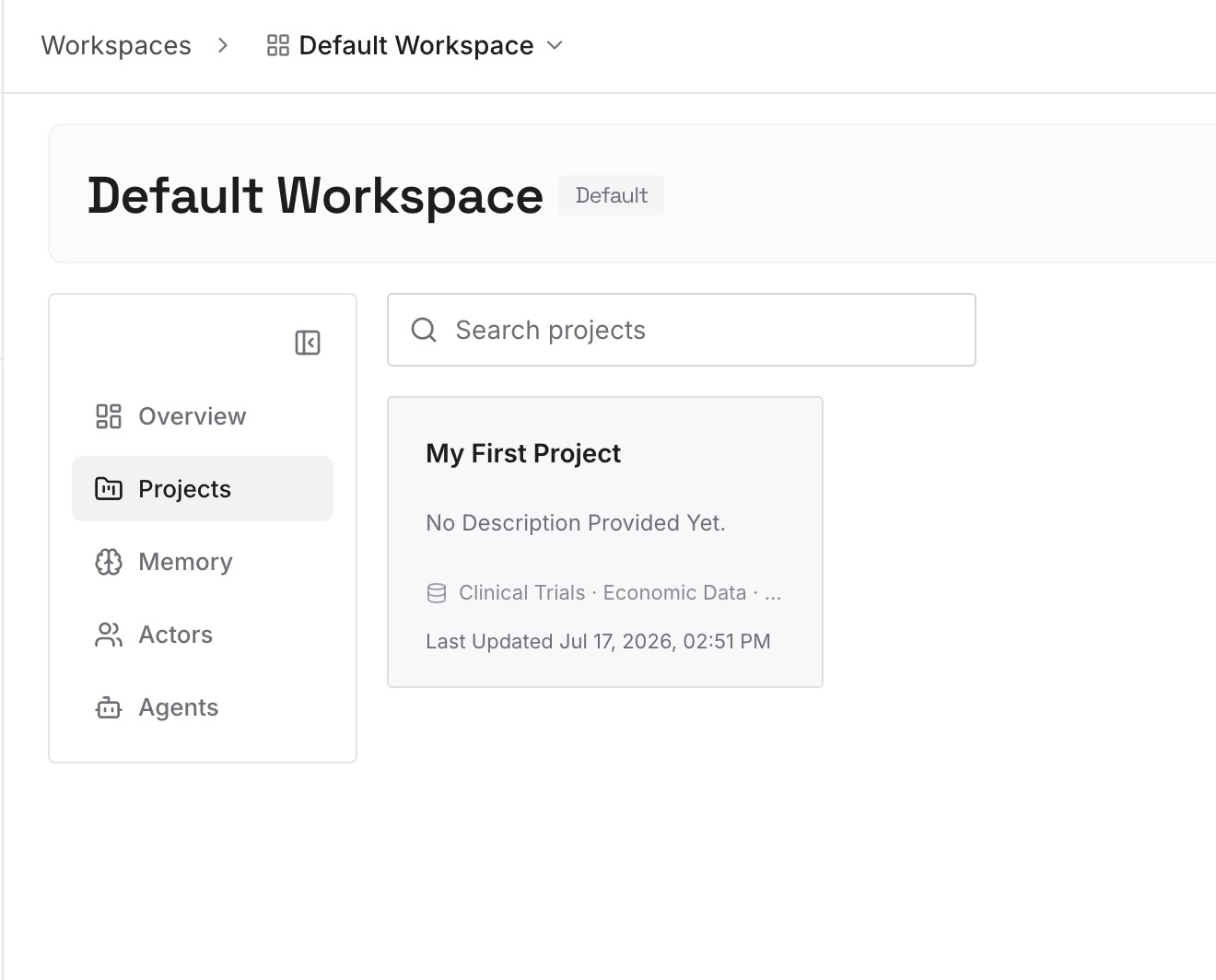
Drop in what every reply should draw on: product docs, runbooks, known-issue lists, past ticket exports, and escalation policies — documents, images, and other files all work. Capture the moving parts as text memories ("Acme: on v3.2, hit the webhook retry bug twice, workaround = manual replay; SLA 4h") so customer state persists between tickets.
Step 3: Connect your AI & agents
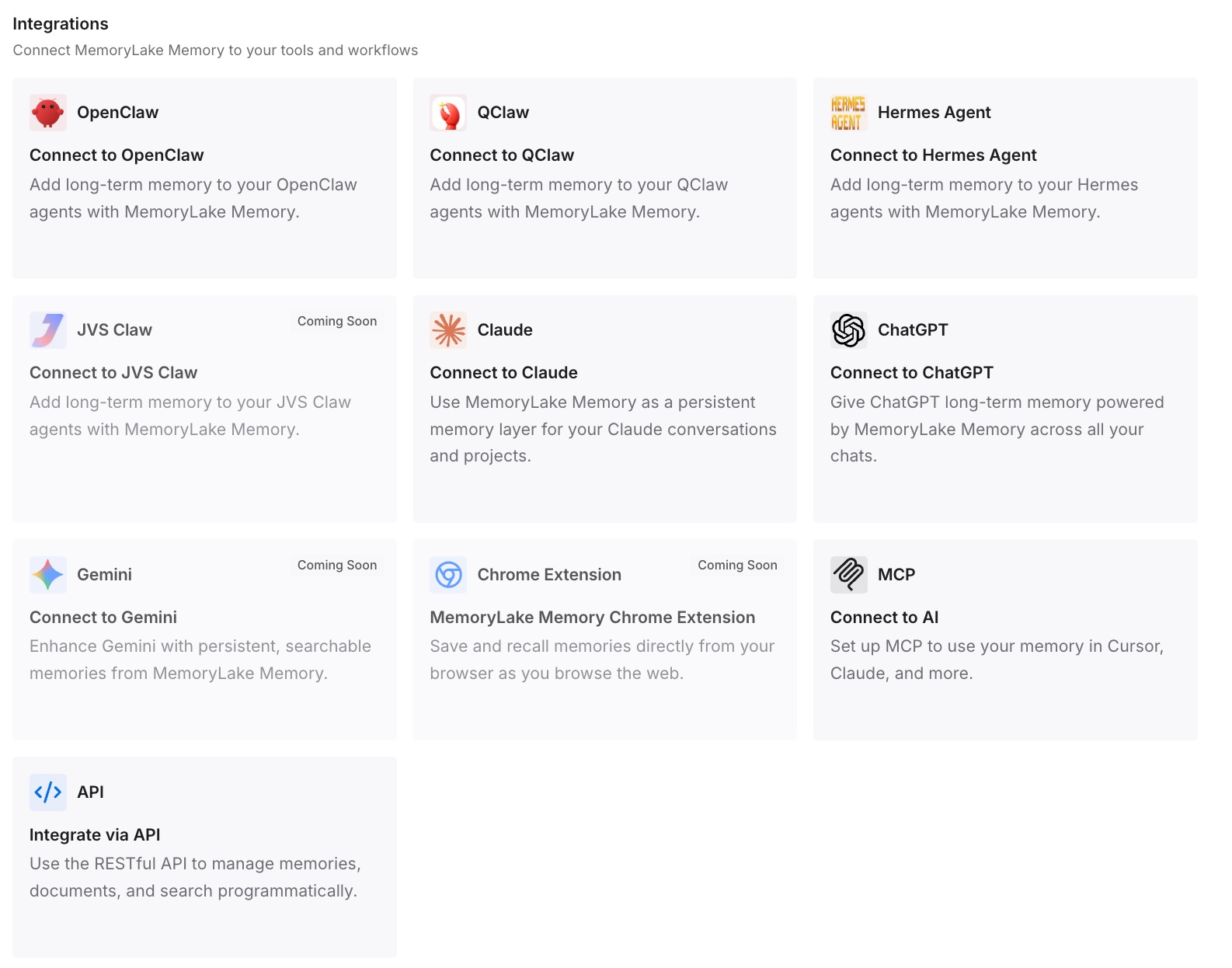
Connect ChatGPT through MemoryLake's ChatGPT integration or the API, so every draft starts already aware of the customer's history and the current known issues. The same memory is available to Claude, Codex, OpenClaw, and other agents via MCP or the API — so an automated triage agent and a human's assistant work from the same facts.
What Cold Replies Actually Cost
The re-explanation tax, on both sides
Every paste-and-re-brief is agent time before the reply is written. The heavier cost lands on the customer: asked to restate what they already reported, they read it as "you don't have your act together" — and repeat contacts on the same issue are exactly where satisfaction drops fastest.
Retrieval instead of re-pasting
With a persistent layer, ChatGPT retrieves this customer's history and the matching known issue on demand instead of re-ingesting threads. Faster first replies, no rediscovered workarounds, and consistent answers regardless of who's on shift — MemoryLake's Token Saving Calculator projects the token effect from your usage.
Best Practices for a Support Memory
Store known issues with their workarounds
The highest-value memory in support is "this bug, this symptom, this workaround, this version." Write it once when it's found and it stops being rediscovered.
Separate customer state from ticket transcripts
Keep transcripts as files and the current state — plan, version, open issues, promises made — as concise memories. State changes every ticket; the transcript is the evidence behind it.
Scope by account or product
One memory scope per major account or product line keeps retrieval precise and prevents one customer's configuration from bleeding into another's answer.
Conclusion
Support runs on memory — what this customer has tried, what we already promised, which known bug this is — and ChatGPT plays it fresh every time, sharp on the thread in front of it and blank on everything behind it. Move ticket history, customer state, and known issues into a persistent, encrypted memory, and every reply starts warm: no repeat questions, no rediscovered workarounds, consistent answers across the whole team. Stop re-explaining your own customers.