
What changed with GPT-Live, and what didn't
GPT-Live is OpenAI's current generation of voice models, and the engineering behind it is genuinely new work. It runs on a full-duplex architecture: the model can listen and speak at the same time, processing incoming audio while generating its own speech. OpenAI's engineers describe removing the legacy "turn detectors" in favour of a model that streams audio continuously, and delegating heavier work — web search, tool calls, deeper reasoning — to a background model so the conversation never stops while that work happens. At launch, that background model was GPT-5.5.
The rollout reached ChatGPT users through July 2026, OpenAI published an account of the six-month rebuild in early August 2026, and since July 31, 2026 supported audio generated through ChatGPT Voice carries SynthID watermarking with a public verification tool.
All of that is about the inside of a conversation: latency, interruptions, whether the model can say "mhmm" while you're still talking. None of it is about what survives after you hang up. A voice stack that feels human in the moment and a memory layer that carries knowledge between moments are two different problems, and only one of them got rebuilt.
Why ChatGPT forgets your voice conversations
Continuity is scoped to one chat, not to you
The mechanism is location-based. The transcript lands in the chat where you spoke, and resuming means returning to that chat and tapping the voice icon again. That works well when your work is one long-running thread. It fails the moment your work is spread across many conversations — one per client, one per feature, one per week — which is how most people actually use ChatGPT.
The clips have an expiry date
Audio clips from Live and Advanced Voice conversations, and video clips from Advanced Voice, are stored alongside the transcript in your chat history and retained for 30 days. If you delete a chat, the associated audio and video are deleted within 30 days as well. The record of what you said is not designed to be a long-term archive, and treating it as one will eventually bite you.
Memory keeps conclusions, not the conversation
ChatGPT's cross-chat memory was rebuilt during 2026 around a background synthesis process that reads across many past chats and builds a higher-level picture of you, rather than storing a static list of facts. That is a real improvement for personalization. It is not a transcript store. It will remember that you work on data pipelines. It will not remember that you decided settled_at stays nullable for partial refunds because of the 2024 backfill, or that the threshold you agreed on was 400 milliseconds and not 500.
Speaking is the mode where re-explaining costs the most
In a text chat you can paste a spec and move on. You cannot paste while you're talking. Voice is the interface where context has to be spoken into existence every single time, which is exactly why the gap hurts more here than anywhere else — and why some professionals report losing precise technical details like field names and business rules between sessions, then re-deriving them out loud.
What people try
Copying the transcript into a text chat. This works, and it is the most common fix. End the voice conversation, copy the transcript above the "Voice chat ended" card, paste it into a text chat, and the content is now text the model reads like any other message. The cost is that it is manual, it happens after the fact, and forty minutes of speech becomes a wall of text you now have to keep re-pasting.
Living in one immortal thread. Keep a single chat per project and always speak into it. Continuity is real, until the thread gets long enough that earlier material starts falling out of the working context and answers quietly get worse.
Recording separately. A voice recorder plus a transcription tool gives you a durable file. Now you have an archive ChatGPT can't see unless you upload it again, into each conversation that needs it.
Custom instructions and project files. Good for stable preferences and reference documents. They are static: you write them, they don't grow from what you said yesterday.
Every one of these is a way of moving text around by hand. None of them makes what you said retrievable from anywhere other than the place you said it.
The Fix: Give Your Spoken Context a Home Outside the Chat
The structural fix is to stop treating a chat thread as storage. Put the knowledge in a memory layer that lives outside any single conversation, and let whatever you're using — a new ChatGPT chat, a coding agent, a teammate's tool — read from it. MemoryLake is built for exactly that: memory as its own layer, reachable over MCP or an API, not a feature buried inside one product.
You can be running in a few minutes.
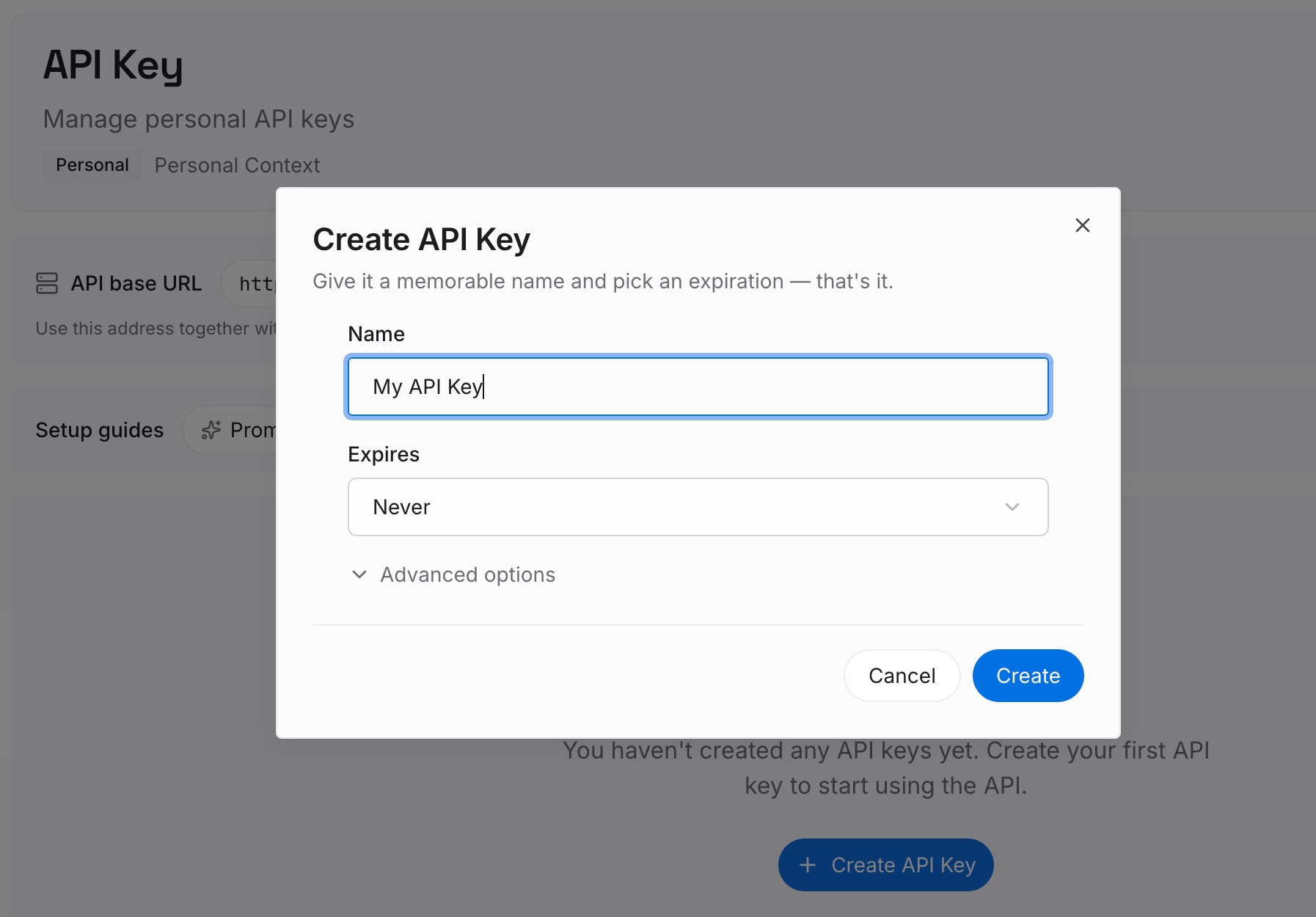
Step 1: Create an API key
Generate a key and make your first request in about 30 seconds. This is the credential your tools will use to read and write memory.
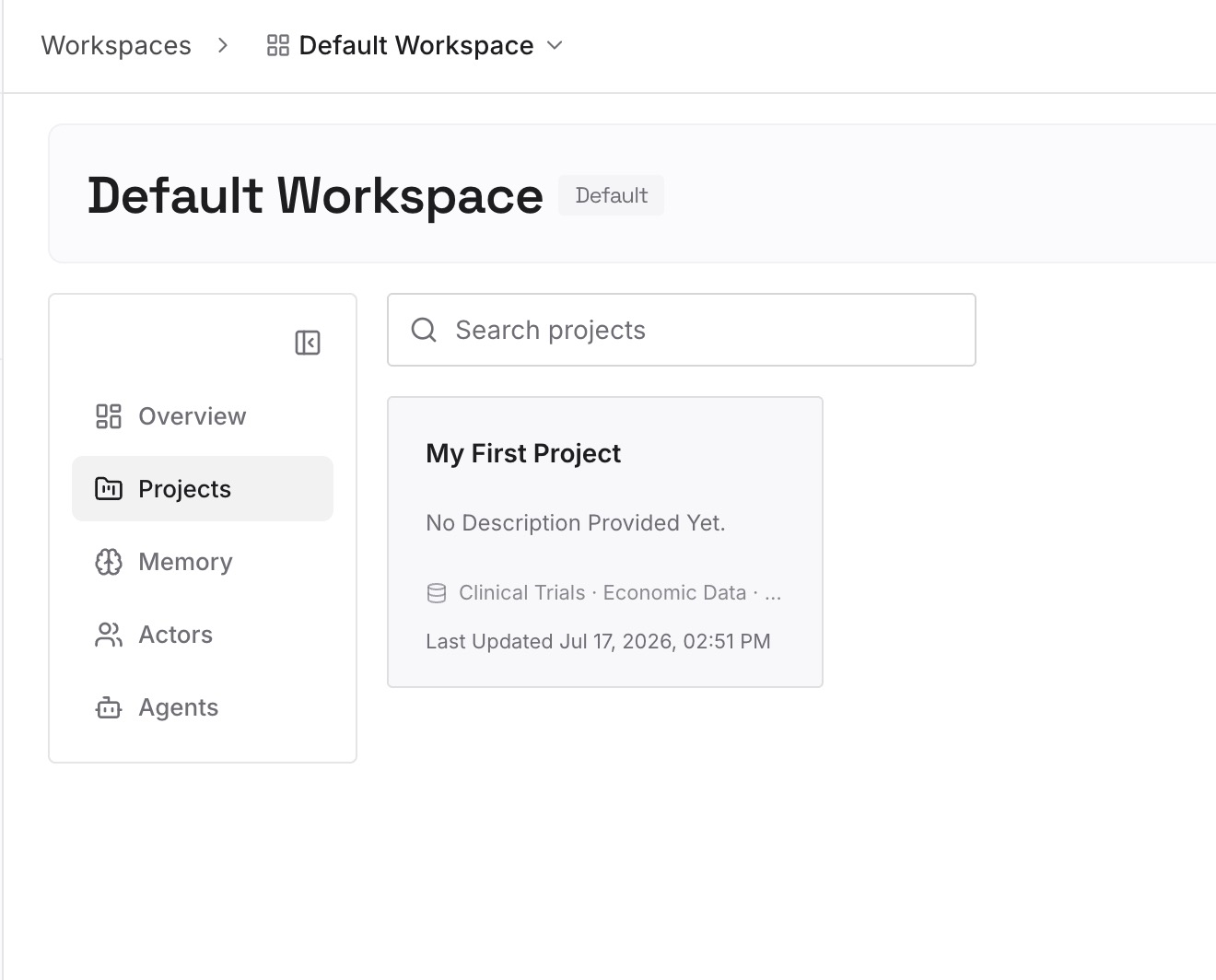
Step 2: Upload your first memories
Drop in the artifacts your spoken work keeps circling back to — the pasted transcript from that walk, the data dictionary, the decision log, the spec PDF, a screenshot of the whiteboard. Documents, images, and other files all go in the same place.
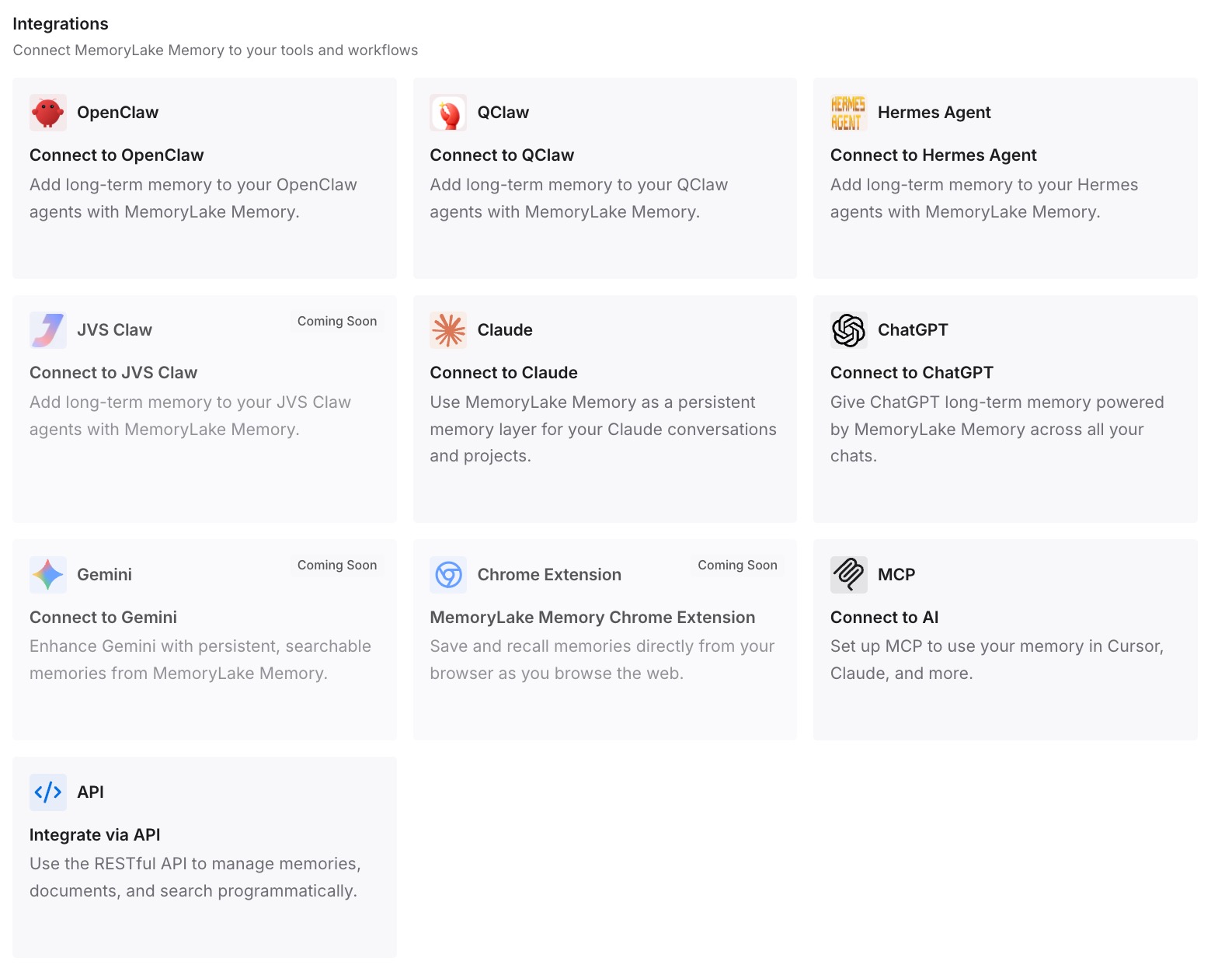
Step 3: Connect your AI & agents
Give Claude, Codex, OpenClaw, and other agents access to that memory over MCP. For ChatGPT, which has no native MCP client for consumer chats, retrieve the relevant memories through the API and inject them at the start of a conversation — or have whatever tool you build around ChatGPT do that retrieval for you. The result is that the next voice conversation starts with your terminology already loaded, in any chat.
What this changes in practice
The measurable difference is the first two minutes of every session. A voice conversation that currently opens with "so, remember, we're working on the refunds pipeline, the field is called settled_at, and we agreed nullable is fine for partial refunds" opens instead with the actual question.
Do that five times a day and you've spent nearly an hour a week narrating context you already established. The second-order cost is worse: when re-explaining is tedious, people abbreviate, and the model ends up working from a lossy summary of a decision it once had in full — which is how you get an answer that quietly contradicts what you settled on last week.
There is also a durability argument. Clips expire in 30 days. Chats get deleted. Accounts get migrated. A decision that only exists in a voice transcript inside one thread is a decision with a shelf life.
Best practices for voice-first work
Convert speech into artifacts on the same day
At the end of a voice session, ask ChatGPT to summarize the decisions and open questions, then push that summary into your memory layer rather than leaving it in the thread. Two minutes of tidying converts a perishable transcript into something durable.
Store the decision, not just the outcome
"Threshold is 400ms" is a fact you will forget the reason for. "Threshold is 400ms because the p95 for the payments callback was 380ms in June — revisit if that provider changes" is a fact that survives a personnel change. Memory that carries the why is what stops the same debate from happening twice.
Keep the sensitive parts out of the spoken loop
Voice conversations get transcribed, stored, and retained on a schedule you don't control. Speak in references — "the client in the Q3 escalation" — rather than naming account numbers or personal data out loud, and keep sensitive detail in systems your organization has actually approved for it.
Conclusion
ChatGPT Voice is better than its reputation on this point: within a single chat, it keeps a transcript and lets you resume. It is also more limited than most people assume, because that is the whole of the guarantee. Clips expire after 30 days, memory keeps synthesized conclusions rather than what you dictated, and nothing you said in one thread is available in the next one.
GPT-Live made talking to a model feel like a conversation. It did not make the model's memory of that conversation portable. Until spoken context lives somewhere outside the chat it happened in, every walk-and-talk starts by rebuilding the last one — and a memory layer you own is what turns those forty minutes into something you only have to say once.