
What a channel is
Anthropic's documentation describes the feature in its opening line: "Use channels to push messages, alerts, and webhooks into your Claude Code session from an MCP server."
The mechanism is a specific kind of MCP server. "A channel is an MCP server that pushes events into your running Claude Code session, so Claude can react to things that happen while you're not at the terminal."
Channels can work in both directions. The documentation says: "Channels can be two-way: Claude reads the event and replies back through the same channel, like a chat bridge."
You install a channel as a plugin and configure it with your own credentials. The documentation says: "Telegram, Discord, and iMessage are included in the research preview." Each supported channel is a plugin that requires Bun, and there's also a demo channel called fakechat that runs a chat page on your own machine, so you can try the flow without connecting a real platform.
The feature is labeled a research preview. Availability is rolling out gradually, and the documentation warns that the flag syntax and protocol may change based on feedback.
How channels differ from other ways to reach Claude Code
Claude Code has several features that connect it to the world outside the terminal. The documentation compares them:
- Cloud sessions run tasks in a fresh cloud sandbox, cloned from GitHub. They suit self-contained work you check on later.
- Claude in Slack starts a cloud session from a mention in a channel or thread.
- A standard MCP server is something Claude queries during a task. Nothing is pushed to the session.
- Remote Control lets you drive your local session from claude.ai or the Claude mobile app.
Then: "Channels fill the gap in that list by pushing events from non-Claude sources into your already-running local session."
The key difference is where a message lands. The documentation says that unlike integrations that spawn a fresh cloud session or wait to be polled, "the event arrives in the session you already have open".
What Claude already knows when a message lands
Because a channel message joins a running session, Claude answers with everything that session already holds.
The documentation describes two uses that depend on this:
- A chat bridge. You "ask Claude something from your phone via Telegram, Discord, or iMessage, and the answer comes back in the same chat while the work runs on your machine against your real files."
- A webhook receiver. An event from CI, an error tracker, or a deploy pipeline "arrives where Claude already has your files open and remembers what you were debugging."
That second phrase is the important one. A message through a channel isn't a new conversation. It becomes the next input in a session that already has your files, the commands it ran, and what you were investigating. That's why the lunch-time question in the opening example got a useful answer.
It also means the quality of the answer depends on the session. A channel message to a session you started five minutes ago gets an answer based on five minutes of context.
Why messages only arrive while the session is open
The same design explains the evening silence. Channels push events into a running session. When the session isn't running, there's nothing for the event to arrive in.
The documentation's sentence is direct: "Events only arrive while the session is open, so for an always-on setup you run Claude in a background process or persistent terminal."
The documentation doesn't describe channel messages being queued for a session that's closed, so plan as if a message sent while the session is down won't reach it. If you want to use channels away from your desk, keep the session running somewhere that stays on.
We covered what happens to work Claude Code is running in the background when you exit, and how to keep it going, in our guide to Claude Code background tasks.
For tasks that should check something on a schedule instead of reacting to events, the documentation points to session-scoped scheduled tasks, which poll on a timer.
Why replies don't show in your terminal
This is easy to miss if you glance at the terminal after replying from a phone. The documentation explains: "When Claude replies through a channel, you see the inbound message in your terminal but not the reply text."
In the terminal, you see the incoming message as an inbound channel line, then the tool call Claude made to reply and a short confirmation that it was sent. The reply itself appears on the other platform.
So the record of a channel conversation is split. Your questions are visible in the terminal. Claude's answers are on Telegram, Discord, or iMessage. If something important was decided in that exchange, the full text is on your phone.
What happens at a permission prompt
A session you're steering from your phone can still stop for permission. The documentation says: "If Claude hits a permission prompt while you're away from the terminal, the session pauses until you respond."
Some channels can help. The documentation says channel servers that declare a permission relay capability can forward these prompts so you can approve or deny remotely. For unattended use, it points to a mode that skips permission checks entirely, which removes that safeguard.
When you run channels in non-interactive mode with -p, tools that need terminal input are turned off. The documentation's examples are multiple-choice questions and plan mode approval, disabled "so the session never stalls waiting for input."
How to start a session with channels
After installing a channel plugin, you restart Claude Code with the --channels flag and name the plugin. The startup screen then shows a notice that messages from that plugin go directly into the session.
Two details matter:
- Channels are opt-in per session. The documentation says that in all cases, no channel runs until a user opts it in for the session with
--channels. - Configuration alone isn't enough. "Being in
.mcp.jsonisn't enough to push messages: a server also has to be named in--channels."
During the preview, neither --channels nor the development flag appears in claude --help. The documentation says the flags work even though they aren't listed.
Who can send messages into your session
Channels open a path into a session that can read and change files on your machine, so the documentation is careful about who can use it.
"Every approved channel plugin maintains a sender allowlist: only IDs you've added can push messages, and everyone else is silently dropped."
Telegram and Discord build the list by pairing. You message your bot, it replies with a pairing code, you approve the code in your Claude Code session, and your sender ID is added. iMessage works differently: texting yourself is allowed automatically, and you add other contacts by handle.
The allowlist also controls permission relay, and the documentation spells out what that means: "Anyone who can reply through the channel can approve or deny tool use in your session, so only allowlist senders you trust with that authority."
During the research preview, --channels only accepts plugins from an Anthropic-maintained allowlist, or from your organization's allowlist if an admin has set one.
What organizations need to turn on
Availability depends on how you sign in.
- Pro, Max, and Ultra without an organization. "Pro, Max, and Ultra users without an organization skip these checks entirely". Channels are available, and you opt in per session.
- Claude Team and Enterprise. Channels are blocked until an Owner enables them, from Organization settings under Claude Code, or by setting
channelsEnabledto true in managed settings. - Console with API key authentication. Channels are permitted by default unless your organization deploys managed settings.
If channels aren't enabled, the documentation says the server still connects: "If the setting is disabled or unset, the MCP server still connects and its tools work, but channel messages won't arrive." A startup warning tells the user to ask an admin.
Admins can also replace the default list of approved channel plugins with their own using allowedChannelPlugins.
Channels require Anthropic authentication through claude.ai or a Console API key. They aren't available on Amazon Bedrock, Google Cloud's Agent Platform, or Microsoft Foundry.
What people try first
Messaging a session that isn't running. Events only arrive while the session is open.
Looking for Claude's reply in the terminal. The terminal shows your message and a confirmation. The reply is on the other platform.
Adding the server to .mcp.json and stopping there. It also has to be named in --channels.
Allowlisting a group chat. Anyone on the allowlist can approve tool use through permission relay.
Waiting for a team rollout that never comes. On Team and Enterprise, an Owner has to enable channels.
The Fix: Keep the session, the record, and the context in step
Step 1: Run the session where it stays on
Use a persistent terminal or background process if you'll message it while away.
Step 2: Allowlist only yourself or people you trust
Pair your own account first, and add others only if they should be able to approve tool use.
Step 3: Copy important answers back
When a channel exchange decides something, record it where the rest of your team can see it.
Step 4: Keep project context outside the session
Write down the decisions a fresh session would need, so a restarted session can answer as well as the old one.
Setting this up in MemoryLake
A channel message gets a good answer because the session already knows what you were working on. When that session ends, its context ends with it, and the decisions made over a chat bridge sit in your messaging app. The decisions themselves, such as which fix you approved, why a deploy was paused, or which error to ignore, are project context worth keeping in one place.
MemoryLake is a memory layer for that kind of project context, such as decisions, current priorities, and the reasons behind them, kept in one place you maintain and available to the assistants you connect, such as ChatGPT, Claude Code, and Codex.
You write the entries yourself, in your own words. Nothing is read out of, written to, or deleted from your Claude Code sessions, your channel plugins, your Telegram, Discord, or iMessage conversations, your settings files, or any vendor's store. Channels work the way Anthropic describes them.
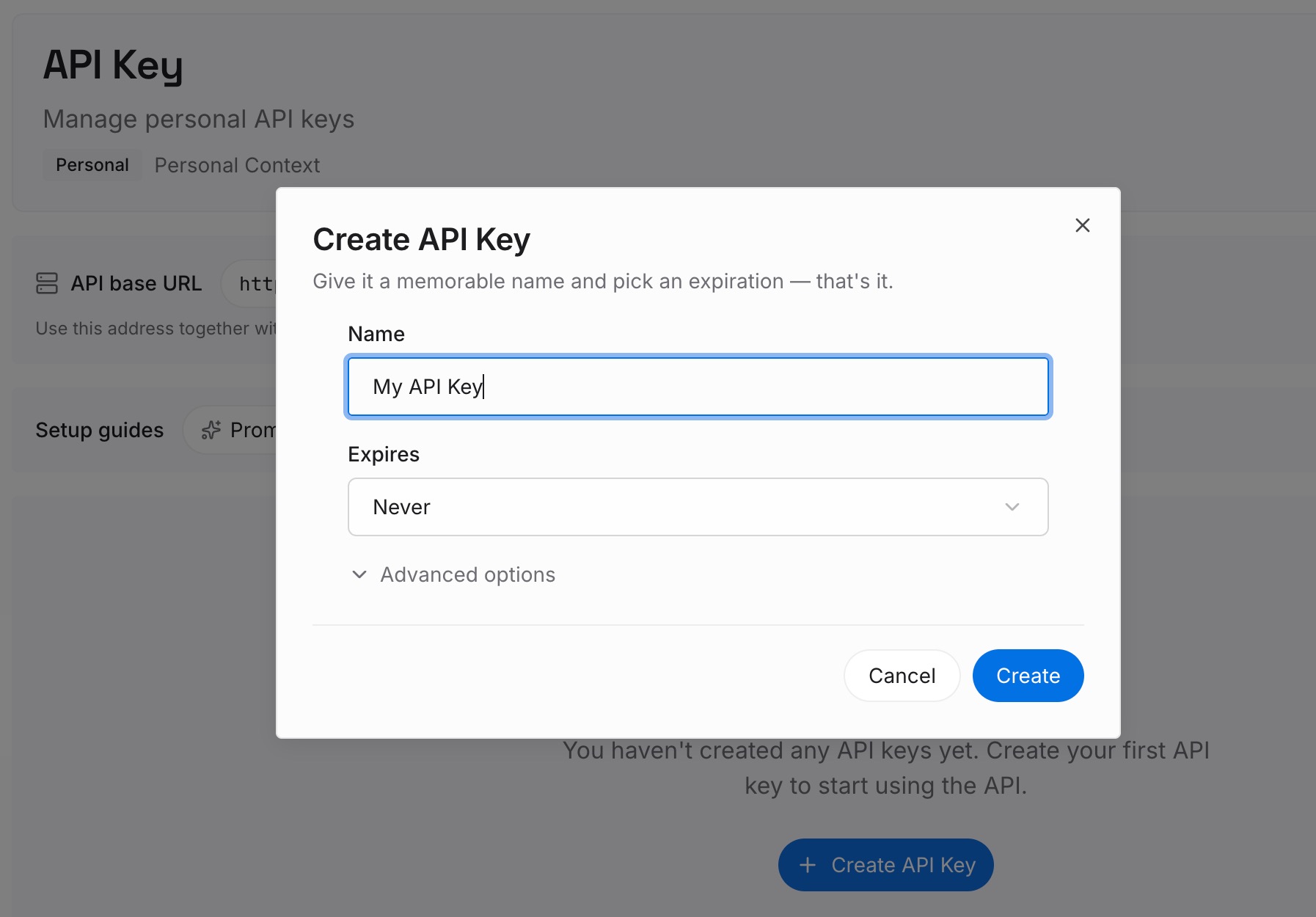
Step 1: Create an API key
Sign in and generate a key from the dashboard. Store it outside your repositories, like any other credential.
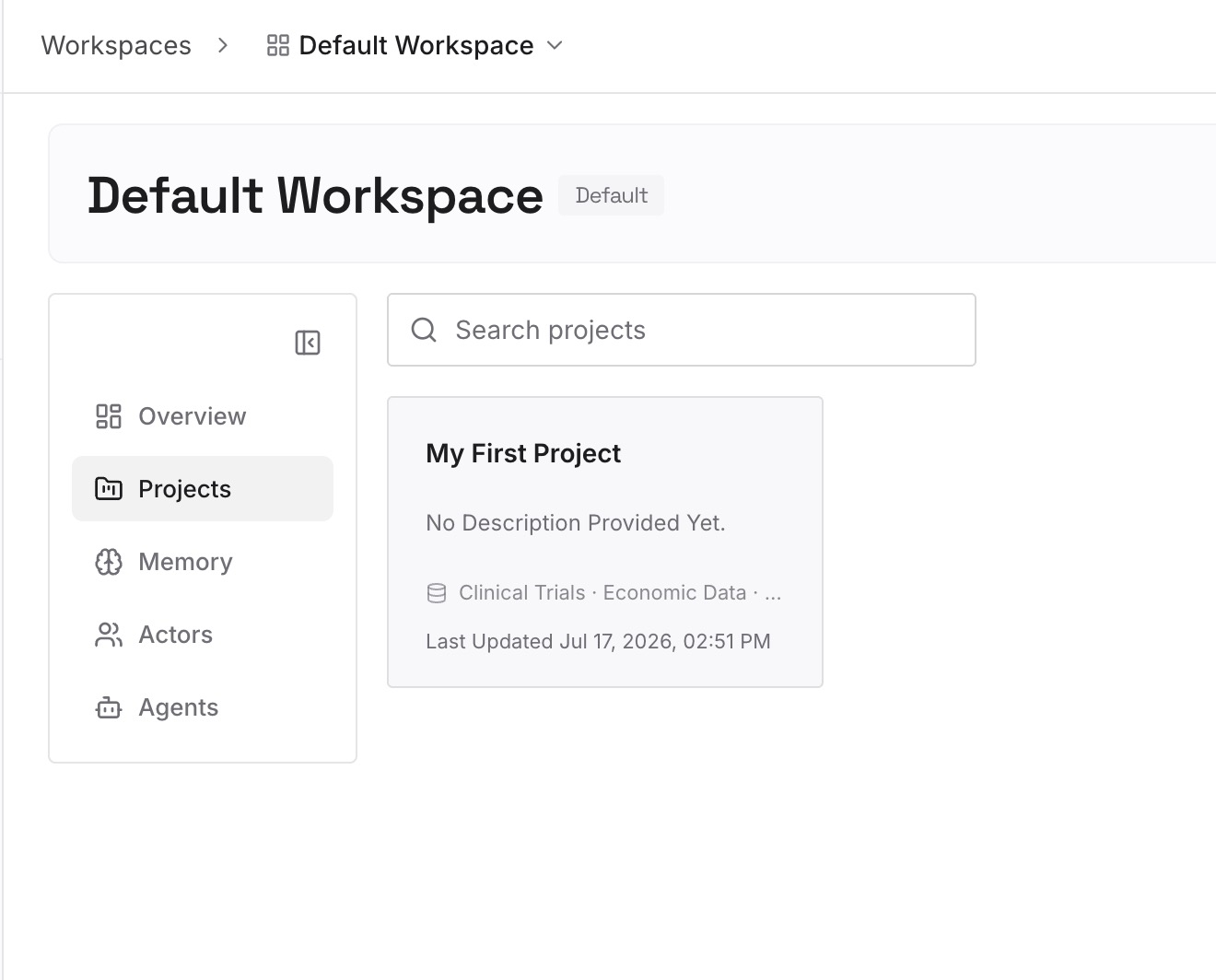
Step 2: Upload your first memories
Start with what you wrote in Step 4 of the fix: the decisions a new session should know. One decision per entry, with the date.
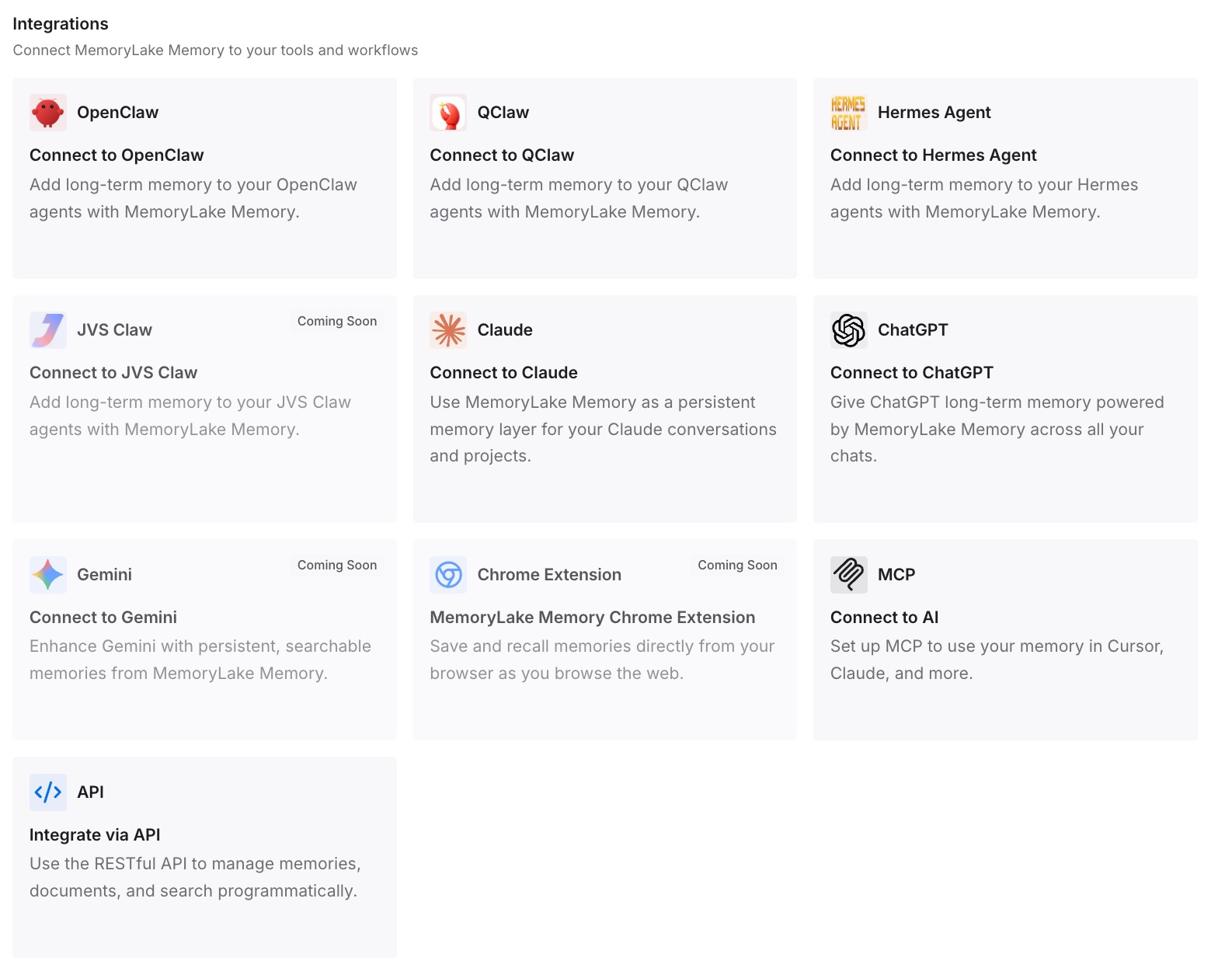
Step 3: Connect your AI & agents
Connect Claude Code, Codex, and the other assistants you use. A restarted session can draw on the same decisions as the one it replaced.
What this changes in practice
The first difference is less dependence on one session. If the session restarts, the decisions are still available.
The second is a fuller record. Answers given on your phone don't have to stay only on your phone.
The third is consistency across tools. The same decisions are there in Claude Code and in other assistants.
Best practices for Claude Code channels
Start with fakechat. Test the flow on your own machine before connecting a real platform.
Keep the session running. Messages only arrive while it's open.
Opt in per session. Name each channel with --channels.
Keep the allowlist small. Allowlisted senders can approve tool use.
Plan for permission prompts. Use a channel with permission relay, or expect the session to pause.
Record decisions made by chat. Replies live on the other platform.
Expect changes. Channels are a research preview.
Conclusion
Channels let an MCP server push messages, alerts, and webhooks into a Claude Code session that's already running. Because the message joins that session, Claude answers with the files, commands, and investigation it already has, which is what makes a quick question from your phone useful. The same design means events only arrive while the session is open.
Replies through a channel appear on the other platform, not in your terminal. A sender allowlist controls who can push messages and, through permission relay, who can approve tool use. On Team and Enterprise plans, an Owner has to enable channels first. Keep the session running when you need it, keep the allowlist tight, and record the decisions you make through a chat bridge somewhere that outlasts the session.