
What /goal is
The commands reference describes it in one line: "Claude keeps working across turns until the condition is met or the goal clears for another reason."
The goal documentation explains the mechanism: "/goal is a wrapper around a session-scoped prompt-based Stop hook. Each time Claude finishes a turn, Claude Code sends the condition and the conversation so far to your configured small fast model."
That model is the evaluator. After every turn, it returns one of three verdicts:
- Not yet met. "Claude keeps working and takes the reason as guidance for the next turn."
- Met. "Claude Code clears the goal and records an achieved entry in the transcript."
- Impossible. The evaluator "judged that the condition can never be satisfied." Claude Code clears the goal and records the reason.
The documentation explains why this is different from letting Claude decide when it's done: auto mode "approves tool calls within a single turn but doesn't start a new one", while /goal "adds a separate evaluator that checks your condition after every turn".
How to set, check, and clear a goal
Set one. Run /goal followed by the condition. "Setting a goal starts a turn immediately, with the condition itself as the directive. You don't need to send a separate prompt." Only one goal is active per session, and a new one replaces the old.
Check it. Run /goal with no arguments. The status shows the condition, how long it has run, how many turns have been evaluated, the current token spend, and the evaluator's latest reason.
Clear it. Run /goal clear. The documentation lists stop, off, reset, none, and cancel as aliases. Running /clear to start a new conversation also removes any active goal.
A goal doesn't change your permission mode. The documentation says: "To let goal turns run unattended, run /goal in auto mode." In Manual mode, Claude still asks before tool calls your settings don't already allow.
What the evaluator can see
This is the cause of the first surprise in the opening example. The evaluator reads the conversation. It doesn't look at your terminal, your files, or your test runner on its own.
The documentation is explicit: it "doesn't run commands or read files independently". So a test that passed in another terminal window, or a file that changed outside the session, isn't evidence the evaluator can use. What counts is what Claude ran and reported in the conversation.
The transcript shows each verdict, and the documentation says you can press Ctrl+O to see the reason behind it. If the evaluator keeps saying a goal isn't met, that reason can tell you what evidence is missing.
How to write a condition that works
The documentation gives a short checklist. The documentation says a condition that holds up across many turns usually has:
- "One measurable end state", such as a test result, a build exit code, a file count, or an empty queue.
- "A stated check", meaning how Claude should prove it, such as a test command exiting 0.
- "Constraints that matter", meaning anything that must not change along the way.
Because the evaluator only sees the conversation, the stated check is the most important part. A condition about passing integration tests is easier to judge when it names the command, so Claude runs it and the result appears in the transcript.
Conditions can be up to 4,000 characters. To limit how long a goal runs, the documentation suggests a turn or time clause, such as stopping after a set number of turns. "Claude reports progress against that clause each turn and the evaluator judges it from the conversation."
Why a resumed session brings the goal back
This is the second behavior from the opening example. A goal belongs to the session, and resuming the session restores it.
The documentation says Claude Code restores an active goal "on every resume route", including continue, resume with a session ID or name, and resume with a transcript file path.
Some things reset: "Claude Code carries the condition over but resets the turn count, timer, and token-spend baseline. It doesn't restore a goal that was already achieved or cleared."
So if you stop for the night with a goal active, it'll be there when you resume. If you don't want it, clear it before you close the session, or clear it after resuming.
The goal persists with the session, not across sessions. A brand-new session starts without one, and /clear removes an active goal. The goal documentation calls it a session-scoped shortcut that's "active for the current session only."
How background work affects a goal
Long goals can involve subagents or background commands, and the documentation has specific rules for them.
Evaluation waits. "If a subagent or a background shell command is still running when a turn ends, Claude Code skips the evaluation for that turn." It evaluates at the end of the next turn that finishes with no background work running.
Check-ins. Once background work has kept the goal waiting for 30 minutes, a check-in is due. Claude Code lists the running tasks and asks Claude to read their output, keep waiting if they're progressing, and fix or stop any that are stuck.
Stalls stop the loop. "If Claude keeps answering the evaluator without making progress (no tool use for several turns in a row), Claude Code stops the loop, prints a warning, and returns control to you with the goal still set."
What happens when a turn fails
The documentation separates errors into two kinds.
Errors you have to fix clear the goal. These include an authentication failure when Claude Code manages its own credentials, an exhausted credit balance, "A context overflow that auto-compaction couldn't clear", and a model that isn't available. Claude Code prints a warning naming the cause, and you set the goal again after fixing it.
Other errors leave it set. "After any other error the goal stays set."
The context overflow case is worth noting for long goals. A goal that runs many turns fills the context window, and auto-compaction normally keeps it going. If compaction can't clear enough room, the goal ends.
When /loop or a Stop hook fits better
The documentation compares three ways to keep a session running between prompts. The difference is what starts the next turn.
/goalstarts the next turn when the previous one finishes, and stops when a model confirms the condition or judges it impossible./loopstarts the next turn when "A time interval elapses", and stops when you stop it or Claude decides the work is done.- A Stop hook starts the next turn when the previous one finishes, and stops when "Your own script or prompt decides".
So /loop fits work driven by time, such as checking a deploy every few minutes. The scheduled tasks documentation calls it "the quickest way to run a prompt on repeat while the session stays open."
A Stop hook fits rules that should apply every time. The documentation explains: "/goal is a session-scoped shortcut: you type a condition and it's active for the current session only. A Stop hook lives in your settings file, applies to every session in its scope, and can run a script for deterministic checks".
That last phrase matters. Because the /goal evaluator judges from the conversation, a Stop hook running a script is the choice when you need the check to be deterministic.
For work that should run without any open session, such as nightly tests, the documentation points to scheduling options instead. We covered what carries over between scheduled runs in our guide to Claude Code routines.
What people try first
Writing a condition the evaluator can't see. It judges the conversation, not your files or terminal.
Expecting a goal to end when the session ends. Resuming restores an active goal.
Setting a second goal. One goal is active per session. A new one replaces the old.
Using /goal for scheduled checks. /loop runs on an interval.
Expecting /goal to approve tool calls. It doesn't change your permission mode.
The Fix: Write goals the evaluator can judge
Step 1: Name the check in the condition
Include the command whose result proves the goal.
Step 2: Add constraints and a limit
State what must not change and when to stop.
Step 3: Clear goals you don't want resumed
Run /goal clear before closing a session you won't continue.
Step 4: Record what each long goal produced
Write down the outcome, the approach that worked, and anything left undone.
Setting this up in MemoryLake
A goal ends when the condition is met. What you learned getting there, such as which test was flaky, which fix worked, and what you deferred, is context that the next session starts without unless you write it down. The transcript keeps the turns, but the conclusions are spread across them.
MemoryLake is a memory layer for that kind of project context, such as outcomes, approaches that worked, and open items, kept in one place you maintain and available to the assistants you connect, such as ChatGPT, Claude Code, and Codex.
You write the entries yourself, in your own words. Nothing is read out of, written to, or deleted from your Claude Code sessions, your transcripts, your goals, your settings files, or any vendor's store. /goal works the way Anthropic describes it.
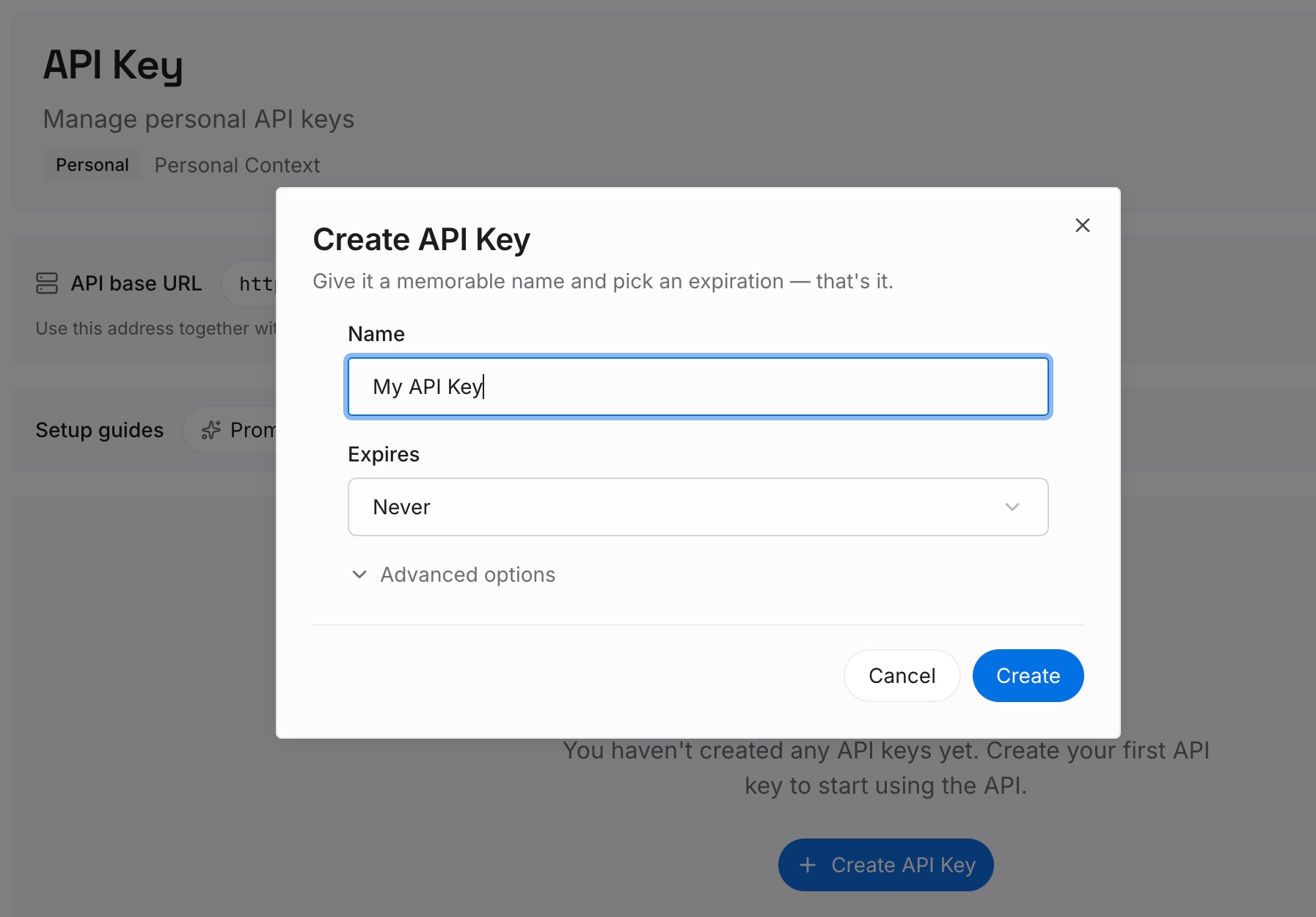
Step 1: Create an API key
Sign in and generate a key from the dashboard. Store it outside your repositories, like any other credential.
Step 2: Upload your first memories
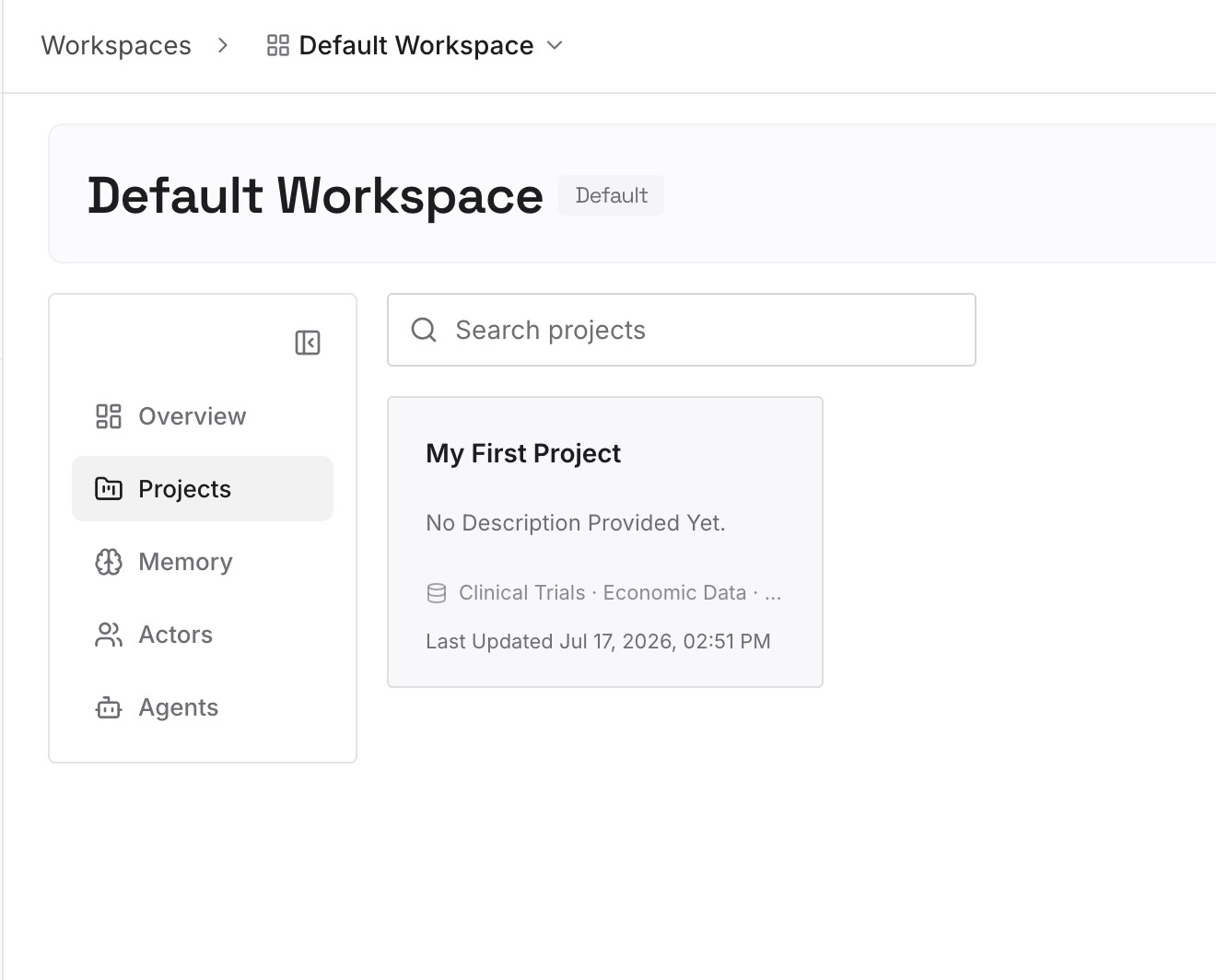
Start with what you wrote in Step 4 of the fix: what each goal produced. One goal per entry.
Step 3: Connect your AI & agents
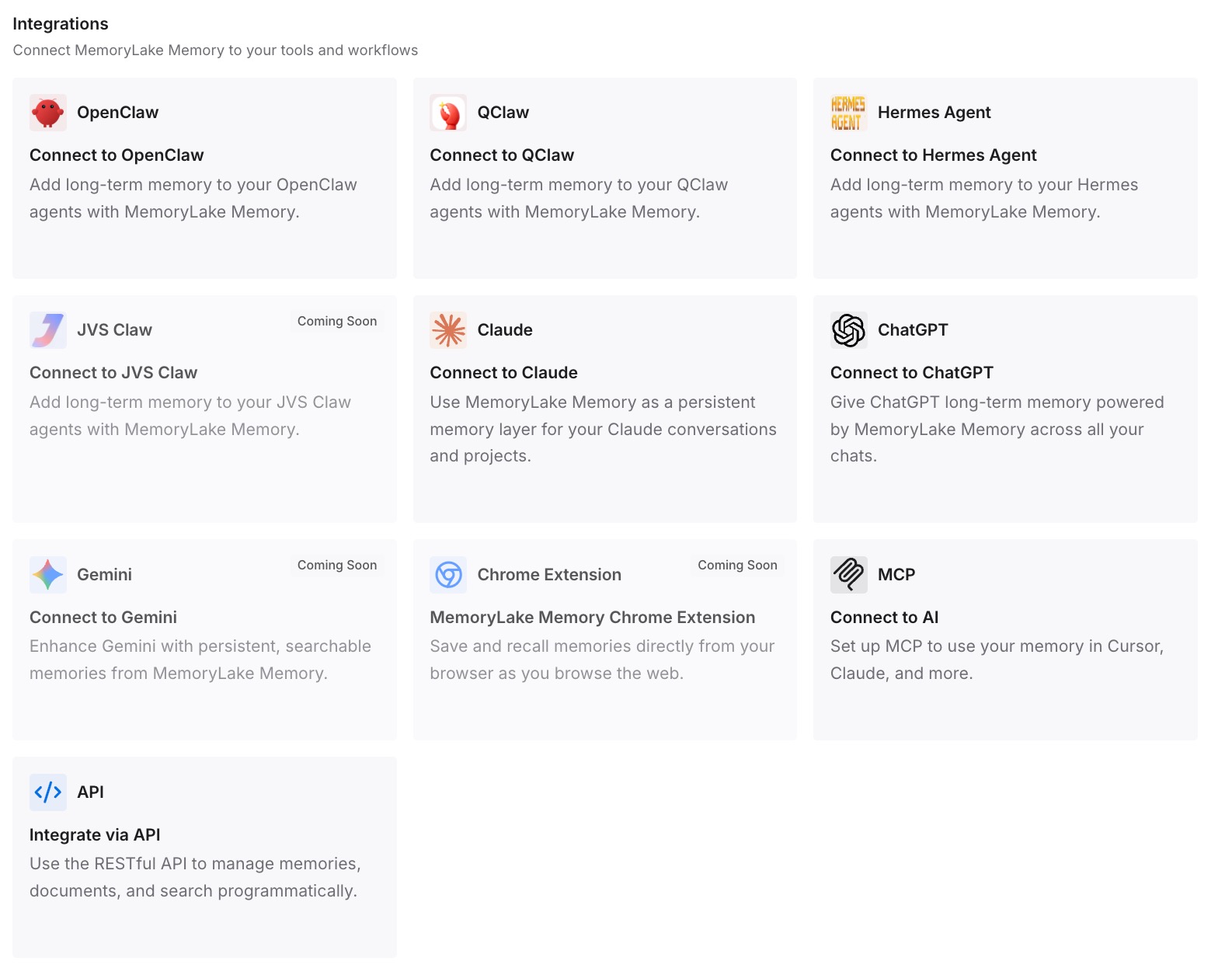
Connect Claude Code, Codex, and the other assistants you use. The next session can start from the same outcomes.
What this changes in practice
The first difference is a better next goal. You can write a condition that builds on what the last one found.
The second is fewer repeated failures. A flaky test or a dead end is on record.
The third is consistency across tools. The same outcomes are available in Claude Code and in other assistants.
Best practices for /goal in Claude Code
Make the check visible. The evaluator only sees the conversation.
Keep one end state. Measurable conditions work best.
Bound long goals. Add a turn or time clause.
Use auto mode for unattended runs. A goal doesn't change permissions.
Clear goals deliberately. Resume brings active goals back.
Pick the right tool. /loop for intervals, a Stop hook for deterministic checks.
Conclusion
/goal keeps Claude Code working across turns until a condition is met. It's a session-scoped prompt-based Stop hook: after each turn, a small fast model reads the condition and the conversation and decides whether the goal is met, not yet met, or impossible. The evaluator doesn't run commands or read files, so the condition should name a check whose result appears in the conversation.
A goal still active when a session ends comes back on every resume route, with its turn count, timer, and token baseline reset. Background work defers evaluation, errors you have to fix clear the goal, and other errors leave it set. Use /loop for interval-driven work and a Stop hook for deterministic checks that should apply to every session.