
How queueing works
While Claude is working, Enter queues instead of interrupting. You can queue more than one message, and you can queue ! shell commands and most slash commands the same way.
Queued messages are easy to spot. "Sent and queued messages show in gray until Claude starts responding to them, so you can tell which messages Claude hasn't started on yet."
One detail matters if you use Claude Code in an editor. "If you queue a message with a selection attached from a connected IDE, it keeps the selection you had when you pressed Enter, whatever you select afterward." Your message keeps pointing at the code you meant, even if you click elsewhere while it waits.
When a queued message reaches Claude
This is the part that's easy to get wrong. A queued message doesn't always wait for the whole task to finish. Anthropic separates two cases.
Messages. "Messages: if you queue a message while Claude is running tool calls, Claude Code passes it to Claude as soon as those tool calls finish, within the same turn." So if Claude is reading files or running a command, your correction arrives when that step completes, and Claude can act on it before its next step. If the turn ends while messages are still queued, they go out on their own, in the order you typed them.
Commands. Slash commands and shell commands wait longer. "Commands and shell commands: Claude Code holds them until the turn ends, then runs them one at a time, keeping the order you queued them in"
That difference is useful. A typed correction can change the current task midway. A queued command, like a test run or a status check, waits until Claude is done.
Commands that don't queue
Some commands run as soon as you send them. Anthropic names /model, /effort, and /fast, plus commands like /status. Each one applies its change on its own schedule:
/model: after you confirm any cache warning, Claude Code uses the new model from its next request in the same turn./effort: the next message you send runs at the new level./fast: Claude Code keeps the setting that was active when the turn started, so the change applies from your next turn.
Our guide to switching models mid-session explains what a model change costs in a long conversation.
Sending now with Ctrl+Enter
If you don't want to wait for the current tool calls to finish, Ctrl+Enter sends your queue right away. "To send what you queued without waiting, press Ctrl+Enter." It needs Claude Code v2.1.275 or later. In terminals that don't report extended keys, Ctrl+Enter arrives as a plain Enter and queues instead; Anthropic says Ctrl+X then Ctrl+S "works in any terminal."
What happens to the current turn depends on what Claude is doing:
- If Claude is running shell commands, subagents, or other work that can move to the background, that work keeps running in the background and Claude reads your messages in the same turn.
- If Claude is only writing a response, or running something that can't move to the background, Claude Code interrupts the turn and sends your messages next.
Anthropic adds a version note: "Before v2.1.281, the key interrupted the turn in both cases". If you're on an older version, Ctrl+Enter always interrupts. And if a queued ! shell command sits ahead of your messages, the key interrupts the turn either way.
Interrupting with Esc
Esc is the stop button. Anthropic's shortcut table describes it as a way to "Stop the current response or tool call mid-turn so you can redirect." The next sentence answers the question people search for after pressing it: "Claude keeps the work done so far."
So an interrupted turn isn't thrown away. The edits Claude already made stay, and the conversation up to that point stays. You type what you want instead, and Claude continues from there. If the edits themselves were the problem, pressing Esc twice on an empty prompt opens the rewind menu, where you can restore code and conversation from an earlier point.
Esc and the queue work together. "Press Esc to interrupt the turn without submitting your draft. Claude Code keeps what you queued and sends it right away." If you've queued a correction and then decide it can't wait, Esc stops the turn and delivers it.
Ctrl+C also interrupts a running operation. When nothing is running, its first press clears the input and a second press exits Claude Code, so Esc is the safer habit for redirecting.
Taking a queued message back
Changed your mind? "Press Up from the first line of the input box to take back the queued messages and commands." Claude Code moves them back into the input box, one per line, ahead of anything you'd already typed. Edit and press Enter to queue them again as one entry, or clear the box to drop them.
Shell commands are stricter. Claude Code takes back queued shell commands only when the input box is empty and nothing else is queued. Otherwise they stay in the queue and run when the turn ends.
Taken-back messages stay in your history. "Each message you took back is saved as its own entry in command history." To find one later, reopen the session and press Up on an empty prompt with nothing queued.
Queued messages and background sessions
If you move a session to the background while messages are queued, the queue goes with it. Anthropic says "the messages you had queued move with it. Claude reads them there in the order you sent them."
Some entries can't move: commands, ! shell commands, and messages with an IDE selection attached. If one of those is queued when you try to background the session, the session stays in the foreground and a notice explains why. Wait for the entry to run or be read, or take it back, then try again. Our guide to Claude Code agent view covers how background sessions work.
Queued messages and rewind
Rewind treats a queued message differently from a prompt that starts a turn. Anthropic's checkpointing documentation notes that a message you typed while Claude was still working can be marked as having no code restore point in the rewind menu: "The marked message has no checkpoint of its own."
To undo the edits Claude made after such a message, you select the prompt that started the turn and restore from there. That reverts the whole turn's file edits, including the ones from before your message arrived. Our guide to /rewind in Claude Code explains which edits come back.
What people try first
Waiting for the task to end before typing. You don't have to. If Claude is running tool calls, a queued message reaches Claude after they finish, within the same turn.
Expecting a queued test command to run immediately. Commands wait for the turn to end. Type a message instead if you want Claude to change course now.
Pressing Ctrl+C to redirect. It interrupts, but when nothing is running it clears your input, and twice exits. Esc stops the turn and keeps the work done so far.
Assuming Ctrl+Enter always interrupts. Since v2.1.281, background-capable work keeps running and Claude reads your messages in the same turn.
Retyping the same correction every session. If you keep queueing the same fix, it's a sign the instruction belongs somewhere permanent.
The Fix: Put each kind of instruction in the right place
Step 1: Queue corrections, not commands, when timing matters
If Claude needs to change course on the current task, queue a message. It arrives after the current tool calls. Save queued commands for things that should run after the turn.
Step 2: Use Esc when it can't wait
If Claude is about to do something you don't want, Esc stops the turn, keeps the work so far, and sends what you queued. Then redirect.
Step 3: Move repeated corrections into CLAUDE.md or your notes
Look back at what you've queued across sessions. Corrections that keep coming up, like project conventions or files to leave alone, belong in your project's CLAUDE.md or in written notes you maintain. Our guide to why Claude Code forgets your corrections explains why mid-session fixes don't always stick.
Setting this up in MemoryLake
Queueing is good for fixing the current task. The corrections you repeat are something else: facts about how you work that you shouldn't have to restate in every session.
MemoryLake is a memory layer for keeping those facts in one place you maintain, available to the assistants you connect, such as ChatGPT, Claude Code, and Codex.
You write the entries yourself, in your own words. Nothing is read out of, written to, or deleted from your Claude Code sessions, their transcripts, your CLAUDE.md files, your auto memory, or any vendor's store. Queueing and interrupting keep working the way Anthropic describes them.
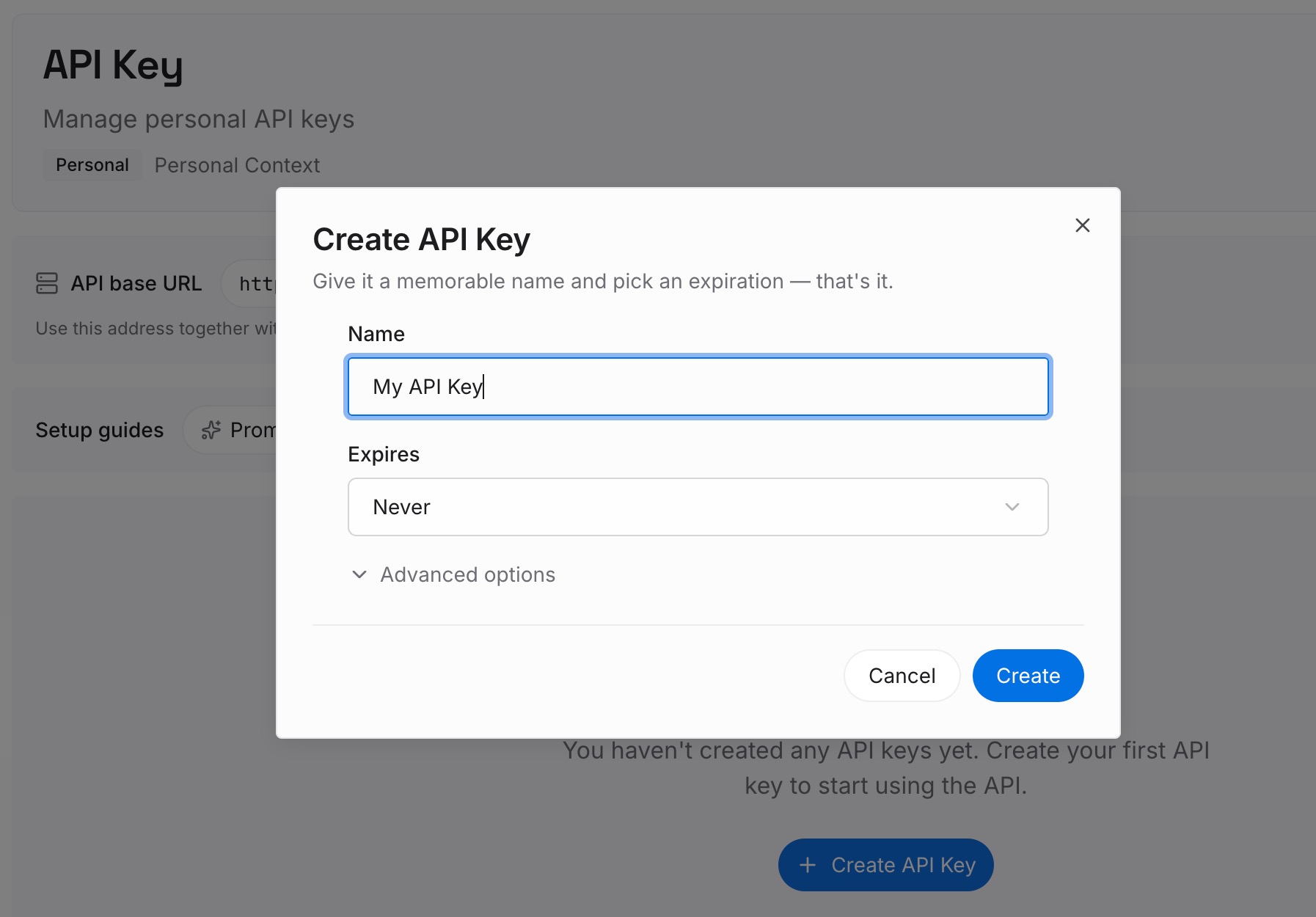
Step 1: Create an API key
Sign in and generate a key from the dashboard. The key belongs to your MemoryLake workspace and is separate from your Claude account.
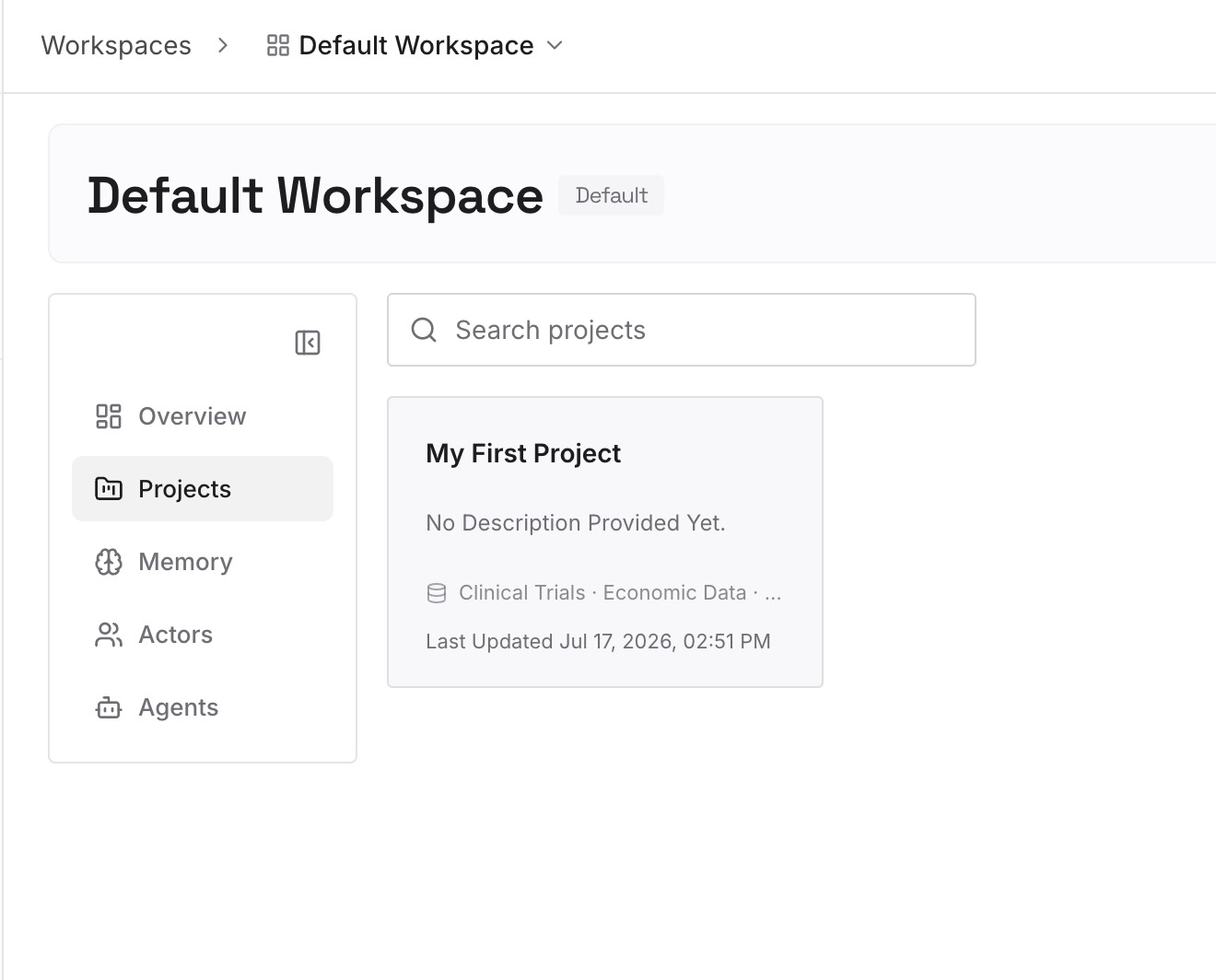
Step 2: Upload your first memories
Start with the repeated corrections from Step 3 of the fix. One point per entry, written the way you'd say it to a new teammate.
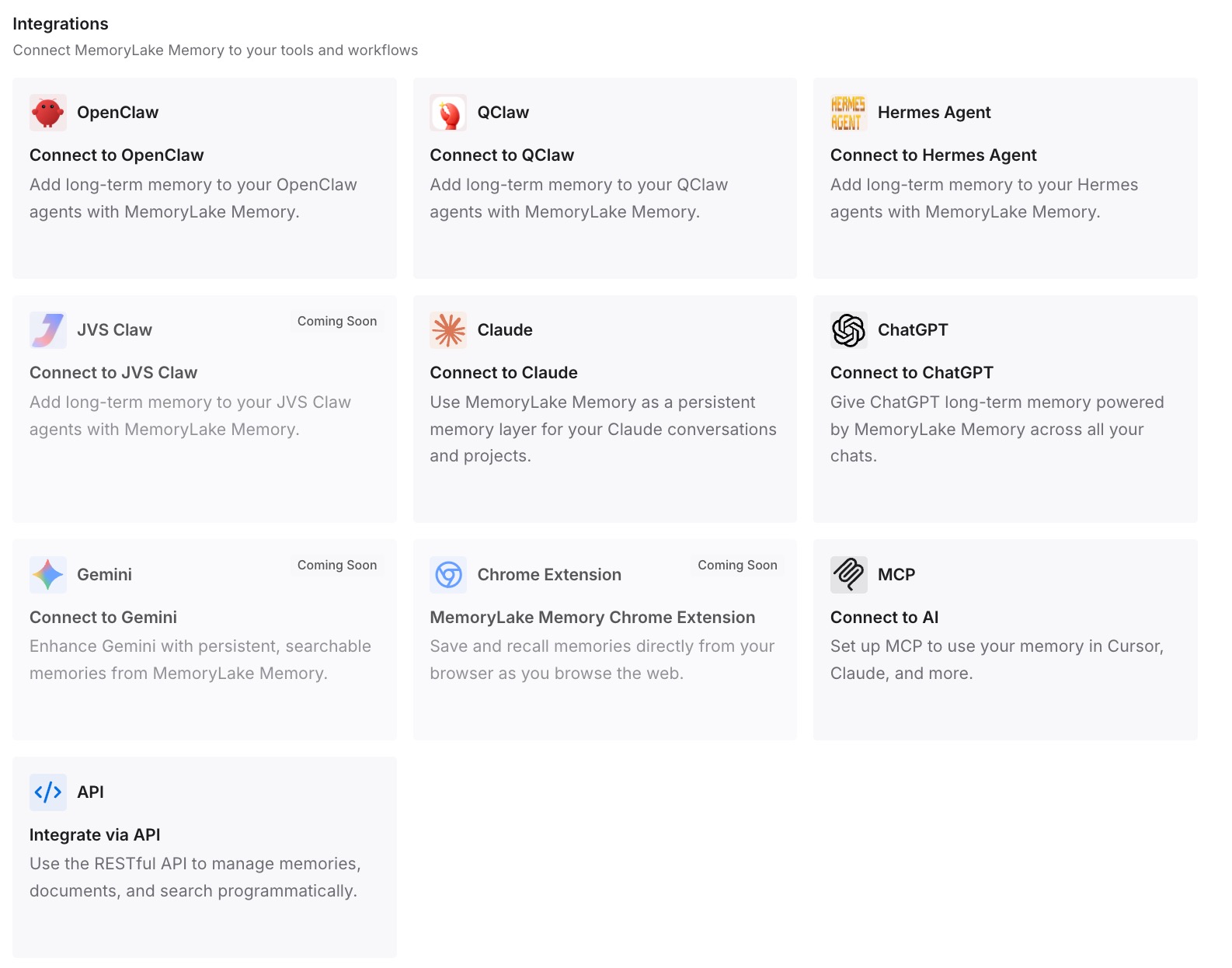
Step 3: Connect your AI & agents
Connect Claude Code and any other assistants you use. The same entries are available in each one.
What this changes in practice
The first difference is faster corrections. You type them while Claude works, and they arrive after the current step.
The second is fewer lost turns. Esc keeps the work done so far, and messages you take back from the queue stay in command history.
The third is fewer repeated corrections. The fixes you used to queue every session are already written down. If you start fresh often, our guide to /clear in Claude Code covers what survives a reset.
Best practices for queueing in Claude Code
Type corrections while Claude works. They reach Claude after the current tool calls.
Queue commands for after the turn. They run one at a time when it ends.
Use Esc to stop and redirect. It keeps the work done so far.
Use Ctrl+Enter to send now. On older versions it always interrupts.
Take back with Up. Taken-back messages stay in command history.
Mind the background switch. Commands and IDE-selection messages keep a session in the foreground.
Write down what you keep repeating. In CLAUDE.md or notes you maintain.
Conclusion
Claude Code queues messages you send while it works. Messages typed during tool calls reach Claude as soon as those calls finish, within the same turn; commands wait for the turn to end. Ctrl+Enter sends your queue now, Esc stops the turn while keeping the work done so far, and Up takes queued messages back into the input box.
Use the queue for corrections to the task at hand. When the same correction keeps coming up, move it out of the queue and into instructions you maintain.