
What the sandbox is
The documentation describes the boundary in one sentence: "While the sandbox is on, the shell commands Claude runs start inside its boundary, and so do the processes they start."
It's off until you turn it on. The documentation says: "The sandbox is off by default."
The enforcement happens at the operating system level. On macOS, Claude Code uses the built-in Seatbelt framework. On Linux and WSL2, it relies on two packages, bubblewrap and socat. The documentation notes that Claude Code builds the sandbox on the open source sandbox runtime package from Anthropic.
How to turn it on
Run /sandbox in a session. It opens a panel with three tabs:
- Mode, where you choose auto-allow or regular permissions.
- Overrides, where you choose whether commands that fail in the sandbox can fall back to running unsandboxed.
- Config, which shows the resolved sandbox settings.
On Linux, a Dependencies tab appears when something is missing. If it's the only tab, the sandbox can't start yet.
Where the setting is saved matters. When you pick a mode in the panel, Claude Code saves it to .claude/settings.local.json, so it applies to the current project. To turn the sandbox on for every project, set sandbox.enabled to true in your user settings at ~/.claude/settings.json.
There's one default to check. The documentation warns: "By default, when the platform doesn't support the sandbox or the dependency check at startup fails, Claude Code runs commands without sandboxing." If you rely on the sandbox as a security gate, set sandbox.failIfUnavailable to true so Claude Code exits at startup instead.
To check that it's working, the documentation suggests asking Claude to run a command that writes to your home directory, such as creating a probe file there. Inside the sandbox it fails with an operation-not-permitted error on macOS, or a read-only file system error on Linux. Typing the command yourself doesn't test it, because commands you type at the shell prompt usually run outside the sandbox.
What it restricts by default
The documentation gives a table of defaults. In short:
Writes. Sandboxed commands can write to the working directory, a per-user temp directory, and directories you've added with --add-dir or /add-dir. Protected paths stay denied.
Reads. Most of the machine is readable, including credential files such as your SSH keys and AWS credentials. You narrow reads yourself with filesystem.denyRead or the credentials settings.
Network. "No direct route out. Connections go through a proxy on your machine that checks each host against your allowed domains, which start empty." The first time a command needs a new domain, Claude Code asks for approval.
Environment variables. Commands inherit Claude Code's environment, "including any secrets in its environment", unless you scrub or mask them.
That second point matters if you expected a sandbox to hide everything. Reads are broad by default. The sandbox's default job is to stop writes outside your project and network traffic to hosts you haven't allowed.
The protected paths
Inside the folders a sandboxed command can write to, some paths stay write-denied. The documentation lists them in four groups:
- In your working directory and the directories above it: the
.claudesettings files, the.claude/skills,.claude/agents,.claude/commands, and.claude/hooksdirectories,.mcp.json, and files Claude Code runs on its own, such as.claude/workflowsand.claude/scheduled_tasks.json. - In your working directory only: shell startup files such as
.bashrcand.zshrc,.gitconfig, the.vscodeand.ideadirectories, and thehooksandconfigentries inside.git. - Files that would turn your working directory into a bare git repository:
HEAD,objects, andrefsat the top level, and related entries. - In
~/.claude, or the folderCLAUDE_CONFIG_DIRpoints to: most of its contents, plus~/.claude.jsonand the credential store.
The common thread is configuration Claude Code reads and code it runs. A skill is instructions Claude follows. A hook is a script Claude Code runs. Settings decide permissions. If a sandboxed command could rewrite any of these, the next session would start with whatever that command wrote.
You can't widen around this by accident. The documentation says that if you add a write allowance or an edit allow rule that covers one of these paths, "the protection still applies." The only way to lift it is turning off filesystem isolation entirely, which also removes the rest of the filesystem layer.
To see the paths resolved for your machine, run /sandbox and open the Config tab, where they appear among the denied-within-allowed entries.
This also explains the opening example. The sandbox's block applies to sandboxed shell commands. Claude's built-in Edit tool follows permission rules, not the sandbox, and the permission system keeps its own list of protected paths, so an edit through that tool is decided there instead.
If a git checkout or merge fails because it can't update one of these paths, the documentation has a troubleshooting entry for that case, and a recent Claude Code release added a note that tells Claude when a sandboxed git command couldn't update protected files.
What runs outside the sandbox
The documentation is precise about the scope: "The sandbox wraps shell commands." Several things aren't shell commands Claude runs:
- Built-in file and web tools. Read, Edit, Write, WebFetch, and WebSearch follow permission rules instead. A read-deny entry in the sandbox doesn't stop the Read tool, and the allowed-domains list doesn't limit WebFetch.
- Other processes Claude Code starts. Command hooks, local MCP servers, plugin monitors, and LSP servers run outside it.
- Mods, which run their own code inside Claude Code.
Some shell commands run outside it too:
- Commands you type at the
!shell prompt, in most sessions. - Excluded commands, which match an entry in
excludedCommands. - Unsandboxed retries, covered below.
The documentation suggests a different tool if you want all of these behind one boundary: run the Claude Code process itself in a container, a virtual machine, or the sandbox runtime.
Auto-allow versus regular permissions
Both modes enforce the same filesystem and network restrictions. The difference is approvals.
Auto-allow approves a command with no prompt when it runs inside the sandbox. Some things still prompt: commands a Bash deny rule matches, rm targeting a critical path, and ask rules scoped to specific content, such as a rule for git push. Commands that set a variable in front of the program, such as one that sets an environment variable before running tests, also go through the regular flow, because the variable can change which program runs.
Regular permissions sends every Bash command through the normal permission flow, sandboxed or not. The documentation describes it as more control with more approvals.
When Claude asks to retry unsandboxed
The documentation calls the retry an escape hatch: "The unsandboxed retry is an escape hatch for commands that fail inside the sandbox, such as tools that are incompatible with it."
When the sandbox blocks a network connection, Claude Code names the denied host in the command's result, so Claude can see what failed. Claude may then retry with a parameter that disables the sandbox for that one command. Who approves the retry depends on your permission mode:
- In Manual and accept-edits modes, you get a prompt titled Bash command (unsandboxed).
- In auto mode, a classifier model evaluates the command.
- In bypass-permissions mode, it runs without a prompt.
- In don't-ask mode, it's denied.
Two settings change this. An allow rule that matches the command also approves its retry. And an ask rule for the disable-sandbox parameter forces a prompt even in auto and bypass modes.
To remove the escape hatch, set allowUnsandboxedCommands to false. The documentation calls this strict sandbox mode. Commands Claude runs then stay sandboxed unless they match an excluded command. If you or your administrator set it in managed settings or with --settings, the sandbox becomes admin-required, and Claude Code ignores repository settings that try to loosen it.
Protecting credentials
Because reads are broad by default, credentials need explicit rules. The documentation is clear that nothing is blocked automatically: "There is no built-in credential deny list, so only the files and variables you list are restricted."
The sandbox.credentials setting takes file paths and environment variable names, each with a mode:
- Deny blocks reads of the file and unsets the variable before each sandboxed command.
- Mask shows the command a placeholder, and the sandbox proxy substitutes the real value only on requests to hosts you allow.
Deny entries from every settings scope are merged, and no scope can remove one another scope added. Masking needs more setup, including TLS termination at the proxy, and is honored only from user settings, managed settings, or --settings.
Settings a project can't change
Some sandbox settings are trusted only from certain places. The clearest example is turning off filesystem isolation. The documentation explains the risk: with it off and commands auto-allowed, a sandboxed command can write files that later commands read, such as ~/.claude/settings.json, "and use them to widen its own access on the next run."
So project settings in .claude/settings.json and .claude/settings.local.json can't set it. Only user settings, managed settings, and --settings can. If you've disabled the retry, a false in your user settings also holds when a project's settings say true.
We covered how Codex draws a similar line, keeping its own configuration folders read-only inside a writable workspace, in our guide to Codex permission profiles.
What people try first
Expecting the sandbox to be on. It's off by default.
Expecting it to hide credentials. Reads are broad until you add credential rules.
Adding an allow rule for .claude. Protected paths stay protected.
Expecting it to cover hooks and MCP servers. They run outside it.
Assuming a failed startup stops Claude Code. Without failIfUnavailable, commands run unsandboxed.
The Fix: Configure the sandbox on purpose
Step 1: Turn it on where you want it
Use /sandbox for one project, or user settings for all of them.
Step 2: Add credential rules
Deny or mask the files and variables commands shouldn't see.
Step 3: Decide on the escape hatch
Keep unsandboxed retries with prompts, or turn them off with strict mode.
Step 4: Write down why each setting exists
Record which domains, folders, and exclusions you allowed, and the reason for each.
Setting this up in MemoryLake
Sandbox settings are short lines in a settings file. The reasons behind them, such as why a domain is allowed, which tool needed an exclusion, or why retries are off in one repository, are project context that a settings file doesn't explain. When someone asks months later whether a rule is still needed, the reason is what helps.
MemoryLake is a memory layer for that kind of project context, such as security decisions, allowed exceptions, and the reasons behind them, kept in one place you maintain and available to the assistants you connect, such as ChatGPT, Claude Code, and Codex.
You write the entries yourself, in your own words. Nothing is read out of, written to, or deleted from your Claude Code settings, your .claude folder, your sandbox configuration, your sessions, or any vendor's store. The sandbox works the way Anthropic describes it.
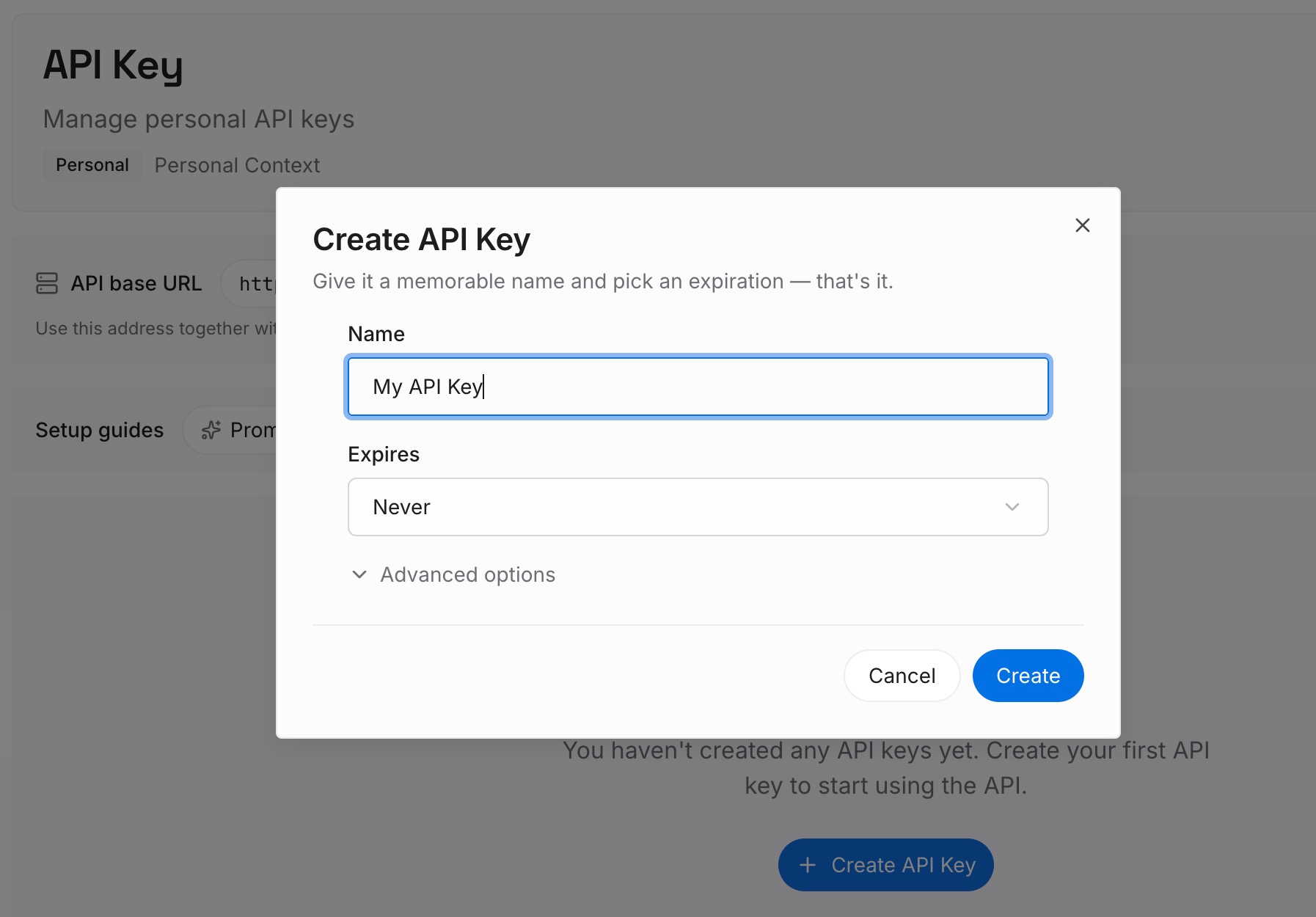
Step 1: Create an API key
Sign in and generate a key from the dashboard. Store it outside your repositories, like any other credential.
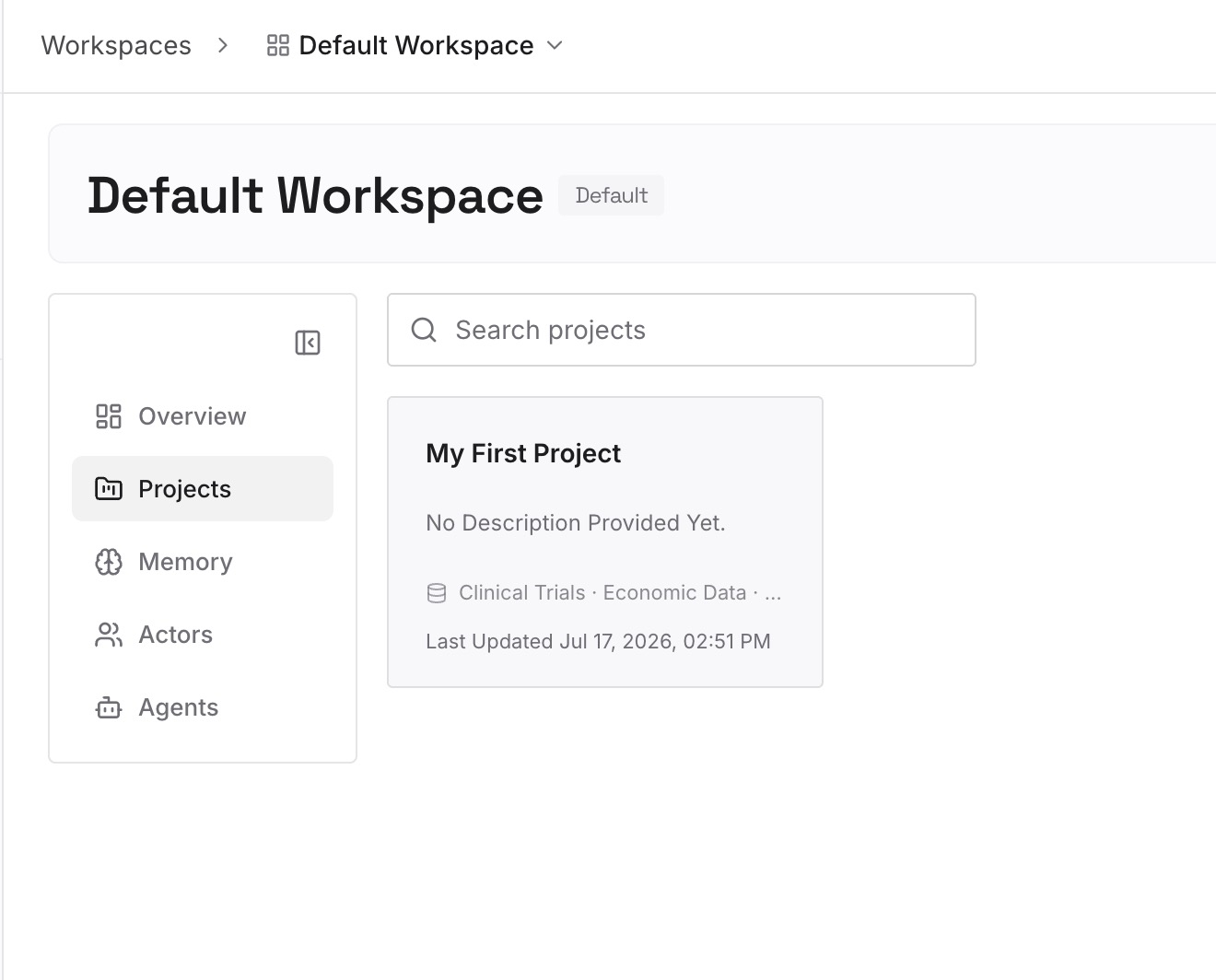
Step 2: Upload your first memories
Start with what you wrote in Step 4 of the fix: each sandbox exception and its reason. One exception per entry.
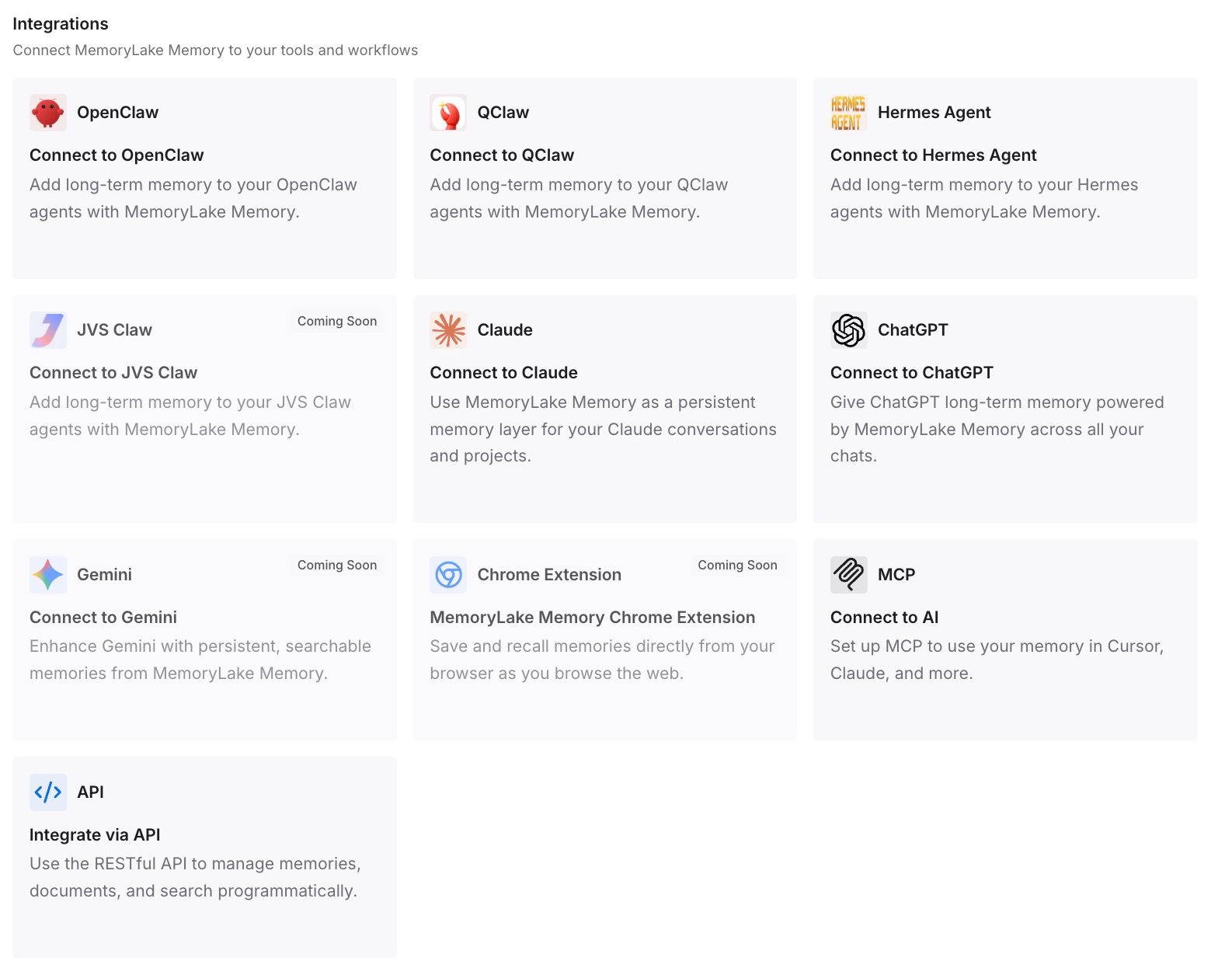
Step 3: Connect your AI & agents
Connect Claude Code, Codex, and the other assistants you use. Each can check a proposed exception against the reasons you already recorded.
What this changes in practice
The first difference is easier reviews. An exception comes with the reason it was added.
The second is fewer broad rules. When the original need is clear, a narrow path or domain is easier to choose.
The third is consistency across tools. The same security decisions are available in Claude Code and Codex.
Best practices for the Claude Code sandbox
Set failIfUnavailable if you depend on it. Otherwise a failed startup runs commands unsandboxed.
Prefer narrow write paths to exclusions. An excluded command runs with your full access.
List credentials explicitly. No credential is denied by default.
Leave protected paths alone. They guard what Claude Code loads next.
Use a container for full isolation. Hooks, MCP servers, and built-in tools sit outside the sandbox.
Test with a probe command. Ask Claude to run it, don't type it yourself.
Conclusion
The Claude Code sandbox wraps the shell commands Claude runs and the processes they start. It's off by default. Once on, commands can write to your working directory, a temp directory, and added directories, reads stay broad, and network traffic goes through a proxy that allows only the hosts you approve.
Inside writable folders, protected paths stay write-denied, including .claude settings, skills, agents, commands, hooks, and most of ~/.claude, so a command can't rewrite the configuration the next session loads. Built-in tools, hooks, and MCP servers run outside the sandbox, and a failed command can be retried unsandboxed unless you turn that off with strict mode.