
What session recap is
Anthropic's interactive-mode documentation describes it this way: "When you return to the terminal after stepping away, Claude Code shows a one-line recap of what happened in the session so far."
The command reference lists the manual version: /recap will "Generate a one-line summary of the current session on demand."
Both are for orientation. After a break, you get back the thread of what you were doing without scrolling through the transcript. They aren't a record of the session.
When the automatic recap appears
The documentation gives specific conditions:
- Time and focus. "The recap generates in the background once at least three minutes have passed since the last completed turn and the terminal is unfocused, so it's ready when you switch back."
- Enough conversation. "Recaps only appear once the session has at least three turns, and never twice in a row."
- Interactive sessions only. "The automatic recap never appears in non-interactive mode." A
claude -prun won't show one.
So a short session, a terminal you never left, or two breaks in a row without a new turn in between won't produce a recap. Those are the documented conditions, and they explain why you see one after some breaks and not others.
In agent view
Background sessions have a related behavior. Anthropic's agent view guide says that when you attach to a background session, "Claude posts a short recap of what happened while you were away." Our guide to Claude Code agent view explains how those sessions run while you're elsewhere.
Running /recap yourself
/recap produces the same kind of summary on demand. Two limits apply to both forms.
Length. "Claude Code caps both automatic recaps and /recap output at 400 characters." A recap is a sentence or two, not a status report. A changelog entry adds that the cut happens "at a word boundary".
Who can ask. "It runs only when you ask for it yourself." The errors reference explains what that means in practice: a /recap that arrives "in a message relayed into the session from a Slack, Teams, or project thread, or in a prompt that a cloud scheduled task or another program" sent gets a notice instead of a recap. The places it does run, in Anthropic's list, are "the terminal, the Claude app or claude.ai/code, or over Remote Control". The documentation also says "A /recap you pass to claude -p, or that your own Agent SDK application sends to a session it launched, counts as your own input."
If you see the message that /recap only runs when you ask for it yourself, the fix Anthropic gives is to open the session and run the command there, or remove /recap from the prompt a scheduled task or program sends.
Why the recap leaves your conversation untouched
This is the most useful fact about recap, and it's in the prompt caching guide: "Unlike /compact, it appends the summary as command output rather than replacing your message history, so the cached prefix stays intact."
Two consequences follow.
Nothing is summarized away. Compaction replaces earlier turns with a summary, which is why some detail can be lost. A recap doesn't replace anything, so every earlier message is still in the conversation.
The cache isn't disturbed. Because the history isn't rewritten, the cached prefix that keeps later requests efficient is still valid.
The same isn't true of every summary Claude Code makes. Idle compaction, a separate feature, can compact a session while you're away. Anthropic's settings reference says that after it runs, "Your next message then sends a summary instead of the whole conversation." Anthropic's costs guide mentions both together: "Session recap and idle compaction can use tokens while you're idle." If you come back to a session and see both a recap and a note about compaction, they did different things.
Recap and the other session commands
Claude Code has several commands that give you a view of a session without changing it, and a few that do change it.
/recap. A one-line summary appended as output. The conversation stays the same./context. A breakdown of what fills the context window. Our guide to the /context command explains how to read it./btw. A side question that stays out of the conversation. Our guide to /btw covers what a side question can see./compact. Replaces earlier turns with a summary./clear. Starts a fresh conversation. Our guide to /clear covers what survives it.
The first three help you understand where you are. The last two change what Claude works from. A recap is in the first group.
Turning recap off
Recap is on by default: "Session recap is on by default for every plan and provider."
There are three ways to turn it off or override it:
- In
/config. "To turn automatic recaps off, open/configand turn off Session recap." - In settings. The
awaySummaryEnabledsetting does the same. Anthropic's settings reference says to set it tofalseto stop the recap, and the default is unset, so the recap is on. - For one session. The
CLAUDE_CODE_ENABLE_AWAY_SUMMARYenvironment variable "takes precedence over this key for one session, in either direction". Set it to0to force recaps off, or1to force them on.
The /config toggle is described as turning off automatic recaps. /recap is the on-demand form.
Why turn it off? The recap is generated in the background, and Anthropic notes it can use tokens while you're idle. If you step away often and don't use the summaries, turning it off saves that work.
Where recap works
The automatic recap is a terminal feature, tied to the terminal losing and regaining focus. /recap reaches further. Anthropic's Remote Control guide lists it among the text-output commands available there, alongside /compact, /clear, and /context, so you can ask for a recap of a session you're driving from your phone.
Provider doesn't matter either. When the feature launched, it was tied to telemetry; a later release note says "Session recap is now enabled for users with telemetry disabled (Bedrock, Vertex, Foundry, DISABLE_TELEMETRY)." The same release note points to /config and CLAUDE_CODE_ENABLE_AWAY_SUMMARY=0 for opting out.
Resuming is a separate case. Another release note says Claude Code "Changed resuming after compaction to no longer produce a preamble recap before continuing", so a resumed session that was compacted picks up without an extra summary at the top.
What a recap is not
A recap is a reminder, not memory.
The documentation describes it as output for display, appended to the session, and nothing in the recap documentation describes a later session loading it. When you start a new session or run /clear, the knowledge Claude carries forward comes from your CLAUDE.md files and auto memory, not from the recaps of earlier sessions.
It isn't a handoff either. At 400 characters, a recap can tell you what you were in the middle of, but it can't carry the reasoning behind a decision or the list of things you've ruled out. For handing work to another session or another person, our guide to writing a handoff prompt covers what to include.
What people try first
Expecting a recap after every break. It needs three minutes, an unfocused terminal, at least three turns, and a new turn since the last recap.
Sending /recap from Slack or a routine. Relayed messages and scheduled prompts get a notice instead. Run it in the session yourself.
Using recap as a summary to share. It's capped at 400 characters. Write a handoff instead.
Assuming recap compacts the session. It appends output and leaves the history in place.
Turning recap off to stop idle compaction. They're separate. Idle compaction has its own setting.
The Fix: Use recap for orientation, and keep the record elsewhere
Step 1: Decide whether you want automatic recaps
If the one-line reminder helps you pick up where you left off, leave it on. If you rarely read it, turn off Session recap in /config or set awaySummaryEnabled to false.
Step 2: Use /recap when you need it
Run /recap after a long stretch of work, before switching tasks, or when you've queued messages and lost track. Our guide to queued messages in Claude Code explains when those reach Claude.
Step 3: Write down what outlasts the session
When a session settles something you'll need again, such as a decision, a convention, or a dead end, put it in CLAUDE.md or ask Claude to save it to auto memory. A recap tells you where you were; those files tell the next session what you know.
Setting this up in MemoryLake
A recap is a sentence that helps you resume. The decisions behind the work, and the reasons for them, need a place that outlasts one session, one machine, and one tool.
MemoryLake is a memory layer for keeping those decisions in one place you maintain, available to the assistants you connect, such as ChatGPT, Claude Code, and Codex.
You write the entries yourself, in your own words. Nothing is read out of, written to, or deleted from your Claude Code sessions, your recaps, your CLAUDE.md files, your auto memory, or any vendor's store. Session recap and /recap keep working the way Anthropic describes them.
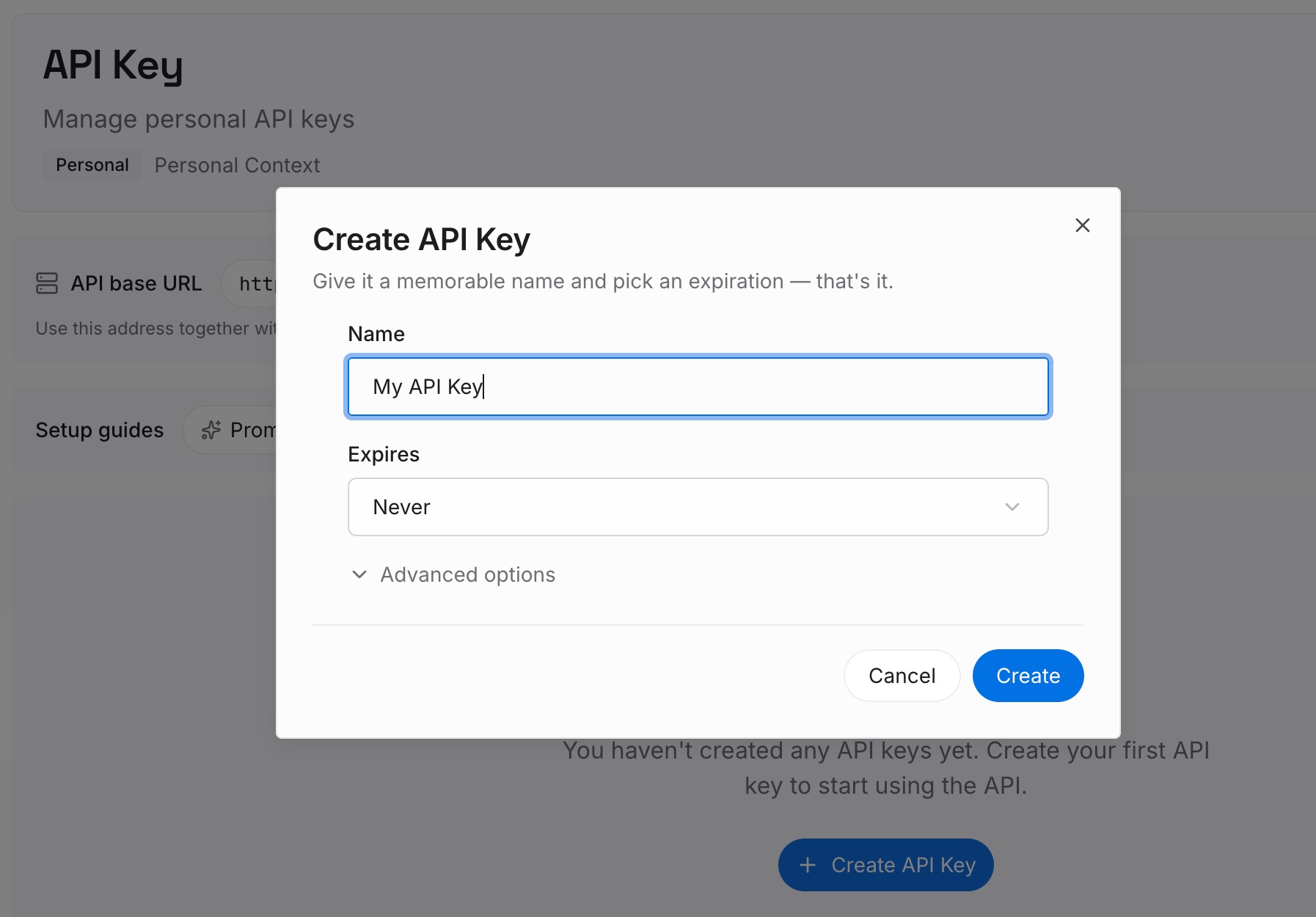
Step 1: Create an API key
Sign in and generate a key from the dashboard. The key belongs to your MemoryLake workspace and is separate from your Claude account.
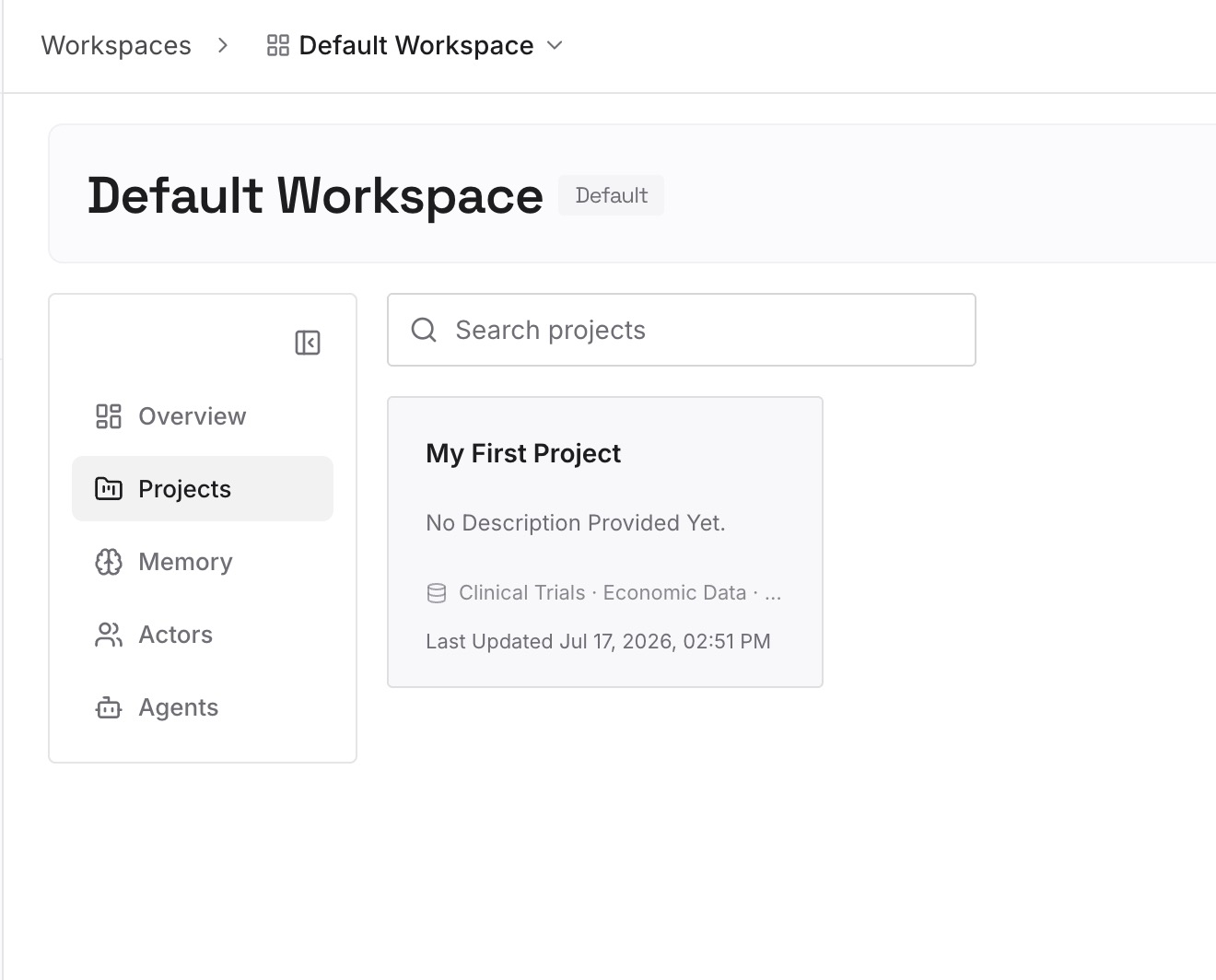
Step 2: Upload your first memories
Start with what you wrote down in Step 3 of the fix: decisions, conventions, and approaches you've ruled out. One point per entry, dated.
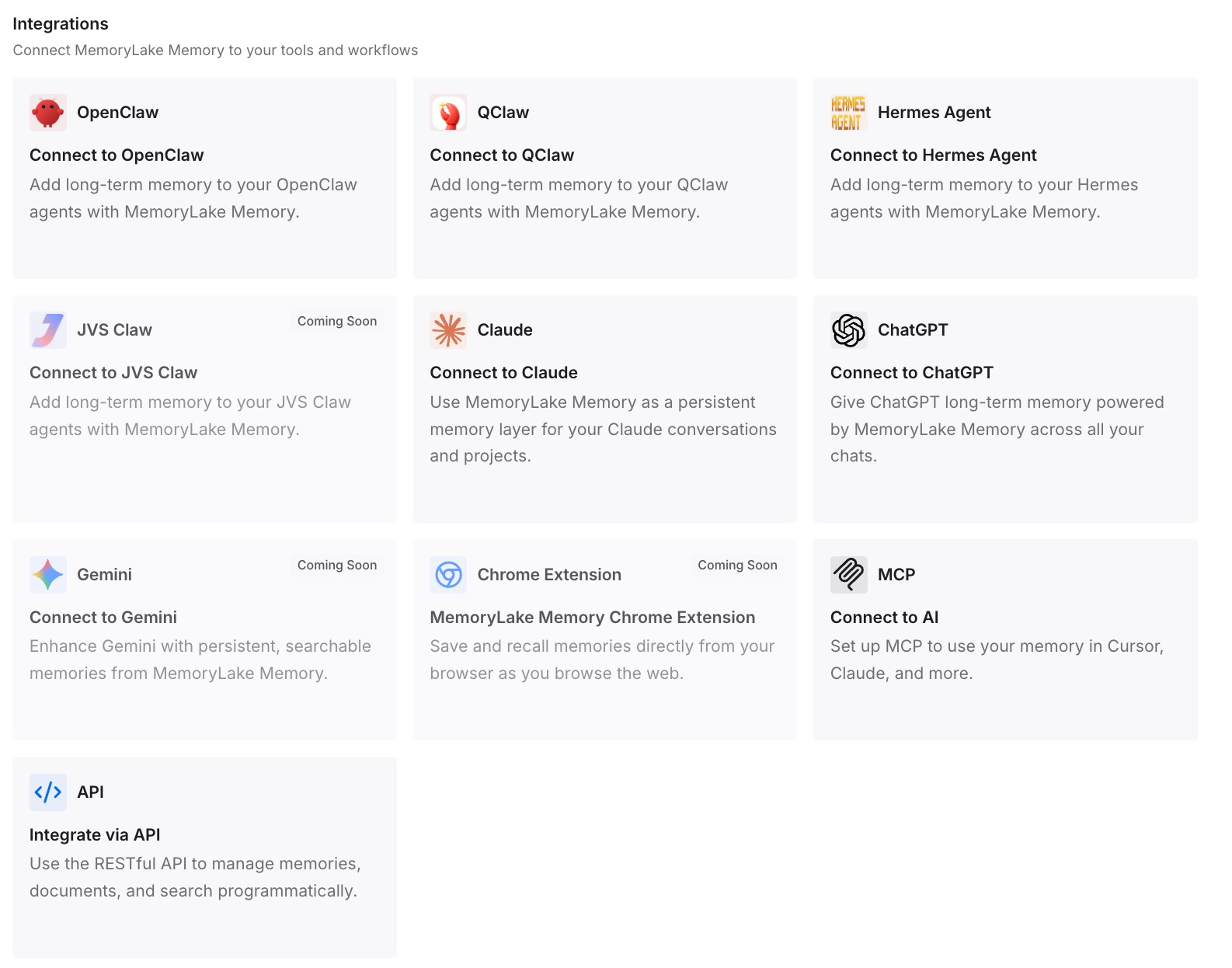
Step 3: Connect your AI & agents
Connect Claude Code and any other assistants you use. The same entries are available in a new session, after /clear, or in a different tool.
What this changes in practice
The first difference is faster restarts. The recap reminds you what you were doing, and the entries remind Claude what you've decided.
The second is less pressure on the session. A long session doesn't have to hold everything, because the parts that matter are written down.
The third is consistency across tools. The same decisions are available in Claude Code, Codex, and ChatGPT.
Best practices for session recap
Leave it on if you step away often. It's a quick way to resume.
Turn it off if you don't read it. It can use tokens while you're idle.
Run /recap yourself. It declines requests relayed from chat threads or scheduled tasks.
Don't expect more than a line. Output is capped at 400 characters.
Don't confuse it with compaction. A recap appends; compaction replaces.
Write down what lasts. Use CLAUDE.md or auto memory for anything the next session needs.
Conclusion
Session recap is a one-line summary Claude Code shows when you return after at least three minutes away, once a session has three or more turns. /recap produces the same summary on demand, and both are capped at 400 characters. Only you can trigger /recap, from the terminal, the Claude apps, Remote Control, claude -p, or your own SDK application.
Unlike compaction, a recap appends output and leaves your message history and cache in place. That makes it a safe reminder, and also why it isn't memory. For anything the next session needs to know, write it where Claude Code reads it.