
How to switch models mid-session
Anthropic's model configuration guide lists /model as the way to change models during a session: run /model <alias|name> to switch immediately, or run /model with no argument to open the picker. There's also a shortcut. Anthropic's keyboard reference lists Option+P on macOS or Alt+P on Windows and Linux to switch models without clearing your prompt.
This session, or every session
This is the detail that surprises people. Anthropic says "/model saves your choice as the default for new sessions by writing the model field in your user settings." Picking a model to finish one task can change what your next session starts on.
To keep the change to the current session, use the picker. Anthropic says: "To switch for this session only, open the picker with /model and press s on the model's row." Typing /model with a name behaves like pressing Enter in the picker, which saves the default.
Launch options work differently. Anthropic notes that "The --model flag and ANTHROPIC_MODEL environment variable apply only to the session you launch with them."
What carries over when you switch
The conversation
Your messages, Claude's replies, the files Claude read, and command output all stay in the session. The new model receives the same conversation. Anthropic's prompt caching guide confirms the content doesn't change: switching means the next request reads the entire conversation history "even though the content is identical."
Your memory files
CLAUDE.md, rules, and auto memory are part of the session's context, not tied to a model. They're there for the new model the same way they were for the old one.
Subagents that inherit the model
A switch reaches further than the main conversation. Anthropic says "If you switch models with /model, the switch also reaches subagents that inherit the main conversation's model". A subagent with its own model setting keeps it. Our guide to why Claude Code subagents don't share memory covers what those subagents start with.
What depends on the new model
The conversation is the same, but the model reading it is different, and so is its context window. Anthropic lists the Fable models, Sonnet 5 and later, Haiku 5.5, and Opus 4.7 and later as running with a 1M window by default, while Sonnet 4.6 and Opus 4.6 without extended context compact at the 200K boundary. A long conversation that fits one model's window may need compacting on another. Anthropic's fallback documentation states the principle in one case: Claude Code "won't fall back to a model with a smaller context window than the primary's, since summarizing there would cut off part of the conversation first."
There's one more case to know about. If you switch to a model ID Claude Code doesn't recognize, such as a gateway alias, it can't tell the model's window and assumes 200K tokens. Claude Code v2.1.316 added a warning for this: its changelog says it fixed /model with an ID "not warning when the model isn't recognized by this version and auto-compact will assume a 200K context window".
What gets re-read
Switching doesn't lose the conversation, but it does change the cost of the next turn.
Claude Code caches the conversation so each turn doesn't pay full price to process everything again. That cache belongs to a model. Anthropic's prompt caching guide says: "Each model has its own cache. Switching with /model means the next request reads the entire conversation history with no cache hits, even though the content is identical."
In a short session, that's small. In a long one, the first turn on the new model processes everything from the start, which can be slower and use more of your limits. Our guide to the resume warning covers the same effect when you come back to an old session.
When Claude Code asks first
Claude Code checks with you when a switch would throw away a warm cache. Anthropic says "When you run /model at the terminal, Claude Code asks you to confirm the switch only while the cache is still warm and the new model isn't the one that produced the last response."
The cache stays warm for one cache lifetime after the last request or response. After that, there's no warm cache left to lose. "Once that time passes, the cache has expired, so Claude Code switches without asking."
Changing effort works the same way. Anthropic says "On most models, changing the effort level mid-session means the next request reads the entire conversation history with no cache hits."
Switching won't reset a usage limit
If you're switching because you hit a limit, check which one. Anthropic's error reference says "The session and weekly limits are shared across all models, so switching models doesn't restore access." Limits that apply to one model family are different; switching to a model outside that family keeps you working.
When Claude Code switches on its own
Not every model change starts with /model. Anthropic's prompt caching guide lists several, and each is a switch in the same sense: a different model reads the conversation.
opusplan
The opusplan setting is a planned switch. Anthropic describes it as a "Special mode that uses opus during plan mode, then switches to sonnet for execution". The caching guide adds that "each plan-mode toggle is a model switch and starts a fresh cache."
A skill that names a model
Skills and commands can set their own model in frontmatter. When one names a model other than the session's, Anthropic says "that turn is also a model switch". It lasts one turn: "The session model resumes on your next prompt."
Automatic model fallback
This one leaves a notice in the transcript. Fable models, Opus 5.5, Sonnet 5.5, and Opus 5 run with safety classifiers that most often flag cybersecurity and biology content. For some flagged requests, Claude Code re-runs the request on a fallback model. Anthropic says "In your main conversation, it shows a notice in the transcript."
Unlike a skill's model, this one stays. "After a fallback, the session continues on the fallback model. To return to your original model, run /model."
Fallback can happen before you've asked anything unusual. Anthropic explains that it "can trigger on the first request of a session, before you send anything unusual, because the first request carries workspace context such as your CLAUDE.md content and git status." Your memory files are part of what the classifier reads.
You can choose to be asked. Run /config, find the setting for switching models when a message is flagged, and choose Ask each time, or set switchModelsOnFlag to false. Claude Code then pauses at a flagged request and lets you switch or edit the prompt and retry. Our guide to how Fable 5.1 binds thinking blocks covers what a fallback means for a model's earlier reasoning.
Fallback chains
If you've set fallback models for availability, a switch can happen when the primary model is overloaded or unavailable. That one is short. Anthropic says "The switch lasts for the current turn only, so your next message tries the primary model first again."
Seeing every switch
There's a hook for model switches. Anthropic says PreModelSwitch "Runs before Claude Code applies a model switch that you or a client requested. Use it to block a switch, require confirmation, or show what the switch will cost before it happens."
It covers your switches, not Claude Code's own. "Claude Code doesn't run PreModelSwitch hooks for switches it makes on its own, such as an automatic model fallback or restoring the model when you resume a session." Those reach PostModelSwitch only.
A quick reference
/modelwith a name: switches now and saves as your default./modelpicker, thens: switches for this session only.--modelat launch: applies to that session only.opusplan: switches between plan and execution phases.- Skill with a
model: switches for one turn. - Safety fallback: switches and stays until you switch back.
- Availability fallback chain: switches for the current turn only.
In every case the conversation carries over, and the first turn on a different model reads it without the cache.
What people try first
Switching to finish one task, then wondering why the next session starts on that model. /model with a name saves your default. Use s in the picker for one session.
Switching to get around a usage limit. Session and weekly limits are shared across models.
Switching back and forth to compare answers. Each switch re-reads the whole conversation without the cache. Compare in a fork or a fresh session instead.
Missing a fallback notice. After a safety fallback, the session stays on the fallback model. Check the transcript notice and switch back if you want to.
Assuming the new model sees the session the way the old one did. It reads the same conversation, but with its own context window and its own judgment about what matters.
The Fix: Switch models on purpose, and keep decisions outside the conversation
Step 1: Decide whether the switch is for now or for good
Use the /model picker and press s for a one-session change. Use /model with a name only when you mean to change your default. If you want to approve every switch you make, add a PreModelSwitch hook.
Step 2: Switch at natural breaks
Switch between tasks, not in the middle of one, and expect the first turn after a switch to take longer. If the session is long, consider compacting or starting fresh with a short summary before you switch, so the new model reads less.
Step 3: Write the session's decisions where every model reads them
The decisions a long session settles shouldn't depend on the conversation surviving a switch or a compaction. Put repository conventions in CLAUDE.md. If you need to step back to an earlier point, our guide to rewinding a Claude Code session explains which edits come back.
Setting this up in MemoryLake
A model switch keeps the conversation, but each model reads it fresh, and long conversations eventually get compacted. Decisions that matter beyond one session, or in other tools, need a home that doesn't depend on which model is reading or how long the conversation has grown.
MemoryLake is a memory layer for keeping those decisions in one list you maintain, available to Claude Code and the other assistants you connect, such as ChatGPT and Codex.
You write the entries yourself, in your own words. Nothing is read out of, written to, or deleted from your Claude Code sessions, your CLAUDE.md files, your auto memory, or any vendor's store. Model switching keeps working the way Anthropic describes it.
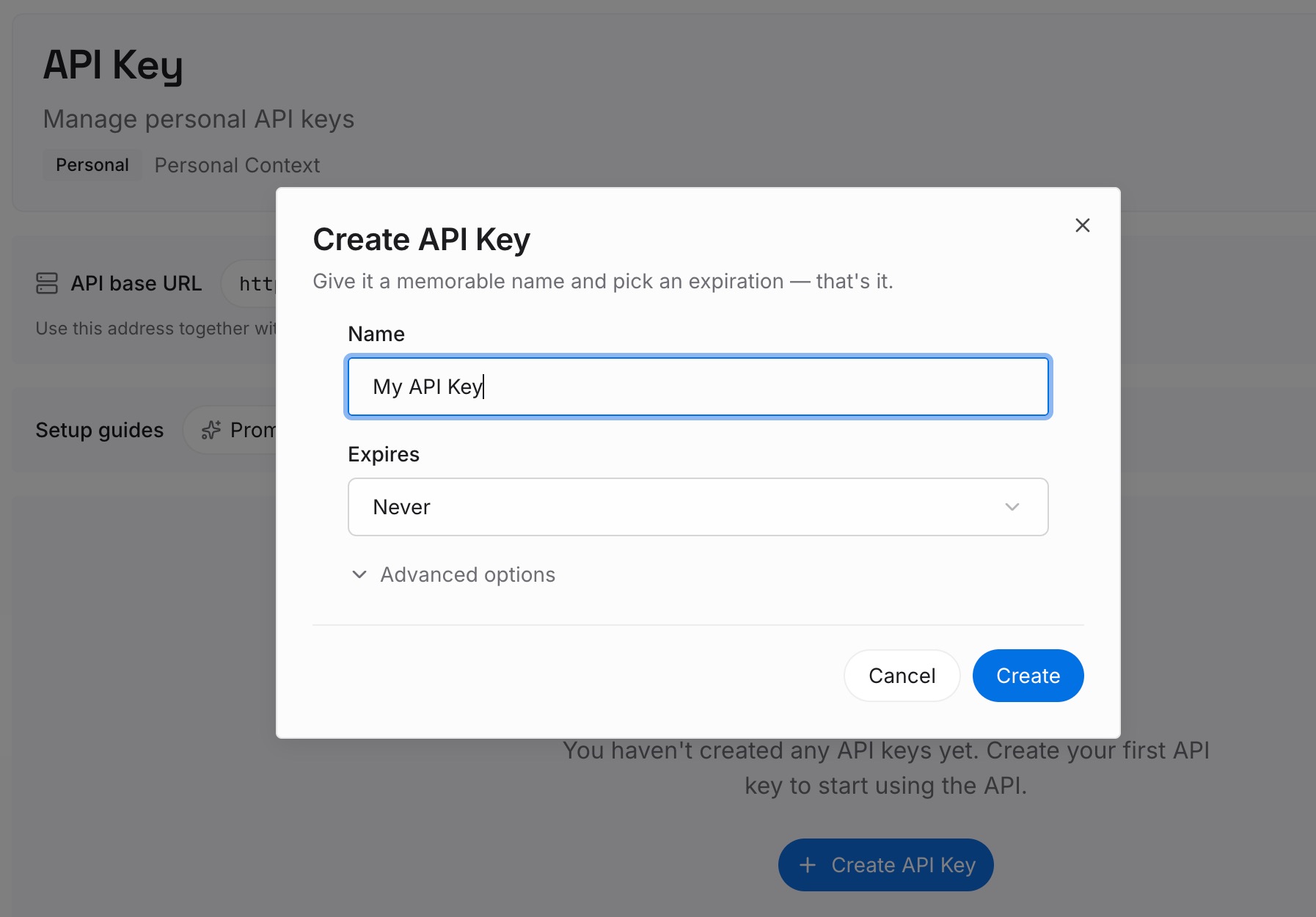
Step 1: Create an API key
Sign in and generate a key from the dashboard. The key belongs to your MemoryLake workspace and is separate from your Claude account.
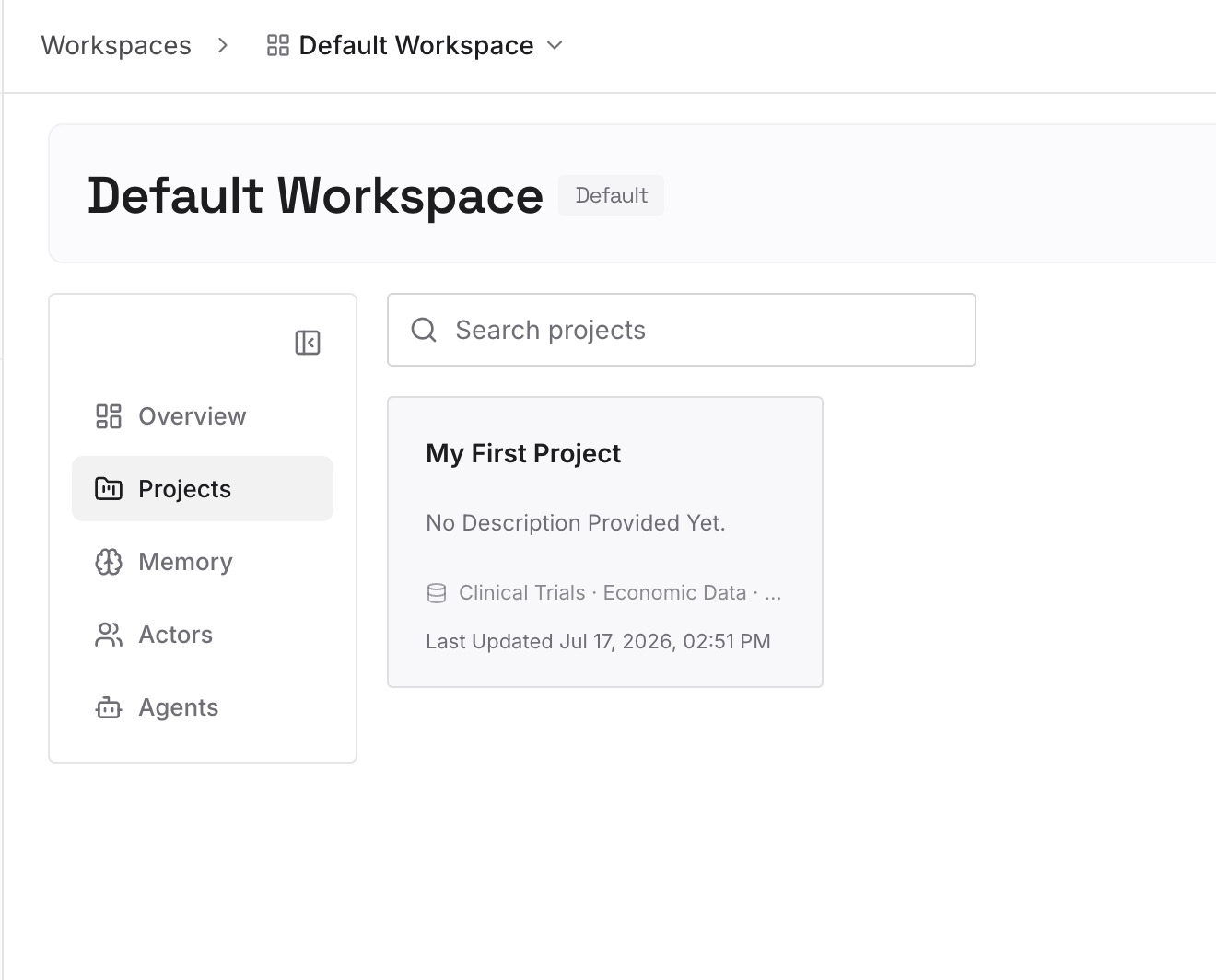
Step 2: Upload your first memories
Start with the decisions from Step 3 of the fix that apply beyond one repository: conventions, constraints, and the reasons behind them. One point per entry, dated.
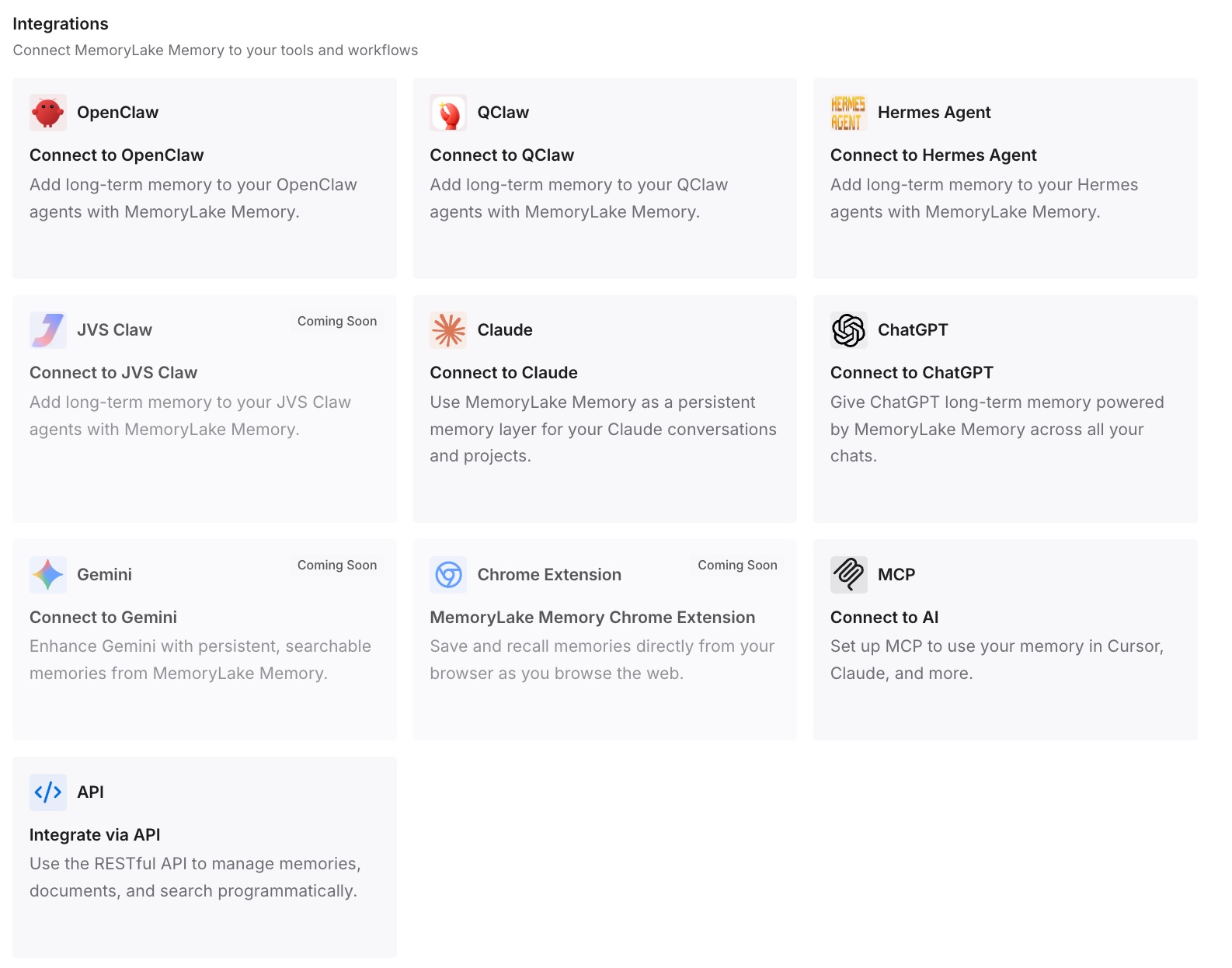
Step 3: Connect your AI & agents
Connect Claude Code and the other assistants you use. The decisions are available whichever model is running, in the next session, and in other tools.
What this changes in practice
The first difference is that switches stop surprising you. You know which ones last a turn, which last the session, and which change your default.
The second is fewer slow, expensive turns. You switch at natural breaks and expect the re-read, instead of switching back and forth mid-task.
The third is that decisions don't ride on one conversation. When the model changes or the session compacts, what matters is already written down. For a quick question that shouldn't add to the conversation at all, our guide to /btw covers side questions.
Best practices for switching models in Claude Code
Press s in the picker for one-off switches. /model with a name saves your default.
Switch between tasks. The first turn after a switch reads the whole conversation without the cache.
Check the transcript for fallback notices. A safety fallback keeps the session on the new model.
Choose Ask each time if fallbacks matter to you. Then you decide whether to switch or edit the prompt.
Don't switch to escape shared limits. Session and weekly limits apply across models.
Watch for unrecognized model IDs. Claude Code assumes a 200K window for them.
Keep decisions outside the conversation. CLAUDE.md for the repository, and a maintained list for the rest.
If a switch brought up a 1M-context error, our guide to the usage credits message explains what it means and what the conversation keeps when it compacts.
Conclusion
You can switch models mid-session in Claude Code with /model, and the conversation carries over: messages, file reads, command output, and memory files. Each model has its own cache, so the first turn after a switch reads the whole conversation again, and /model with a name also saves the choice as your default unless you press s in the picker.
Claude Code also switches on its own: between plan and execution with opusplan, for a turn when a skill names a model, for a turn in a fallback chain, and for the rest of the session after a safety fallback. Know which is which, switch at natural breaks, and keep the session's decisions somewhere that doesn't depend on the model reading them.