
What compacting the conversation means
Every model has a context window, the amount of text it can work with at once. Anthropic's usage guide calls it "Claude's working memory that determines how much content it can process and remember at once." A long chat with pasted documents, tool results, and many turns fills it.
Compaction is what lets a chat go past that point. Claude replaces the oldest part of what it's working from with a summary and keeps going. Anthropic's description: "For users with code execution enabled, Claude now automatically manages long conversations. When your conversation approaches the context window limit, Claude summarizes earlier messages to continue the conversation seamlessly. This means you can have longer, more natural conversations with fewer interruptions."
The help center also mentions the status you may see while it happens: during long conversations, Claude may show that it's organizing its thoughts, which Anthropic says "indicates automatic context management is working."
What gets summarized, and what stays
Two different things are involved, and keeping them apart answers most of the worry.
What Claude works from. The earlier messages are summarized, so for the next turns, Claude works from the summary plus the recent messages. Detail that the summary doesn't keep is no longer in front of the model in full.
Your chat history. The conversation itself isn't deleted. Anthropic says: "Your full chat history is preserved so Claude can reference it even after summarization." You can still scroll up and read every message.
So after compaction, if Claude seems to have lost a detail from early in the chat, the detail is still there in the history. Point Claude to it, or paste the relevant part again, and it has it in front of it once more.
When automatic compaction runs
Code execution has to be on
The feature has a requirement: "Code execution must be enabled for automatic context management." Code execution and file creation is on by default for Free, Pro, Max, and Ultra plans, according to Anthropic's file creation guide, and on Team and new Enterprise organizations an owner can turn it off.
If you're on a personal plan and it's off, the setting is in Settings > Capabilities, where the toggle is called Code execution and file creation, or Create and edit files in the updated Settings layout.
Near the limit
Compaction runs when the conversation "approaches the context window limit." How soon that happens depends on the model. Anthropic's context window article lists, for chats on paid plans, 1M tokens for the newest models, 500K for some others, and "Outside of these models, Claude’s context window size is 200K". It also notes that "A portion of the context window is always reserved for Claude's response, so the longest possible conversation is slightly smaller than the full window."
A model with a smaller window reaches compaction sooner in the same chat.
Why it seems to happen again and again
A chat compacts again when it grows back to the limit. Each new turn adds text, and large additions add a lot at once: long pastes, uploaded files, and results from connected tools.
Anthropic's list of ways to make room points at those sources:
- Turn off tools you don't need. "Tools and connectors are token-intensive, so managing them helps both maximize your available context window and optimize your usage limits."
- Shorten project instructions. Keep them focused on general context, and "Reserve task-specific instructions for the chat itself."
- Remove unused project files. Anthropic suggests cleaning up files you're no longer actively using.
- Turn thinking off or lower the effort level. Anthropic says higher effort uses more tokens.
A chat that has compacted several times is also working from a summary of a summary. That's a reason to start fresh, as below.
Why long chats use more of your limit
Compaction keeps a chat going, but it isn't free. Anthropic says: "Longer conversations that trigger automatic context management consume more of your usage limit. Try starting a new conversation if you're approaching your usage limit in a longer chat."
Usage limits and length limits are separate. The usage guide explains that "usage limits control how much you can use Claude across all your conversations, while length limits control how long any single conversation can become." Compaction helps with the second. A long chat still draws on the first.
When a chat is still too long
Compaction covers most long chats, but not every case. Anthropic notes: "Rare edge cases (such as very large first messages) may still encounter context limits."
The guidance for hitting a length limit is: "If you hit a length limit, you can start a new conversation or use features like projects to work with larger amounts of information more efficiently."
Projects handle large material differently
Projects are Anthropic's answer for large reference material. "Projects use retrieval-augmented generation (RAG), which allows Claude to work with larger amounts of information more efficiently by only loading relevant content into the context window." Instead of pasting the same documents into a chat, put them in the project's knowledge, and each chat loads what's relevant. Our guide to why Claude forgets project knowledge files covers what to check when a project's files don't seem to come through.
Carrying a long chat into a new one
Starting a new chat doesn't mean starting from zero.
Chat search. "You can prompt Claude to search through your previous conversations to find and reference relevant information in new chats." Ask Claude in the new chat to find what you discussed. Inside a project, searches are limited to that project; our guide to searching past chats in projects explains the boundaries.
Memory. If memory is on, Anthropic says Claude "saves memory as a set of individual topics as you chat, rather than summarizing conversations after they end." Some of what you settled in the long chat may already be in memory. Our guide to Claude's new memory entries covers how those topics work, and our guide to Claude memory not working covers what to check if they don't show up.
A summary you write. Before leaving the long chat, ask Claude for a summary of decisions and open questions, read it, correct it, and paste it as the first message of the new chat.
Incognito chats are the exception: Claude won't pull information from them when searching previous conversations. Our guide to incognito chat explains what they keep out.
Claude chats and Claude Code compact differently
If you use both, the same word covers two mechanisms. In Claude Code, compaction is something you can trigger with /compact, and Anthropic's context window guide documents what comes back afterward: files such as the project-root CLAUDE.md and auto memory are "Re-injected from disk".
In a Claude chat, the help center describes automatic context management without a command to run it yourself or a table of what's re-injected. The documented points are the ones above: earlier messages are summarized, the full chat history is preserved, code execution must be on, and long chats use more of your limit. Plan around those rather than around Claude Code's behavior.
What people try first
Waiting it out when compaction seems stuck. Anthropic's help center doesn't describe a stalled status. Its guidance for a chat at a length limit is to start a new conversation, so bring a summary with you.
Assuming the early messages are deleted. Anthropic says the full chat history is preserved.
Pasting the same large documents again. That fills the window faster. Use a project's knowledge instead.
Leaving every connector on. Anthropic calls tools and connectors token-intensive.
Treating a long chat as the record. After several compactions, Claude works from summaries of earlier summaries.
The Fix: Keep long chats light, and start fresh with a summary
Step 1: Make room before the limit
Turn off connectors and web search the chat doesn't need, move reference documents into a project's knowledge, and keep project instructions short. Check that code execution is on if you want automatic context management.
Step 2: Ask for a summary when the chat has compacted more than once
Ask Claude for a list of decisions, constraints, and open questions from the conversation. Read it against the history and correct anything the summary got wrong.
Step 3: Continue in a new chat
Start a new chat, inside the project if there is one, paste the corrected summary, and ask Claude to search past chats for anything else you need. The long chat stays in your history for reference. For a related problem in ChatGPT, our guide to ChatGPT forgetting earlier in the conversation covers the same pattern there.
Setting this up in MemoryLake
Compaction keeps a chat going, but every compaction is a judgment about what to keep, made by a summary you didn't write. The decisions you can't afford to lose are safer outside any single conversation.
MemoryLake is a memory layer for keeping those decisions in one place you maintain, available to the assistants you connect, such as ChatGPT, Claude Code, and Codex.
You write the entries yourself, in your own words. Nothing is read out of, written to, or deleted from your Claude chats, your chat history, your Claude memory, your projects, or any vendor's store. Automatic context management keeps working the way Anthropic describes it.
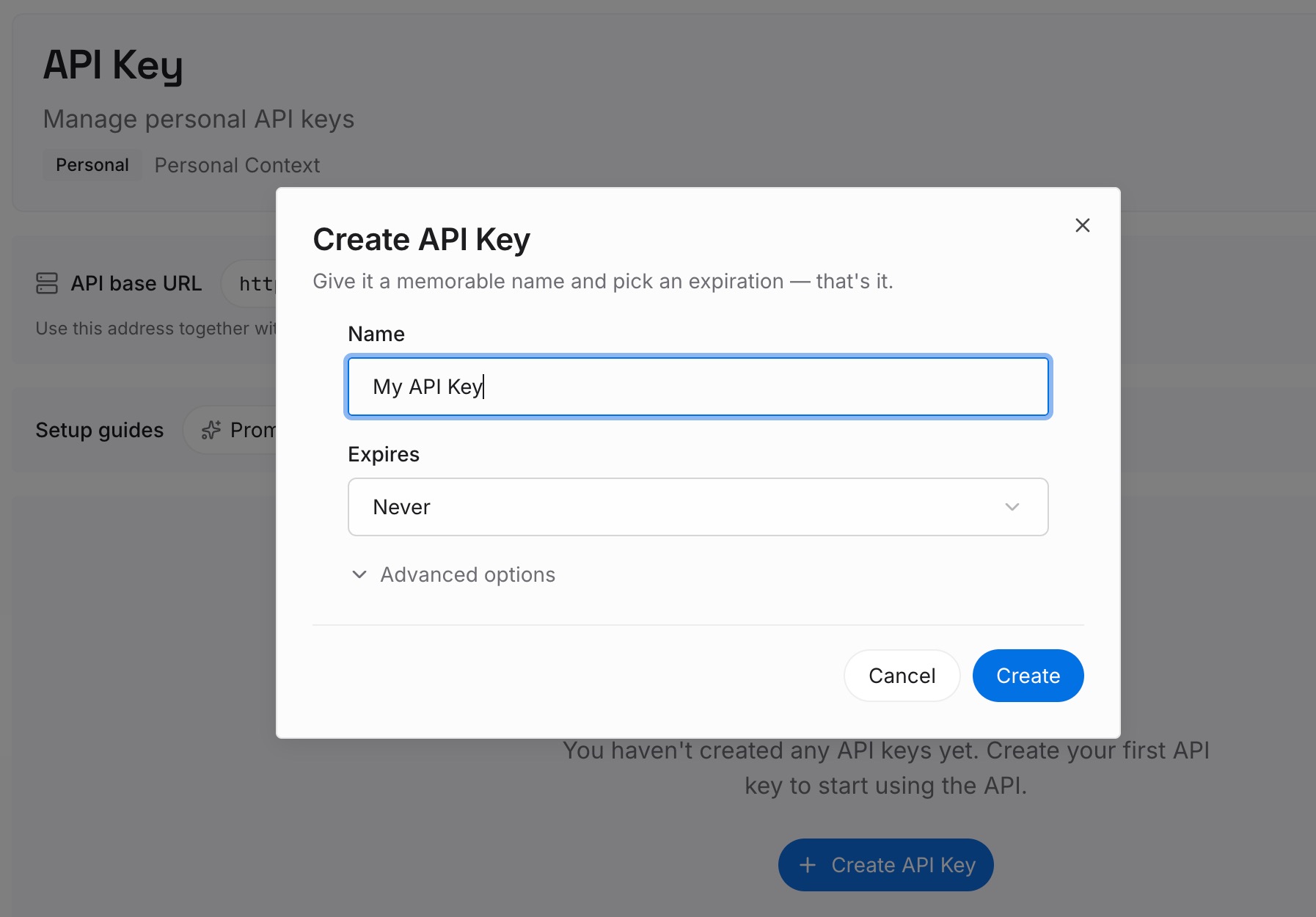
Step 1: Create an API key
Sign in and generate a key from the dashboard. The key belongs to your MemoryLake workspace and is separate from your Claude account.
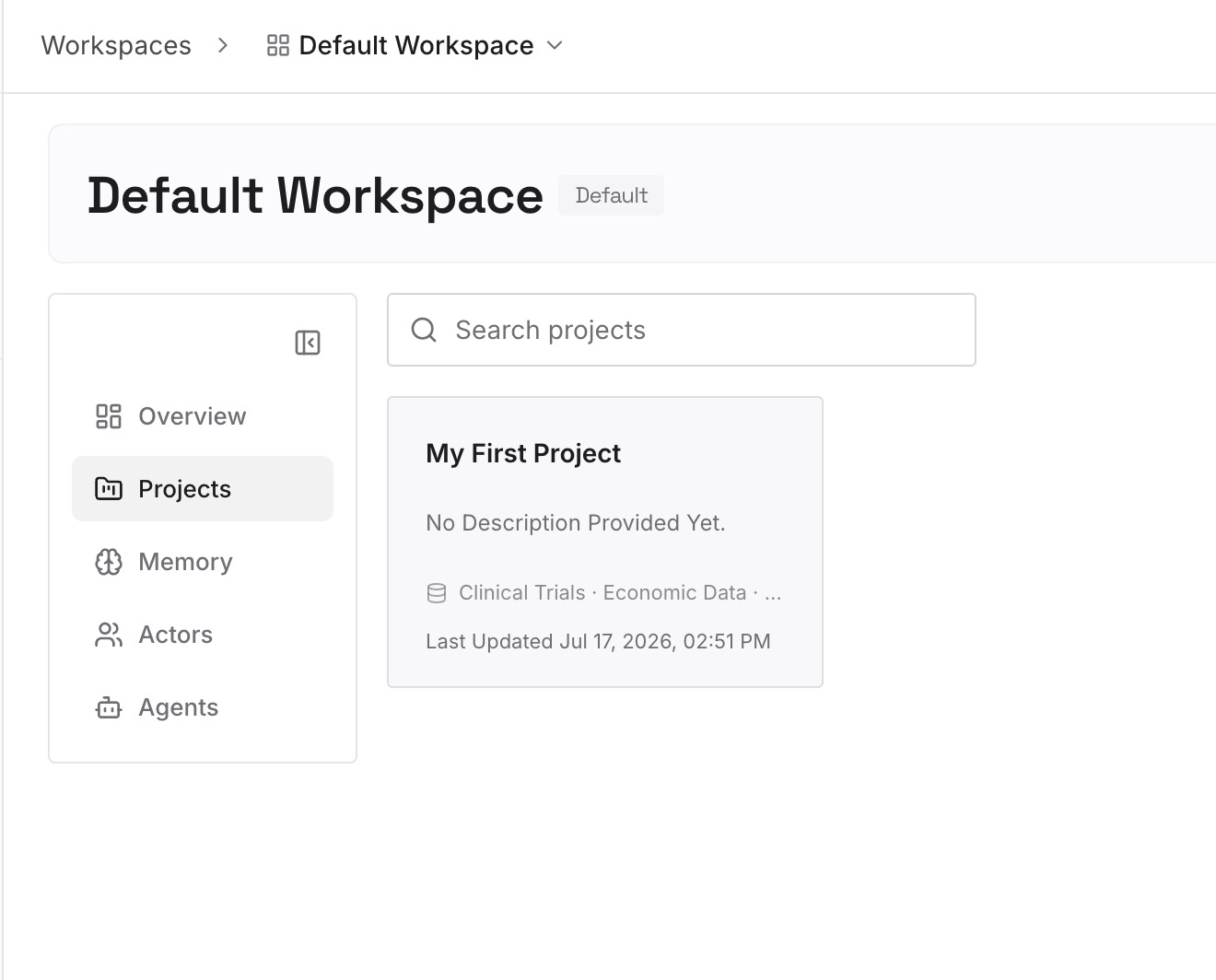
Step 2: Upload your first memories
Start with the corrected summary from Step 2 of the fix: the decisions, constraints, and open questions. One point per entry, dated.
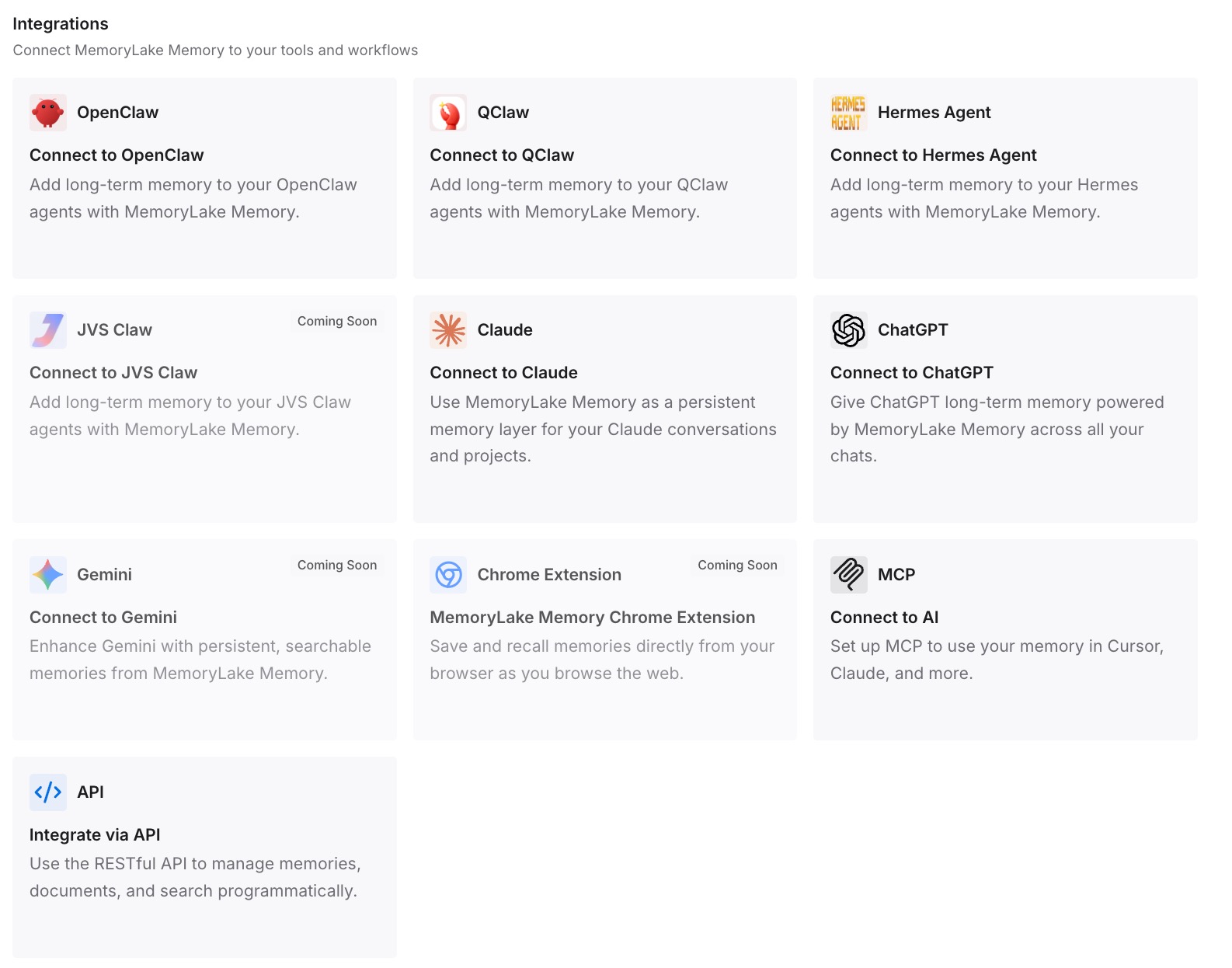
Step 3: Connect your AI & agents
Connect Claude Code and any other assistants you use. The same entries are available in a new chat, a new project, or a different tool.
What this changes in practice
The first difference is shorter chats. When the decisions are written down, you don't need to keep one conversation alive to hold them.
The second is fewer surprises after compaction. The facts you wrote down don't depend on what the summary kept.
The third is less usage spent on length. Anthropic's own advice for a long chat near your usage limit is to start a new conversation, and a short summary makes that easy.
Best practices for long Claude chats
Keep code execution on. Automatic context management needs it.
Watch what fills the window. Tools, connectors, and large pastes add up quickly.
Use projects for reference material. RAG loads only what's relevant.
Start fresh after repeated compaction. Bring a summary you've checked.
Remember the history is still there. Scroll up or point Claude to it.
Mind your usage. Longer conversations that trigger compaction use more of your limit.
Conclusion
When Claude compacts a conversation, it summarizes earlier messages so the chat can continue past the context window. Anthropic says your full chat history is preserved, so your messages stay in the history, but Claude works from the summary for the turns that follow. The feature needs code execution, runs near the limit, and uses more of your usage limit in long chats.
A chat can still run too long, for example with a very large first message. When that happens, or when a chat has compacted more than once, start a new conversation with a summary you've checked, use projects for large material, and keep the decisions that matter somewhere outside the chat.