
Why Claude Projects Lose Track of Your Knowledge Files
How Project Knowledge works today
Project Knowledge attaches your files to a Project so Claude can draw on them. Under the hood, that content has to share one finite context window with your conversation. Claude pulls in what's relevant, but there's a ceiling — and as a session grows, the system compacts older content to make room. Your files don't get deleted; they get squeezed out of what Claude can actively see in that moment.
The technical reason it doesn't stick
An LLM can only hold so much at once. When a project's documents are large, or a conversation runs long, the active context fills and compaction kicks in — and compaction is lossy. Users have documented context collapsing dramatically once this happens, with answer accuracy dropping alongside it. So a knowledge file that shaped Claude's first answer can be effectively invisible by the twentieth, even though it's still "in" the project.
What this costs you
You stop trusting the setup: every answer late in a session has to be checked against files Claude may no longer see. You re-paste key passages into the chat to force them back into context — the exact manual work Project Knowledge was supposed to end. And on document-heavy projects, the tool is least reliable exactly when you've given it the most to work with.
Claude Projects' Built-in Workarounds (and Where They Stop)
Project Knowledge
The right place for reference material, and genuinely useful for focused projects with a few tight documents. Its limit is the shared context window: it can't guarantee every file stays active through a long or large session, because everything competes for the same space.
Memory entries
Claude's memory (individual, categorized entries as of July 2026) is great for standing facts and preferences. But entries are compact text about you — not your documents. They don't hold a spec or a data file, so they can't backstop knowledge files.
Starting a fresh session
Opening a new chat restores full context room, which is the common fix — but it drops everything you'd built up in the previous session, so you regain file visibility by losing your working context.
The shared wall: Project Knowledge lives inside Claude's context budget, and everything competes for it — the same root cause behind why Claude forgets project knowledge once a session runs long.
The Fix: Give Your Knowledge Files a Persistent Home
The durable approach is to keep your files in a layer built for retrieval, not one competing for the chat's context budget. MemoryLake stores your documents once — parsed, indexed, and searchable — so Claude pulls only the passages a question needs, on demand, no matter how long the session runs. Everything is versioned Git-style and end-to-end encrypted.
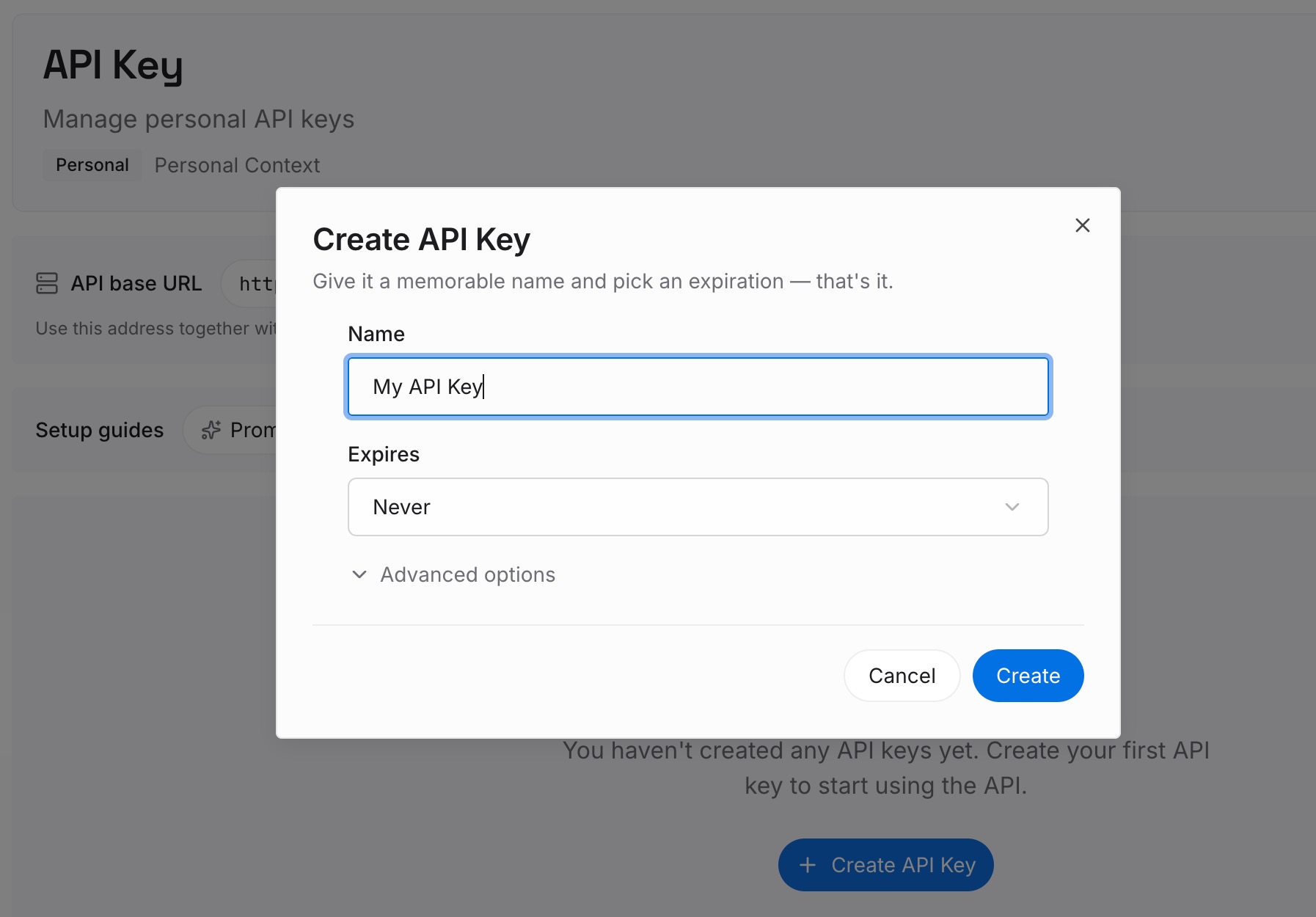
Step 1: Create an API key
Sign in to MemoryLake, generate a key, and make your first request — it takes about 30 seconds.
Step 2: Upload your first memories
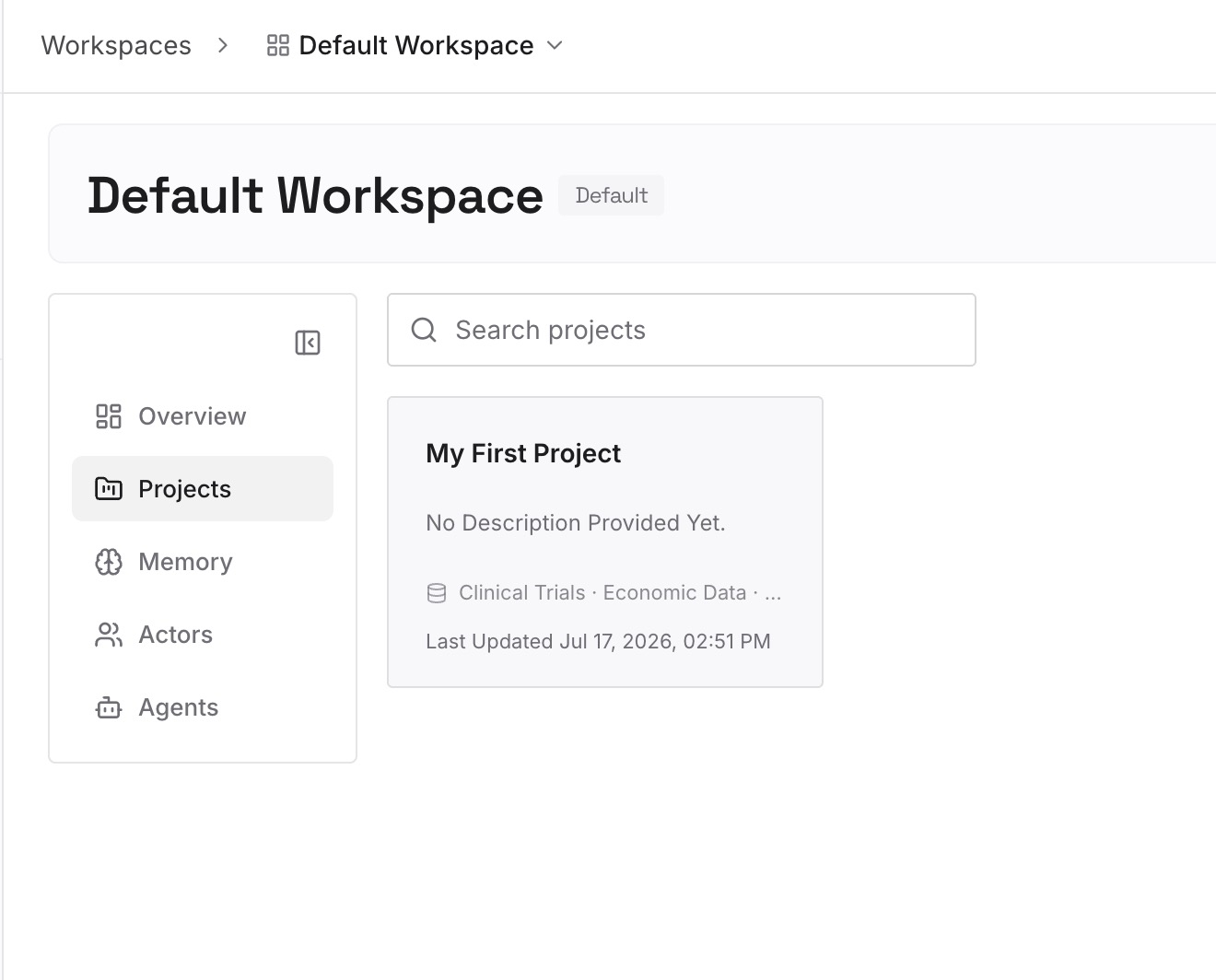
Drop in the knowledge files a project depends on — specs, style guides, reference PDFs, datasets; documents, images, and other files all work. They're parsed once and stay retrievable, instead of loaded whole into every conversation.
Step 3: Connect your AI & agents
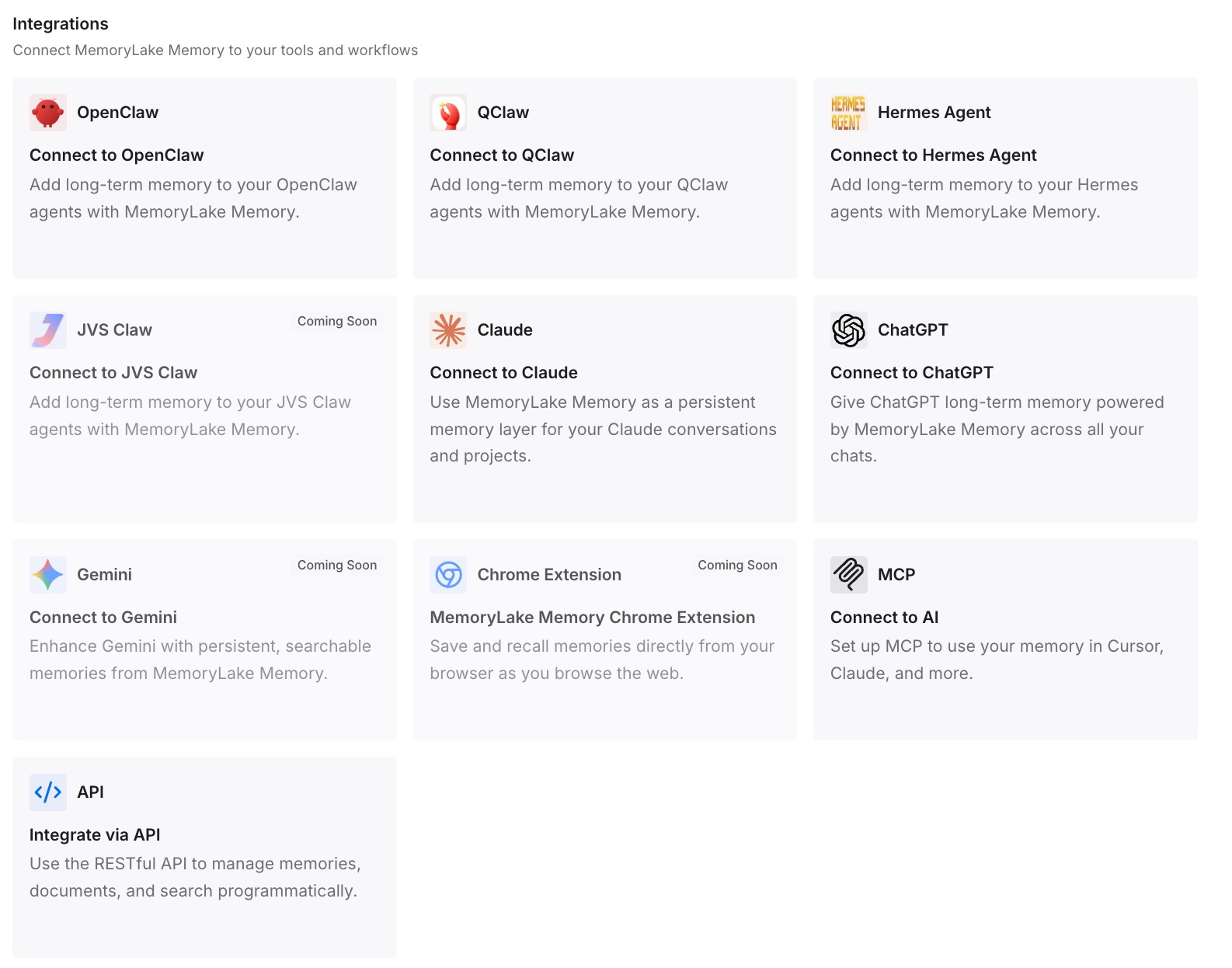
Connect Claude via MCP with your API key, so it retrieves the relevant file passages on demand rather than trying to hold entire documents in context. The same memory is available to Codex, OpenClaw, and other agents via MCP or the API — so the knowledge that backs your Claude Project also backs every other tool.
What Squeezed-Out Files Actually Cost
The re-pasting tax
Every time a file falls out of context and you paste passages back in, that's manual work plus tokens spent re-sending content Claude already had. On long sessions it becomes a constant background chore, and it's worst on the document-heavy projects where Claude should help most.
Retrieval instead of loading everything
A retrieval layer sends Claude only the passages a question needs, so large documents stop fighting your conversation for space — and a long session stops degrading. Prompts stay lean because you're not re-loading whole files; MemoryLake's Token Saving Calculator projects the effect from your usage.
Best Practices for a Knowledge-File Memory
Split large documents into focused files
Retrieval sharpens when a spec, a style guide, and a data appendix are separate, well-named files rather than one giant upload. Smaller, focused sources return more precise passages.
Keep files current, not accumulated
When a document is superseded, update it in the layer rather than piling versions on top of each other — version history preserves the trail without polluting retrieval.
Scope by project
One memory scope per project keeps retrieval relevant and prevents one project's files from surfacing in another's answers.
Conclusion
Claude Projects don't lose your knowledge files out of neglect — they lose them to a context window every part of the conversation is fighting over. Move the files into a layer built for retrieval, and Claude pulls exactly what each question needs, however long the session runs, with the same knowledge available to your other tools. Stop re-pasting your own documents; let Claude reach them on demand.