
What Cline actually published
The first fix concerns rules. The release note reads: "The Rules panel listed only .clinerules and the Documents global folder, so rules loaded from .cline/rules, ~/.cline/rules, or ~/Cline/Rules were applied to the model but missing from the panel — and on Windows with a OneDrive-redirected Documents folder, global rules were not found at all."
Two failures sit inside that sentence: in three locations rules worked but were invisible, and on Windows with OneDrive redirection global rules were not loaded at all.
The second fix concerns hooks. "UserPromptSubmit and TaskStart hooks can inject context again. What those hooks returned as contextModification was being dropped — only cancel survived — so a hook meant to add repository facts or house rules to a task silently did nothing." The note adds that the context "is now delivered as a <hook_context> block on the run's first request, the same as before the regression."
The third fix concerns long tasks. "Compaction no longer silently falls back to truncation partway through a long task. The summarizer kept the credentials captured when the task started, so once they refreshed its request failed with an authorization error that was swallowed; it now follows the task's current credentials and model."
The CLI release describes the same failure from the user's side: "you got a chopped transcript instead of a summary, most visibly on cline-free/* models." It also notes that "The summarizer also stayed on the original model after a mid-session model switch."
The desktop release goes further. "Long sessions in the desktop app now compact automatically. Auto-compaction had never actually run here." And it is explicit that this was not new: "This was not a recent regression — the gap dated to compaction becoming opt-in in core back in April."
One more compaction change appears in both the CLI and SDK notes. Compaction used to trigger on a character estimate, and dense content broke the estimate: "Compaction now fires on your provider's actual token usage instead of a character estimate." The CLI note spells out the old symptom — a long session "could hit the real context ceiling without ever compacting and then get squeezed down to a handful of output tokens per turn."
What this does and doesn't change
Start with the boundary that matters most. A release note describes what the code does from the moment you update. Nothing in these notes describes repairing sessions that ran before the update. A task truncated in August stays the transcript it became.
The hooks fix is also narrower than it looks. The CLI release states that "Run-start hook control (cancel and context injection from agent_start/agent_resume scripts) remains inert in the CLI pending a deliberate opt-in." So if your hooks run through the CLI, the extension's fix does not describe your setup.
The rules fix changes what the panel shows, and it changes what the documentation's promise now means in practice. Cline's rules page says: "All detected rule types appear in the Rules panel, where you can toggle them individually." After v4.1.20 that sentence describes the extension's behaviour for the three locations named in the fix. Before it, those locations were applied but absent from the list.
That has a direct consequence for anyone who used the panel as a checklist. An earlier guide here on mapping which Cline rules are active before a task treats the panel as an inventory of detected rules. On versions before 4.1.20, rules in .cline/rules, ~/.cline/rules and ~/Cline/Rules were outside that inventory while still reaching the model. The two-gate logic in that guide — the panel toggle plus the rule's own conditions — still holds; the inventory step needs a current version to be complete.
The compaction fix restores a documented design rather than introducing one. Cline's Auto Compact page describes the intended behaviour — "Creates a comprehensive summary of everything that's happened" and "Replaces the conversation history with the summary" — and contrasts it with what came before: "Previously, Cline would truncate older messages when hitting context limits, losing important context." The bug put affected long tasks back on the older behaviour without saying so.
The same page is also clear that truncation is still the design on some models: "With other models, Cline falls back to standard rule-based context truncation, even if Auto Compact is enabled." So truncation after this release is not automatically a bug. It is a signal to check which model the task was on.
What people will take from this, and shouldn't
The first reading that will circulate is "Cline was ignoring my rules." For most users that is not what the note says. In three locations the rules "were applied to the model but missing from the panel." The model was following them; you could not see them. The exception is Windows with a OneDrive-redirected Documents folder, where global rules "were not found at all." That group should treat the fix as a change in behaviour, not just in display.
The second reading is that compaction is unreliable and should be switched off. That gets the history backwards. Summarization is the replacement for truncation, and the failure was the summarizer quietly handing the job back to truncation. Switching compaction off does not avoid the old behaviour; it guarantees it once a long task runs out of room.
The third reading is that hooks now work everywhere. They work again in the extension's UserPromptSubmit and TaskStart path. The CLI note says its run-start context injection "remains inert in the CLI pending a deliberate opt-in," and the SDK release describes a new run-start channel for hosts that build on it. Where your hook runs decides which of those sentences applies to you.
The misreading worth resisting most is the general one: that a panel, a hook, or a summary proves context arrived. This release documents three cases where the visible surface and the actual context disagreed. It is also the same class of problem that makes agents appear to ignore instruction files — the question is rarely whether the file exists, and usually whether the specific session loaded it.
The Fix: Update every surface, then check each channel against something written down
You cannot audit a past session's missing context. You can make sure the current version is running everywhere you use Cline, and you can check the three channels against a record kept outside the tool.
Step 1: Update every Cline surface you actually use
The fixes shipped separately per surface. The VS Code extension fix is in v4.1.20. The desktop app's compaction and rules fixes are in desktop v0.0.33. The CLI's compaction, token-trigger and rules fixes are in cli-v3.0.63. If you move a task between the extension and the CLI, both need to be current, because the release notes describe each surface's behaviour separately.
Write down which version each surface is on. When a behaviour question comes up next month, that is the first thing worth knowing.
Step 2: Take the rules inventory from disk, then compare it with the panel
Do not start from the panel. Start from the locations Cline documents and list what is actually there.
Workspace rules can live in .clinerules/ or .cline/rules/; the documentation says "Both directories are searched when present, so you do not need to copy rules into both locations." Global rules live in the Cline Rules folder under Documents, and the docs add: "Cline also searches ~/.cline/rules and ~/Cline/Rules for global rules." On Windows it also checks the OneDrive-redirected Documents locations. Cline additionally "reads cross-tool global AGENTS instructions from ~/.agents/AGENTS.md."
List every file you find, then open the Rules panel on the updated extension and tick them off. Anything on disk and missing from the panel after the update is worth reporting. Anything in the panel you did not expect — a file from an old tool, a global rule written years ago — is worth reading, because before this release some of those were reaching the model without appearing there.
If you are on Windows with OneDrive, check one more thing: whether a global rule you rely on is actually being followed now. The note says those rules "were not found at all," so behaviour may shift after the update.
Step 3: Run one long task and confirm what you can see
Cline's Auto Compact page names the visible signal: "You'll see a summarization tool call when this happens, showing the cost like any other API call." On a long task, look for it. If a long task on a model that supports Auto Compact runs out of room and no summarization call appears, that is the case the fix describes, and it is worth capturing the version and the model before reporting it.
For hooks, add a harmless marker to the context your hook injects — a single line naming the date — and ask the agent to repeat it at the start of a task. If it can, the context arrived. If you run hooks through the CLI, expect the note's "remains inert" behaviour and plan accordingly.
The general principle behind all three checks is the one in what to keep when auto-compact fires: decide in advance which facts must survive a long session, and put them somewhere a summary cannot drop them.
Setting this up in MemoryLake
The three checks above all depend on one thing: a short record, kept outside the tool, of what the agent is supposed to know. MemoryLake is a place to keep that record so it does not depend on whether a panel, a hook or a summarizer behaved correctly in a given session.
You write the entries yourself, in your own words. Nothing is read out of, written to, or deleted from Cline's rules folders, its task history, or any vendor's store.
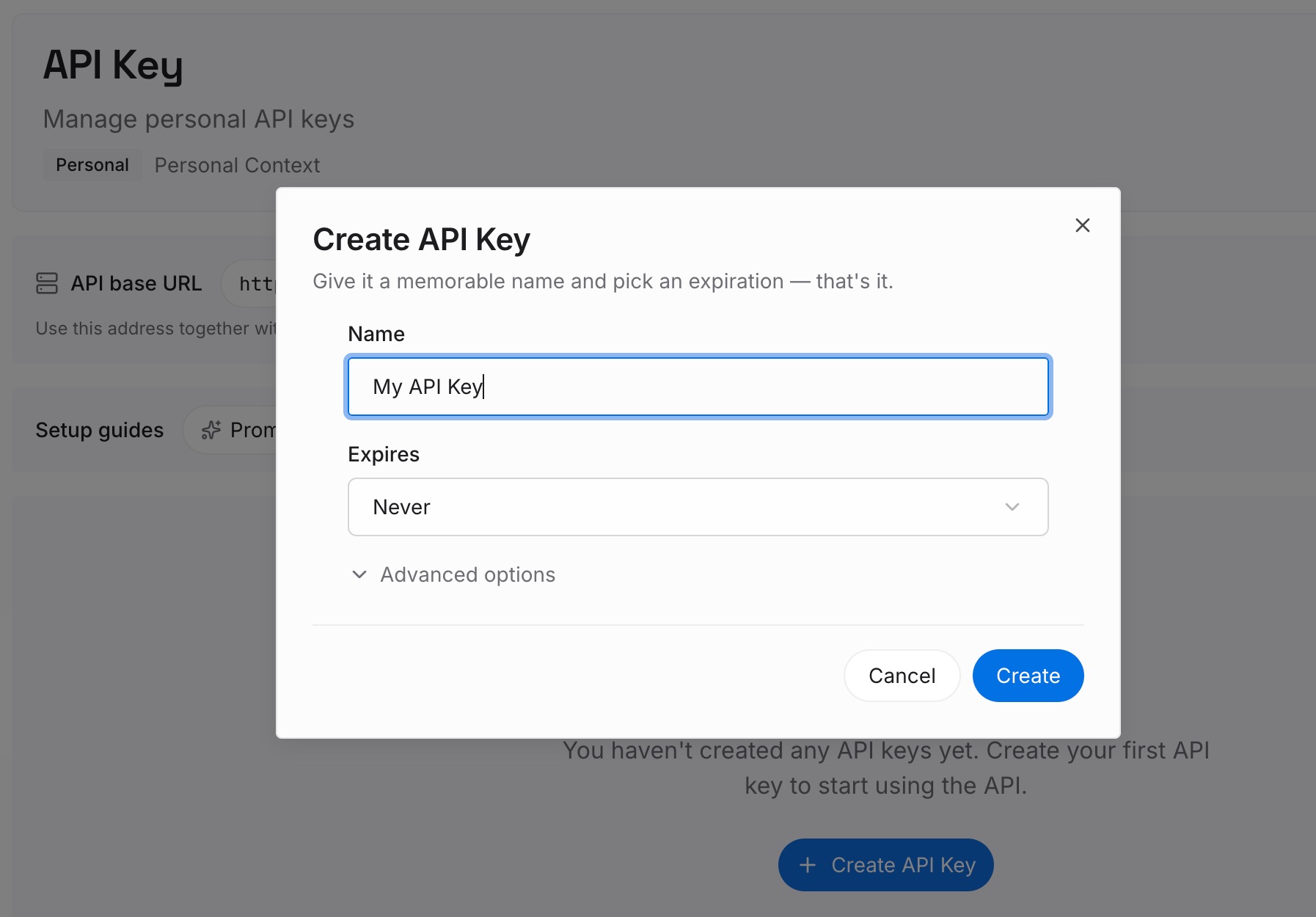
Step 1: Create an API key
Sign in and generate a key from the dashboard. The key is what lets an agent read the entries you have written, independently of which Cline surface — extension, desktop or CLI — happens to be running the task.
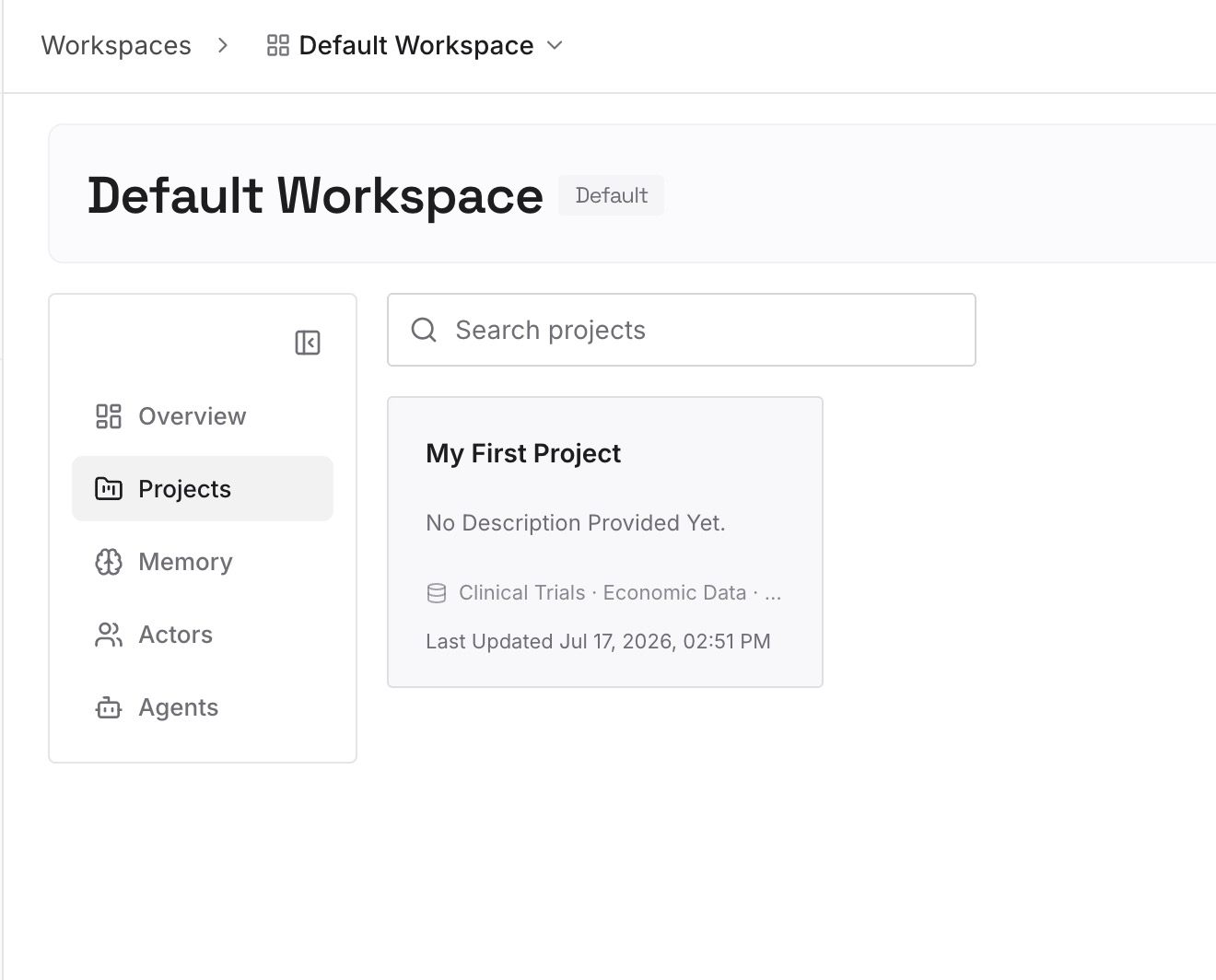
Step 2: Upload your first memories
Start with the facts a truncated transcript would lose first: the decisions made early in a long task, the constraints a hook was meant to inject, the house rules that live in a global folder. One fact per entry, with the reason attached.
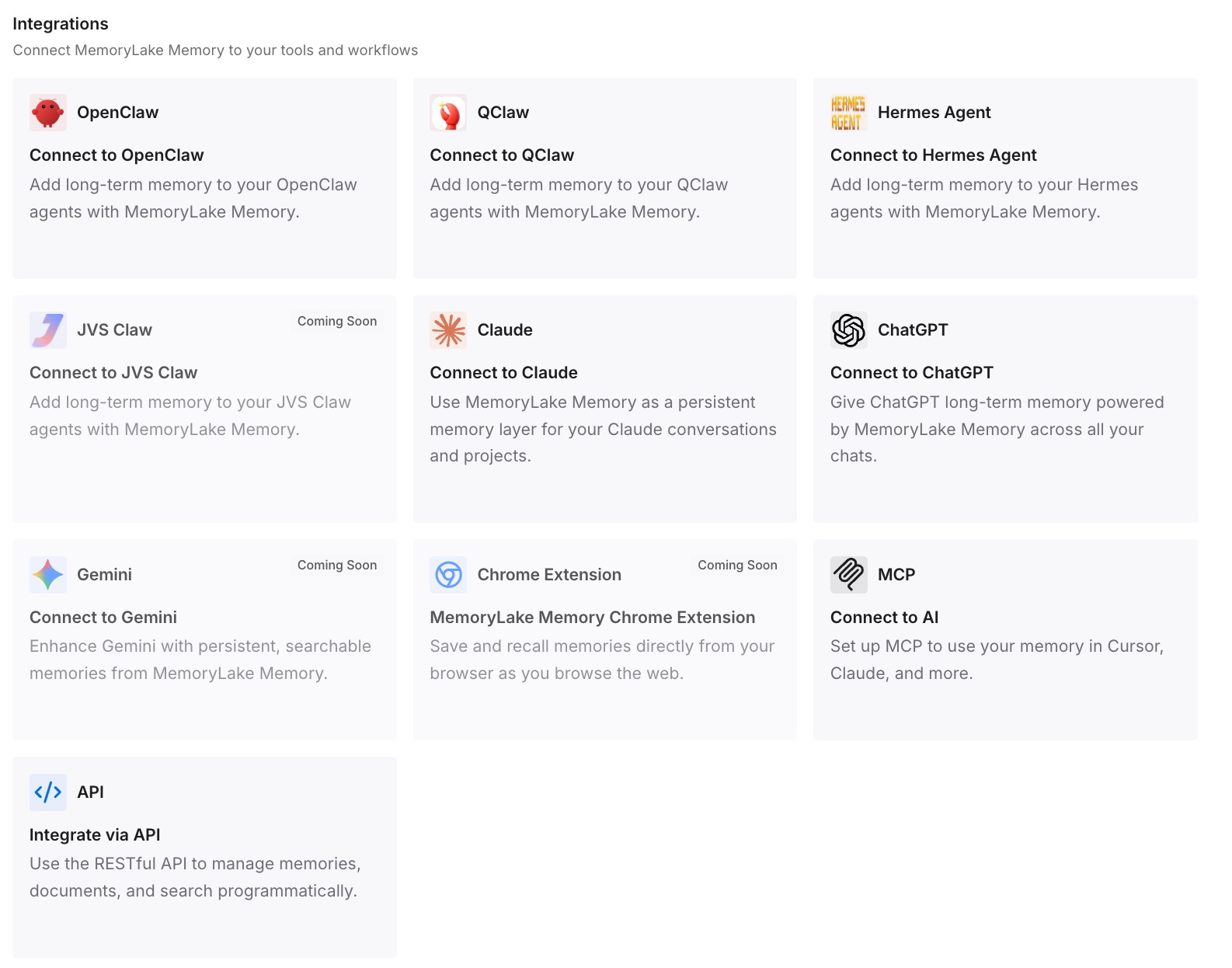
Step 3: Connect your AI & agents
Point your agents at the workspace. The decisions are then available at the start of every task, which means a long session that loses its early turns still has the part that mattered.
What this changes in practice
The first practical change is in how much weight the panel can carry. After updating it is a better inventory, and still a view of what Cline detected rather than a record of what you intended. Keeping your own list is what lets you notice the next discrepancy instead of inheriting it.
The second is in how you read a long task. A chopped transcript and a summarized one can look similar from inside the conversation, because both leave the agent working on less than it started with. The difference is whether the early decisions survived. Anyone who has seen Cline forget what it was doing earlier in a task has met the symptom; this release identifies one of its causes.
The third is in what a Memory Bank is for. Cline's Memory Bank guidance suggests you "let Auto Compact handle routine context management" and reserve manual updates for checkpoints — advice repeated in the guide to setting up Cline's Memory Bank. That division still makes sense, with a caveat for anything before these versions: routine context management was not always happening the way the documentation described, so the checkpoint files carried more of the load than you might have assumed.
The fourth is in how you compare memory setups for Cline: judge each by what survives a failure in the layer beneath it, not only by how it behaves when everything works.
Best practices for context that has to survive a long task
Keep your own inventory of rule files. A list of paths and a one-line purpose for each is enough. It is the only way to tell whether a panel is complete.
Record the version with the symptom. Three surfaces shipped separate fixes on the same day. A report that names the surface and version is one someone can act on.
Put early decisions somewhere outside the transcript. A long task's first hour is the part most exposed to truncation. Anything decided there that the rest of the task depends on should be written down as it is decided.
Mark injected context so you can confirm it arrived. A single dated line in a hook's output turns "did the hook work" into a question you can answer in one turn.
Check the model before blaming the feature. Cline documents that some models fall back to rule-based truncation even with Auto Compact enabled. Truncation on those models is the design, not the bug.
Re-audit what the agent believes periodically. The same habit behind auditing what your AI remembers applies here: the only reliable check is asking the agent what it knows and comparing the answer with your own record.
Conclusion
Cline's v4.1.20 notes, and the desktop and CLI notes published beside them, are specific in a way release notes rarely are. They name the locations the panel missed, the hook result that was being discarded, and the exact reason the summarizer failed. They also say plainly that one of the gaps dated back to April.
None of that repairs a session that already ran. What it gives you is a map of where to look: the rules on disk versus the panel, the hook context versus what the agent can repeat, and the summarization call you should see on a long task.
Update every surface, take the inventory from disk, and keep the decisions that matter somewhere a truncated transcript cannot take them. The panel, the hooks and the summarizer are all better today than they were last week. A record you keep yourself is what tells you when one of them is wrong again.