
What a model provider is in Codex
Codex's configuration guide defines it: "A model provider defines how Codex connects to a model (base URL, wire API, authentication, and optional HTTP headers)."
You choose one with the model_provider setting. Codex has built-in providers, and the guide lists the IDs it reserves for them: openai, ollama, lmstudio, amazon-bedrock, amazon-bedrock-runtime, and gcp. You can also define your own, such as a proxy, a company gateway, or another service with a compatible API. The --oss flag starts a session with a local open source provider.
The --oss route has its own selection order. The command reference says that with --oss, Codex "uses --local-provider, your configured oss_provider, or prompts you to choose between LM Studio and Ollama." A one-off local session can therefore run on a different provider from the one in your usual config, and the chats it saves come from that provider.
So switching providers can mean several things: changing a line in config.toml, starting a single session with --oss, or moving your whole setup to a cloud provider your organization uses.
Why chats went missing after a switch
The pull request shows that a saved chat and the configured provider have to line up: resuming can be rejected because of a provider mismatch. Before 0.167.0, that affected two things:
- Finding them. Chats from another provider could be left out of resume lookup, so they didn't appear where you expected.
- Opening them. A chat could fail to open when the provider it needed wasn't the one configured.
Nothing in the release notes says chats were deleted. They were hidden from lookup or blocked from opening. That's why the fix is about visibility and recovery, not restoring data.
What Codex 0.167.0 changed
The pull request lists the changes. Here's what each one means for you.
All providers appear in resume lookup
The first change is to "Include all providers in the resume picker, named resume lookup, and resume --last, while retaining provider filtering for fork lookup."
In practice, the resume picker, resuming a chat by its name, and codex resume --last now consider chats from every provider. A chat you ran on OpenAI shows up while you're configured for Bedrock, and the other way around.
Chats that can't resume open as read-only history
Seeing a chat doesn't mean the current provider can continue it. The pull request names the cases: the goal is to keep history readable "when the server rejects resuming because of a provider mismatch, missing configuration, or policy conflict."
When that happens, Codex now opens the chat as read-only history with an explanation and shortcuts. The pull request lists them as c to continue in a new chat, n to start fresh, and Esc to choose another chat.
Read-only means you can scroll the transcript, read what was decided, and note what you need. You can't add a new turn to that chat on the current provider.
Continue in a new chat
The c shortcut is the important one. The pull request says: "Continuing in a new chat prepares an editable, unsent prompt referencing the saved conversation."
Two words matter there. Editable means you can change the prompt before sending it. Unsent means nothing goes to the model until you decide. The new chat runs on your current provider, starting from that prompt.
Drafts aren't lost
The pull request also says Codex will "Preserve drafts and rejected prompts or steers, suppress automatic submission, and retry provider admission when reopening the chat." If you'd typed something into a chat that then failed to resume, it's kept rather than dropped, and Codex doesn't send it on its own.
Fork lookup still filters by provider
One exception remains. Fork lookup keeps its provider filtering. If you want to fork an old chat, the fork picker shows chats for the current provider. To build on a chat from another provider, use continue in a new chat, or switch back to that provider first. Our guide to forking a Codex chat covers how forks work in general.
Other reasons a chat doesn't show up
Provider switches aren't the only cause. Before assuming the worst, check these.
The working directory. Codex's command reference says "codex resume scopes --last to the current working directory unless you pass --all." If you started the chat in a different project folder, --last won't pick it up from here. Add --all, or open the picker.
The directory prompt. When the current directory differs from the one a session was saved with, Codex asks which to use. The tui.resume_cwd setting can make that choice for you.
Archived chats. Archiving hides a chat from active lists without deleting it. The command reference describes codex archive as a way to clean up the session picker "without deleting the transcript."
A different account or Codex home. Codex's documentation lists session transcripts under $CODEX_HOME/sessions, with archived ones in $CODEX_HOME/archived_sessions. If you switched accounts or set a different CODEX_HOME, you're looking at a different set of sessions. Our guide to switching accounts in Codex explains what stays on your machine.
An older version. The provider fix arrived in 0.167.0. On an earlier version, chats from another provider can still be hidden.
What carries into the new chat
When you continue in a new chat, you get a separate conversation that starts from the prompt Codex prepares, which references the saved conversation, and you can edit that prompt before sending it.
The release notes and pull request don't describe exactly what that prompt contains. So treat it as a draft to check:
- Read the old transcript first. It's open in read-only mode, so you can see what was discussed and where the work stopped.
- Add what the new model needs. If a constraint or a decision mattered, put it in the prompt in your own words.
- Note that the model is different. A different provider can mean a different model. Instructions that worked before may need to be clearer.
For anything that should apply no matter which chat or provider you're using, files are more reliable than chat history. OpenAI's instructions guide says "Codex reads AGENTS.md files before doing any work." Conventions in AGENTS.md load in the new chat without being restated. If you want a copy of an old chat outside Codex, our guide to exporting a Codex chat covers that.
What people try first
Assuming the chats were deleted. The release notes describe hidden and unopenable chats, not deleted ones.
Switching back and forth between providers to find chats. On 0.167.0 or later, the resume picker includes all providers.
Trying to send a new message in a read-only chat. Use continue in a new chat instead.
Forking a chat from another provider. Fork lookup still filters by provider.
Sending the prepared prompt without reading it. It's editable for a reason.
The Fix: Find the chat and continue it on your current provider
Step 1: Update Codex to 0.167.0 or later
The provider-aware resume behavior arrived in 0.167.0. Check your version and update through the method you used to install Codex.
Step 2: Find the chat across providers and folders
Open the resume picker, or resume by name. If you're using --last, add --all so Codex considers sessions from every directory. If the chat isn't there, check whether it was archived, and whether you're using the same account and Codex home.
Step 3: Read it, then continue in a new chat
If the chat opens as read-only history, read through it first. Then press c to continue in a new chat, review the prepared prompt, and add the decisions and constraints the new model needs before you send it.
Setting this up in MemoryLake
The provider fix makes old chats findable and readable. It also shows where your context lived: in a transcript tied to one provider's session, which a new provider can read but not continue. The decisions in that chat came back only because you read them and wrote them into a new prompt. Our guide to Codex memories v2 covers the local memory Codex keeps on your machine.
MemoryLake is a memory layer for keeping those decisions in one place you maintain, available to the assistants you connect, such as ChatGPT, Claude Code, and Codex.
You write the entries yourself, in your own words. Nothing is read out of, written to, or deleted from your Codex chats, your sessions folder, your config.toml, your AGENTS.md files, your Codex memories, or any vendor's store. Resume, read-only history, and continue in a new chat work the way OpenAI describes them.
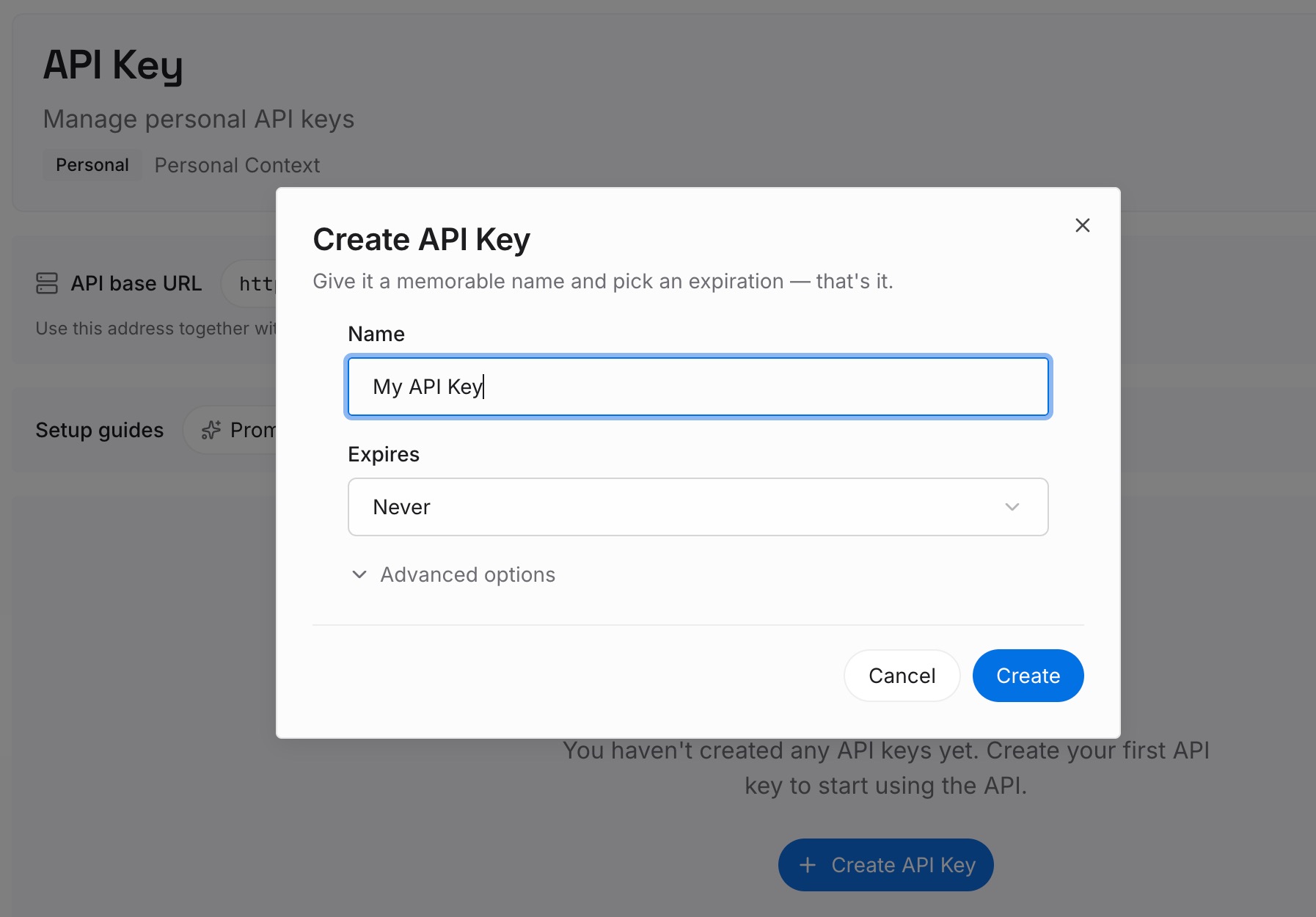
Step 1: Create an API key
Sign in and generate a key from the dashboard. The key belongs to your MemoryLake workspace and is separate from your OpenAI account and from any model provider's credentials.
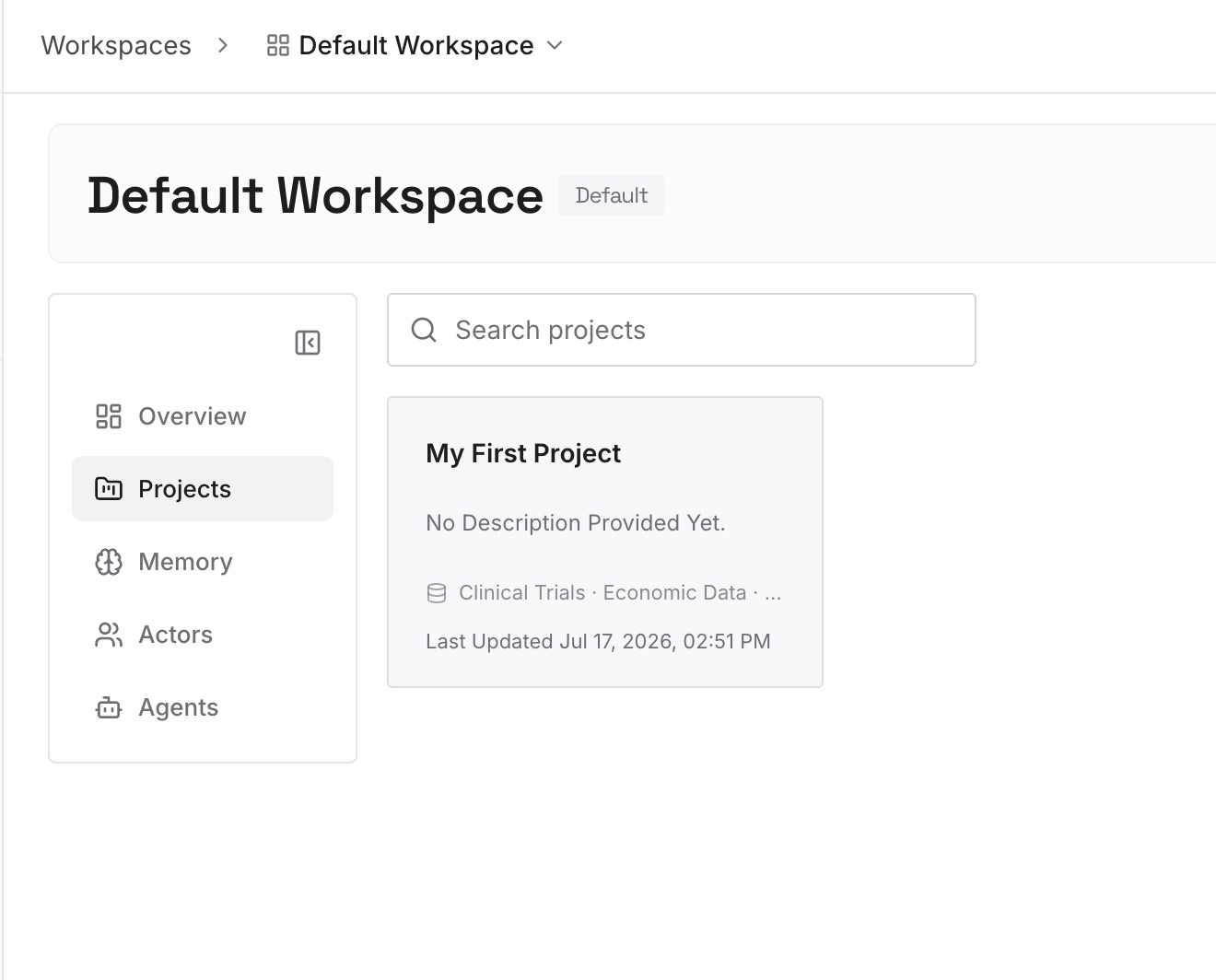
Step 2: Upload your first memories
Start with the decisions you pulled out of the read-only transcript in Step 3 of the fix. One decision per entry, with the project it belongs to.
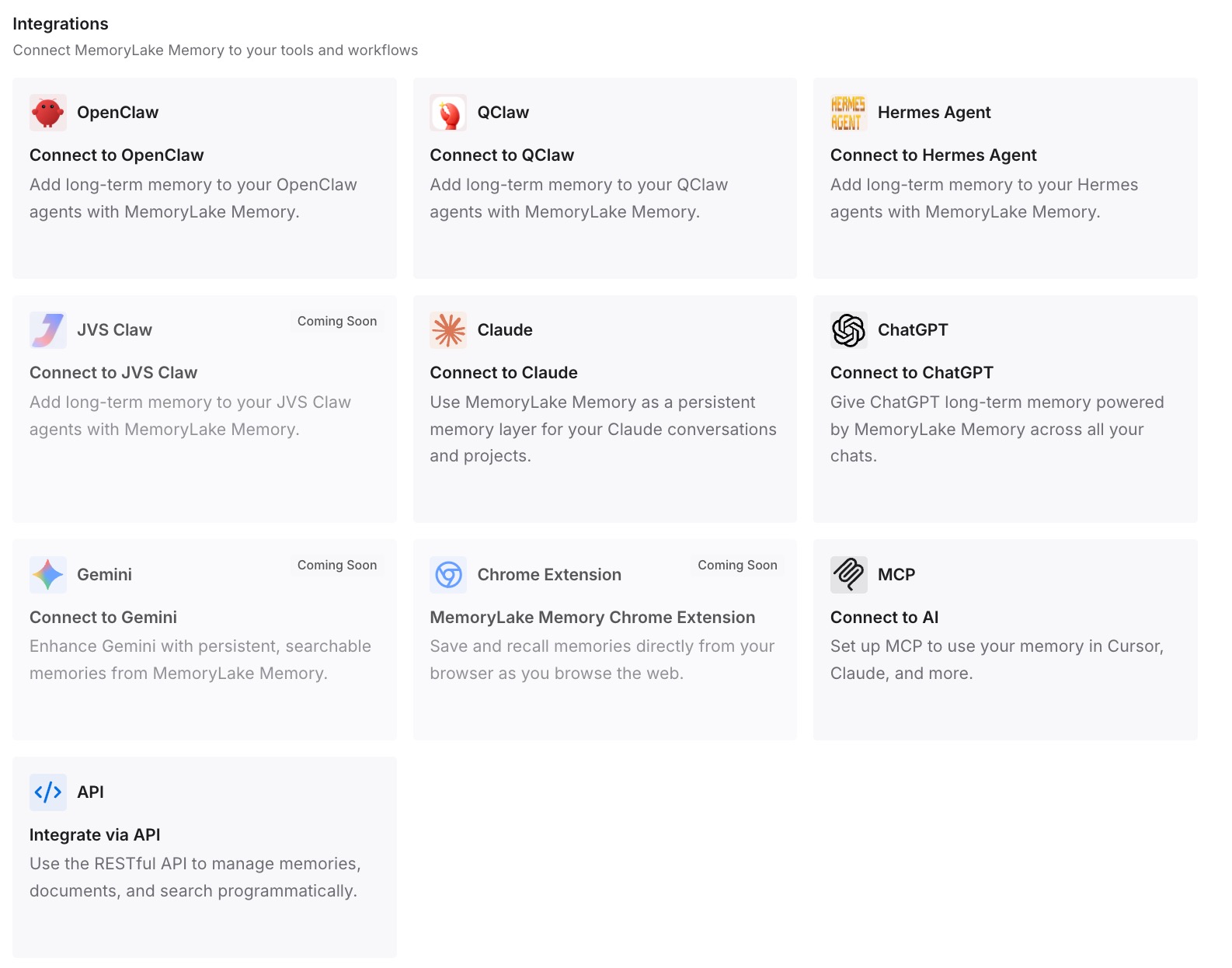
Step 3: Connect your AI & agents
Connect Codex and any other assistants you use. The same entries are available whichever provider Codex is configured for.
What this changes in practice
The first difference is that a provider switch doesn't strand your decisions. They aren't locked inside a session that only one provider can continue.
The second is a shorter restart. The prompt for a new chat can be brief, because the background is already written down.
The third is easier experiments. You can try a local model or a different gateway without worrying about losing the thread of your work.
Best practices for switching Codex model providers
Update before you switch. Provider-aware resume needs 0.167.0 or later.
Use --all when resuming with --last. Otherwise Codex only looks in the current directory.
Read before you continue. The read-only transcript shows where the work stopped.
Edit the prepared prompt. It's unsent and editable, so add what matters.
Fork on the same provider. Fork lookup still filters by provider.
Keep lasting rules in AGENTS.md. They load whichever chat or provider you use.
Conclusion
Switching model providers in Codex used to hide saved chats from resume lookup, or stop them from opening. Codex CLI 0.167.0 changed that. Chats from every provider now appear in the resume picker, in named lookup, and with resume --last. A chat the current provider can't resume opens as read-only history, with a shortcut to continue in a new chat from an editable, unsent prompt. Fork lookup still filters by provider.
If a chat still seems missing, check the working directory, archived chats, and which account and Codex home you're using. When you continue an old chat on a new provider, read the transcript first and put the decisions that matter into the new prompt.