
Where Codex reads configuration
OpenAI's config basics page starts with the two main locations: "Your personal defaults live in ~/.codex/config.toml, and you can add project overrides with .codex/config.toml files."
Project files only load in trusted projects. The same page says: "For security, Codex loads project .codex/ layers only when you trust the project."
The CLI and the IDE extension use the same files. The page says: "The CLI and IDE extension share the same configuration layers."
Which setting wins
When the same key appears in more than one place, Codex resolves it in this order, highest first, according to the config basics page:
- CLI flags and
--configoverrides - Project config files, from the project root down to your current directory, closest wins, trusted projects only
- Profile files selected with
--profile - Your user config at
~/.codex/config.toml - Cloud-managed defaults for your workspace, when delivered
- System config, if present
- Built-in defaults
On managed machines, your organization can also enforce limits through a separate requirements file. The page gives examples such as disallowing an approval policy of never.
Keep that order in mind for every example below. A value in a project file beats the same value in your user file.
The page also suggests how to use that order: "Use that precedence to set shared defaults in config.toml and keep profile files focused on the values that differ."
Example 1: Your personal defaults
This goes in ~/.codex/config.toml and applies everywhere unless something higher overrides it.
model_reasoning_effort = "medium"approval_policy = "on-request"sandbox_mode = "workspace-write"web_search = "cached"
What each line does:
Reasoning effort. The config basics page says this setting tunes "how much reasoning effort the model applies when supported." The configuration reference notes that available levels "depend on the model and client."
Approval policy. This controls "when Codex pauses to ask before running generated commands." The page points to the security docs for how on-request differs from never.
Sandbox mode. This adjusts "how much filesystem and network access Codex has while executing commands."
Web search. The page says Codex "enables web search by default for local chats and serves results from a web search cache." The cached value is the default, so this line only documents your choice. Other values are indexed, live, and disabled.
Set model here too if you always use the same one. Pick a model available to your account, since the documentation notes that access to specific models depends on your account or workspace.
Example 2: A project override
This goes in .codex/config.toml at the root of a repository and applies only there, once you trust the project.
project_doc_fallback_filenames = ["TEAM_GUIDE.md", ".agents.md"]project_doc_max_bytes = 65536
This is for a team that already has its instructions in a file not named AGENTS.md. OpenAI's AGENTS.md guide uses this exact pair as its example.
Fallback filenames. The reference describes it as "Additional filenames to try when AGENTS.md is missing." With the list above, the guide says Codex "checks each directory in this order: AGENTS.override.md, AGENTS.md, TEAM_GUIDE.md, .agents.md."
Byte limit. Codex stops adding instruction files once their combined size reaches this limit, which is "32 KiB by default". The guide says the larger value "allows more combined guidance before truncation."
The guide adds a troubleshooting note: if Codex ignores fallback names, confirm the names are spelled correctly, "then restart Codex so the updated configuration takes effect."
We collected example instruction files for those AGENTS.md layers in our guide to Codex AGENTS.md examples.
Example 3: A profile for review work
Profiles are named layers you switch to from the command line. This is where older examples go wrong.
OpenAI's advanced configuration page says: "When you pass --profile profile-name, Codex loads ~/.codex/config.toml, then overlays ~/.codex/profile-name.config.toml."
So a profile is its own file. Create ~/.codex/deep-review.config.toml with only the values that differ:
model_reasoning_effort = "high"approval_policy = "on-request"
Then start Codex with codex --profile deep-review.
The page is explicit about the format: "Use top-level config keys in the profile file; don't nest them under [profiles.profile-name]."
And about the change: "In Codex 0.134.0 and later, --profile no longer reads [profiles.profile-name] from config.toml". The same page says the top-level profile selector line in config.toml is no longer supported either.
If your config.toml still has a [profiles.review] table, move its keys into ~/.codex/review.config.toml and delete the table and any profile = selector line. Profile names can contain letters, numbers, hyphens, and underscores.
Example 4: Local memories
Codex can carry context from earlier work into later sessions, but local memories are off until you turn them on. OpenAI's memories page says: "Local Codex memories are off by default."
To turn them on in ~/.codex/config.toml:
[features]memories = true
Then tune them under a [memories] table:
[memories]disable_on_external_context = true
That line keeps chats that used MCP tool calls, web search, or tool search out of memory generation. The configuration reference says it defaults to false.
Two other keys default to true, so you only add them to turn something off:
generate_memories: "Whenfalse, newly created threads are not stored as memory-generation inputs."use_memories: "Whenfalse, Codex skips injecting existing memories into future sessions."
You can also decide per chat. In Codex CLI and the desktop app, the /memories command controls whether the current chat can use existing memories or feed future ones. The memories page says: "Chat-level choices don't change your global memory settings."
OpenAI's memories page also says what memories aren't for: "Treat memories as a helpful recall layer, not as the only source for rules that must always apply." Rules that must always hold belong in AGENTS.md.
In the ChatGPT desktop app, the same switch is Enable Codex memories under Settings > Personalization.
Example 5: A quieter command environment
These lines change what Codex passes to commands and how it talks.
personality = "none"[shell_environment_policy]ignore_default_excludes = false
Personality. The config basics page says this "removes the Personality section from the model's built-in instructions." It adds that the older friendly and pragmatic values "no longer select a style."
Environment filtering. The page explains that ignore_default_excludes "defaults to true, which skips automatic filtering for variable names containing KEY, SECRET, or TOKEN." Setting it to false turns that automatic filtering on, so those variables aren't passed to the commands Codex runs.
You can go further with keyed filters under [shell_environment_policy.filters], listing the variables to include.
Session history on disk
One more key is worth knowing if you care about what Codex keeps locally. The configuration reference describes history.persistence as a setting to "Control whether Codex saves session transcripts to history.jsonl."
Its values are save-all and none. To stop saving transcripts, add a [history] table with this line:
persistence = "none"
That's a separate key from the memories settings in Example 4, so decide on each one.
Turning features on and off
Many options live under [features]. The config basics page lists common ones and their defaults, and says: "Omit feature keys to keep their defaults."
To turn a feature on for one run instead of in the file, the page says you can run codex --enable feature_name. To turn one off, set its key to false in config.toml.
Check what Codex picked up
When a setting doesn't seem to apply, a few checks help.
Restart after editing. OpenAI's Codex help article says to restart Codex after updating your configuration.
Check trust. Project .codex/ layers load only in trusted projects. The config basics page says: "If you mark a project as untrusted, Codex skips project-scoped .codex/ layers, including project-local config, hooks, and rules."
Look for overrides. A value in a project file or a CLI flag beats your user file. If a setting seems ignored, check the layers above it.
Use a one-off override to test. The advanced page says to "Use -c / --config when you need to override an arbitrary key" for a single run.
What people try first
Copying a [profiles.name] table. Since 0.134.0, profiles are separate files.
Editing a project file in an untrusted repo. Project layers only load when you trust the project.
Turning on memory settings without the feature flag. Enable memories under [features] first.
Relying on memories for rules. Keep required rules in AGENTS.md.
Forgetting to restart. OpenAI's help article says to restart after updating your configuration.
The Fix: Build your config in layers
Step 1: Set personal defaults
Put reasoning, approval, sandbox, and web search choices in ~/.codex/config.toml.
Step 2: Add project overrides where needed
Use .codex/config.toml in trusted repos for project-specific values.
Step 3: Move profiles into their own files
Create one name.config.toml per profile and remove old [profiles] tables.
Step 4: Write down why each setting exists
Note the reason behind each non-default value, so you or a teammate can change it later with confidence.
Setting this up in MemoryLake
config.toml controls how Codex behaves. It doesn't hold what your project is, why your team made its choices, or what you learned last week. That context usually ends up scattered across AGENTS.md files, chat threads, and local memories on one machine.
MemoryLake is a memory layer for that kind of context, kept in one place you maintain and available to the assistants you connect, such as ChatGPT, Claude Code, and Codex.
You write the entries yourself, in your own words. Nothing is read out of, written to, or deleted from your config.toml files, your AGENTS.md files, your local Codex memories, your Codex sessions, or any vendor's store. Codex configuration works the way OpenAI describes it.
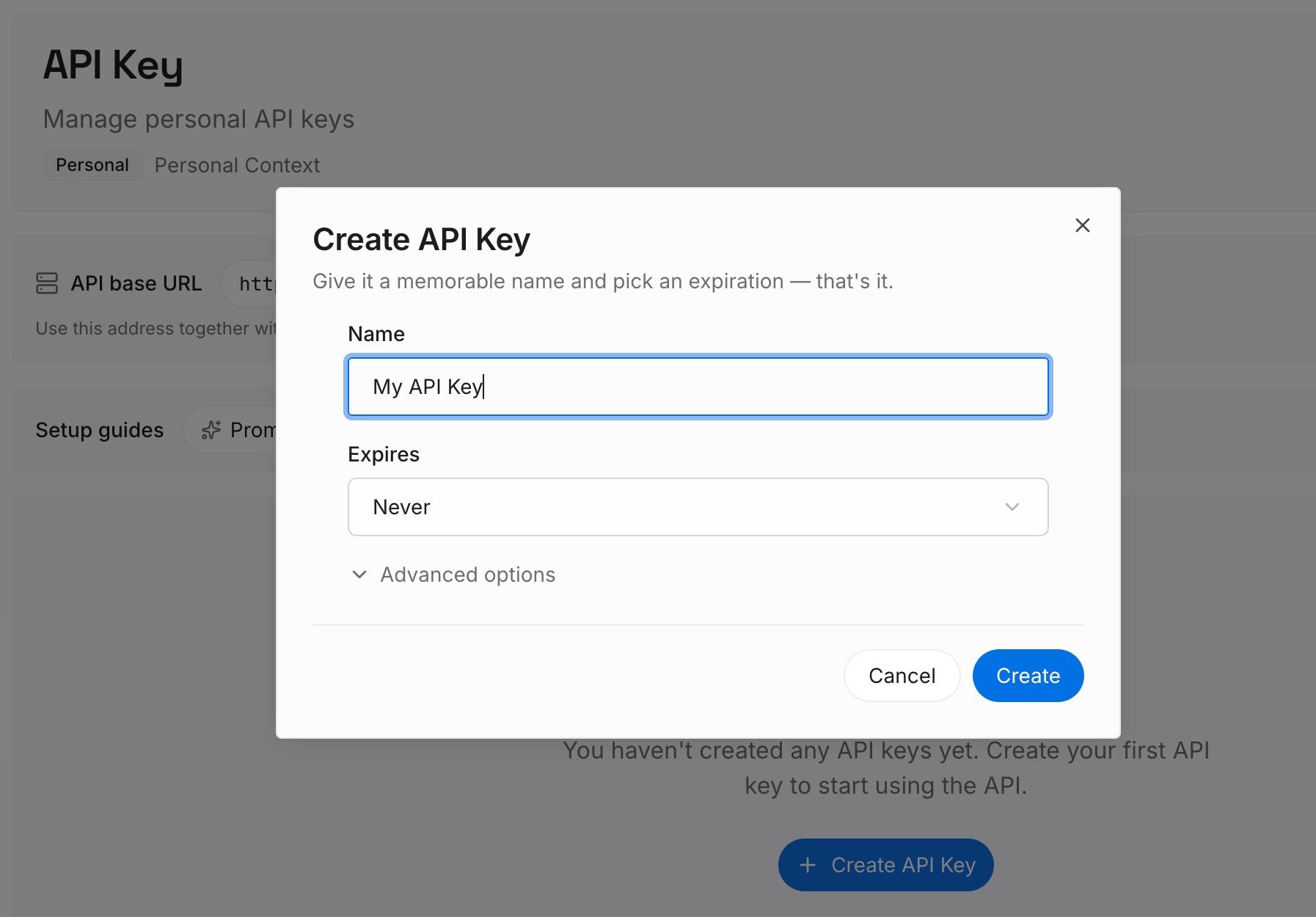
Step 1: Create an API key
Sign in and generate a key from the dashboard. Store it outside your repositories and config files.
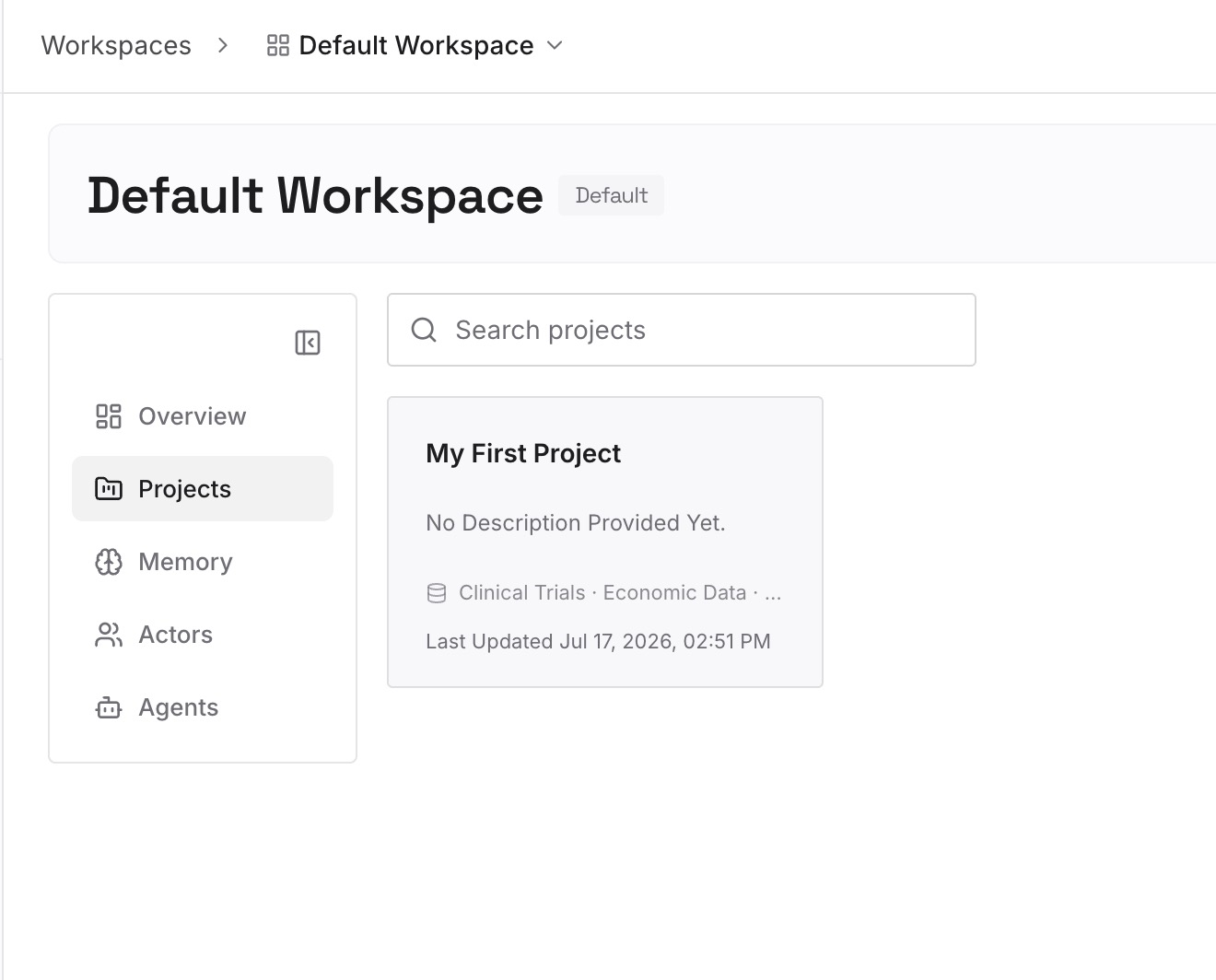
Step 2: Upload your first memories
Start with what you wrote in Step 4 of the fix: the reasons behind your settings and project decisions. One decision per entry.
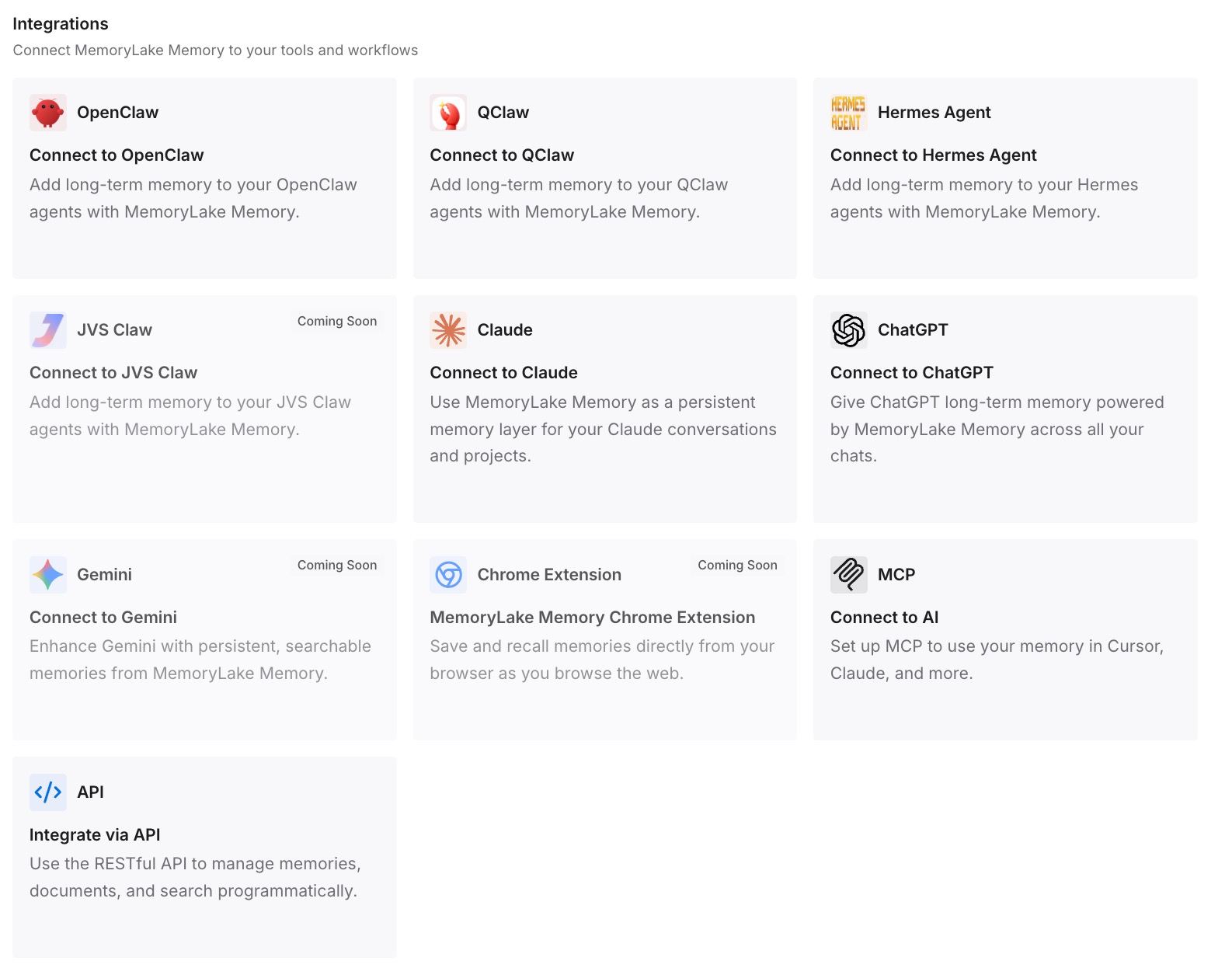
Step 3: Connect your AI & agents
Connect Codex, Claude Code, ChatGPT, and the other assistants you use, so the same project context is there in each.
What this changes in practice
The first difference is clearer config. Your files hold settings, and the reasons live in your notes.
The second is portability. Project context doesn't stay on one machine's memory store.
The third is easier handoffs. A teammate can read why a setting exists before changing it.
Best practices for Codex config.toml
Keep user defaults small. Set only what you want everywhere.
Use project files for project needs. They load in trusted projects only.
Put profiles in separate files. Use top-level keys in each.
Turn on memories deliberately. Enable the feature flag, then tune.
Restart after changes. Then test with a one-off override if needed.
Document non-default values. Write down why each exists.
Conclusion
Codex reads configuration from ~/.codex/config.toml, project .codex/config.toml files in trusted projects, and profile files you select with --profile, with CLI flags at the top of the order and built-in defaults at the bottom. Five setups cover most needs: personal defaults for reasoning, approvals, sandbox, and web search; a project override for fallback instruction filenames and a larger byte limit; a review profile in its own file; local memories turned on under [features] and tuned under [memories]; and a quieter environment with no built-in personality and filtered secrets.
Since Codex 0.134.0, profiles live in separate files, so older [profiles] tables need to move. Restart after editing, check trust, and look for overrides when a setting seems ignored. Writing down why each setting exists keeps your configuration easy to change.