
Why Codex Forgets Your Project Context
How Codex handles context today
Codex starts a session by exploring: reading files, tracing dependencies, building a working model of your codebase in its context window. That model is session state. As the conversation grows, older content gets compacted — summarized and dropped — to make room. The understanding isn't stored anywhere; it evaporates when the session ends or the window fills, and the next task starts the exploration over.
The technical reason it doesn't stick
Compaction is lossy by design, and it doesn't respect what you consider important. A GitHub issue on the Codex repo documents compaction dropping AGENTS.md rules mid-task, with reported progress jumping from 97% back to 42% because the agent lost the requirements it had been following. Another documents context being lost when you switch models mid-session. And with the default input window cut by roughly a quarter, those compaction events now arrive earlier in a task than they used to. AGENTS.md helps — it's read at startup — but it's a static file you maintain by hand, and it can be compacted out of the active window like anything else.
What this costs you
Every session opens with rediscovery: the architecture, the key files, the dependencies, the decisions you already made. Developers describe exactly this on OpenAI's own forum, asking how to preserve project context across Codex sessions in a large codebase. Then there's the mid-task failure mode: an agent that forgets your requirements at 80% completion produces work you have to review line by line — and the smaller window makes that more likely, not less.
Codex's Built-in Workarounds (and Where They Stop)
AGENTS.md
The right home for stable instructions: conventions, commands, constraints. Two limits, though. It's hand-maintained, so dynamic knowledge — decisions made, approaches rejected, bugs resolved — never reaches it. And it isn't immune to compaction, which is exactly what the reported 97%→42% regression illustrates.
Compaction and re-reading
Compaction keeps a long session alive rather than hard-failing, which is genuinely useful. But it trades detail for room: the exact commands, the specific requirement, the earlier decision are what get summarized away. The agent then re-reads files to recover what it lost, spending tokens to rebuild what it already knew.
Starting a fresh session
The usual fix for a degraded session is to restart it — which restores window space by discarding everything the session had learned. You buy clarity by paying with context.
The shared wall: none of these is a durable, queryable store of your project's knowledge that survives a session boundary or a context-window change — the same root gap behind why Claude Code forgets project context.
The Fix: Give Codex a Persistent Project Memory
The durable setup is a memory layer outside the session that holds what compaction keeps discarding: architecture, decisions, constraints, and resolved issues. MemoryLake stores them once — searchable, versioned Git-style so you can trace when a decision changed, and end-to-end encrypted so your code and infrastructure details stay yours. Because the knowledge lives outside the window, a smaller context window stops meaning a smaller memory.
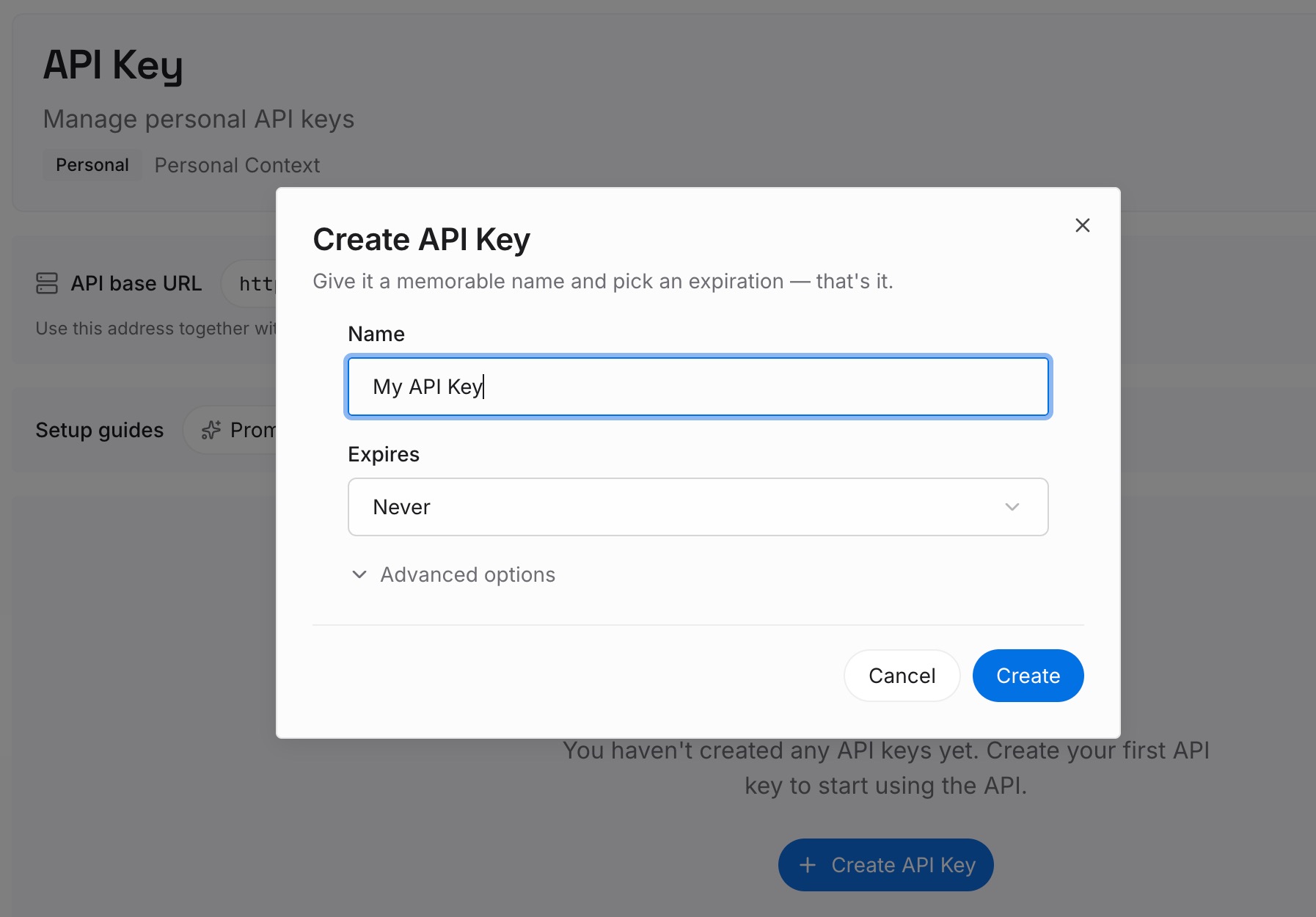
Step 1: Create an API key
Sign in to MemoryLake, generate a key, and make your first request — it takes about 30 seconds.
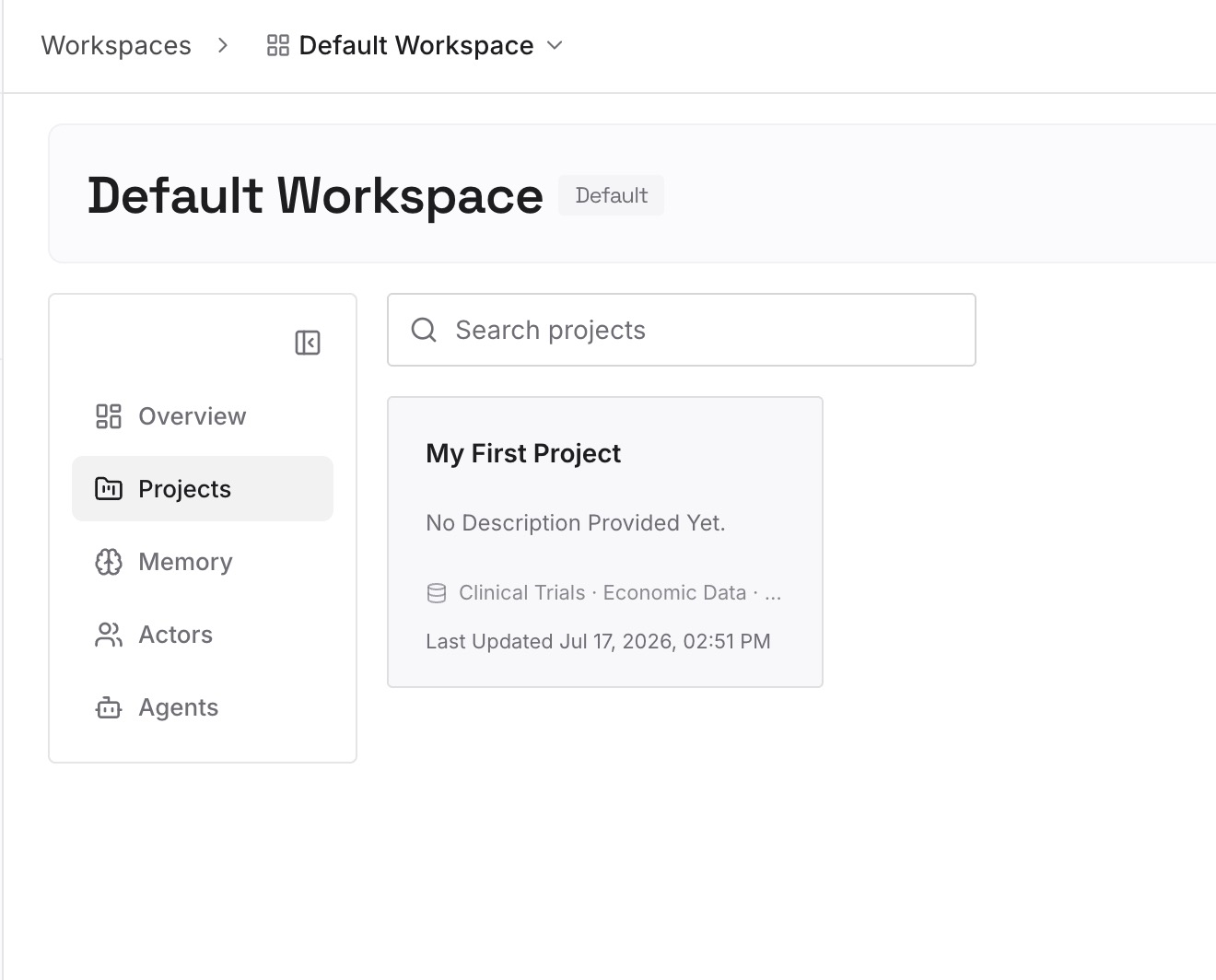
Step 2: Upload your first memories
Drop in the project knowledge sessions keep rediscovering: architecture notes, decision records, API and data-flow docs, and the requirements a long task must not lose — documents, images, and other files all work. When a session settles something worth keeping, capture it as a one-line memory.
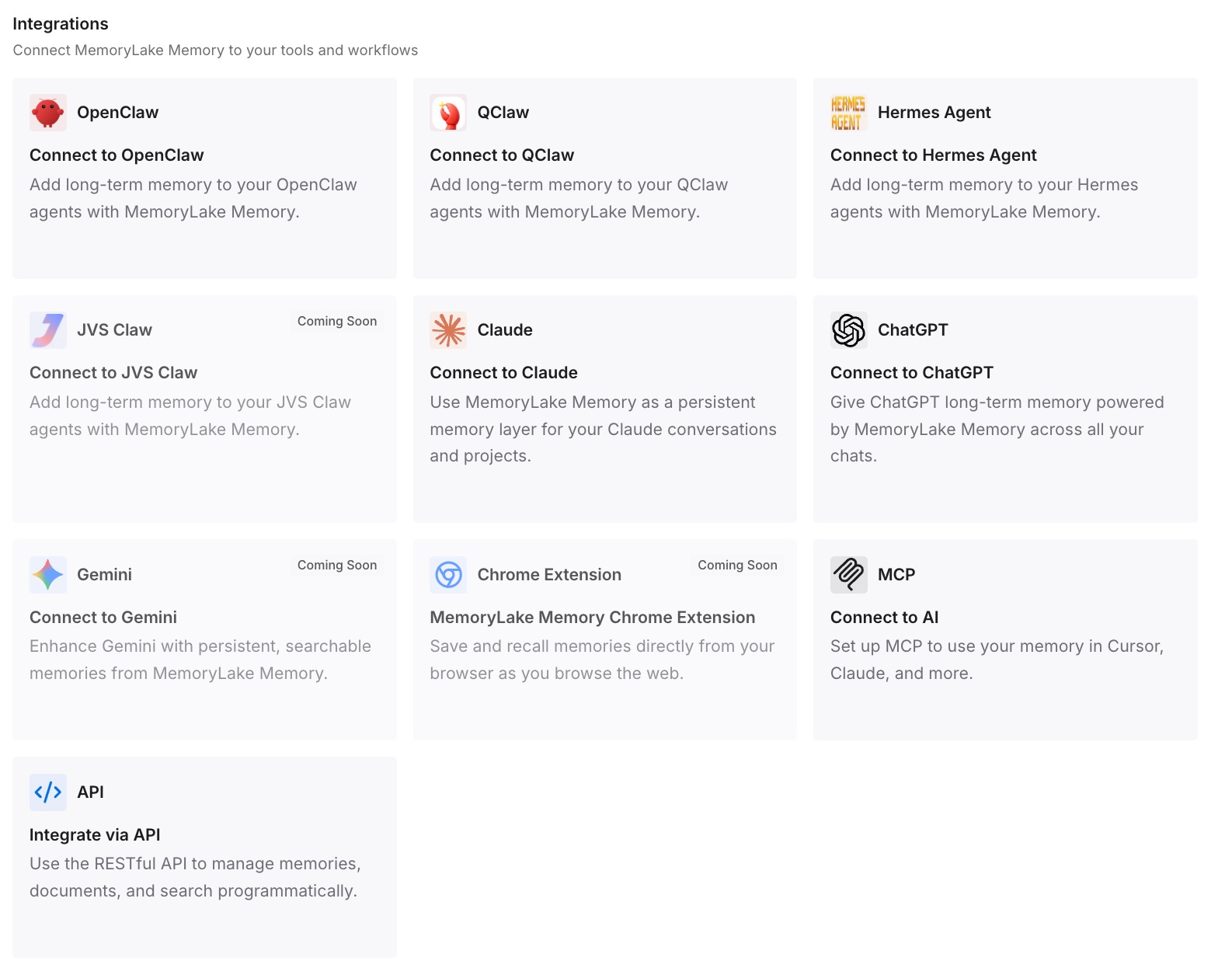
Step 3: Connect your AI & agents
Add MemoryLake to Codex via MCP with your API key, so the agent retrieves requirements and past decisions on demand instead of holding them in a window that compacts. The same memory is available to Claude, OpenClaw, and other agents via MCP or the API — one project memory across every tool you code with.
What Rediscovery and Compaction Actually Cost
The shrinking-window tax
A smaller default window doesn't just truncate earlier — it makes the agent re-read more often to recover what compaction dropped, and every re-read is tokens spent rebuilding known context instead of doing work. On a large codebase, that rediscovery is the most expensive part of the session, and it now happens sooner.
Retrieval instead of re-summarizing
With a persistent layer, Codex pulls the specific decision or requirement a task needs, rather than trying to keep the whole project in a window that can't hold it. Less compaction pressure, fewer mid-task regressions, lower spend — MemoryLake's Token Saving Calculator projects the effect from your usage.
Best Practices for a Codex Project Memory
Put requirements where compaction can't reach them
If a requirement must survive a long task, it belongs in retrievable memory, not only in the prompt or AGENTS.md. That's the difference between an agent that finishes the job and one that regresses at 80%.
Capture decisions at the moment they're made
One dated line — decision, reason, rejected alternative — beats a retrospective cleanup that never happens, and it stops the agent re-proposing what you already ruled out.
Scope by repository
One memory scope per repo keeps retrieval precise and lets each project's Codex sessions pull only what applies to them.
Conclusion
Codex didn't get more forgetful by accident — a smaller default window means compaction arrives sooner, and compaction has always been where requirements and decisions quietly disappear. AGENTS.md can't carry the dynamic knowledge, and restarting sessions just trades context for clarity. Put your project's real memory outside the window, and window size stops determining how much your agent knows. The context can shrink; your memory doesn't have to.