
The two kinds of Handoff
Handoff arrived in two steps. Moving chats between Local and Worktree came first, in early March 2026; OpenAI's weekly summary says it "made it possible to move an active chat while preserving its context." Moving chats between hosts followed in June: "Chat handoff moves a chat and its Git state between your local computer and a connected remote host."
Local and Worktree
A worktree is a second checkout of your repository. OpenAI's worktree page frames the relationship this way: "You can think of Local as the foreground and Worktree as the background. Handoff lets you move a chat between them."
To bring a chat into the foreground, you select Hand off in the chat header and move it to Local. You can go the other way too, moving a chat from Local to a worktree so Codex keeps working while you do something else.
One reason Handoff matters is a Git rule. The worktree page explains it: "Git only allows a branch to be checked out in one place at a time." Handoff takes care of the Git steps so you don't hit that wall when you want to look at the work locally.
One detail makes the round trip easy: "Each chat keeps the same associated worktree over time. If you hand the chat back to a worktree later, Codex returns it to that same background environment so you can pick up where you left off."
Between hosts
A remote host is another computer the desktop app connects to, such as an SSH host. The remote connections page describes the use case: "Use it to start work locally, continue in a worktree on a remote computer, and bring the chat back later."
You open the chat, select the current run location in the chat footer, choose the destination host, review the destination and branch, and select Hand off. On the other side, according to OpenAI, "Codex creates or reuses a worktree on the destination host, transfers the chat and Git state, and switches the chat to that host."
What moves with the chat
The conversation. The chat itself moves, so the next message continues the same thread. You don't have to restate the task.
The Git state. Handoff handles the Git operations between the two checkouts. For remote hosts, OpenAI says it transfers "the chat and Git state".
The link back. For worktrees, each chat keeps the same worktree, so handing it back returns it to that environment.
What stays where it was
This is the part worth reading before your first handoff.
Ignored files
Because Handoff uses Git, files Git ignores don't come along. The worktree page says: "Since Handoff uses Git operations, any files that are part of your .gitignore file won't move with the chat unless Codex copies them into a local managed worktree with .worktreeinclude."
That covers files like .env and local secrets. A .worktreeinclude file at the repository root lists the ignored paths Codex should copy when it creates a managed worktree. OpenAI notes that this behavior "applies to local ChatGPT desktop app managed worktrees, not remote worktrees or Git worktrees you create yourself from the command line." For a remote host, plan to set up those files there yourself.
One exception is built in: "Codex automatically copies an ignored AGENTS.override.md into local managed worktrees, so you don't need to list it in .worktreeinclude."
The other machine's setup
When a chat moves to a remote host, it runs with that host's environment. The remote connections page is clear about what that means in general: "Remote access uses the connected host's projects, chats, files, credentials, permissions, plugins, Computer Use, browser setup, and local tools."
So the plugins, credentials, and tools available after the handoff are the ones on the destination host, not the ones on your laptop.
Memories and personal instructions
Codex memories are tied to a machine. The memories page describes the setting as turning the feature "on or off for the selected machine", and the memory files live under ~/.codex/memories/ on that machine. The IDE extension follows the same pattern: it "uses the connected Codex host's local memory store."
Your global instructions work the same way. Codex reads global guidance from the Codex home directory, ~/.codex by default, on whichever machine it runs.
The Handoff documentation doesn't describe copying memories or a global AGENTS.md between hosts. So after a chat moves to a remote host, expect it to work with that host's memories and global instructions, if any. A repository AGENTS.md that's committed to Git is there on both sides.
What Handoff can't do
The documentation lists a few limits.
- It needs a matching project. "Before you hand off a chat, connect the destination host and save a project for the same Git repository on that host." If the project is a subdirectory, save the same subdirectory on both hosts. "Codex only shows destinations with a matching saved project."
- It interrupts running work. "If the chat is running, handoff interrupts the current response before transferring it."
- It doesn't go to the cloud. You can ask Codex in another chat to hand off a named chat, but "Codex can't hand off the chat making the request, and handoff to a Codex cloud environment isn't supported."
- One branch, one place. If you create a branch on a worktree with Create branch here, you can't check it out locally at the same time. OpenAI's advice: "If you plan on checking out the branch locally, use Handoff to move the chat into Local instead of trying to keep the same branch checked out in both places at once."
For work you want to run in OpenAI's cloud, our guide to preparing a Codex cloud environment with your project context covers that route.
What people try first
Starting a new chat on the other machine. It works, but you lose the thread and spend the first messages re-explaining.
Checking out the worktree's branch locally. Git refuses, because the branch is already checked out in the worktree. Handoff is the intended path.
Expecting the remote host to have your local setup. On a remote host, the chat uses that host's files, plugins, credentials, and memories, not your laptop's.
Handing off a running chat mid-task. Handoff stops the current response first, so let it reach a stopping point.
The Fix: Prepare both sides, hand off at a stopping point, then confirm the context
Step 1: Make the destination ready before you hand off
For a worktree, add a .worktreeinclude file listing the ignored files a new checkout needs, such as .env files. For a remote host, connect it, save a project for the same repository, and set up its environment: ignored files, credentials, plugins, and any global instructions you rely on. If you use memories, decide whether you want them on that host too; the memories page covers turning them on per machine.
Step 2: Hand off when the chat has reached a stopping point
Let the current response finish. Then ask Codex for a short summary of where things stand: what's done, what's next, and any decisions it made along the way. That summary is in the chat, so it moves with it, and it gives the chat on the other side a clean starting point. Then use Hand off.
Step 3: Check what the chat can see on the other side
After the handoff, ask Codex to summarize the instructions it's following and confirm it can run the project. If something's missing, it's usually an ignored file, a credential, or a global instruction that lives on the other machine. Fix it on the destination and continue. Our guide to stopping Codex from skipping AGENTS.md rules covers the instruction check in more detail.
Setting this up in MemoryLake
Handoff moves a chat and its code. The context around the work, how you like things done, which decisions are settled, what the project's conventions are, sits partly in the chat, partly in files on one machine, and partly in memories that stay on that machine.
MemoryLake is a memory layer for keeping that context in one list you maintain, available to Codex and the other assistants you connect, such as ChatGPT and Claude Code.
You write the entries yourself, in your own words. Nothing is read out of, written to, or deleted from your Codex chats, your Codex memories, your worktrees, your remote hosts, or any vendor's store. For work repositories, follow your organization's policy on what you keep outside them.
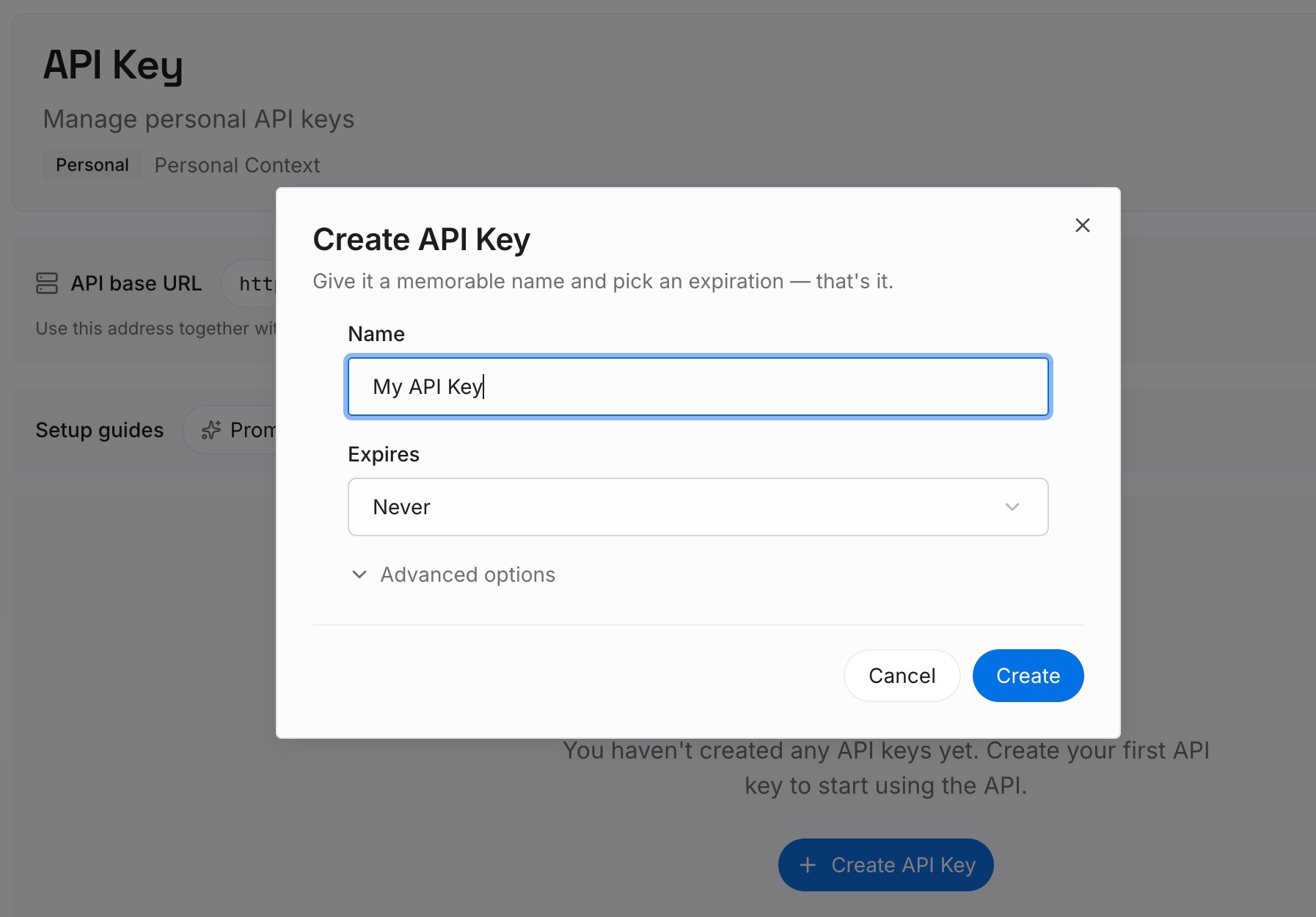
Step 1: Create an API key
Sign in and generate a key from the dashboard. The key belongs to your MemoryLake workspace and is separate from your ChatGPT account.
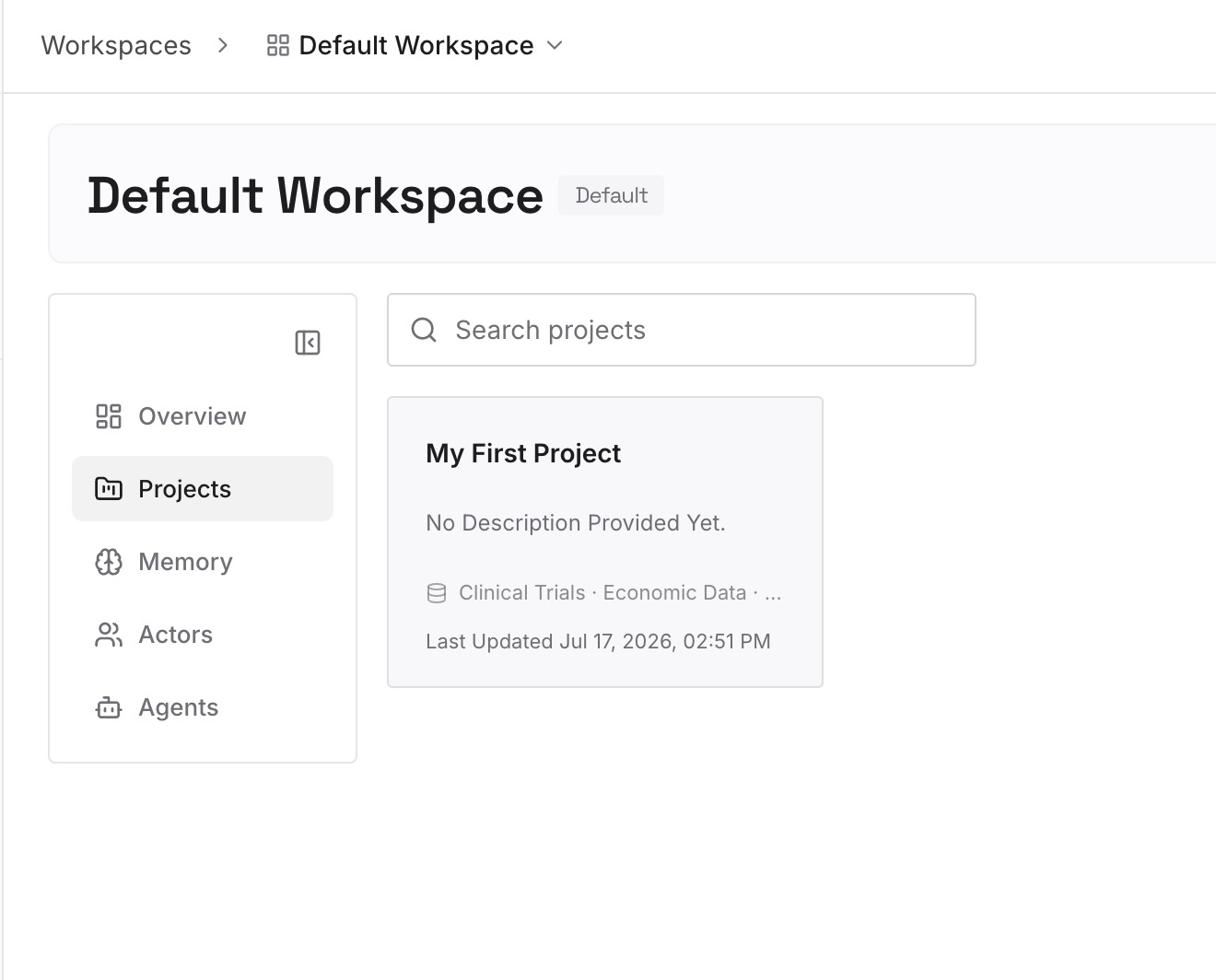
Step 2: Upload your first memories
Start with the summary from Step 2 of the fix and the conventions you'd otherwise set up again on each host. One point per entry, dated, and labeled with the repository it applies to.
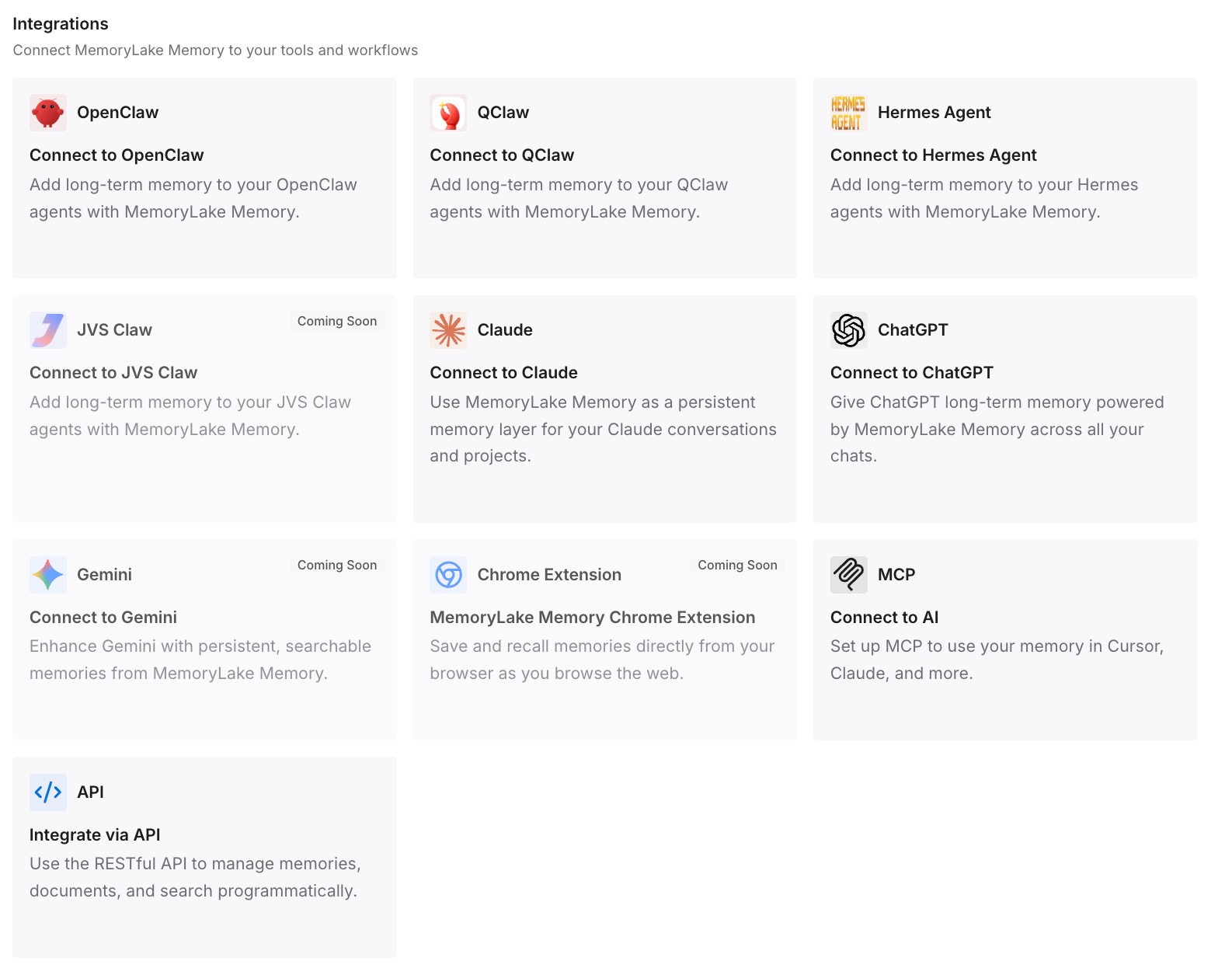
Step 3: Connect your AI & agents
Connect Codex and the other assistants you use. The same context is available on your laptop, your remote host, and whichever checkout the chat lands in.
What this changes in practice
The first difference is that moving a chat stops being a gamble. You know the conversation and the Git state go with it, and you know which local pieces don't.
The second is that the destination is ready before you arrive. Ignored files are listed, the remote project is saved, and the setup you depend on is in place.
The third is that the context you care about doesn't depend on which machine the chat runs on. If you're moving to a new computer entirely rather than handing off a chat, our guide to migrating your Codex setup to a new computer covers the whole move.
Best practices for Codex Handoff
Use a worktree for background work and Local for checking it. That's the split Handoff is built around.
List ignored setup files in .worktreeinclude. Otherwise they stay behind.
Save matching projects on every host. Handoff only offers destinations with one.
Hand off at a stopping point. A running response is interrupted.
Ask for a summary before you move. It travels with the chat and helps on the other side.
Set up memories per machine. Codex sets them per machine. Our guide to turning on Codex's local memories covers the settings.
Don't keep one branch checked out in two places. Hand the chat off instead.
Conclusion
Codex Handoff moves a chat and its Git state between your local checkout and a worktree, or between your computer and a connected remote host. It's the way to bring background work into the foreground, or send work to another machine, without starting a new conversation.
It doesn't move ignored files, unless .worktreeinclude copies them into a local managed worktree, and on a remote host it works with that host's plugins, credentials, memories, and global instructions. It can't hand off to a Codex cloud environment. Prepare the destination, hand off at a stopping point, and check what the chat can see when it arrives. If you use Claude Code as well, our guide to whether Claude Code worktrees share memory covers the same question on that side.