
What Codex rules are
Codex runs commands in a sandbox. Rules decide what happens when a command needs to run outside it: run it, ask you first, or refuse.
OpenAI's documentation adds a caveat at the top: "Rules are experimental and may change."
Rules are written in a .rules file. The documentation says the format uses Starlark, which has syntax like Python but is "designed to be safe to run: the rules engine can run it without side effects (for example, touching the filesystem)."
So a rules file is a small program of command policies. Prose written into it isn't a rule, and it won't change how Codex writes code.
Where your conventions go instead
Coding conventions, project structure, and team guidance belong in AGENTS.md. OpenAI's documentation on memories is direct about this: "Keep required team guidance in AGENTS.md or checked-in documentation."
The same page warns against relying on memory for rules that must always apply: "Treat memories as a helpful recall layer, not as the only source for rules that must always apply."
That gives you three different places with three different jobs:
AGENTS.md: what Codex should know and how it should work in your project.- Memories: useful context Codex carries forward from earlier chats.
- Rules: which commands can run outside the sandbox, and how.
If Codex isn't following instructions you've written in AGENTS.md, rules aren't the place to look. Check which instruction files loaded. We covered how to check that in our guide to stopping Codex from skipping AGENTS.md rules.
Where rules files live and when they load
You create a .rules file under a rules/ folder next to an active config layer. The documentation's example is ~/.codex/rules/default.rules.
Then: "Codex scans rules/ under every active config layer at startup". That includes Team Config locations and your user layer at ~/.codex/rules/.
Two details decide whether a rule takes effect:
- Restart after editing. The documentation's steps end with restarting Codex, because rules are scanned at startup.
- Project rules need trust. "Project-local rules under
<repo>/.codex/rules/load only when the project.codex/layer is trusted."
So a rule committed to a repository won't apply on a teammate's machine until they've trusted that project.
Where always-allow approvals get saved
This part is easy to miss, and it's a kind of memory.
The documentation says: "When you add a command to the allow list in the TUI, Codex writes to the user layer at ~/.codex/rules/default.rules so future runs can skip the prompt."
Three things follow from that sentence:
- Your approvals are written down. They're rules in a file, not a setting hidden in a session.
- They're in the user layer. They're saved in your home directory, not in the project you were working in when you approved.
- You can read and edit them. Open
~/.codex/rules/default.rulesto see every command you've allowed this way.
There's a second way rules get added. "When Smart approvals are enabled (the default), Codex may propose a prefix_rule for you during escalation requests." The documentation adds a caution: "Review the suggested prefix carefully before accepting it."
The reason is the prefix. A suggested rule matches every command that starts with that prefix, so a short prefix can allow much more than the one command you meant to approve.
How a rule is written
Each rule is a prefix_rule() with a few fields. The documentation describes them:
patternis required. It's a list that defines the command prefix to match, such as the three wordsgh,pr, andview. Each element can be a literal, or a set of alternatives at that position.decisiondefaults to allow. The options are allow, prompt, and forbidden.justificationis optional: "A non-empty, human-readable reason for the rule." The documentation says Codex may show it in approval prompts or rejection messages.matchandnot_matchare optional examples "that Codex validates when it loads your rules." The documentation calls them inline unit tests.
The documentation's guidance on forbidden rules is worth following: "When you use forbidden, include a recommended alternative in the justification when appropriate". That way, when Codex hits the rule, it learns what to do instead.
The justification field is also the closest thing a rule has to a reason. A year later, it's what tells you why a command was blocked.
What the documentation's example rule does
OpenAI's example is a useful template. It's a single rule for viewing pull requests with the GitHub CLI.
- The pattern is the prefix made of
gh,pr, andview. - The decision is prompt, so Codex asks before each matching command runs outside the sandbox.
- The justification reads "Viewing PRs is allowed with approval", which is what you'd see in the prompt.
- The match examples include viewing a PR by number and with extra flags, so Codex checks that the rule covers them.
- The not_match example puts the repository flag before the word view, and the comment explains why it shouldn't match: "Does not match because the
patternmust be an exact prefix."
That last example shows how literal matching is. A command with the same words in a different order is a different prefix, so it needs its own rule.
Which decision wins when rules overlap
Rules from several layers can match the same command. The documentation is explicit about the outcome: "Codex applies the most restrictive decision when more than one rule matches (forbidden > prompt > allow)."
So an allow in your user layer can't loosen a forbidden rule from another layer. The most restrictive matching decision applies.
Admins can use this deliberately. The documentation says admins "can also enforce restrictive prefix_rule entries" from the managed requirements.toml file.
How shell scripts are checked
Some tools wrap several commands into one invocation, such as a bash -lc call running a short script. The documentation explains why that matters: such a command "can hide more than one action inside one string".
Codex handles this in two ways.
When it can safely split the script. If the script is a simple chain of plain commands joined by operators like &&, ||, ;, or |, Codex parses it and splits it into separate commands. "Codex then evaluates each command against your rules, and the most restrictive result wins." The documentation's example: allowing git add doesn't allow a chained rm -rf hidden after it, because that part is evaluated separately.
When it can't. If the script uses redirection, substitutions, environment variables, wildcards, or control flow, Codex doesn't try to interpret it. The whole invocation is treated as a single command, and your rules apply to that.
The documentation sums up the design: "you get the security of per-command evaluation when it's safe to do so, and conservative behavior when it isn't."
How to test a rule
Before you rely on a rule, check it. The documentation says to use codex execpolicy check, pointing it at a rules file and giving it a command. "The command emits JSON showing the strictest decision and any matching rules, including any justification values from matched rules." You can pass more than one rules file to see how they combine.
The match and not_match examples inside a rule do a similar job automatically, since Codex validates them when it loads your rules.
Rules and the retired untrusted policy
If you used the old untrusted approval policy, rules matter more now. OpenAI's approvals documentation says Codex no longer supports that setting and explains how to keep a strict project. You add a project entry with an untrusted trust level to your user-level config, and then: "Commands then require approval unless an execution-policy rule allows them."
In that setup, your allow rules are the only way a command runs without asking. That's another reason to keep default.rules tidy.
Codex has a similar trust step for hooks, which need review before they run. We covered it in our guide to why Codex hooks need review.
What people try first
Writing conventions into a rules file. Rules control commands. Conventions go in AGENTS.md.
Editing a rule and expecting it to apply right away. Rules are scanned at startup.
Committing project rules and expecting them everywhere. Project rules load only when the project layer is trusted.
Accepting a suggested prefix without reading it. A short prefix can allow more than you meant.
Allowing a command to override a block. The most restrictive decision wins.
The Fix: Put each kind of instruction where it belongs
Step 1: Move conventions to AGENTS.md
Take anything that describes how to write code out of rules files and into AGENTS.md.
Step 2: Review your saved approvals
Open ~/.codex/rules/default.rules and remove allow rules you no longer need.
Step 3: Add justifications and examples
Give each rule a justification, and add match and not_match examples so mistakes show up when Codex loads it.
Step 4: Record why each command policy exists
Write down the decisions behind your rules, such as why a command is blocked or which alternative to use.
Setting this up in MemoryLake
A rules file records what Codex may run. The decisions behind it, such as why deploy commands are blocked locally or which test command replaced an old one, are project knowledge that every assistant on the project should have.
MemoryLake is a memory layer for that kind of project context, such as decisions, conventions, and the reasons behind your safeguards, kept in one place you maintain and available to the assistants you connect, such as ChatGPT, Claude Code, and Codex.
You write the entries yourself, in your own words. Nothing is read out of, written to, or deleted from your .rules files, your AGENTS.md files, your Codex config or memories, your sessions, or any vendor's store. Codex rules and approvals work the way OpenAI describes them.
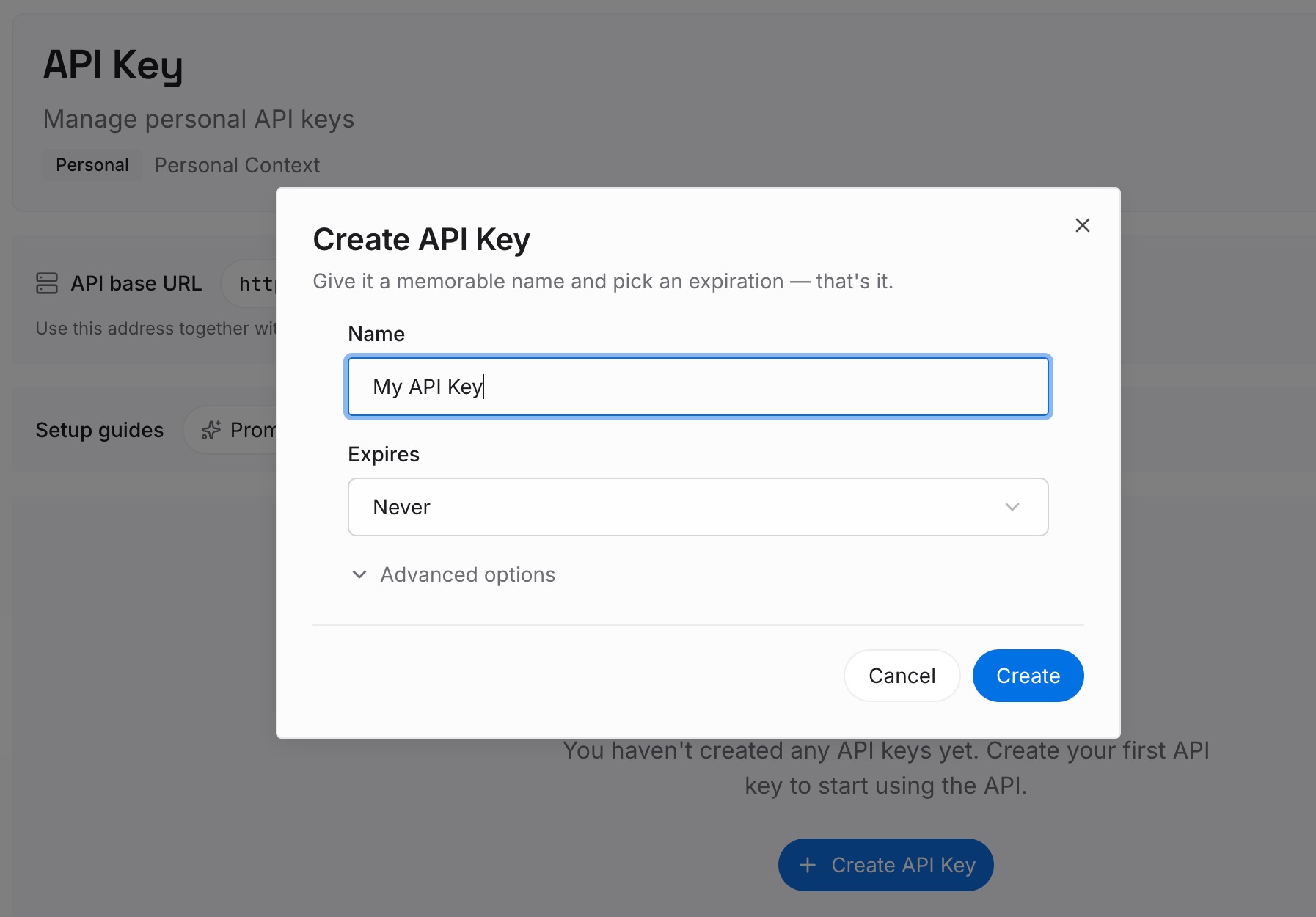
Step 1: Create an API key
Sign in and generate a key from the dashboard. Store it outside your repositories, like any other credential.
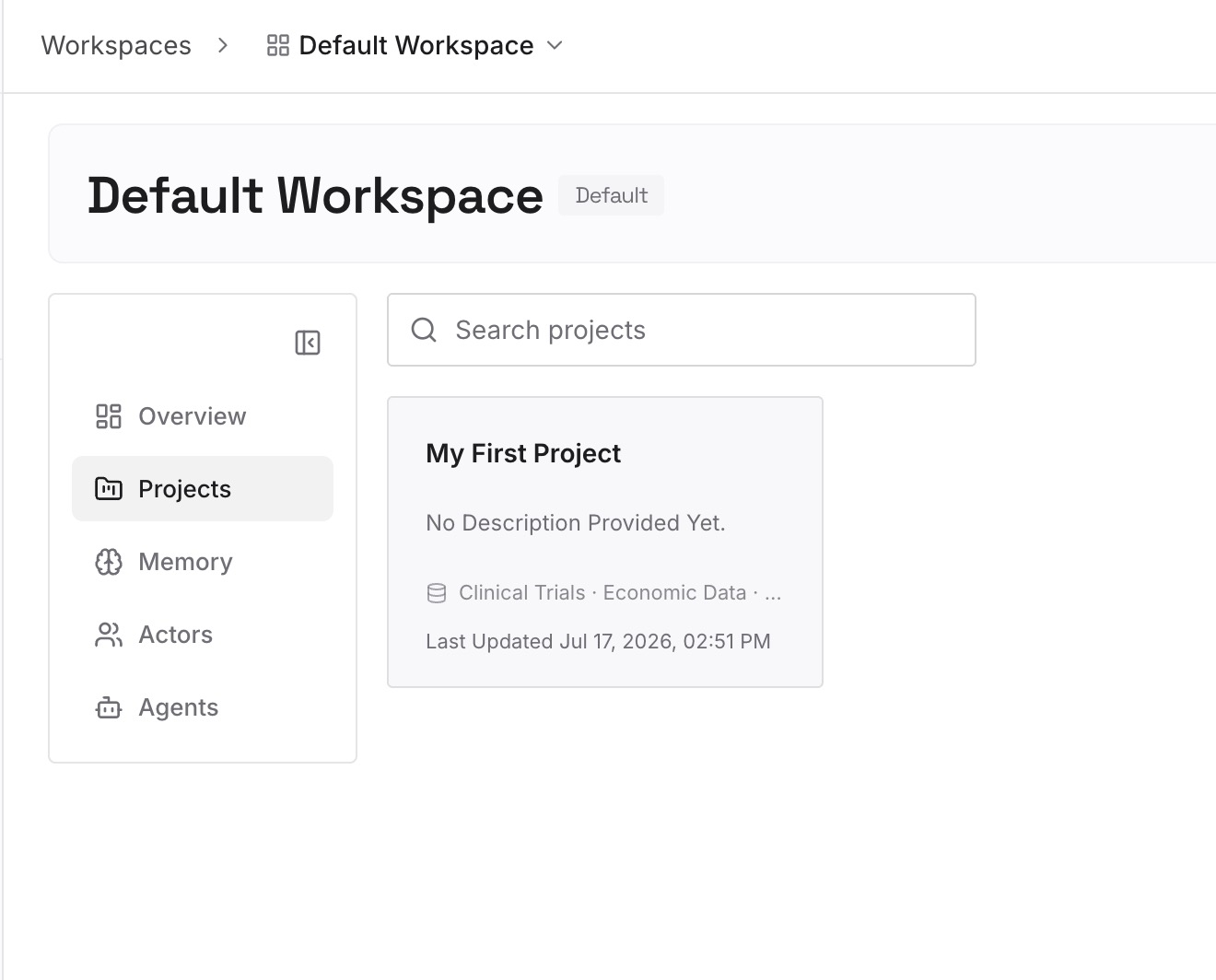
Step 2: Upload your first memories
Start with what you wrote in Step 4 of the fix: the reasons behind your command policies and the alternatives to blocked commands. One decision per entry.
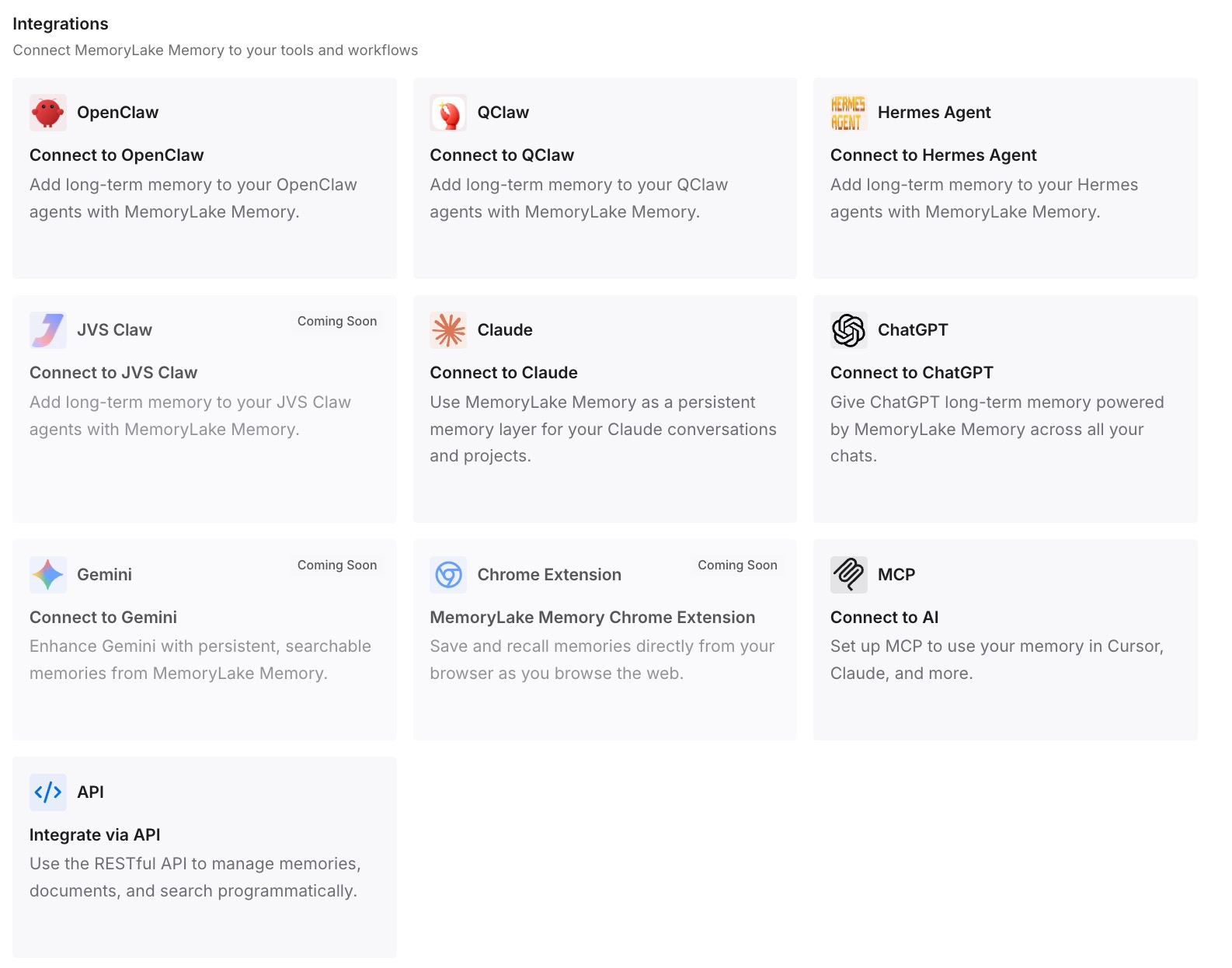
Step 3: Connect your AI & agents
Connect Codex, Claude Code, and the other assistants you use. Each can draw on the same decisions, whatever its own permission system.
What this changes in practice
The first difference is clarity. Rules stay about commands, and reasons live where people can read them.
The second is consistency across tools. Claude Code has its own permission rules, and the decisions behind both can live in one place.
The third is easier review. A teammate can see why a rule exists before changing it.
Best practices for Codex rules
Use rules for commands only. Conventions belong in AGENTS.md.
Check your user layer. Always-allow approvals are saved in ~/.codex/rules/default.rules.
Read suggested prefixes. They can match more than one command.
Write justifications. Include an alternative for forbidden rules.
Add match examples. Codex validates them when it loads rules.
Test with codex execpolicy check. See the strictest decision before relying on it.
Restart after edits. Rules are scanned at startup.
Conclusion
Codex rules control which commands can run outside the sandbox: allow, prompt, or forbidden. They aren't instructions, and conventions belong in AGENTS.md. Rules files live in a rules/ folder next to each config layer, load at startup, and project rules need a trusted project. When you allow a command in the TUI, Codex saves it to ~/.codex/rules/default.rules in your user layer.
When rules overlap, the most restrictive decision wins, and simple shell scripts are split so each command is checked on its own. Review your saved approvals, add justifications, and keep the reasons behind your rules somewhere you maintain.