
Why custom prompts are being retired
OpenAI's page on the old format opens with the verdict: "Custom prompts are deprecated. Use skills for reusable instructions that Codex can invoke explicitly or implicitly."
The same page explains the limitation that made the change necessary. "Custom prompts require explicit invocation and live in your local Codex home directory (for example, ~/.codex), so they're not shared through your repository. If you want to share a prompt (or want Codex to implicitly invoke it), use skills."
That sentence is the whole case. A custom prompt is personal by construction. It lives in ~/.codex/prompts, it is invoked by typing its name, and a colleague cloning the same repository gets none of it. Whatever process knowledge it encoded was, in practice, one person's.
Skills are built for the opposite. OpenAI describes a skill as something that "packages instructions, resources, and optional scripts so either product can follow a workflow reliably," and Codex reads them from several places. For repositories, "Codex scans .agents/skills in every directory from your current working directory up to the repository root." There are also user, admin and system locations, but the repository location is the one that makes a skill shared.
Note the folder name. It is .agents/skills, not a folder inside .codex. The user-level location follows the same pattern: $HOME/.agents/skills. People searching for a Codex skills folder inside their Codex home directory are looking in the wrong place.
Skills also work beyond Codex CLI. "Standalone skills are available in the ChatGPT desktop app, Codex CLI, and IDE extension." That breadth is part of why the old format is being retired rather than maintained.
What people try instead
Leaving the prompts where they are. They keep working for now, but deprecation means they are not where new behaviour will land, and they remain invisible to anyone else on the team.
Pasting each prompt into a SKILL.md unchanged. The result looks right and behaves differently. A prompt only ever ran when you typed its name. A skill can be chosen automatically: Codex can activate one through "Implicit invocation," choosing a skill "when your task matches the skill description." A deploy routine that used to wait for you can now volunteer itself.
Keeping the placeholders and hoping they still expand. Custom prompts support positional placeholders, numbered one to nine, that "expand from space-separated arguments you provide after the command," plus $ARGUMENTS and named placeholders like $FILE. The skills documentation does not describe equivalent placeholder expansion. OpenAI's import guide flags exactly this category for review: "Prompt templates or command-style prompts that depend on arguments, shell interpolation, or file-path placeholders."
Putting every skill at the repository root. Codex offers a hierarchy for a reason. A skill relevant to one service can sit in that service's directory; a root-level skill is visible from every subfolder.
Relying on an importer to do it. OpenAI's import flow maps "Slash commands" to "Skills" when bringing setup across from other agents, which covers other tools' commands. It is a starting point, not a review.
The Fix: Convert each prompt deliberately, then decide how it may be invoked
The goal is a set of skills that do what your prompts did, live where your team can see them, and trigger only when you want them to.
Step 1: Inventory your prompts and sort them by who should have them
Open ~/.codex/prompts and list every file. For each one, note three things: what it does, whether it takes arguments, and whether it is personal or team process.
Personal prompts — your preferred commit message style, a habit of your own — belong at the user level, in $HOME/.agents/skills. OpenAI's suggested use for that location is "to curate skills relevant to a user that apply to any repository the user may work in."
Team process — how the repository ships releases, how reviews are run — belongs in the repository. If it applies everywhere in the repo, use the root; OpenAI describes root skills as "available to any subfolder in the repository." If it applies to one area, put it closer: a folder-level skill is suited to "skills only relevant to a microservice or a module."
While you are listing, check whether any of your prompts duplicate each other in purpose. Codex does not reconcile duplicates: "If two skills share the same name, Codex doesn't merge them; both can appear in skill selectors." Two near-identical skills with the same name will both show up, which is confusing for you and for teammates.
Step 2: Rewrite each prompt as a skill, replacing placeholders with explicit inputs
A skill is a folder with a SKILL.md file, and "The SKILL.md file must include name and description." Create one folder per prompt.
The description is the most important line you will write, because it is how Codex decides whether a skill applies. OpenAI's guidance: "write concise descriptions with clear scope and boundaries. Front-load the key use case and trigger words so a host can still match the skill if descriptions are shortened." The creator template puts it even more plainly: "Explain exactly when this skill should and should not trigger."
For prompts that took arguments, turn each placeholder into an explicit input the instructions ask for. Where the prompt told Codex to "stage them first: $FILES," the skill says which files to stage and how to find out if you were not told. OpenAI's best practices for skills point the same way: "Write imperative steps with explicit inputs and outputs."
Keep each skill to one job — OpenAI lists "Keep each skill focused on one job" first among its best practices — and prefer instructions over scripts "unless you need deterministic behavior or external tooling."
If a prompt is easier to show than describe, OpenAI documents two other routes: the built-in creator, invoked in Codex as $skill-creator, which "asks what the skill does, when it should trigger, and whether it should stay instruction-only or include scripts," and Record & Replay, which drafts a skill from a demonstration.
Step 3: Decide invocation, disable duplicates, then test the triggers
For every converted skill, decide whether it should ever run on its own. Anything with side effects — deploying, opening pull requests, deleting branches — is a candidate to keep explicit.
OpenAI documents the switch for this in an optional agents/openai.yaml file inside the skill: allow_implicit_invocation defaults to true, and "When false, Codex won't implicitly invoke the skill based on user prompt; explicit $skill invocation still works." That restores the old prompt behaviour for the skills that need it.
To retire a skill without deleting it, OpenAI documents [[skills.config]] entries in ~/.codex/config.toml with enabled = false, followed by a restart.
Then test. OpenAI's advice is to "Test prompts against the skill description to confirm the right trigger behavior." Give Codex a few tasks that should trigger each skill and a few that should not, and adjust descriptions until the results match your intent. Codex "detects skill changes automatically," and suggests a restart if an update does not appear.
Finally, once the skills behave, remove the old prompt files so there is one version of each routine.
Setting this up in MemoryLake
A converted skill captures how to do a task. It does not capture why the task is done that way — the incident that led to the release checklist, the reason reviews check migrations first. MemoryLake is a place to keep those reasons, so the procedure and its rationale do not drift apart.
You write the entries yourself, in your own words. Nothing is read out of, written to, or deleted from your Codex home folder, your repository's skills directories, or any vendor's store.
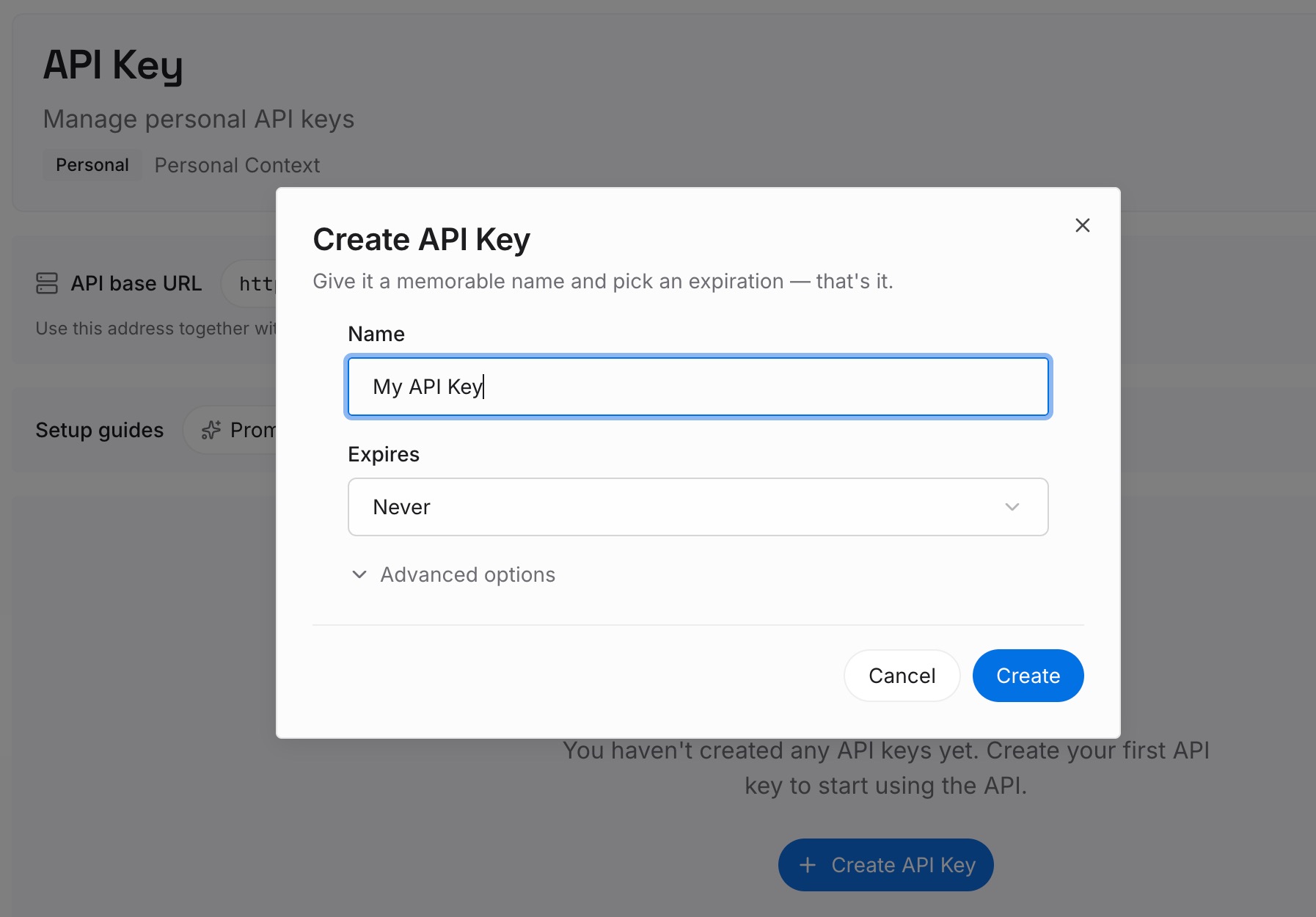
Step 1: Create an API key
Sign in and generate a key from the dashboard. The key is what lets an agent read the entries you have written, in Codex or in any other tool your team uses.
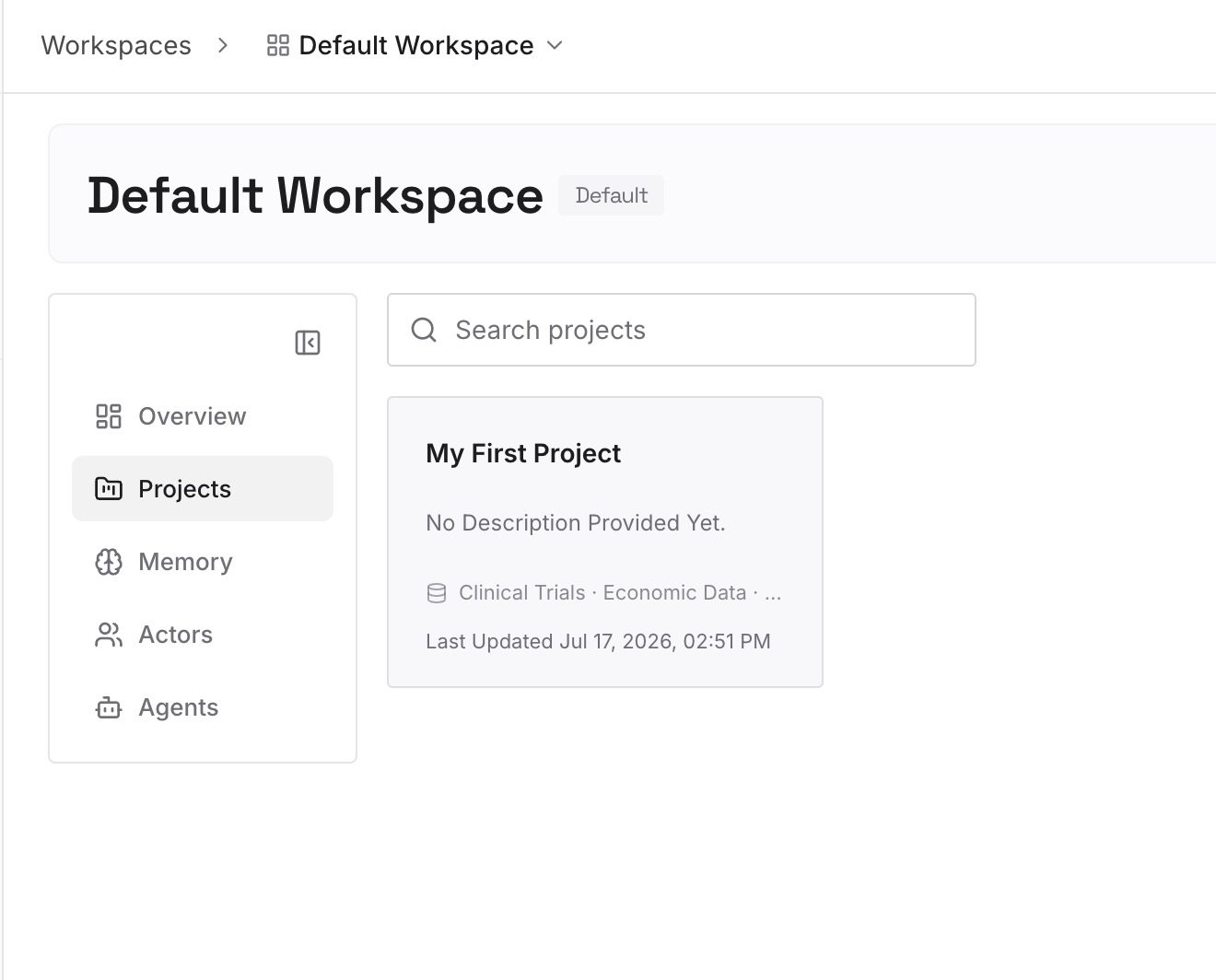
Step 2: Upload your first memories
For each team skill, add the decision behind it: why the step exists, what went wrong without it, and who agreed to it. One decision per entry, with the reason attached.
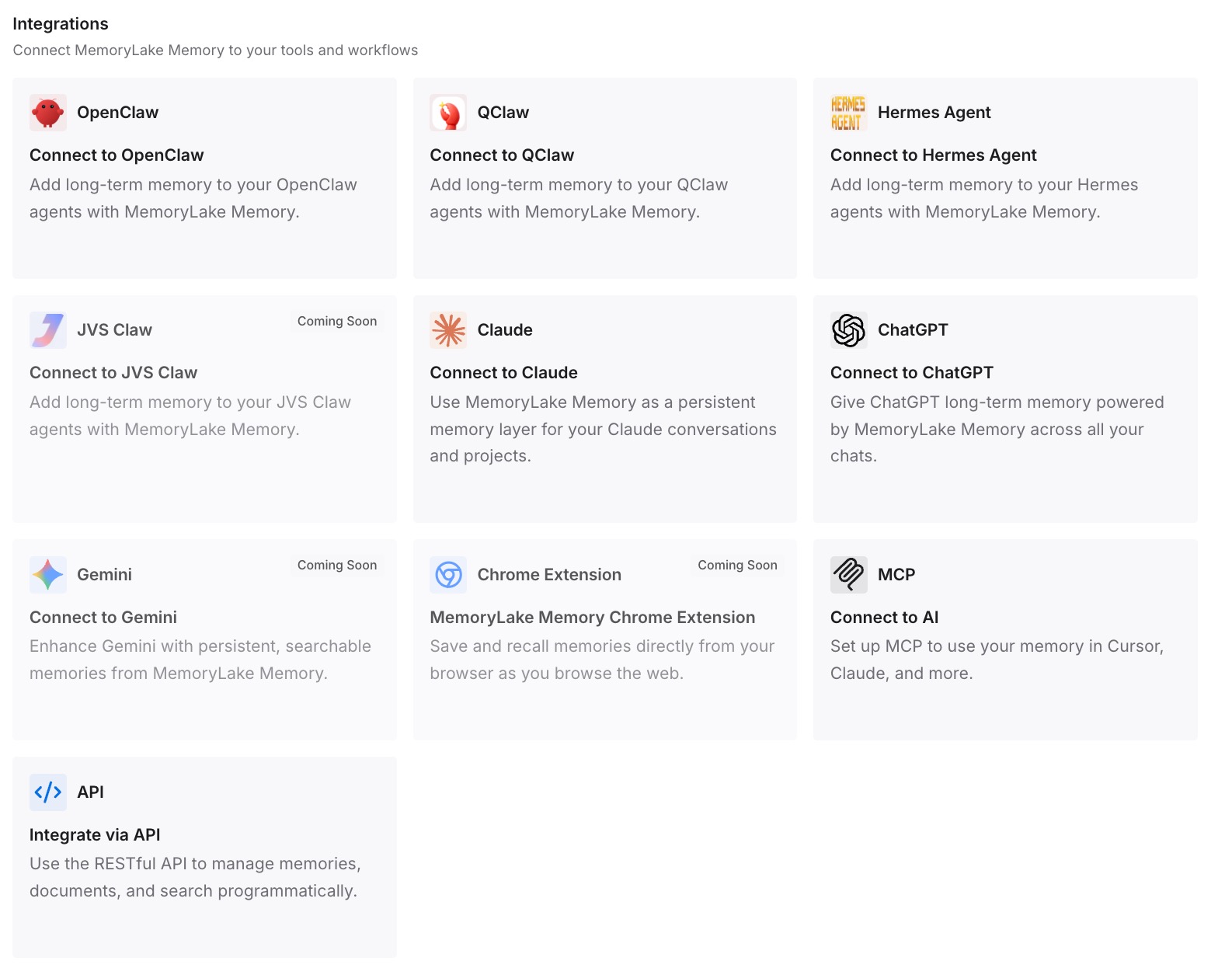
Step 3: Connect your AI & agents
Point your agents at the workspace. The reasons are then available wherever the work happens, including tools that do not read .agents/skills at all.
What this changes in practice
The first difference is that process knowledge becomes team knowledge. A prompt in one person's home folder left with that person. A skill in the repository is reviewed, versioned and available to everyone, which is the same move that makes Codex follow AGENTS.md rules consistently a team concern rather than a personal one.
The second is that invocation becomes a decision. Prompts were always explicit. Skills default to being eligible for automatic use. Making that choice per skill is a small amount of work that prevents a large surprise.
The third is that the distinction between rules and procedures gets clearer. Always-true project facts belong in instruction files; task procedures belong in skills. The same split is discussed for Cursor in when to use skills versus rules, and it applies equally here. Mixing the two is one of the reasons Codex forgets project context in the first place.
The fourth is portability. Skills follow an open standard, which is why the same folder can make sense in more than one tool — the pattern behind moving Devin memories into skills and behind skills turning up in unexpected catalogs, as in Zed's skill catalog.
Best practices for converting prompts to skills
Look in .agents/skills, not .codex. Repository skills live in .agents/skills directories; user skills in $HOME/.agents/skills.
Sort personal from team before you convert. Where a skill lives decides who gets it.
Write the description as a trigger condition. Say when it should and should not apply, and put the key words first.
Replace placeholders with explicit inputs. The skills documentation does not describe argument expansion, and OpenAI's import guide flags placeholder-dependent prompts for review.
Turn off implicit invocation for anything with side effects. Set allow_implicit_invocation to false and keep those skills explicit.
Give each skill a unique name. Codex shows same-named skills side by side rather than merging them.
Keep the rationale somewhere durable. Skills are procedures, not memory; what Grok's skills mean for AI memory makes the same distinction for another vendor, and migrating Cursor rules to Codex covers the adjacent job of moving always-on instructions.
Conclusion
OpenAI's deprecation note is two sentences, and the second one explains everything: custom prompts "live in your local Codex home directory," so "they're not shared through your repository." Skills fix that. They live in .agents/skills, they can be scoped to a folder or the whole repository, and they work across Codex CLI, the IDE extension and the ChatGPT desktop app.
The conversion is where care is needed. Skills can trigger on their own unless you say otherwise, and the placeholders your prompts relied on need to become explicit inputs.
Inventory the prompts, sort them by who should have them, rewrite each with a precise description, set invocation deliberately, and test the triggers. Then delete the old files, and keep the reasons behind each routine somewhere the next teammate can read them.