
Why the memory bank lands in your rules folder
Amazon Q's project rules are Markdown files in a project's .amazonq/rules folder. The documentation is direct about the purpose: rules "describe coding standards and best practices across your team," and storing them in the project means you "ensure consistency across developers, regardless of their experience level."
The memory bank is a separate feature with a separate purpose. Amazon Q "can automatically generate memory bank files that provide a quick index of your project's structure, technology stack, and product information," by analysing key files so it can understand the codebase "without having to analyze the entire project each time you ask a question."
The two features share a location. When you generate, "Amazon Q creates a memory-bank subfolder under .amazonq/rules" holding four files: product.md for an overview of the project and its capabilities, structure.md for architecture and folder organisation, tech.md for the technology stack and dependencies, and guidelines.md for development standards and patterns.
That last filename is where it gets interesting. guidelines.md is generated content describing "development standards and patterns for your project" — which is, word for word, the job your hand-written rules were doing. Both are now in the same tree, and both "are automatically used as context when you chat with Amazon Q."
This is not a defect. It is a design where authored content and derived content occupy one namespace, and the cost of that design is that authorship becomes invisible at exactly the moment it matters most. It is the same class of problem as conflicting instruction layers that no diff will show you, except here one of the layers wrote itself.
What people try instead
Assuming the memory bank replaces rules. It does not. Both are used as context. Generating a memory bank adds files; it does not retire the ones you wrote.
Assuming Regenerate only touches generated files. This is the assumption worth testing rather than holding. The documented action is Regenerate Memory Bank, and what it regenerates are the memory bank files. The reason to verify rather than assume is that the boundary is a subfolder inside a folder you also write to, and the only thing marking your files as yours is where you put them.
Putting team standards in guidelines.md because the name fits. The name fits and the file is generated. Anything written there is content in the path of a regeneration.
Turning the memory bank off to stay safe. This trades a real benefit for a filing problem. The index exists so Amazon Q does not re-read the whole project for every question, and that is worth having.
Toggling files off in the panel and considering it settled. The Rules button lists available rules and lets you click one to toggle it for the current chat session. Files with a check mark "are active and will be applied to your conversation"; files without one "are inactive for the current session." That is a per-session switch, not a filing decision, and it does not change what is in the folder.
Relying on the panel to show who wrote what. It shows names and check marks. The generated files sit under the memory bank subfolder, so the path is the signal — and the path is the only signal.
The Fix: Give authored rules their own names and their own review, then verify after a regeneration
The mechanism gives you one boundary: the memory-bank subfolder. Everything else is convention you impose, and conventions only hold if something checks them.
Step 1: Name your own rule files so authorship is readable from the filename
Go through .amazonq/rules and rename what your team wrote so the filename says so. A prefix works: team-api-conventions.md, team-testing-policy.md, team-security-baseline.md. The specific convention matters less than that it is one word long and applied without exception.
The point is not decoration. When four generated files appear in the same tree, the question "is this ours" needs answering from the file listing alone, by someone who was not there when the folder was set up. A prefix answers it; a thoughtful filename does not, because generated filenames are thoughtful too.
While you are there, move anything that belongs in a generated file out of your own. If a rule of yours is describing the folder layout, that is what structure.md is for, and duplicating it means maintaining it twice and having it disagree with itself eventually.
Step 2: Write one rule that governs what the generator produces
This is the part most teams miss, and it is documented. You can "customize how memory bank files are generated by creating custom project rules." The example given is a rule specifying language and format for the generated files.
So the generator is steerable, and the steering lives in the same folder as everything else. Write one file — call it team-memory-bank-policy.md under your prefix — that says what the generated files should and should not contain. Two instructions carry most of the value: keep the generated files descriptive rather than prescriptive, and do not restate team standards that already live in the prefixed files.
That second instruction is the fence. It does not prevent anything at the filesystem level. It tells the generator that one kind of content is already owned elsewhere, which is the only place in this design where you get to express that.
Step 3: Commit, regenerate, and read the diff
Commit the renamed files and the policy rule first, so you have a clean baseline. Then run Regenerate Memory Bank from the Rules button and read the resulting diff before accepting anything.
You are checking three things. That your prefixed files are untouched. That the four memory bank files changed only inside the memory bank subfolder. And that guidelines.md did not re-derive a version of the standards your policy rule told it to leave alone.
Do this once deliberately, with a commit to compare against, and you will know the boundary from observation rather than from assumption. Do it again after a major refactor, because that is when the generator has the most new material and the most opportunity to restate things.
Keep the baseline commit reachable. The generated files are meant to be regenerated; the ability to see what a regeneration changed is what makes that safe.
Setting this up in MemoryLake
The prefixed files from Step 1 are the durable half of this: agreements your team reached, in your team's words, that no generator produced and no regeneration should alter. MemoryLake is a place to keep that half so it is not defined solely by where it sits in one tool's folder.
You write the entries yourself, in your own words. Nothing is read out of, written to, or deleted from .amazonq/rules, an Amazon Q memory bank, or any vendor's store.
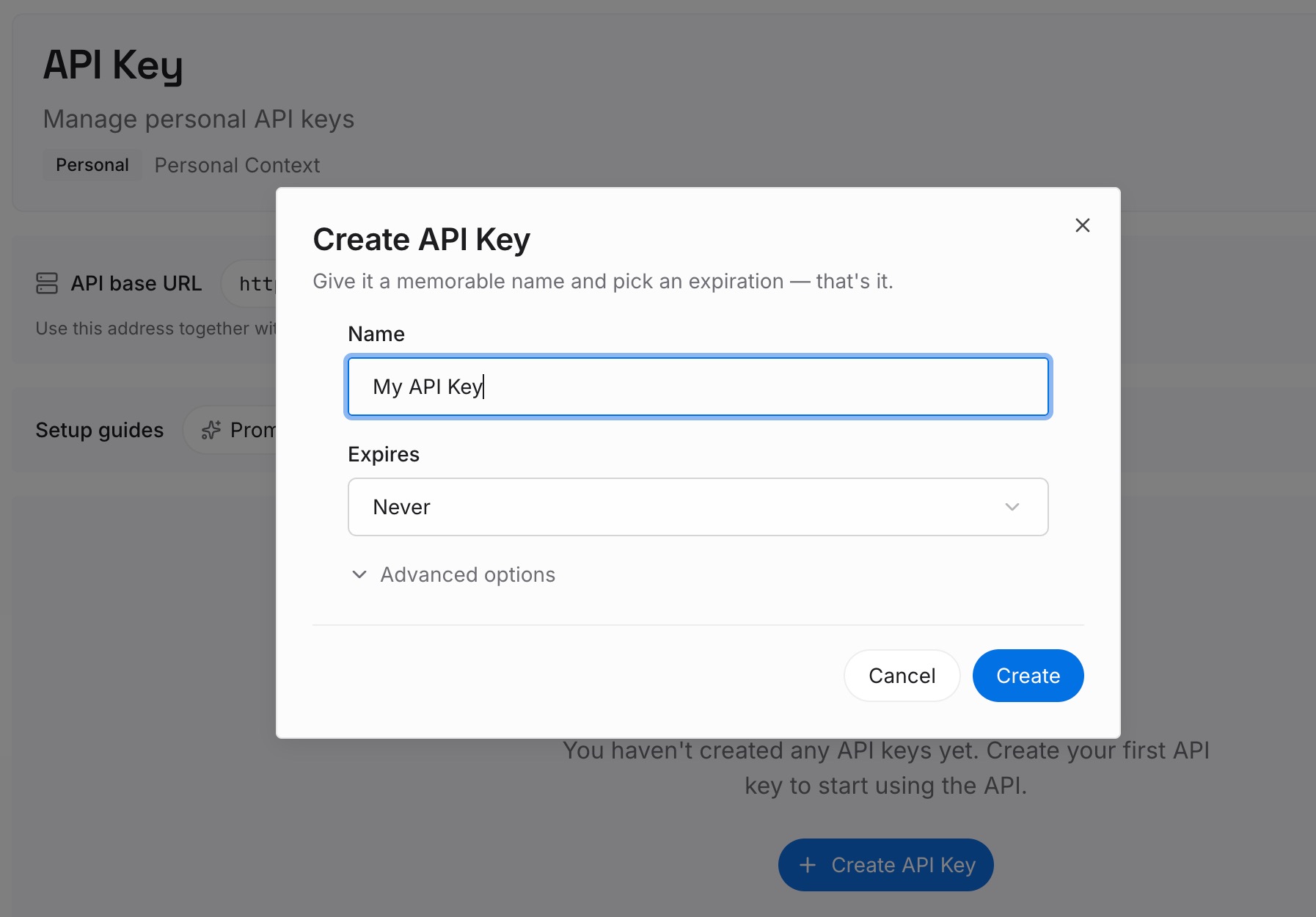
Step 1: Create an API key
Sign in and generate a key from the dashboard. The key is what lets an agent read the entries you have written, independently of which editor or repository you happen to be in.
Step 2: Upload your first memories
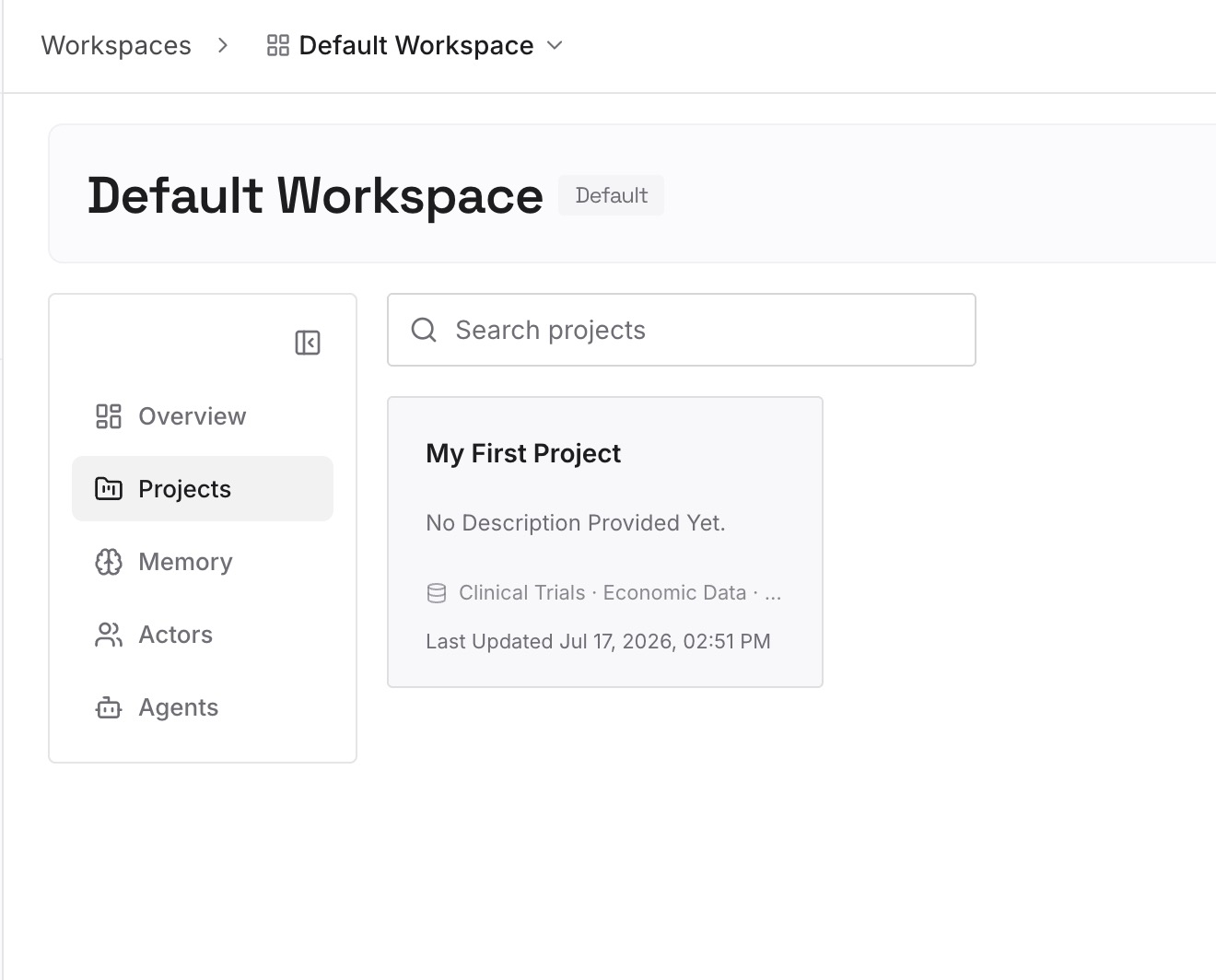
Add the agreements from your prefixed files, one decision per entry, with the reason attached. The reason is the part that survives a rewrite of the rule, because it is what tells the next person whether the rule still applies.
Step 3: Connect your AI & agents
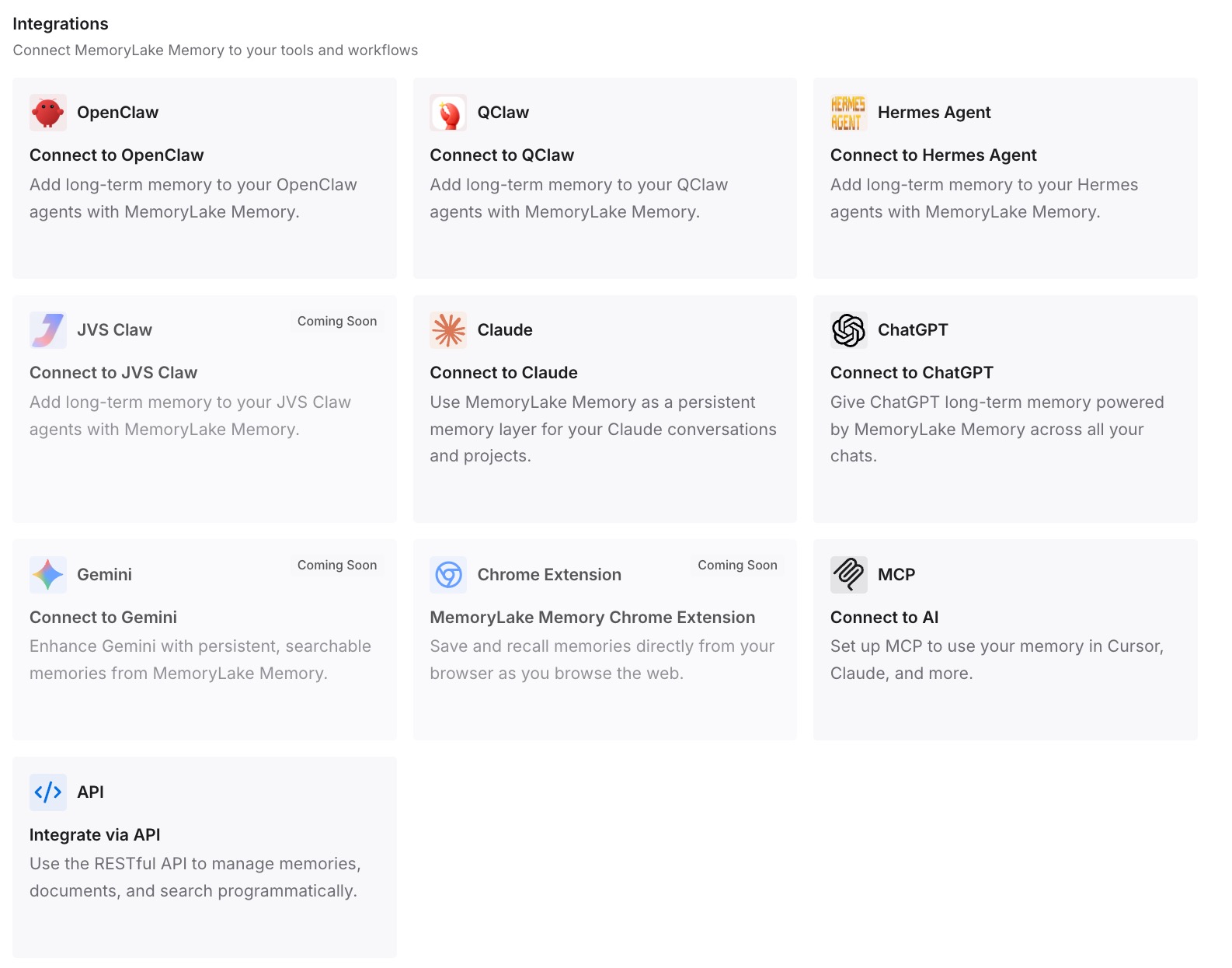
Point your agents at the workspace. The team's settled decisions are then available in tools that have no .amazonq folder at all, which is what makes them team agreements rather than Amazon Q configuration.
What this changes in practice
The first change is that a file listing answers the authorship question. Before the prefix, "did we write this" required knowing the history of the folder. After it, the listing is the answer, and a new team member gets it right on their first look.
The second is that the generator becomes something you configure rather than something that surprises you. The policy rule is a small file with outsized effect, because it is the documented way to say what the generated files are for — and once it exists, the memory bank stops drifting toward restating standards.
The third is that regeneration becomes routine. Most teams avoid Regenerate because they are not sure what it will touch. With a baseline commit and a prefix convention, the diff answers that in seconds, and a memory bank that gets refreshed after a refactor is worth considerably more than one generated once and left to go stale.
It also clarifies what the per-session toggle is for. Toggling a rule off is a decision about this conversation, not about the project, and it does not survive the session. Teams that expect the panel to express project policy end up with policy that lasts one chat — a distinction worth making explicit, and the reason knowing which guidelines are actually in effect is a separate exercise from writing them.
If you have used a memory-bank pattern in another tool, the filing question is the same one. Cline keeps its bank in its own directory, which is why setting one up there is mostly about what goes in each file rather than about who owns the folder, and the alternatives people compare when they outgrow a single bank mostly differ on exactly this point.
Best practices for a shared rules folder
Use one prefix and never make an exception. The value of the convention is that a file without the prefix is definitionally not yours. One exception destroys that property.
Keep the policy rule short and about form, not content. It should say what kind of thing belongs in a generated file. If it starts containing the standards themselves, you have moved your standards into the generator's input.
Regenerate against a commit, always. The diff is the only observation you get. Without a baseline it is not available.
Let the generated files describe and your files prescribe. A generated file saying "the API layer lives in src/api" is useful and cheap to refresh. A generated file saying "all endpoints must validate input" is a standard that nobody agreed to in that wording.
Write the reason into every hand-written rule. A rule without a reason cannot be evaluated later, so it is either followed forever or deleted in frustration. This is the same reason rules that are ignored are usually rules nobody can justify.
Remember the folder travels to other surfaces. The same .amazonq/rules folder is the documented location for project rules used with Amazon Q in GitLab or GitHub, where the rules "automatically" become context for the project. What you commit is what runs there.
Review the folder when someone leaves. A hand-written rule is a person's judgement. When the person is gone, the rule needs an owner or a deletion, which is the sort of thing an audit of what your tools remember surfaces before it becomes archaeology.
Conclusion
Amazon Q's memory bank is a useful feature filed in an awkward place. It writes four files into the folder that holds your team's agreements, one of them named for the same job your agreements were doing, and the panel that manages both treats them alike.
The fix is not to avoid the feature. It is to make authorship legible in the filename, to use the documented route for telling the generator what its files are for, and to regenerate once against a commit so you know the boundary from observation instead of assumption.
Then keep the agreements themselves somewhere broader than one tool's configuration folder. Rules are how a decision is enforced in a particular editor. The decision is the thing worth keeping, and it outlives the folder — which is why teams moving between tools find that carrying the rules is easy and carrying the reasoning is the actual work.