
Why GitHub Copilot Forgets Your Codebase Context
How Copilot handles context today
Copilot builds its suggestion from the file you're editing and a window of related open tabs. That's enough for local autocomplete, and it's genuinely good at it. But it never forms a durable picture of the whole repo — the module boundaries, the shared utilities, the "we always do it this way" conventions. When the relevant context isn't on screen, Copilot can't see it, so it guesses from patterns instead of from your project.
The technical reason it doesn't stick
There's no persistent memory layer holding your codebase's structure and decisions between interactions. Copilot Chat and workspace features widen the window somewhat by pulling in more of the repo on demand, but that's retrieval into a session, not memory that accumulates. Nothing records that you rejected an approach yesterday or established a convention last week, so the same off-pattern suggestions come back.
What this costs you
You review harder, catching suggestions that duplicate existing code or break conventions Copilot can't see. You re-correct the same things, because corrections don't persist. And on large or unfamiliar codebases — exactly where context help matters most — Copilot is least reliable, because the bigger the repo, the less of it fits in its narrow view.
Copilot's Built-in Workarounds (and Where They Stop)
Open the right tabs
Copilot weights open files, so keeping relevant ones open sharpens suggestions. It's a manual crutch: you're hand-feeding context every session, and there's a ceiling on how much the window holds.
Copilot Chat and workspace context
Asking Copilot Chat about your workspace pulls in more of the repo for that question, which helps for one-off queries. But it's per-interaction retrieval, not durable memory — nothing learned carries to the next session, and conventions still aren't remembered.
Custom instructions
Repo-level custom instructions let you state a few standing rules, which helps for a stable handful. They're static and hand-maintained, though — they don't capture the evolving decisions and architecture that make up real project context.
The shared wall: none of these is a persistent, queryable model of your codebase that survives between sessions — the same root gap other coding agents hit, as in Cursor forgetting architectural decisions.
The Fix: Give Copilot a Persistent Codebase Memory
The durable setup is a memory layer that holds a lasting model of your repo — architecture, conventions, and decisions — that persists and can be retrieved. MemoryLake stores that knowledge once, searchable and versioned Git-style so it tracks how your architecture evolves, and end-to-end encrypted so your code stays yours.
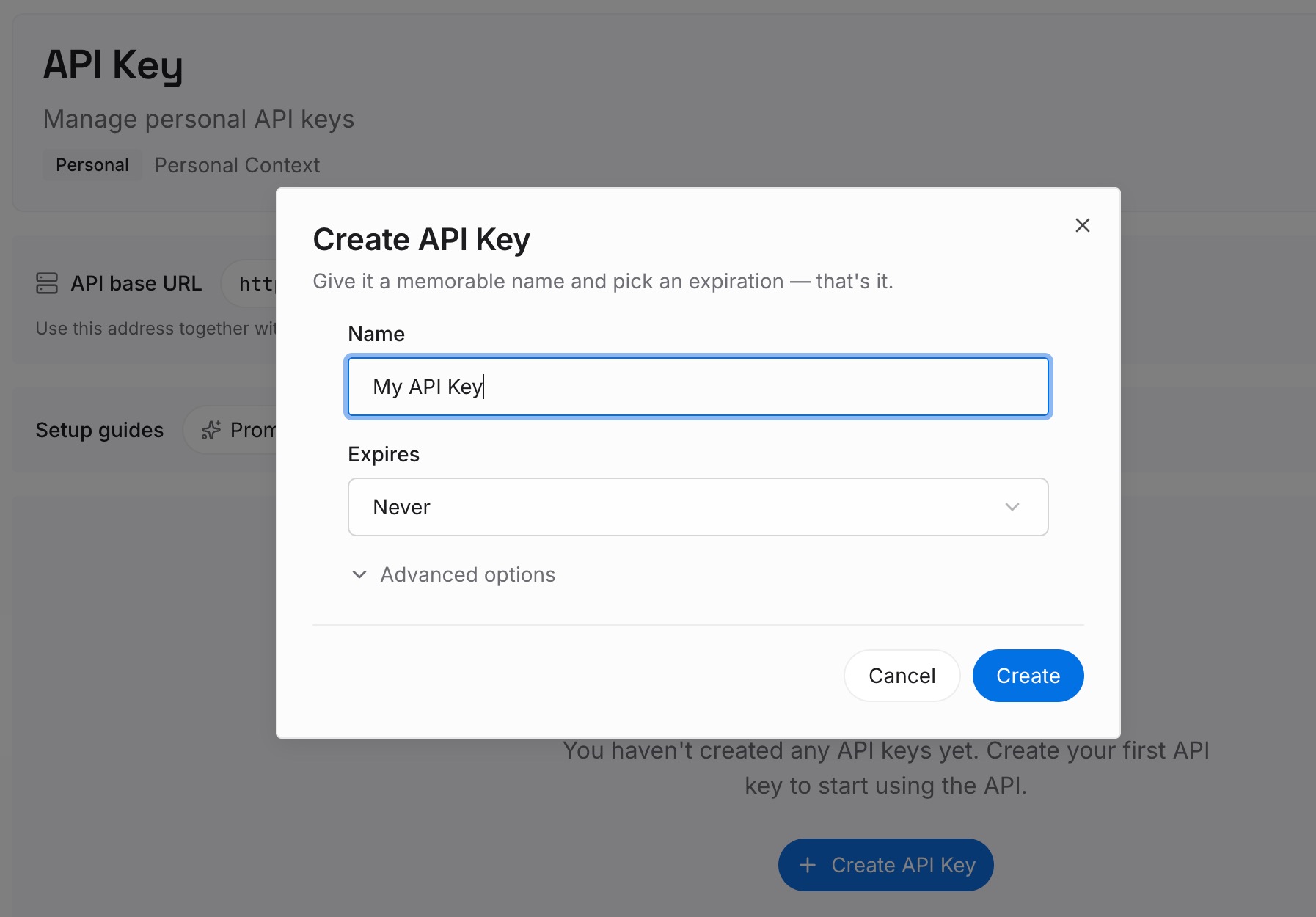
Step 1: Create an API key
Sign in to MemoryLake, generate a key, and make your first request — it takes about 30 seconds.
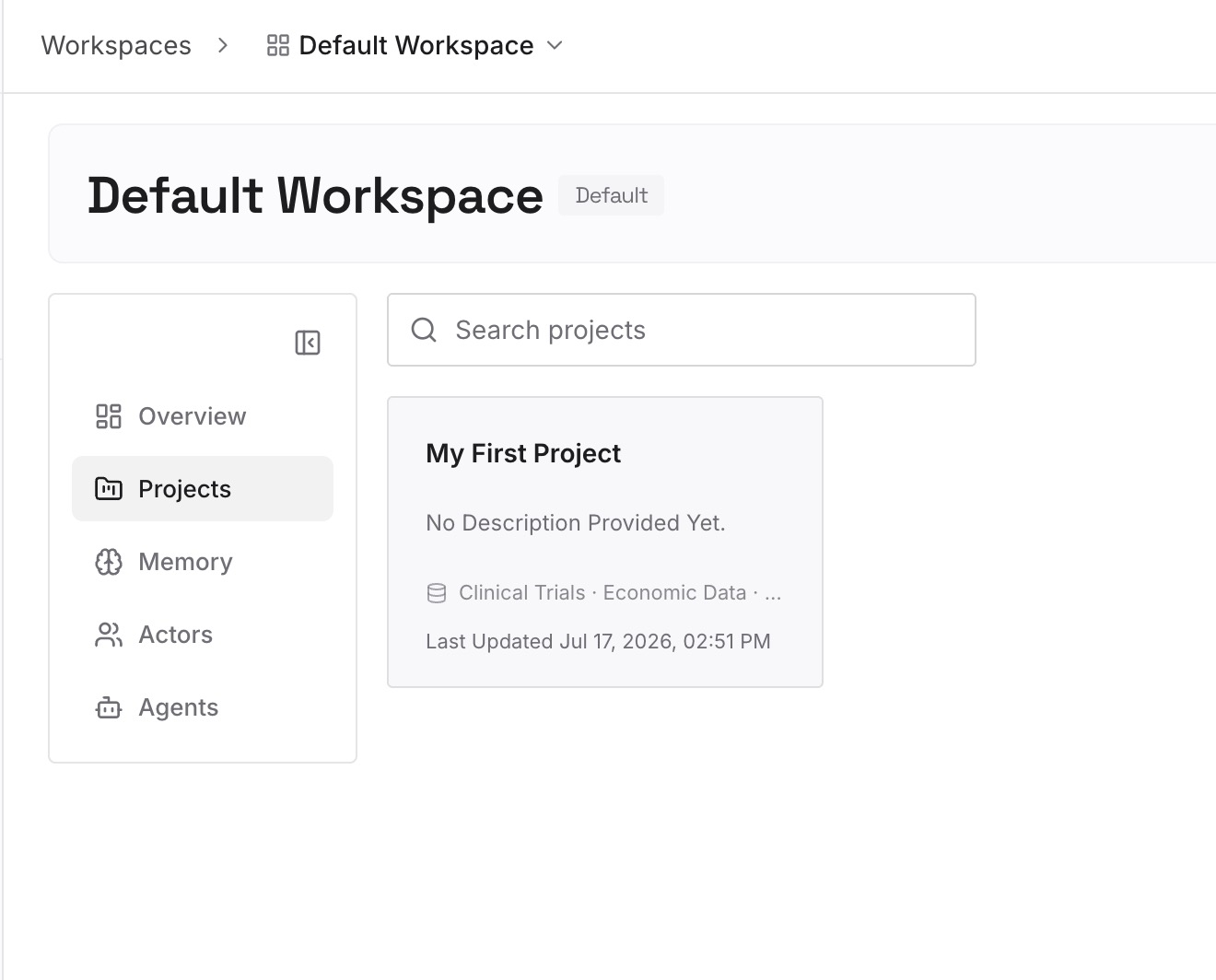
Step 2: Upload your first memories
Drop in a durable model of the codebase: an architecture overview, module responsibilities, coding conventions, and the decisions behind them — documents, images, and other files all work. Capture new conventions and rejected approaches as one-line memories as they're settled.
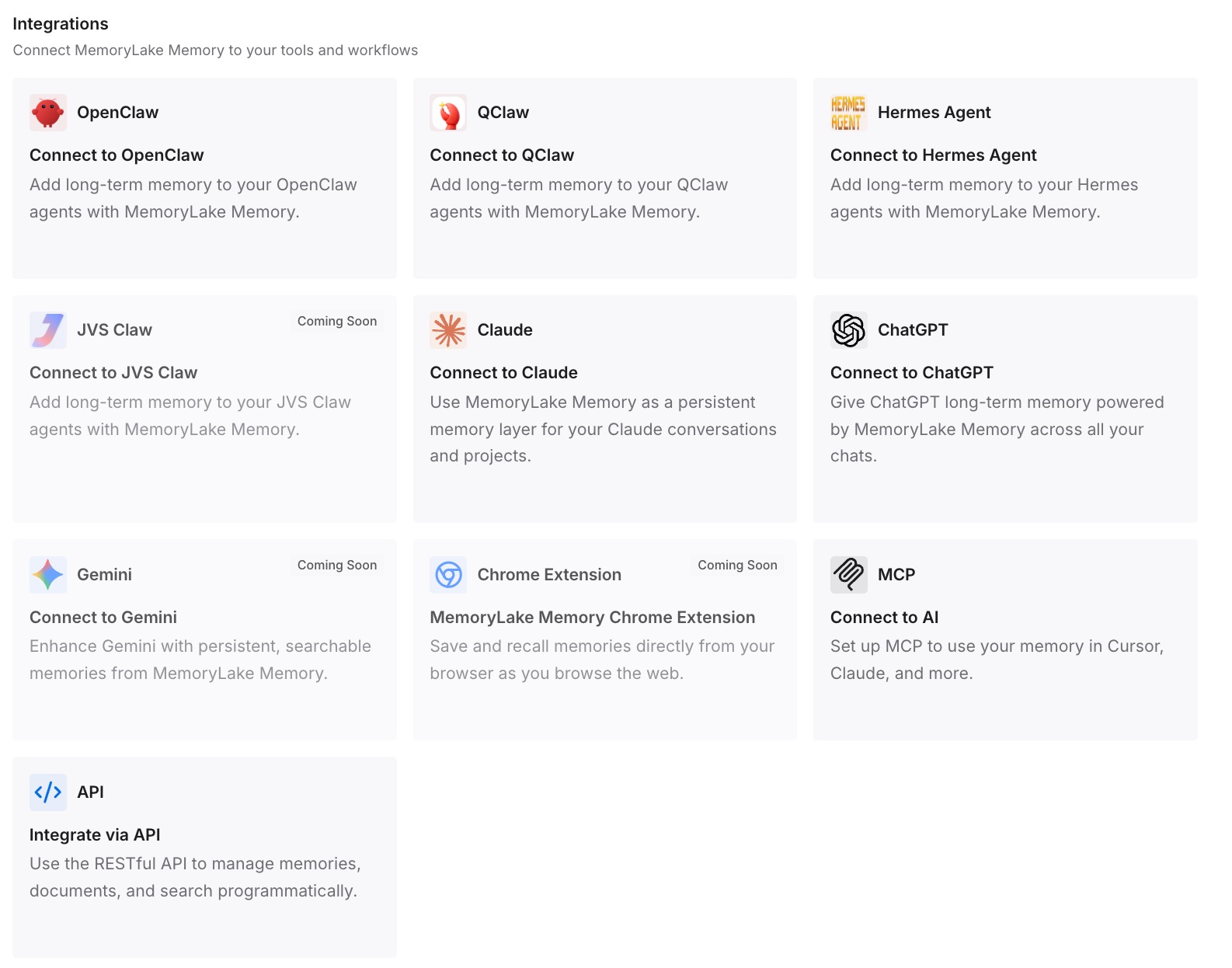
Step 3: Connect your AI & agents
Bring the memory into your workflow via the API, so the context that shapes suggestions reflects your whole project, not just the open tab. The same memory is available to Claude, Codex, OpenClaw, and other MCP-capable agents via MCP or the API — so the architecture Copilot should respect is the architecture every tool respects.
What Shallow Context Actually Costs
The review-and-rework tax
Every suggestion that duplicates existing code or ignores a convention is caught in review and reworked — time spent correcting a tool that can't remember the correction. On big codebases it compounds, because that's where off-pattern guesses are most frequent and most expensive to catch.
Retrieval instead of guessing
With a persistent codebase model, your tooling draws on "here's how this project is structured" instead of inferring from the current file. Fewer off-pattern suggestions, less rework, and leaner prompts in API workflows — MemoryLake's Token Saving Calculator projects the effect from your usage.
Best Practices for a Codebase Memory
Store the map and the conventions, not the code
Keep an architecture overview, module responsibilities, and your conventions in memory — the project knowledge Copilot lacks — rather than raw source it can already read from open files. The value is the structure and the rules.
Capture rejected approaches
When you rule out a pattern, record it as a one-line memory. It's the difference between correcting the same off-pattern suggestion forever and correcting it once.
Scope by repository
One memory scope per repo keeps retrieval precise and lets each project's context stay clean and relevant.
Conclusion
GitHub Copilot is an excellent autocomplete trapped in a one-file worldview — sharp on what's on screen, blind to the codebase around it, and unable to remember the last correction. Give it a persistent model of your architecture, conventions, and decisions, and its suggestions start fitting your project instead of a generic pattern, with the same context available to every other tool you use. Stop reviewing around a tool that forgets your codebase; let it remember.