
What OpenAI released on November 17
OpenAI's ChatGPT and Codex changelog dated November 17, 2026 lists GPT-6.2 Astra and GPT-6.2 Sol as available in ChatGPT Work and Codex. The documentation describes them as a pair with different jobs.
- GPT-6.2 Astra. The documentation says "Astra is the stronger choice for complex reasoning." Its example tasks are diagnosing a bug across services, building a deck from a report and a slide template, and comparing research sources to find where the evidence disagrees.
- GPT-6.2 Sol. OpenAI describes Sol as the model for everyday coding, writing, and work that takes several steps. On cost of use, the same page says: "Compared with GPT-6.1 Sol, it lets you complete more tasks on the same paid plan."
The Codex section of the announcement turns that into coding advice. Choose Astra "to trace a bug across services, fix it, and test the affected workflows." Choose Sol "to review a pull request or revise code in response to feedback."
The part that changes your day-to-day work in Codex is less visible: the two models don't start with the same amount of room.
Where you can use GPT-6.2
The availability rules explain the second half of the opening example.
ChatGPT Work. The announcement says you can use Astra or Sol in Work "on the web, desktop, or mobile with Plus, Pro, Business, Enterprise, or Edu." There is one extra step for some organizations: "Enterprise and Edu admins must first enable the models in workspace settings."
Codex. Both models are available in the Codex app and the CLI. You pick them with the model picker in the app or /model in the CLI.
Chat. This is the one to know about. The announcement's Chat section says it in one line: "To use GPT-6.2 Astra or Sol in ChatGPT, open Work." For the models you can select in Chat, OpenAI points to a separate help article on models in ChatGPT, and that article doesn't list GPT-6.2.
The API. Developers can call gpt-6.2-astra or gpt-6.2-sol in the Responses API.
One more detail matters if you use both Work and Codex: "Codex and Work share usage." A long Astra session in Codex and a long Work task draw on the same allowance.
Work itself is a mode of ChatGPT, not a separate app. We covered how it differs from Chat and which memory, projects, and history it shares in our guide to ChatGPT Work mode.
What Work starts you on
If you switch to Work in ChatGPT without touching the model picker, you don't get Astra. The announcement says: "On supported consumer plans, new Work chats default to Sol at Light reasoning effort." For organizations, "Enterprise workspaces with model access default to Sol at Medium."
So in Work, Sol is the default and Astra is a deliberate choice. If your screen shows a Power slider, the documentation says to open Advanced to choose a model and reasoning effort.
How much context each model starts with in Codex
This is the detail that explains the shorter session.
The Codex model reference lists a value called the default context in Codex for each model:
- GPT-6.2 Astra: 272,000 tokens.
- GPT-6.2 Sol: 500,000 tokens.
For comparison, the same page says "GPT-6.1 Sol uses a default context window of 500,000 tokens in Codex and ChatGPT Work." So if you moved from GPT-6.1 Sol to GPT-6.2 Sol, your starting room didn't change. If you moved from GPT-6.1 Sol to GPT-6.2 Astra, you started with a little more than half of it.
That gap isn't a limit of the model. The reference adds: "GPT-6.2 Astra and GPT-6.2 Sol each support a context window of up to 1 million tokens." The 272,000 figure is the default Codex uses unless you tell it otherwise.
In practice, a smaller window can mean a long thread reaches compaction sooner. Codex's configuration reference describes the related setting, model_auto_compact_token_limit, as the "Token threshold that triggers automatic history compaction (unset uses model defaults)." When you haven't set it, the threshold follows the model you're using.
Why one config line overrides both
The Codex model reference tells you how to get more room: "To use a longer context window in Codex, set model_context_window in config.toml."
Here is the part that's easy to miss. The configuration reference describes model_context_window as "Context window tokens available to the active model." It's one value for whatever model is active. There is no separate entry for Astra and another for Sol.
That has three consequences:
- If you set it once, it applies to both. Raise it for Astra, and Sol gets the same number when you switch back.
- If you set it for an older model, it still applies. A value you added months ago for a different model keeps overriding the new defaults, whichever GPT-6.2 model you pick.
- If you never set it, each model gets its own default. The sample configuration file notes that the default is automatic for the model, which is why Astra and Sol start at different sizes.
The same logic applies to the compaction threshold. If model_auto_compact_token_limit is set in your file, it doesn't follow the model. If it isn't, it uses the model's default.
Before you rely on either model for a long session, open your config.toml and check whether either line is there. If you find one, decide whether you still want it for both models. If you don't, remove it and let each model use its own default.
This mattered less when the models you alternated between had the same default. With GPT-6.2, the two models you're most likely to switch between start at different sizes, so a value you set for one decides the room for both.
What /model changes in a running thread
Codex lets you change models without starting over. The model reference says: "You can change models as your work changes."
In the CLI, the slash command reference describes the steps. Type /model, choose a model, and then: "Expected: Codex confirms the new model in the transcript. Run /status to verify the change."
It also describes a shorter form: "To change settings for the current session directly, use /model [model] [--reasoning=<level>] [--speed=<tier>]." For example, /model --reasoning=high keeps the current model and only raises its reasoning effort.
What the documentation doesn't describe is what happens to a thread that has already grown past the new model's default window. If you've built up 400,000 tokens of context on GPT-6.2 Sol and then switch to Astra with no model_context_window set, the docs don't say whether Codex compacts right away, on the next turn, or at some other point. The safe reading is to assume that a switch to a model with a smaller window can bring compaction forward, and to switch at a natural break rather than in the middle of a long investigation.
There are two simple ways to avoid the question:
- Start long Astra work in a new thread. Give it a short brief instead of carrying a long Sol history into a smaller window.
- Set the window deliberately. If you want Astra to have as much room as Sol, set
model_context_windowand accept that it applies to both.
To start Codex on a specific model from the command line, the reference shows codex --model gpt-6.2-sol. The same -m flag works with codex exec for non-interactive runs.
What the API documentation adds about keeping context
Developers using the Responses API get a related note in the same announcement. In standard, single-agent mode, you can change reasoning effort or output format between replies by appending a configuration_update item before the next user message.
The documentation explains why that approach matters: "Keeping earlier input intact helps preserve reasoning across turns and keeps that input eligible for prompt caching."
The principle carries over to Codex use as well. The more of a thread you keep stable, the more of it stays useful. Settings changes in the middle of long work are cheapest when they don't disturb what came before.
What the Codex prompting guide says about AGENTS.md
OpenAI published a prompting guide for the GPT-6.2 family in Codex on the same day. Most of it is about reasoning effort, subagents, and visual work, but one section is about project context.
Its heading is direct: keep your AGENTS.md lean. The guide says to "Use AGENTS.md for project requirements and conventions that Codex can't infer from the code, tests, or docs." On repeated work, it adds: "If the same kind of work comes up regularly, put that instruction in the relevant skill or AGENTS.md and say when it applies."
That advice connects to the context-window question. A lean AGENTS.md loads in every thread, on every model, and costs the same tokens whether you have 272,000 or 500,000 to work with. A smaller window simply leaves less room after it.
How to choose between Astra and Sol in Codex
OpenAI's model selection page gives the general rule: "Start with a task you know well and compare the result with what you need." It suggests considering how long you're willing to wait, how much usage the task requires, and how much detail or judgment is involved.
Applied to Codex, the documentation's own examples sort tasks like this:
- Astra for investigations that span systems. Tracing a bug across services, fixing it, and running the affected tests.
- Sol for focused, iterative work. Reviewing a pull request, revising code after feedback, or turning notes into a plan.
- Sol for the longest single threads, unless you change the window. With default settings, Sol starts with more room in Codex.
Reasoning effort is a separate choice. The prompting guide suggests Medium for a quick survey, High for tracing a suspected cause across several systems, and Extra High when several causes may interact.
What people try first
Looking for GPT-6.2 in a regular ChatGPT chat. The models are in Work. OpenAI says to open Work to use them.
Assuming Astra has the bigger window. In Codex, Astra's default is 272,000 tokens and Sol's is 500,000 unless you change it.
Raising the window for one model only. model_context_window applies to the active model, so one value covers both.
Forgetting an old override. A value you set for an earlier model still applies to the new ones.
Switching models deep into a long thread. The documentation doesn't describe how a thread larger than the new default is handled, so switch at a natural break.
The Fix: Choose the model on purpose, and keep the context outside the window
Step 1: Check your config file
Open config.toml and look for model_context_window and model_auto_compact_token_limit. Keep them only if you want the same values for every model.
Step 2: Match the model to the thread
Use Astra for cross-system investigations and Sol for everyday iteration. Start a new thread when you change the kind of work.
Step 3: Verify after switching
After /model, check the confirmation in the transcript and run /status.
Step 4: Keep project context in a place that doesn't depend on the model
Write down the decisions and constraints every thread should start with, so a new thread or a different model doesn't need the old history.
Setting this up in MemoryLake
A context window holds whatever the current thread has gathered. When you switch models, start a new thread, or let compaction summarize the old turns, the decisions behind your project shouldn't depend on any of that. Which service owns the retry logic, why a migration was postponed, which tests must pass before a release: that's project context, not session history.
MemoryLake is a memory layer for that kind of project context, such as decisions, constraints, and current priorities, kept in one place you maintain and available to the assistants you connect, such as ChatGPT, Claude Code, and Codex.
You write the entries yourself, in your own words. Nothing is read out of, written to, or deleted from your Codex threads, your config.toml, your AGENTS.md files, your Codex memories, your Work chats, or any vendor's store. GPT-6.2, Codex, and Work behave the way OpenAI describes them.
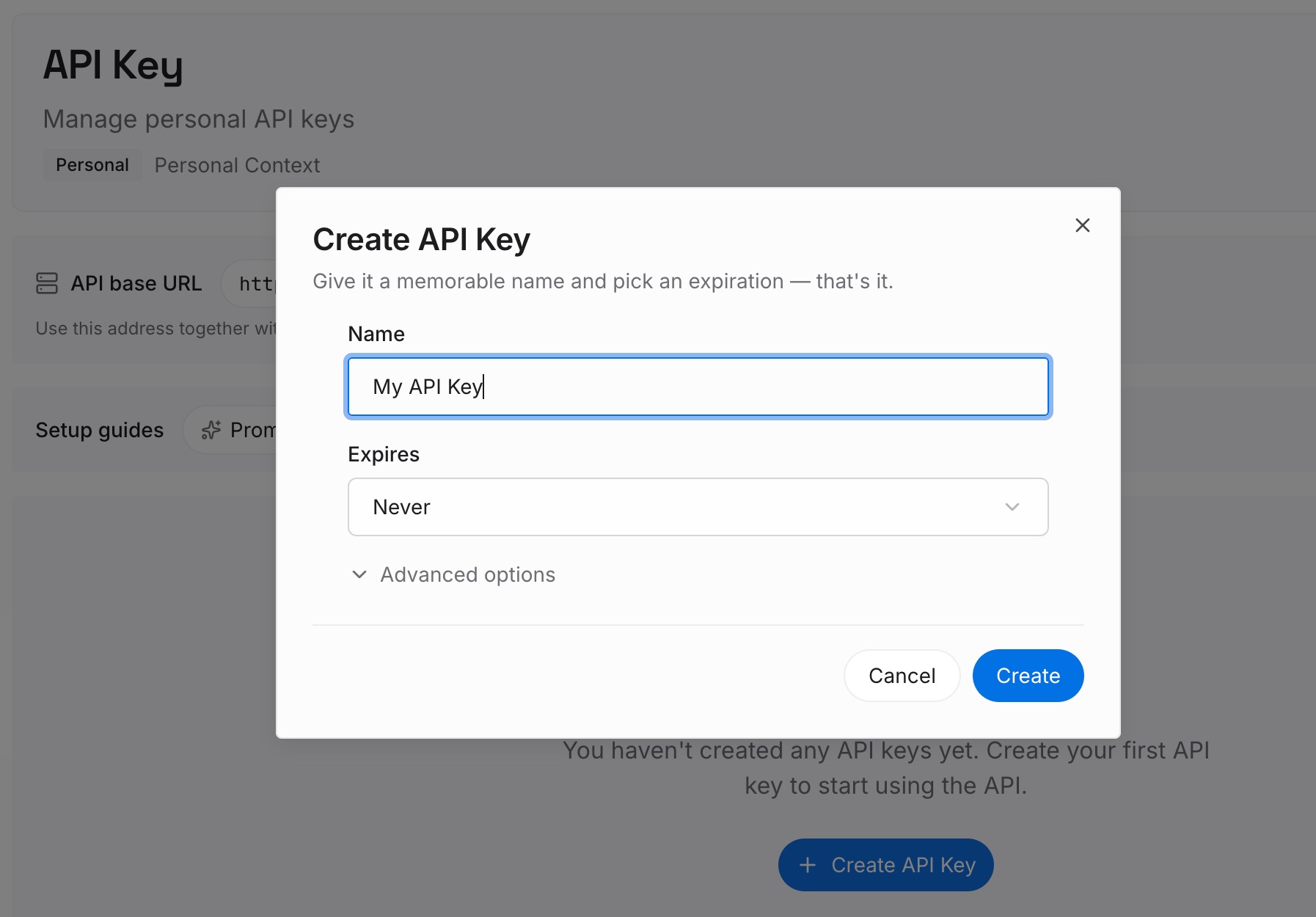
Step 1: Create an API key
Sign in and generate a key from the dashboard. Store it outside your repositories, like any other credential.
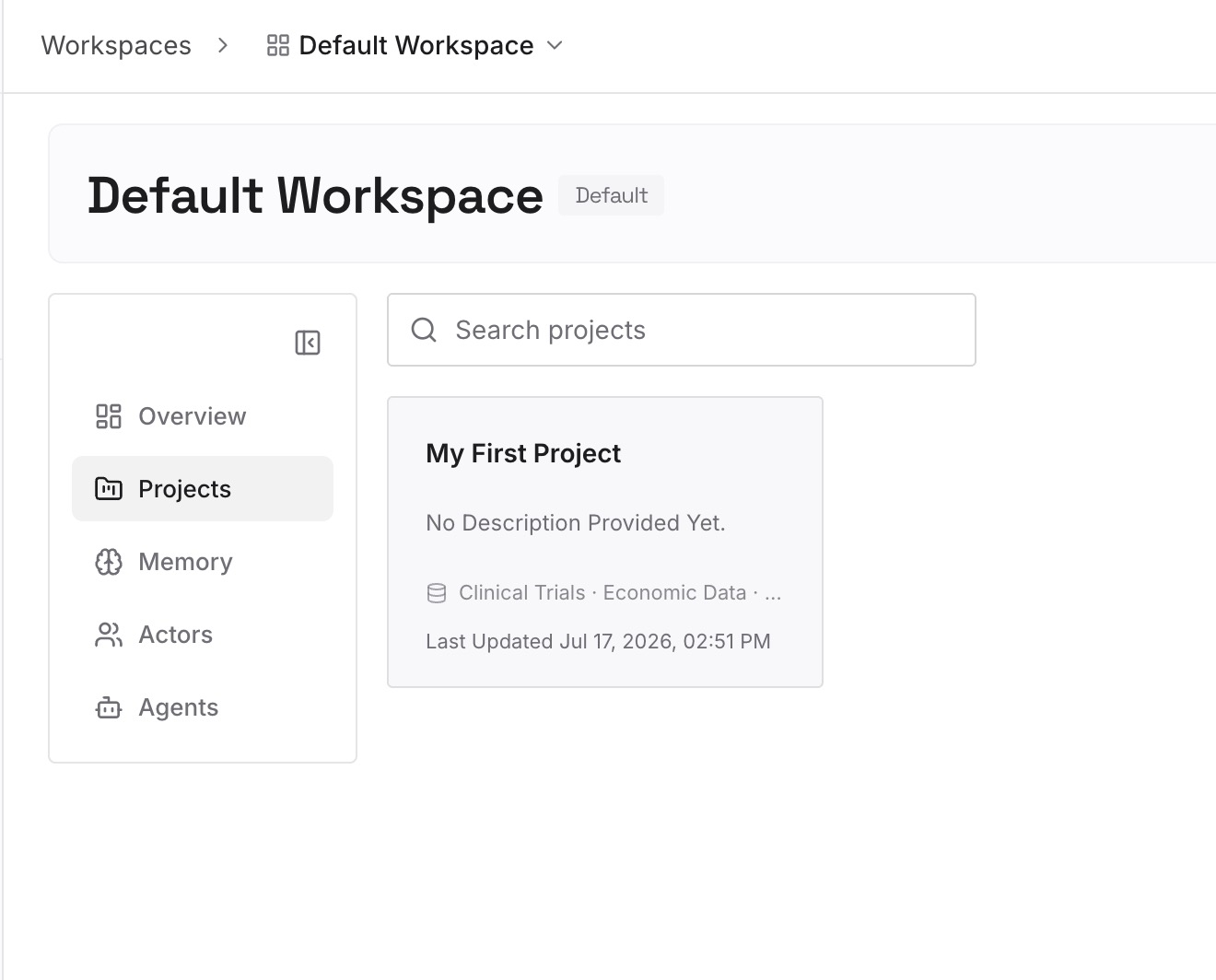
Step 2: Upload your first memories
Start with what you wrote in Step 4 of the fix: the decisions and constraints a new thread needs. One decision per entry, with the date it was made.
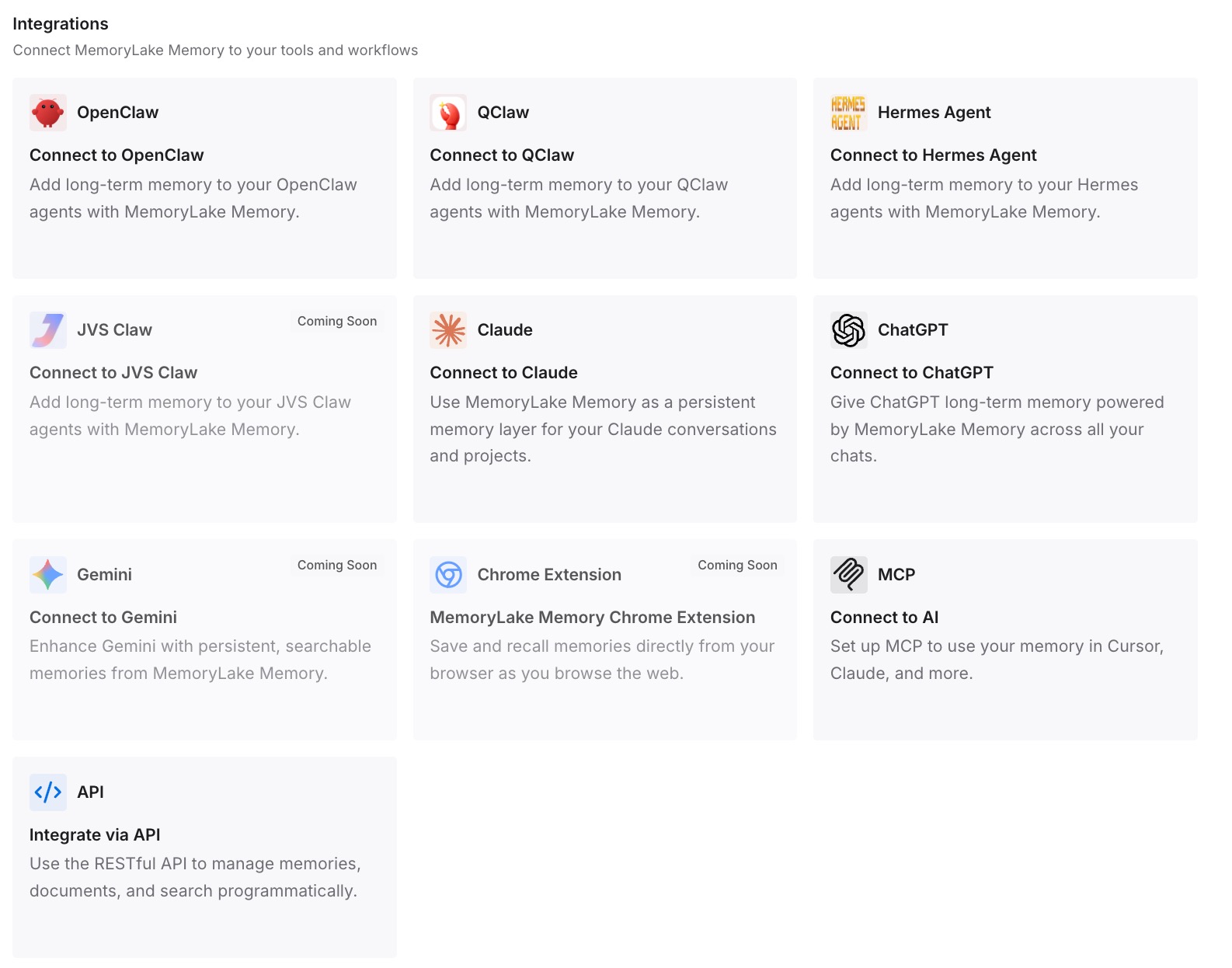
Step 3: Connect your AI & agents
Connect Codex, ChatGPT, and the other assistants you use. Each can draw on the same decisions, whichever model is selected.
What this changes in practice
The first difference is cheaper switching. A new thread on Astra can start from a short brief instead of a long Sol history.
The second is less worry about compaction. When the decisions live outside the thread, a summary that drops detail costs less.
The third is consistency across tools. The same project context is there in Codex, in Work, and in any other assistant you connect.
Best practices for GPT-6.2 in Codex
Pick Astra for cross-system work. It's the model OpenAI recommends for the hardest investigations.
Pick Sol for long everyday threads. It starts with more room in Codex by default.
Treat model_context_window as global. One value applies to whichever model is active.
Clean up old overrides. Settings from earlier models still apply to new ones.
Switch at natural breaks. Start a new thread for a different kind of work.
Keep AGENTS.md lean. OpenAI's prompting guide recommends it, and it loads in every thread.
Use Work for ChatGPT access. The models aren't in Chat.
Conclusion
GPT-6.2 Astra and Sol arrived in ChatGPT Work, Codex, and the API on November 17. Astra is OpenAI's choice for the hardest, cross-system work, and Sol is the everyday model that lets you complete more tasks on the same plan than GPT-6.1 Sol. In ChatGPT, you reach both through Work, where new chats default to Sol.
In Codex, the models start with different default windows: 272,000 tokens for Astra and 500,000 for Sol, with up to 1 million available for both. The single model_context_window setting changes that for whichever model is active, and an old value keeps applying until you remove it. The documentation doesn't say how a thread larger than a new model's default is handled after a switch, so switch at a natural break and keep the decisions that matter outside the thread.