
What xAI actually published
The mechanism is described in three parts, and each one has a boundary attached.
Capture. "After a turn completes, Grok reviews it in the background and records anything durable: conventions, decisions, and project facts. Capture runs on every completed turn and does not interrupt the session." So writing happens automatically, after the fact, on a completed turn. Nothing is written mid-turn, and you are not asked.
Storage. "Notes are markdown files, one topic per subject. Each project has its own workspace scope, and a global scope holds preferences that apply everywhere." Two scopes, plain files on disk. A command called /memory "opens a read-only browser of every memory file, grouped by scope, with a preview of the selected file," and a second command, /dream, "merges new observations into the topic they belong to" and "also runs on its own periodically in the background."
Recall. "Before starting related work, Grok reads the topics that cover the area and applies them, including in sessions where the subject never comes up." And then the precedence rule, stated in one line: "Instructions in the current conversation take precedence over anything in a note."
Then the scope statement in full: "Memory holds the details most likely to matter in a later session: how the team writes and reviews code, decisions and the reasoning behind them, and durable facts about the project, from where a subsystem lives to which command runs the suite. Task state, tentative conclusions, secrets, and anything the repository or its docs already cover are left out."
One more detail from the product screenshot in the announcement, which is easy to skim past: the generated index file carries the line "Generated by Grok. Do not edit this file directly."
Availability is stated without hedging: "Memory is available in Grok Build now. It applies to new sessions: run /new or start a fresh grok, and notes begin after the first completed turn."
What this does and doesn't change
It changes the cost of continuity inside one project. If the team runs its suite through a wrapper rather than the language's own test command, that is precisely the kind of durable project fact the feature is built to hold, and the announcement's own worked example is exactly that. Repeating it every session was pure overhead, and now it is not.
It does not change what happens to the thing you were in the middle of. "Task state" is the first item on the exclusion list. Close the terminal halfway through a migration and the notes will hold how your team writes migrations; they will not hold that you were on step four of seven with two files still to convert. That is a deliberate design choice, and a defensible one — half-finished state goes stale faster than anything else in a project — but it is the opposite of what "my agent remembers where we were" sounds like.
It does not change what happens to a conclusion you have not finished reaching. "Tentative conclusions" is the second item. The argument you had with yourself on Tuesday about whether to cache at the edge or in the service, which ended in "probably the service, let's see" — that is the reasoning most worth having next week and the reasoning most likely to be filtered out as not yet durable.
It does not duplicate your repository. "Anything the repository or its docs already cover are left out" is a sensible rule that quietly relocates the problem: it means the memory is only as complete as your documentation is, for everything your documentation touches. If the README is wrong, nothing in the notes contradicts it.
And it does not hold secrets, which is correct and needs no argument.
None of this is a flaw. xAI is not describing a limitation it apologises for; it is describing a write policy, on the launch page, in advance. That is more than most memory features tell you. The useful response is not scepticism about the feature — it is noticing which four categories now need a home somewhere else, and choosing that home deliberately rather than discovering the gap in three weeks.
What people will take from this, and shouldn't
"My agent will pick up where I left off." It will pick up your conventions and decisions. Where you left off is task state, and task state is excluded by name.
"I can stop writing things down." For conventions and project facts inside one repository, largely yes. For everything on the exclusion list, and for anything that has to be readable from a different tool or a different machine, no. The notes are per project and per install.
"Everything I say gets remembered." Capture "runs on every completed turn," but what it records is "anything durable." Durable is a judgement the model makes about your turn. The announcement does not promise that a given statement will be kept, and the index file's own header says it is generated, not authored.
"The note will win an argument with the prompt." It will not, and this is the correct design: "Instructions in the current conversation take precedence over anything in a note." If a note is wrong, what you type now overrides it for that session — and the note is still wrong tomorrow until you fix the file.
"It is the same as Skills." Different mechanism, different trigger. We drew that line in what Grok Skills mean for reusable AI memory, and the general version of the distinction is in why agent skills are not memory. Skills are capabilities you invoke; these notes are observations written about you.
The Fix: Give the four excluded categories a place to live
The exclusion list is a specification. Treat it as one.
Step 1: Write down the tentative conclusions yourself
The category that costs the most to lose is the one that looks least important at the time: the conclusion you reached but had not committed to. "We are probably not going to shard this." "The retry logic is fine; the timeout is the problem." These never make it into a commit message, they are too provisional for the docs, and they are excluded from capture by design.
Write them as statements, with the date and the reason. One line each. The reason matters more than the conclusion, because the reason is what tells you next month whether it still holds.
Step 2: Keep a handover line for task state
Before you close a session mid-task, write the one line that task-state exclusion means nobody else will write: what you were doing, what is done, what is next. It takes fifteen seconds and it replaces the ten minutes you would otherwise spend reconstructing it from a diff.
This is not a criticism of the feature. Excluding task state is right for a store that persists for months. It just means the handover is yours to write, and writing it somewhere durable beats writing it in a scratch file you will not find.
Step 3: Decide which facts have to survive leaving the tool
Notes are markdown files on one machine, in one product, scoped per project and globally. That is fine while everything you do happens there. The facts that need to outlive that arrangement are the ones you would have to restate to a different assistant, on a different machine, next quarter — architecture decisions, ownership, the constraint that explains an awkward design.
That is a different requirement from session continuity, and it is worth being explicit about which of your facts are which. We worked through the sizing question in how much memory you should actually give an agent.
Setting this up in MemoryLake
Those three steps all describe the same object: a fact you decided to keep, on purpose, rather than one inferred from a transcript. MemoryLake is a store you write those facts into yourself, readable from any assistant you connect, independent of which tool produced the fact. You write the entries yourself, in your own words. Nothing is read out of, written to, or deleted from xAI's systems or any other vendor's store — your Grok Build notes stay entirely under Grok Build's own controls.
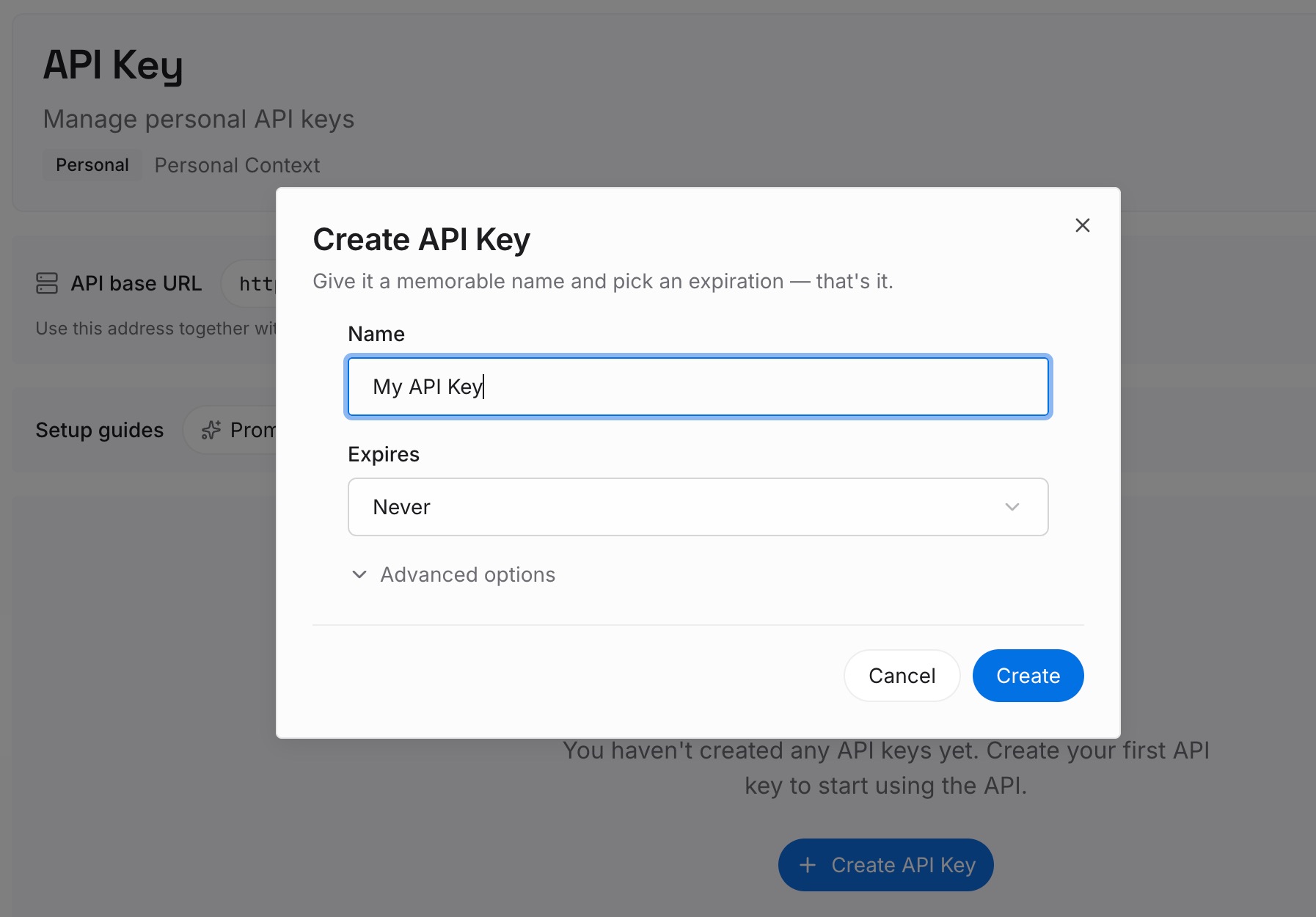
Step 1: Create an API key
Generate a key from the dashboard. It is what lets a coding agent, a chat assistant, and whatever you use next quarter reach the same set of facts.
Step 2: Upload your first memories
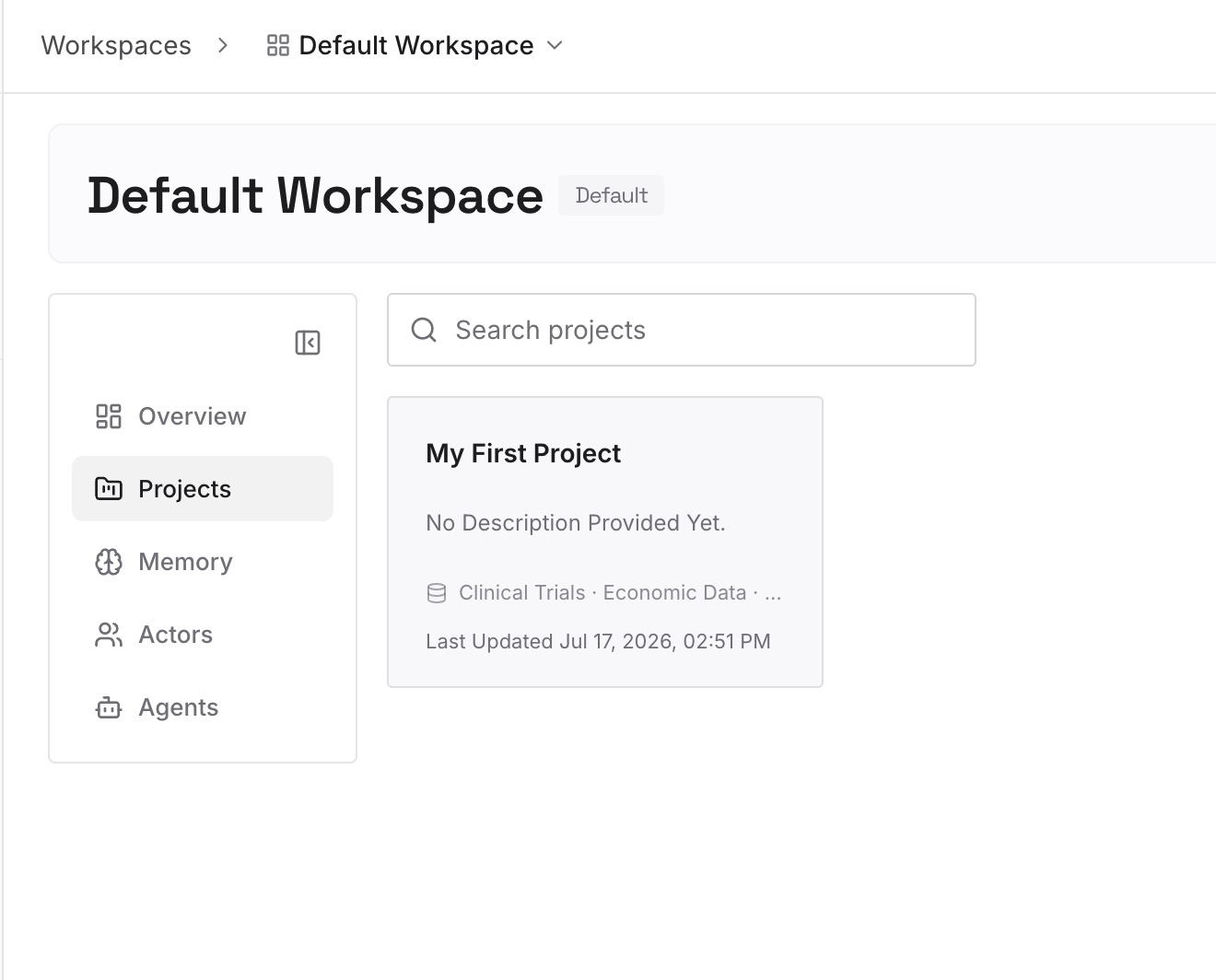
Start with the excluded four: the provisional conclusions, the handover lines, the decisions whose reasoning you would hate to re-derive. A dozen short entries usually covers a project. Write each as a statement with its date, not as a story.
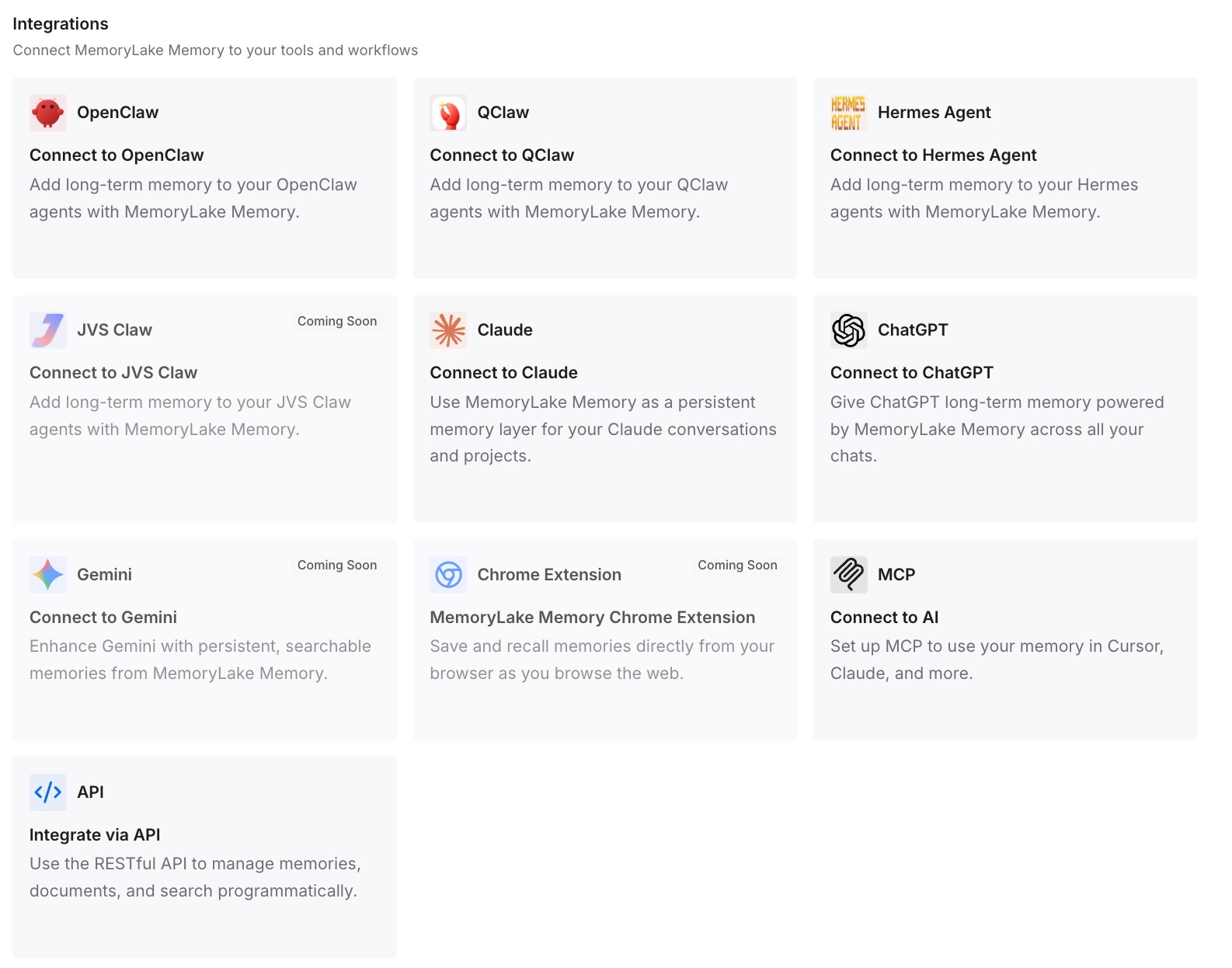
Step 3: Connect your AI & agents
Point your tools at the layer so those facts load at the start of a session rather than being reconstructed. Then test it the way that proves something: open a fresh session in a different tool and ask for one of the facts back. If it answers, the fact has stopped depending on one product's write policy.
What this changes in practice
The first change is that the announcement becomes checkable rather than aspirational. "It remembers" is a claim you cannot verify. Conventions, decisions and project facts, minus task state, tentative conclusions, secrets and anything your docs already cover, is a claim you can hold up against your own week and see where the gaps fall.
The second is that your documentation quietly becomes load-bearing in a new way. Because the notes skip "anything the repository or its docs already cover," an out-of-date doc is now a doc the memory has deliberately deferred to. Reviewing the README stops being hygiene and starts being memory maintenance.
The third is that the file-per-topic design is worth copying even if you never open Grok Build. One topic per subject, merged periodically, with a read-only browser over the result, is a better shape than a single growing file — and the same shape applies to a store you maintain by hand. The failure mode of an accumulating log is covered in why searchable session logs keep disappointing people who wanted memory.
The fourth is that adding memory to the chat side of Grok remains a separate exercise with separate mechanics; we covered the options in the practical ways to give Grok persistent memory. Grok Build's notes are scoped to Grok Build.
Best practices for working with a self-writing memory
Read the notes before you trust them. /memory exists for this. A read-only browser over the files is the fastest way to find the one note that is quietly wrong.
Fix notes at the file, not in conversation. Conversation instructions win for the current session and change nothing on disk. If a convention changed, edit the topic file.
Expect the durability filter to have opinions. Capture records "anything durable." Things you think are durable and it does not will simply not appear, without an error.
Do not put secrets anywhere near it, and do not rely on the exclusion as a control. The exclusion is a write policy, not a security boundary.
Keep one written answer per decision, outside the tool. If a fact would have to be restated to a second assistant, it does not belong only in one product's notes.
Re-read your repository docs quarterly. The memory defers to them by design, so their staleness is now your memory's staleness.
Conclusion
Grok Build's memory is a genuinely useful feature, described unusually honestly. It captures after every completed turn, stores markdown topic files in a project scope and a global scope, reads them back before related work, and lets the current conversation override anything a note says.
The part worth keeping is the sentence that tells you where it stops: "Task state, tentative conclusions, secrets, and anything the repository or its docs already cover are left out."
xAI is not announcing that it solved memory, and nothing here suggests otherwise. It shipped a write policy and published it. The reasonable thing to do with a published write policy is to read it, agree with most of it, and then decide where the excluded categories are going to live — because they are the ones you will miss first, and by definition nothing is going to write them down for you.