
Why context ends up in different places
One app, two execution environments
Cloud Work "is available on supported web, mobile, and desktop surfaces," and "runs the Codex harness in an isolated environment on OpenAI-managed infrastructure." Its conversations "can sync across these surfaces," and "supported tasks can continue while the user is away from the conversation."
Local Work "runs tasks through the ChatGPT desktop app on the user's device," and its advantage is stated in terms of what you do not have to do: "Unlike Work on the Web, local Work can operate on resources that remain on your computer without requiring you to upload files to a cloud conversation."
The boundary between them is firm in one direction. "A cloud task doesn't inherit local files, desktop applications, browser sessions, or private-network access from that device." Nor does the hosted browser inherit anything from yours: it "doesn't inherit the user's local browser profile, open tabs, existing sign-ins, saved passwords, password manager, or browsing history."
One clarification worth internalising before you make assumptions about privacy: local does not mean offline. "Local files can remain on the device, but relevant file excerpts, prompts, screenshots, browser content, or tool results may be sent to OpenAI services to complete a task. Local execution does not mean offline or device-only model inference."
Retention is per data category, not per workspace
The cloud security page lists retention behaviour as a table, and the table is the point. Work conversations follow the workspace conversation-retention settings, with deleted chats "generally scheduled for permanent deletion within 30 days." Files saved to Library follow Library rules, and "Deleting a conversation doesn't delete a file saved to Library." Project files "Remain associated with their project until removed or the project is deleted." Transient uploads outside Library "can expire after 48 hours unless another applicable retention setting applies." Compliance Logs Platform records "are available for 30 days."
Two rows deserve to be read slowly.
Hosted execution state and snapshots "Follow a separate lifecycle from conversations and files," and the row ends with a sentence that surprises people: "Ending a task or deleting a chat doesn't immediately purge every related artifact."
And saved memories, when enabled, "Follow separate memory controls. Deleting a conversation doesn't necessarily delete an existing saved memory."
OpenAI then draws the conclusion for you: "Deleting a conversation, removing a Library file or saved memory, disconnecting an app, and clearing hosted browser data are separate actions. Review the relevant storage location instead of assuming one action removes every copy."
This cuts both ways, which is why it belongs in a guide about keeping context rather than only in a security review. If deleting a chat does not necessarily delete a memory, then deleting a chat also does not preserve one. Each store has to be reasoned about on its own.
Local records are governed separately, and the docs say so twice
The local page opens with the same warning in general form: "Local files, task context, browser data, connected-system records, and audit events can follow different storage and retention rules."
Then it says it again, specifically, about conversation records. What to review for local conversation records is "How the desktop experience stores, deletes, backs up, or shares local records. Do not assume hosted-conversation retention settings apply to every local artifact."
And a third time, as a standalone instruction: "Do not apply a hosted-conversation, temporary-upload, or compliance-log retention period to local records without confirming that it applies to the specific data category."
When a vendor repeats a caution three times on one page, it is because the mistake is common. The mistake here is believing that a workspace retention setting is a statement about everything. It is a statement about hosted conversations.
Local Work has categories that exist nowhere in the cloud model, too. Voice and Appshots cover "Microphone input, frontmost-window screenshots, accessible application text, local session storage, and any content sent as task context." Audit coverage differs as well: "OpenAI does not store a separate complete record of Chrome actions performed through the extension."
The vendor names the trade-off out loud
The most useful sentence in either document is the one that stops pretending retention is purely a security dial:
"Retaining appropriate conversation and execution context can help Work resume interrupted tasks, refer to previous steps, and produce more consistent results. Shorter retention or deletion can reduce that continuity, so choose settings that balance security requirements with the usefulness of the workflow."
That is an honest statement of a real conflict. Continuity is being purchased with retention. Which means every time your security team shortens a retention window — correctly, for good reasons — the assistant gets slightly worse at picking up where it left off, and nobody attributes the regression to the policy change three weeks earlier.
The way out is not to argue for longer retention. It is to stop letting the retention setting be the only thing holding your durable context.
What people try
Assuming the workspace retention setting covers everything. It covers hosted conversations. Library files, project files, saved memories, execution snapshots, browser data and compliance records each have their own behaviour.
Deleting a chat to clean up. Reasonable, and incomplete in both directions: it does not necessarily remove a saved memory, and it does not preserve one either.
Pasting the same background into every new task. The universal workaround. It works, it costs you the first two minutes of every session, and it drifts — the version you paste in October is the version you wrote in June.
Keeping everything in one long-running conversation. Fragile for a different reason: the conversation is one of the categories governed by a retention setting you may not control.
Using a project as the durable store. Better, because project files "Remain associated with their project until removed or the project is deleted." Still bounded by the project, which is the point of why ChatGPT projects don't share memory.
Deciding that Work simply loses context. It does not, and saying so obscures the actual mechanism. Work has several places that hold context well. They just hold it under different rules, and none of them was designed to be the single durable home for what your team knows. That is the more general condition described in why ChatGPT loses context between sessions.
The Fix: Decide What Must Outlive a Retention Setting, and Keep It Somewhere Else
Sort your context into two piles. One pile is transient: this task, this file, this thread. It belongs exactly where it is, governed by whatever policy your workspace sets, and it should expire.
The other pile is durable: how your team writes, what a deliverable has to contain, which vendors are approved, the constraint that made last quarter's approach fail. That pile should not be subject to a conversation-retention window, a 48-hour upload expiry, or a decision about which execution environment happened to run a task.
MemoryLake is where the second pile goes: a memory layer you own, read by your assistants over an API, with one lifecycle you control rather than several you inherit. Three steps.
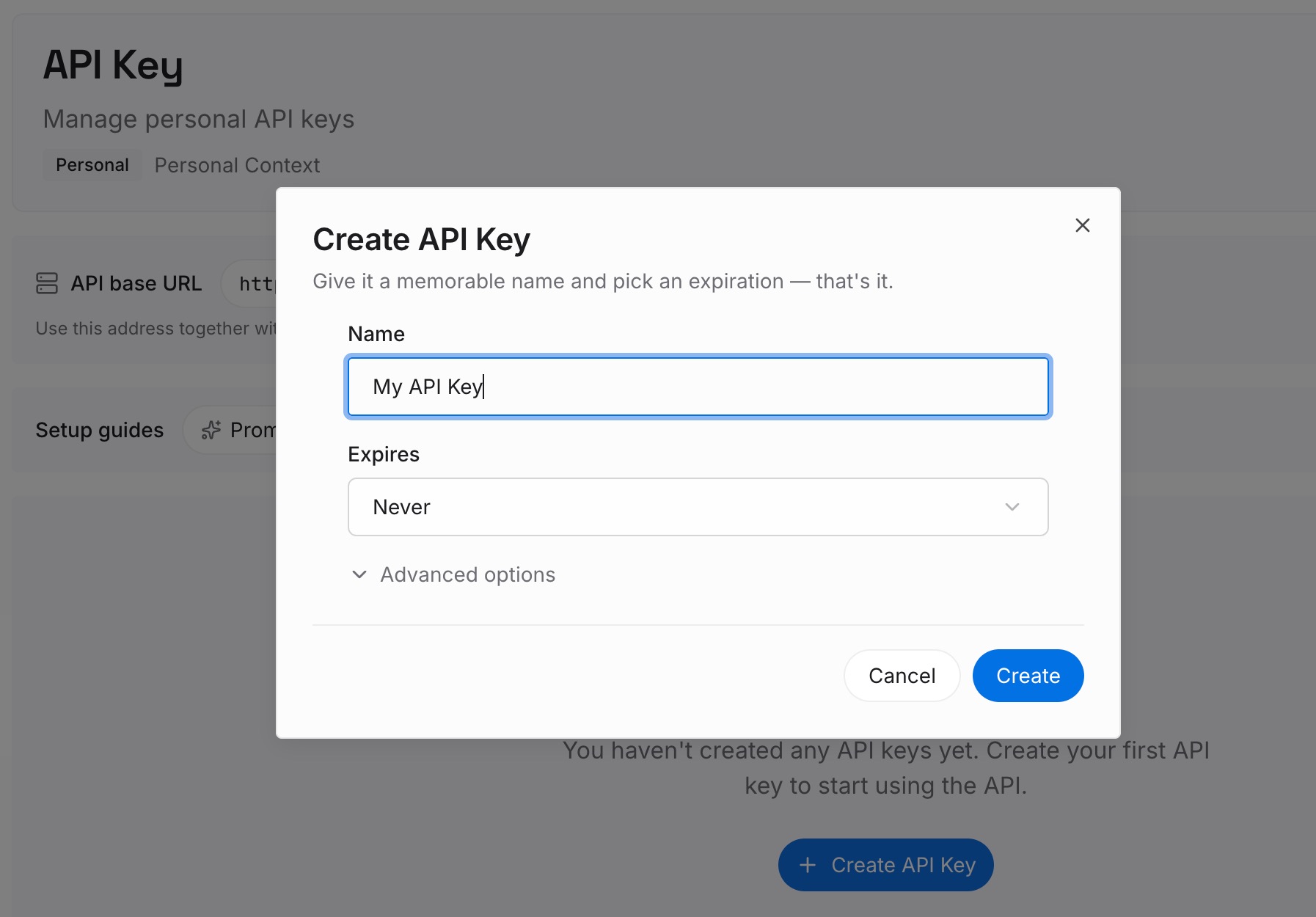
Step 1: Create an API key
Sign in and create an API key from your workspace settings. It is yours, not a property of an execution environment, so it behaves the same whether a task runs in the cloud or on your machine.
Step 2: Upload your first memories
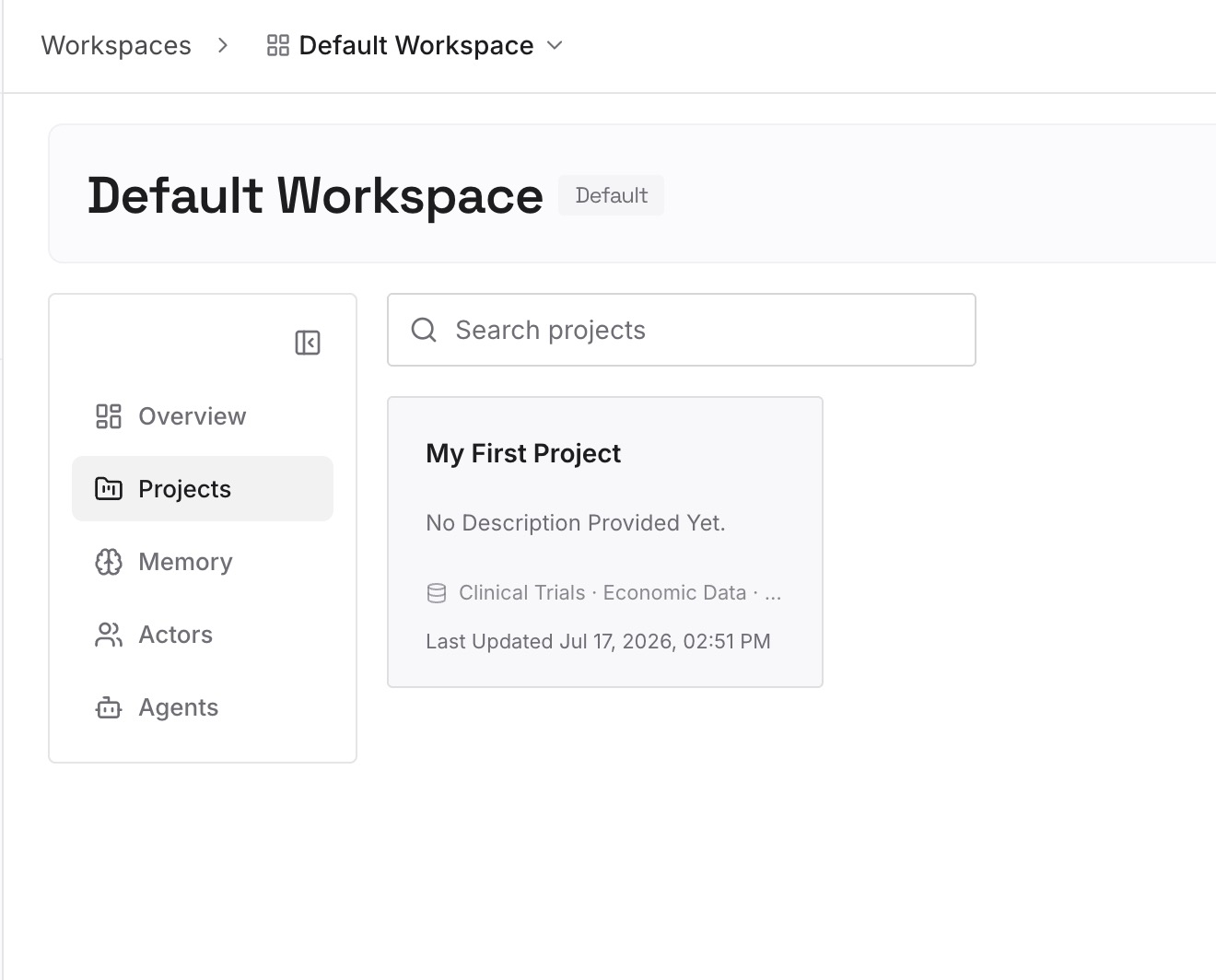
Load the durable pile. Your team's tone and formatting standards. The definition of done for the artefacts you produce repeatedly. Approved sources and the ones you have ruled out. Recurring constraints — the audience, the compliance line, the two things that must never appear in a client-facing document. Files go in as they are, and the multimodal ones are handled, so a brand deck or a spreadsheet of naming conventions can go in directly.
Step 3: Connect your AI & agents
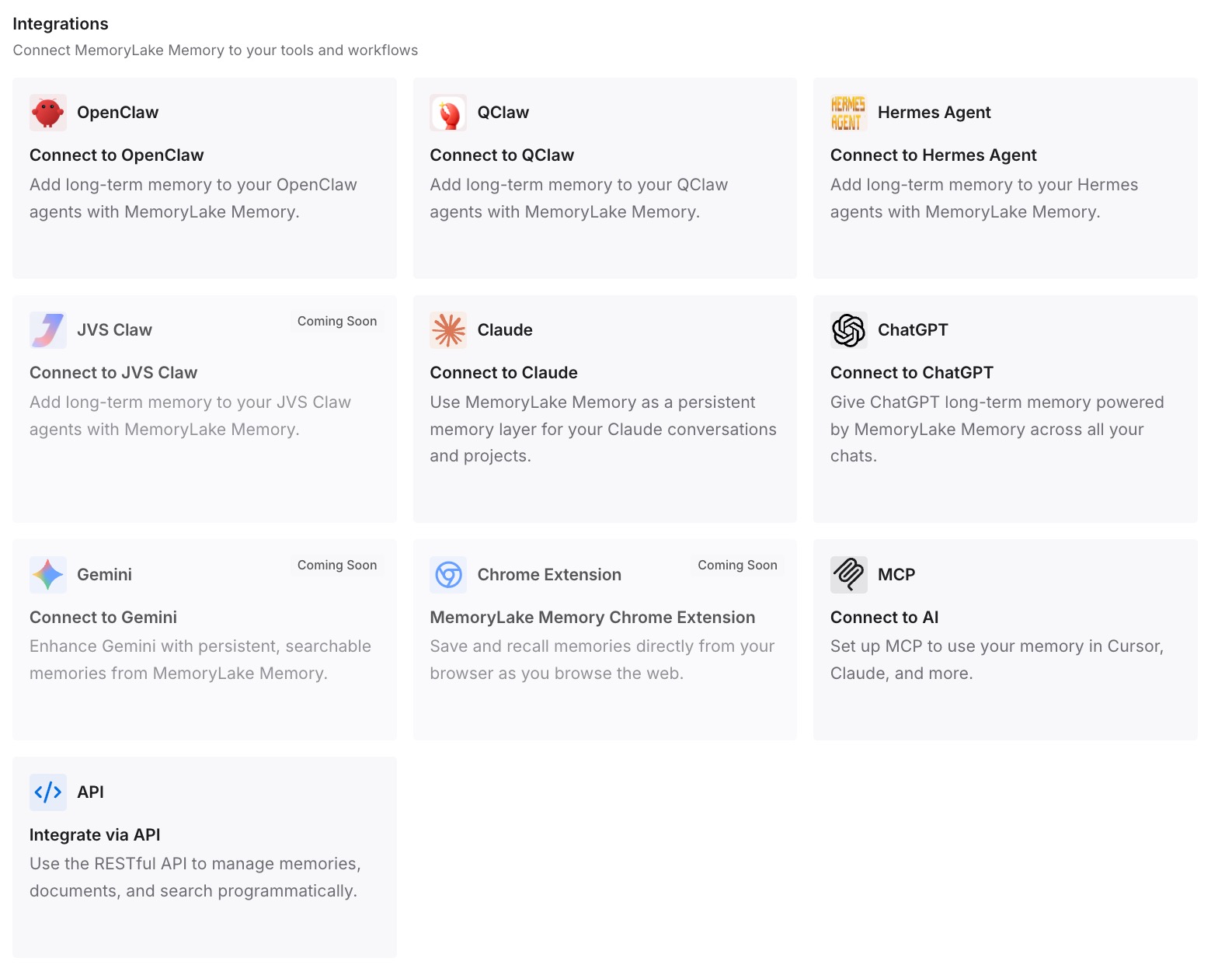
Connect ChatGPT alongside whatever else your team uses. From then on the durable layer is read from one place, and it does not matter which surface or execution environment started the task.
Three limits, stated plainly. MemoryLake does not change any retention behaviour inside ChatGPT Work — conversations, snapshots, Library files and saved memories all keep their own lifecycles, and this is a place to put the durable half rather than a way to alter the rest. It cannot read or delete ChatGPT's saved memories; those are managed through OpenAI's own memory controls. And it is not an audit or compliance tool: workspace records, connected-system logs and the Compliance Logs Platform remain the systems of record.
What this changes in practice
The immediate change is that a shortened retention window stops degrading output quality. Retention becomes what it should be — a decision about how long transient material persists — instead of also being an implicit decision about how much your assistant knows.
The second change is that the cloud-versus-local question becomes an operational choice rather than a context decision. Right now, choosing local because a file must not leave the device also means the durable context lives in a different set of stores than it would in the cloud. With the durable half external, you pick the execution environment on its merits: local for resources that stay on the machine, cloud for work that should continue while you are away.
The third change is auditability of a kind the platform does not offer. OpenAI is upfront that coverage varies — "Don't assume every shell command, browser interaction, app invocation, file operation, or approval appears in a customer-visible compliance export," and endpoint monitoring "can't inspect actions inside the hosted execution environment." Those are reasonable limits on execution telemetry. But knowing what your assistants were told is a separate question from knowing what they did, and it is answerable when the told-part lives in one reviewable place. Auditing what your AI assistants remember covers how to run that review.
Best practices for mixed cloud and local Work
Know which environment ran the task. Opening a cloud task from the desktop app does not make it local. If it matters for a given piece of work, confirm it rather than infer it from where you clicked.
Treat each store as having its own delete. Conversation, Library file, project file, saved memory, hosted browser data and execution snapshot are separate actions with separate effects.
Never carry a retention assumption across the boundary. The local documentation asks three times: do not apply hosted-conversation, temporary-upload or compliance-log periods to local records without confirming they apply.
Use Library deliberately for anything you want to keep. Content pulled from a connected app "isn't automatically saved as a Library file," and once saved anywhere, "that copy follows the rules for its saved location."
Do not let transient uploads become your archive. For Enterprise, transient uploads outside Library "can expire after 48 hours unless another applicable retention setting applies."
Review the admin split, then design around it. Where separate controls exist, cloud and local Work are managed as distinct permissions; in some workspaces "local Work can share a control with Codex Local." That is worth knowing before you assume you can disable one without affecting the other.
Keep security posture and continuity posture separate. The relevant protections are already stated: Business, Enterprise and Edu workspace data is "encrypted in transit and at rest and isn't used to train OpenAI models by default." Shortening retention beyond that buys marginal safety and real continuity loss. Putting the durable layer outside gets you both, which is the argument in how to think about AI memory security.
Conclusion
ChatGPT Work is two execution environments and roughly a dozen stores, each with its own lifecycle, and OpenAI documents all of it accurately. The failure mode is not the platform. It is treating a workspace retention setting as a statement about everything, and then buying continuity with retention length.
Sort your context. Let the transient half live and expire where it already does. Put the durable half — the standards, definitions, constraints and rejected approaches your team has accumulated — somewhere with one lifecycle you control. After that, cloud or local is a question about where a task should run, not a question about how much your assistant remembers.