
Why Claude Code Forgets Your Command History
How Claude Code handles history today
Within a session, Claude Code tracks everything: commands executed, outputs, the conversation around them. That state lives in the session's context window. When the session ends — or the context fills up and older content gets compacted away — the operational history is gone as queryable knowledge. Tomorrow's session starts with your codebase and your CLAUDE.md, not with what happened yesterday.
The technical reason it doesn't stick
The agent's memory model has one durable layer: files. CLAUDE.md is read at startup and holds whatever conventions you've written into it. But command history is dynamic — dozens of runs, failures, and fixes per session — and no process turns that stream into durable, retrievable knowledge. Resuming a previous conversation reopens its transcript; it doesn't make six weeks of session history searchable.
What this costs a developer
You re-run experiments the agent already ran, because neither of you remembers the outcome. You re-litigate decisions — "why did we pick the workspace flag here?" — that were settled in a lost transcript. And recurring incident fixes get rediscovered each time, because the fix lived in a session instead of anywhere permanent.
Claude Code's Built-in Workarounds (and Where They Stop)
CLAUDE.md
The right home for stable conventions: build commands, style rules, repo layout. Its limit is that it's manual and static — someone has to notice a lesson, distill it, and write it in. Command history never gets there on its own.
Resuming sessions
Continuing or resuming a recent session recovers that one transcript, which helps for picking up yesterday's thread. It doesn't scale: you can't search across months of sessions, and long transcripts hit the context ceiling and compact away detail.
Compaction summaries
When context fills, summarization keeps the session going but is lossy by nature — exact commands and small-but-critical details are the first casualties.
The shared wall: everything above lives per-repo, per-machine, per-tool. Your history doesn't follow you to a second machine, a teammate, or the other agents in your stack — the root issue behind why Claude Code forgets command history.
The Fix: Give Claude Code a Persistent Session Memory
The durable setup is a memory layer outside the session that accumulates what matters: runbooks, resolved incidents, decision records, environment quirks. MemoryLake stores them once — searchable, versioned Git-style so you can see how procedures evolved, and end-to-end encrypted so your infrastructure details stay yours.
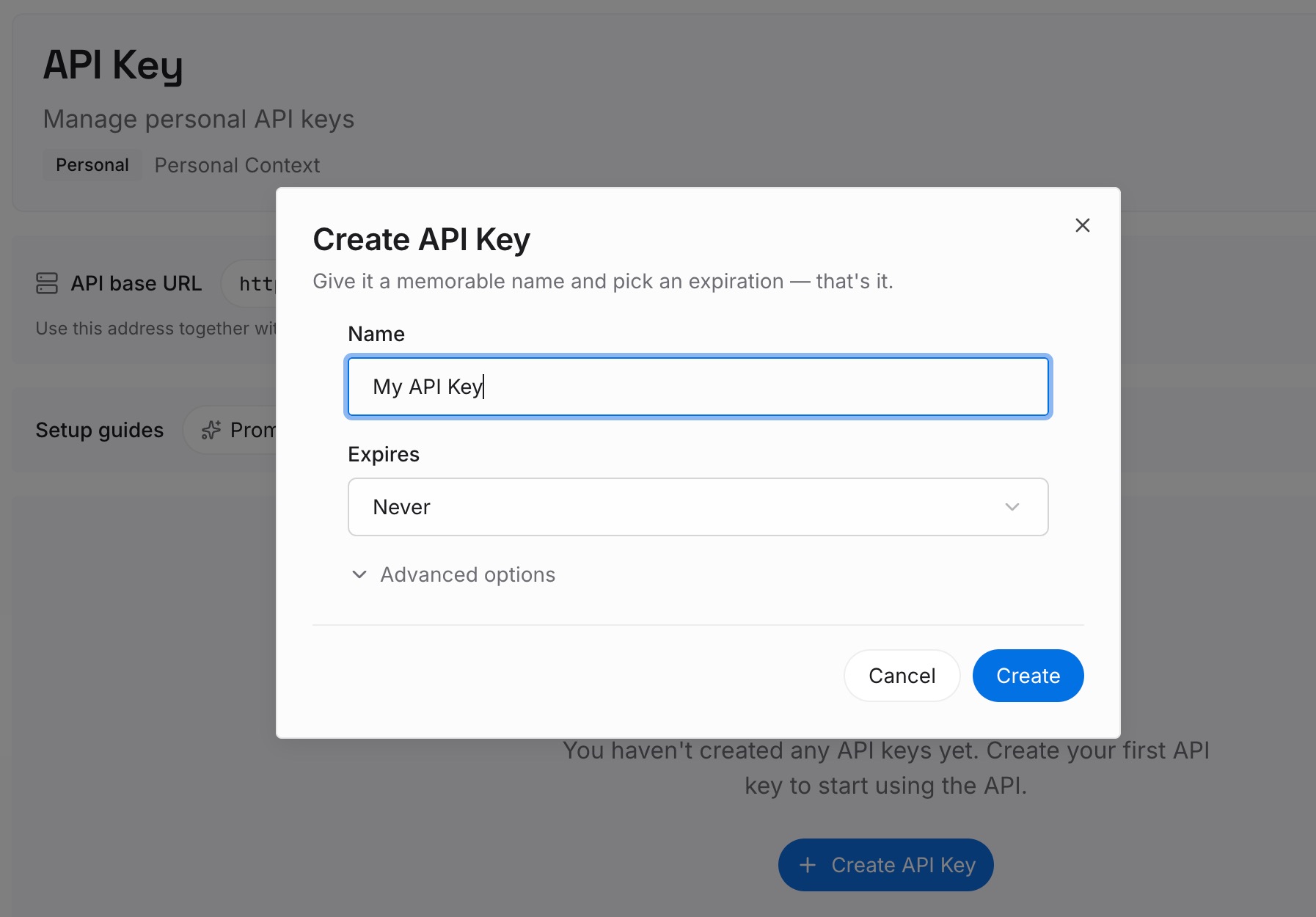
Step 1: Create an API key
Sign in to MemoryLake, generate a key, and make your first request — it takes about 30 seconds.
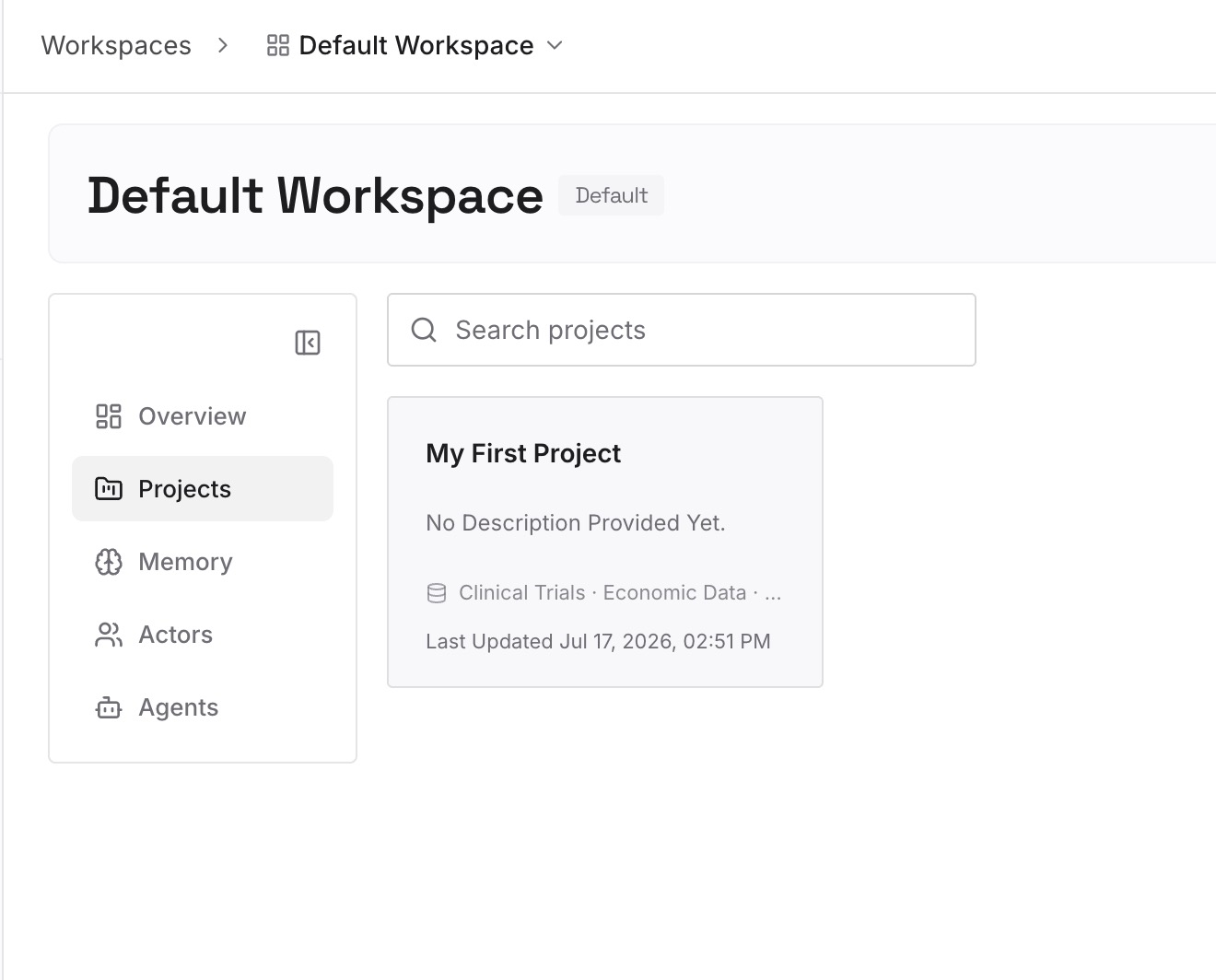
Step 2: Upload your first memories
Drop in the operational knowledge sessions keep losing: deploy runbooks, incident postmortems, environment setup notes, architecture decision records — documents, images, and other files all work. Going forward, when a session settles something worth keeping, capture it as a memory in one line.
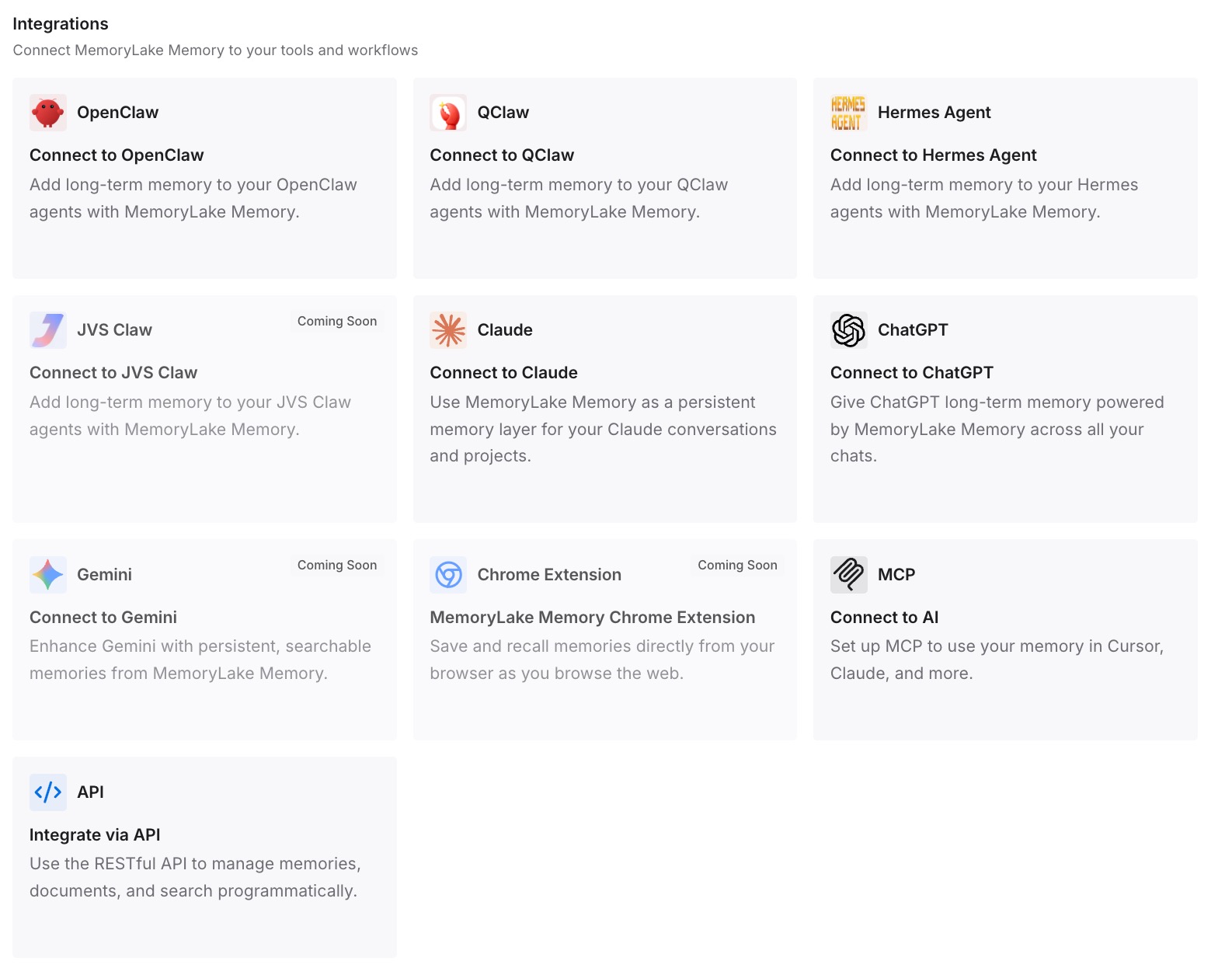
Step 3: Connect your AI & agents
Claude Code speaks MCP natively: add MemoryLake to your MCP configuration with your API key, and the agent can query past procedures and decisions mid-task. The same memory is available to Claude, Codex, OpenClaw, and other agents via MCP or the API — one operational history, every tool and every machine.
What Lost Session History Actually Costs
The rediscovery tax
An agent that re-derives a known fix burns real time and tokens doing it — and token costs scale with exactly the kind of trial-and-error that a remembered outcome would skip. Multiply by every recurring issue and every teammate hitting the same wall independently.
Retrieval instead of re-derivation
With a persistent layer, the session pulls the relevant runbook or past decision on demand instead of reconstructing it. Shorter paths to the fix, fewer redundant runs, lower spend — MemoryLake's Token Saving Calculator projects the effect from your own usage.
Best Practices for an Operational Memory
Capture at the moment of resolution
The best time to write the memory is the minute the fix works. One dated line — problem, cause, command — beats a retrospective cleanup that never happens.
Separate procedures from decisions
Runbooks ("how we deploy") and decision records ("why we chose X") age differently. Keep them as distinct memories so updates to one don't bury the other.
Scope by repository
One memory scope per repo or service keeps retrieval precise and lets each project's Claude Code sessions pull only what applies to them.
Conclusion
Claude Code isn't going to remember your command history on its own — statelessness is part of its design, and CLAUDE.md was never meant to hold a living operational log. Put that log in a persistent memory instead, and every session starts with the accumulated experience of all the sessions before it. The agent stops rediscovering and starts remembering.