
Why Cursor loses track of where things go
Part of your tree is excluded from indexing on purpose
This is the first thing to check and the one that surprises people, because nothing announces it.
Cursor respects your ignore files. From the docs: "Cursor automatically respects your .gitignore patterns. Files ignored by git are also ignored by Cursor's indexing." On top of that, .cursorignore adds "additional exclusions beyond what .gitignore covers," and Cursor "already ignores .env files, .git/, and lock files by default."
The consequence is blunt: "Ignored files are blocked from indexing and Agent." So if your generated API client, your vendored SDK, or a build output directory is gitignored — and it usually is — Agent cannot see that part of the structure at all. It isn't forgetting where those files live. It has never been shown them.
There's a nuance here that explains genuinely confusing behavior. "Terminal commands and MCP tools run outside of Cursor's file access controls, so they may still be able to read ignored files." So the same Agent may know a directory exists after running ls, and then be unable to find anything in it through search. That inconsistency reads exactly like forgetfulness.
There is no stored map — the structure is rediscovered every time
Cursor's guidance on @ mentions is more revealing than it looks. Use them "when you know which files are relevant," and: "If you're not sure which files matter, skip it — Agent finds relevant files through its own search."
That's the design. Agent locates what it needs per request rather than holding a project map between messages. Nothing about the layout persists across turns unless a rule puts it there or you attach it. And Cursor is direct about why anything persists at all: "Large language models don't retain memory between completions. Rules provide persistent, reusable context at the prompt level."
So "remember my file structure" isn't a memory setting you've failed to find. It's a question of what you've made persistent, and how.
The rule you wrote about structure isn't loading
If you did write a placement rule and it's being ignored, it's almost always one of four things, and Cursor's FAQ names the first two: "Check the rule type. For Apply Intelligently, ensure a description is defined. For Apply to Specific Files, ensure the file pattern matches referenced files."
The frontmatter table is worth internalising, because a rule with no fields set is not a broken rule — it's a manual one. With alwaysApply: true it's "Always included. Globs and description are ignored." With alwaysApply: false and globs, it's "Auto-attached when a matching file is in context." With a description and no globs, "Agent reads the description and pulls the rule in when relevant." With neither, it's "Included only when you @-mention the rule in chat."
Then the extension trap: "A plain .md file in .cursor/rules is ignored by the rules system because it has no frontmatter to specify description, globs, and alwaysApply. If you prefer plain markdown, use AGENTS.md instead."
And finally the location. Rules land in the .cursor/rules of the folder you have open. Open a subdirectory of a monorepo as your project and your rule is scoped to that subdirectory.
A pasted tree is wrong within a week
Even when it loads, it decays. A directory listing is the single fastest-rotting thing you can put in an always-on file, and a stale tree is worse than none: it actively points Agent at paths that moved. This is exactly what Cursor means by rules "becoming stale as code changes," and it's why the advice is to reference rather than copy.
What people try
Pasting tree -L 3 output into an always-on rule. It loads, it's accurate for a few days, and then it starts misdirecting. Rule contents "are included at the start of the model context," so you're paying for it every message too.
Writing "the project is organised by feature" and stopping there. True and unactionable. It doesn't tell Agent where a new file goes.
Re-attaching folders manually in every chat. Works, and it's the loop described in how to stop re-explaining context to AI.
Un-ignoring directories so Cursor can see them. Occasionally right, often not — the docs list why things are ignored, including that "Large generated files slow down indexing" and "Secrets and credentials are safer excluded from AI context."
Setting the structure rule to Apply Intelligently. Reasonable-sounding, and it hands the decision to a description you wrote in five seconds. Vague description, no rule.
Asking Agent to re-scan the codebase every session. Expensive and repetitive, and the same pattern shows up in how to stop Claude Code re-reading your codebase.
The Fix: Store the Placement Rules, Not the Tree
The reframe that makes this tractable: you don't want Cursor to memorise where files are. You want it to know where new files go, and why. The first is derivable and rots. The second is a convention and holds.
Cursor's own documentation demonstrates this without saying so. Its example of an auto-attached rule, scoped to globs: src/components/**/*.tsx, contains lines like "Co-locate styles in a module CSS file next to the component" and "Keep components under 200 lines. Extract subcomponents into the same directory when a file grows beyond that." Those are placement rules. There is no tree in the example.
Four passes.
Audit the ignore files before you write anything. Check .gitignore and .cursorignore against the directories Agent keeps getting wrong. If a folder genuinely should be visible — a checked-in schema directory, a generated client you commit — that's a one-line fix that no rule can substitute for.
Write placement conventions, scoped with globs. One rule per area, attached by pattern so it loads when you're working there. Use the documented glob forms: src/** for everything under src/, src/**/*.tsx for components, comma-separated patterns like docs/**/*.md, docs/**/*.mdx when you need two. Say where things go and what the file should be named, not what currently exists.
Use nested AGENTS.md for structural scoping. Place one in any subdirectory and it's "automatically applied when working with files in that directory or its children," with instructions "combined with parent directories, with more specific instructions taking precedence." No frontmatter, no glob maintenance, and the file sits next to the code it describes — so it's more likely to get updated when the layout changes.
Attach folders explicitly for the specific ask. When you know the area, @ it: "@auth.ts or @src/components/ to include files or folders (type / after selecting a folder to navigate deeper)." That's for the request in front of you, not a substitute for the convention.
That handles loading and scoping. What none of it holds is the part that makes a layout make sense — why the boundary is where it is, which reorganisation you tried and reverted, the directory that looks vestigial and isn't. Rules are capped at a recommended 500 lines and are meant to point rather than duplicate, so the argument behind a structure has nowhere to live.
That's what MemoryLake holds: your project's durable knowledge in a layer your tools read from, so rules stay short and the reasoning stays available. Setup is three steps.
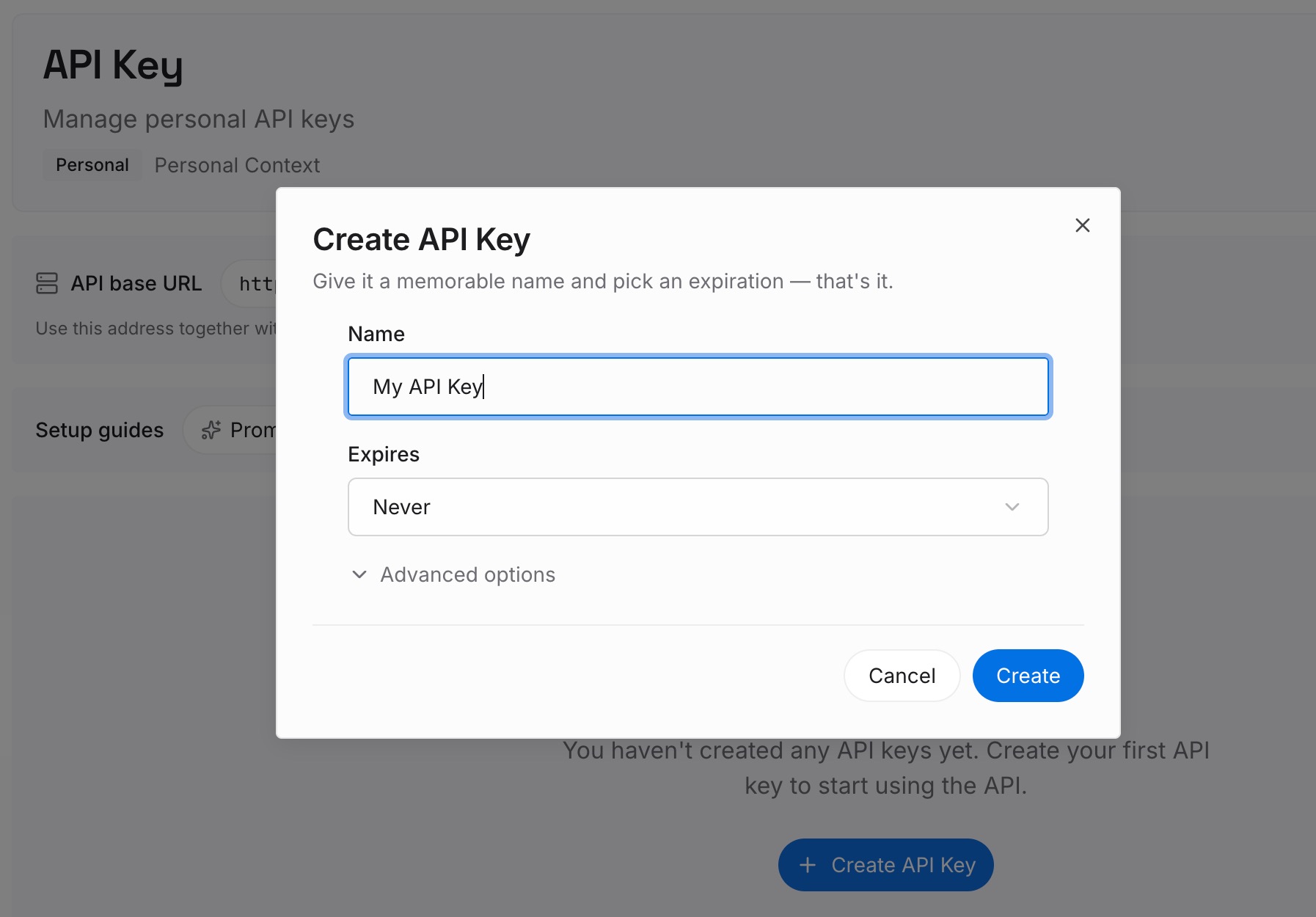
Step 1: Create an API key
Sign in to MemoryLake and create an API key. One credential across the tools you connect.
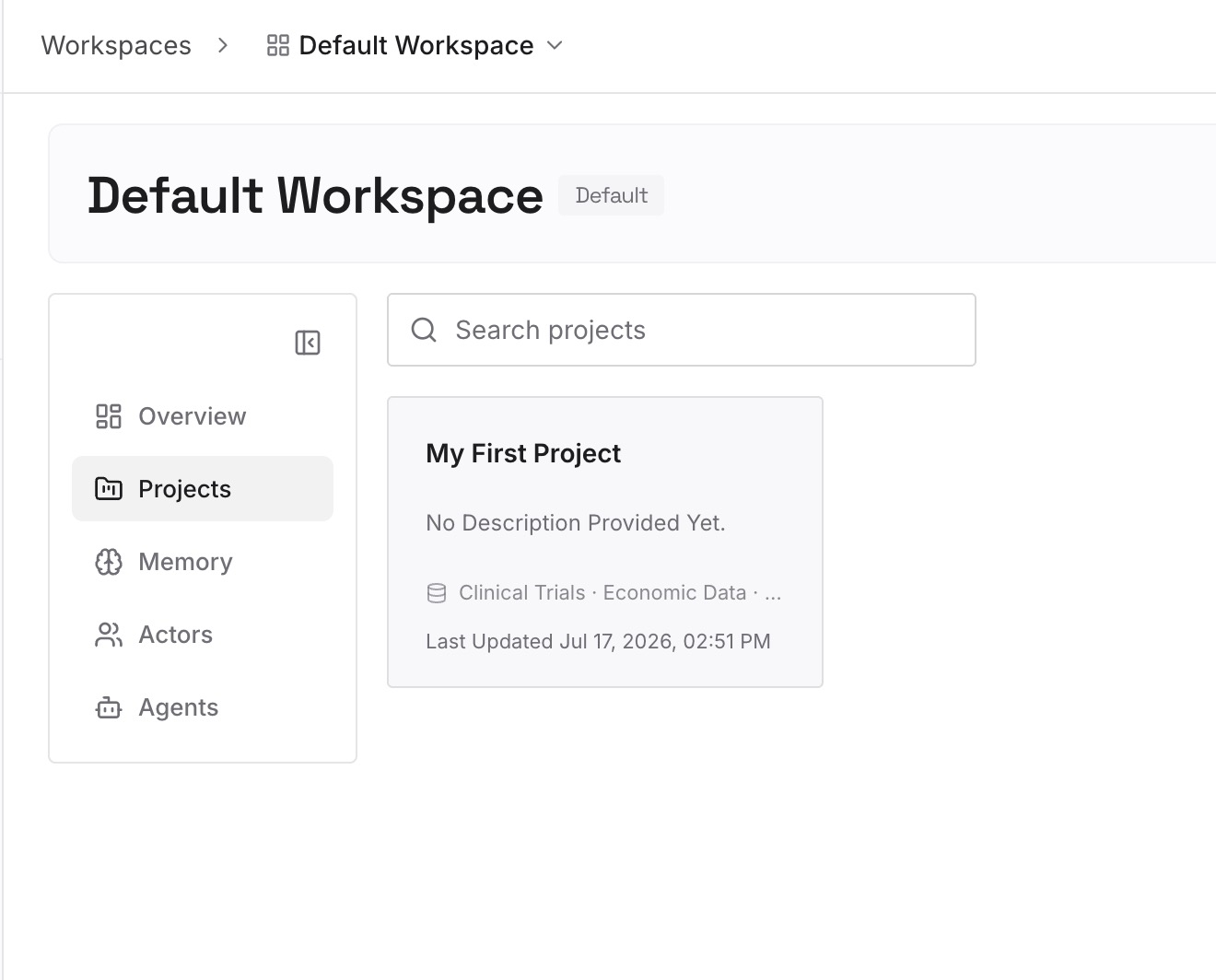
Step 2: Upload your first memories
Short entries, one claim each. What to write about structure specifically:
Where each kind of new thing goes, with the reason. "New API handlers go in src/api/handlers/, one file per route, because the router globs that directory." A rule states the location; the reason is what stops a plausible alternative next month.
Boundaries that look arbitrary and aren't. The module that can't import from another one, the directory that must stay framework-free. Nothing in the tree communicates a constraint.
Reorganisations you already rejected. The flat structure you tried, the utils/ you deliberately don't have. Every fresh agent proposes them again, and nothing in the repo records the decision.
Directories that are excluded from indexing, and what's in them. If generated/ is gitignored, a one-line note about what lives there and how it's produced is more useful than un-ignoring 40,000 files.
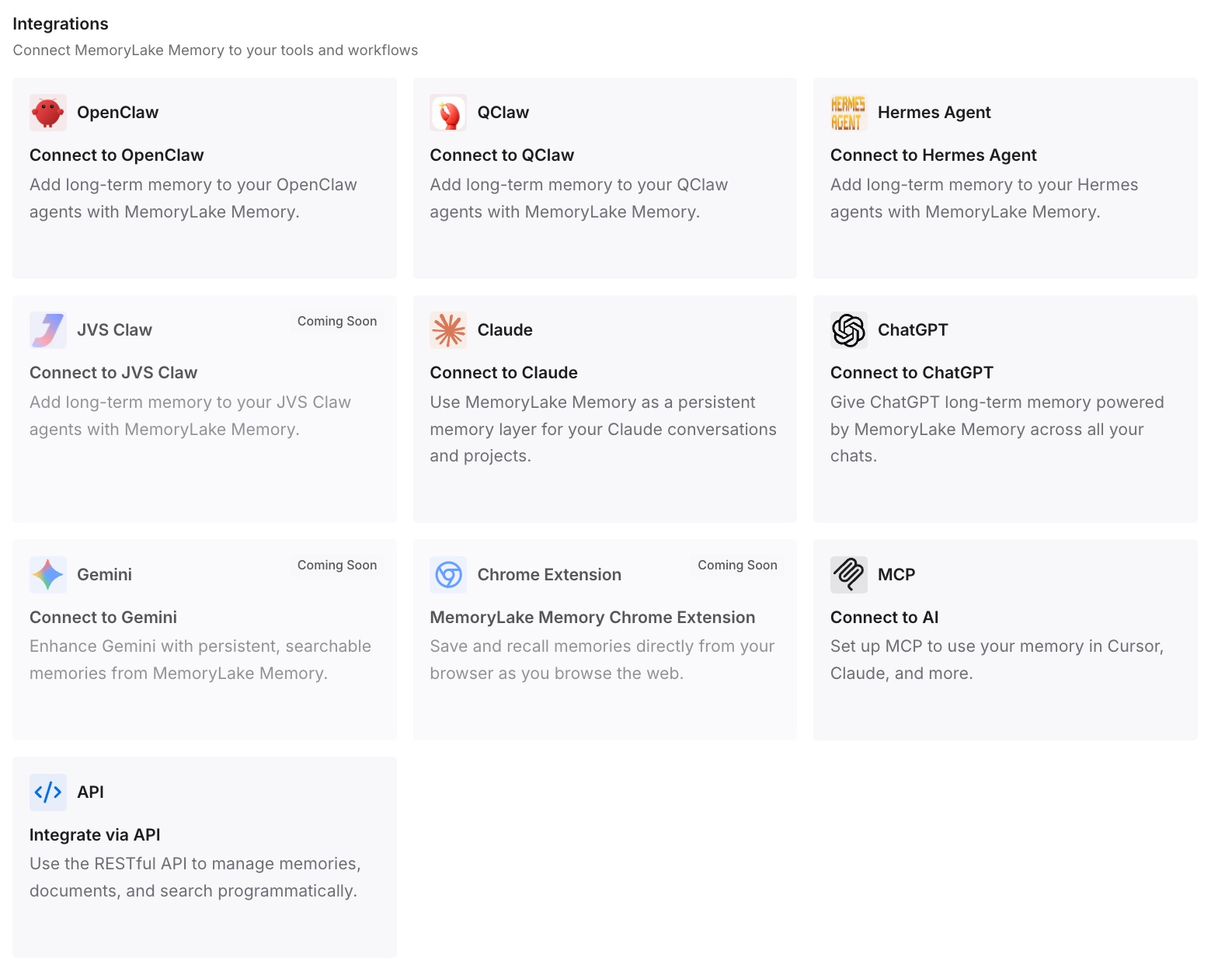
Step 3: Connect your AI & agents
Connect the tools you use. MemoryLake is reachable over MCP and over an API, so MCP-native agents — Claude Code, Codex, and OpenClaw among them — connect by pointing at the MCP server, while other assistants read the same memory through the API. The placement conventions you wrote once are the same ones every agent working in the repo reads.
Three honest limits. MemoryLake does not index your codebase and does not write your Cursor rules — Cursor's own indexing finds files, and rules are how you steer Agent. It holds only what you or your agents put into it, so Step 2 is manual. And this is context rather than enforcement; if a placement rule genuinely must hold, a lint rule or a CI check is the guarantee.
What this changes in practice
"It put the file in the wrong place" becomes a two-step check. Is the directory ignored? Is the rule's type and pattern right? It's almost always one of those.
Your rules stop needing updates every time you add a folder. Conventions survive refactors. Directory listings don't.
New contributors get the same answer as the agent. A written placement convention is onboarding documentation that happens to also steer a model.
Indexing exclusions stop looking like bugs. Once you know .gitignore removes files from Agent's reach, the "it can't find anything in dist/" reports stop being mysterious.
Layout decisions survive the tool. The reasoning is identical whether Cursor, Claude Code, or Codex is reading it — the shape covered in what persistent memory actually means.
Best practices for structure that Cursor actually respects
Check .gitignore and .cursorignore first. Files ignored by git are ignored by Cursor's indexing, and no rule works around that.
Never paste a directory tree into an always-on rule. It's derivable, it's stale within a week, and both vendors advise against it.
Scope structural rules with globs. A rule about components should attach when you open a component, not on every message.
Prefer nested AGENTS.md for per-directory conventions. More specific instructions take precedence, there's no frontmatter to maintain, and the file lives next to what it describes.
Use .mdc inside .cursor/rules, never plain .md. A .md file there is silently ignored.
Write the naming convention, not the file list. "One file per route, named after the route" outlives any snapshot of handlers/.
Attach folders with @ for the task at hand. Precision beats hoping search picks the right area.
Keep the reasoning outside the rules. Why the boundary exists is what lets an agent handle the case your convention didn't anticipate — the general problem in why agents ignore the instruction files you wrote.
Conclusion
Cursor doesn't hold a map of your project between messages, and it isn't supposed to — Agent finds relevant files through its own search each time, and rules are the documented mechanism for anything that needs to persist. So when files land in the wrong place, there are three things to check, in order: whether the directory is excluded by .gitignore or .cursorignore, whether your rule's type and glob pattern actually cause it to load, and whether the rule says where things go or merely describes where they are.
The last one is the substantive fix, and it's the one both Cursor's and Claude Code's documentation independently point at: don't spend always-on context on content the tool can derive, and don't copy what will go stale. Write the placement conventions, scope them to the directories they govern, and keep the reasoning behind the layout somewhere every tool can query. Then a new file goes in the right place because the convention is legible, not because a snapshot of your tree happened to still be accurate.