
Why the limit exists, and why more entries isn't the goal
The cap is on entries, not bytes
Manus counts entries. A hundred long entries and a hundred one-line entries hit the same wall, which makes it a curation limit rather than a capacity limit. It also means the cheapest win is usually merging: three entries that all describe the same convention should be one.
The stated reason is answer quality
This is what separates it from most limits you have hit. Manus's own explanation is that "having too many entries may affect the system's response quality." Nothing about storage cost, nothing about tiers beyond the Pro/Free split.
That is a plausible claim on its own terms — anything loaded as always-on context competes for attention with everything else loaded as always-on context, and a store of a hundred assorted facts is a worse retrieval target than a store of thirty relevant ones. It is also the pattern everywhere else. Claude Code loads only "the first 200 lines of MEMORY.md, or the first 25KB, whichever comes first," and advises targeting "under 200 lines" per instruction file because "longer files consume more context and reduce adherence." Kiro's Crew memory caps each layer separately in characters — preferences at 4,250, projects at 6,400 — rather than letting any one grow. Perplexity caps project instructions at 8,000 characters.
Manus is unusual only in expressing its cap in entries, which makes it visible. The behavior is the same everywhere.
The global store is doing a job it was not shaped for
The user knowledge base is one store, applied broadly. If you use Manus for four unrelated kinds of work, everything you teach it about one of them is sitting in context for the other three.
That is the real reason people hit the cap. Not because they have a hundred genuinely global facts, but because they have twenty global facts and eighty project-specific ones in a store that has no concept of a project.
Which is odd, because Manus does have that concept
Manus Projects are described as "persistent workspaces with shared instructions and files, so every new task starts with the right context." A project has two things: a master instruction and its own knowledge base of files and documents, both of which "are automatically applied to every new task created within that project."
Two properties make this the actual answer. Projects are "available to all users across all subscription tiers," so this is not an upgrade path. And Manus documents no entry cap on a project's knowledge base — it holds files and documents rather than counted entries.
The framing in Manus's own docs is worth keeping in mind: "the work itself may be repeatable, but the setup often is not." That is precisely what a global knowledge base is bad at and a project is good at.
What people try
Deleting the oldest entries. The documented advice — "filter the entries in your knowledge base based on your most important and recent needs, and delete some unnecessary entries" — and it works. But age is a poor proxy for value. The convention you set up eighteen months ago and never revisited is often the one you least want to lose.
Cramming multiple facts into one entry. This gets you under the count and works against the reason the count exists. A single entry containing nine unrelated rules is harder to apply than nine entries, and it is now impossible to delete one of the nine.
Upgrading to Pro for headroom. Doubles the ceiling from 50 to 100 and is a reasonable thing to do for other reasons. It does not change the quality dynamic, and Manus's advice to streamline applies to Pro users too.
Keeping a master document and pasting it into tasks. A common workaround, and it does put the content in front of Manus. The cost is that it is per-task manual work, and it is exactly the setup burden that Projects exist to remove.
Waiting for the limit to be raised. Manus does say "In the future, we will continue to optimize the knowledge base functionality based on user needs and feedback," so this may well change. It is not a plan for this week, and the quality argument would survive a higher number anyway.
Treating it as a search problem. Adding more documents so the right one gets found is the instinct that document retrieval trains into people, and it does not transfer to a small always-applied store — the distinction covered in why RAG isn't memory.
The Fix: Give Each Kind of Work Its Own Context, and Keep One Durable Layer Underneath
The move is a triage, and it takes about twenty minutes.
Sort every entry into one of three buckets. Genuinely global — true of you and all your work, like your writing conventions or your role. Project-specific — true of one recurring workflow. Stale — true once, not any more.
Delete the third bucket. Move the second into project knowledge bases. What is left in the global store should be small, and being small is the point.
Then set up the projects properly. Manus's guidance on the master instruction is the highest-leverage part: "Write detailed master instructions. The more specific your instructions, the less context you need to provide in each new task." You can also move existing tasks into a project after the fact — the docs describe projects as working like folders.
Two propagation rules to know before you rely on it, because they are not intuitive. "Instruction updates: Apply the next time you send a message in your current task." But "File updates: Only take effect in new tasks created after the update." And more broadly: "All previously created tasks remain unaffected and will continue to use the configuration that existed when they were created." A task is pinned to the configuration it was born with, so fixing a file does not fix a running task — start a new one.
One collaboration note if you share projects: "When you invite a colleague to a project, they gain access to the shared master instruction and knowledge base. However, they can only see the tasks they have created themselves within that project." The knowledge is shared; the work is not.
That handles the split. What it does not handle is that both stores are Manus's, capped by Manus's rules, and readable only inside Manus. That is where a durable layer underneath helps — and it is what MemoryLake holds: your project's knowledge in a layer your tools query, so the entry cap governs what Manus keeps loaded rather than what you are allowed to know. Setup is three steps.
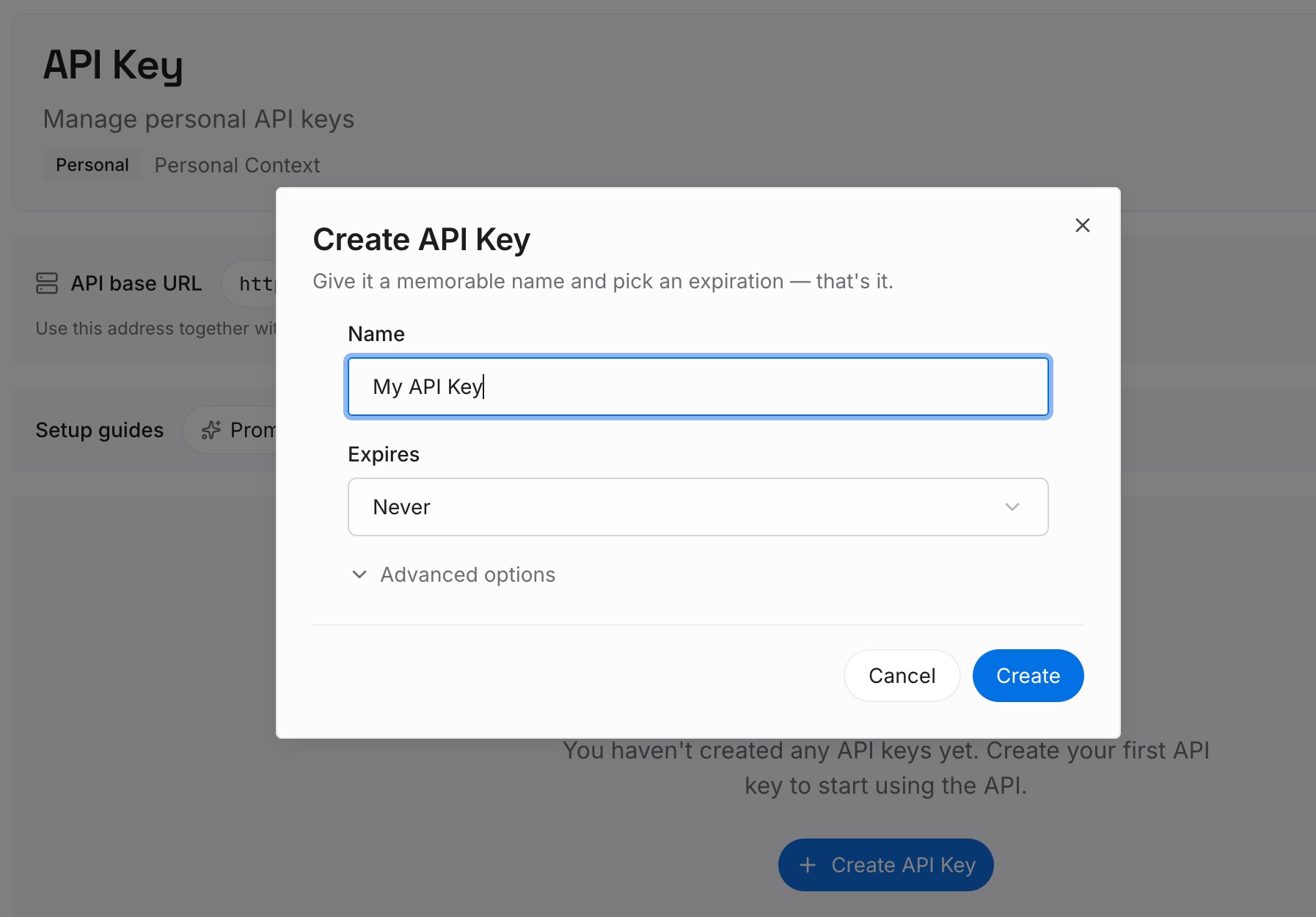
Step 1: Create an API key
Sign in and create an API key. One credential across the tools you connect.
Step 2: Upload your first memories
Short entries, one claim each. The triage above just produced the ideal input list, so work from it:
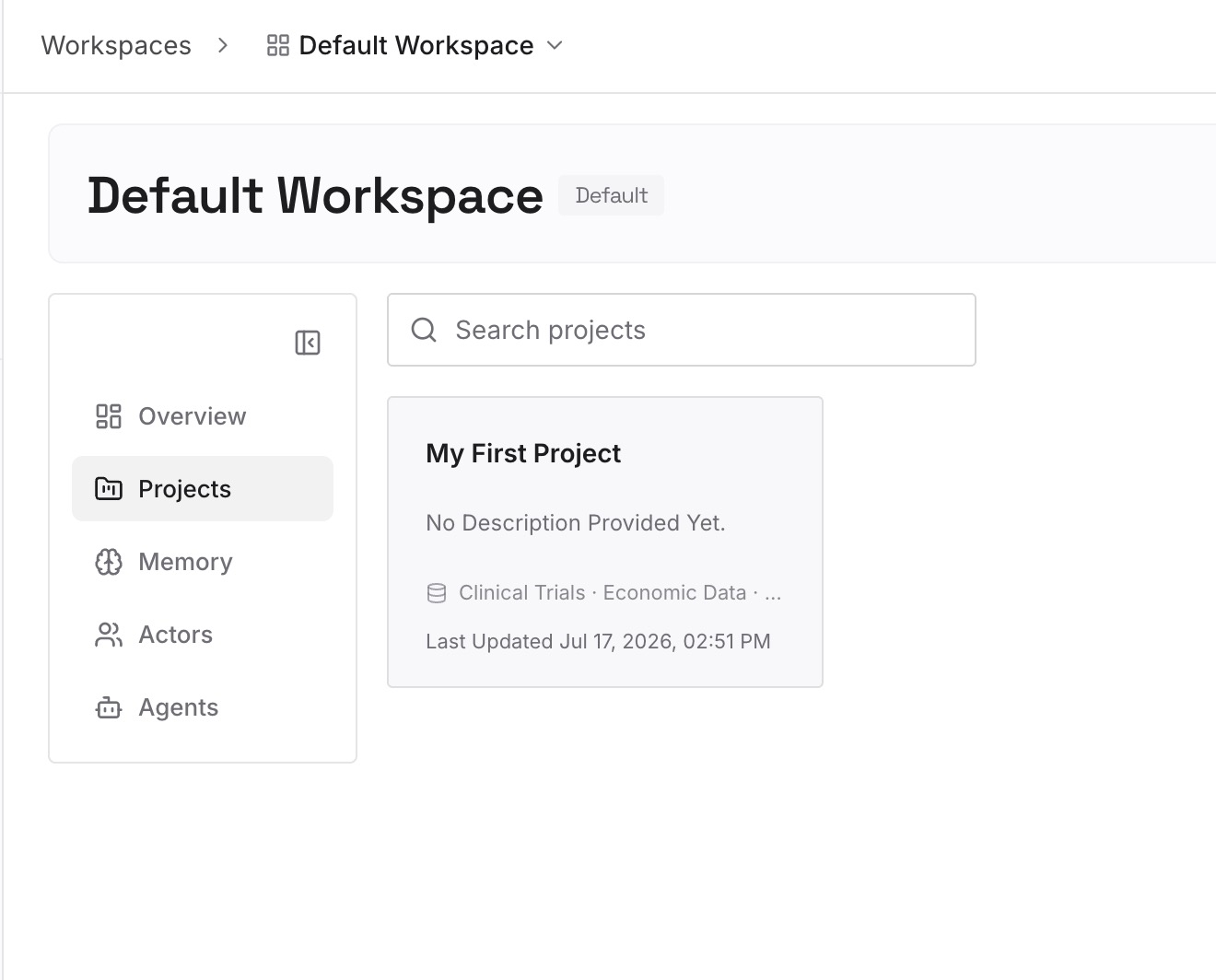
Everything in your "stale" pile that you hesitated over. The entries you were not sure about are the ones worth keeping somewhere that has no cap. Delete them from Manus, keep them here.
Decisions with the reason attached. "We report on a 4-week cycle, not monthly, because the finance close moves." An entry states the rule; only the reason stops it being questioned again.
The project-specific detail that did not fit the master instruction. A master instruction should be short and directive. The background behind it does not belong there and does not need to be thrown away.
Facts that span projects. Anything true of two workflows but not all of them has no good home in either store.
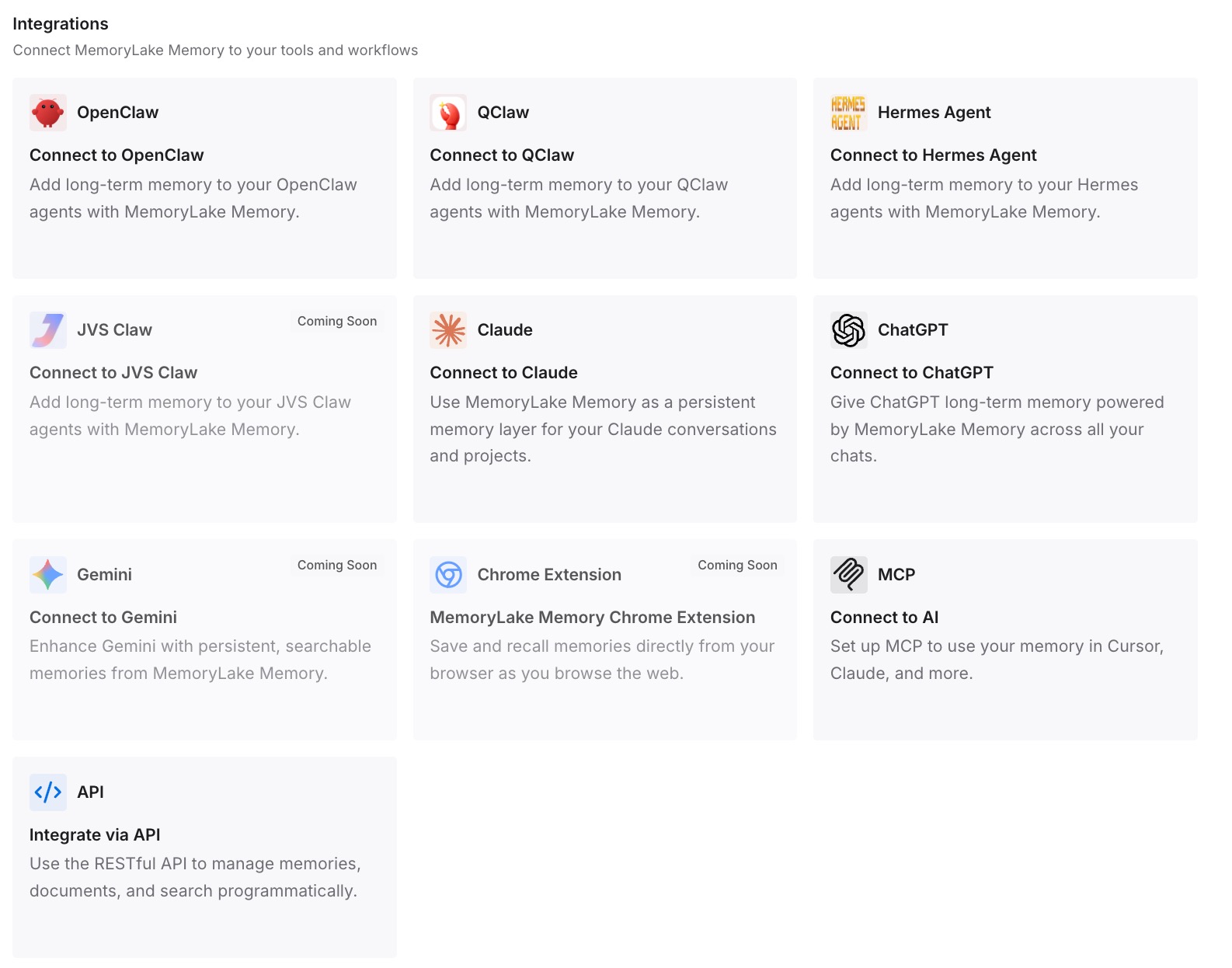
Step 3: Connect your AI & agents
MemoryLake is reachable over MCP and over an API, and Manus supports MCP connectors and custom MCP servers — so Manus can query the same memory that your other assistants read, and MCP-native agents such as Claude, Codex, and OpenClaw connect by pointing at the MCP server. Which means the answer to "what did we decide about this" stops depending on which of your hundred entries survived the last cleanup.
Three honest limits. MemoryLake cannot read, write, or count your Manus knowledge base — the cap is enforced inside Manus and the only tools for those entries are Manus's own. It holds only what you or your agents put into it, so Step 2 is manual. And it does not raise any limit: Manus still loads what Manus loads, and a smaller, better-curated knowledge base is still the goal.
What this changes in practice
Deleting an entry stops feeling risky. You are moving it, not losing it.
The global store gets small and stays useful. Twenty relevant facts beat a hundred assorted ones, which is the vendor's own argument.
Project setup stops repeating. A master instruction plus a project knowledge base applies to every new task automatically.
"Which entry is this for?" has an answer. Project-scoped context belongs to a project.
Hitting the cap stops being an event. It becomes a prompt to triage, which you were going to benefit from anyway.
The knowledge outlives the tool. Useful if you ever move — the shape covered in how to migrate from Manus to Cursor.
Best practices for the Manus knowledge base
Merge before you delete. Duplicated conventions across three entries is the easiest count reduction there is.
Keep the global store for what is global. Your role, your conventions, your standing preferences. Nothing that names a single project.
Put project context in the project. It is available on every plan and has no documented entry cap.
Write specific master instructions. Manus's guidance is that specificity there reduces what you must supply per task.
Start a new task after changing project files. File updates only apply to tasks created after the change.
Review on a schedule, not at the ceiling. Manus's own tip is to "keep your knowledge base current." A quarterly pass beats an emergency cleanup.
Don't stack unrelated rules in one entry. It defeats the reason the cap exists and makes selective deletion impossible.
Keep a copy of anything you delete. The cap is a loading decision. It should not be a forgetting decision.
Conclusion
The Manus knowledge base is capped at 100 entries for Pro users and 50 for Free users, and the vendor's stated reason is response quality rather than storage — "having too many entries may affect the system's response quality." Read that way, the limit is advice about curation, and the recommended action is genuinely to streamline rather than to expand.
The practical fix is that Manus has two knowledge bases and most people only use one. Projects carry their own master instruction and their own knowledge base of files, apply automatically to every new task created in them, and are available on all subscription tiers. Sorting your global entries into global, project-specific, and stale — then moving the middle group into projects — usually resolves the cap without deleting anything you wanted.
Just know the propagation rules: instruction updates take effect on your next message, file updates only reach newly created tasks, and existing tasks keep the configuration they were created with. And keep the durable half — the decisions, the reasons, the things you hesitated to delete — in a layer that has no entry count, so that curating what Manus loads never means losing what you know.