
The short answer
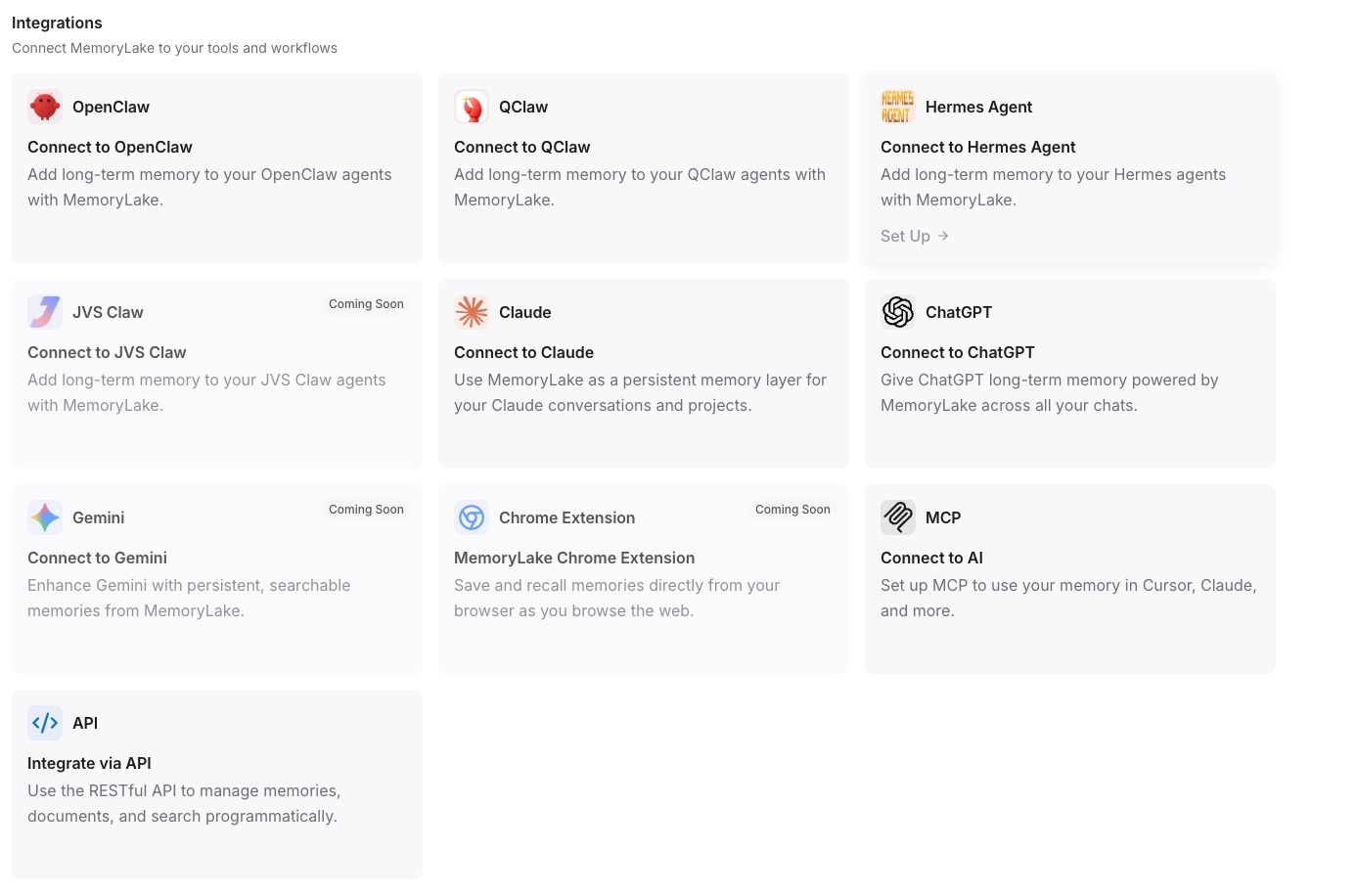
Keep the server stateless and move memory into an external layer the server queries per request. Create a MemoryLake Project, generate an MCP Server endpoint, and have your stateless server read and write context through it — state lives in MemoryLake, so any instance can serve any request and still recall everything.
Why statelessness and memory aren't a contradiction
The 2026 MCP change separates two things that used to be tangled: transport and state. A stateless server is about the transport — no per-connection session to pin a client to one instance. It says nothing about whether your application has memory. The mistake is storing memory in process, which forces sticky sessions and breaks horizontal scaling the moment a second instance spins up.
The clean pattern is to externalize memory. The server stays a thin, stateless request handler; the memory layer owns durability, retrieval, and history. Every instance points at the same store, so a request can be served by any node and still see the full context. This is the same split the broader ecosystem settled on in 2026 — recoverable storage separate from runtime context — applied at the MCP layer.
Before you start
You'll need:
- A free MemoryLake account
- A stateless MCP server (or one you're refactoring to be stateless)
- The context your server needs to persist — facts, rules, or files (PDF, Word, Excel, PowerPoint, Markdown, or images)
How to add persistent memory to a stateless MCP server (step by step)
Step 1: Build a memory Project
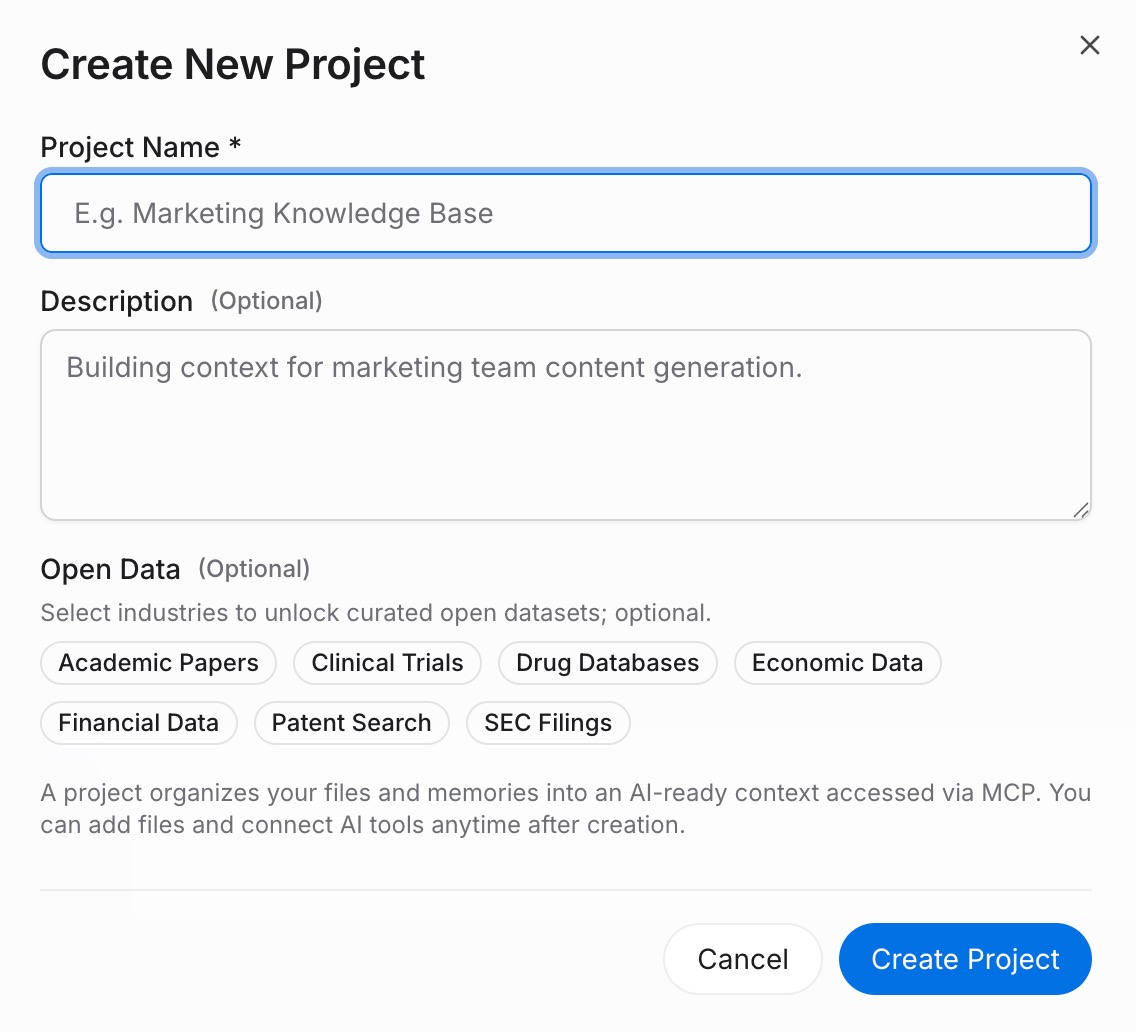
Sign in to MemoryLake and open Project Management. Click Create Project and name it (for example, "Stateless server memory"). Open the Document Drive, use Upload to add files, then Documents Tab → Add Documents → Confirm to attach them. Add durable rules through the Memories Tab → Add Memory → Save.
Step 2: Generate an MCP Server endpoint
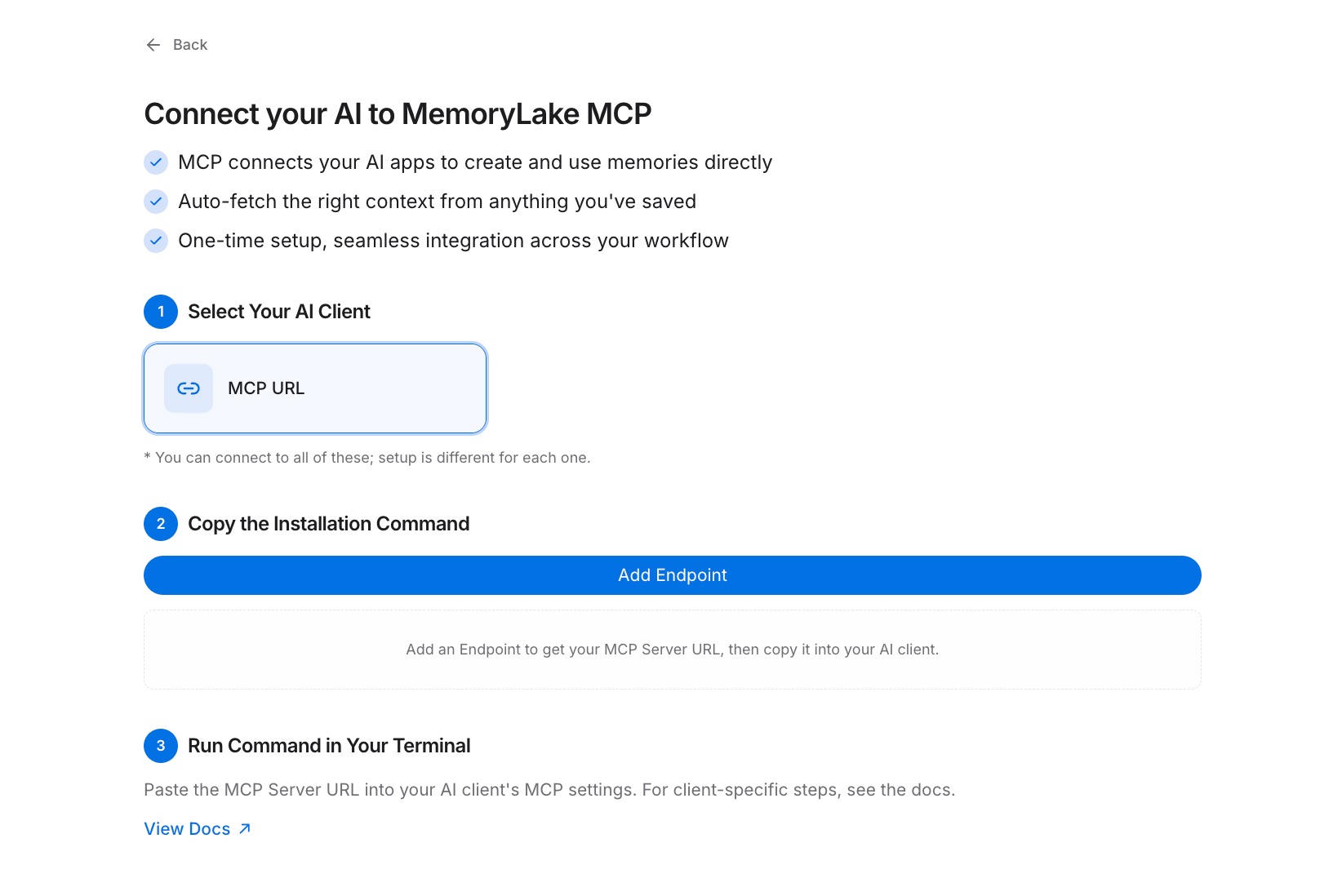
Open the MCP Servers Tab → Add MCP Server → describe it (for example, "Stateless server backend") → Generate. MemoryLake returns a Key ID, a Secret, and an Endpoint URL. Copy the Secret immediately — it's shown only once.
Step 3: Query memory per request from your server
In your stateless handler, call the MemoryLake Endpoint URL with the Secret as a Bearer token to read or write context on each request. Because the call is stateless and authenticated per request, any server instance behind your load balancer can serve any client and still recall the full history. See the MCP setup guide for the configuration reference. [Try MemoryLake free]
In-process state vs MemoryLake
| Dimension | In-process state | MemoryLake |
|---|---|---|
| Survives instance restart | No | Yes |
| Works with round-robin load balancing | No (needs sticky) | Yes |
| Shared across server instances | No | Yes |
| Version control | No | Yes (Git-style history) |
| Data ownership | Yours, but volatile | You own it (AES-256, durable) |
| Benchmark | — | LoCoMo #1 — 94.03% |
Tips & best practices
- Treat the memory endpoint as a dependency, not a cache — read context at request time so any instance stays correct.
- Scope Projects by tenant or workspace so a stateless server can route reads without holding per-user state.
- Re-generate the Bearer token on rotation; stateless servers pick up the new credential without draining sessions.
- Keep durable rules in Memory entries and bulk context in the Document Drive — small rules retrieve fast.
Troubleshooting
- Different instances return different context: confirm every instance points at the same Endpoint URL and Project, not a local store.
- Authentication fails intermittently: check the Bearer token is read from shared config, not baked into one instance.
- "Secret not found": the Secret shows only once. Revoke and Generate a new key in the MCP Servers Tab.
Keep the server stateless, keep the memory
Externalize state once and your MCP server scales horizontally without giving up long-term memory.