
What actually transfers
The activation modes map, and the mapping is worth writing down. Augment supports three rule types: Always, where "contents will be included in every user prompt"; Auto, where the "Agent will automatically detect and attach rules based on a description field"; and Manual, which "needs to be tagged through @ attaching the Rules file manually."
Cursor expresses the same three states through three frontmatter fields interacting. alwaysApply: true means "Always included. Globs and description are ignored." With alwaysApply: false and a description but no globs, "Agent reads the description and pulls the rule in when relevant." With neither, the rule is "Included only when you @-mention the rule in chat."
So Always maps to alwaysApply: true, Auto maps to alwaysApply: false plus a description, and Manual maps to alwaysApply: false with nothing else. Augment's CLI names the first two in frontmatter as always_apply and agent_requested, which makes the correspondence even clearer.
Cursor adds a mode Augment does not have. With alwaysApply: false and globs provided, a Cursor rule is "Auto-attached when a matching file is in context." Augment's agent_requested relies on the model reading a description and deciding; Cursor's glob mode is deterministic pattern matching. If you have Augment rules that only really matter for TypeScript files and you have been describing that in prose for the agent's benefit, this is an upgrade — encode it as a glob and stop hoping.
The file extension is the trap. Cursor's docs: "Project rules must use the .mdc extension. A plain .md file in .cursor/rules is ignored by the rules system because it has no frontmatter to specify description, globs, and alwaysApply." Augment rules are .md. Copy them across unchanged and they sit in the right directory, look correct, and do nothing. There is no error.
Directory nesting works differently, in Cursor's favor. Augment is explicit about a limit: "Only AGENTS.md and CLAUDE.md files are discovered hierarchically. Files in .augment/rules/ are only loaded from the workspace root." Cursor allows nested rule directories, so a rule can live next to the code it governs. If you had been flattening everything into one root directory because Augment required it, you can stop.
User rules transfer, but lose their configurability. Augment stores user rules in ~/.augment/rules/, and the docs are firm about their behavior: "User rules are always treated as always_apply and do not support other frontmatter types. Frontmatter configuration only affects workspace rules." Cursor's User Rules are "Global to your Cursor environment" and used by Agent. Same role, same unconditional loading, so this half is a straight copy.
AGENTS.md transfers as-is. Both tools read it. Augment discovers AGENTS.md and CLAUDE.md hierarchically through subdirectories; Cursor "supports AGENTS.md in the project root and subdirectories" and describes it as a "Simple alternative to .cursor/rules" — plain markdown "without metadata or complex configurations." If a chunk of your Augment setup is already in AGENTS.md, that chunk needs no work.
Team-level rules change model entirely. Cursor's Team Rules are "Team-wide rules managed from the dashboard," available on Team and Enterprise plans, and they behave unlike anything in a rules folder: "Team Rules are free-form text. They do not use the folder structure of Project Rules." They support globs, they can be marked Enforce this rule so that the rule "is required for all team members and cannot be disabled in Customize," and they sit at the top of the precedence chain — "Team Rules → Project Rules → User Rules," where "All applicable rules are merged; earlier sources take precedence when guidance conflicts."
That is a genuinely useful addition, and it is the right destination for the Augment workspace rules your whole team depended on.
Cosmos Experts Memory has no counterpart, and this is the real loss. Augment's Experts have a memory layer that "stores scoped knowledge in the shared virtual filesystem (VFS), so future sessions can apply established preferences, conventions, and lessons without relying on the current conversation." An Expert's memory "belongs to its team and is separated by a scope appropriate to the workflow," and it is on by default: "Memory is enabled for all Template Experts."
It also runs two distinct models depending on signal quality. "Simple memory is the default. It writes explicit, high-quality human feedback directly to a curated knowledge file." The alternative: "Noisy memory uses an evidence log plus a curated knowledge file. It combines weaker signals over time and promotes a learning only after the evidence is strong enough." Both "expose the same curated knowledge view to readers."
Cursor's documented persistence mechanism is rules. Its own framing of what rules are for says it directly: "Large language models don't retain memory between completions. Rules provide persistent, reusable context at the prompt level." There is no documented equivalent to a team-owned, scoped memory store that writes itself from your feedback — so the accumulated learnings in your Augment VFS are the part you need a plan for before you switch, not after.
The manual migration
Step 1: Convert the rule files, extension and frontmatter together
Do these two edits in the same pass, because doing one without the other produces a file that is silently inert.
For each file in .augment/rules/, rename it to .mdc and rewrite the frontmatter. An Augment rule with type: always_apply becomes alwaysApply: true. One with type: agent_requested becomes alwaysApply: false plus the description it already had — keep that description, since Cursor uses it the same way Augment did. A manual rule becomes alwaysApply: false with no description and no globs, and gets @-mentioned by filename.
Then take a second pass and look for rules that should really be glob-scoped. Anything whose description amounts to "use this when working on X files" is a candidate for globs instead, which converts a judgment call into a match. This is also the moment to move nested guidance out of the root, since Cursor allows subdirectory rule folders and Augment did not.
Two conveniences worth knowing. Cursor's /create-rule in chat "generates the rule file with proper frontmatter and saves it to .cursor/rules," which is faster than hand-writing frontmatter for a rule you can describe. And Cursor can import rules from a GitHub repository — it "will scan for all .mdc files in the repo" and place them under .cursor/rules/imported/<repoName>, preserving relative paths. If you are migrating several repositories, converting once into a shared rules repo and importing is less work than converting each time.
Copy ~/.augment/rules/ content into Cursor's User Rules, and promote anything the team must follow into Team Rules — using Enforce this rule for the ones that should not be individually toggled off. What you should not do is promote everything: "All applicable rules are merged; earlier sources take precedence when guidance conflicts," and a large enforced Team Rule that contradicts a Project Rule wins in a way nobody local can fix.
Step 2: Read your Experts' memory before you lose access to it
This step has no tooling and it is the one that matters most.
Augment writes memory "as readable Markdown under its own VFS directory," which means it is legible when you go looking. Go looking. The valuable material is the kind of thing nobody writes down twice: coding-style preferences the Expert learned from review feedback, conventions it inferred from repeated corrections, the lessons a Code Review Memory Expert distilled from months of comments.
Sort what you find into two piles. Things that read like a rule — "always validate at the API boundary," "prefer composition here" — become .mdc rules or Team Rules, and you have already built the machinery for that in Step 1. Things that read like a fact about your project — why a decision was made, what a term means internally, which service owns what — do not belong in a rules file at all. Rules are instructions; these are knowledge, and stuffing them into alwaysApply: true files is how a rules directory turns into a filing cabinet that burns context on every prompt. That distinction is the substance of what coding agents actually read.
Note also what you are giving up procedurally, so you can replace it consciously. Augment's memory tells you when it learns something: "In interactive sessions, it tells you when it remembers something so you can correct or veto it." And when the world changes, it "flags discrepancies when current evidence conflicts with a remembered rule." A rules file does neither. After the migration, the review habit has to be yours.
The Better Way: Keep the Knowledge Out of the Rules Folder
The manual path above converts instructions cleanly and turns accumulated knowledge into either a rules file it does not suit or a document nobody reads. That second outcome is what makes tool migrations feel expensive.
The alternative is to separate the two layers on purpose. Instructions — "run lint before committing," "use 2-space indentation" — belong in rules, scoped as tightly as the tool allows. Facts about your project belong in a store that the agent reads when it needs them, not one that loads on every prompt. Do that and the migration shrinks to the frontmatter conversion, and the next one shrinks further. MemoryLake sets up in three steps.
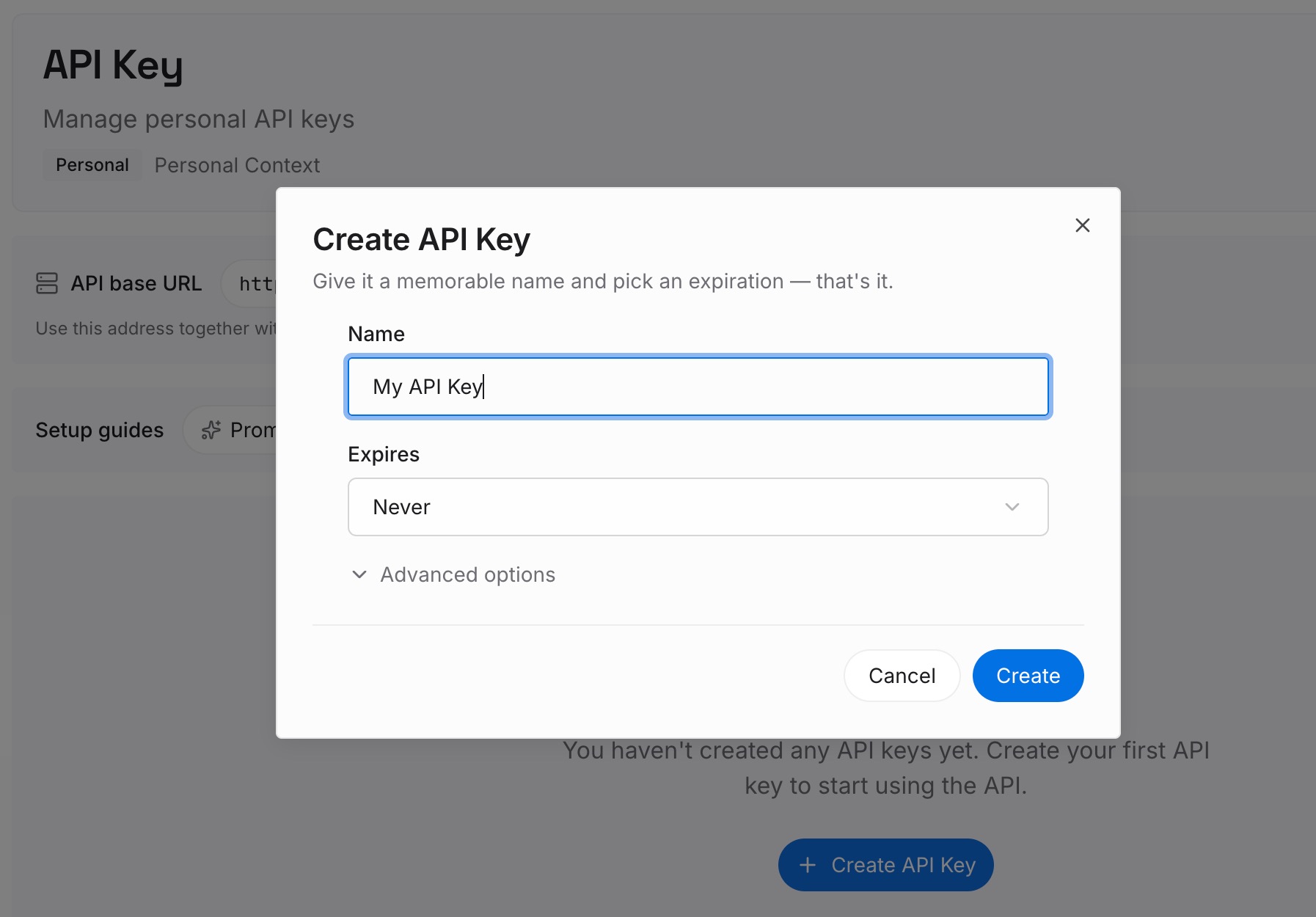
Step 1: Create an API key
Sign in and generate an API key from your dashboard. It is not tied to a rules directory or a workspace, so the same knowledge is available whether the request comes from Cursor, from a CLI, or from whatever you evaluate next quarter.
Step 2: Upload your first memories
Put in the second pile from Step 2 above: architectural decisions and their reasons, domain vocabulary, the standing preferences your Augment Experts had learned, service ownership, the answers you keep giving in review.
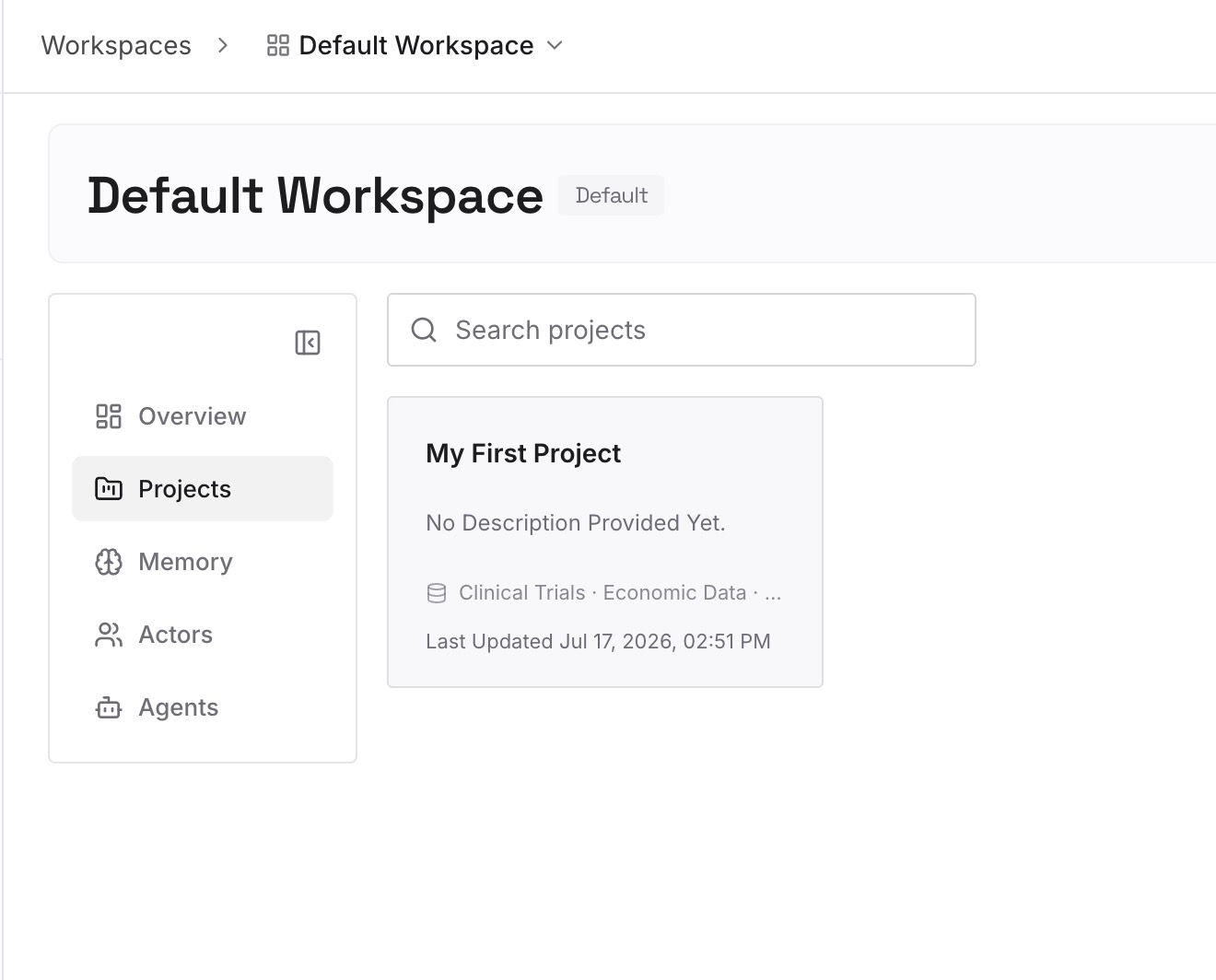
Leave the instructions in .cursor/rules. This is deliberately not a place to duplicate your rules folder.
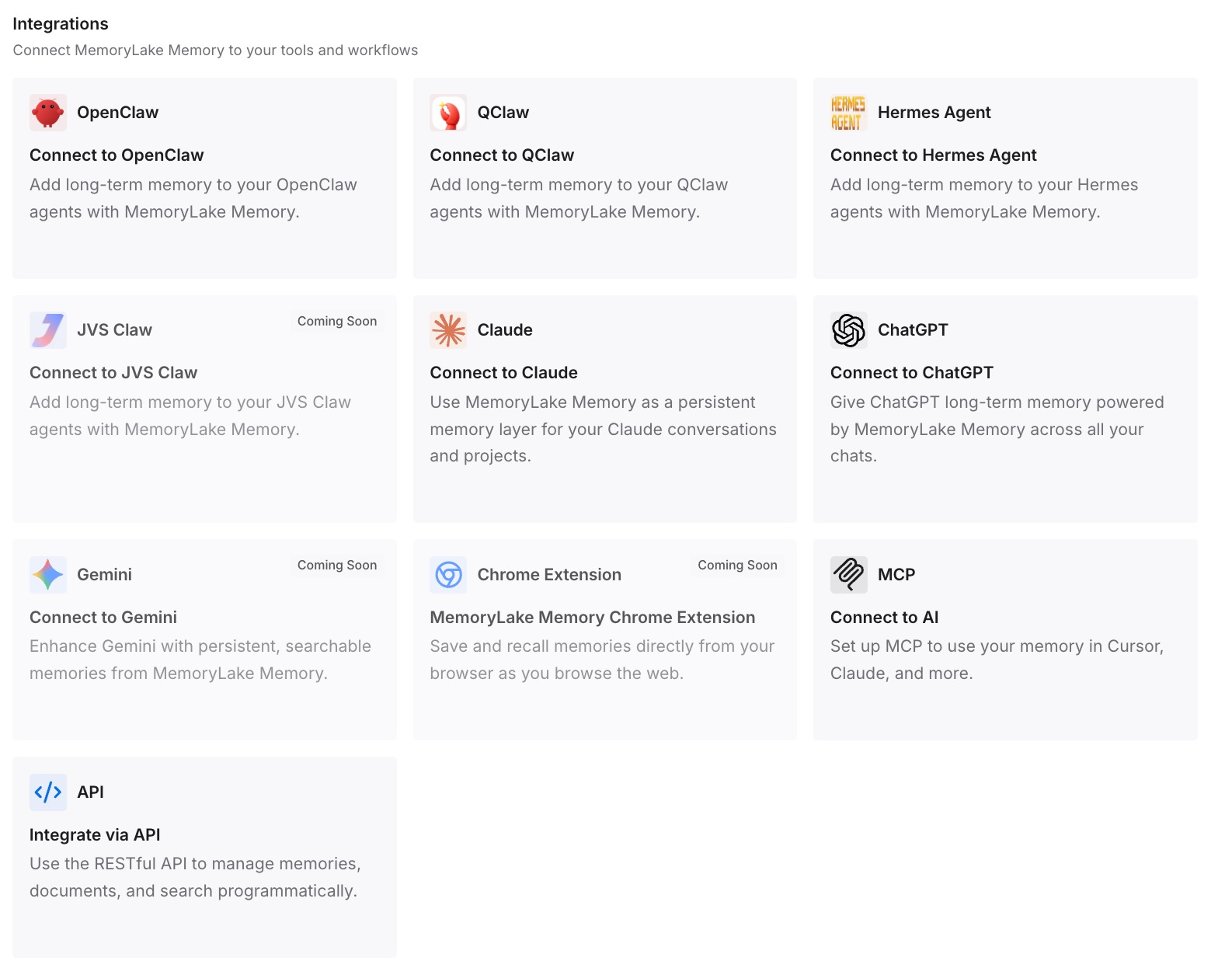
Step 3: Connect your AI & agents
Point Cursor at the store. Your .mdc files stay small and behavioral, your context budget stops being consumed by background facts, and a teammate who joins next month reads the same knowledge the agent does — the property covered in sharing one memory across tools.
What this changes in practice
The first change is that the conversion becomes mechanical. Extension, frontmatter, done — with no judgment calls about which learned convention deserves to be in every prompt.
The second is that team knowledge stops depending on a plan tier. Team Rules are a Team and Enterprise feature, and they are free-form text without folder structure. Useful for enforcement, ill-suited to being your knowledge base.
The third is that you keep the reviewability Augment gave you. Its memory told you when it remembered something and flagged contradictions; a rules file is silent. A store you can read, audit, and correct restores that habit, which is the point of auditing what your AI remembers.
Best practices for an Augment Code to Cursor move
- Rename to
.mdcand rewrite frontmatter in one pass. A.mdfile in.cursor/rulesis ignored, with no error. - Keep your
agent_requesteddescriptions. Cursor usesdescriptionthe same way for relevance-based inclusion. - Convert prose scoping into globs. Cursor auto-attaches on matching files in context, which beats describing the condition.
- Un-flatten your rules. Cursor allows nested rule directories; Augment loaded
.augment/rules/only from the workspace root. - Move
AGENTS.mduntouched. Both tools read it in root and subdirectories. - Reserve Team Rules for enforcement. They are free-form, glob-capable, top of the precedence chain, and optionally non-disableable.
- Read the VFS memory before you go. It is readable markdown, and nothing exports it for you.
- Rebuild the review habit yourself. Augment surfaced new memories for veto and flagged conflicts; rules files do neither.
Conclusion
The rules half of this migration is a rename plus a frontmatter rewrite, and Cursor's glob-scoped mode and nested directories genuinely improve on what you had.
The half worth planning is Augment's Experts memory. It is a real system — team-scoped, self-writing, with two evidence models and a veto step — and Cursor's documented answer to persistence is rules, which is a different job. Read those stores before you switch, split what you find into instructions and facts, and put the facts somewhere that does not charge you context on every prompt.