
Why people move ChatGPT chats into Codex
The reasons are practical. A chat can explain a design. Codex is where the agent works in your repository, runs the tests, and makes the change. OpenAI's comparison of the desktop app's two modes puts it this way: Codex lets you "See developer details, including diff and review views", while ChatGPT in the same app prefers "nontechnical language and finished outputs".
So the move is natural: think it through in Chat, then do it in Codex. The friction is that the thinking happened in one place and the work happens in another. Without a plan for the handover, you end up re-explaining the decisions you already made.
What a ChatGPT chat holds
A chat that led to a coding task can contain four kinds of context:
- The decision. What you chose and why, and what you ruled out.
- Constraints. Versions, performance limits, team rules, things that must not change.
- Snippets. Code, error messages, and examples you pasted or ChatGPT wrote.
- Background from ChatGPT memory. Preferences ChatGPT used because of your saved memories or chat history.
Only some of this lives in the chat itself. The last item lives in ChatGPT memory, which is a separate system.
OpenAI's route: open the chat from New chat in Codex
In the ChatGPT desktop app, Codex has its own sidebar. OpenAI's comparison table says Codex focuses "on Codex chats and development projects", while ChatGPT shows "chats started with Chat on web and mobile, plus ChatGPT Work chats".
The bridge is in New chat. OpenAI's projects guide says you can open an existing ChatGPT chat from there "and add it to a Codex chat." The same table describes Quick chat in Codex as a way to "access ChatGPT chats from web and mobile in Codex", where that option is available.
Two things to keep in mind about this route:
It's for the desktop app. The CLI and the IDE extension work from a directory. OpenAI says "Codex CLI treats the directory where you start it as the project for the chat", and that "The CLI doesn't expose the ChatGPT Projects view." For those surfaces, the content of the chat has to reach Codex another way, such as a summary in a file.
Adding a chat is per chat. OpenAI describes it one chat at a time. If ten chats led to the current task, the useful content is spread across ten places, and each future Codex chat would need them added again.
Our guide to finding missing Codex chat history explains which list each kind of chat appears in, if you're looking for one.
Memory is two stores, not one
OpenAI's memories guide opens with the distinction: "ChatGPT web uses ChatGPT memory, while local Codex clients use a separate local memory store and controls."
So whatever ChatGPT has learned about you from your chats stays in ChatGPT memory. Codex builds its own local memories, and only when you turn them on: "Local Codex memories are off by default." When they're on, "Codex can turn useful context from eligible prior chats into local memory files", and OpenAI notes that Codex "skips active or short-lived sessions" and updates memories in the background.
Where those files go depends on the Codex home. OpenAI says that in a fresh home, "the CLI uses $CODEX_HOME/memories_v2/ by default." Our guide to Codex memories v2 covers the two directories.
OpenAI is also clear about what memories are for: "Treat memories as a helpful recall layer, not as the only source for rules that must always apply." Rules belong in AGENTS.md.
Where each piece belongs in Codex
Rules and conventions go in AGENTS.md
"Codex reads AGENTS.md files before doing any work." OpenAI describes a chain: a global file in your Codex home, then files from the project root down to your working directory, concatenated in that order. Constraints from your ChatGPT chat, such as which library to use or which interface must stay stable, belong here. Every Codex chat in the repository then starts with them.
OpenAI's projects guide says the same for local work: "Keep durable project guidance in AGENTS.md or checked-in documentation so it is available to future chats." If Codex seems to skip a rule you added, our guide to Codex skipping AGENTS.md rules covers the size limit and precedence.
Decisions go in checked-in documentation
The reasoning behind a choice can be longer than a rule. A short design note in the repository, linked from AGENTS.md, keeps the reasoning available without making every prompt longer.
Project context needs its own move
If the chat lived in a ChatGPT project, part of its context came from the project, not the chat. OpenAI says "A ChatGPT project gives its chats access to the same uploaded files, project instructions, and connected sources." Adding the chat to a Codex chat brings the conversation, but the project's instructions and files are a separate step.
In Codex, the equivalent of a project is a folder. OpenAI says "A local project gives chats access to one or more folders on your computer, such as a collection of source files or a codebase." Copy the project instructions into AGENTS.md, and put the reference files the chats relied on in the repository or a folder attached to the Codex project. OpenAI also notes that pinning a chat "doesn't add context or change what ChatGPT can access", so a pinned chat isn't a substitute for either step.
Snippets go into the task
Error messages, examples, and code from the chat are task context. Paste them into the Codex chat where you start the work, or add the ChatGPT chat itself in the desktop app.
Preferences go in AGENTS.md or Codex memories
Personal preferences that ChatGPT picked up from memory, such as how you like tests organized, can go in your global AGENTS.md. If you prefer Codex to learn them over time, enable Codex memories, keeping in mind that the memory files are generated state. OpenAI advises against relying "on editing them by hand as your primary control surface."
What's different from importing
Codex has an import flow, but its sources are other agents. OpenAI says "The desktop app can import from Claude Code, Claude Cowork, or Cursor. Codex CLI can import from Claude Code or Cursor." ChatGPT chats reach Codex through New chat, as described above.
ChatGPT Work is related but not the same either. OpenAI's projects guide notes that "Work conversation history remains separate from Codex history." Our guide to ChatGPT Work mode explains which memory, projects, and history Chat, Work, and Codex share.
What people try first
Pasting the whole chat into Codex. It works for one task, but the next Codex chat starts without it. Move the rules to AGENTS.md.
Expecting ChatGPT memory to follow you into Codex. They're separate stores, in OpenAI's own description.
Looking for ChatGPT chats in the Codex sidebar. OpenAI says they don't appear there. Open them from New chat.
Relying on Codex memories for rules. OpenAI calls memories a recall layer, not the only source for rules that must always apply.
Using the import flow. It brings setup from Claude Code, Claude Cowork, and Cursor.
The manual migration
Step 1: List the chats worth continuing
Go through your ChatGPT chats about the project and pick the ones with decisions or constraints Codex will need. For each, write two or three lines: what was decided, why, and what's still open.
Step 2: Turn the rules into AGENTS.md
Add the constraints to the repository's AGENTS.md, or to your global AGENTS.md if they apply to every project. Put longer reasoning in a design note and link it. Start Codex from the repository and ask it to summarize the current instructions to confirm the file loads.
Step 3: Start the task with the chat attached
In the desktop app, start a Codex chat from New chat and add the ChatGPT chat that holds the details for this task. In the CLI or IDE, paste the snippets and the summary from Step 1 into the first message. For a longer task, our guide to exporting a Codex chat shows how to keep a copy of the work afterward.
The Better Way: Keep the decisions from your chats in one list you control
The manual migration shows where the value of a ChatGPT chat sits: in a few decisions and constraints, spread across many chats. AGENTS.md covers the repository. The rest, such as why you chose an approach or what you agreed with your team, stays scattered.
MemoryLake is a memory layer for keeping that list in one place you maintain, available to the assistants you connect, such as ChatGPT, Claude Code, and Codex.
You write the entries yourself, in your own words. Nothing is read out of, written to, or deleted from your ChatGPT chats, your ChatGPT memory, your Codex chats, your Codex memories, your AGENTS.md files, or any vendor's store. New chat in Codex and ChatGPT memory keep working the way OpenAI describes them.
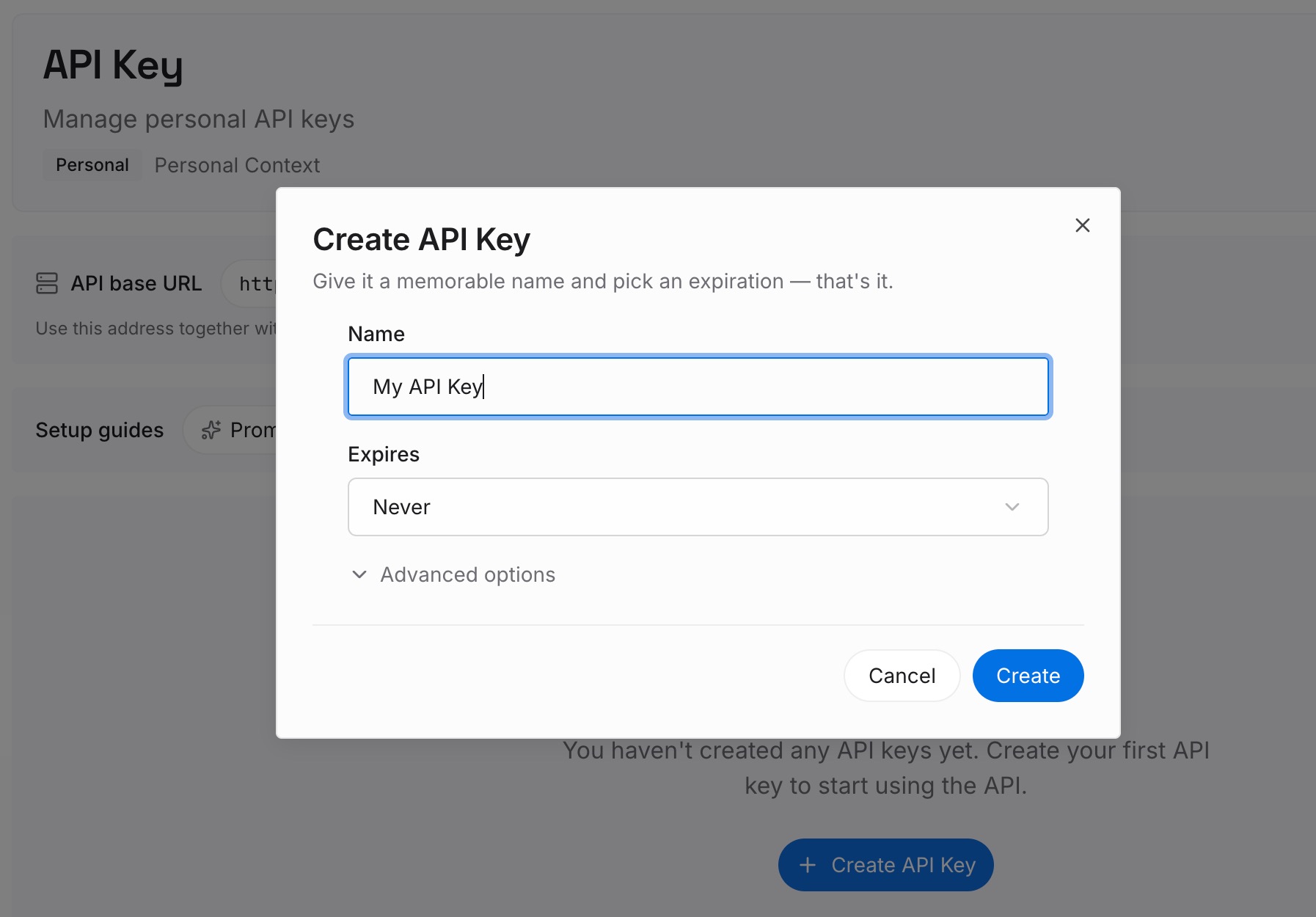
Step 1: Create an API key
Sign in and generate a key from the dashboard. The key belongs to your MemoryLake workspace and is separate from your OpenAI account.
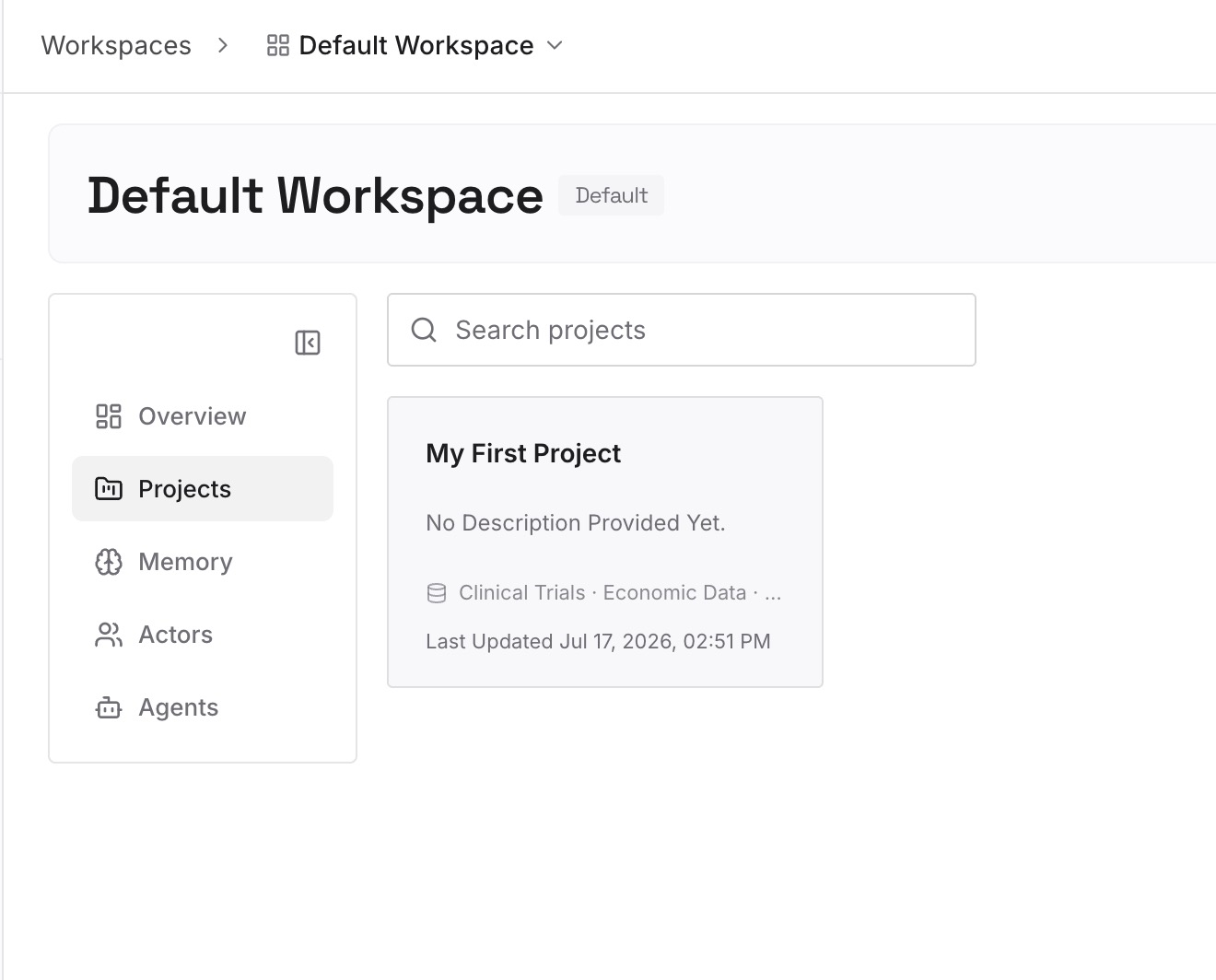
Step 2: Upload your first memories
Start with the summaries you wrote in Step 1 of the manual migration: the decisions, the reasons, and the open questions. One point per entry, dated.
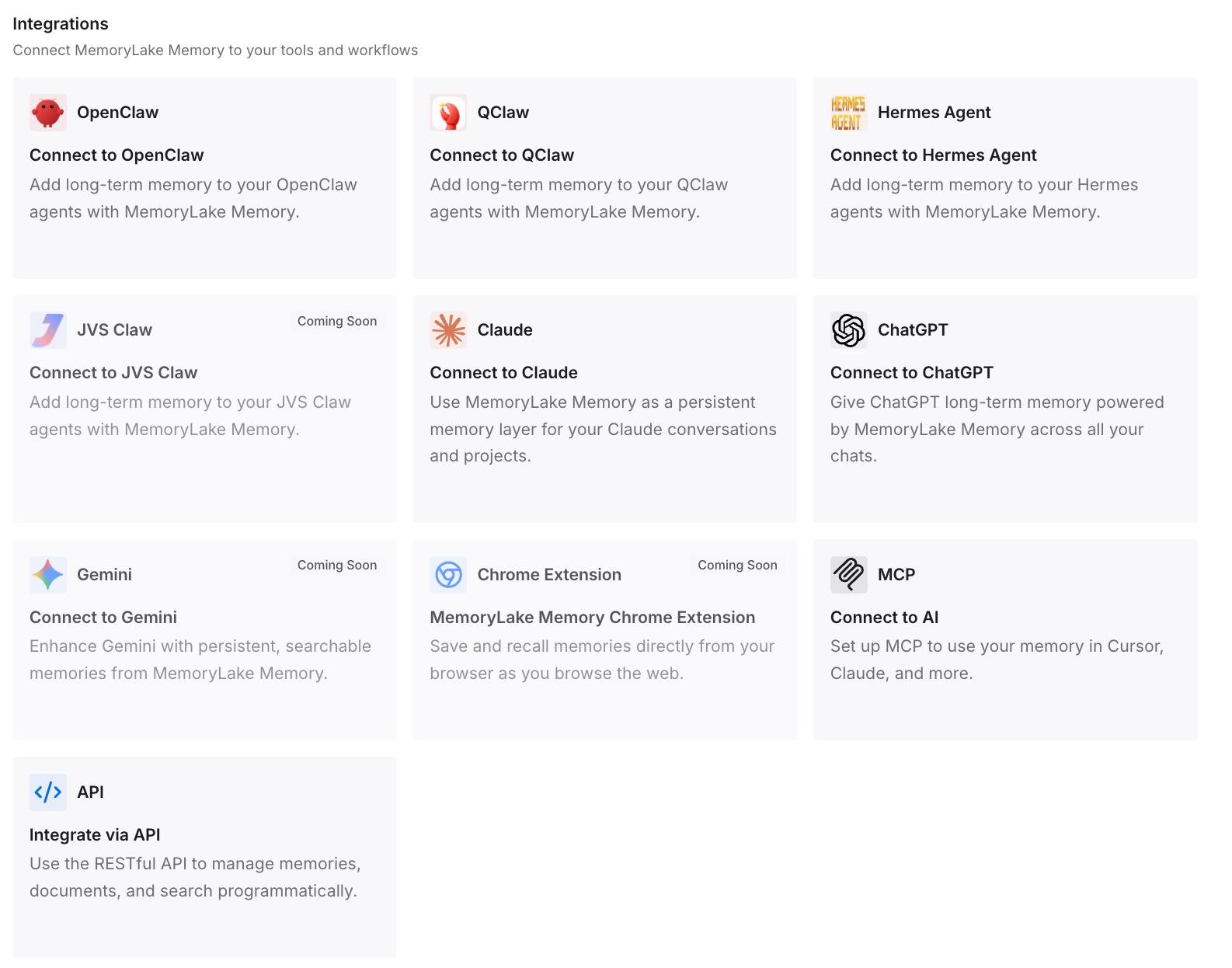
Step 3: Connect your AI & agents
Connect ChatGPT and Codex, and any other assistants you use. The same entries are available whether you're thinking it through in Chat or doing the work in Codex.
What this changes in practice
The first difference is a shorter first message. Codex starts each chat with AGENTS.md, and the decisions behind it are a lookup away, so you don't paste the same background into every task.
The second is fewer lost reasons. The chat where you decided something can scroll out of view, but the entry you wrote stays where you put it.
The third is less work when you switch back. When the next question is a design question again, ChatGPT has the same entries Codex had.
Best practices for moving ChatGPT chats to Codex
Move rules, not transcripts. Put constraints in AGENTS.md and keep chats as reference.
Use New chat in the desktop app. Add the ChatGPT chat that holds the details for the task.
Summarize before you leave the chat. Two or three lines per chat are easier to carry than the whole conversation.
Decide on Codex memories deliberately. They're off by default and stored locally.
Keep ChatGPT memory and Codex memory apart in your head. They're separate stores.
Check that AGENTS.md loads. Ask Codex to summarize the current instructions.
Don't hand-edit memory files. OpenAI treats them as generated state.
Conclusion
ChatGPT chats and Codex chats live in different lists, and ChatGPT memory and Codex memory are different stores. In the desktop app, you can open an existing ChatGPT chat from New chat and add it to a Codex chat, which covers one task. In the CLI and IDE, the content has to reach Codex through the first message or a file.
For anything you want every future Codex chat to know, OpenAI's advice points to AGENTS.md and checked-in documentation. Pull the decisions out of the chat, put the rules where Codex reads them, and keep the reasons somewhere you can find again.