
Why Your ChatGPT Memory Doesn't Follow You to Manus
What each tool stores
ChatGPT keeps a personal memory: cross-chat facts, Custom Instructions, and Projects built around conversations. Manus, as an autonomous agent, works from task context and knowledge it needs to plan and execute — documents, goals, constraints. One is "what the assistant knows about you"; the other is "what the agent needs to do the job." They don't map one-to-one.
The technical reason it doesn't transfer
ChatGPT's memory is an account-bound personalization feature with no export aimed at another platform, and Manus has no importer for ChatGPT's memory format. So the useful parts — your standing preferences, the background facts, the source files — have to be lifted out by hand and re-expressed in the way an agent consumes context. Nothing carries automatically.
What this costs you
You re-establish your entire working context in Manus from scratch — the role, the projects, the files, the rules. Tasks you'd already scoped in ChatGPT conversations have to be re-explained to the agent. And because it's a one-time copy, the context keeps diverging: what you tell ChatGPT next week never reaches Manus, and vice versa.
Step-by-Step: Bringing Your ChatGPT Context Into Manus by Hand
The native route is manual, but it moves the essentials.
Step 1: Export what ChatGPT knows
- Open Settings → Personalization → Memory and copy the stored entries worth keeping.
- Copy your Custom Instructions.
- Gather the documents behind your projects — the files you'd otherwise re-upload — from your ChatGPT Projects.
Step 2: Load it into Manus
- Provide your preferences and standing facts to Manus as task context or knowledge, wherever it accepts persistent input.
- Re-express your instructions as the goals and constraints the agent should hold across a task.
- Upload the source documents the agent will need to execute.
What you get is a manual re-creation: text preferences and re-uploaded files, reshaped for an agent. There's no conversation history transfer, and nothing you set up stays in sync with ChatGPT afterward.
What doesn't survive the migration
Conversation history stays in ChatGPT. The nuance in how you'd corrected ChatGPT over months compresses into a few pasted rules. And the sync is one-time — as your context evolves in either tool, the two drift apart, and adding a third tool means doing the whole re-creation again.
The Better Way: One Memory Layer for Chat and Agents
The migration is only hard because your memory lives inside ChatGPT. Lift it into a neutral layer and both your chat assistant and your agent read the same source. MemoryLake stores your preferences, documents, and project knowledge once — versioned Git-style, end-to-end encrypted — and serves them to ChatGPT and to Manus and other agents alike.
| Dimension | Manual ChatGPT → Manus | MemoryLake layer |
|---|---|---|
| Steps required | Re-create context each time | 3 (one-time) |
| Conversation/project context | Rebuilt by hand | Retained and searchable |
| Stays in sync after the move | No | Yes |
| Chat and agent share memory | No | Yes |
| Adding another tool later | Re-create again | Connect it |
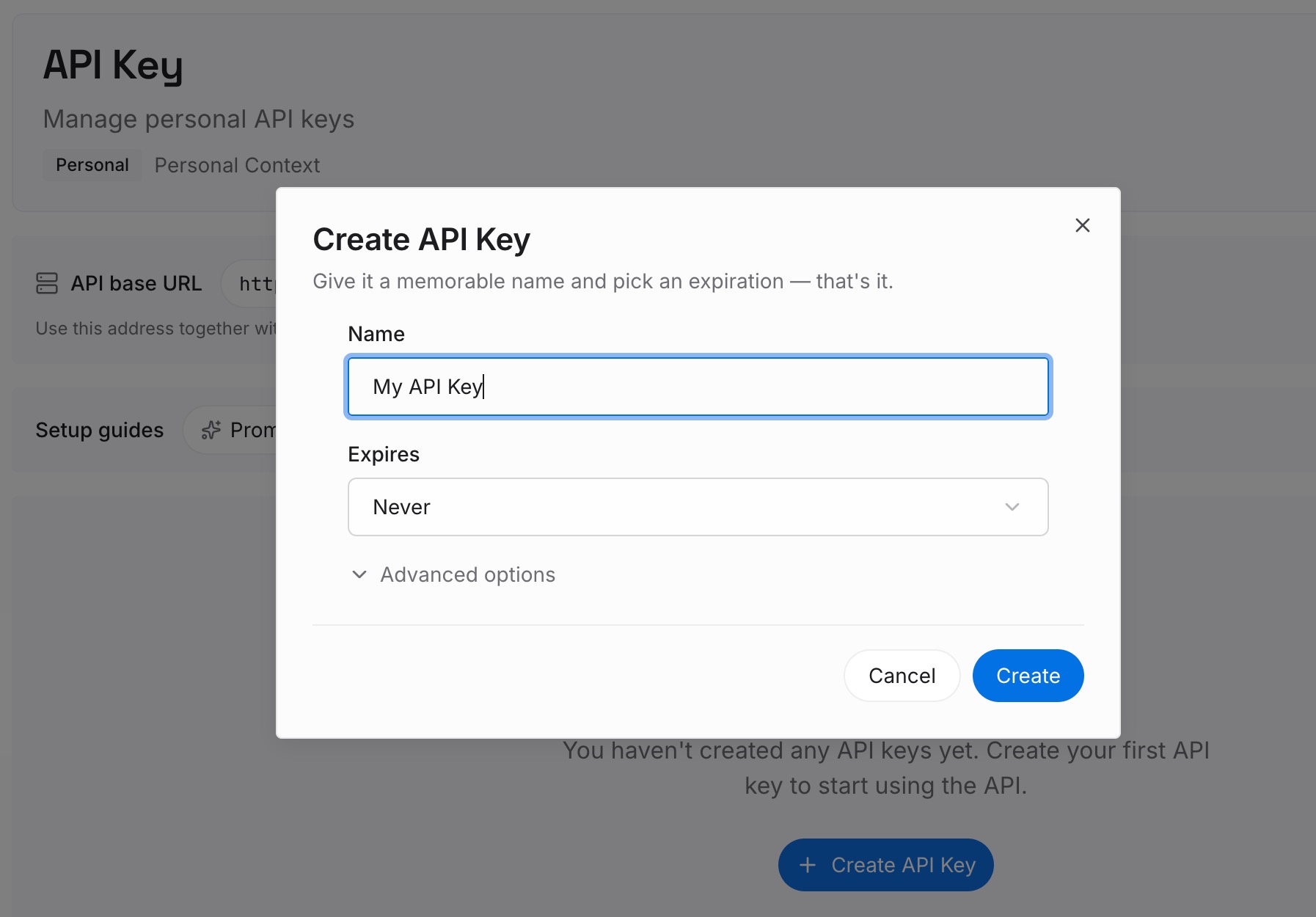
Step 1: Create an API key
Sign in to MemoryLake, generate a key, and make your first request — it takes about 30 seconds.
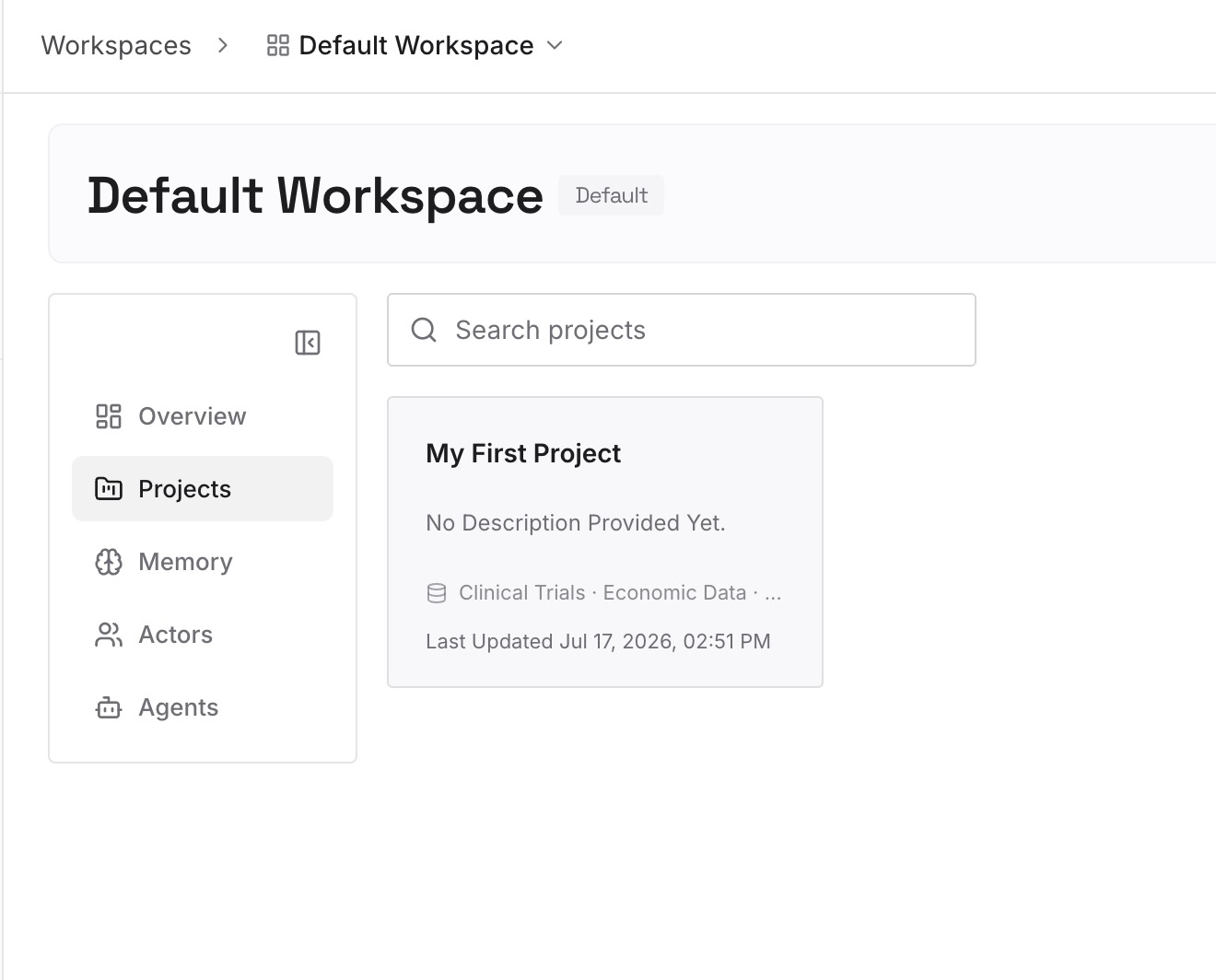
Step 2: Upload your first memories
Drop in the context both your chat and your agent need: preferences and project facts as text, plus the documents, images, and other files your work runs on.
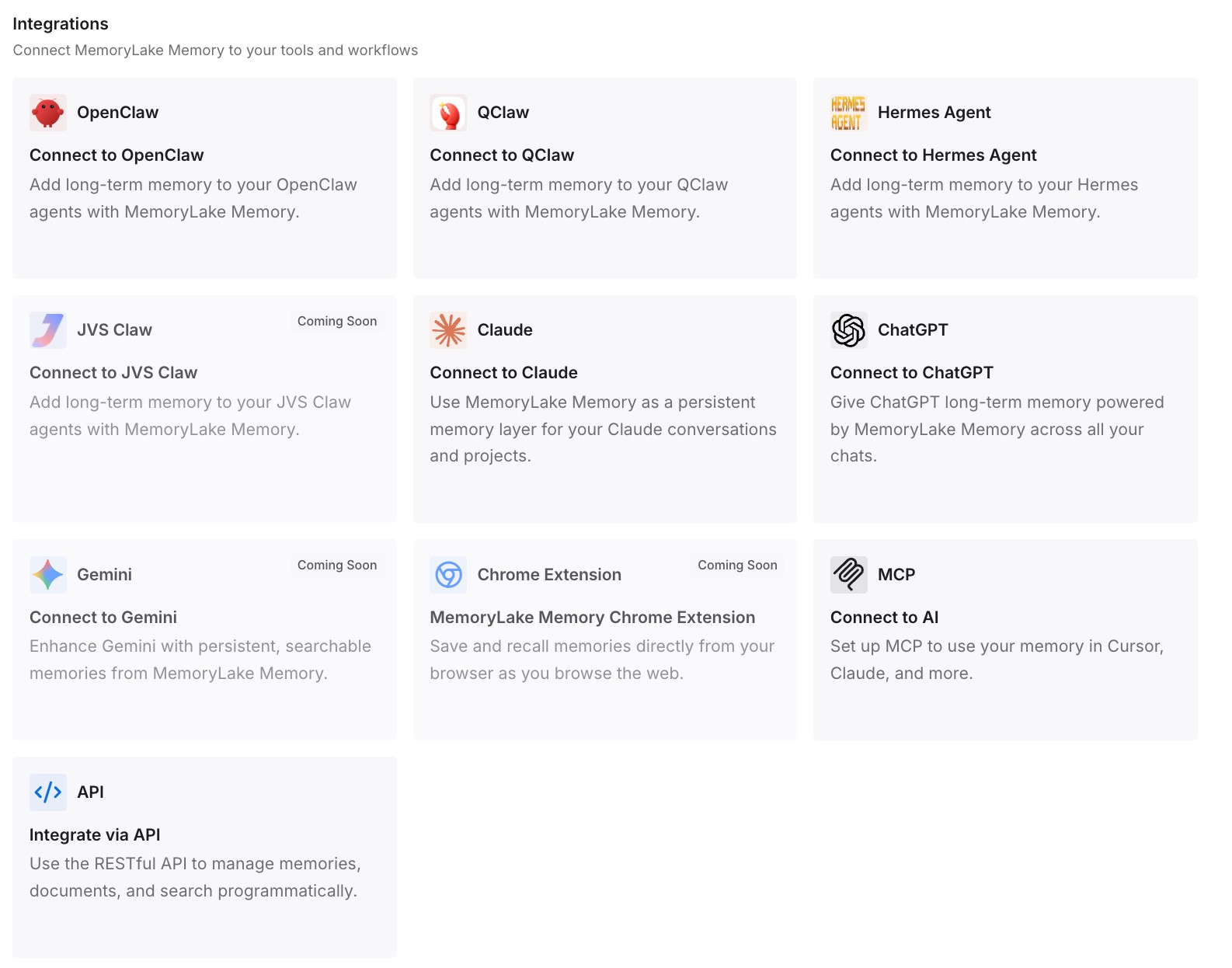
Step 3: Connect your AI & agents
Connect ChatGPT via its integration or the API, and connect Manus and other agents like Codex and OpenClaw over MCP or the API. The same memory drives your conversations and your agent's task execution — so moving work from chat to agent stops meaning rebuilding context.
What Re-Onboarding an Agent Actually Costs
The re-creation tax
Standing up an agent with your full working context — preferences, projects, documents, constraints — is heavier than re-briefing a chat, because the agent needs enough to act autonomously. Every migration that redoes this from scratch is significant setup time before the agent does any real work.
Retrieval instead of re-onboarding
With a shared layer, Manus pulls the context a task needs on demand instead of you pre-loading everything. The agent starts informed, and because it retrieves only what's relevant per task, it also runs leaner — MemoryLake's Token Saving Calculator projects the effect from your usage.
Best Practices for Chat-to-Agent Memory
Separate preferences from task knowledge
Keep standing preferences and reusable project documents as distinct memories. Preferences shape how the agent behaves; task knowledge is what it acts on — clean separation makes retrieval sharper for both chat and agent.
Capture decisions as you go
When a task settles something worth reusing, store it as a one-line memory. Agents benefit even more than chats from a durable record of what was decided and rejected.
Scope by project or workflow
One memory scope per project keeps the agent's context tight and prevents one workflow's constraints from bleeding into another's execution.
Conclusion
Manus is built to act, not just answer — but it can only act well on context it has, and ChatGPT keeps that context locked in a format made for chat. Hand-carrying gets you started; a shared memory layer means your chat assistant and your agent finally draw on the same knowledge, kept in sync, ready for whatever tool you add next. Migrate once, properly, and let chat and agent share one memory.