
Why Your ChatGPT Memory Doesn't Follow You to OpenClaw
What each tool stores
ChatGPT keeps a personal memory layer: cross-chat facts, Custom Instructions, and Projects organized around conversations. OpenClaw is an autonomous agent — it works from the task at hand, the tools available, and whatever context you hand it at launch. One holds "what the assistant knows about you"; the other needs "what the agent needs to complete this run." They don't map one-to-one.
The technical reason it doesn't transfer
ChatGPT's memory is account-bound with no export aimed at another platform, and OpenClaw has no importer for it. So the useful parts — your standing preferences, project background, source files — must be lifted out by hand and re-expressed as agent context. Worse, the receiving side has the same amnesia problem: OpenClaw doesn't carry agent state, task context, or tool history from one run to the next on its own, which is why OpenClaw forgetting agent state is such a common complaint. You migrate context into a tool that will also forget it.
What this costs you
You rebuild your working context in OpenClaw from scratch — role, projects, files, constraints — and then rebuild it again at the start of each significant run. Tasks you'd already scoped in ChatGPT conversations get re-explained to the agent. And because it's a one-time copy, the two diverge immediately: what you tell ChatGPT next week never reaches OpenClaw.
Step-by-Step: Bringing Your ChatGPT Context Into OpenClaw by Hand
The native route is manual, but it moves the essentials.
Step 1: Export what ChatGPT knows
- Open Settings → Personalization → Memory and copy the stored entries worth keeping.
- Copy your Custom Instructions — the standing rules you want the agent to respect.
- Gather the documents behind your projects from your ChatGPT Projects — the files you'd otherwise re-upload.
Step 2: Load it into OpenClaw
- Provide your preferences and standing facts as OpenClaw's system context or launch instructions.
- Re-express your rules as the goals and constraints the agent should hold through a run.
- Make the source documents available to the agent for the task it's executing.
What you get is a manual re-creation: text preferences and re-supplied files, reshaped for an agent. There's no conversation-history transfer, and nothing you set up stays in sync with ChatGPT.
What doesn't survive the migration
Conversation history stays in ChatGPT. Months of accumulated corrections compress into whatever rules you remember to re-type. And the sync is one-time and one-directional — plus every future OpenClaw run starts light again, because the agent has no durable memory of its own to hold what you just gave it.
The Better Way: One Memory Layer for ChatGPT and OpenClaw
The migration is only hard because the context lives inside each tool. Lift it into a neutral layer and both read the same source — which also solves OpenClaw's between-runs amnesia. MemoryLake stores your preferences, documents, and decisions once — versioned Git-style, end-to-end encrypted — and serves them to ChatGPT and to OpenClaw, which it supports as a first-class integration.
| Dimension | Manual ChatGPT → OpenClaw | MemoryLake layer |
|---|---|---|
| Steps required | Re-create context each time | 3 (one-time) |
| Context between OpenClaw runs | Starts light every run | Retrieved on demand |
| Stays in sync with ChatGPT | No | Yes |
| Chat and agent share memory | No | Yes |
| Decision history | None | Yes (Git-style) |
| Adding another agent later | Re-create again | Connect it |
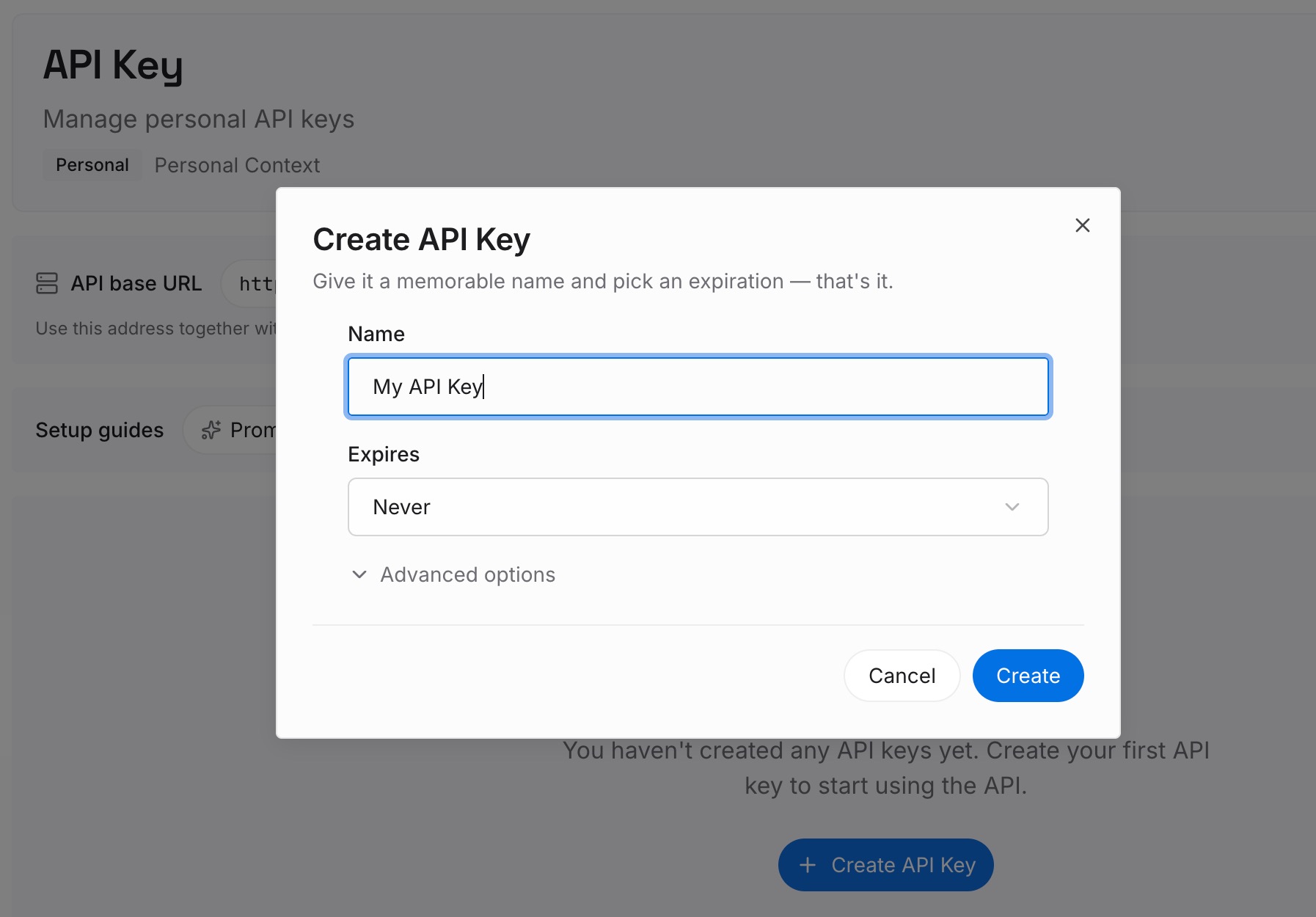
Step 1: Create an API key
Sign in to MemoryLake, generate a key, and make your first request — it takes about 30 seconds.
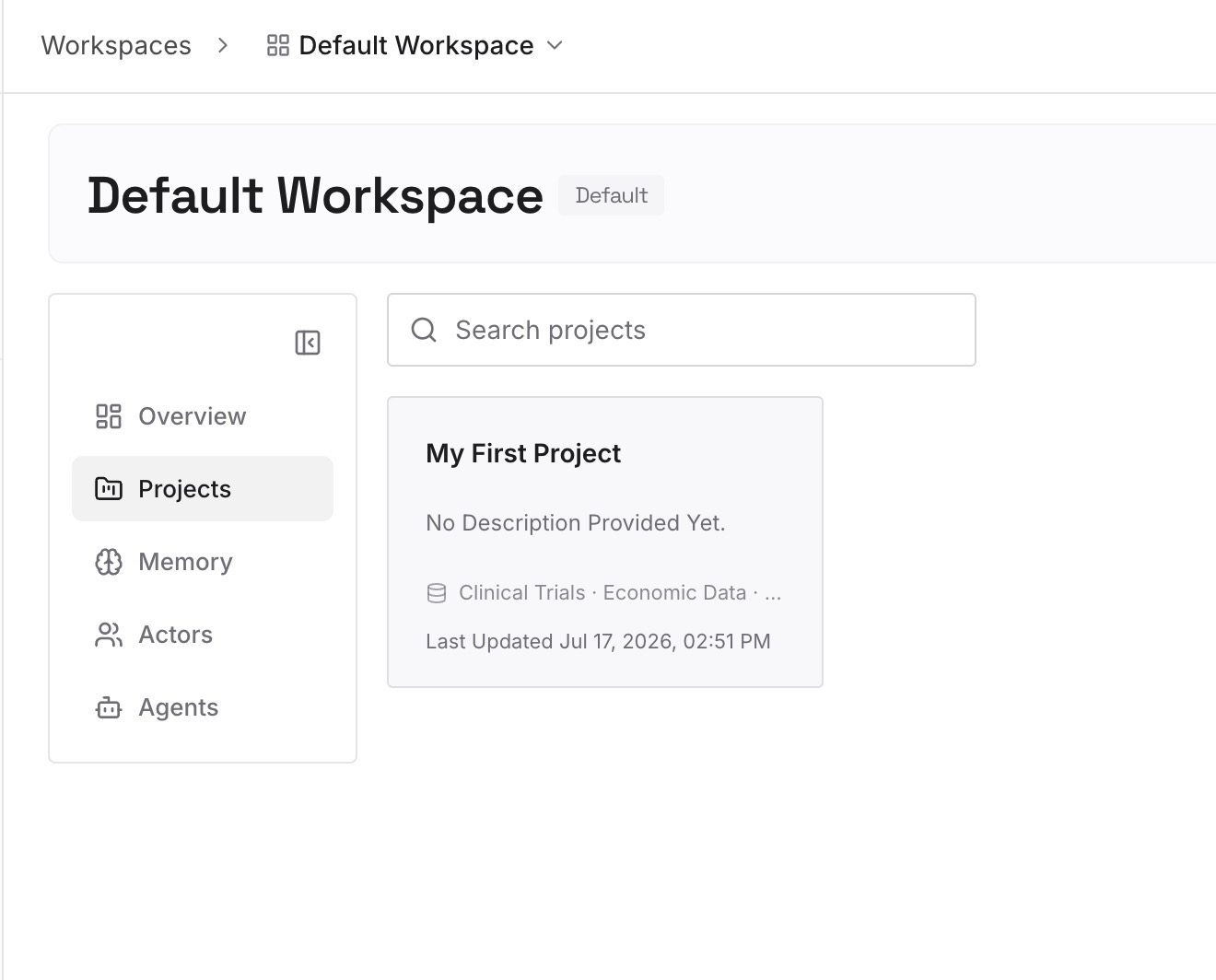
Step 2: Upload your first memories
Drop in the context both sides need: preferences, project facts, and task constraints as text, plus the documents, images, and other files your work runs on.
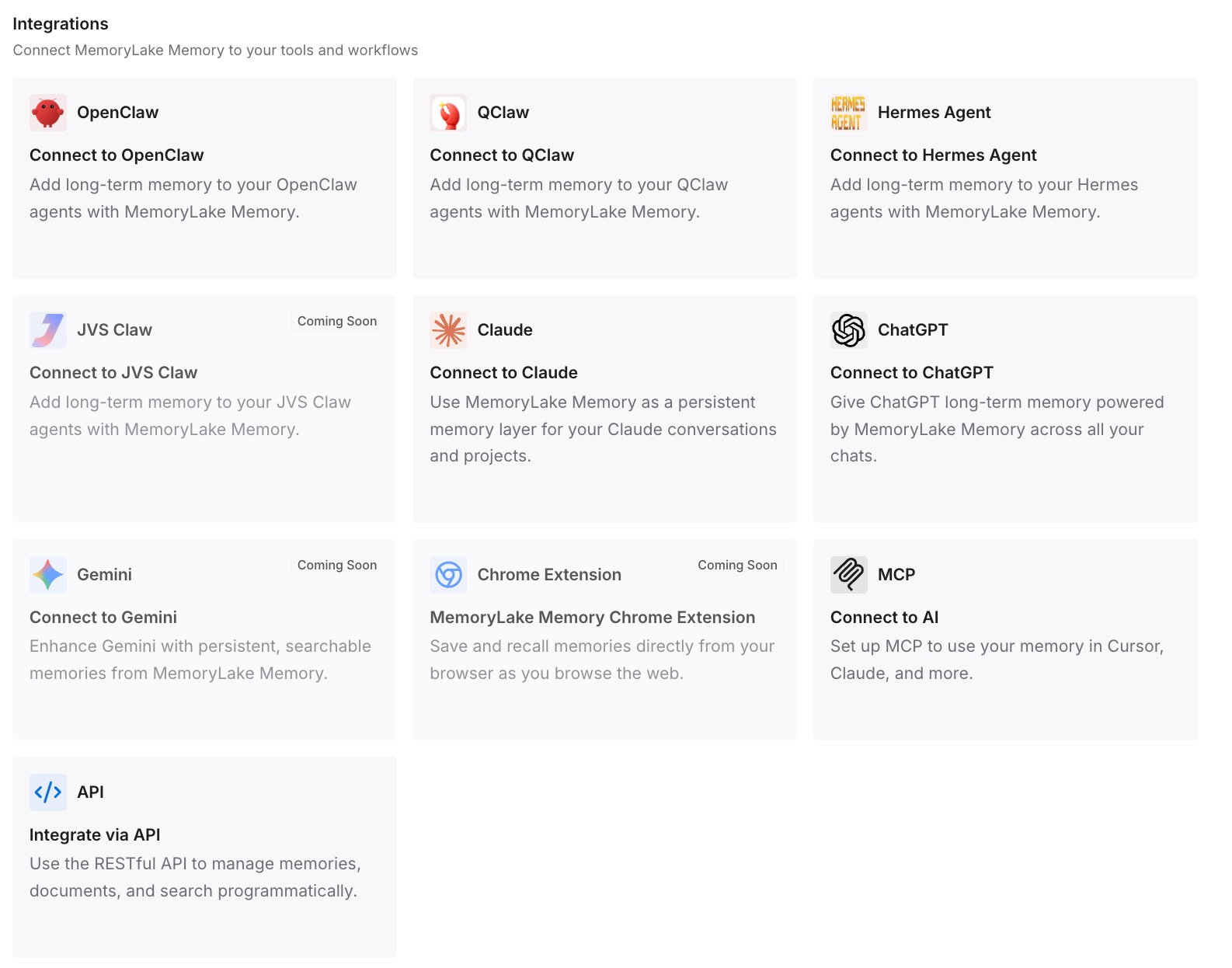
Step 3: Connect your AI & agents
Connect OpenClaw with your API key — MemoryLake supports OpenClaw as a dedicated integration, so the agent can retrieve project memory during a run instead of relying on what you pasted at launch. Connect ChatGPT via its integration or the API, and the same memory is available to Claude, Codex, and other MCP-capable agents too.
What Re-Briefing an Agent Actually Costs
The double re-briefing tax
Standing up an agent takes more context than re-briefing a chat, because it has to act autonomously. Pay that once at migration, then pay a smaller version of it at the start of every run, and the setup overhead starts rivaling the work itself.
Retrieval instead of re-briefing
With a shared layer, OpenClaw pulls the context a run needs on demand instead of you pre-loading everything. Runs start informed, the agent stops rediscovering what a previous run already established, and prompts stay lean — MemoryLake's Token Saving Calculator projects the effect from your usage.
Best Practices for Chat-to-Agent Memory
Separate preferences from task knowledge
Keep standing preferences and reusable documents as distinct memories. Preferences shape how the agent behaves across runs; task knowledge is what it acts on in a specific one.
Capture what each run concludes
Agents benefit even more than chats from a durable record. One dated line per run — what was done, what was decided, what failed — is what turns a series of isolated runs into cumulative progress.
Scope by project or workflow
One memory scope per project keeps the agent's context tight and prevents one workflow's constraints from bleeding into another's execution.
Conclusion
OpenClaw is built to act, but it can only act well on context it has — and ChatGPT keeps that context in a shape made for chat, behind a wall with no export. Hand-carrying gets you started; a shared memory layer means your chat assistant and your agent draw on the same knowledge, and every OpenClaw run starts from what the last one learned instead of from your paste buffer. Migrate once, and let chat and agent share one memory.