
Why Your ChatGPT Projects Don't Follow You to Claude
What each tool stores
A ChatGPT Project bundles custom instructions, uploaded knowledge files, and the chats inside it. A Claude Project bundles Project Knowledge (files and text) plus its own custom instructions, and draws on Claude's memory. The building blocks rhyme, but they aren't identical — ChatGPT's project instructions and Claude's project setup expect different shapes, and neither reads the other's format.
The technical reason it doesn't transfer
Both are account-bound features with no cross-vendor export or import. ChatGPT won't hand you a portable project bundle, and Claude has no importer for one. So the useful parts — instructions, knowledge files, the decisions living in chats — have to be lifted out by hand and re-expressed in Claude's structure. The conversations that hold much of the real context don't move at all.
What this costs you
You rebuild every project from scratch: re-writing instructions, re-uploading files, re-establishing what each project is for. Nuance gets lost — the corrections and preferences that accumulated across months of ChatGPT chats compress into whatever you remember to re-type. And it's one-time: keep using ChatGPT for some work and the two sets of projects immediately diverge.
Step-by-Step: Moving a ChatGPT Project Into Claude by Hand
The native route is manual, but it gets the essentials across.
Step 1: Export what your ChatGPT Project holds
- Open the ChatGPT Project and copy its custom instructions.
- Download the knowledge files attached to the project.
- Skim the project's chats and copy out the decisions, preferences, and context worth keeping — the parts that never made it into a file.
Step 2: Rebuild it in Claude Projects
- Create a new Claude Project and paste your instructions into its custom instructions, adjusting for Claude's setup.
- Upload the knowledge files as Project Knowledge.
- Add the decisions and context you salvaged from chats as Project Knowledge text or Claude memory.
What you get is a manual reconstruction: instructions rewritten, files re-uploaded, context re-typed. There's no chat-history transfer, and nothing you build in Claude stays in sync with the ChatGPT Project you left.
What doesn't survive the migration
Conversation history stays in ChatGPT. The knowledge files, once re-uploaded, face Claude's own limits — Project Knowledge can get squeezed out of context on long sessions. And the sync is one-time: refine a project in either tool afterward and the other falls behind, and adding a third tool means rebuilding again.
The Better Way: One Memory Layer for Both Projects
The migration is only hard because each project's context lives inside its own app. Lift it into a neutral layer and both ChatGPT and Claude read the same source. MemoryLake stores your instructions, knowledge files, and project decisions once — versioned Git-style, end-to-end encrypted — and serves them to ChatGPT and Claude alike.
| Dimension | Manual Projects → Projects | MemoryLake layer |
|---|---|---|
| Steps required | Rebuild each project by hand | 3 (one-time) |
| Knowledge files | Re-uploaded, re-read per chat | Retrieved on demand |
| Stays in sync after the move | No | Yes |
| Both tools share context | No | Yes |
| Adding another tool later | Rebuild again | Connect it |
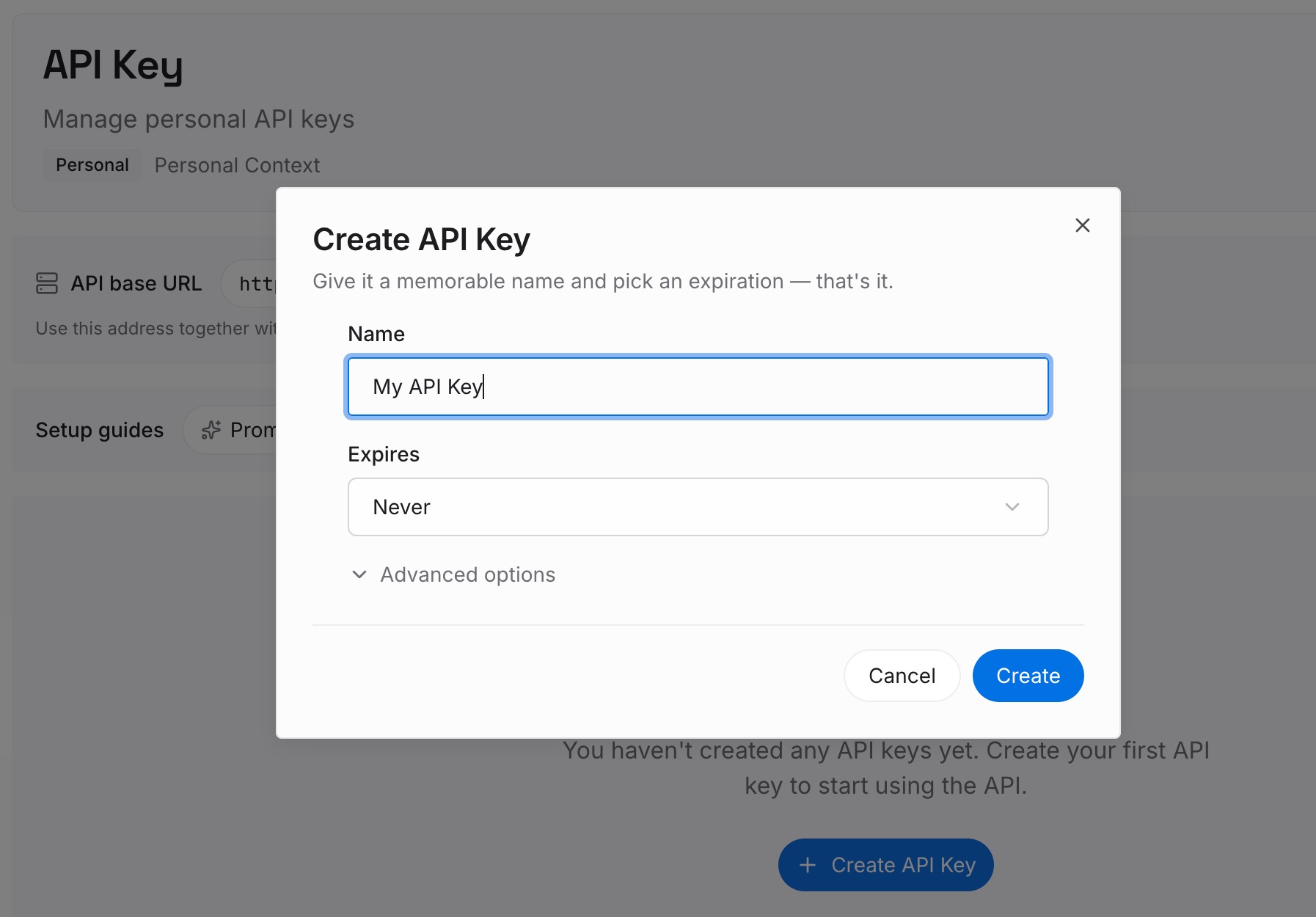
Step 1: Create an API key
Sign in to MemoryLake, generate a key, and make your first request — it takes about 30 seconds.
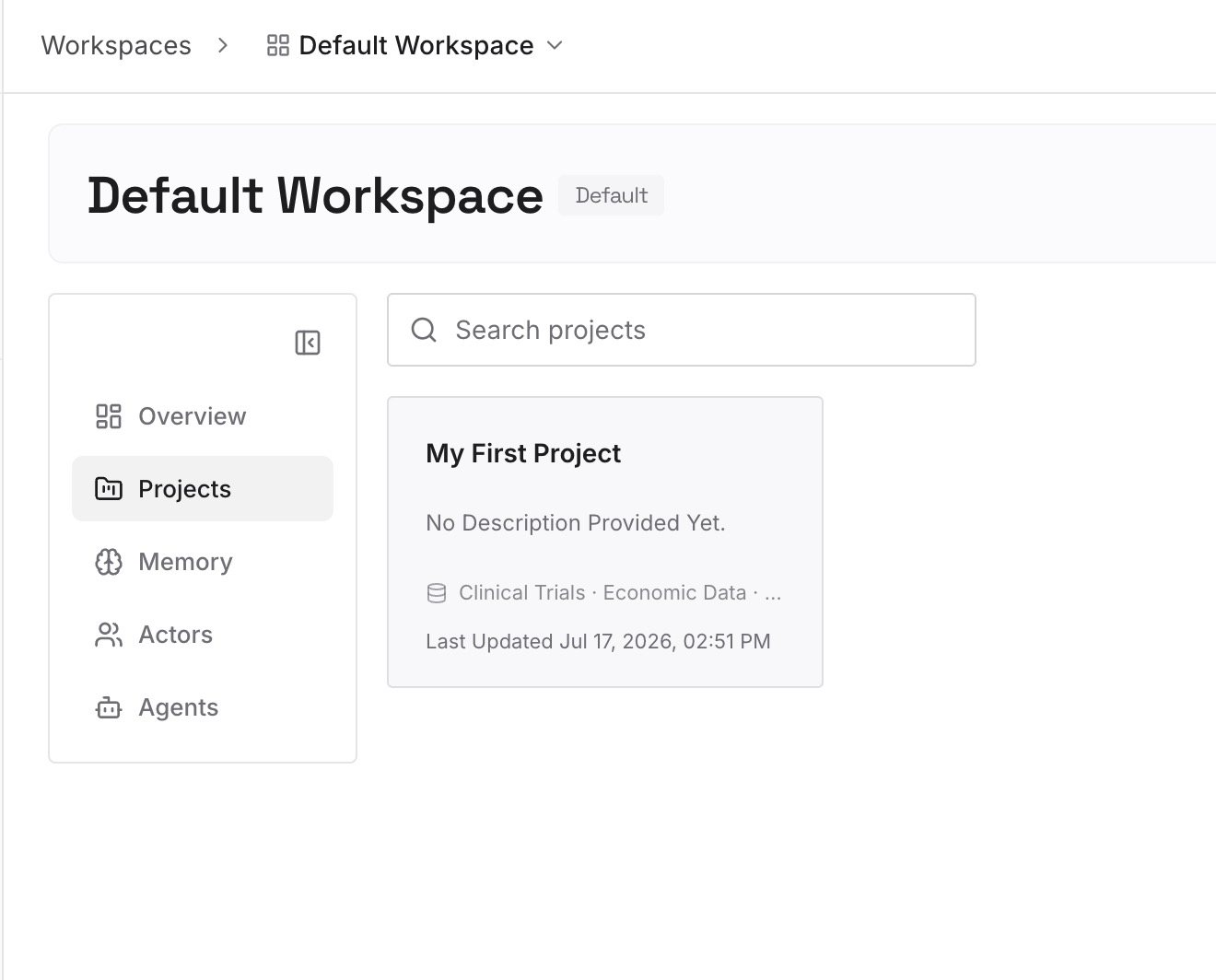
Step 2: Upload your first memories
Drop in what both projects need: the instructions and project decisions as text memories, plus the knowledge files — documents, images, and other files all work — parsed once instead of re-uploaded per tool.
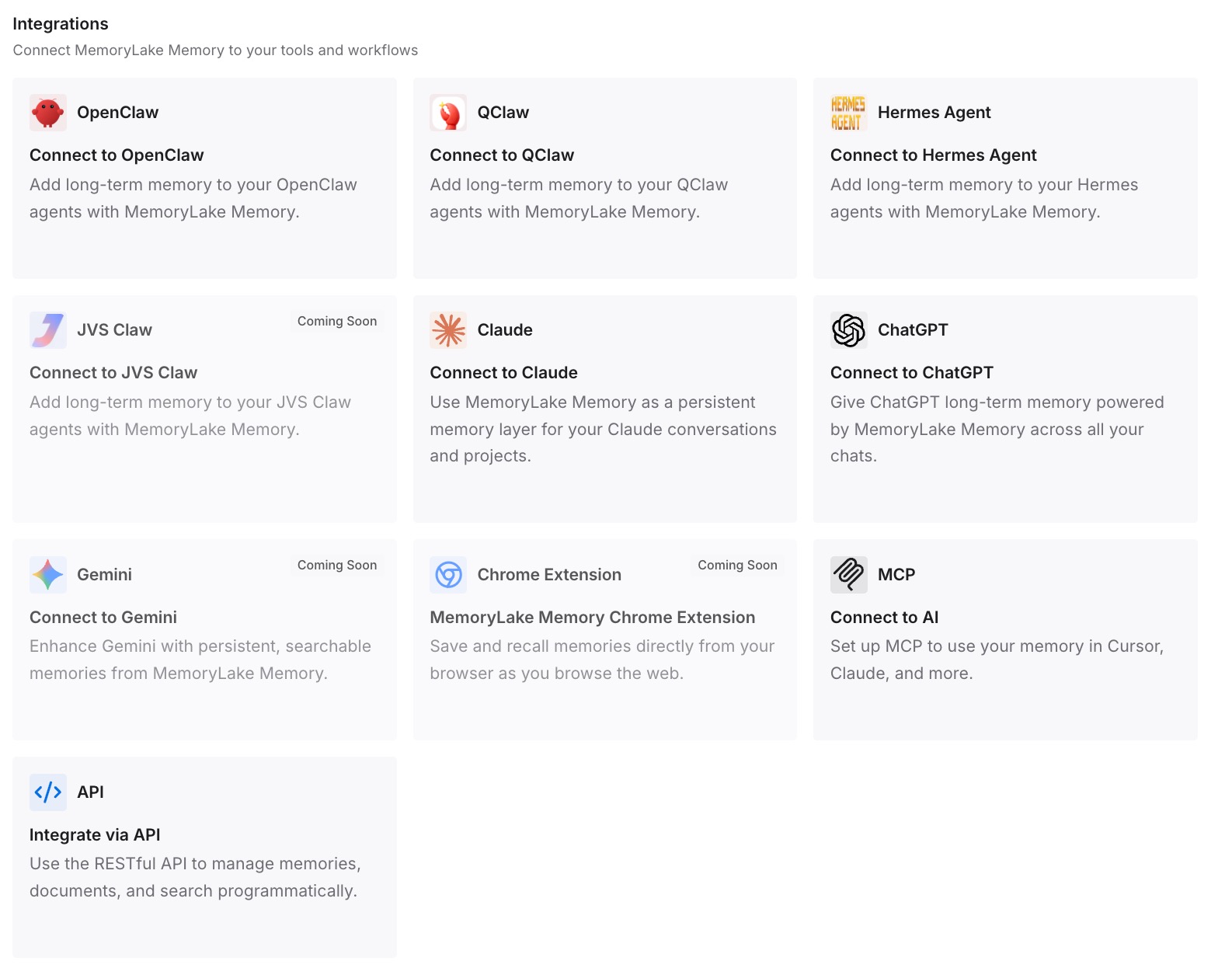
Step 3: Connect your AI & agents
Connect ChatGPT via its integration or the API and Claude over MCP, both reading the same project memory. The same context is available to Codex, OpenClaw, and other agents too — so "which tool has the current version" stops being a question.
What Rebuilding Projects Actually Costs
The reconstruction tax
Recreating a well-built project — instructions, files, salvaged context — is real setup time per project, and it's paid again every time you move tools or the two copies drift and need reconciling. For anyone with more than a couple of projects, that adds up fast.
Retrieval instead of rebuilding
With a shared layer, each tool retrieves the project context it needs on demand instead of you maintaining parallel copies. Knowledge files stay retrievable rather than fighting for context-window space, and prompts stay lean — MemoryLake's Token Saving Calculator projects the effect from your usage.
Best Practices for a Project Memory
Separate instructions from knowledge
Keep project instructions as text memories and reference material as files. Instructions shape behavior; files are what the tool draws on — the split keeps retrieval sharp in both ChatGPT and Claude.
Salvage the chats, not just the files
The context that makes a project valuable often lives in its conversations, not its uploads. Capture those decisions as memories once, so they survive this move and every future one.
Scope by project
One memory scope per project keeps context clean and prevents one workstream's files from surfacing in another's answers.
Conclusion
ChatGPT Projects and Claude Projects solve the same problem in different shapes, and moving between them means rebuilding by hand — with the conversations that hold your real context left behind. Do it once through a shared memory layer instead, and both tools read the same instructions, files, and decisions, kept in sync, ready for whatever you add next. Build the project once; let every tool use it.