
What actually transfers
Your Skills, with no changes at all. Cline's project skill locations are .cline/skills/ (recommended), .clinerules/skills/, and .claude/skills/. That third entry means a repo you have been using with Claude Code already satisfies Cline. Global skills go in ~/.cline/skills/. One precedence note that inverts what you may be used to: "When a global skill and project skill have the same name, the global skill takes precedence." Cline also advises keeping SKILL.md under 5k tokens and splitting overflow into a docs/ directory that it "loads referenced files only when needed."
Your instruction content, once it lands in a file Cline reads. Two clean shapes. Rename to AGENTS.md in the project root, which Cline treats as the "Standard format for cross-tool compatibility." Or split it into .clinerules/ — Cline "processes all .md and .txt files inside .clinerules/, combining them into a unified set of rules," with optional numeric prefixes like 01-coding.md for ordering.
Your personal layer, to a different home. Claude Code's user instructions live at ~/.claude/CLAUDE.md, described as "Personal preferences for all projects." Cline's global rules directory is ~/Documents/Cline/Rules on macOS and Linux/WSL, and Documents\Cline\Rules on Windows. It also reads cross-tool global instructions from ~/.agents/AGENTS.md. Note the location: Documents, not a dotfile — worth knowing before you go looking in ~/.cline/.
Nothing else transfers cleanly, and three things behave differently.
Your auto memory has no destination. This is the real gap. Claude Code writes notes to itself at ~/.claude/projects/<project>/memory/ — four kinds, tagged in frontmatter as user, feedback, project, and reference — and it is on by default. Cline has no equivalent automatic store. Worse for anyone hoping to just copy a folder: Claude Code's docs state "Auto memory is machine-local" and "Files are not shared across machines or cloud environments." Those files are also deliberately the residue of things your instruction files do not say, because Claude "skips anything it can derive from the codebase" and "skips anything your CLAUDE.md files already say." Which means the memory directory holds precisely the content that will not be in the file you rename.
Precedence and merging differ. Claude Code concatenates: managed policy, then user instructions, then project instructions, with the note that "if two rules contradict each other, Claude may pick one arbitrarily." Cline also combines, but resolves conflicts: "When both workspace and global rules exist, Cline combines them. Workspace rules take precedence when they conflict with global rules." So a personal preference that was quietly fighting your project file in Claude Code will now reliably lose.
Path-scoped rules become toggles. Claude Code has .claude/rules/ files with a paths: frontmatter field of globs, loading only for matching files. Cline's equivalent control is manual rather than automatic: "Every rule has a toggle to enable or disable it," with Cline's own examples being "a strict testing rule that you want to disable when prototyping, or a client-specific rule you only need when working on that client's features." Same goal, different trigger — you flip it, rather than a glob doing it.
The manual migration
Step 1: Read your auto memory before you touch the instruction file
Do this first, because it is the only part of the migration that cannot be recovered later from the repo.
Run /memory in Claude Code to browse the memory directory, or open ~/.claude/projects/<project>/memory/ directly. It contains a MEMORY.md index plus one file per topic. Two things to know while you read: only "the first 200 lines of MEMORY.md, or the first 25KB, whichever comes first" were ever loaded at session start, and the topic files are "read on demand" rather than loaded — so there may be more in there than Claude was routinely using.
Then run /context and check the list under Memory files. That is the authoritative record of what was actually loading, and it will tell you whether the CLAUDE.md you are about to rename was the only one — files in subdirectories load on demand, and imports resolve with "a maximum depth of four hops," so a monorepo can have more in play than the root file suggests.
Copy out what you want to keep. This is not a file move; it is a reading exercise. The feedback and project entries are usually the valuable ones, because by design they contain corrections you gave and decisions that are not derivable from the code.
Step 2: Land the instructions, then decide about Memory Bank
Instructions first, and pick one shape. If Cline is now the only agent on the repo, rename CLAUDE.md to AGENTS.md. If teammates are still on Claude Code, keep CLAUDE.md and add AGENTS.md — but pick one as authoritative and keep the other thin, because two full copies drift. Splitting into .clinerules/ is the better move for anything long: separate files with toggles beat one file nobody wants to edit. The file-format half of this decision is covered on its own in how to migrate your CLAUDE.md to AGENTS.md.
While you are here, delete the sections Claude Code's guidance already told you to cut. Its advice is to "target under 200 lines" because "longer files consume more context and reduce adherence," and the same logic applies to whatever Cline loads.
Then Memory Bank, which is the part people skip. Cline's answer to cross-session context is a methodology you install, not a feature you enable. The setup is three steps: copy Cline's custom instructions, "Add them to a Cline Rules file, such as .clinerules/memory-bank.md," then ask Cline to "initialize memory bank."
It creates six markdown files in the repo — projectbrief.md, productContext.md, activeContext.md, systemPatterns.md, techContext.md, and progress.md — with activeContext.md the one that "updates most frequently." Three phrases drive it: "initialize memory bank," "update memory bank," and "follow your custom instructions" to resume.
Read Cline's own framing of why, because it is unusually direct about the trade: "I am Cline, an expert software engineer with a unique characteristic: my memory resets completely between sessions. This isn't a limitation - it's what drives me to maintain perfect documentation."
That is the real shape of this migration. Claude Code's memory was automatic and machine-local. Cline's is manual and in your repository. You gain something you could never get from ~/.claude/projects/ — a teammate can read it, review it, and it survives a new laptop. You give up the part that happened without you.
One workflow note: /newtask is the closest thing to a handoff primitive, described as working "like a developer handoff. It packages what matters (overall plan, work accomplished, relevant files, next steps) into a fresh task with a clean context window." /smol (aliased /compact) compresses in place instead. Use update memory bank before either if you want the state written down rather than summarized.
The Better Way: Stop Making Your Memory a Property of the Editor
Look at what the migration actually consisted of. A file got renamed. A folder was already in the right place. And the only irreversible step was reading a directory of notes that one tool wrote, on one machine, in a format only that tool uses.
That is not a Claude Code failing or a Cline failing. It is what happens when durable knowledge lives inside whichever agent produced it. Claude Code's auto memory is explicitly machine-local. Cline's Memory Bank is explicitly a documentation practice you maintain by hand. Both are reasonable designs; neither is a place you would choose to keep the only copy of why a decision was made.
That is what MemoryLake holds: your project's durable knowledge in a layer your tools query, so switching editors is a preference rather than a migration. Setup is three steps.
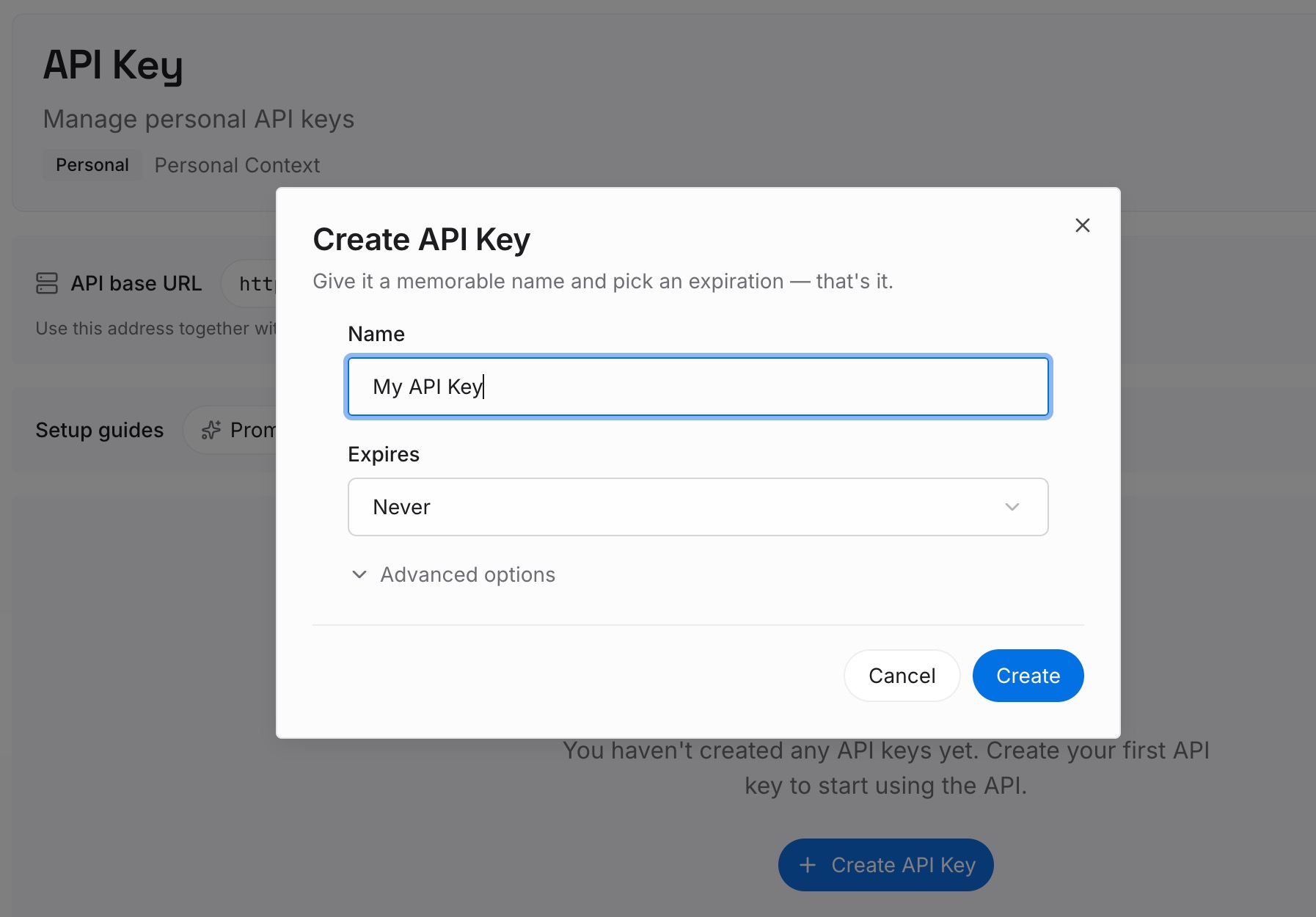
Step 1: Create an API key
Sign in and create an API key. One credential across the tools you connect.
Step 2: Upload your first memories
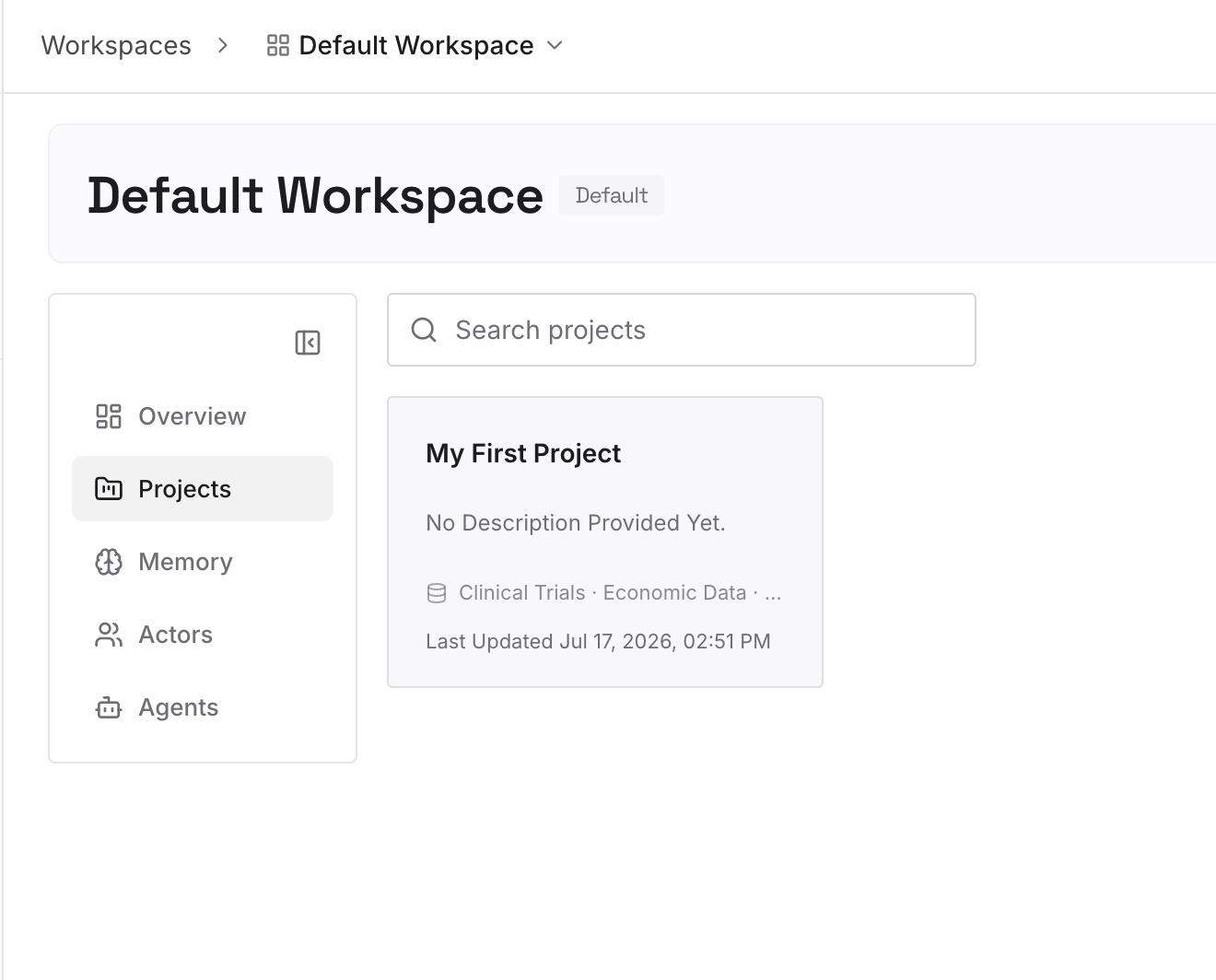
Short entries, one claim each. Write these while the /memory read from Step 1 is still fresh:
Everything in the feedback category. Corrections you gave and approaches you confirmed. This is the category most likely to be re-litigated on a fresh tool, because nothing in the codebase implies it.
Decisions with the reason attached. "Migrations are additive-only because the read replica lags under load." An instruction states the rule; only this stops the alternative being proposed again.
Approaches already tried and rejected here. Absent from instruction files, absent from commit messages, re-proposed every session.
Environmental facts nothing announces. The test that only fails in CI, the undocumented rate limit, the ordering dependency between two jobs.
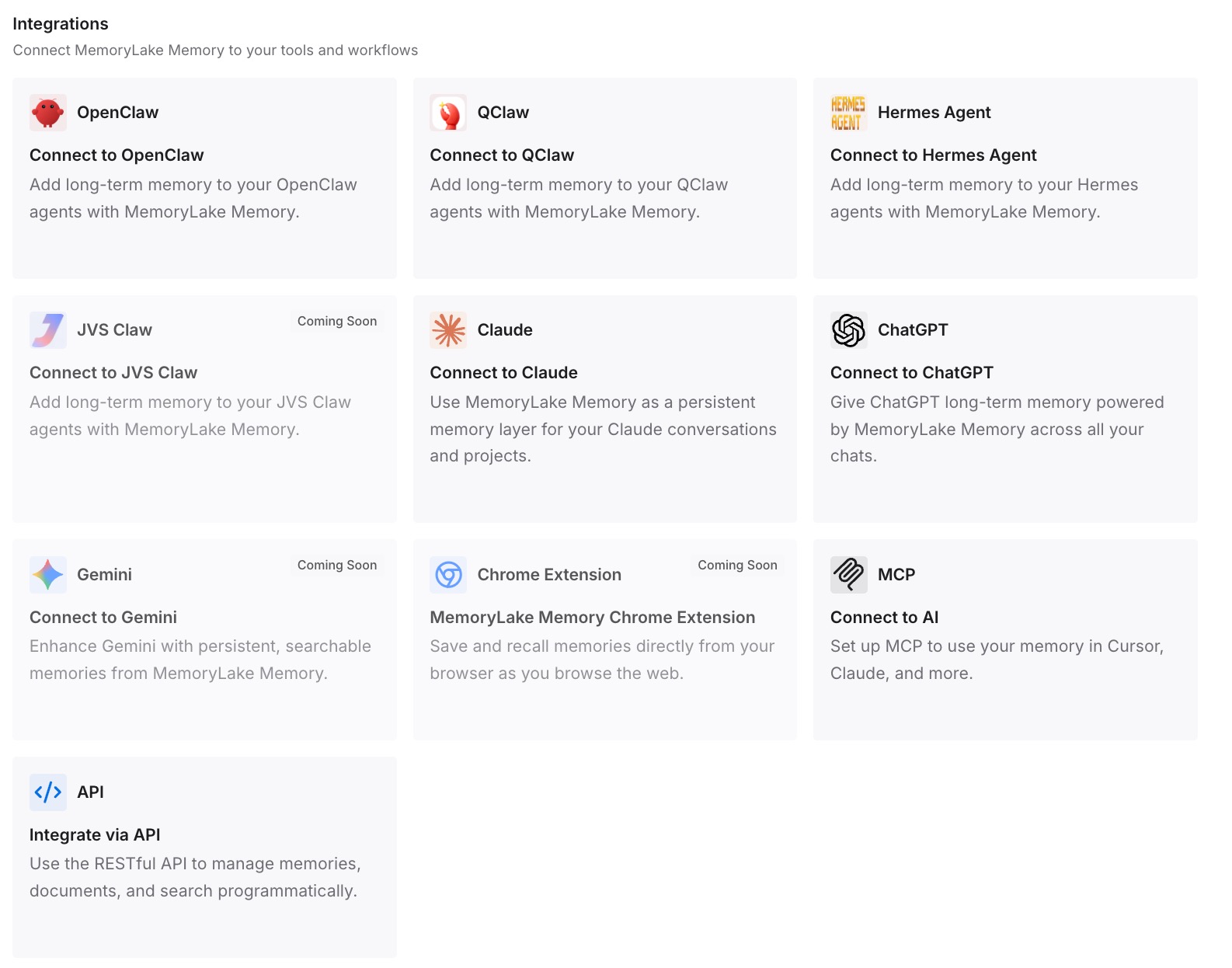
Step 3: Connect your AI & agents
Connect what you use. MemoryLake is reachable over MCP and over an API, so MCP-native agents — Claude Code, Cline, Codex, and OpenClaw among them — connect by pointing at the MCP server, while other assistants read the same memory through the API. Which means you can run Cline and Claude Code on the same repository during the transition without maintaining two copies of the same reasoning.
Three honest limits. MemoryLake does not write your AGENTS.md, your .clinerules/, or your Memory Bank files — those are how you steer each tool, and the discovery behavior above is theirs. It holds only what you or your agents put into it, so Step 2 is manual. And instructions are context rather than enforced configuration; for anything that must hold every time, use each tool's own enforcement mechanism rather than a memory layer.
What this changes in practice
Skills stop being a migration item. .claude/skills/ is a directory Cline reads. Nothing to move.
"Which file is live?" has a short answer. .clinerules/, .cursorrules, .windsurfrules, AGENTS.md — and not CLAUDE.md.
Conflicts resolve instead of coin-flipping. Workspace rules beat global rules in Cline. Claude Code "may pick one arbitrarily."
Long instruction files become several short toggled ones. Which is also how you stop loading the frontend section during backend work.
Your context becomes reviewable. Memory Bank files sit in the repo and go through pull requests. ~/.claude/projects/<project>/memory/ never could.
A new laptop stops being a reset. Auto memory was machine-local; committed files are not.
Best practices for switching from Claude Code to Cline
Read /memory before you rename anything. It holds what your CLAUDE.md deliberately does not, and it does not come with you.
Run /context to confirm what was actually loading. Subdirectory files and four-hop imports mean the root file is rarely the whole story.
Pick AGENTS.md or .clinerules/, and only one authoritative source. Two full copies drift within a sprint.
Split before you migrate, not after. Separate .clinerules/ files with toggles are the only reason the toggle feature is useful.
Actually install Memory Bank. It is a rule file plus one command, and skipping it is how people conclude Cline forgets things — the symptom side is in why Cline forgets project context.
Update the memory bank before /newtask or /smol. Compression is not the same as writing it down.
Commit .cline/ and your Memory Bank. Cline's own guidance is to use project config "for team-shared behavior that should travel with the repo."
Keep the reasoning out of the always-loaded file. Both tools cap what they carry, and the reasoning is the first casualty — the general problem in why agents ignore the instruction files you wrote.
Conclusion
Claude Code to Cline looks like a rename, and the mechanical part is: .claude/skills/ already works, and CLAUDE.md becomes AGENTS.md or a set of .clinerules/ files. The trap is that Cline's rule table auto-detects .cursorrules and .windsurfrules while never mentioning CLAUDE.md, so the one file you were relying on is the one filename with no reader on the other side.
The part that genuinely does not transfer is auto memory. Claude Code writes it for itself at ~/.claude/projects/<project>/memory/, in four categories, containing by design the things your instruction files do not say — and it is machine-local. Cline's replacement is Memory Bank: six markdown files in your repo, initialized with a rule file and a command, maintained by you. That trade is worth making with your eyes open, because you gain reviewability and lose automation.
Read the memory directory first, confirm what was loading with /context, land the instructions in one authoritative file, install Memory Bank properly, and put the decisions and rejected approaches somewhere both tools can query. Then which editor you opened this morning stops being a fact your agent's understanding depends on.