
What actually transfers
Codex's importer supports Claude Code as a source. In the CLI you run /import; in the desktop app you go to Settings → Import and follow the flow.
According to Codex's documentation, the import covers:
AGENTS.mdfilessettings.jsonandconfig.toml- Instruction files and MCP server configurations
- Skills and plugins
- Project folders and memories
- Chat sessions from the last 30 days
- Hooks and slash commands
- Subagents
The documented limits matter as much as the list:
- Up to 50 chats from the last 30 days.
- "Standard Claude Chat data cannot be imported" — this is a Claude Code importer, not a Claude importer.
- The
/importcommand "isn't available during a running task, in a remote session, or while connected to a local app-server daemon." - Imported plugins may need reauthorization.
Two more facts shape the rest of the move.
Codex reads AGENTS.md, not CLAUDE.md. AGENTS.md is an open format that Cursor, Jules, Amp, and Factory also read, which is why the migration is mostly a rename rather than a rewrite: the content carries over unchanged, only the filename and the load path differ. Codex layers these files — a global one under your Codex home (~/.codex/AGENTS.md, or $CODEX_HOME/AGENTS.md if you've set it), then the repo root, then the directories between the root and where you're working. Files concatenate from the root downward, and the file closest to your current directory wins on conflicts.
Codex has its own memory feature, and it's off by default. Memories store "summaries, durable entries, recent inputs, and supporting evidence from prior chats" as local files in ~/.codex/memories/. You enable it with memories = true under [features] in config.toml, or in the desktop app under Settings → Personalization → Enable memories. It's global rather than per-project, and it persists across sessions. The documented caveats are worth reading before you rely on it: memories "may not update right away when a chat ends," Codex "skips active or short-lived sessions," generation pauses as you approach rate limits, and the docs are explicit that you shouldn't store secrets in them and should treat the files as generated state.
So Codex is not a blank slate. It just isn't the same shape of memory as the working context you built up inside Claude Code.
The manual migration
Step 1: Move and split your instructions
If the importer didn't already produce an AGENTS.md, rename CLAUDE.md to AGENTS.md. If the content is genuinely provider-neutral, a symlink lets both tools read one file while you're running them side by side. If it contains Claude-specific markers — references to Claude Code's own commands, hooks, or file conventions — copy it and rewrite those parts instead of symlinking a file that will confuse one of the two.
Then split it by scope, because Codex's layering rewards that:
- Machine-wide preferences (your commit style, your default language, how you want to be talked to) go in
~/.codex/AGENTS.md. - Repo rules (build commands, test invocation, directory conventions, what must never be touched) go in the repo root
AGENTS.md. - Subsystem specifics (this package uses a different lint config, this service has its own deploy path) go in that directory's
AGENTS.md.
One long root file works, but it means every session in every subdirectory pays for every rule.
Step 2: Rebuild what the importer can't reach
Make a short, deliberate pass over what falls outside the 30-day, 50-chat window:
- Older decisions. Skim the Claude Code sessions you remember mattering and write the conclusions down — not the transcripts, the conclusions. "The retry wrapper stays synchronous because the async version double-charged in March" is worth one line and saves an afternoon.
- The dead ends. Approaches you already ruled out are the most expensive knowledge to lose, because a fresh agent will happily suggest them again and you'll re-litigate a settled question.
- MCP servers. The configuration transfers; the authorization may not. Reconnect and confirm each server actually responds before you trust a session that depends on it.
- Hooks, slash commands, and subagents. These come across, but they were written against Claude Code's semantics. Run each one once on something harmless.
Budget an hour. It's the difference between a migration that feels like a wash and one that feels like a downgrade for a fortnight.
The Better Way: One Memory Layer, Either Tool
Now the uncomfortable observation: you're about to do this again. Codex's importer exists because people move between agents constantly, and the industry is not slowing down. If your project knowledge lives inside whichever agent you happen to be using, every switch costs you a manual rebuild, and every switch loses whatever fell outside that tool's export window.
Codex Memories is real and worth turning on — but be clear about its shape. It's one tool, on one machine, opt-in, global rather than per-project, and it's generated state rather than something you author. It won't be readable by Claude Code, by Cursor, or by your teammate.
The alternative is to keep the knowledge outside both tools. MemoryLake is a memory layer that agents connect to over MCP or an API, which means the 30-day window stops deciding what you get to keep, and running Claude Code and Codex side by side stops meaning maintaining two sets of context.
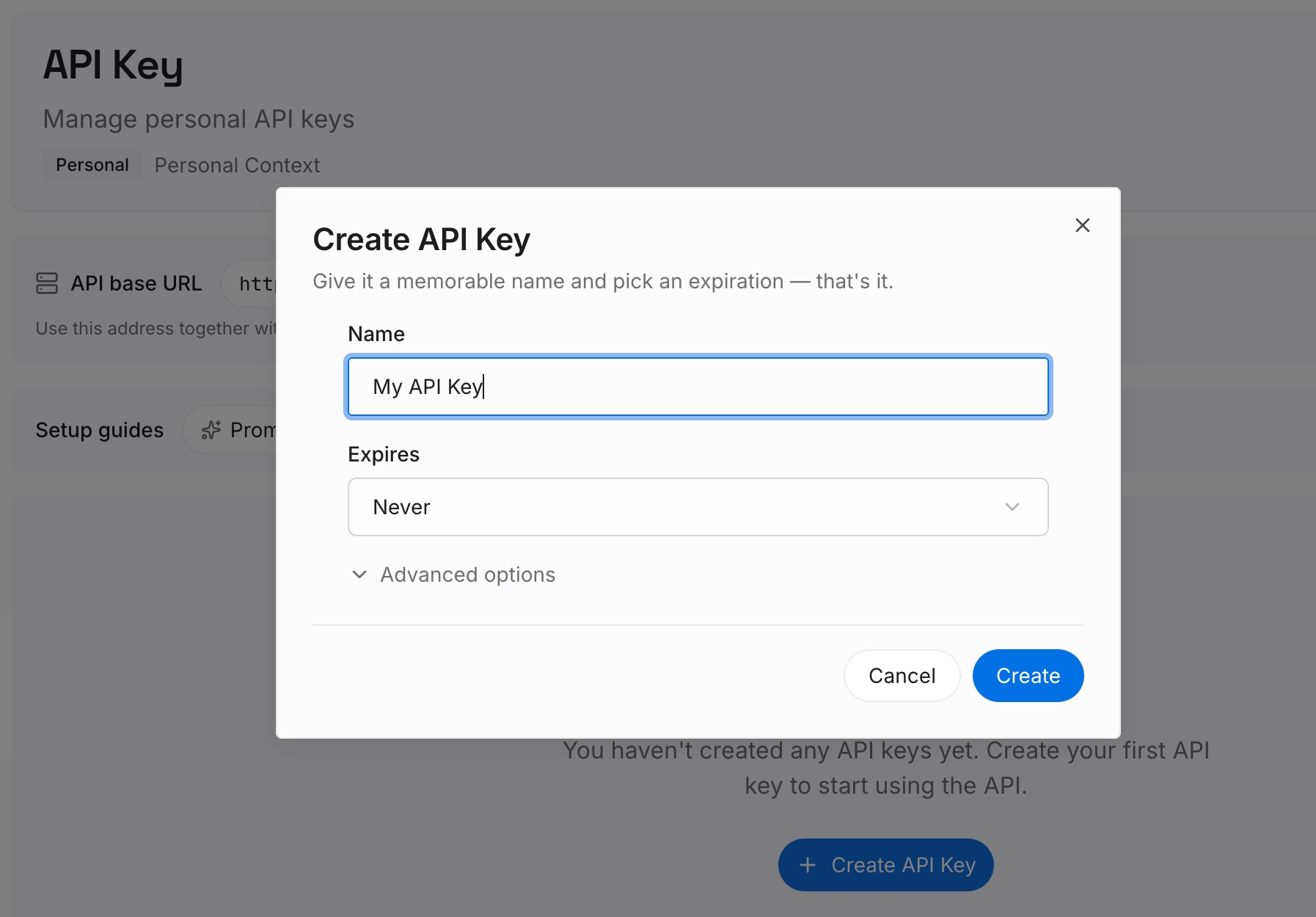
Step 1: Create an API key
Generate a key and make your first request in about 30 seconds.
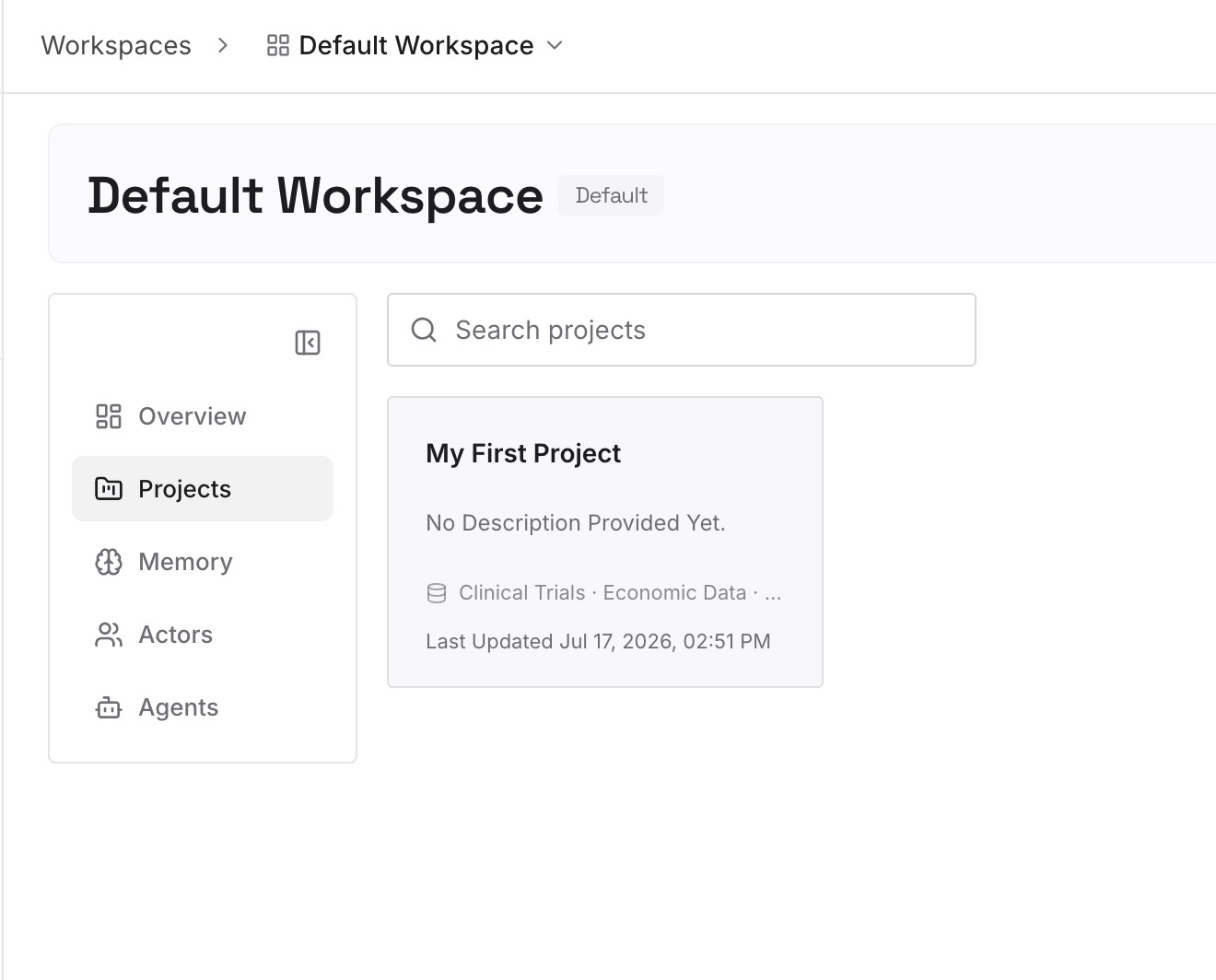
Step 2: Upload your first memories
Put in the durable material: your architecture notes, the decision log you just wrote in Step 2 above, the API contracts, runbooks, and the diagrams people keep re-explaining. Documents, images, and other files are all fair game.
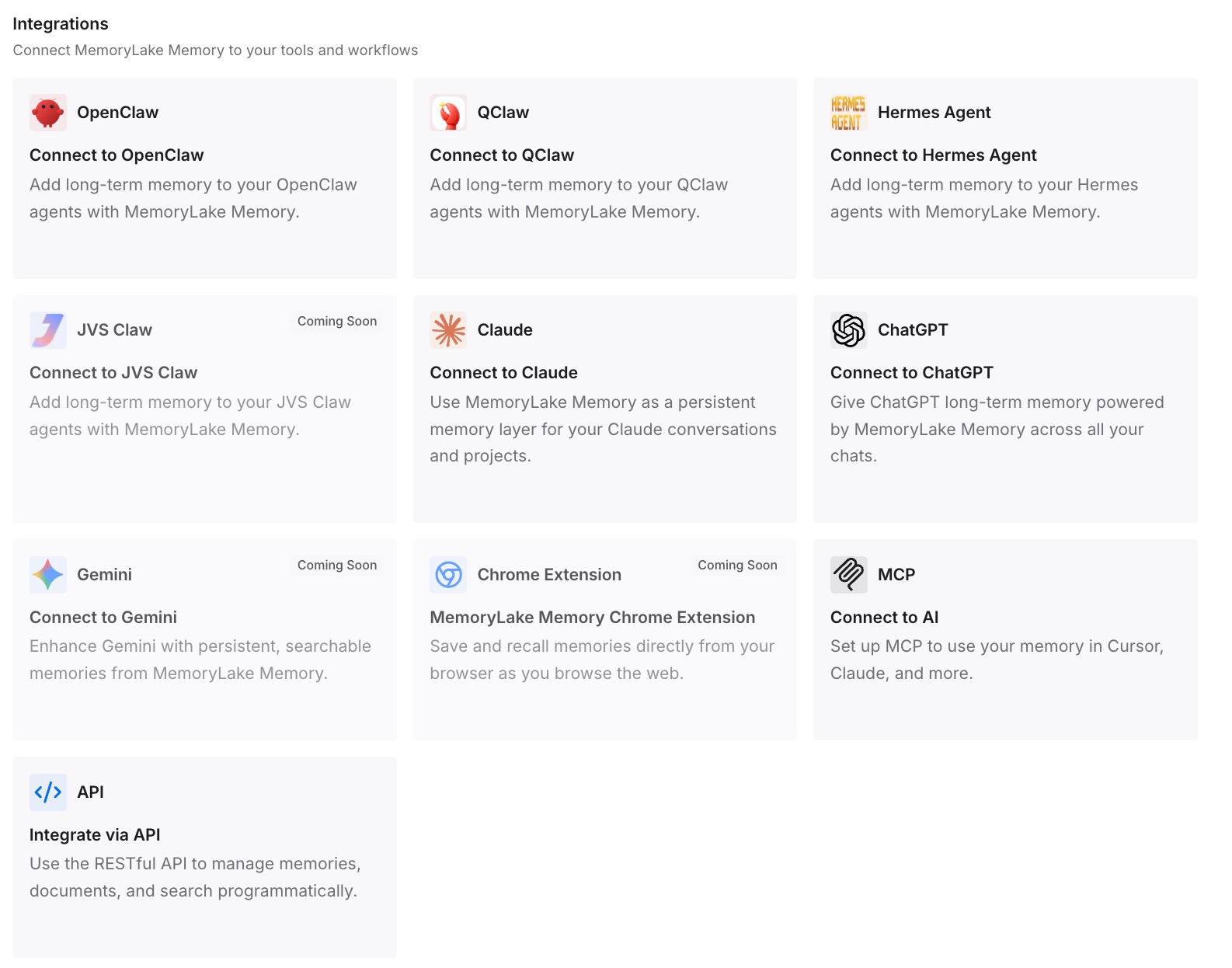
Step 3: Connect your AI & agents
Give Codex, Claude, OpenClaw, and other agents access over MCP or the API. Both agents then read from the same memory, and AGENTS.md goes back to being what it's good at — rules — instead of doubling as an ever-growing knowledge dump.
What this changes in practice
The immediate effect is that your AGENTS.md files stop growing. Most of them are bloated because they're carrying two jobs: instructions ("always run make lint before committing") and knowledge ("the webhook signature check lives in verify.ts and the legacy path is still live for two customers"). Instructions belong in the file. Knowledge belongs in a layer you can query, because it grows weekly and nobody wants to hand-maintain a 900-line prompt preamble.
The second effect shows up on your next tool change. A migration where the knowledge already lives outside both agents is a config task, not an archaeology project — point the new agent at the same memory and keep going.
And if you're running both agents, which plenty of people do deliberately, one shared memory removes the sync problem entirely. Otherwise you're maintaining two versions of the same truth and finding out they diverged at the worst moment. The same dynamic shows up whenever multiple agents share work without a shared memory.
Best practices for a two-agent setup
Separate rules from knowledge, deliberately
Before you copy anything, read your CLAUDE.md with one question: is this an instruction the agent should always obey, or a fact about the system? Instructions go to AGENTS.md. Facts go to the memory layer. This one split does more for output quality than any amount of prompt tuning.
Turn on Codex Memories, but don't rely on it alone
It's genuinely useful for working style and repeated setup. Just remember the documented behavior: it may lag behind the end of a chat, it skips short sessions, and it's local to one machine. Treat it as convenience, not as your record.
Verify before you delete
Keep your Claude Code configuration intact until you've run a full week in Codex, including a real debugging session. The gaps in a migration never show up in the first hour — they show up the first time you need something you assumed came across. It's worth knowing in advance why Codex forgets your project context once you're in it, and how the reverse route back to Claude Code works if you decide to switch again.
Conclusion
Claude Code to Codex is one of the better-supported migrations available right now. /import moves your instructions, config, MCP servers, skills, hooks, slash commands, subagents, and a month of chats, and CLAUDE.md becoming AGENTS.md is a rename rather than a rewrite. Spend the saved effort on the part no importer touches: the decisions, the dead ends, and the reasons behind them.
Then make sure you only have to do that once. Both tools are stateless where it counts, both keep their memory inside their own walls, and there will be another agent worth trying in six months. A memory layer that sits outside whichever one you're using is what turns the next switch into a configuration change instead of a rebuild — and stops your instructions files from slowly becoming the place where all your knowledge goes to be forgotten. If you'd rather stop re-explaining altogether, that habit has its own fix.