
What actually transfers
Getting memory out of Claude. Anthropic documents this directly. Go to Settings → Capabilities and open "View and edit your memory" to see your memory exactly how Claude sees it: every entry listed by category, each one editable or deletable. That view is your source material.
You can also ask Claude in a chat to "Write out your memories of me verbatim, exactly as they appear in your memory." The output is text you copy into a file on your own machine — there's no download that produces a structured export, so plan on a copy-and-paste step.
One documented limitation shapes what you'll find there: Claude's memory is designed to focus on work-related topics. That's helpful for this migration — the entries tend to be about how you work rather than trivia — but it also means the memory is a set of distilled observations, not a transcript of everything you discussed.
Note the direction of Anthropic's tooling here. Claude's Memory Import (Settings → Memory → "Start import") brings context into Claude from other providers, and it's explicitly experimental — Anthropic notes that Claude "may not always successfully incorporate imported memories." There is no equivalent going the other way, which is why the outbound move is manual.
What OpenClaw takes. OpenClaw's model is unusually explicit, and practitioners state it as a rule: if it isn't written to a file, it doesn't exist. That's not a complaint about the tool — it's the design. The conventions that have settled around it:
- A
MEMORY.md-style file that grows into a genuine knowledge base of preferred approaches and learned pitfalls. - Daily notes capturing decisions and significant interactions, which the agent reads at the start of a new session alongside the long-term file.
/context listinside a session to diagnose why something isn't sticking.- A built-in pre-compaction memory flush that triggers a silent agentic turn before compaction, reminding the model to write anything important to disk. Several compaction bugs were fixed in late February 2026, so being on a recent build matters here.
For anything beyond files, OpenClaw connects over MCP. Servers live under "mcp": { "servers": { … } } in ~/.openclaw/openclaw.json, and there's a full CLI for managing them — openclaw mcp add, set, configure, show, list, unset, plus openclaw mcp login <name> for OAuth flows and openclaw mcp doctor <name> --probe to check one works. Stdio, SSE, and streamable HTTP transports are all supported, with static headers available for HTTP servers.
What doesn't transfer. Claude's memory entries describe you: your conventions, your preferences, patterns it noticed. OpenClaw runs unattended against real systems, and what it needs is operational: which environments exist, what must never be touched, what the deploy actually does, which failure you've already diagnosed twice. Some of that is in Claude's memory. Much of it was in the conversations Claude summarized away, and none of it is in the entries as written.
The manual migration
Step 1: Get your memory out of Claude, then edit it hard
Open Settings → Capabilities → View and edit your memory and read the whole thing. Most people are surprised twice: by how much is there, and by how much of it is irrelevant to an agent that runs commands.
- Copy the entries out into a file — either from that view or by asking Claude to write them out verbatim.
- Delete anything that's about conversational style with no operational meaning. An agent that provisions infrastructure does not need to know you prefer bullet points.
- Keep and expand anything that constrains action: environments, naming conventions, what's off limits, review requirements, the systems you touch.
- Add what Claude never stored because you only said it once. Every "don't run that against prod" that lives in your head is a line worth writing now.
- Don't paste credentials into any of this. Not into the file, and specifically not inline into
~/.openclaw/openclaw.json— that file gets backed up and copied during migrations. Use environment variables and reference them as${VARIABLE_NAME}.
Step 2: Give OpenClaw somewhere to keep it — and something to keep it in
Now split what you kept by how it will be used:
- Standing rules go into the long-term memory file the agent reads every run. Keep it tight; this is loaded constantly.
- Working notes go into the daily-notes pattern, so decisions from this week are available next week without bloating the permanent file.
- Reference material — architecture docs, runbooks, contracts, diagrams — shouldn't be pasted into a Markdown file at all. Point OpenClaw at it over MCP so it can retrieve what's relevant instead of carrying everything.
- Verify before you trust it. Run a session, then
/context list, and confirm what the agent actually loaded. Files that exist but aren't being read are the most common reason a migration feels like it failed.
Then confirm the plumbing: openclaw mcp list to see what's registered, openclaw mcp doctor <name> --probe on anything you depend on. A server that's configured but not responding fails silently in a scheduled run, which is the worst place to find out.
The Better Way: One Memory Layer, Either Tool
Notice what this migration actually consisted of: reading knowledge out of one product's private store and hand-writing it into another product's file convention. You'll do it again the next time your stack changes, and each time you'll lose whatever the previous tool had already compressed away.
OpenClaw's file model genuinely works — it's explicit, versionable, and greppable, which is more than most tools offer. Its limits are structural rather than a flaw: files live on a machine, they're maintained by hand, each agent has its own set, and Claude can't read them. So you're back to keeping two versions of the same truth, which drift.
The alternative is to keep the knowledge in a layer that isn't owned by either tool. MemoryLake sits at that level: memory as its own layer, reachable over MCP or an API, so Claude and OpenClaw read from the same place instead of from two copies.
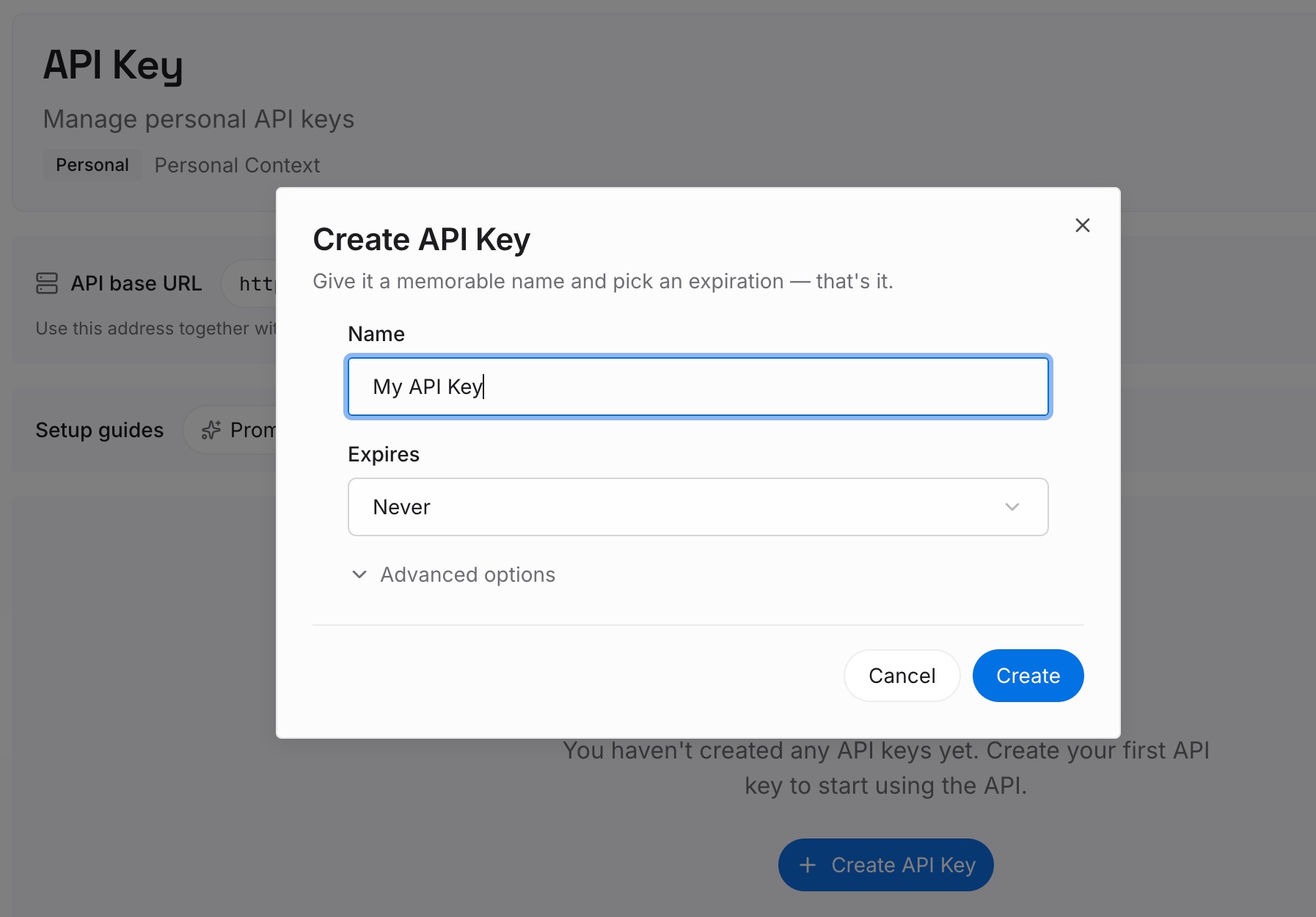
Step 1: Create an API key
Generate a key and make your first request in about 30 seconds.
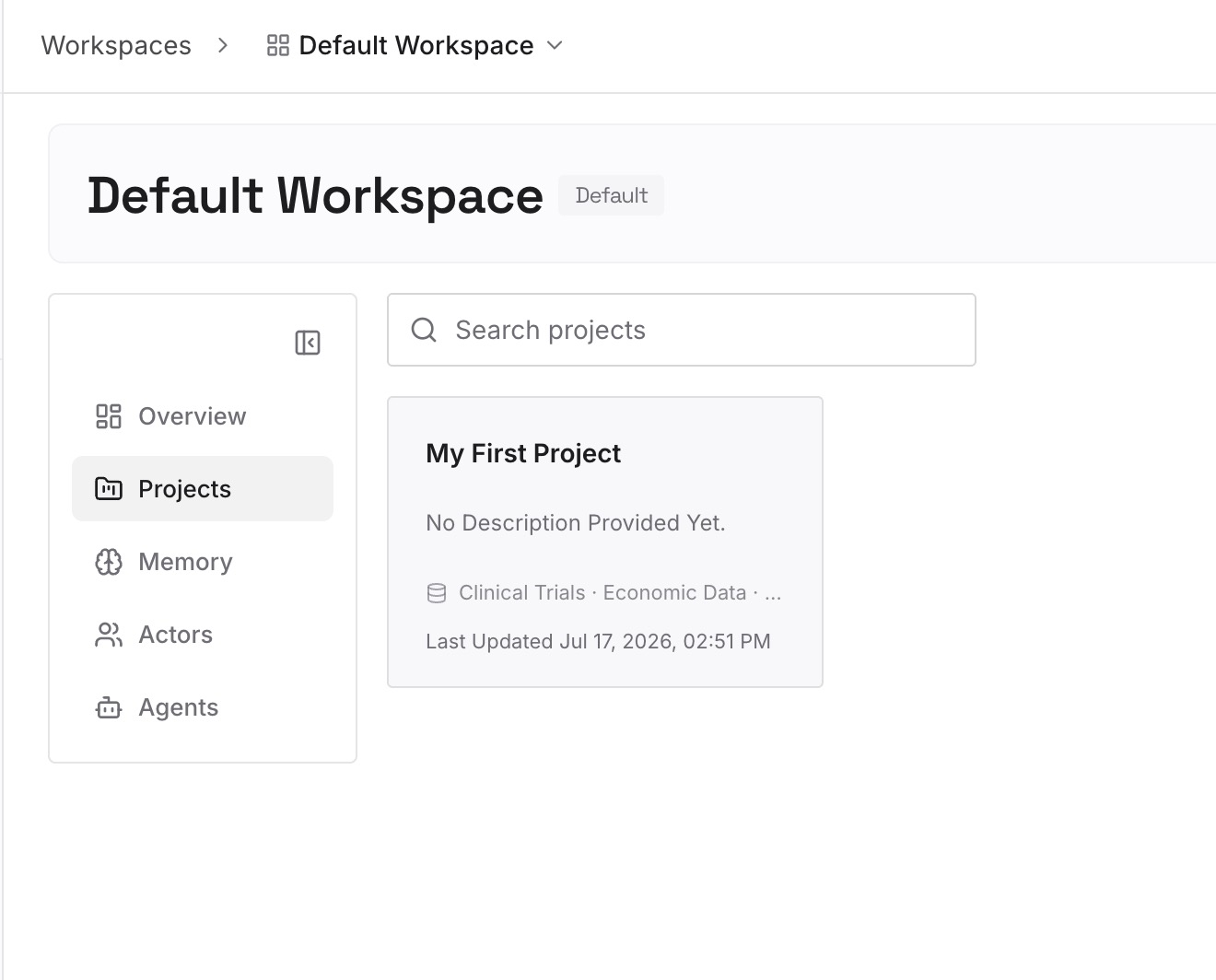
Step 2: Upload your first memories
Load the material you just curated in Step 1 above, plus the reference documents you'd otherwise be pasting: architecture notes, runbooks, API contracts, decision logs, screenshots of the dashboards people keep describing. Documents, images, and other files all go to the same place.
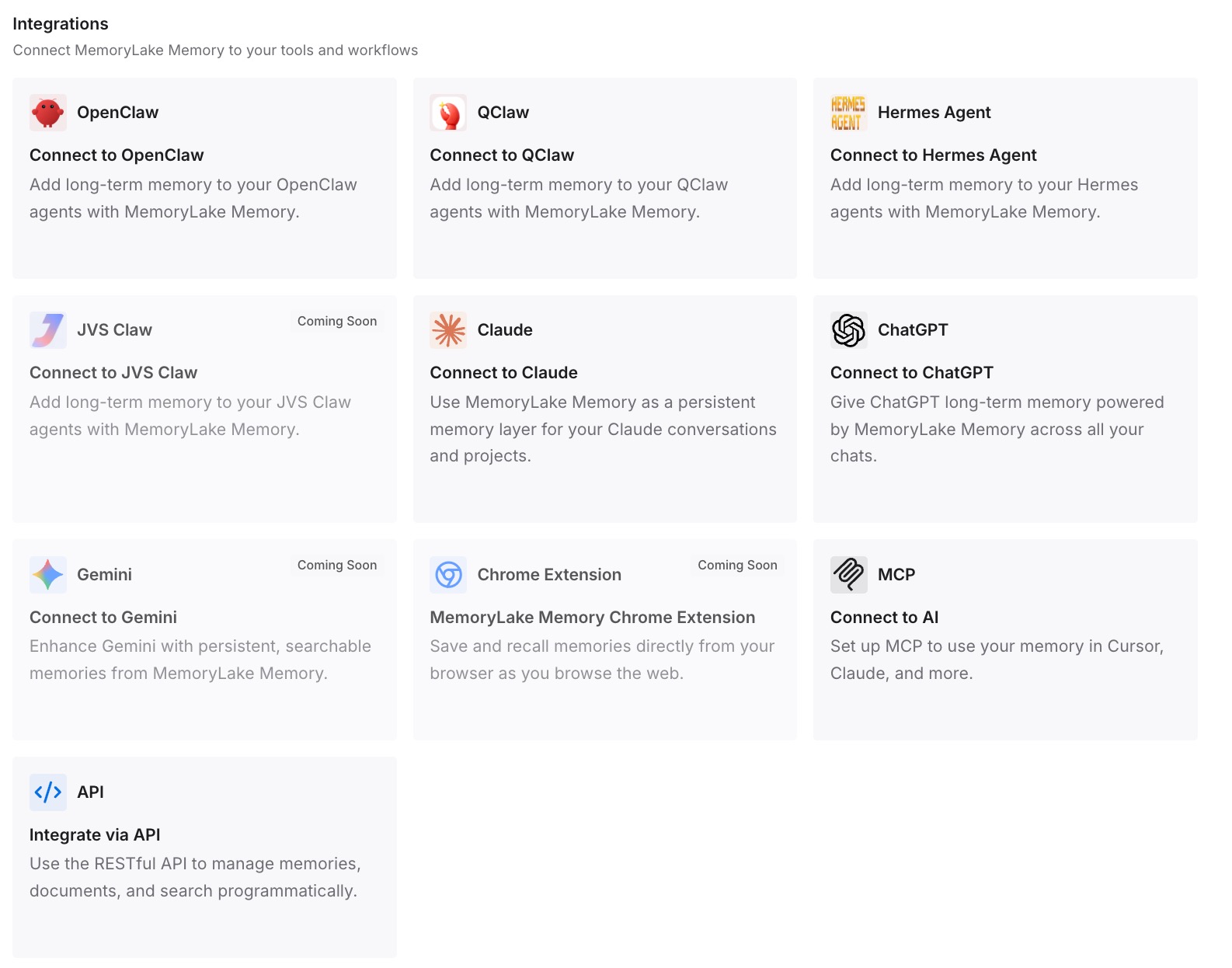
Step 3: Connect your AI & agents
Give OpenClaw, Claude, Codex, and other agents access over MCP — for OpenClaw, that's one server entry in ~/.openclaw/openclaw.json or a single openclaw mcp add. Your long-term memory file goes back to holding rules, and the knowledge that grows weekly stops being something you maintain by hand in two places.
What this changes in practice
The immediate effect is that your memory file stops inflating. Most of these files get bloated because they carry two jobs — standing rules and accumulated knowledge — and only one of those should be loaded on every single run. Splitting them cuts what the agent reads per run while increasing what it can find when it needs to.
The second effect shows up in unattended runs, which is where OpenClaw earns its keep. A scheduled agent that can query a memory layer will find the runbook it needs at 3am. A scheduled agent whose knowledge is whatever fit in the file will improvise, and improvisation against production is how incidents start.
The third is that Claude and OpenClaw stop disagreeing. Right now, the decision you reached in a Claude conversation exists in Claude's memory and nowhere else, so the agent doing the work never learns it. One shared memory closes that loop — the same reason setting up cross-AI memory over MCP tends to pay off faster than optimizing either tool alone.
Best practices for running Claude and OpenClaw together
Treat the memory file as rules, not as an archive
If it's a constraint the agent must always respect, it belongs in the file. If it's knowledge that grows — incidents, decisions, system detail — it belongs in a layer the agent queries. Files loaded every run should be short enough that you'd notice if something wrong got in.
Write the operational version of every decision
Claude's memory might record that you prefer a particular deployment approach. OpenClaw needs the version with the command, the environment, the guardrail, and the reason. Rewriting decisions in operational language is the single highest-value hour in this migration.
Keep secrets out of config and out of memory
~/.openclaw/openclaw.json travels — it gets backed up and copied when you migrate machines — so reference environment variables rather than inlining tokens. OpenClaw also filters dangerous startup variables like NODE_OPTIONS, PYTHONSTARTUP, DYLD_*, and LD_* for stdio servers, which is a good reminder that anything an agent can read, an agent can also leak into a transcript.
Conclusion
Moving from Claude to OpenClaw is a real migration, not a click: read your memory out of Settings → Capabilities, cut it down to what constrains action, rewrite it in operational terms, and place it where OpenClaw will actually read it. Then verify with /context list rather than assuming.
The part worth changing is the pattern, not the procedure. Claude keeps its memory in Claude, OpenClaw keeps its knowledge in files on one machine, and every tool change means moving knowledge between private stores by hand. A memory layer that sits outside both means your context stops being a thing you migrate — and an unattended agent stops running on whatever happened to fit in a Markdown file. If your source is a different assistant, the same route applies when moving ChatGPT memory into OpenClaw or taking Claude memory into an IDE agent.