
What a hook is in each tool
Codex's documentation describes hooks as "an extensibility framework for Codex. They let you run scripts or MCP tools during the agentic loop". Its list of examples includes "Summarize chats to create persistent memories automatically" and "Run a custom validation check when a chat turn stops, enforcing standards".
Claude Code's documentation says hooks "are defined in JSON settings files" and organized as event, matcher group, and handler. A handler can be a shell command, an HTTP endpoint, an MCP tool, a prompt, or an agent.
Codex supports fewer handler types. Its documentation says: "command and mcp_tool handlers are supported. prompt and agent handlers are parsed but skipped." Since Claude Code supports both of those, every handler that actually runs in Codex has a matching type in Claude Code.
Where hooks live
In Codex, hooks go in a hooks.json file or inline in config.toml. The documentation lists the hooks.json locations:
- System:
/etc/codex/hooks.jsonon macOS and Linux. - User:
$CODEX_HOME/hooks.json, which is~/.codex/hooks.jsonwhenCODEX_HOMEis unset. - Trusted project:
.codex/hooks.json.
Codex also loads hooks bundled with enabled plugins. When one layer uses both files, the documentation says "Codex loads both and warns at startup. Prefer one format per layer."
In Claude Code, hooks go in settings files. The documentation's table lists the main locations:
~/.claude/settings.jsonfor all your projects..claude/settings.jsonfor a single project, which "can be committed to the repo"..claude/settings.local.jsonfor a single project, kept local.- Managed policy settings, plugins, and skill or subagent frontmatter.
So a Codex user-level hooks.json maps most closely to ~/.claude/settings.json, and a project's .codex/hooks.json maps to .claude/settings.json, under a top-level hooks key.
What carries over unchanged
Several pieces need no translation.
The structure. Event names, matcher groups, and a list of handlers per group.
The shared event names. SessionStart, SessionEnd, UserPromptSubmit, PreToolUse, PermissionRequest, PostToolUse, PreCompact, PostCompact, SubagentStart, SubagentStop, and Stop appear in both tools' references.
SessionStart sources. Codex lists startup, resume, clear, compact, and fork. Claude Code's SessionStart matcher table lists the same five values.
The common input fields. Both send JSON on stdin with session_id, transcript_path, cwd, hook_event_name, and permission_mode.
Exit code 2. In Codex, several events let you "use exit code 2 and write the blocking reason to stderr." Claude Code also treats exit code 2 as a blocking signal on events that support it, and documents its behavior per event.
Default timeout. Codex uses 600 seconds for most hooks. Claude Code lists 600 as the default for command hooks.
What needs translating
Matchers. Both use the matcher to filter by tool name or start source, but they evaluate it differently. Codex says its matcher "is a regex string". Claude Code treats a matcher made only of letters, digits, and a few separators as exact names, and anything else as an unanchored JavaScript regular expression. A Codex matcher like ^apply_patch$ stays a regex in Claude Code, but the tool name inside it needs changing.
Tool names. Codex's shell tool matches as Bash, which is also Claude Code's name. File edits differ. In Codex, apply_patch can be matched "as apply_patch, Edit, or Write." In Claude Code, the edit tools are matched by names such as Edit and Write. If your Codex hooks already use Edit|Write, that matcher carries over. If they use apply_patch, change it.
MCP tool names. Both use the mcp__server__tool pattern in their examples, so MCP matchers can carry over. Check that the server has the same name in both tools.
Script paths. Codex's examples reference project scripts through Git, with paths under .codex/hooks/. Claude Code offers a placeholder for this: ${CLAUDE_PROJECT_DIR}, "the project root where the session started." If you move scripts into .claude/hooks/, update the paths too.
The model field. Codex lists model as a common input field, a "Codex-specific extension." Claude Code says: "Only SessionStart hooks can receive a model field, and Claude Code doesn't always include it." A Codex script that reads the model on every event needs a fallback.
Turn IDs. Codex adds turn_id to turn-scoped hooks. Claude Code's common fields include prompt_id, which identifies the user prompt being processed. Logging scripts that key on turn IDs need adjusting.
Context limits. Codex's additionalContextLimit field controls how much context a hook can send before Codex saves the full text to disk. Claude Code's handler field table doesn't list that field, so remove it when you copy a handler.
Events on only one side
Codex lists three events that Claude Code's hook reference doesn't include under the same names: PreModelRequest, PostModelRequest, and Interrupt. Codex runs the first two "for each model request attempt", and Interrupt when you interrupt an active turn.
If you rely on those, look for the closest Claude Code event or accept that the behavior won't carry over. Claude Code, in turn, has many events Codex doesn't, such as PostToolUseFailure, Notification, FileChanged, and PreModelSwitch. A migration is a good time to check whether one of them does the job better.
How trust works on each side
Codex trusts hooks individually. Its documentation says: "Before a non-managed hook can run, Codex requires you to review and trust the exact hook definition. Codex records trust against the hook's current hash, so new or changed hooks are marked for review and skipped until trusted."
Claude Code checks workspace trust instead. In an interactive session, it "holds back hooks from every settings file, including your own ~/.claude/settings.json, until you accept the workspace trust dialog for the folder". In a -p or SDK session, it "treats the folder as trusted".
Claude Code's /hooks menu is a read-only browser that shows each hook and where it comes from. Use it after migrating to confirm every hook landed where you expected.
Plugin, managed, and disabled hooks
Not every hook is yours to move.
Plugin hooks travel with their plugin. Codex says enabled plugins can supply hooks "through their manifest or, by default, hooks/hooks.json in the plugin root." Claude Code uses the same file name inside a plugin, and its documentation says that "When a plugin is enabled, its hooks merge with your user and project hooks." If a hook came from a plugin, install the Claude Code version of that plugin rather than copying the hook.
Managed hooks belong to your administrator. Codex marks hooks from system, MDM, cloud, or requirements.toml sources as managed and trusted by policy. Claude Code has managed policy settings, and an allowManagedHooksOnly setting that blocks user, project, local, and plugin hooks. Check with your administrator before recreating a managed hook yourself.
Turning hooks off works differently. In Codex, hooks are enabled by default and turned off with a feature flag in config.toml. In Claude Code, the documented switch is disableAllHooks in a settings file, and it can't disable managed hooks from outside managed settings.
Moving context-loading hooks
SessionStart hooks that load context are the ones most worth getting right, because they shape what the agent knows from the first turn.
In Codex, "Plain text on stdout is added as extra developer context", and a JSON additionalContext field works the same way. Codex also runs SessionStart hooks that match compact after it compacts a session, so the context comes back after a summary.
Claude Code works similarly. Its documentation says that for SessionStart, "Claude Code adds plain-text stdout as context that Claude can see and act on." Its compact source fires after "Auto or manual compaction".
Claude Code adds advice about what belongs in a hook at all. Its SessionStart section says the event is "Useful for loading development context like existing issues or recent changes to your codebase," and then: "For static context that doesn't require a script, use CLAUDE.md".
So if a Codex hook does nothing but print the same conventions every time, the migration is a chance to move that text into CLAUDE.md and keep the hook for context that changes. We covered which Claude Code hooks can add context, and when CLAUDE.md is the better place, in our guide to Claude Code hooks.
What people try first
Expecting /import codex to bring hooks. Its documented list covers instruction files, MCP servers, commands, subagents, and skills.
Copying hooks.json into .claude/. Claude Code's documented locations are settings files, plugins, and skill or subagent frontmatter.
Keeping apply_patch in matchers. Claude Code's edit tools use different names.
Reading model on every event. In Claude Code, only SessionStart can receive it.
Keeping static conventions in a hook. Claude Code recommends CLAUDE.md for static context.
The manual migration
Step 1: List your Codex hooks
Open /hooks in the Codex CLI and note each hook's source, event, matcher, and command.
Step 2: Choose the Claude Code settings file
Use ~/.claude/settings.json for personal hooks and .claude/settings.json for shared project hooks.
Step 3: Copy the structure
Recreate each event and matcher group under the hooks key, converting any TOML hooks to JSON.
Step 4: Translate matchers and paths
Replace apply_patch, check regex matchers, and point script paths at ${CLAUDE_PROJECT_DIR}.
Step 5: Adjust scripts that read Codex-only fields
Add fallbacks for model and turn_id, and remove additionalContextLimit.
Step 6: Move static context to CLAUDE.md
Keep hooks for context that changes. Put fixed conventions in CLAUDE.md.
Step 7: Trust the folder and verify
Accept the workspace trust dialog, then check /hooks and trigger each event once.
The Better Way: Keep what your hooks enforce in one place
Hooks enforce rules and load context. The reasons behind them, such as why a command is blocked, which policy a check implements, or what the session notes are supposed to contain, are project context. When hooks move between tools, the scripts come along, but the reasoning behind them can live only in someone's memory.
MemoryLake is a memory layer for that kind of project context, such as policies, conventions, and the reasons behind your checks, kept in one place you maintain and available to the assistants you connect, such as ChatGPT, Claude Code, and Codex.
You write the entries yourself, in your own words. Nothing is read out of, written to, or deleted from your hooks.json files, your settings files, your hook scripts, your Codex or Claude Code sessions, or any vendor's store. Hooks work the way OpenAI and Anthropic describe them.
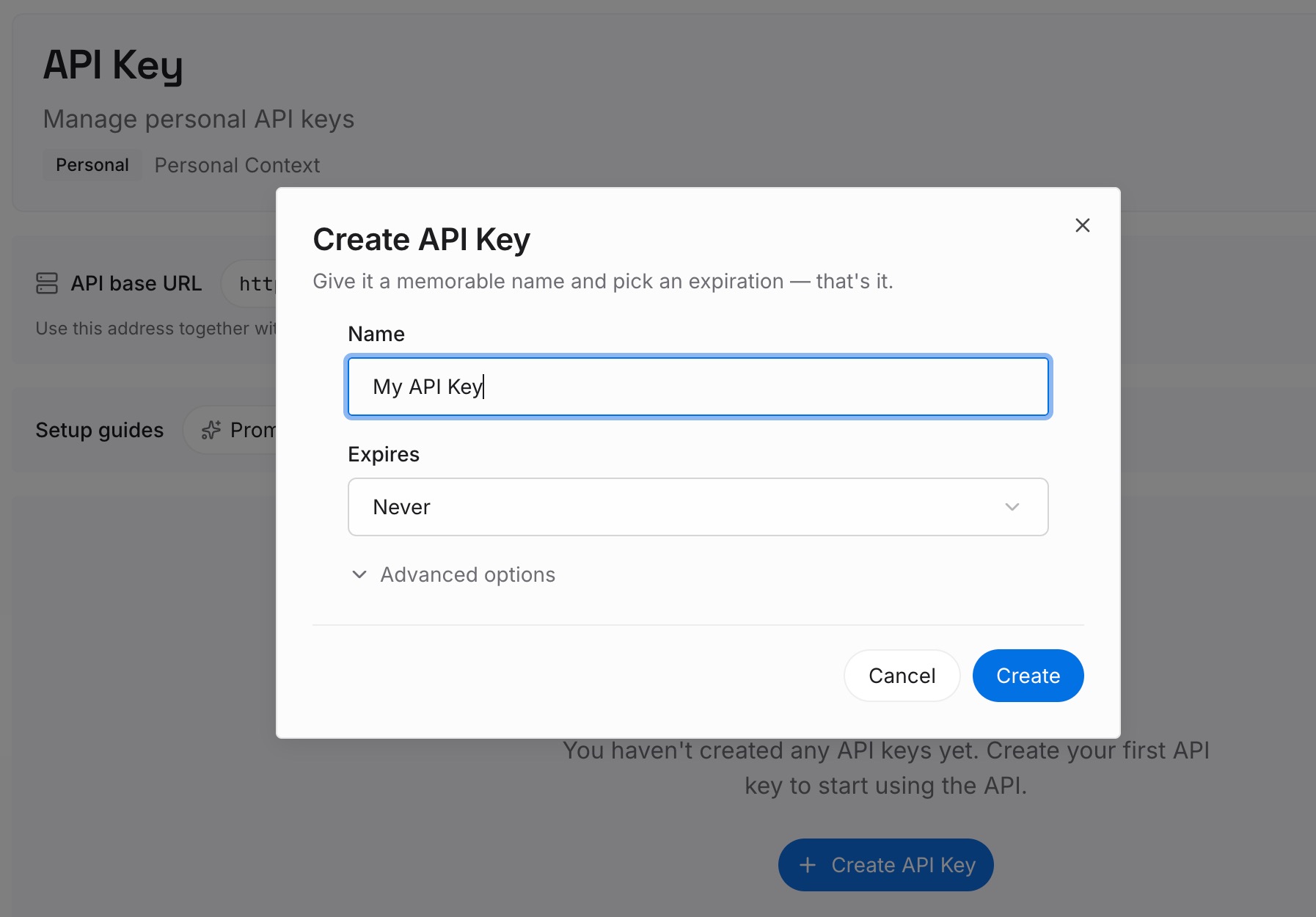
Step 1: Create an API key
Sign in and generate a key from the dashboard. Store it outside your repositories, like any other credential.
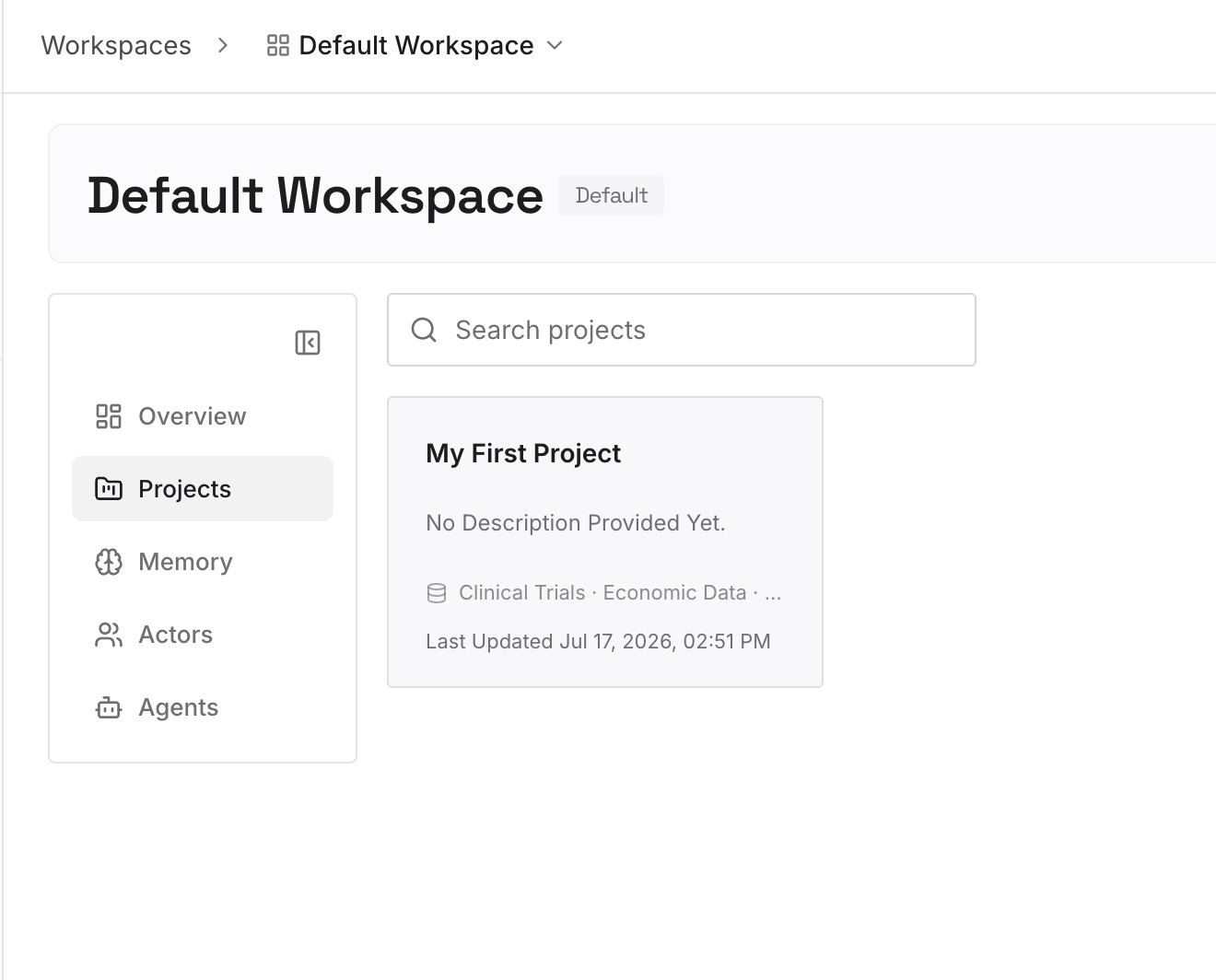
Step 2: Upload your first memories
Start with the hooks you listed in Step 1 of the manual migration. For each one, write down what it enforces and why. One hook per entry.
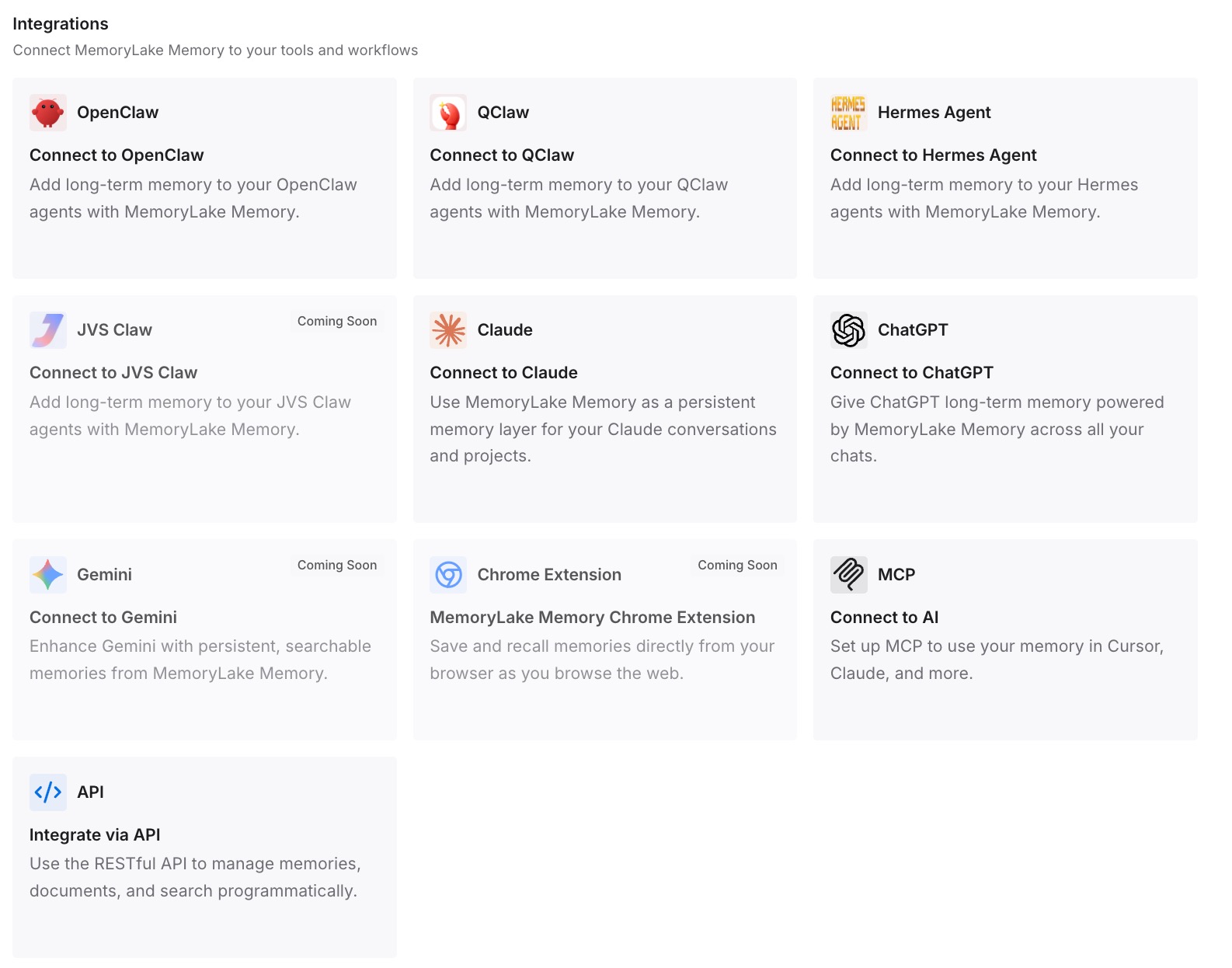
Step 3: Connect your AI & agents
Connect Claude Code, Codex, and the other assistants you use. Each can draw on the same reasons, whichever tool runs the hook.
What this changes in practice
The first difference is easier translation. When a hook's purpose is written down, you can pick the right Claude Code event even when the names differ.
The second is less duplication. Context that doesn't change goes into CLAUDE.md once, not into a script that prints it every session.
The third is consistency across tools. The same policies and reasons are available in Claude Code and in Codex.
Best practices for moving Codex hooks to Claude Code
Inventory first. Use /hooks in Codex to see every source.
Map files deliberately. User hooks to ~/.claude/settings.json, project hooks to .claude/settings.json.
Translate tool names. apply_patch becomes Edit or Write.
Use ${CLAUDE_PROJECT_DIR} for scripts. It points at the project root where the session started.
Check Codex-only events. PreModelRequest, PostModelRequest, and Interrupt need a plan.
Move static text to CLAUDE.md. Keep hooks for changing context.
Review .claude/ before scripted runs. -p sessions treat the folder as trusted.
Conclusion
Claude Code's /import codex brings instruction files, MCP servers, commands, subagents, and skills, and hooks aren't in that documented list. Moving them by hand is mostly translation, because both tools use the same three levels: event, matcher group, and handlers. Most event names, the SessionStart sources, the common input fields, exit code 2, and the default timeout carry over.
The changes are in the details: matchers are evaluated differently, apply_patch needs a Claude Code tool name, script paths should use ${CLAUDE_PROJECT_DIR}, and scripts that read model, turn_id, or additionalContextLimit need adjusting. Codex trusts each hook by hash, while Claude Code checks workspace trust. Use the move to put static context into CLAUDE.md and keep hooks for what changes.