
What actually transfers
Your AGENTS.md content, as-is. Setup commands, style, testing instructions, conventions. No format change, no frontmatter to add.
Nested directory files, with different precedence semantics. Both tools support per-directory instruction files. Codex "concatenates files from the root down, joining them with blank lines," and "Files closer to your current directory override earlier guidance because they appear later in the combined prompt." Cursor's nested AGENTS.md files are "combined with parent directories, with more specific instructions taking precedence." Practically similar. Not identical — Codex's ordering effect is positional, Cursor's is stated as precedence.
Nothing else, and here's the specific list.
AGENTS.override.md has no Cursor equivalent. This is the one that bites. In Codex, each directory is checked for AGENTS.override.md first, then AGENTS.md, and "Codex includes at most one file per directory." So a directory with both files has its AGENTS.md ignored. Open that repo in Cursor and the override filename means nothing — Cursor reads AGENTS.md, which is the file Codex was deliberately skipping. Your effective instructions change without a single edit.
Global scope moves to a different place with a different name. Codex reads global guidance from your Codex home directory — ~/.codex, unless CODEX_HOME is set — taking AGENTS.override.md if present, otherwise AGENTS.md, and "Codex uses only the first non-empty file at this level." Cursor's equivalent is User Rules, described as "global preferences defined in Customize → Rules that apply across all projects" and used by Agent (Chat). Same job, different home, and it's a settings pane rather than a file you can commit or sync.
## Code Review Rules sections stop doing anything. In Codex you add that section to the AGENTS.md nearest the code it governs, and it drives Codex code review on GitHub pull requests and GitLab merge requests, invoked with @codex review or @codex security review. Cursor has no consumer for that section. The text will still be read as ordinary instructions, which is usually harmless and occasionally confusing.
The caps are different quantities entirely. Codex "stops adding files once the combined size reaches the limit defined by project_doc_max_bytes (32 KiB by default)" — a budget across the whole chain. Cursor's guidance is per-rule: "Keep rules under 500 lines," and split large rules into composable ones. If you were sitting near Codex's 32 KiB, you're going to want to split rather than paste.
Anything in config.toml or a subagent definition. Approval modes, sandbox settings, and Codex's own subagent configuration are Codex concepts. Rebuild the intent, not the file.
The manual migration
Step 1: Flatten the override files before you switch
Do this while Codex is still your source of truth, because it's the step that prevents silent behavior changes.
Walk your repo for AGENTS.override.md. In each directory that has both an override and an AGENTS.md, remember that Codex has been reading only the override. Decide which content you actually want, merge it into AGENTS.md, and delete the override. Do the same for the global file: if ~/.codex/AGENTS.override.md exists, it's been shadowing ~/.codex/AGENTS.md entirely.
There's a documented way to confirm what Codex is loading before you start deleting things. Run it from the directory you care about:
codex --cd services/payments --ask-for-approval never "List the instruction sources you loaded."The docs describe the expected output as Codex reporting the global file first, the repository root AGENTS.md second, and the nested override last. That gives you the real chain rather than your assumption about it.
Step 2: Rebuild the global layer and choose your rule format in Cursor
Two decisions on the Cursor side.
Global preferences → User Rules. Open Customize → Rules and paste what lived in ~/.codex/AGENTS.md. Keep it to genuinely universal preferences; it applies across all your projects.
Repo instructions → keep AGENTS.md, or convert to .cursor/rules. Keeping AGENTS.md is the zero-work option and it's the right default. Convert only when you want conditional loading, because that's the capability .cursor/rules adds: .mdc files whose frontmatter decides when they apply. Cursor's four rule types are Always Apply, Apply Intelligently ("When Agent decides it's relevant based on description"), Apply to Specific Files ("When file matches a specified pattern"), and Apply Manually ("When @-mentioned in chat").
If you do convert, note the trap that has nothing to do with Codex: "A plain .md file in .cursor/rules is ignored by the rules system because it has no frontmatter to specify description, globs, and alwaysApply. If you prefer plain markdown, use AGENTS.md instead." Rename to .mdc and set the frontmatter, or stay with AGENTS.md.
And keep expectations calibrated on what rules are. Cursor's own framing: "Large language models don't retain memory between completions. Rules provide persistent, reusable context at the prompt level." Rules are context supplied per request — the same thing your AGENTS.md chain was. The mechanics of making that stick across sessions are in carrying Cursor context across sessions.
Worth knowing in the other direction, if you end up running both for a while: Codex can pull configuration in from other tools too, which is the subject of what Codex can import from Cursor and Claude.
The Better Way: Move the Reasoning Out of the Rule Files Entirely
You've now got the same instructions in a new tool. What you haven't moved is the thing that made your Codex setup actually good after six months of use: the accumulated knowledge of why.
Neither tool holds that well, and both say so through their limits. Codex caps the whole instruction chain at 32 KiB by default. Cursor tells you to keep rules under 500 lines and to "Reference files instead of copying their contents—this keeps rules short and prevents them from becoming stale as code changes." Those aren't arbitrary; always-on content is shipped with every request.
So the decisions, the constraints, and the approaches you already rejected have nowhere to live in either tool — which is why a tool switch feels like a memory wipe even when the files transferred perfectly.
That's what MemoryLake holds: your project's durable knowledge in a layer your tools read from, independent of which editor you're in this quarter. Setup is three steps.
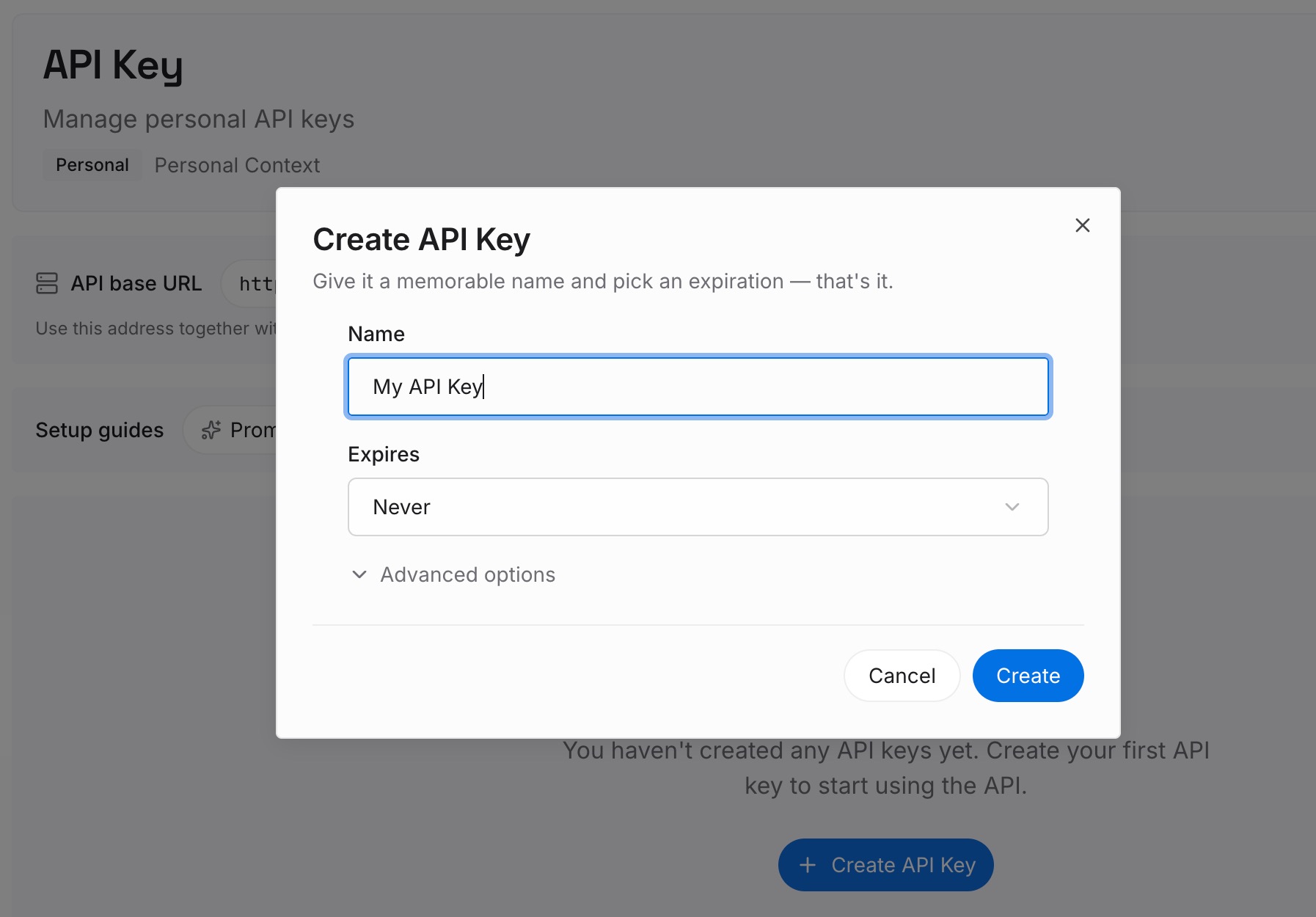
Step 1: Create an API key
Sign in to MemoryLake and create an API key. One credential across the tools you connect.
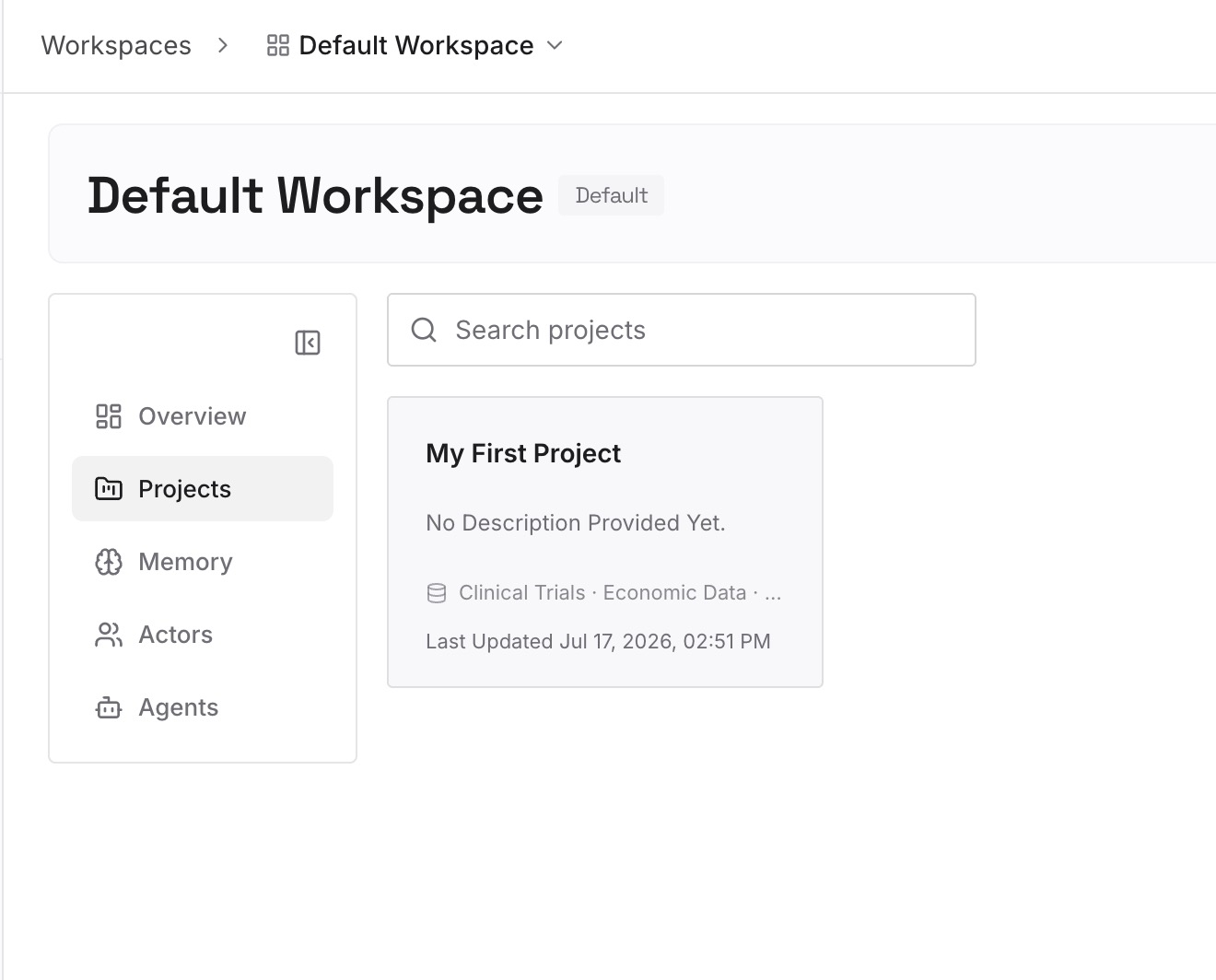
Step 2: Upload your first memories
Short entries, one claim each. What to write while the migration is fresh in your head:
Decisions with the constraint that forced them. "Migrations are additive-only because the read replica lags under load." A rule can state the policy; only this stops the same alternative being proposed next week.
What you already rejected in this codebase. The category that exists in no file and no commit message. Every fresh agent proposes it again.
Environmental facts you learned the hard way. The test that only fails in CI, the dependency that behaves differently than documented, the rate limit that isn't in the docs.
Corrections you made more than once. Cursor's own advice is to add a rule when you notice Agent repeating a mistake — put the reason for the correction here, next to it.
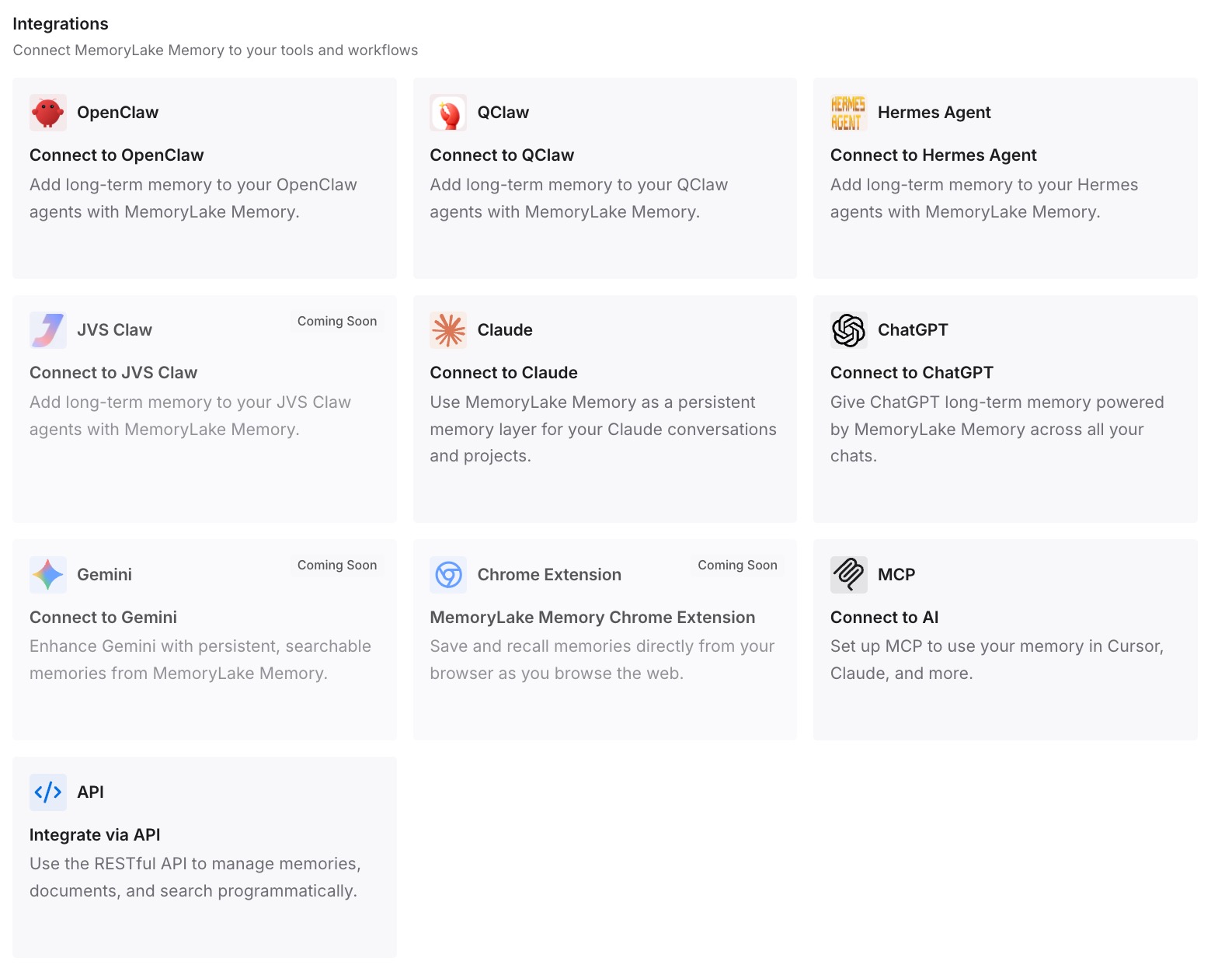
Step 3: Connect your AI & agents
Connect the tools you use. MemoryLake is reachable over MCP and over an API, so MCP-native agents — Claude Code, Codex, and OpenClaw among them — connect by pointing at the MCP server, while other assistants read the same memory through the API. Which means you don't have to finish the switch to start benefiting: both tools can read the same layer while you're deciding.
Three honest limits. MemoryLake does not write your Cursor rules or your AGENTS.md — those are how you steer each tool and you should set them up properly. It holds only what you or your agents write into it, so Step 2 is manual. And rules are context rather than enforced configuration; a memory layer doesn't change compliance.
What this changes in practice
The switch stops being all-or-nothing. Both tools reading the same external memory means you can run Cursor for a week without abandoning your Codex setup.
Override flattening becomes a one-time job. Once merged, there's no shadowed file to explain to the next person — or to yourself in November.
Rule files stay short in the new tool too. The reason your Codex chain crept toward 32 KiB was that it was doing two jobs. Split them once and neither cap is a constraint.
A third tool costs almost nothing. AGENTS.md is read by most of the ecosystem, and the reasoning is in a layer any MCP-native agent can query.
"It doesn't know my project" has a real answer. Not "write more rules" but "the knowledge was never in the rules" — the general case in why RAG isn't memory.
Best practices for switching from Codex to Cursor
Flatten AGENTS.override.md first. Cursor doesn't recognise the filename, so an override you forget becomes instructions you didn't intend to activate.
Dump the loaded chain before you change anything. Ask Codex to list the instruction sources it loaded and work from that, not from memory.
Check CODEX_HOME. If it's set, your global file isn't in ~/.codex and you'll migrate the wrong one.
Put global preferences in User Rules, not in the repo. Cursor's User Rules apply across all projects, which is what ~/.codex/AGENTS.md was doing.
Keep AGENTS.md unless you need conditional loading. Converting to .cursor/rules buys you rule types; it also buys you frontmatter maintenance.
Never leave a plain .md in .cursor/rules. It's silently ignored. Use .mdc with frontmatter, or AGENTS.md.
Strip or relabel ## Code Review Rules. Nothing in Cursor consumes it, and leaving it as unmarked instructions can confuse both you and the agent.
Split rather than paste when you hit a cap. Both tools point the same direction: nested, composable files over one long one — the shape behind why Cursor forgets project rules.
Conclusion
Codex to Cursor is the rare migration where the file itself needs no work: both tools read AGENTS.md, so your instructions arrive intact. The risk is entirely in the parts around it. AGENTS.override.md is a Codex-only concept, and because Codex includes at most one file per directory, an override has been hiding the AGENTS.md that Cursor will now read. Global guidance moves from ~/.codex into Cursor's User Rules. ## Code Review Rules stops being wired to anything. And a chain that fit inside 32 KiB becomes a set of rules that each want to stay under 500 lines.
Flatten the overrides, dump the real instruction chain before you edit it, rebuild the global layer in Customize → Rules, and keep AGENTS.md unless you specifically want conditional loading. Then put the decisions, constraints, and rejected approaches somewhere both tools can query, so the next switch is a preference rather than a project.